
Verified prompt
Verified prompt
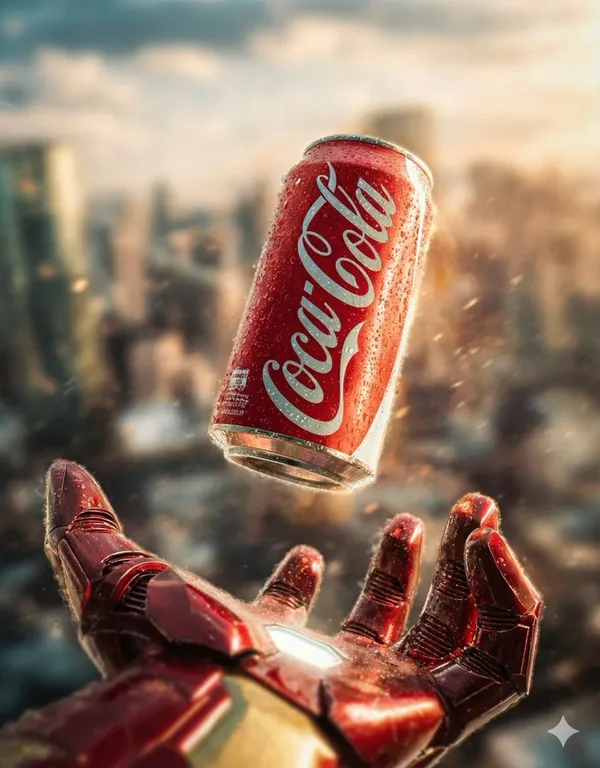
{ "concept_id": "iron_man_coke", "visual_breakdown": { "focus_object": "Coca-Cola Can", "character_element": "Iron Man's Gauntlet", "environment": "Blurred City Skyline" }, "artistic_direction": { "lighting": "Cinematic/Metallic", "mood": "technological" }, "generation_command": { "aspect_ratio": "7:9", "concise_prompt": "Iron Man's gauntlet hovering below a floating Coca-Cola can, cinematic city background, dramatic movie poster lighting. --ar 7:9" } }, { "concept_id": "hulk_pepsi", "visual_breakdown": { "focus_object": "Crushed Pepsi Can", "character_element": "Hulk's Giant Hand", "environment": "Smoky City Ruins" }, "artistic_direction": { "lighting": "Explosive/High Contrast", "mood": "destructive" }, "generation_command": { "aspect_ratio": "7:9", "concise_prompt": "Hulk's giant hand hovering over a crushed Pepsi can embedded in pavement, smoky ruins, explosive action movie style. --ar 7:9" } }, { "concept_id": "thor_sprite", "visual_breakdown": { "focus_object": "Sprite Bottle", "character_element": "Thor's Glowing Hand", "environment": "Storm/Lightning" }, "artistic_direction": { "lighting": "Electric/Blue-Toned", "mood": "mythological" }, "generation_command": { "aspect_ratio": "7:9", "concise_prompt": "Thor's glowing hand holding a floating Sprite bottle amidst crackling lightning and rain, Mjolnir in background, epic poster style. --ar 7:9" } }, { "concept_id": "dr_strange_fanta", "visual_breakdown": { "focus_object": "Fanta Bottle", "character_element": "Doctor Strange's Hand", "environment": "Golden Magic Portal" }, "artistic_direction": { "lighting": "Magical/Golden Bokeh", "mood": "mystical" }, "generation_command": { "aspect_ratio": "7:9", "concise_prompt": "Doctor Strange casting a spell under a spinning Fanta bottle inside a golden magic portal, mystical Sanctum background, cinematic lighting. --ar 7:9" } } ]
{ "concept_id": "iron_man_coke", "visual_breakdown": { "focus_object": "Coca-Cola Can", "character_element": "Iron Man's Gauntlet", "environment": "Blurred City Skyline" }, "artistic_direction": { "lighting": "Cinematic/Metallic", "mood": "technological" }, "generation_command": { "aspect_ratio": "7:9", "concise_prompt": "Iron Man's gauntlet hovering below a floating Coca-Cola can, cinematic city background, dramatic movie poster lighting. --ar 7:9" } }, { "concept_id": "hulk_pepsi", "visual_breakdown": { "focus_object": "Crushed Pepsi Can", "character_element": "Hulk's Giant Hand", "environment": "Smoky City Ruins" }, "artistic_direction": { "lighting": "Explosive/High Contrast", "mood": "destructive" }, "generation_command": { "aspect_ratio": "7:9", "concise_prompt": "Hulk's giant hand hovering over a crushed Pepsi can embedded in pavement, smoky ruins, explosive action movie style. --ar 7:9" } }, { "concept_id": "thor_sprite", "visual_breakdown": { "focus_object": "Sprite Bottle", "character_element": "Thor's Glowing Hand", "environment": "Storm/Lightning" }, "artistic_direction": { "lighting": "Electric/Blue-Toned", "mood": "mythological" }, "generation_command": { "aspect_ratio": "7:9", "concise_prompt": "Thor's glowing hand holding a floating Sprite bottle amidst crackling lightning and rain, Mjolnir in background, epic poster style. --ar 7:9" } }, { "concept_id": "dr_strange_fanta", "visual_breakdown": { "focus_object": "Fanta Bottle", "character_element": "Doctor Strange's Hand", "environment": "Golden Magic Portal" }, "artistic_direction": { "lighting": "Magical/Golden Bokeh", "mood": "mystical" }, "generation_command": { "aspect_ratio": "7:9", "concise_prompt": "Doctor Strange casting a spell under a spinning Fanta bottle inside a golden magic portal, mystical Sanctum background, cinematic lighting. --ar 7:9" } } ]
Verified prompt
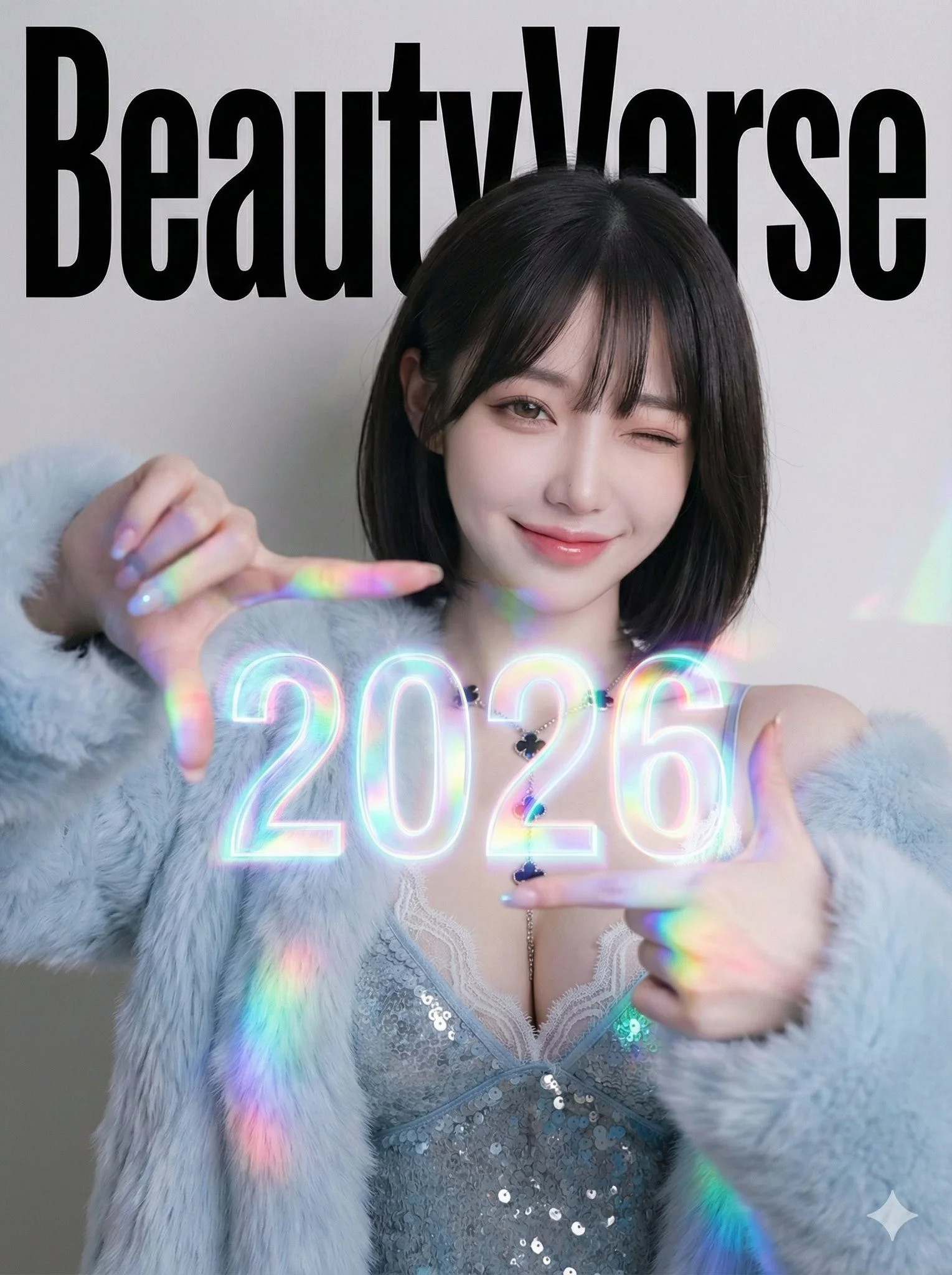
BeautyVerse Editorial - Chest-Level Holographic Viewfinder (Large 2026) and Winking Smile. Single full-frame composition. Professional studio photography. No borders or collage elements. 3:4 aspect ratio. High-fashion magazine cover aesthetic with a touch of playful futuristic glow. Confident, playful, energetic, sophisticated mood. Prism glow effect: A base of clean studio lighting mixed with the strong specific colored light cast by the large holographic element. Medium Portrait (Waist-Up). The subject is looking directly at the camera, giving a playful wink with one eye and a broad, warm smile. She holds both hands at chest level, with her thumbs and index fingers forming a rectangular camera viewfinder gesture. Floating directly inside this finger-frame, the numbers 2026 appear as a large, prominent, and intensely vibrant glowing holographic projection. Large Background Magazine Title: BeautyVerse in bold, high-impact, authoritative editorial magazine header typeface.
BeautyVerse Editorial - Chest-Level Holographic Viewfinder (Large 2026) and Winking Smile. Single full-frame composition. Professional studio photography. No borders or collage elements. 3:4 aspect ratio. High-fashion magazine cover aesthetic with a touch of playful futuristic glow. Confident, playful, energetic, sophisticated mood. Prism glow effect: A base of clean studio lighting mixed with the strong specific colored light cast by the large holographic element. Medium Portrait (Waist-Up). The subject is looking directly at the camera, giving a playful wink with one eye and a broad, warm smile. She holds both hands at chest level, with her thumbs and index fingers forming a rectangular camera viewfinder gesture. Floating directly inside this finger-frame, the numbers 2026 appear as a large, prominent, and intensely vibrant glowing holographic projection. Large Background Magazine Title: BeautyVerse in bold, high-impact, authoritative editorial magazine header typeface.
Verified prompt
Verified prompt
Verified prompt
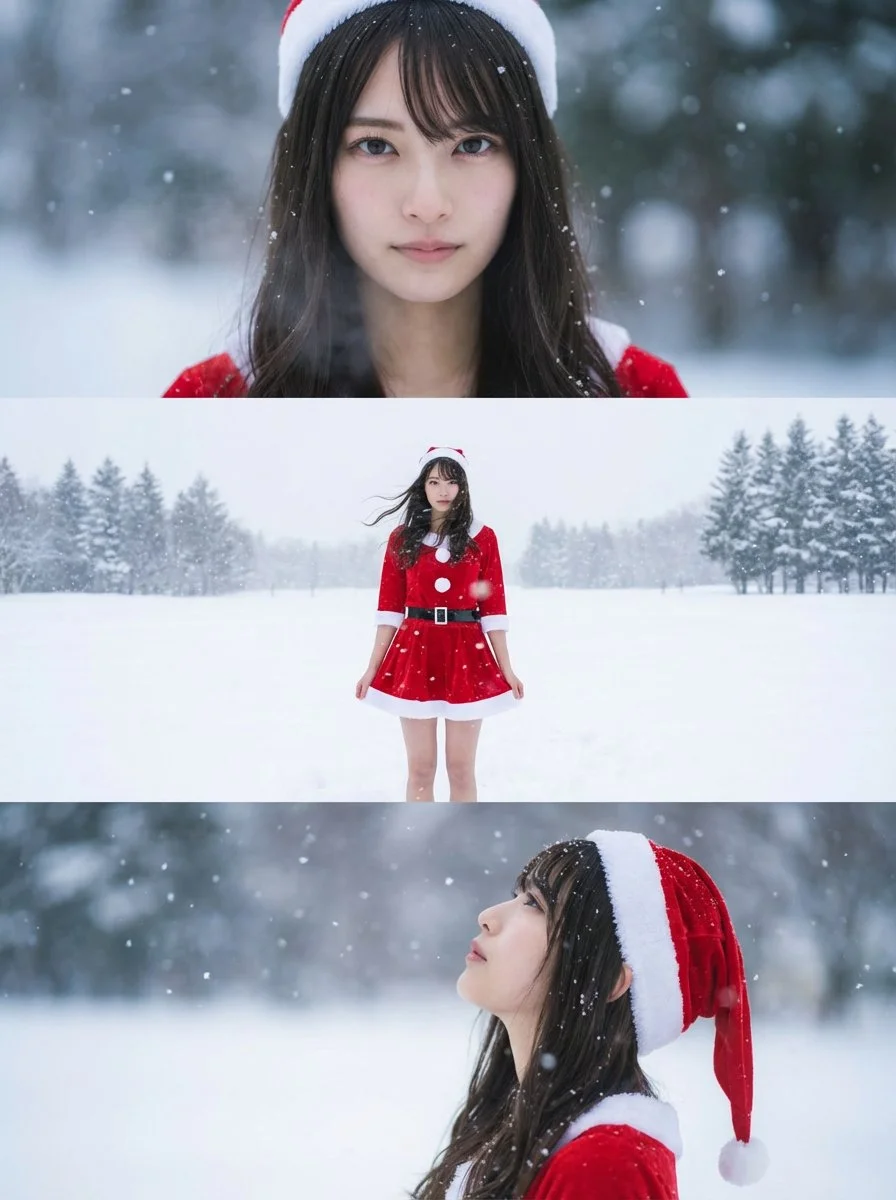
Using the uploaded reference image, generate a horizontal three-panel composition. Keep the person's face, hairstyle, and body shape identical to the uploaded reference image across all three panels. Change the outfit to a mini-skirt Santa cosplay, while maintaining a realistic and natural appearance.
Using the uploaded reference image, generate a horizontal three-panel composition. Keep the person's face, hairstyle, and body shape identical to the uploaded reference image across all three panels. Change the outfit to a mini-skirt Santa cosplay, while maintaining a realistic and natural appearance.
Verified prompt
Verified prompt
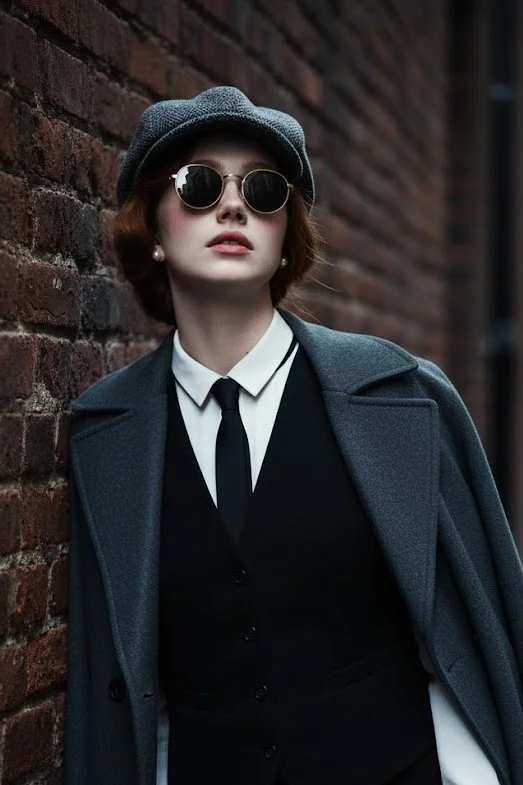
Use 100% face above uploaded photo. A hyper-realistic, cinematic medium shot of a handsome man in his late 20s with black hair and black beard like uploaded photo, styled in the fashion of the 1920s. He wears a grey tweed newsboy cap, a black waistcoat over a crisp white shirt, a slim black tie, and black leather gloves. A heavy wool overcoat is draped over his shoulder. He leans against a weathered brick wall in a narrow, atmospheric alleyway, looking upwards with a cool, contemplative expression through his round sunglasses. The lighting is moody and dramatic, with cool tones and soft shadows creating a sense of depth and mystery. The photograph is ultra-detailed with sharp focus and a shallow depth of field.
Use 100% face above uploaded photo. A hyper-realistic, cinematic medium shot of a handsome man in his late 20s with black hair and black beard like uploaded photo, styled in the fashion of the 1920s. He wears a grey tweed newsboy cap, a black waistcoat over a crisp white shirt, a slim black tie, and black leather gloves. A heavy wool overcoat is draped over his shoulder. He leans against a weathered brick wall in a narrow, atmospheric alleyway, looking upwards with a cool, contemplative expression through his round sunglasses. The lighting is moody and dramatic, with cool tones and soft shadows creating a sense of depth and mystery. The photograph is ultra-detailed with sharp focus and a shallow depth of field.
Verified prompt
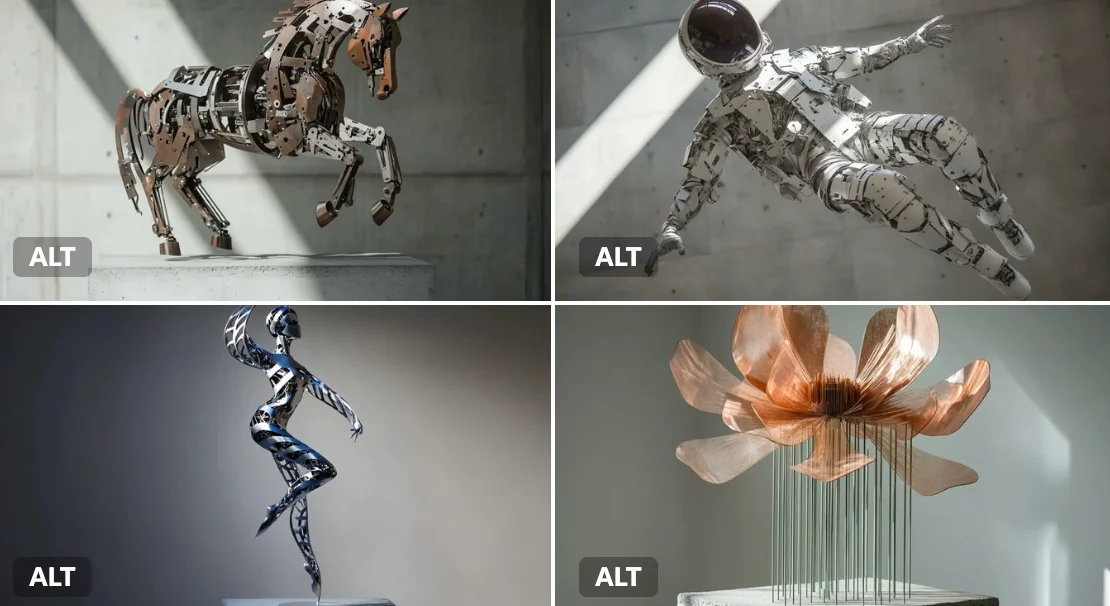
A kinetic sculpture of a [subject], made of interlocking metal rods and panels in brushed [color1] and oxidized [color2]. Suspended in motion, with rotating parts casting mechanical shadows on a concrete pedestal.
A kinetic sculpture of a [subject], made of interlocking metal rods and panels in brushed [color1] and oxidized [color2]. Suspended in motion, with rotating parts casting mechanical shadows on a concrete pedestal.
Verified prompt
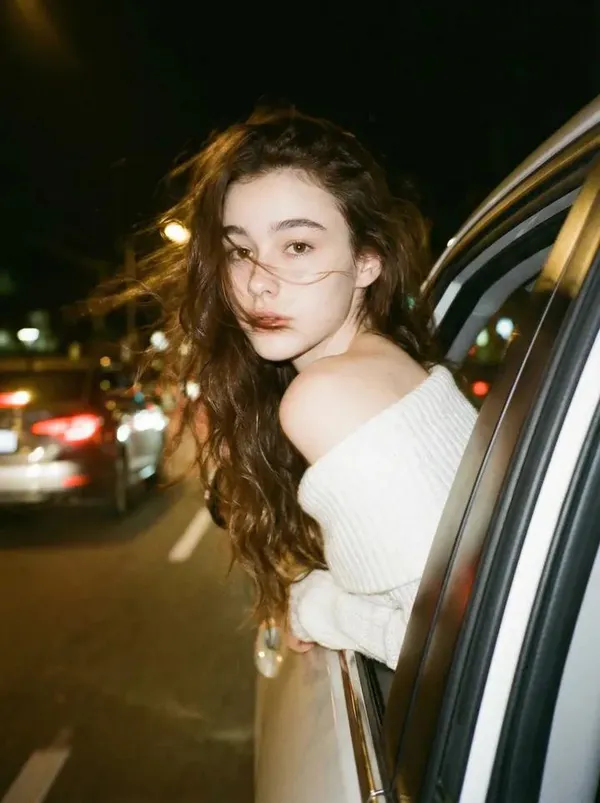
te a photo of me 240 leaning my back out the window car like a dark dreamy blurry vintage windy night wearing a off shoulder white knitted top. With brown long wavy hair. keep the facial details correctly. Please do not alter facial features and leave head positioning as is.
te a photo of me 240 leaning my back out the window car like a dark dreamy blurry vintage windy night wearing a off shoulder white knitted top. With brown long wavy hair. keep the facial details correctly. Please do not alter facial features and leave head positioning as is.
Verified prompt
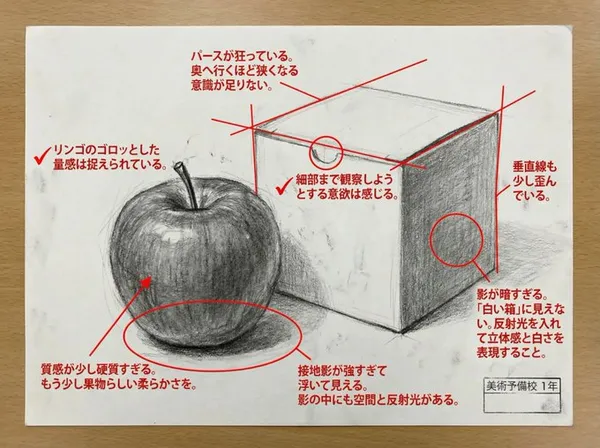
yze this work in depth and critique it. In the image, mark the points that need correction and the points that are well done in red. Critique with unreserved opinions like a top art university lecturer.
yze this work in depth and critique it. In the image, mark the points that need correction and the points that are well done in red. Critique with unreserved opinions like a top art university lecturer.
Verified prompt
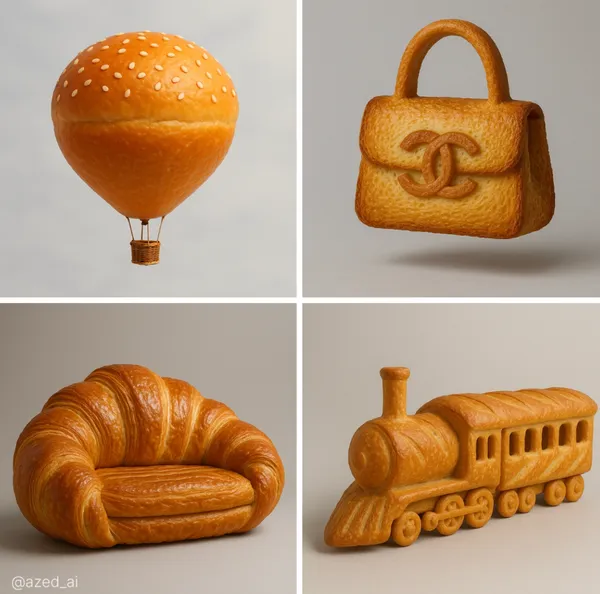
ghly realistic sculpture of a [object], made entirely from [bread type] with ultra-detailed texture and color. The surface shows the natural properties of the bread, golden-brown, glossy, flaky or crusty, with visible layers or seeds where appropriate, studio lighting, soft
ghly realistic sculpture of a [object], made entirely from [bread type] with ultra-detailed texture and color. The surface shows the natural properties of the bread, golden-brown, glossy, flaky or crusty, with visible layers or seeds where appropriate, studio lighting, soft
Plan Your Music Visuals
Create an image, animate a scene or find a starting prompt for your project.
AI Reference Images for Music Visuals
Build the Visual World of Your Song
Explore the places, colors and characters suggested by your lyrics. Start with a written brief or a supported reference image, review the result and develop a visual direction for your music project.
Create a SceneFrom a Lyric to a Visual Brief
Describe the imagery of a verse as a scene: a subject, a setting and a mood. Choose a model and review its available inputs before generating.
Set the Composition Before You Animate
Choose framing, lighting and color in your prompt. Check the available output settings and credit quote, then create an image you can use as a video reference.
Describe the Mood of Your Track
Use a few specific visual details to express the feeling of your song. Compare the image with your brief, then refine its light, colors or composition.
Refine Your Prompt
Review the generated composition, then revise your prompt to change specific details. Choose the available model settings and check the credit quote before creating another version.
Review and Download Results
Open completed results in History, inspect important details and download the image you want to use. Keep your prompt and settings so you can compare later versions.
Keep Your Prompt and Result Together
Write a prompt, choose a model, and review your results in History. Refine your description to explore a different composition or style.
A Focused Image Workspace
Keep your visual brief and completed image results together while you develop the project.
Develop a Visual Direction for Your Music
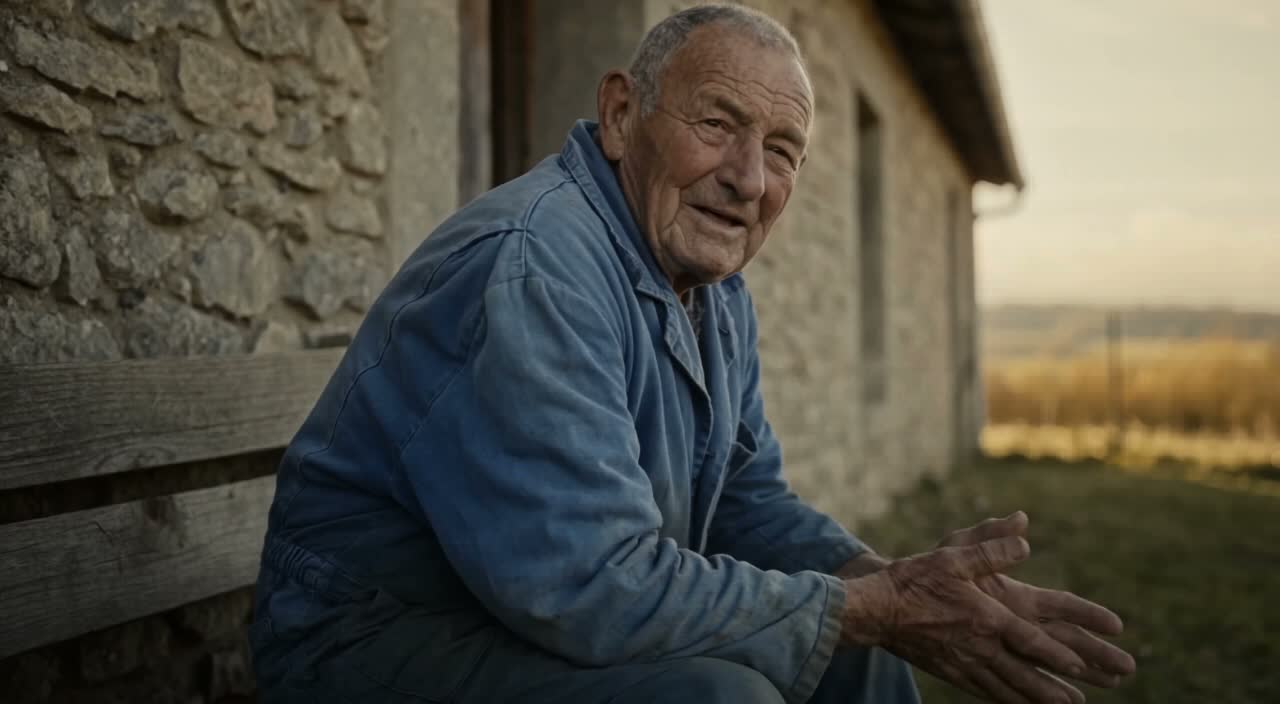
Explore Styles Through Your Prompt
Explore photographic, illustrated or abstract looks by describing the style in your prompt. Results vary by model and request; review each image before using it.
Describe the look you want, then refine your prompt as you compare results.
Reference Images for Your Lyric Video
Explore the scenes and visual details you want to bring into a music project. Create a focused image brief before planning movement.
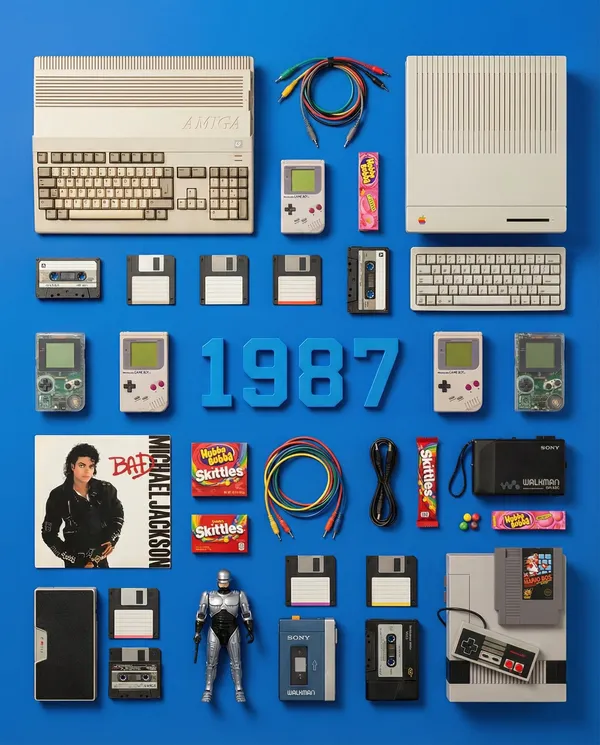
Locations and Atmosphere
Describe the street, room or landscape suggested by your writing. Test the lighting and color palette before using an image as a video reference.
A Central Image for the Chorus
Develop one memorable composition around the main feeling of your chorus. Check the result for distracting details and refine the prompt where needed.
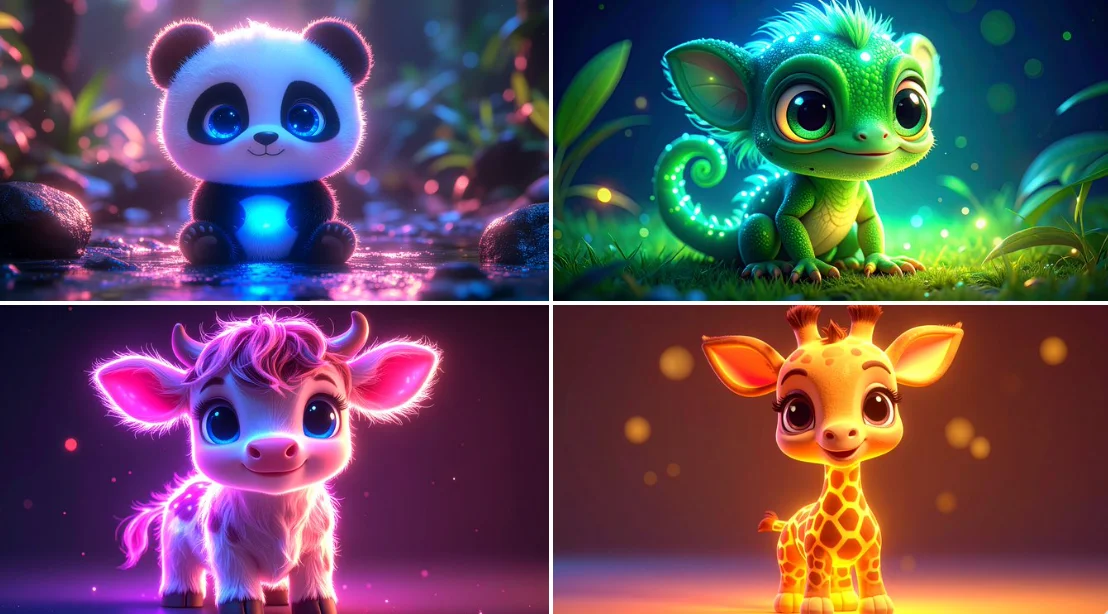
Visual Storyboards
Create concept images for individual moments in a verse. Keep written notes on framing and movement to guide your later video prompts.
Release Artwork Concepts
Explore visual directions for a song announcement. Review text and design details, then add accurate release information in your editing tool.
Create a Reference Image in Four Steps
Add Your Input
Write a description, or select image-to-image mode and upload a reference. Include the details that matter most to your composition.
Customize Your Options
Choose a model and adjust its available size and quality settings. Check the required credits before generating.
Generate and Refine
Select Generate Image and follow the task in History. Review the result, then revise your prompt to create another version.
Export, Share, or Transform
Download a completed image from History and add it to your project. You can also use it as a reference on the video page.
Images for Every Stage of Your Music Project
Use generated images to explore ideas and prepare visual material for your own edit.
Scene Concepts
Turn one image from a lyric into a composition. Describe the subject, surroundings and lighting, then review the result against your brief.
Social Music Posts
Explore a visual idea for a song or release post. Use the format your channel requires and add accurate text in your design tool.
Pitch and Mood Boards
Prepare visual concepts to discuss with collaborators. Keep a clear brief alongside each image so the intended scene is easy to understand.
Visual World Building
Explore a recurring location, palette or motif for your project. Review separate generations carefully; matching characters and details is not guaranteed.
Workflow Notes
Describe one subject, action and setting before generating. Keep the brief focused so the result is easier to review.
AI Reference Image Questions
Generate an image from a written scene description or a supported reference image. Use the result to explore the visual direction of your music project or as a reference for video generation.
Text-to-image models use your written description to generate a visual interpretation. Specific details about the subject, composition, and lighting can help guide the result.
Download an image you want to use, open the video generator and choose a model that supports image-to-video. Upload the image and describe the movement you want.
Write the medium, palette, lighting and composition in your prompt. There is no one-click style effect control on this page.
Revise your text prompt and generate another version, or use a supported reference image in image-to-image mode. This page does not provide object erasing, canvas expansion or photo restoration controls.
Use inputs you have permission to use and review generated content for recognizable people, brands and protected material. Check the applicable terms for your chosen model and use case before publishing commercially.
Image generation uses credits. Select a model and settings to see the quote before submitting, and visit Pricing for current purchase options.
You can start with a plain-language description. Add details about the subject, setting, lighting, and style as you refine your idea.
You can request a refund within 10 days of purchase if you have unused credits from that purchase and provide a clear reason, subject to our Refund Policy. If eligible, an unused purchase can be fully refunded; a partly used purchase is refunded in proportion to its remaining unused credits. Fully used purchases and free or promotional credits are not refundable.
Credit validity depends on the pack, subscription or promotion that issued them. Review the purchase terms and expiration dates in Settings > Credits. A renewal or new purchase does not extend older credits. Use credits before their stated expiration; do not assume unused subscription credits roll over indefinitely.
Credits charged for a task that is confirmed as failed due to a system error are returned automatically. A task that is still processing has not yet been confirmed as failed. Check its status and your credit history before submitting again. If a confirmed failure still shows an unresolved charge, email support@raplyrics.app with the task ID.
AI results can vary, so a completed result that differs from your expectations is not automatically treated as a technical failure. Eligible completed image tasks can be submitted for credit refund review using the refund option where available; approval is required. For a video or another issue, contact support@raplyrics.app with the task ID and details. A credit refund returns credits, not money to your payment method.
Email support@raplyrics.app. For billing, include your account email and order ID; for generation, include the task ID, issue description and relevant screenshots. If you purchased as a guest, keep the original browser data and payment receipt so we can help locate the purchase.
Create a Visual Starting Point for Your Lyrics
Create an image from a text description or supported reference. Review the model settings, check the credit quote and download completed results from History.
raplyrics.app · Updated
What's new on this page
- — Added editable example prompts and separate drafts for text and reference modes, with an action to restore the example.
- — Page content published.