
RAPLYRICS MOTION GUIDE
Burger Thru Window for a Backstage Reaction
Choose your backstage character
Preview the fixed motion reference
History
Loading history…
A lunch break can become a useful visual pause in a larger video idea. Choose a single performer, follow the supplied window reaction and describe a simple backstage mood. This page creates the scene; lyric captions, music and final edit timing remain separate choices.
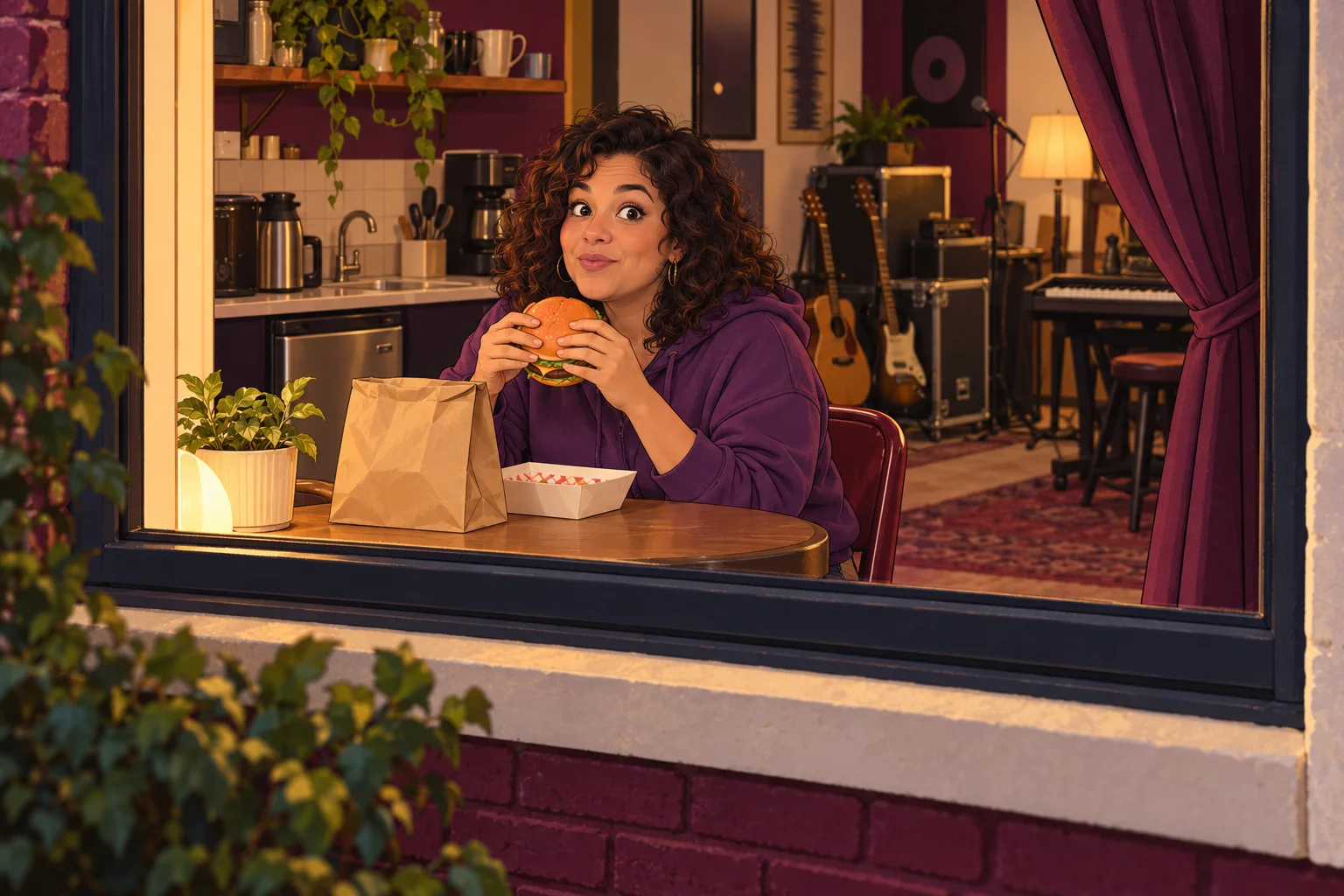
Use the pause as part of the story
A performance video does not need constant movement. A short everyday scene can make the next energetic moment feel more deliberate. The diner’s glance offers a natural point of attention without requiring the generator to understand a lyric or musical beat.
The kitchenette concept puts a performer in a casual setting, with a violet hoodie and simple tabletop. It suggests a break from the stage. The fixed reference still defines the burger, window and curtain movement; the setting note should support that action.
Make your clip step by step
- Watch the fixed window reaction and choose what the pause should express.
- Upload one clear photo of the performer you want in the scene.
- Add a visual mood if needed, review output settings and read the current credit quote.
- Submit, follow the task in History and choose an edit point after watching the complete result.
Keep the performer recognizable
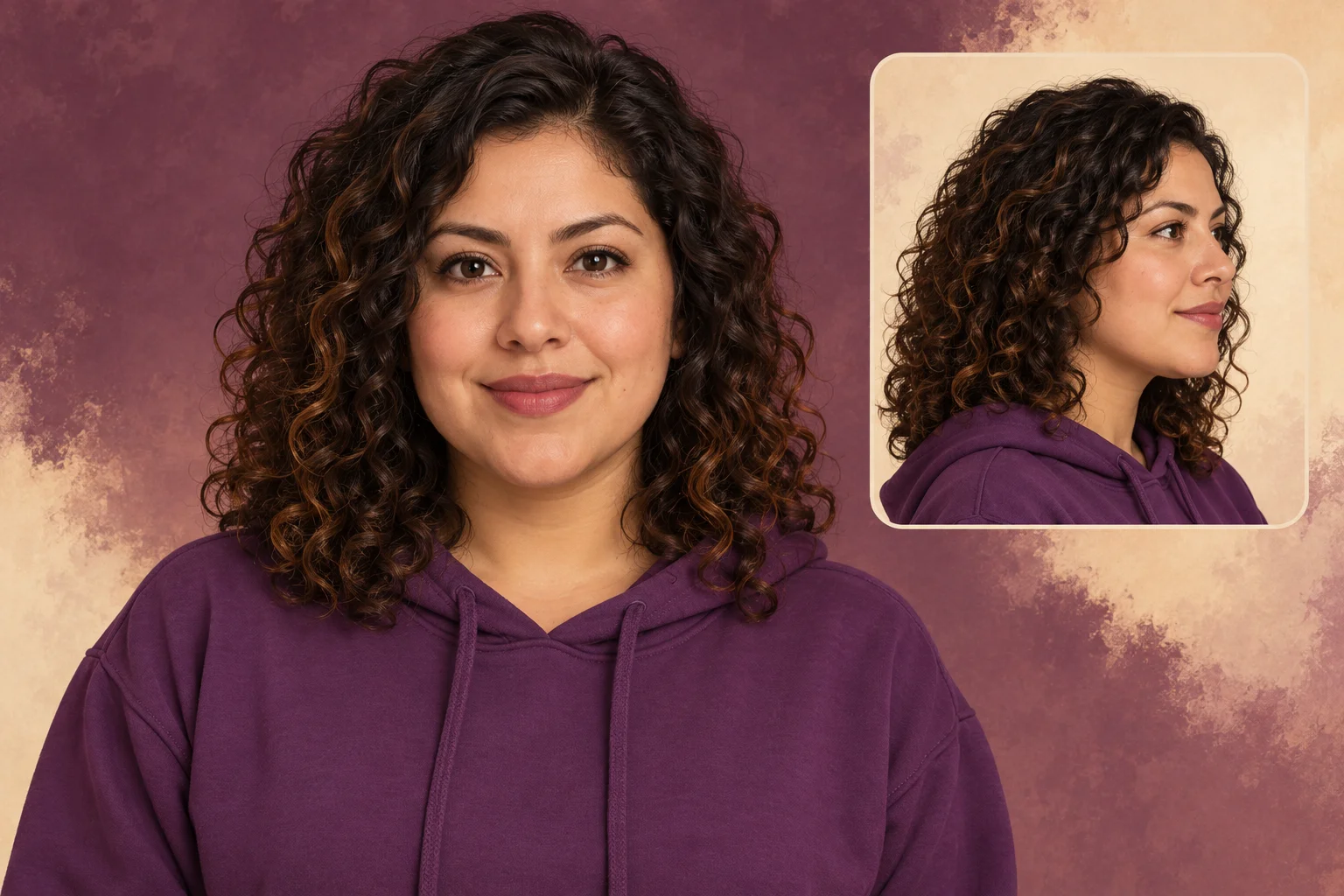
Choose a clear image of the intended person with enough detail in the hair, eyes and mouth. Avoid a performance photograph dominated by colored smoke or a microphone covering the face. Those elements may be useful elsewhere, but they obscure identity here.
The page has one lead-photo slot. It does not cast a duet or accept separate pictures for the room and food. Use a single reference and describe only the clothing or mood that matters most to the scene.
Reserve the words for the edit
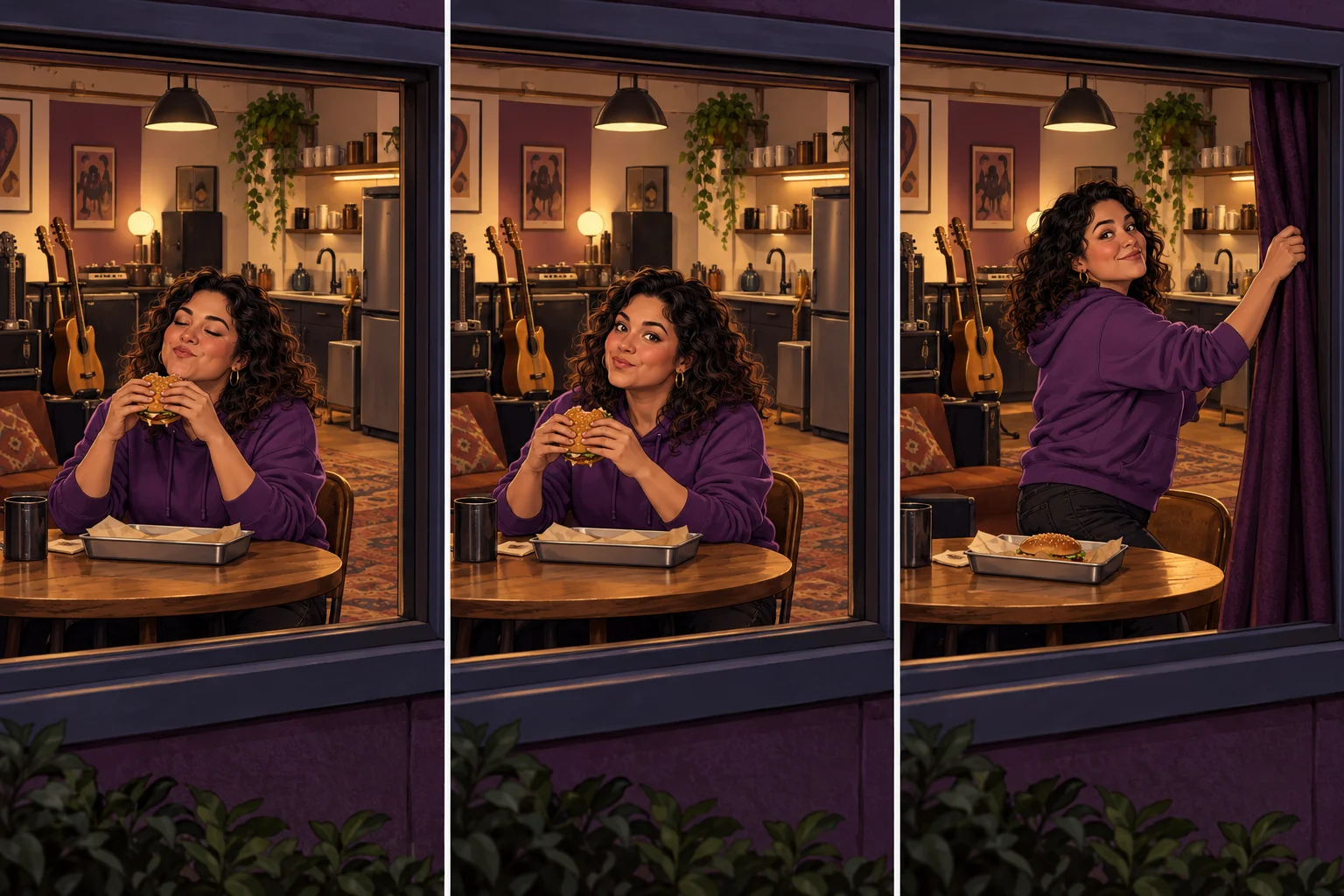
A useful scene note is: “Warm backstage kitchenette, violet hoodie and a casual amused reaction.” Keep the instruction visual. Typing a verse into the optional box does not make the generator place accurate subtitles or synchronize the curtain gesture to the song.
If a caption will be added later, think about quiet areas of the composition. Do not rely on generated lettering on a paper bag or window sign. Review the actual clip first, then decide whether the words belong above the table, beside the face or in a separate title frame.
Find the rhythm in the finished take
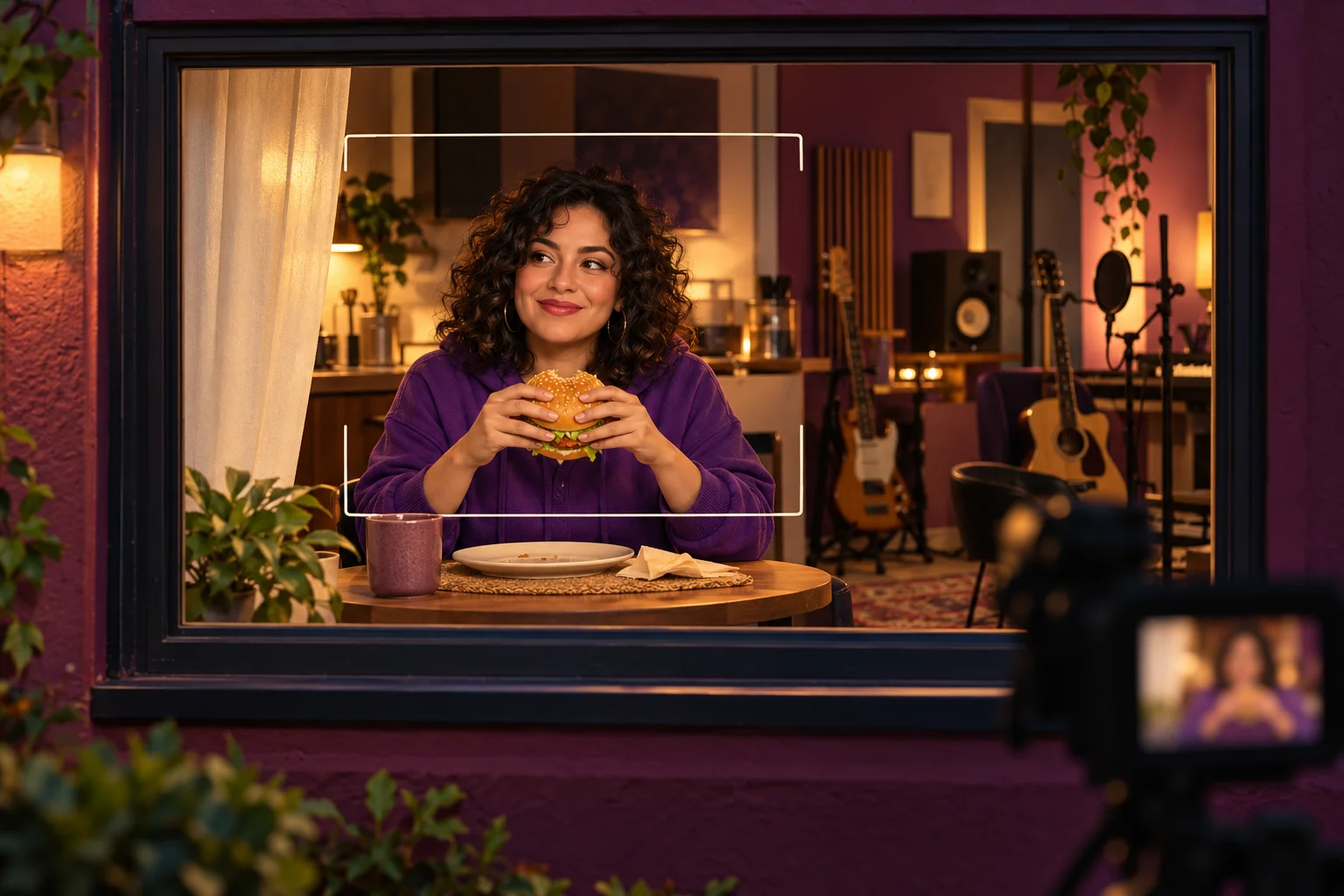
Watch the moment the person notices the viewer. That pause might support a lyric break, a reaction beat or a transition back to performance. Choose the timing from the generated motion rather than demanding exact musical alignment from this fixed action.
Check continuity before making that edit: the burger should stay readable, the hands should remain coherent and the person should not change identity when reaching for the curtain. History keeps the task and finished result available for review before download.
Where the scene can fit
A backstage cutaway
Contrast a relaxed lunch moment with a separate performance sequence.
A lyric pause
Use the glance as a visual punctuation point when arranging your finished edit.
A personality beat
Let the person’s everyday expression add character without extra dialogue.
Choose your next workspace
Burger Thru Window questions
Does this turn my lyrics into captions?
No. It creates a visual reaction clip using one person photo and a fixed action. Add lyric text and audio in a separate edit after the result is ready.
What happens in the reference?
A person eats a burger inside a window, looks toward the outside viewer and reaches toward the curtain. The preview is a motion guide, not a result made from your photo.
Can I upload my own performance video?
This page does not provide a replacement-video slot. It requires only the lead identity photo and allows optional text direction.
Can I use it free?
The selected model currently requires purchase access along with credits. The form displays its live quote before submission; no free quota is promised by this guide.
How long will I wait?
The output setting is 14 seconds, but processing can take longer and depends on the queue. Check the task status in History rather than repeatedly submitting.
Will the gesture land on a beat?
Beat alignment is not included. Inspect the finished motion and place it against your audio in your own editing timeline.
raplyrics.app · Updated
What's new on this page
- — Added photo inputs, a motion reference preview and guidance for creating this video effect.