
RAPLYRICS MOTION GUIDE
Bottle Kick Challenge for a Visual Beat
Choose the person for your visual beat
Preview the fixed motion reference
History
Loading history…
Turn a single performer photo into a short action scene you can consider for a lyric-video edit. The fixed preview shows the stacked-bottle movement; your photo sets the person. Add a concise visual direction and review the result as a clip before deciding where it belongs in your story.
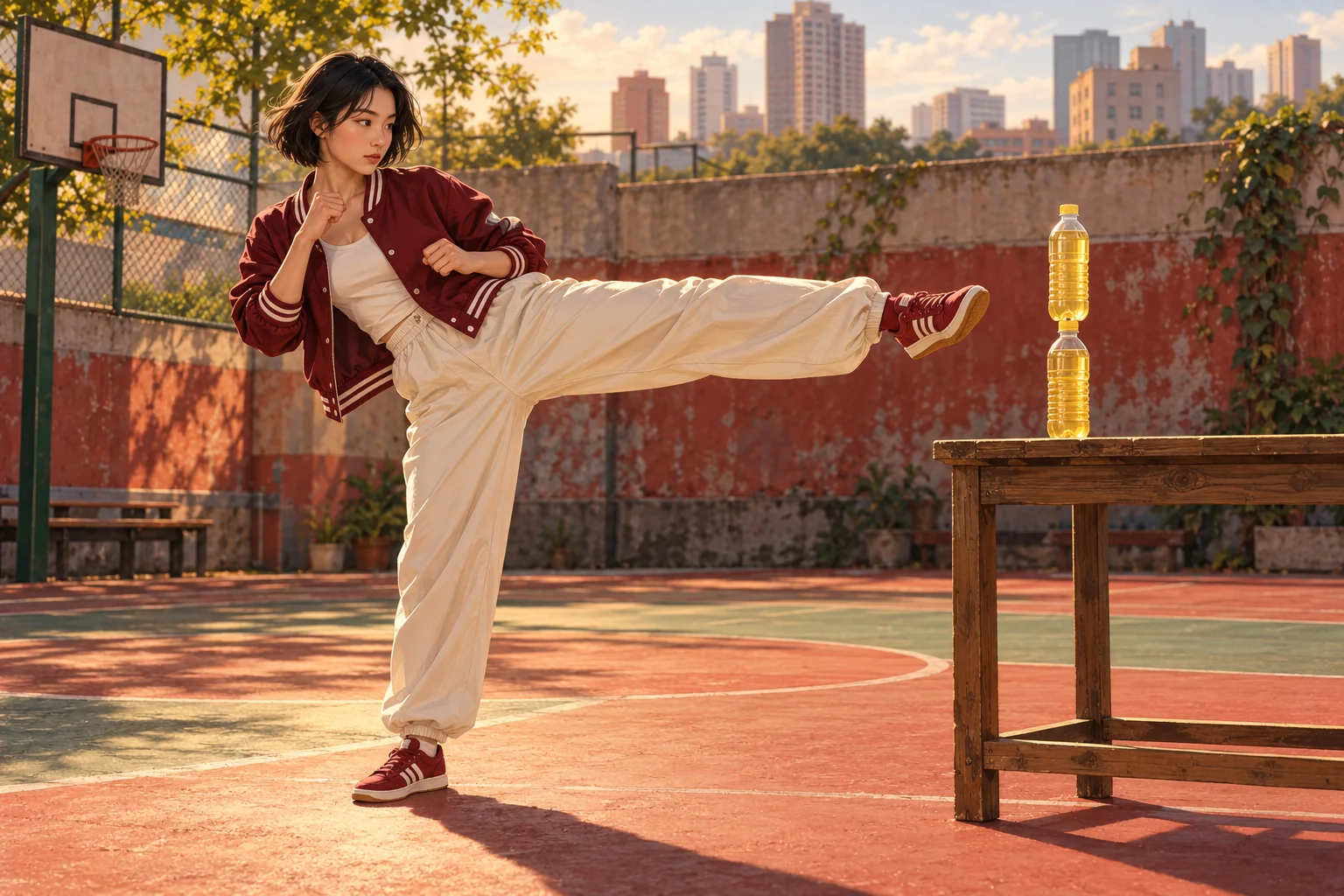
Choose the moment your scene should express
A short physical action can work as a visual punctuation mark: anticipation, a sudden change or a playful release. Decide which idea the scene should support before generating. The words of your song can guide the mood, but this form does not turn typed lyrics into synchronized subtitles.
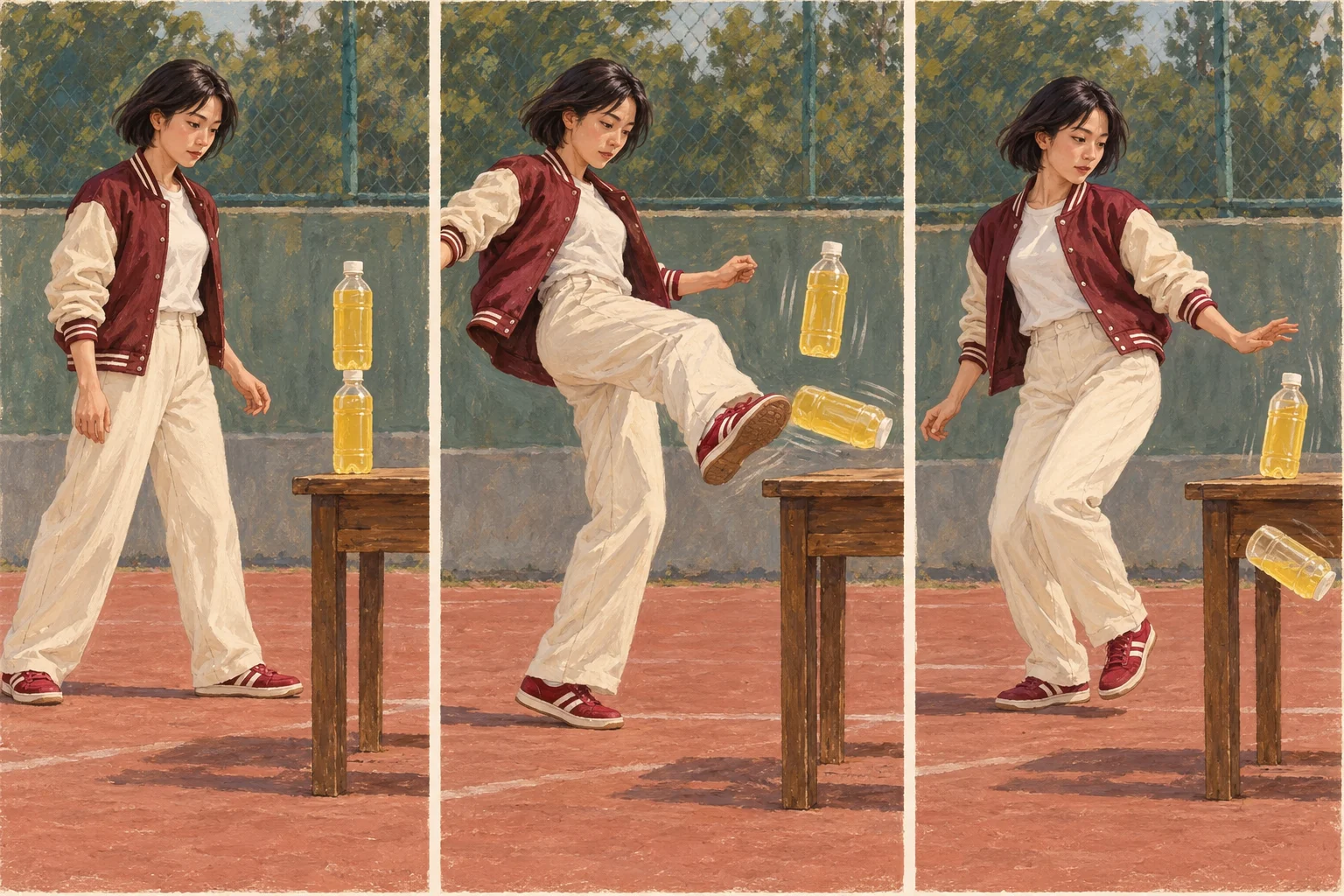
The supplied sequence uses two bottles stacked on a table. A kick moves the lower bottle away and the upper one falls. Watch the actual preview rather than assuming this is a bottle-cap spin or a one-bottle flip. The movement is fixed; you choose the person and a compatible visual direction.
Make your clip step by step
- Preview the supplied two-bottle action and decide what feeling it should add to your video idea.
- Add one lead-performer photo with a clear face and body outline.
- Keep the optional scene note concise. Choose the available output settings and read the updated credit quote.
- Generate once, follow History and review the motion from start to finish before downloading.
Give the model one clear identity
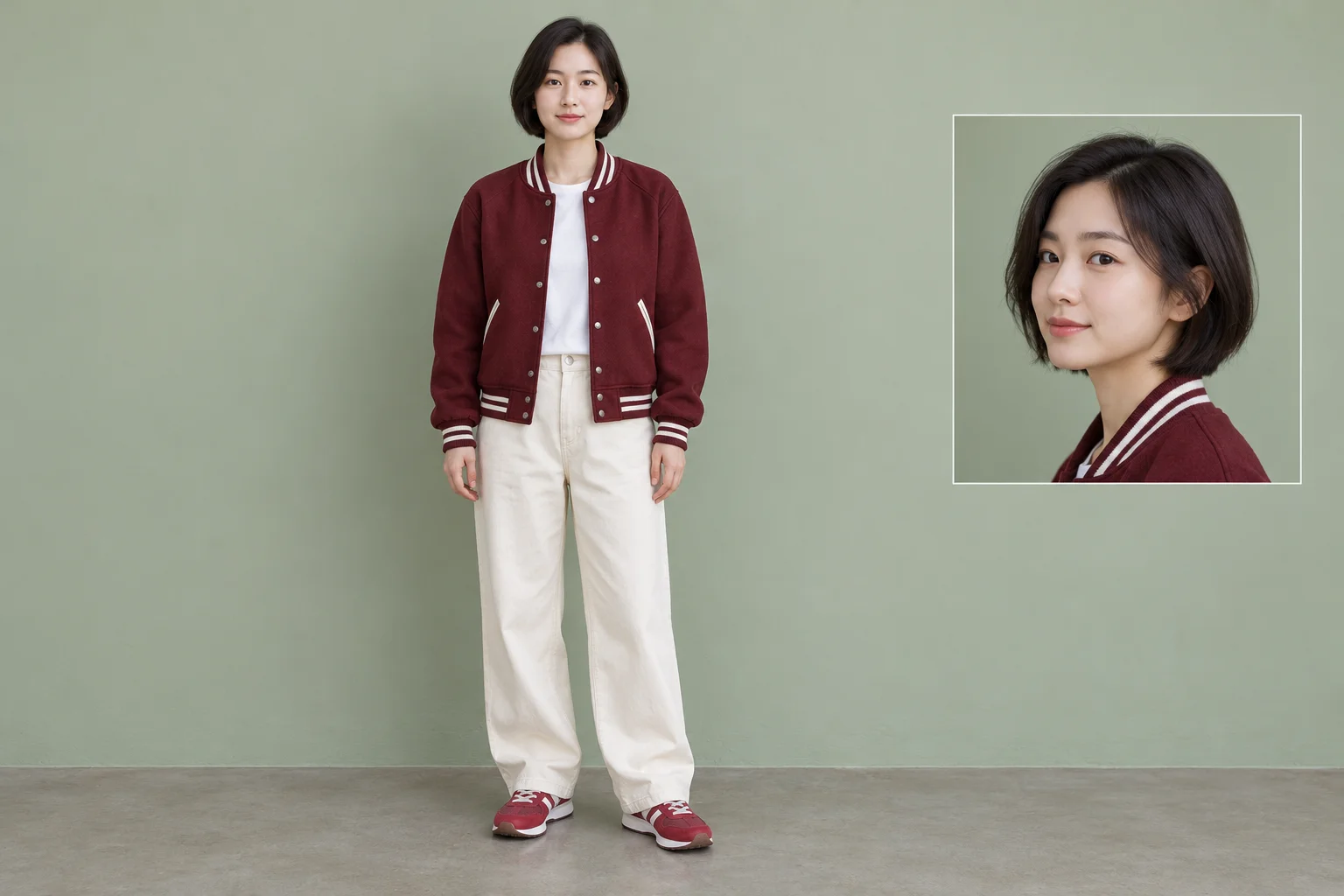
Select a single-person photo with a readable face and an unobstructed outline. A simple pose and even light make it easier to see which appearance details matter. Avoid several faces, sunglasses that hide the eyes or foreground objects covering the torso.
You do not need to photograph a real stunt. Use the photo to communicate identity, then let the provided video describe movement. If a jacket or hairstyle should remain recognizable, name that feature once in the optional direction. Keep other people out of the scene brief.
Write a scene note, not a second choreography
A practical direction might be: “Late-afternoon court, maroon jacket, warm muted colors and a steady view of the whole person.” This gives the take a setting without replacing the reference with a different action. Ask for one atmosphere rather than several unrelated locations.
Think about what stays legible on a phone. Keep contrast between the performer and background, and leave enough room for the leg and table. If you want to add a lyric later, reserve uncluttered space in your scene idea; this page does not guarantee text placement or render a lyric overlay for you.
Find your edit point after generation
When the result is ready, watch it at normal speed before selecting a frame. Then inspect the preparation, the lower-bottle movement and the aftermath. Look for consistent facial features, stable clothing, believable joints and a bottle stack that remains understandable.
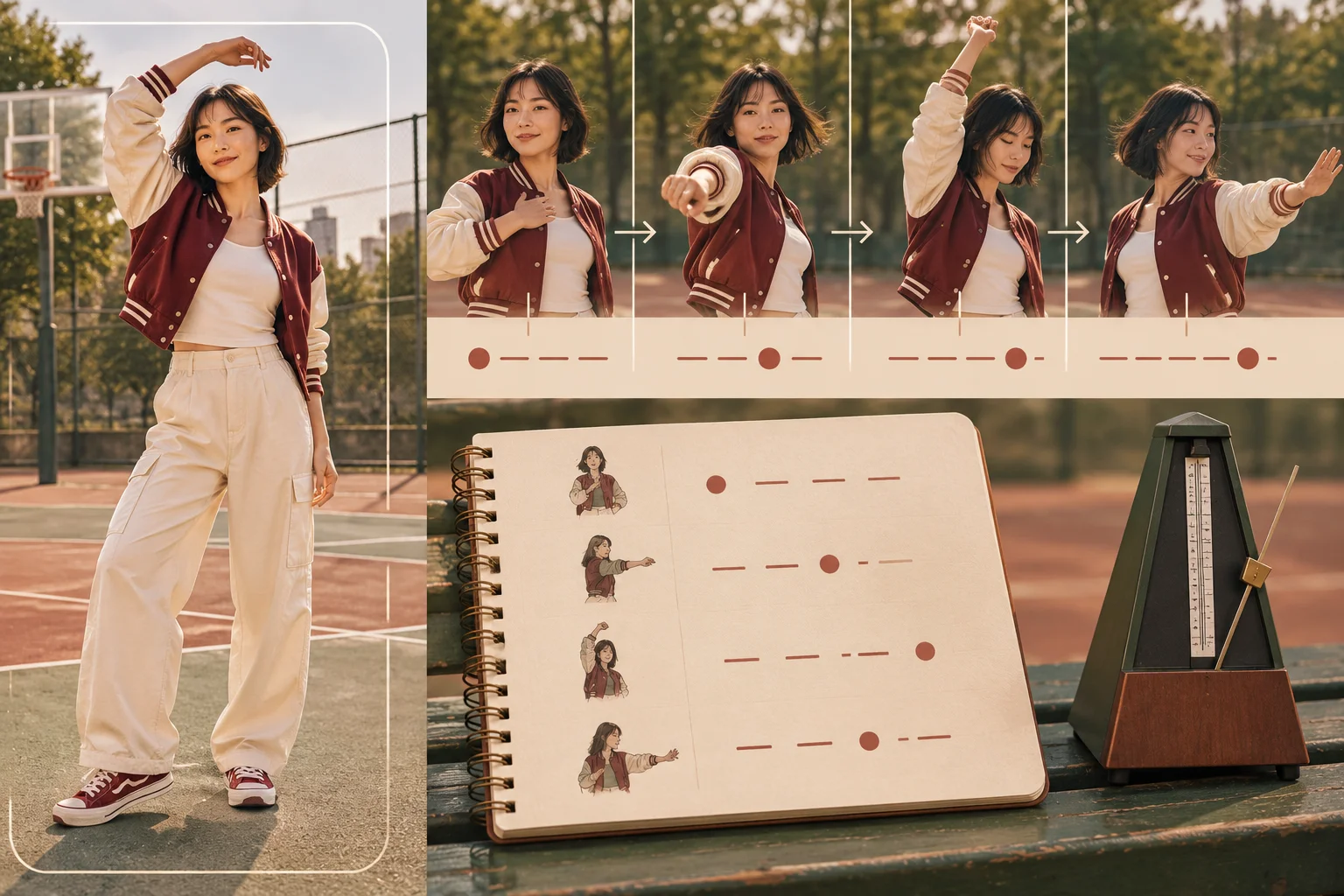
Use the actual movement to choose an edit point in your own video editor. A lyric accent may work before the kick rather than at contact. The generator does not listen to your track or align the action to a beat, so decide timing after you have the clip instead of promising exact synchronization in the prompt.
Where the scene can fit
A playful line break
Use the clip as a visual pause between more serious scenes, with a palette that still belongs to the same project.
An anticipation moment
Build your edit around the setup before the action. A readable pause can matter as much as the kick itself.
A character introduction
Let clothing, posture and setting establish the person. Keep identity consistent before adding more elaborate scene ideas.
Choose your next workspace
Develop another video scene
Open the general video workspace when your next visual idea needs a different setup.
Prepare a still-image concept
Explore a character or setting as a still image before committing to a motion scene.
Explore the Seedance workspace
Review the separate model page for broader scene-generation choices.
Bottle Kick Challenge questions
What does this Bottle Kick Challenge page generate?
It generates a short video scene using one performer photo and the page’s fixed stacked-bottle action reference. It is a visual clip workflow, not a lyric writer or a music editor.
Do I upload a bottle video as well?
No. Upload only the performer photo. The displayed motion reference is already bound to the page. There is no replacement-video input in this form.
Will it put my lyrics on screen?
No lyric overlay or beat synchronization is included here. Add captions and arrange the clip against your audio in a separate editing step after you have reviewed the actual motion.
Can a close-up selfie work?
A clear face is useful, but a wider single-person image also supplies body and clothing information. A tightly cropped selfie leaves more of those details for the model to infer. Review the result carefully and try a clearer reference if the appearance drifts.
Is the effect free?
The currently selected model requires purchase access as well as sufficient credits. The form shows the current quote for your chosen settings before submission. This guide does not promise free trials, a fixed price or unlimited use.
Does a 12-second clip finish in 12 seconds?
No. Twelve seconds describes the configured video length. Processing depends on the service and queue; use History to follow progress. The fixed reference is approximately 12.03 seconds long and is motion guidance, not your finished result.
raplyrics.app · Updated
What's new on this page
- — Added photo inputs, a motion reference preview and guidance for creating this video effect.