
Grok Image Concepts for Music Visuals
Select an enabled model, enter text, review the credit quote, then download finished clips from History and add your music and timed lyric overlays in an external editor.
Create and edit images with Grok in RapLyrics. Move from text-to-image generation to natural-language editing in one place. Check the selected model for reference image options and available controls, then review the results and download visual clips for your music project.
Verified prompt
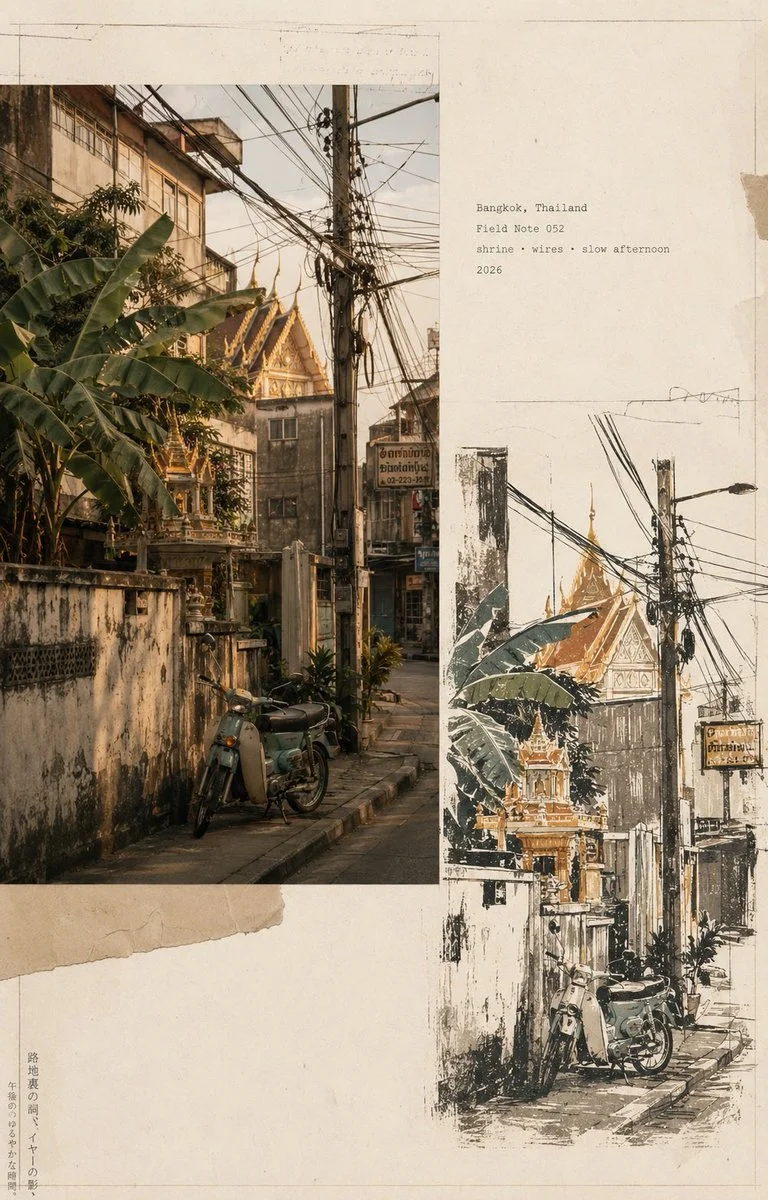
Design a vertical vintage travel-journal page about a Bangkok side street. Combine a warm documentary-style street photograph with a hand-drawn interpretation of the same scene, layered asymmetrically on aged cream paper. Show closely packed buildings, tropical greenery, tangled overhead wires and a small shrine or traditional roof detail. Include torn-paper edges, a thin photographic border, subtle pencil marks and a few restrained typewriter-style field notes. Use muted sage, ochre, terracotta and charcoal tones, soft analog grain and natural afternoon light. Leave quiet negative space to make the page feel like a carefully assembled travel archive.
Design a vertical vintage travel-journal page about a Bangkok side street. Combine a warm documentary-style street photograph with a hand-drawn interpretation of the same scene, layered asymmetrically on aged cream paper. Show closely packed buildings, tropical greenery, tangled overhead wires and a small shrine or traditional roof detail. Include torn-paper edges, a thin photographic border, subtle pencil marks and a few restrained typewriter-style field notes. Use muted sage, ochre, terracotta and charcoal tones, soft analog grain and natural afternoon light. Leave quiet negative space to make the page feel like a carefully assembled travel archive.
Verified prompt
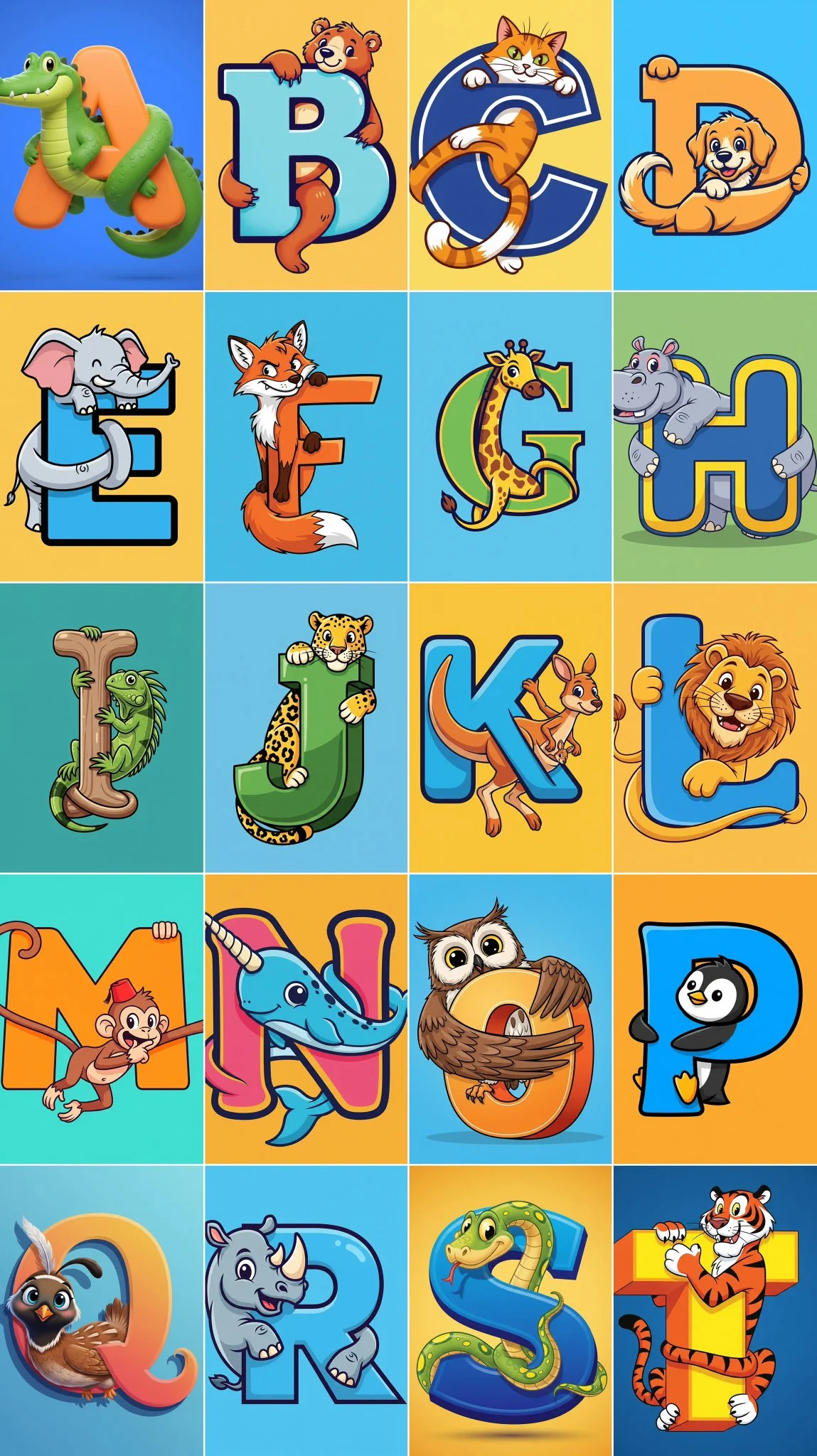
A stylized capital letter [Letter] with a cartoon [Animal] intertwined with it, on a solid color background.
A stylized capital letter [Letter] with a cartoon [Animal] intertwined with it, on a solid color background.
Verified prompt
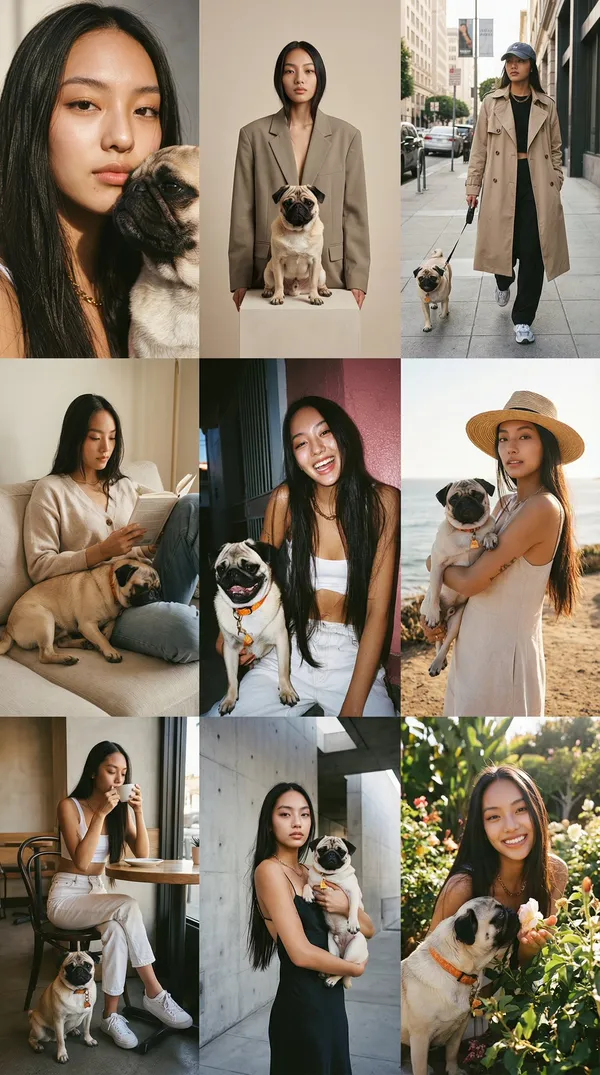
te a full Instagram-style 3×3 grid feed composed of nine different portrait images, all featuring the person and the dog from the attached image. ensure that the middle photo is the same photo as the attached image, Ensure the person’s identity, facial structure, and style remain consistent across all nine posts. Each of the 9 images should present a unique concept, outfit, pose, and environment that fits a stylish, modern Instagram aesthetic. Include a mix of: – Lifestyle shots – Cinematic portraits – Fashion/streetwear scenes – Close-up beauty shots – Travel or outdoor vibes – Cozy indoor moments – Minimalist studio portraits Make every image hyperrealistic and shot as if with a professional camera: – Natural skin texture – Accurate lighting – Sharp details – Professional depth of field – High-quality color grading – Authentic expressions and posing Ensure all 9 images feel coherent as a feed: – Consistent character likeness – Similar visual tone and color palette – Aesthetic balance across the grid – Cinematic and modern photography style Final deliverable: a 3×3 Instagram grid layout of nine separate 3:4 ratio hyperrealistic portraits of the person from the attached photo.
te a full Instagram-style 3×3 grid feed composed of nine different portrait images, all featuring the person and the dog from the attached image. ensure that the middle photo is the same photo as the attached image, Ensure the person’s identity, facial structure, and style remain consistent across all nine posts. Each of the 9 images should present a unique concept, outfit, pose, and environment that fits a stylish, modern Instagram aesthetic. Include a mix of: – Lifestyle shots – Cinematic portraits – Fashion/streetwear scenes – Close-up beauty shots – Travel or outdoor vibes – Cozy indoor moments – Minimalist studio portraits Make every image hyperrealistic and shot as if with a professional camera: – Natural skin texture – Accurate lighting – Sharp details – Professional depth of field – High-quality color grading – Authentic expressions and posing Ensure all 9 images feel coherent as a feed: – Consistent character likeness – Similar visual tone and color palette – Aesthetic balance across the grid – Cinematic and modern photography style Final deliverable: a 3×3 Instagram grid layout of nine separate 3:4 ratio hyperrealistic portraits of the person from the attached photo.
Verified prompt
Verified prompt
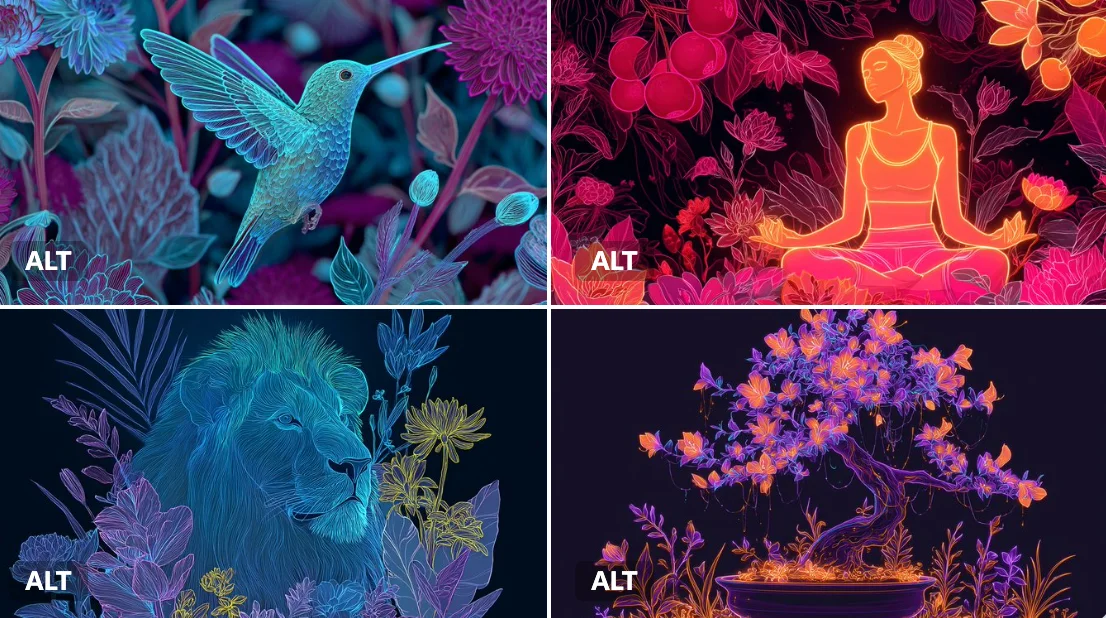
A Neon Floral Harmony illustration of [SUBJECT], with flowers and plants outlined in glowing neon hues. Use vibrant [COLOR1] and [COLOR2] to create a serene yet electrifying botanical scene
A Neon Floral Harmony illustration of [SUBJECT], with flowers and plants outlined in glowing neon hues. Use vibrant [COLOR1] and [COLOR2] to create a serene yet electrifying botanical scene
Verified prompt
Verified prompt
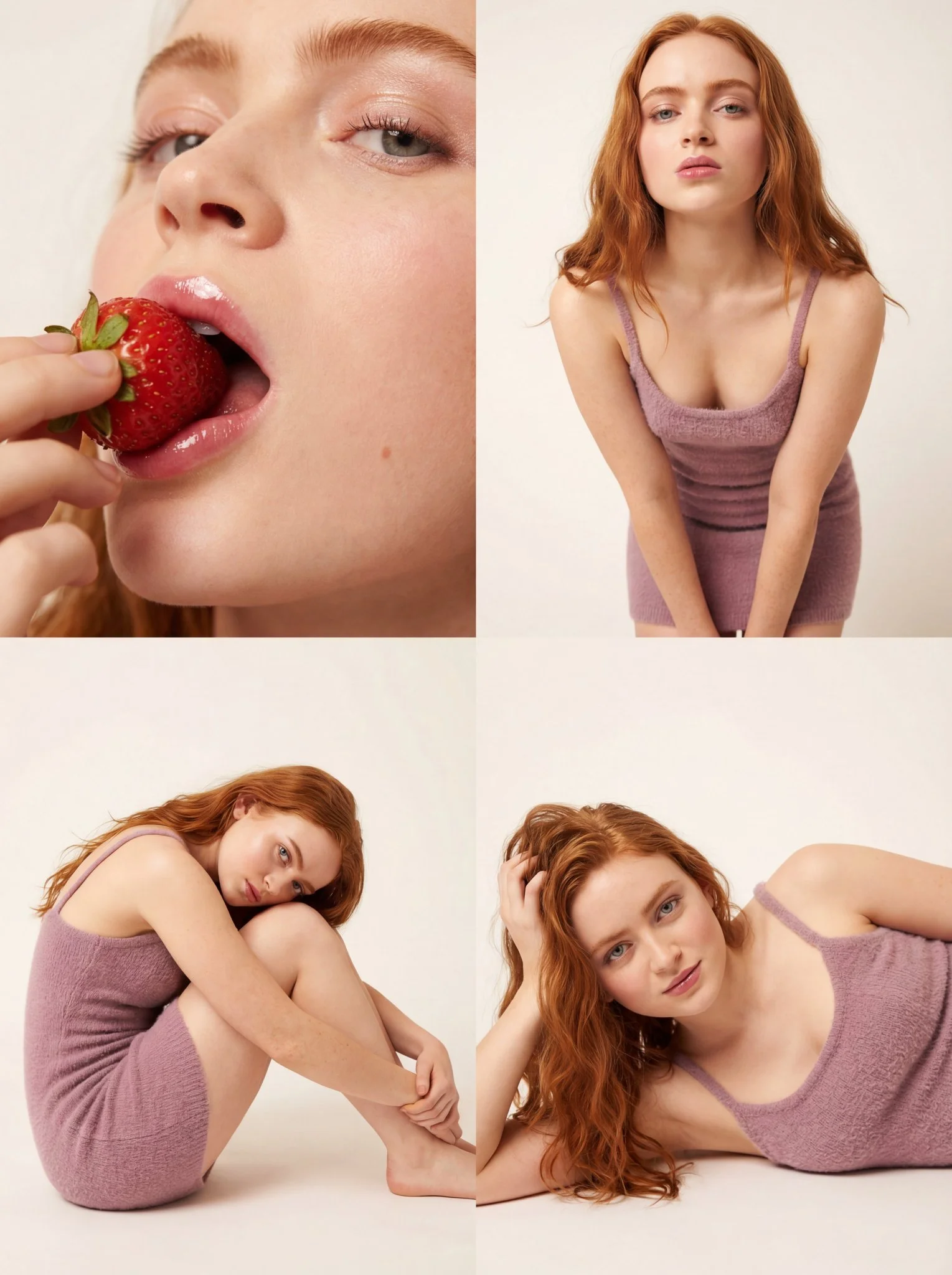
Ultra-photorealistic 8k texture quality with ray-traced studio lighting. Long loosely wavy voluminous hair with natural individual strands. Hyper-realistic porous skin with dewy glass-skin effect, heavy blush on cheeks, high-gloss plump natural pink lips, clean defined lashes. Mini dress bodycon/tight fit in soft textured knit/boucle fabric, soft mauve or neutral taupe color with spaghetti straps. Seamless paper soft off-white/beige studio background. Large diffuse softbox front-left key light with reflector fill right. 4-panel collage: Top-Left extreme close-up eating strawberry with moisture on surface and gloss reflection on lips; Top-Right medium shot thigh-up leaning forward with direct gaze; Bottom-Left full body seated side profile knees to chest; Bottom-Right close-up candid relaxed expression. 1:1 aspect ratio.
Ultra-photorealistic 8k texture quality with ray-traced studio lighting. Long loosely wavy voluminous hair with natural individual strands. Hyper-realistic porous skin with dewy glass-skin effect, heavy blush on cheeks, high-gloss plump natural pink lips, clean defined lashes. Mini dress bodycon/tight fit in soft textured knit/boucle fabric, soft mauve or neutral taupe color with spaghetti straps. Seamless paper soft off-white/beige studio background. Large diffuse softbox front-left key light with reflector fill right. 4-panel collage: Top-Left extreme close-up eating strawberry with moisture on surface and gloss reflection on lips; Top-Right medium shot thigh-up leaning forward with direct gaze; Bottom-Left full body seated side profile knees to chest; Bottom-Right close-up candid relaxed expression. 1:1 aspect ratio.
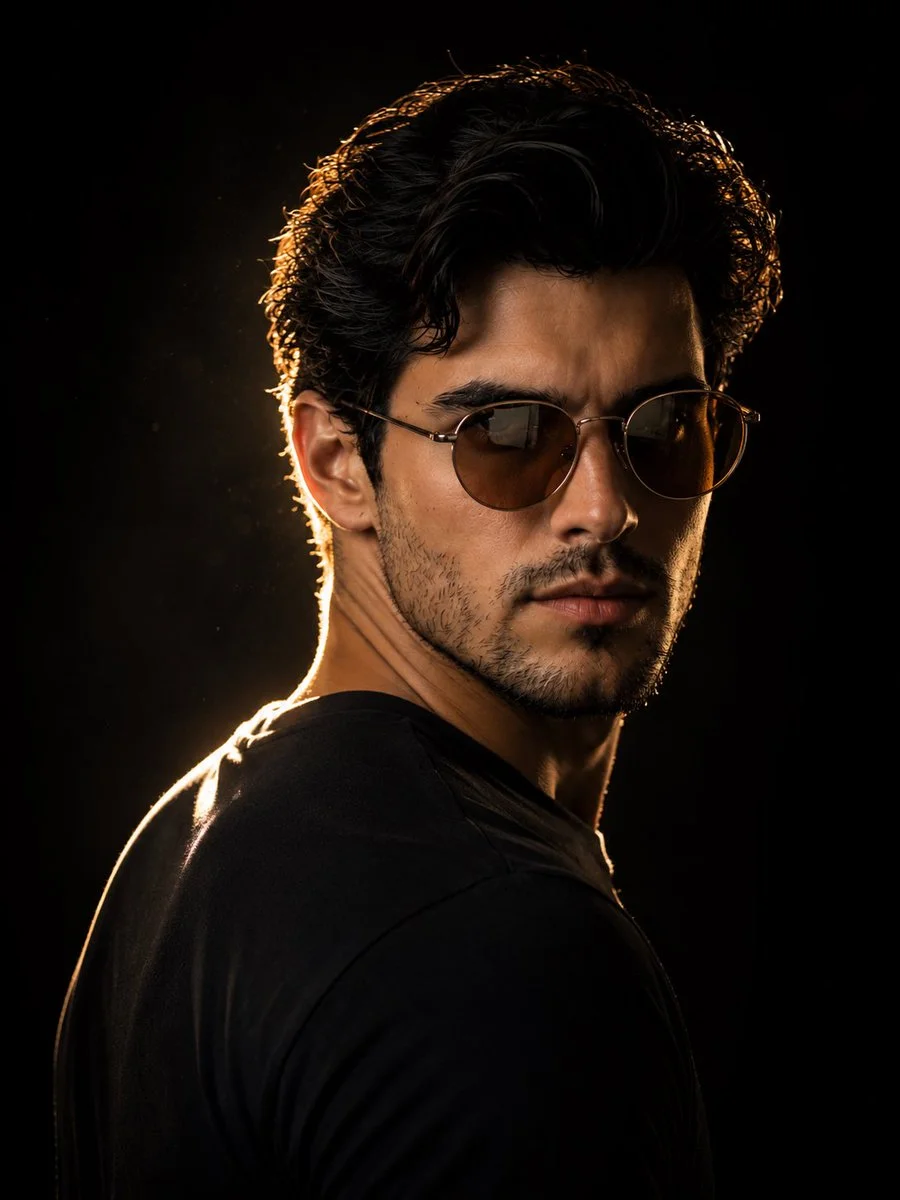
Verified prompt
Use an uploaded adult portrait as the identity reference for a dramatic over-the-shoulder photograph. Turn the subject partly away while keeping the face visible in a three-quarter view. Add rounded brown-tinted sunglasses and a plain dark top. Light the outline of the hair, cheek and shoulder with a warm rim light against a nearly black background. Preserve natural facial proportions and realistic skin. Keep the expression calm, the crop close and the lighting controlled, creating a restrained cinematic poster with very little background detail.
Use an uploaded adult portrait as the identity reference for a dramatic over-the-shoulder photograph. Turn the subject partly away while keeping the face visible in a three-quarter view. Add rounded brown-tinted sunglasses and a plain dark top. Light the outline of the hair, cheek and shoulder with a warm rim light against a nearly black background. Preserve natural facial proportions and realistic skin. Keep the expression calm, the crop close and the lighting controlled, creating a restrained cinematic poster with very little background detail.
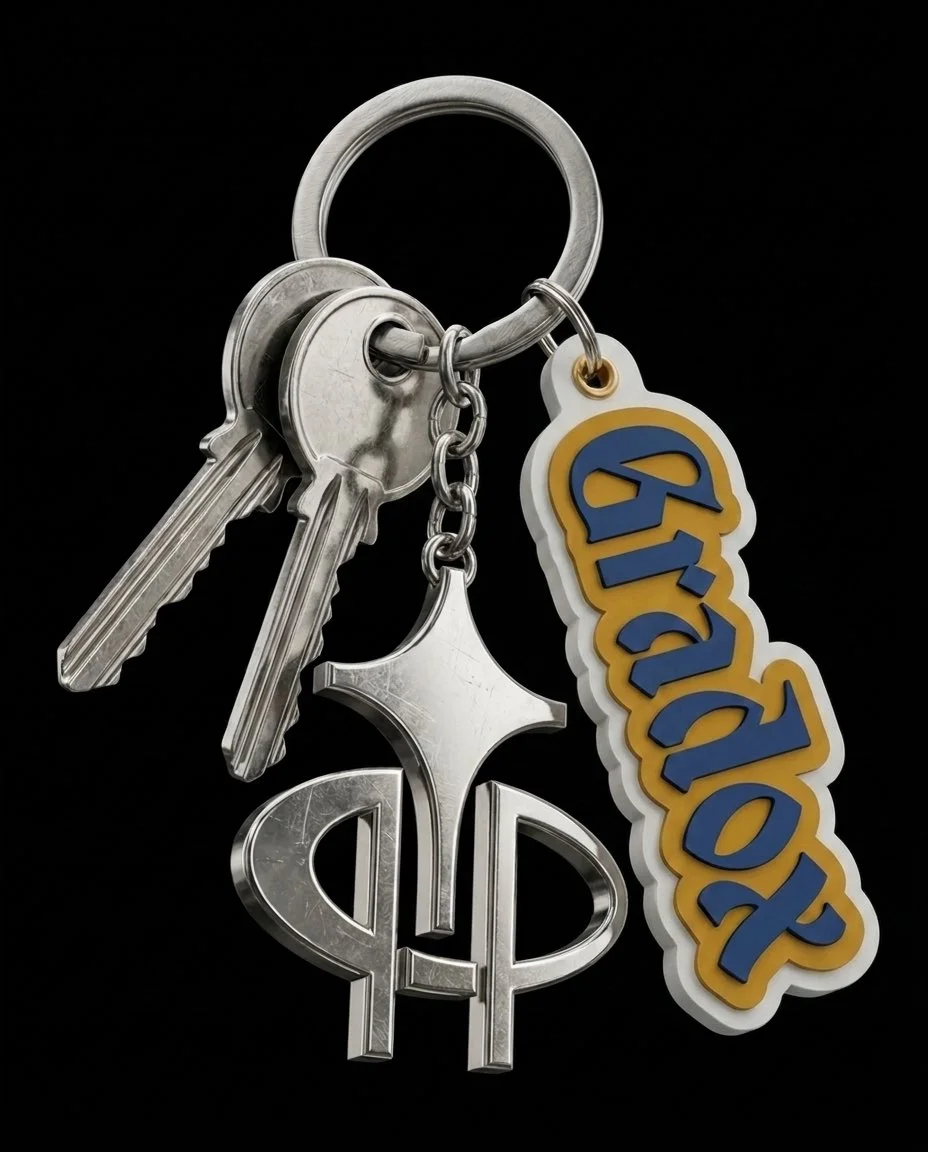
Verified prompt
Use uploaded logo artwork as the brand reference for a collectible streetwear keychain packshot. Arrange a metal split ring with a few realistic silver keys, a polished decorative charm and a raised rubber logo tag. Let the pieces overlap naturally and hang diagonally against a black studio background. Preserve the supplied logo's shapes and lettering. Show fine scratches, brushed metal edges, glossy reflections and layered rubber texture under controlled product lighting. Keep the frame close and uncluttered so the small materials and attachment details remain easy to see.
Use uploaded logo artwork as the brand reference for a collectible streetwear keychain packshot. Arrange a metal split ring with a few realistic silver keys, a polished decorative charm and a raised rubber logo tag. Let the pieces overlap naturally and hang diagonally against a black studio background. Preserve the supplied logo's shapes and lettering. Show fine scratches, brushed metal edges, glossy reflections and layered rubber texture under controlled product lighting. Keep the frame close and uncluttered so the small materials and attachment details remain easy to see.
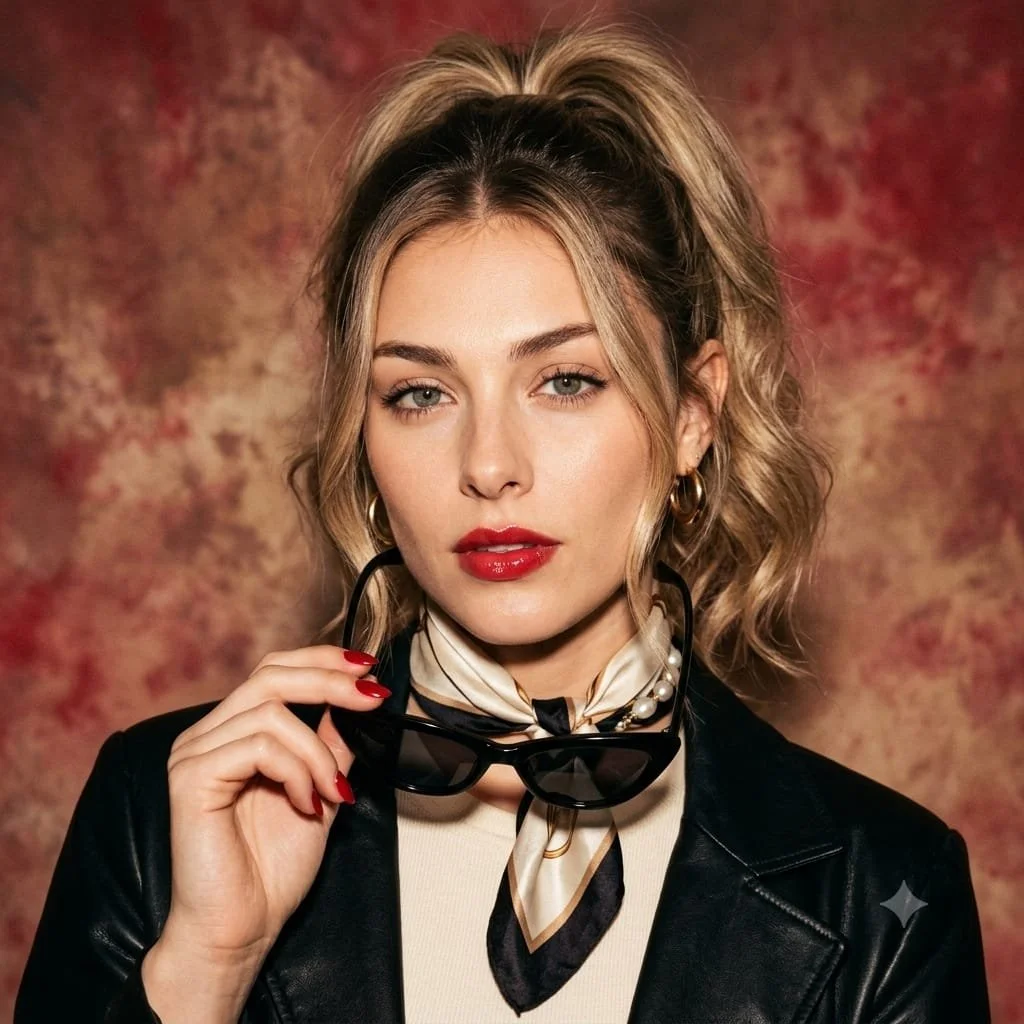
Verified prompt
Use an uploaded adult portrait as the facial reference for a retro Italian-inspired studio image. Style the subject in a cream top, a dark leather jacket and a patterned silk scarf. Let one hand hold dark cat-eye sunglasses beside the face, with red nails as a small accent. Use loosely gathered hair, understated gold jewelry and a composed direct gaze. Place the portrait against a painterly warm red and cream background with soft cinematic light. Preserve realistic facial details and texture in a balanced square composition.
Use an uploaded adult portrait as the facial reference for a retro Italian-inspired studio image. Style the subject in a cream top, a dark leather jacket and a patterned silk scarf. Let one hand hold dark cat-eye sunglasses beside the face, with red nails as a small accent. Use loosely gathered hair, understated gold jewelry and a composed direct gaze. Place the portrait against a painterly warm red and cream background with soft cinematic light. Preserve realistic facial details and texture in a balanced square composition.
Verified prompt
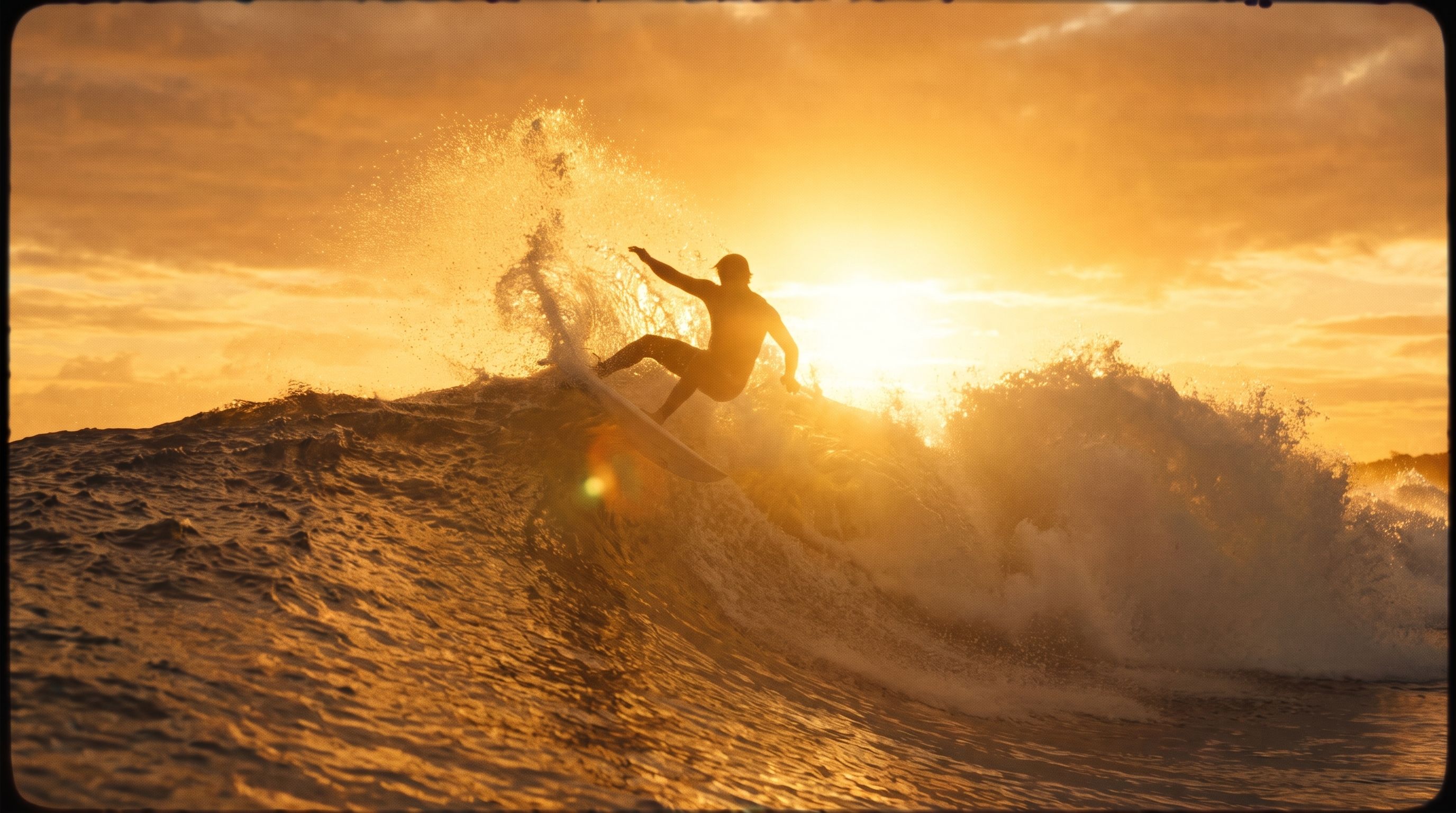
Verified prompt
Plan Your Music Visuals
Create an image, animate a scene or find a starting prompt for your project.
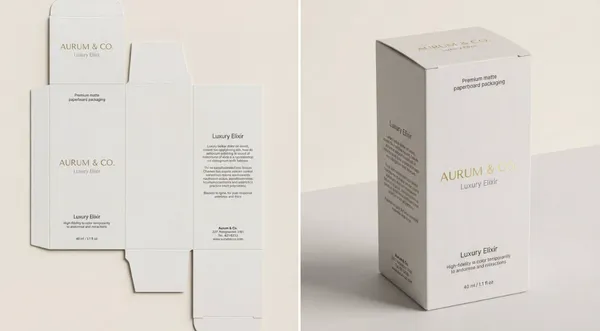
Create visuals with Grok in RapLyrics
A Grok image generator for music visual projects.
Use RapLyrics to turn text prompts into images with the Grok models currently enabled in the generator. You can also check whether the selected model supports image-reference or editing modes. The generator shows the allowed inputs, settings, and credit quote before you generate. Review each result and download clips from History to use in your external editor with your own music and timed lyric overlays.
Open the generator
How to use the Grok generator
The workflow is simple. Choose an enabled model, enter a text prompt, and add an image reference only if the selected model offers that mode. The generator shows the allowed inputs and settings before you generate, and the credit quote appears before each run.
Enter a prompt or add a reference
Describe the subject, setting, lighting, and mood in your prompt. If the selected model supports image-reference mode, you can add an image to guide style, subject, or composition. Availability and capabilities vary by model, so check the options shown in the generator.
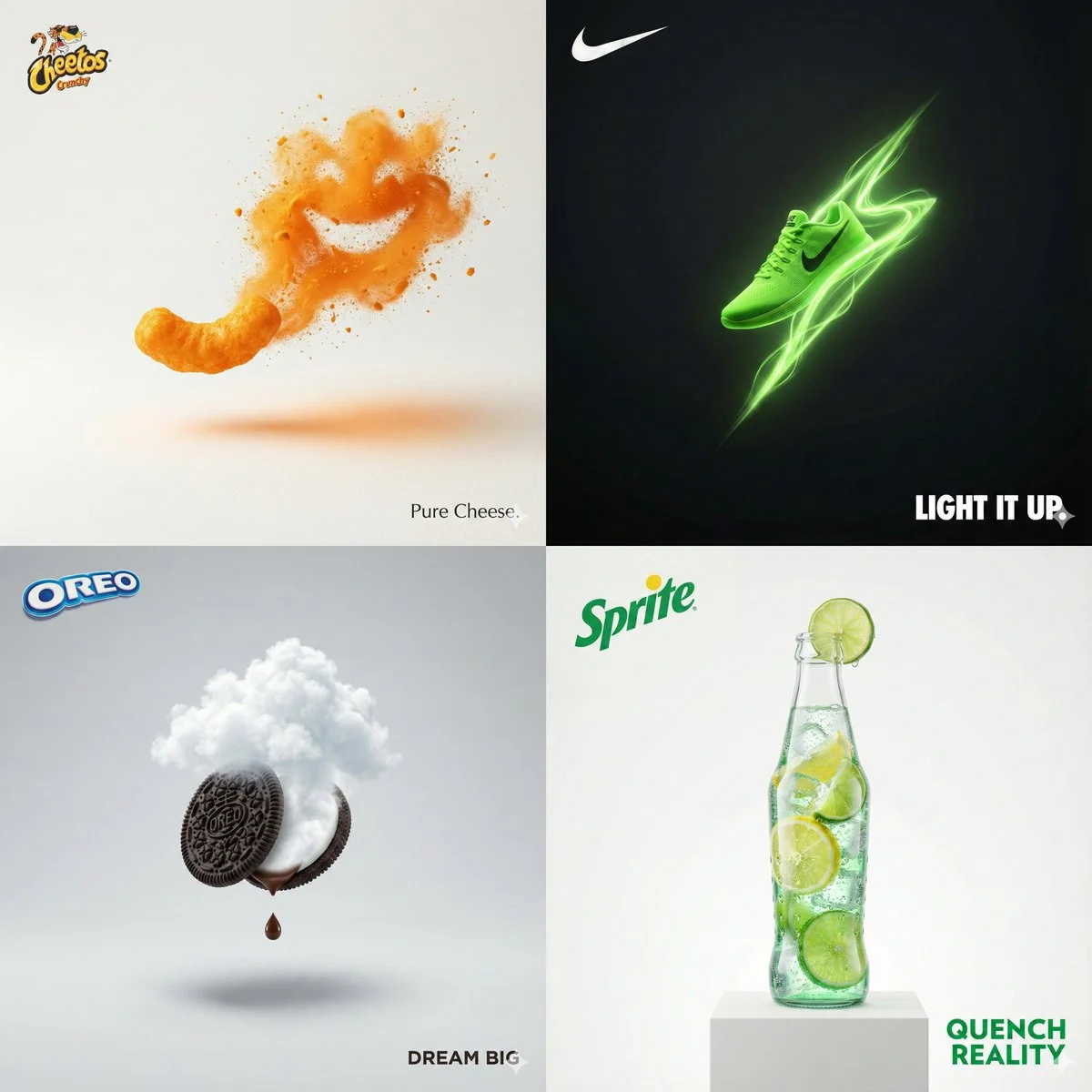
Click generate
Review the credit quote and generate
Download
Review the credit quote, then start generation. Available settings and input options are shown in the generator. When generation finishes, review the results and download the clips you want from History. Add your own music and timed lyric overlays in an external editor.
Core features
The Grok models available in RapLyrics support text-to-image generation and may support image-reference or editing modes depending on the model. Allowed inputs, settings, and the credit quote are shown in the generator before you run. Finished outputs are listed in History for review and download.
Text-to-image creation
The Grok image generation turns text prompts into images. Check the selected model for available styles and settings.
- Use the Grok models in RapLyrics to generate images from text prompts. The generator shows the allowed inputs and settings for each model.
- The Model options vary by model. Check the generator for supported inputs, reference image modes, and settings before you generate.Text-to-image generation.
- Generate visuals for music projects and review them before use. Download clips from History and add your own music and timed lyric overlays in an external editor.Grok image generation in RapLyrics.
- Use this image prompt workflow to turn a clear idea into a visual by describing what you want to see.
Prompt-based image editing
The Grok image generation editing workflow can help you revise existing visuals.
- Upload an image and use the Grok models in RapLyrics prompt to describe the changes you want.
- The Model optionsThis editing workflow can help you adjust colors, replace objects, or change backgrounds.
- Use the Prompt-based editing lets you refine details without advanced editing software or manual retouching.
- This Grok image generation in RapLyricsIterate on visual assets by describing what you want to change.
Reference image guidance
Guide the output with the image generator’s reference image options.
- The Grok models in RapLyrics by uploading reference images to guide subject, style, colors, product details, and scene direction, if your selected model offers image-reference input.
- With Model optionsUsing references can reduce guesswork when the reference image option is available.
- Support a consistent look by using the Grok image generation in RapLyrics reference image option to align with the aesthetic of your provided references, when offered by the selected model.
- This is useful for a cohesive look when using the image generator for project visuals.
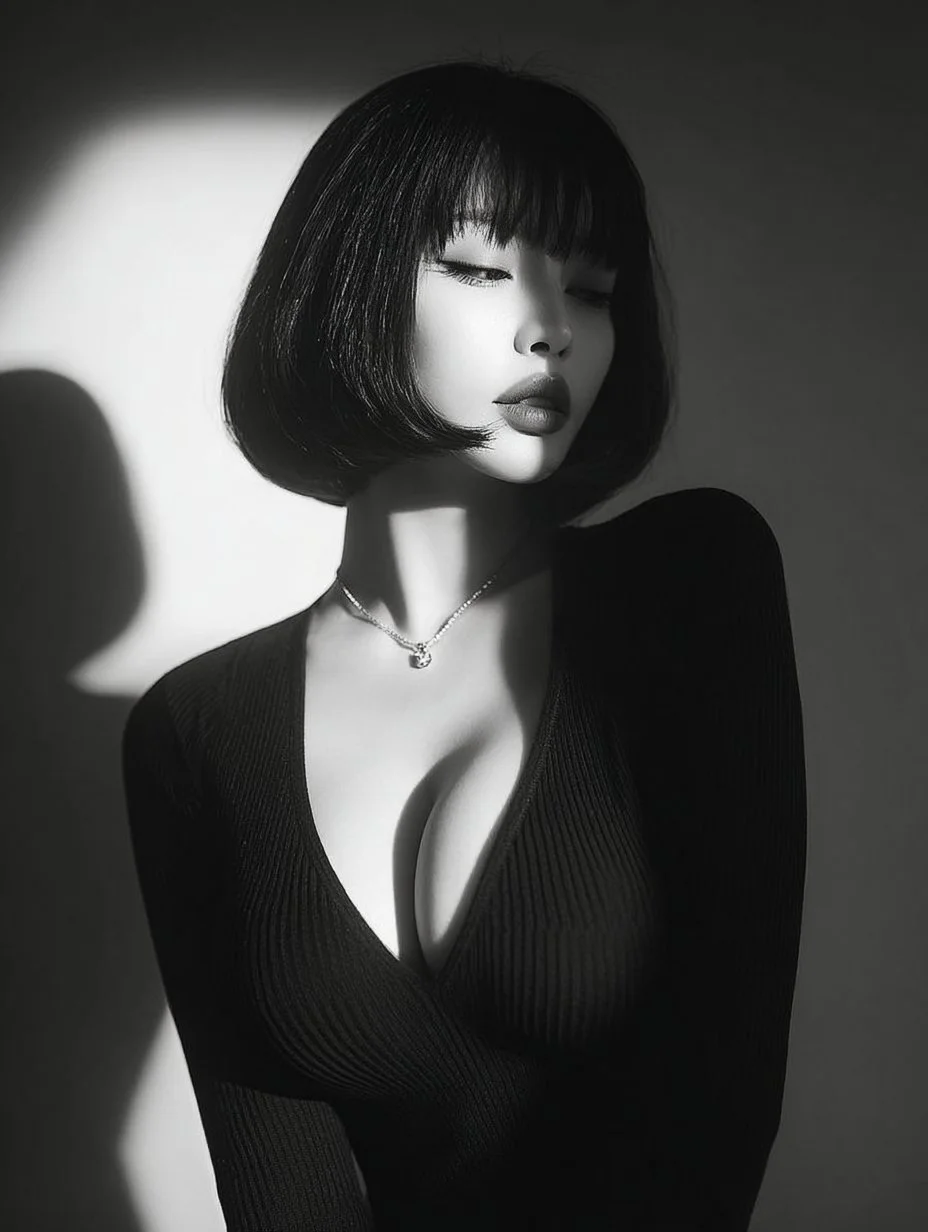
Multiple visual directions
Explore different visual directions with the Grok image generation.
- The Grok models in RapLyricsCreate multiple image ideas faster without manual design skills.
- Use Model optionsGenerate multiple image variations for ads, social posts, product mockups, thumbnails, and visual testing.
- The Grok image generation in RapLyricsThe available models offer a range of options, making them suitable forsocial media visuals with RapLyrics.
- Compare styles and compositions to find what fits your project using theimage generator in RapLyrics.
Why use this image generator?
This image generator helps with common visual content tasks. It is built for speed, ease of use, and practical application. If you need a tool that prioritizes utility over complexity, this is for you. Here is what it offers for daily use.
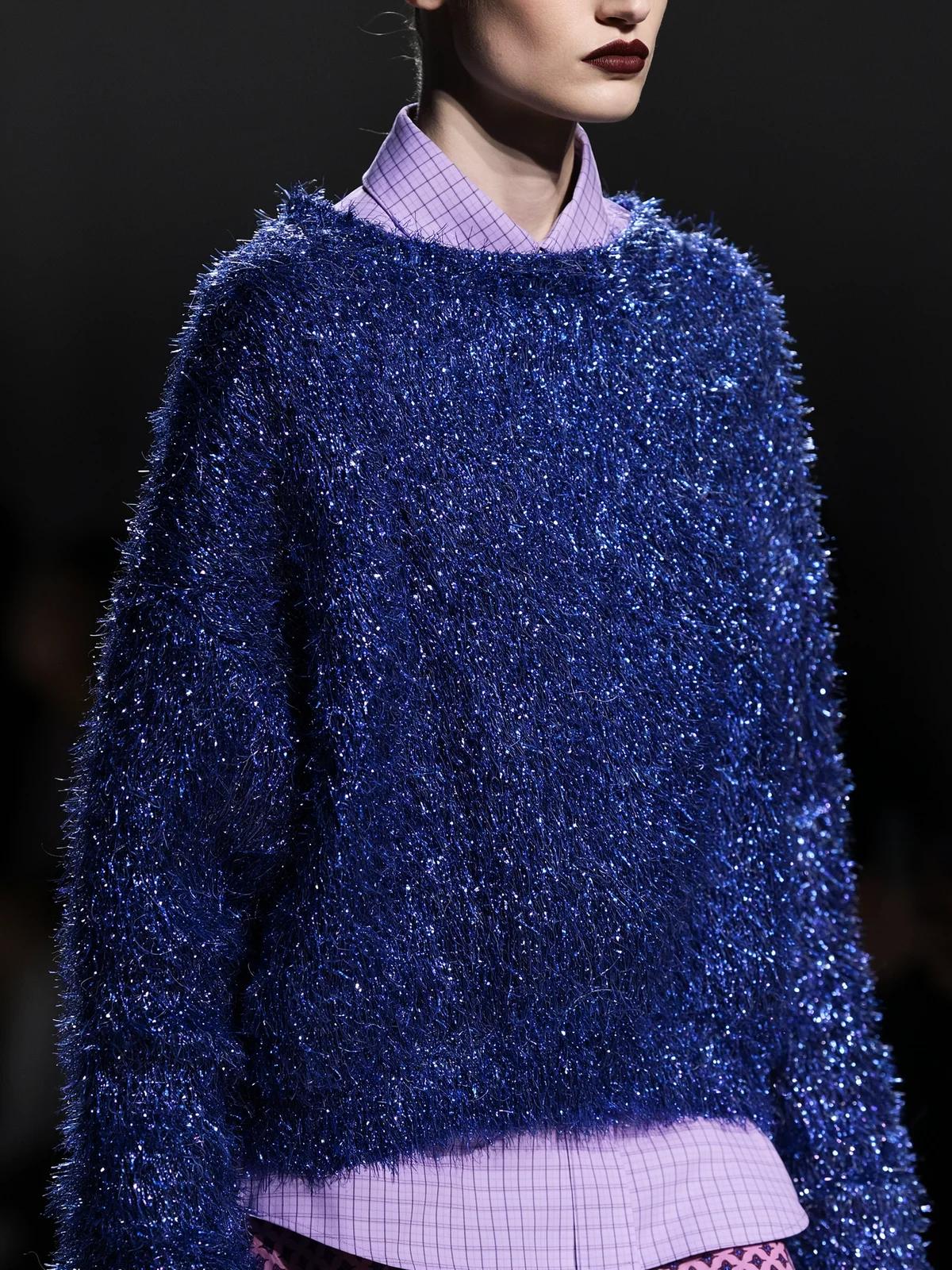
Skip Complex Software
You do not need to spend hours learning complicated design software. TheGrok image generationgenerator allows fast image generation without manual retouching, complex editing software, or advanced design skills. Just use thegenerator in RapLyricsto get what you need.
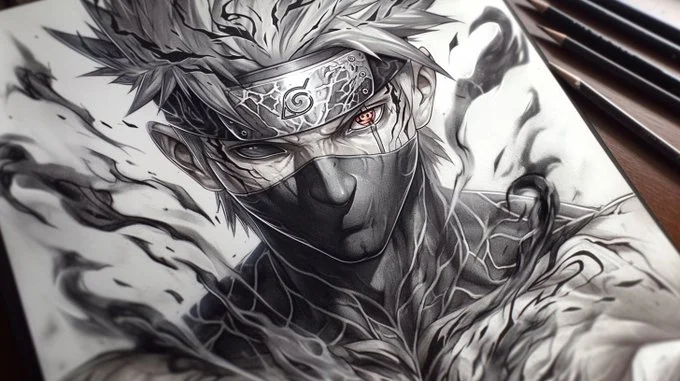
Turn Ideas into Visuals
Turn abstract ideas into usable visuals, not just vague inspiration. TheModel optionssystem turns text prompts into images quickly, making it a practicalchoice for creative ideas in RapLyrics.
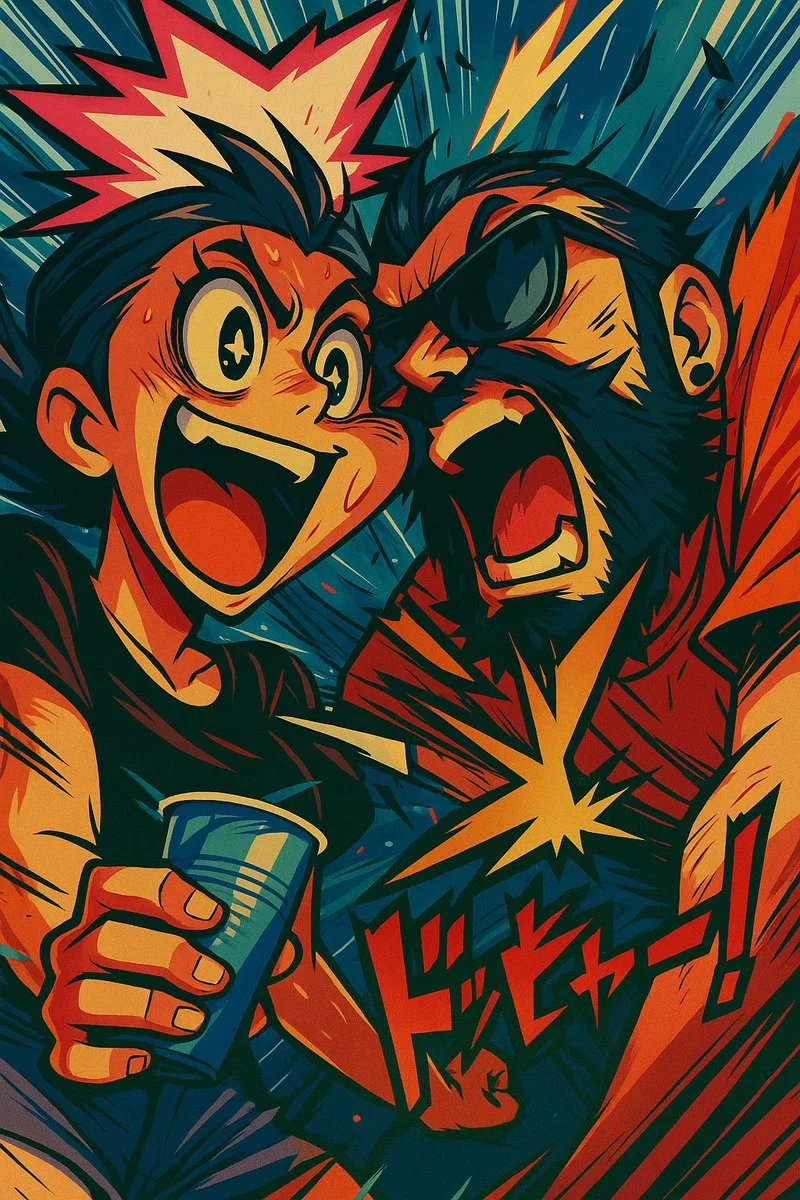
Reduce Randomness
When generating images, control matters. By using theimage generator’s reference image options, you can guide the subject, style, product look, and scene composition. This reduces randomness and makes theGrok image generation in RapLyricsmore dependable.
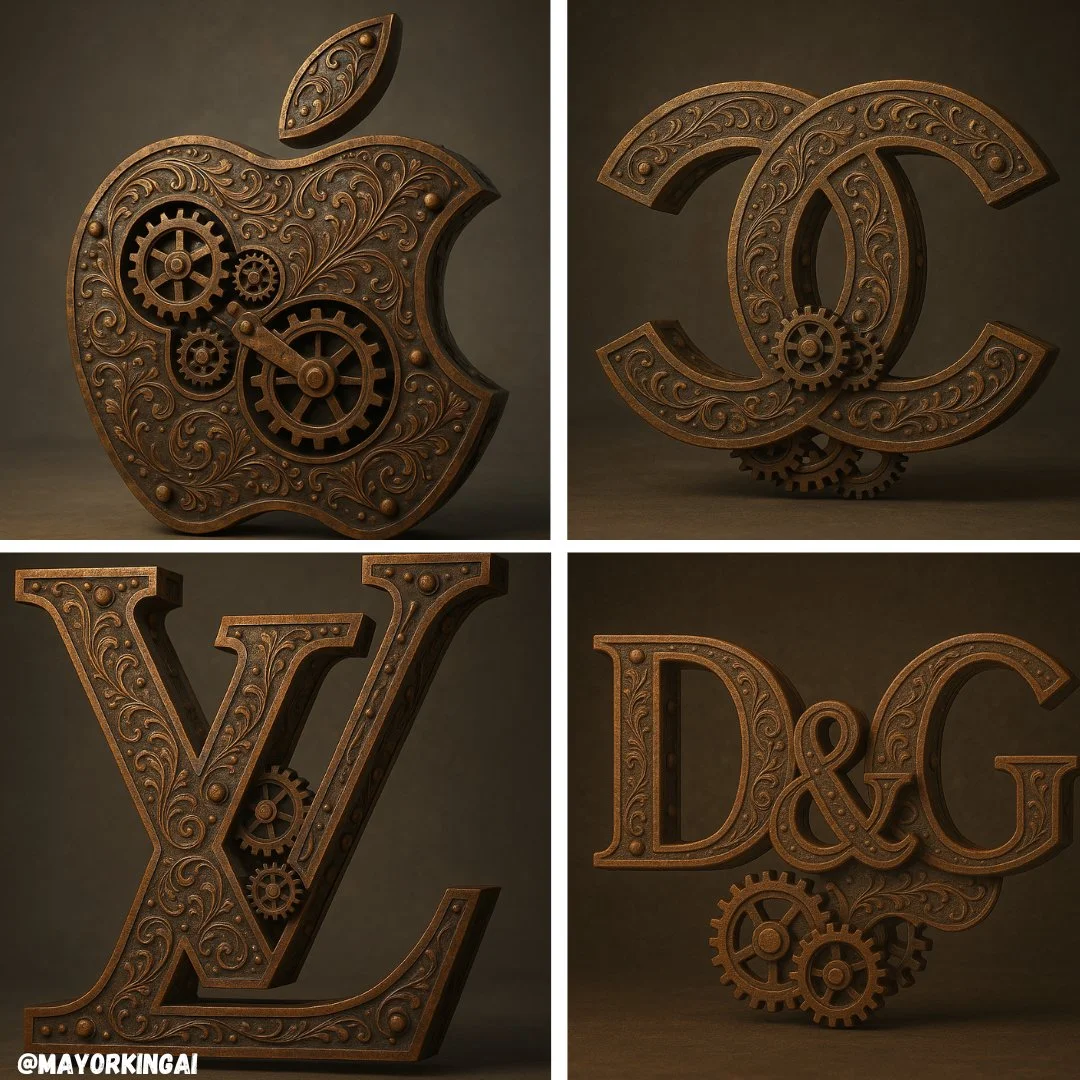
Built for Marketing and Social
You need multiple variations fast. TheGrok image generationis useful for generating product mockups, social media visuals, ad creatives, thumbnails, posters, and creative references. It is a practicalchoice for adsand social media campaigns.
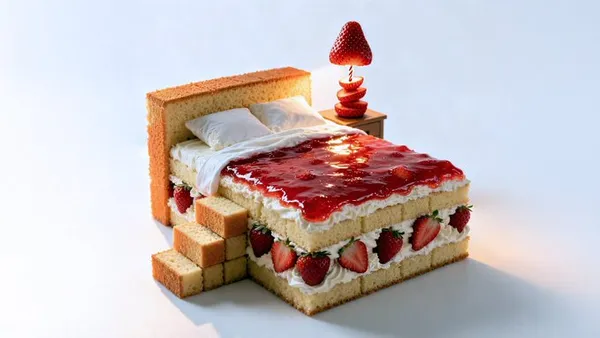
Easy Natural-Language Editing
Instead of manual erasing and painting, you can edit with text. Inside theGrok image generation, theGrok models in RapLyrics supports editing uploaded images with plain-language instructions, which can help with the Prompt-based editing step for music visual work.
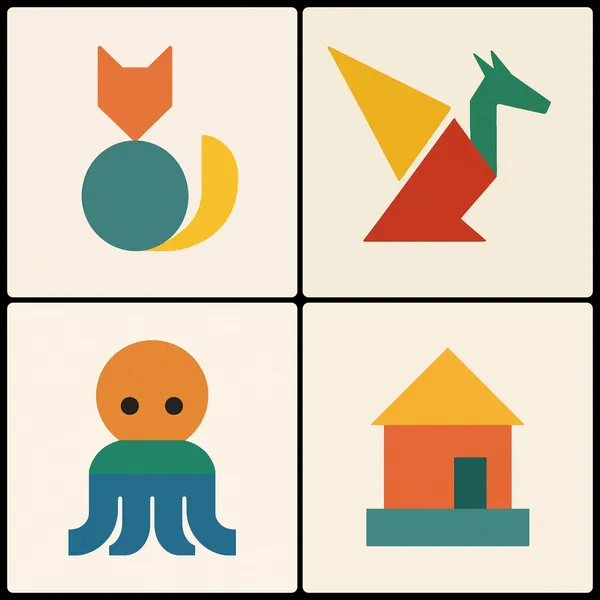
Workflow Notes
Speed up early visual drafts with the Grok image generation by generating several image options from a prompt before you move to video. Check the model options for supported reference-image modes, then use the Grok models in RapLyrics to review the credit quote and download clips from History for editing in your own editor.
Workflow Notes
Describe one subject, action and setting before generating. Keep the brief focused so the result is easier to review.

Questions about music visual workflows
Quick answers about generating visual clips with RapLyrics, checking model options, reviewing credits, and moving finished output into your editor.
RapLyrics helps you generate image or video clips from text prompts using the currently enabled models in the generator. You can review and download finished clips from History, then add music and timed lyric overlays in an external editor.
Open the generator, choose from the currently enabled models, and enter a text prompt. Check the allowed inputs and settings shown there, review the credit quote before generating, and find finished output in History.
Some models offer supported image-reference modes. Check the selected model in the generator to see whether reference images are available and what inputs are allowed. Model-specific availability is not verified outside the generator.
The current credit quote is shown before generation. Review that quote so you know the cost for the selected model and settings before you start.
Finished output is in History. Review each generated clip, then download the visuals you want to use in your own editor with music and lyric timing.
No. Download visual clips and add your own music and timed lyric overlays in an external editor. RapLyrics does not provide automatic lyric synchronization.
Check the selected model to confirm allowed inputs, settings, and any supported options. Review the credit quote shown before generation. After generation, review the output in History before using it.
No. Generated visuals must be reviewed. No guaranteed quality, speed, character consistency, perfect text, or precise motion is offered. Check whether the selected model offers any advanced controls before you rely on them.
You can request a refund within 10 days of purchase if you have unused credits from that purchase and provide a clear reason, subject to our Refund Policy. If eligible, an unused purchase can be fully refunded; a partly used purchase is refunded in proportion to its remaining unused credits. Fully used purchases and free or promotional credits are not refundable.
Credit validity depends on the pack, subscription or promotion that issued them. Review the purchase terms and expiration dates in Settings > Credits. A renewal or new purchase does not extend older credits. Use credits before their stated expiration; do not assume unused subscription credits roll over indefinitely.
Credits charged for a task that is confirmed as failed due to a system error are returned automatically. A task that is still processing has not yet been confirmed as failed. Check its status and your credit history before submitting again. If a confirmed failure still shows an unresolved charge, email support@raplyrics.app with the task ID.
AI results can vary, so a completed result that differs from your expectations is not automatically treated as a technical failure. Eligible completed image tasks can be submitted for credit refund review using the refund option where available; approval is required. For a video or another issue, contact support@raplyrics.app with the task ID and details. A credit refund returns credits, not money to your payment method.
Email support@raplyrics.app. For billing, include your account email and order ID; for generation, include the task ID, issue description and relevant screenshots. If you purchased as a guest, keep the original browser data and payment receipt so we can help locate the purchase.
Generate your first visual with RapLyrics
Create images from text prompts with the Grok model family. Describe a scene, upload an image to edit with natural-language instructions, or use a reference image to guide style and composition. The generator shows available inputs and settings; the credit quote appears before generation, and finished output is in History. Review results before use.
raplyrics.app · Updated
What's new on this page
- — Corrected the default model selection for the Grok image generator. Added editable example prompts and separate drafts for text and reference modes, with an action to restore the example.
- — Page content published.