
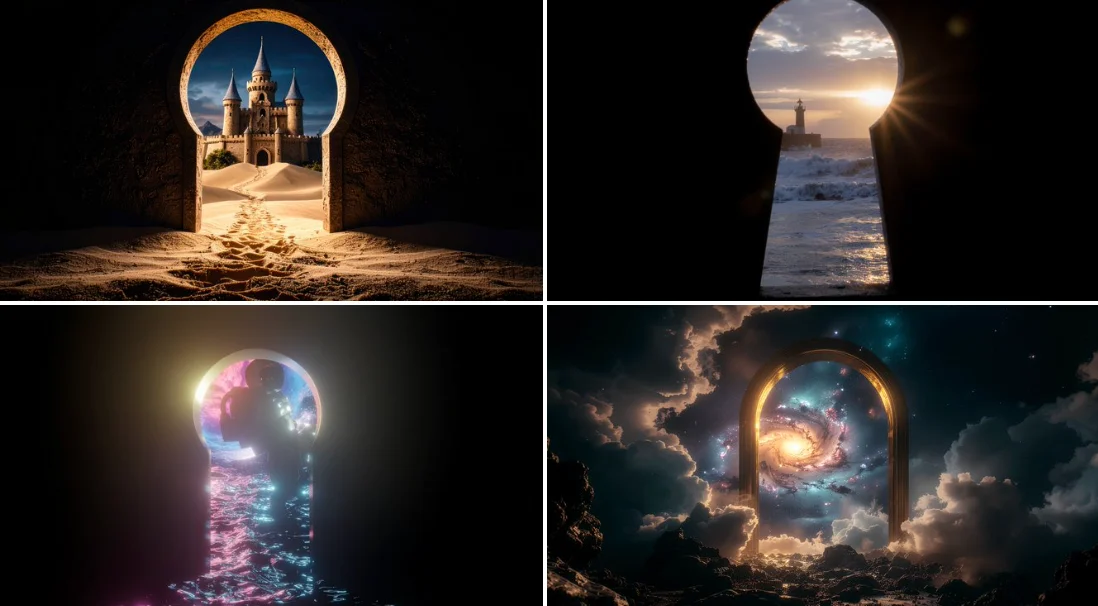
Verified prompt
looking through a [MATERIAL] keyhole towards a mythical [WORLD] dark fantasy, [very black background] around keyhole, sharp focus, photographic
looking through a [MATERIAL] keyhole towards a mythical [WORLD] dark fantasy, [very black background] around keyhole, sharp focus, photographic
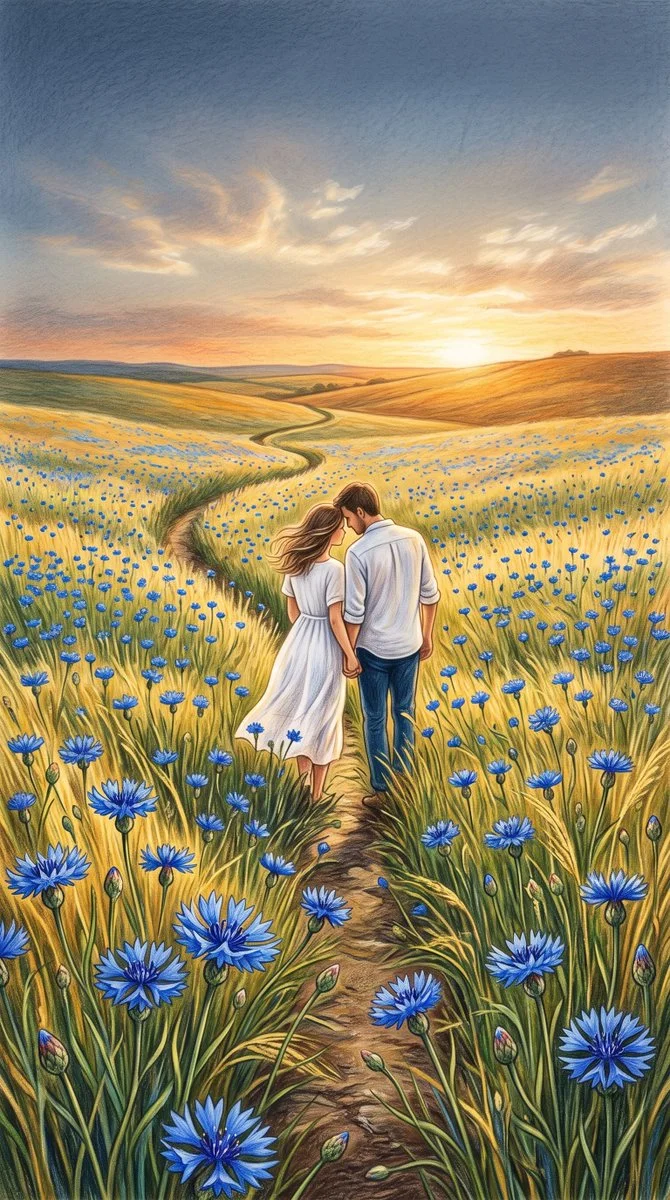
Verified prompt
A vibrant colored-pencil illustration in portrait orientation. A young couple walks hand in hand away from the viewer along a narrow winding path through a vast field of vivid blue cornflowers in the foreground among tall golden-yellow grass. Woman flowing white dress, man white shirt rolled sleeves dark trousers, heads tilted toward each other. Gentle rolling hills to horizon, soft summer breeze, evening light. Distant sunlight over warm amber fields. Sky upper third deep dusky blue to warm orange gold pale yellow near low sun, wispy backlit clouds. Wide slightly elevated perspective showcasing detailed flowers couple expansive meadow. Colored pencil art visible textures, soft serene peaceful romantic nostalgic mood, warm gold contrasting cool electric blue.
A vibrant colored-pencil illustration in portrait orientation. A young couple walks hand in hand away from the viewer along a narrow winding path through a vast field of vivid blue cornflowers in the foreground among tall golden-yellow grass. Woman flowing white dress, man white shirt rolled sleeves dark trousers, heads tilted toward each other. Gentle rolling hills to horizon, soft summer breeze, evening light. Distant sunlight over warm amber fields. Sky upper third deep dusky blue to warm orange gold pale yellow near low sun, wispy backlit clouds. Wide slightly elevated perspective showcasing detailed flowers couple expansive meadow. Colored pencil art visible textures, soft serene peaceful romantic nostalgic mood, warm gold contrasting cool electric blue.
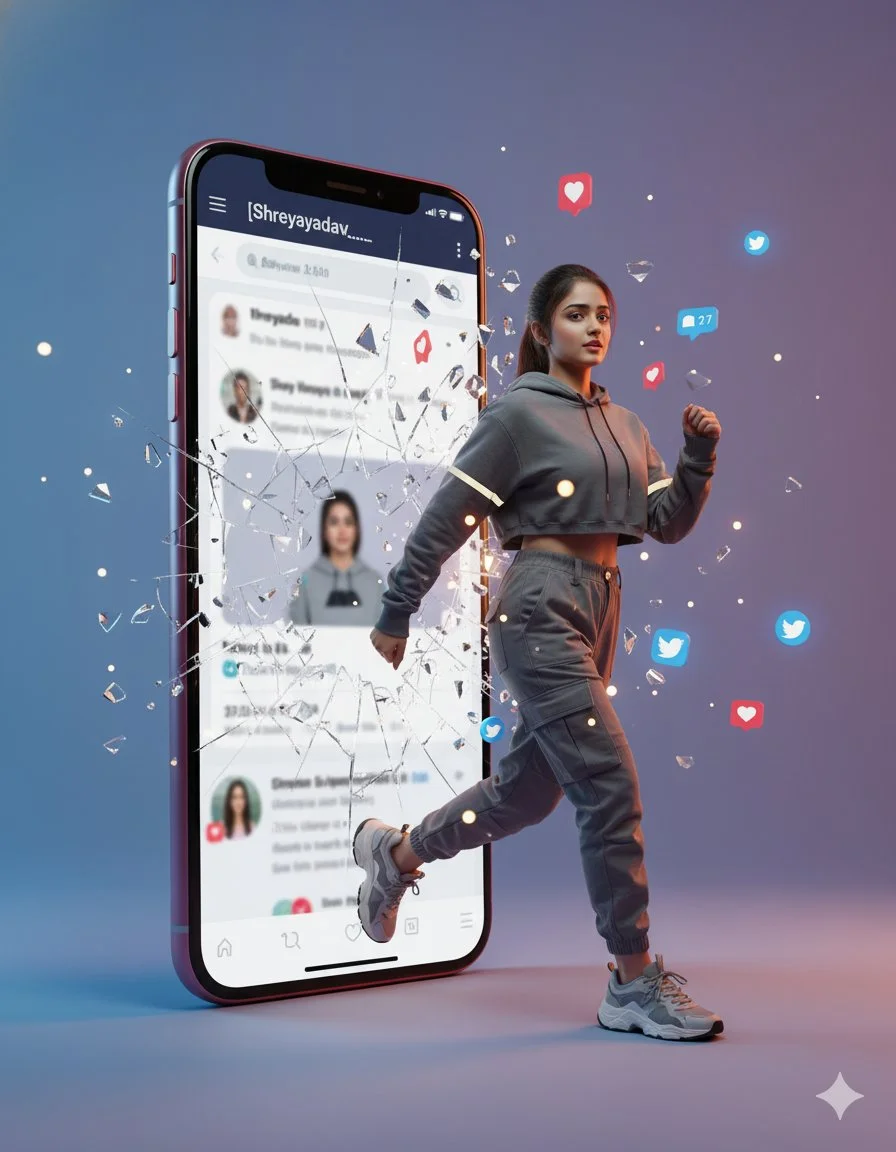
Verified prompt
A hyperrealistic cinematic photo of a woman stepping out of a smartphone screen showing the Twitter profile [Shreyayadav___]. She’s captured mid-step, confidently emerging from the digital world into reality as the phone glass shatters with glowing fragments. Floating social media icons (hearts, comments, follows) surround her. She wears trendy streetwear with lifelike fabric and lighting reflections. The minimalist gradient studio background adds 3D depth.
A hyperrealistic cinematic photo of a woman stepping out of a smartphone screen showing the Twitter profile [Shreyayadav___]. She’s captured mid-step, confidently emerging from the digital world into reality as the phone glass shatters with glowing fragments. Floating social media icons (hearts, comments, follows) surround her. She wears trendy streetwear with lifelike fabric and lighting reflections. The minimalist gradient studio background adds 3D depth.
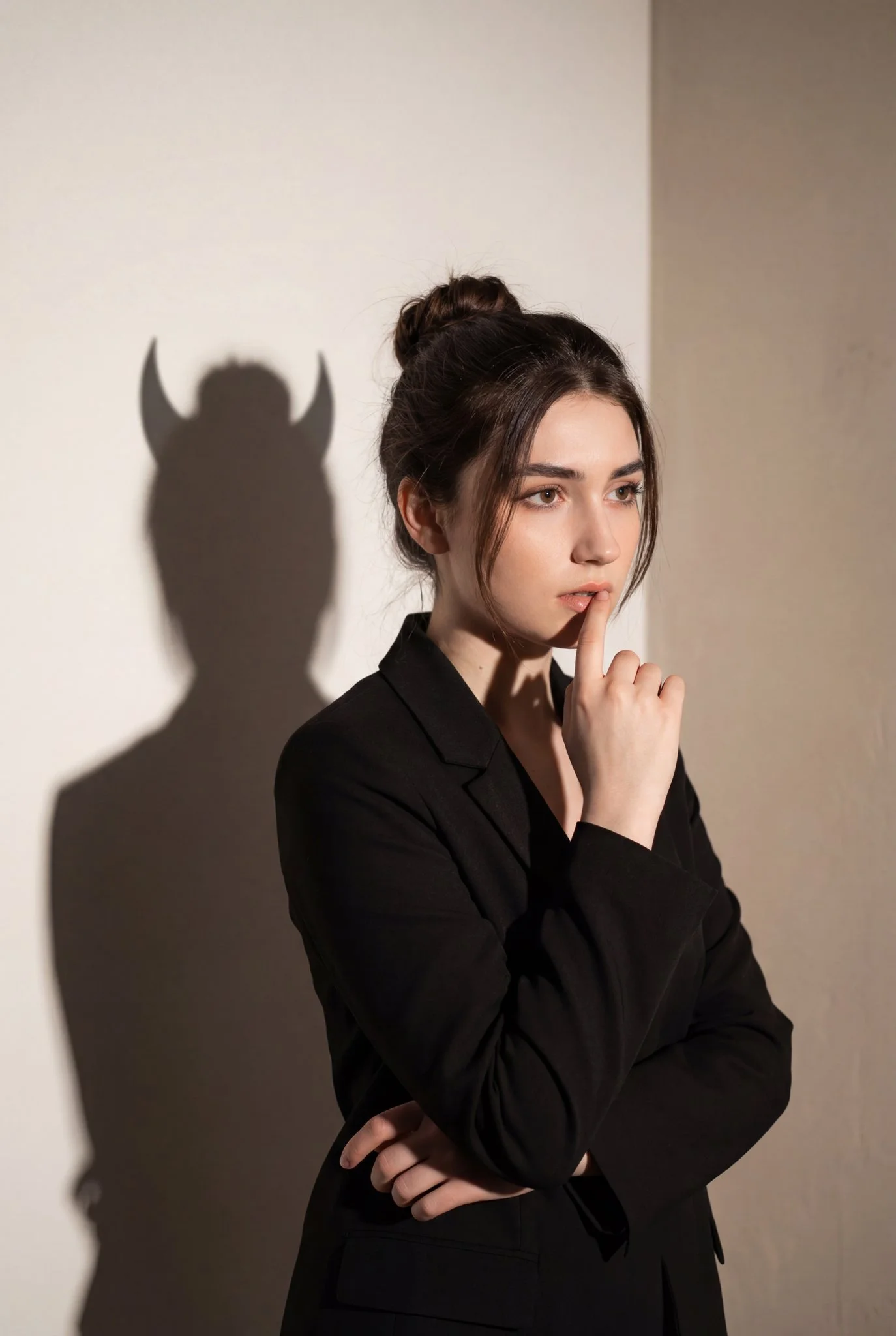
Verified prompt
Vertical portrait, mid-torso crop. Female subject placed slightly left of center, facing right in three-quarter profile. Right hand raised with index finger touching lips in contemplative stance. Pensive, introspective, slightly tense expression, gaze looking off-frame to the right. Dark brown hair in messy bun with loose strands framing face. Matte black tailored blazer, minimalist, formal, modern fit. Single hard directional light from front-left creating sharp high-contrast shadow on wall. Shadow shape shows human silhouette with exaggerated devil horns - symbolizing inner conflict, hidden nature, dual personality. Color palette: black, warm beige, soft brown with low saturation and high contrast. Plain off-white/light beige interior wall background. Conceptual portrait photography, moody, minimalist, psychological aesthetic with symbolism and chiaroscuro lighting influence.
Vertical portrait, mid-torso crop. Female subject placed slightly left of center, facing right in three-quarter profile. Right hand raised with index finger touching lips in contemplative stance. Pensive, introspective, slightly tense expression, gaze looking off-frame to the right. Dark brown hair in messy bun with loose strands framing face. Matte black tailored blazer, minimalist, formal, modern fit. Single hard directional light from front-left creating sharp high-contrast shadow on wall. Shadow shape shows human silhouette with exaggerated devil horns - symbolizing inner conflict, hidden nature, dual personality. Color palette: black, warm beige, soft brown with low saturation and high contrast. Plain off-white/light beige interior wall background. Conceptual portrait photography, moody, minimalist, psychological aesthetic with symbolism and chiaroscuro lighting influence.
Verified prompt
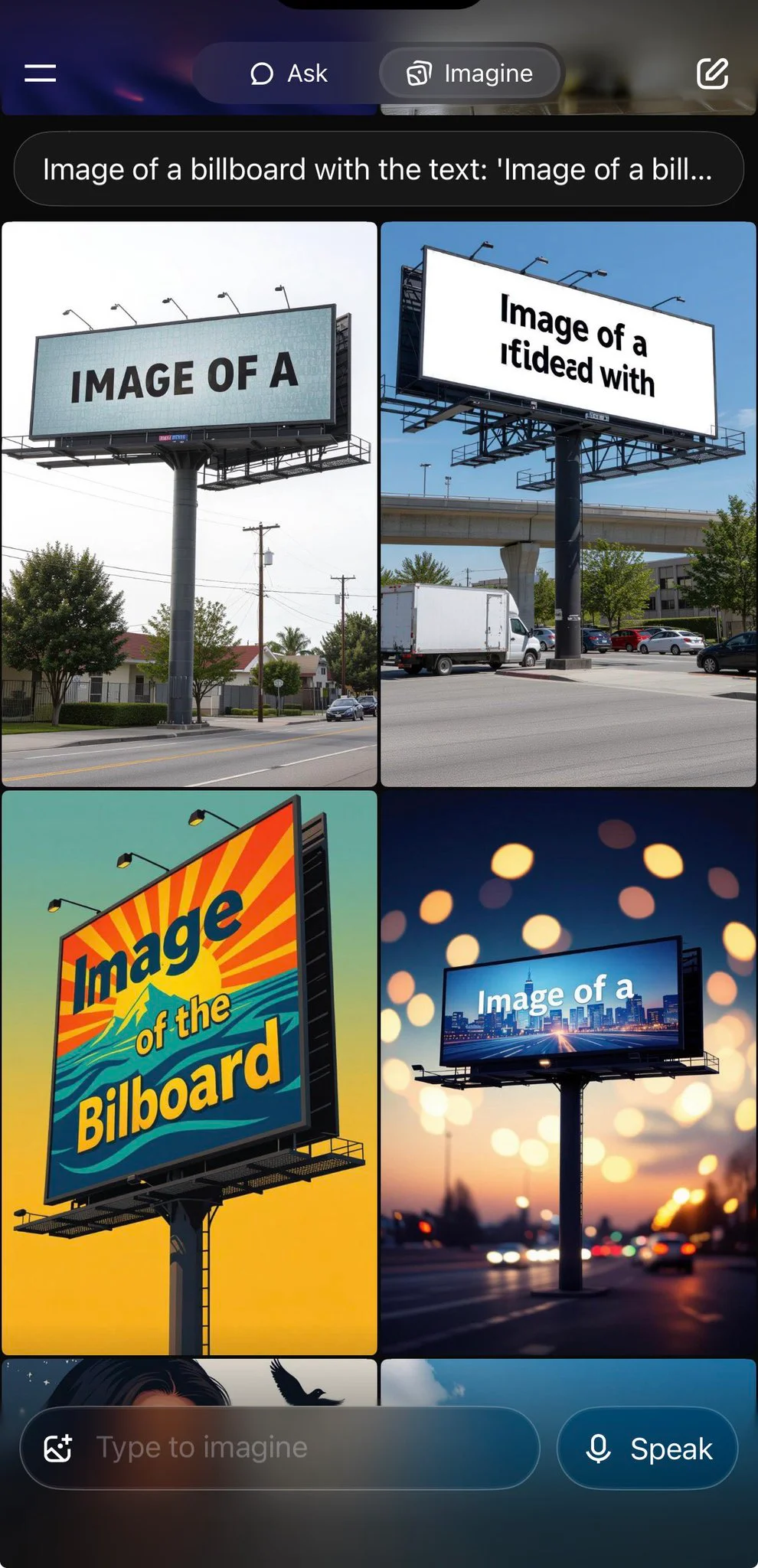
Image of a billboard with the text: “Image of a billboard with the text:”
Image of a billboard with the text: “Image of a billboard with the text:”
Verified prompt
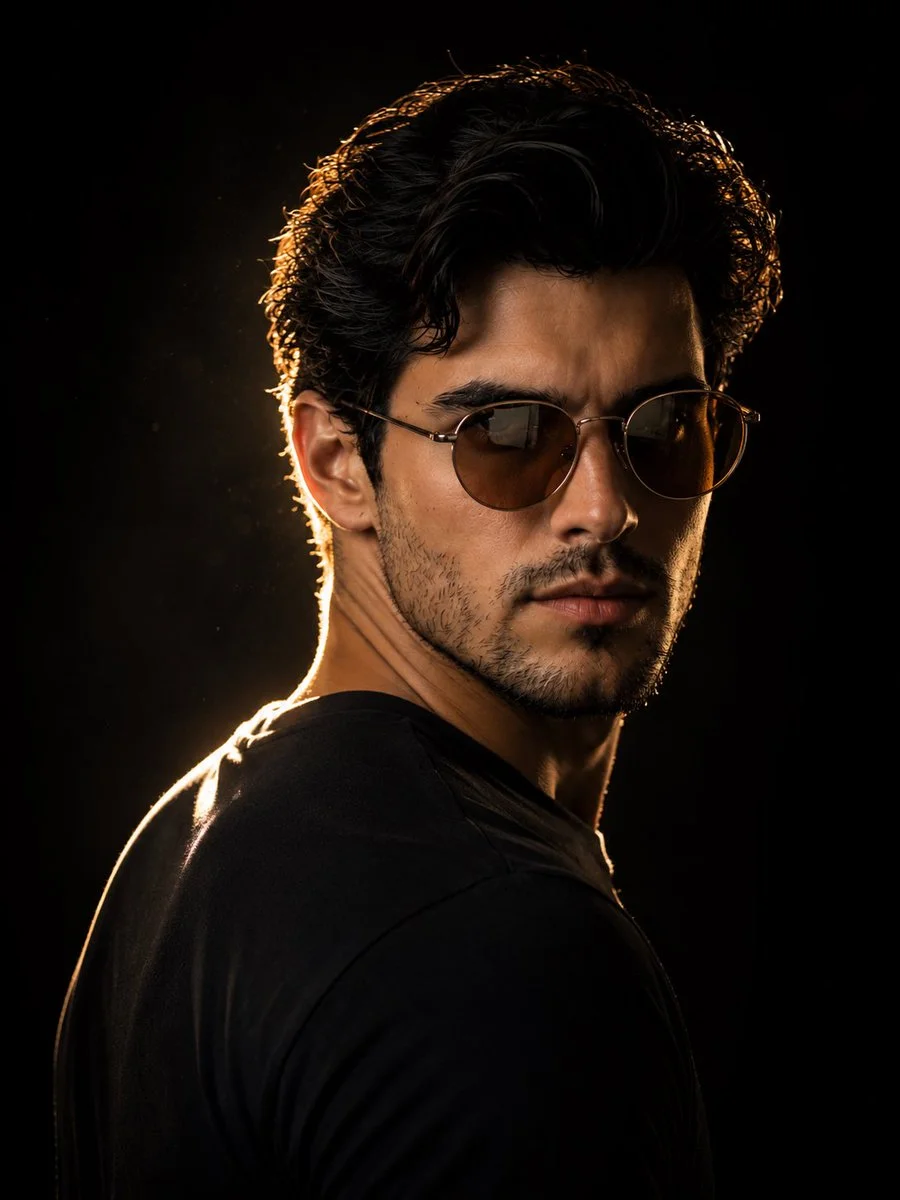
Use an uploaded adult portrait as the identity reference for a dramatic over-the-shoulder photograph. Turn the subject partly away while keeping the face visible in a three-quarter view. Add rounded brown-tinted sunglasses and a plain dark top. Light the outline of the hair, cheek and shoulder with a warm rim light against a nearly black background. Preserve natural facial proportions and realistic skin. Keep the expression calm, the crop close and the lighting controlled, creating a restrained cinematic poster with very little background detail.
Use an uploaded adult portrait as the identity reference for a dramatic over-the-shoulder photograph. Turn the subject partly away while keeping the face visible in a three-quarter view. Add rounded brown-tinted sunglasses and a plain dark top. Light the outline of the hair, cheek and shoulder with a warm rim light against a nearly black background. Preserve natural facial proportions and realistic skin. Keep the expression calm, the crop close and the lighting controlled, creating a restrained cinematic poster with very little background detail.
Verified prompt
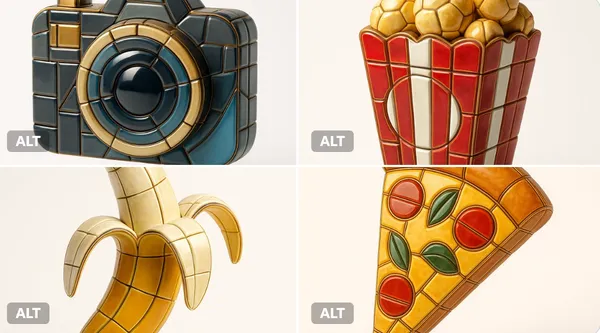
alize any selected emoji [] as an ultra-detailed, hyper-realistic 3D sculpture fully composed of luxurious enamel mosaic tiles. The emoji should retain its iconic silhouette and proportions, reinterpreted as a stylized 3D figure made entirely from curved, faceted, and geometrically interlocked enamel tiles in a radiant mosaic pattern. > Use high-gloss enamel tiles in varied shades derived from the emoji’s symbolic palette—integrating metallic accents, opalescent glazes, deep ceramic pigmentation, and subtle iridescence. Tile surfaces must exhibit gentle bevels, crisp joints, and tactile depth to emulate elite architectural mosaic work. > Ensure no visible support structures—the figure must appear freestanding and weightless, suspended mid-air at the exact center of the frame. > Background: pure white studio environment with soft ambient shadows directly beneath the sculpture to emphasize spatial presence and floating realism. > Lighting: cinematic, diffused from multiple angles to
alize any selected emoji [] as an ultra-detailed, hyper-realistic 3D sculpture fully composed of luxurious enamel mosaic tiles. The emoji should retain its iconic silhouette and proportions, reinterpreted as a stylized 3D figure made entirely from curved, faceted, and geometrically interlocked enamel tiles in a radiant mosaic pattern. > Use high-gloss enamel tiles in varied shades derived from the emoji’s symbolic palette—integrating metallic accents, opalescent glazes, deep ceramic pigmentation, and subtle iridescence. Tile surfaces must exhibit gentle bevels, crisp joints, and tactile depth to emulate elite architectural mosaic work. > Ensure no visible support structures—the figure must appear freestanding and weightless, suspended mid-air at the exact center of the frame. > Background: pure white studio environment with soft ambient shadows directly beneath the sculpture to emphasize spatial presence and floating realism. > Lighting: cinematic, diffused from multiple angles to
Verified prompt
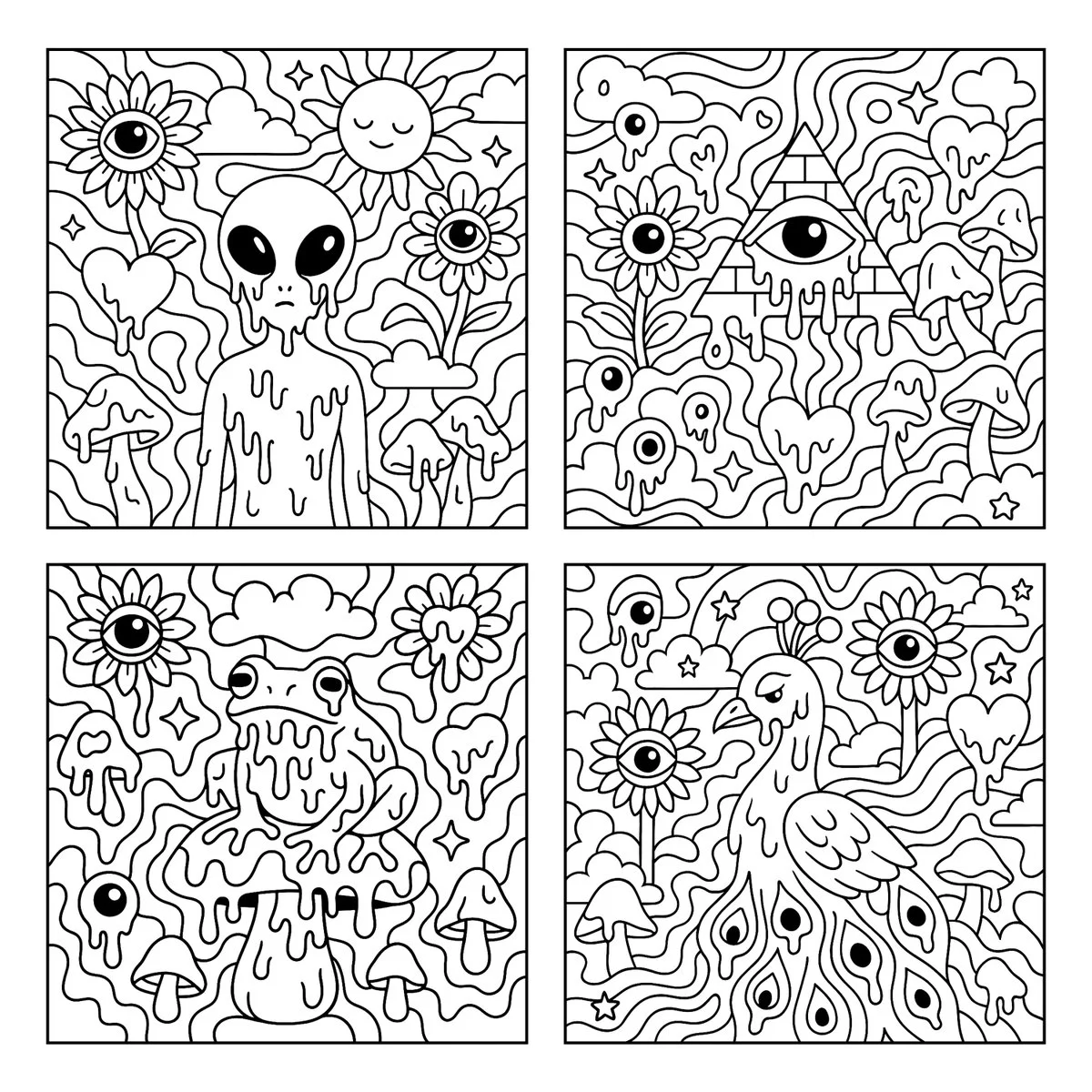
Create a psychedelic black and white coloring page featuring melting [SUBJECT] in the center, surrounded by large, playful shapes and smooth flowing patterns. The background includes whimsical and surreal elements such as sunflowers with eyes, melting eyeballs, melting hearts, melting mushrooms, clouds, and stars. Use bold, clean outlines and fully enclosed shapes to create distinct sections for easy coloring. Avoid excessive fine detail or clutter. Keep the composition open, spacious, and fun. Square aspect ratio with a white background. No text or color.
Create a psychedelic black and white coloring page featuring melting [SUBJECT] in the center, surrounded by large, playful shapes and smooth flowing patterns. The background includes whimsical and surreal elements such as sunflowers with eyes, melting eyeballs, melting hearts, melting mushrooms, clouds, and stars. Use bold, clean outlines and fully enclosed shapes to create distinct sections for easy coloring. Avoid excessive fine detail or clutter. Keep the composition open, spacious, and fun. Square aspect ratio with a white background. No text or color.
Verified prompt
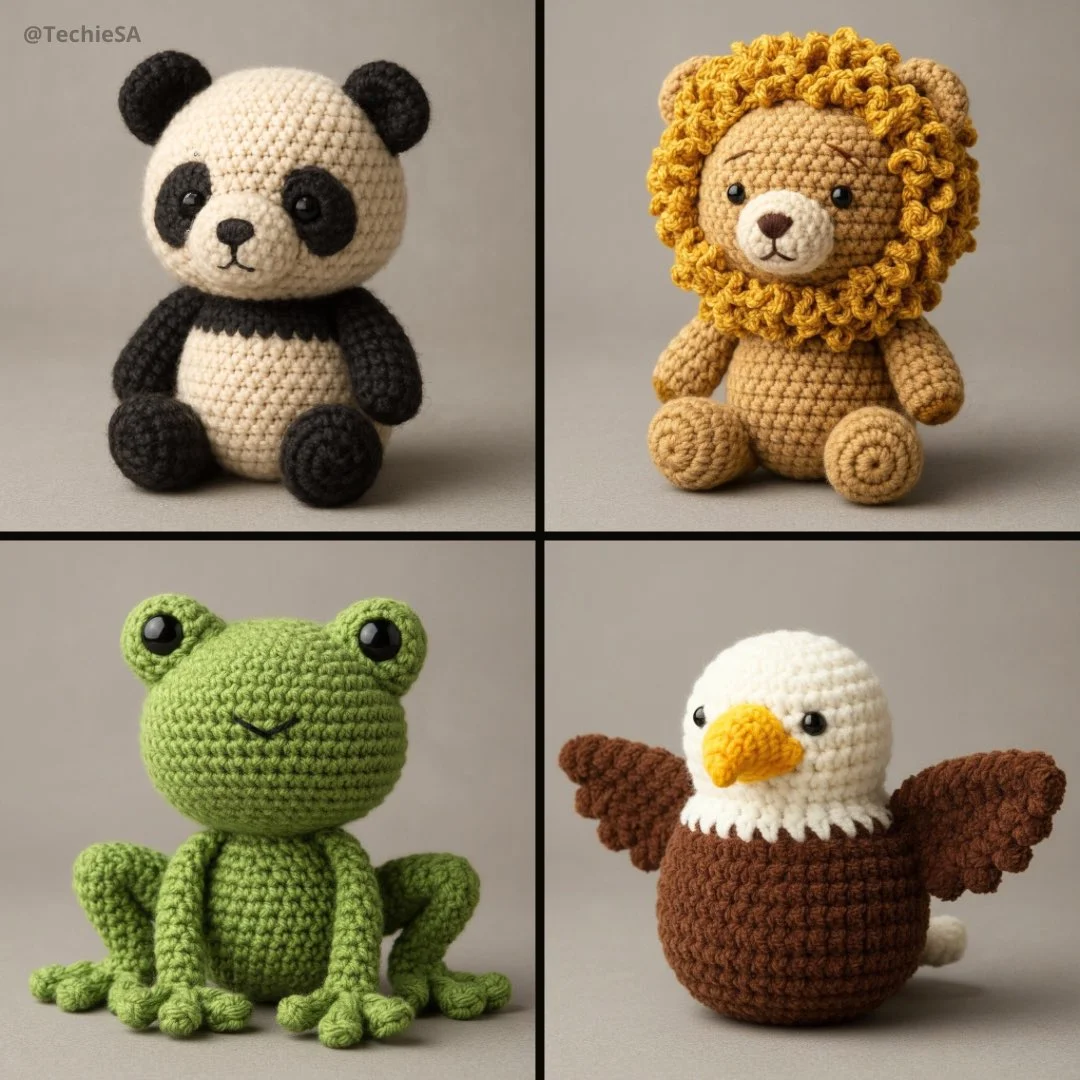
Create a 3D photorealistic and highly detailed poster in amigurumi style. The design should imitate a real handmade crochet [ANIMAL], with visible thread texture, stitching details, and soft, felted proportions. Use realistic fabric shading, subtle fuzz, and natural lighting to achieve depth. The amigurumi should have small embroidered eyes and a simplified face. Represent it in a neutral studio environment with soft shadows for a professional presentation. Gray toned background.
Create a 3D photorealistic and highly detailed poster in amigurumi style. The design should imitate a real handmade crochet [ANIMAL], with visible thread texture, stitching details, and soft, felted proportions. Use realistic fabric shading, subtle fuzz, and natural lighting to achieve depth. The amigurumi should have small embroidered eyes and a simplified face. Represent it in a neutral studio environment with soft shadows for a professional presentation. Gray toned background.
Verified prompt
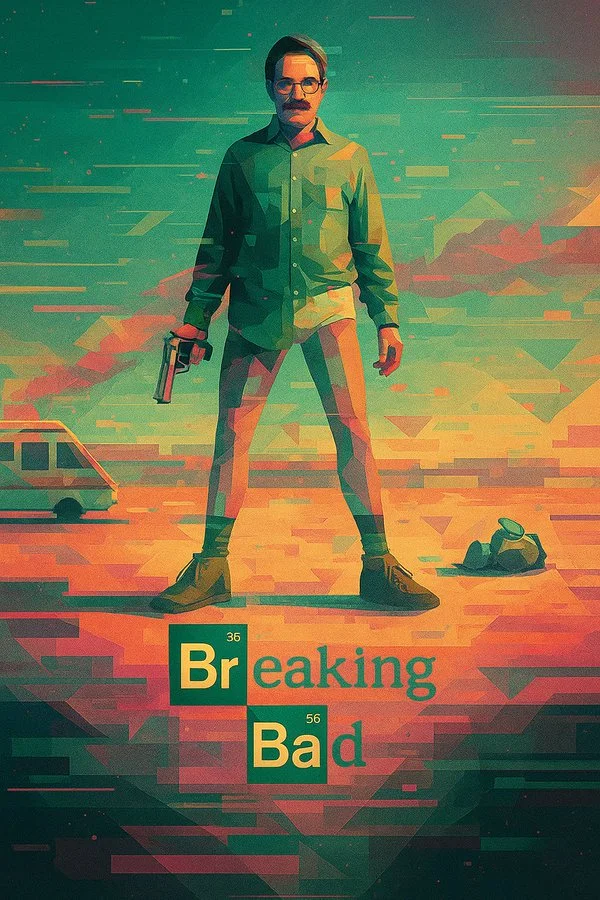
Transform this image into a digital illustration with a surreal, geometric art style. Apply glitch textures, abstract shapes, and cinematic composition. Use the original photo’s lighting and color palette to guide the atmosphere, while reimagining the scene in a stylized, dreamy, retro-futuristic way.
Transform this image into a digital illustration with a surreal, geometric art style. Apply glitch textures, abstract shapes, and cinematic composition. Use the original photo’s lighting and color palette to guide the atmosphere, while reimagining the scene in a stylized, dreamy, retro-futuristic way.
Verified prompt

Verified prompt
te a retro-style engineering exploded view of the Zhuge repeating crossbow, with all text in Chinese.
te a retro-style engineering exploded view of the Zhuge repeating crossbow, with all text in Chinese.
Plan Your Music Visuals
Create an image, animate a scene or find a starting prompt for your project.
AI Reference Images for Music Visuals
Build the Visual World of Your Song
Explore the places, colors and characters suggested by your lyrics. Start with a written brief or a supported reference image, review the result and develop a visual direction for your music project.
Create a SceneFrom a Lyric to a Visual Brief
Describe the imagery of a verse as a scene: a subject, a setting and a mood. Choose a model and review its available inputs before generating.
Set the Composition Before You Animate
Choose framing, lighting and color in your prompt. Check the available output settings and credit quote, then create an image you can use as a video reference.
Describe the Mood of Your Track
Use a few specific visual details to express the feeling of your song. Compare the image with your brief, then refine its light, colors or composition.
Refine Your Prompt
Review the generated composition, then revise your prompt to change specific details. Choose the available model settings and check the credit quote before creating another version.
Review and Download Results
Open completed results in History, inspect important details and download the image you want to use. Keep your prompt and settings so you can compare later versions.
Keep Your Prompt and Result Together
Write a prompt, choose a model, and review your results in History. Refine your description to explore a different composition or style.
A Focused Image Workspace
Keep your visual brief and completed image results together while you develop the project.
Develop a Visual Direction for Your Music
Explore Styles Through Your Prompt
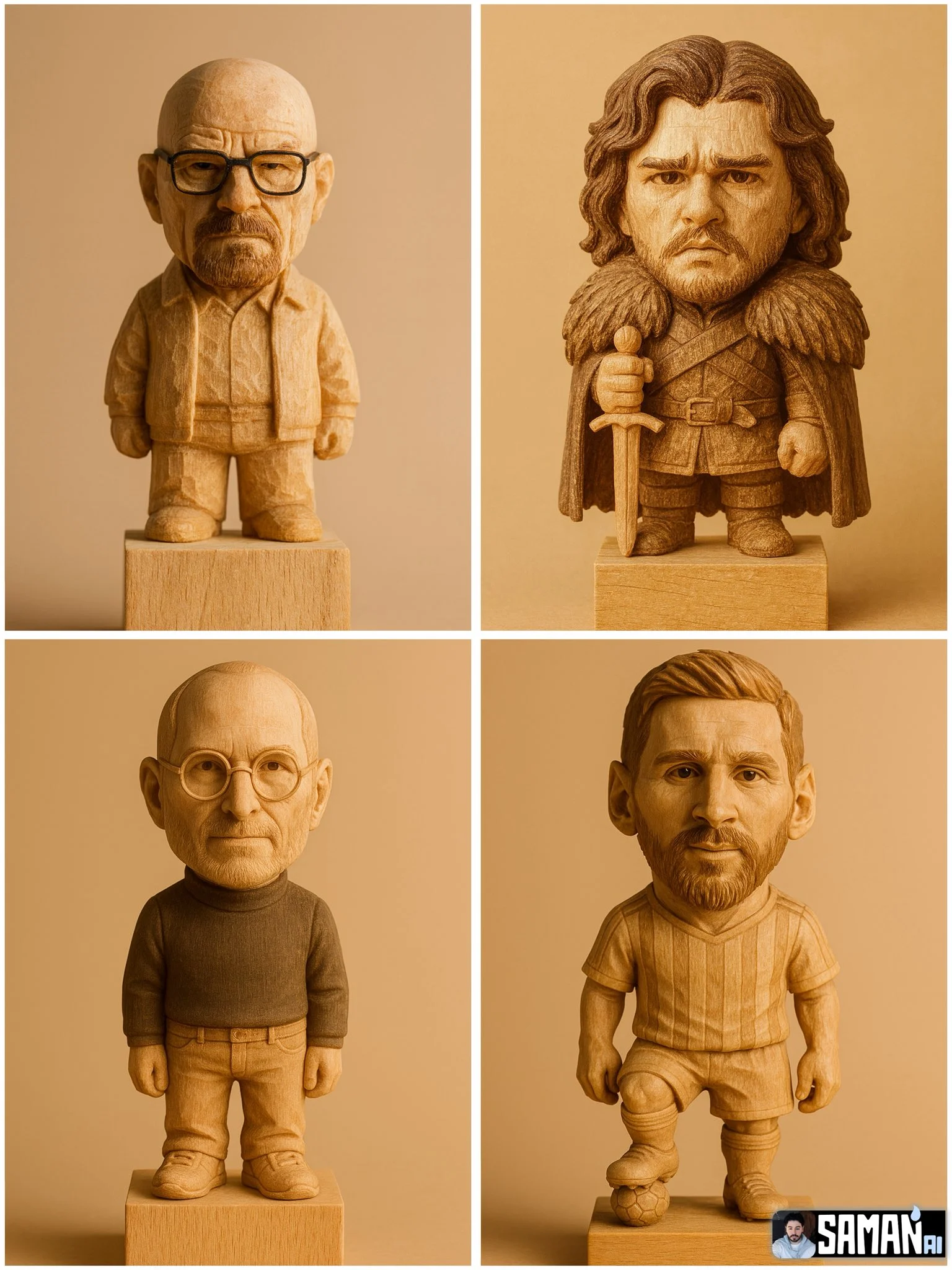
Explore photographic, illustrated or abstract looks by describing the style in your prompt. Results vary by model and request; review each image before using it.
Describe the look you want, then refine your prompt as you compare results.
Reference Images for Your Lyric Video
Explore the scenes and visual details you want to bring into a music project. Create a focused image brief before planning movement.

Locations and Atmosphere
Describe the street, room or landscape suggested by your writing. Test the lighting and color palette before using an image as a video reference.
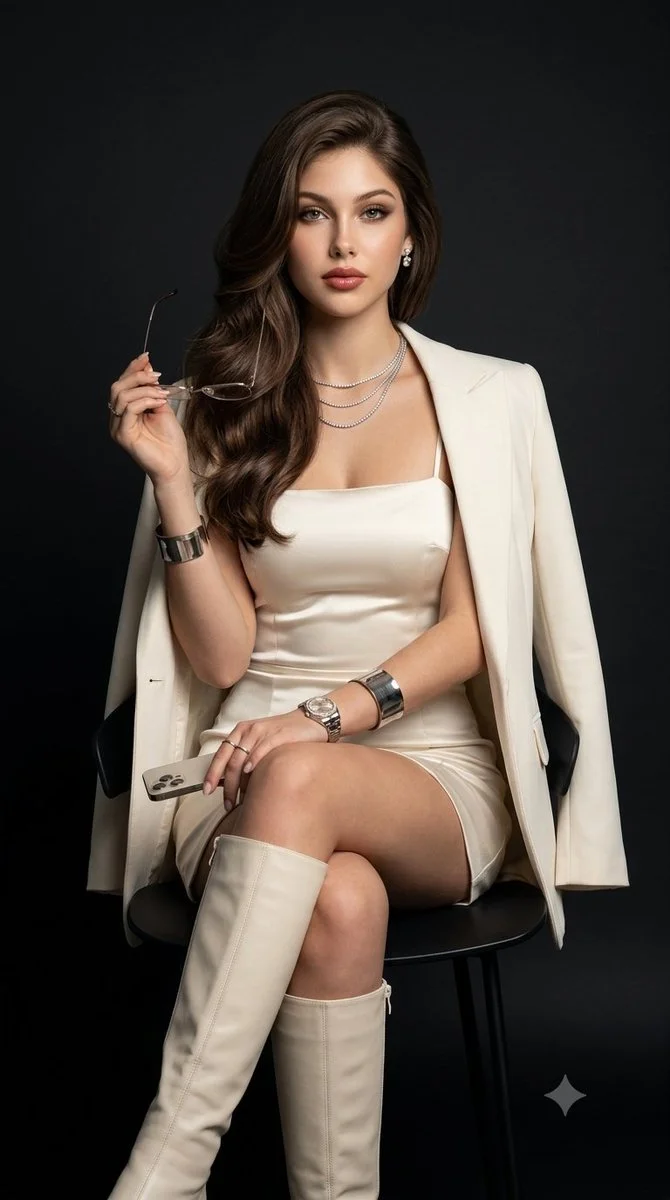
A Central Image for the Chorus
Develop one memorable composition around the main feeling of your chorus. Check the result for distracting details and refine the prompt where needed.
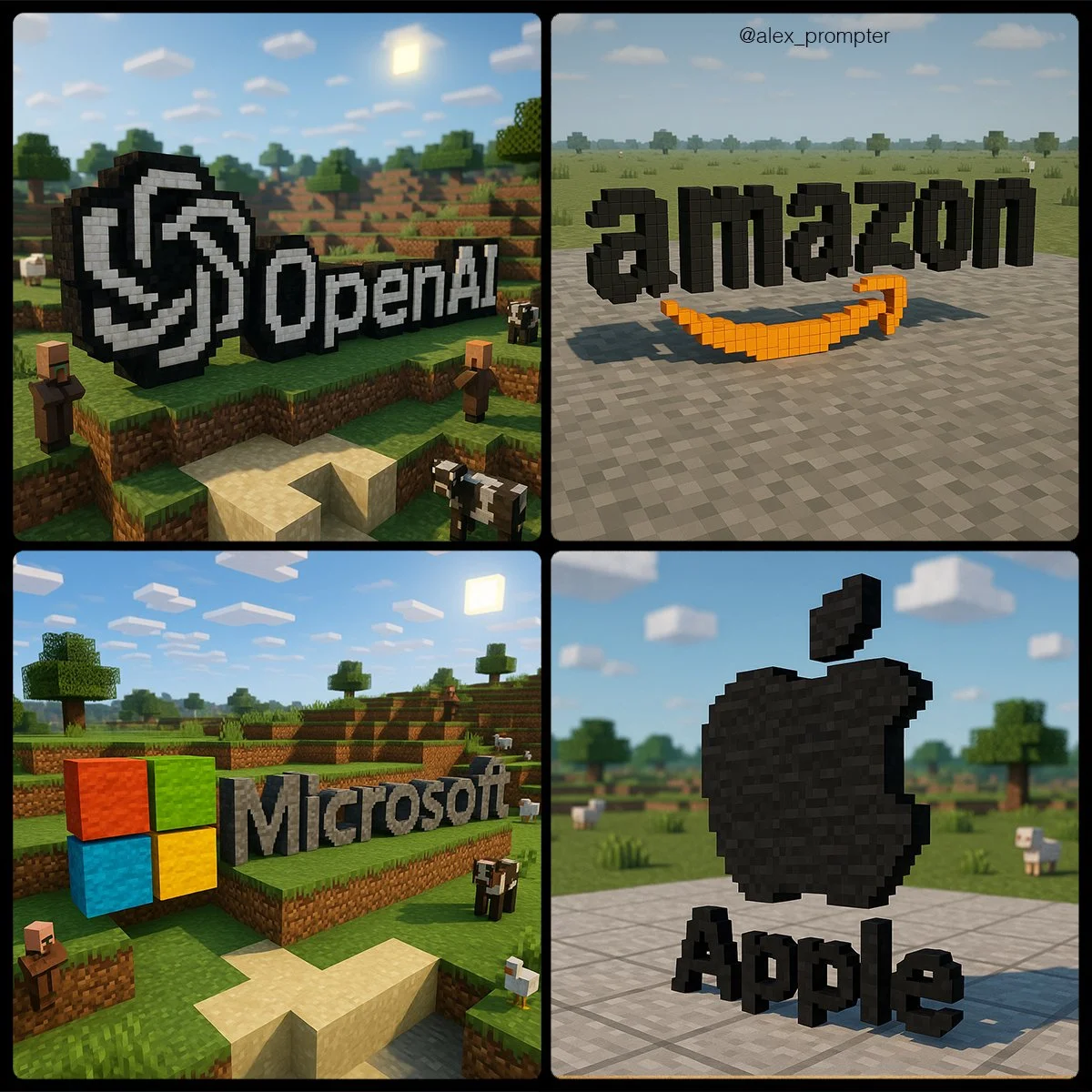
Visual Storyboards
Create concept images for individual moments in a verse. Keep written notes on framing and movement to guide your later video prompts.
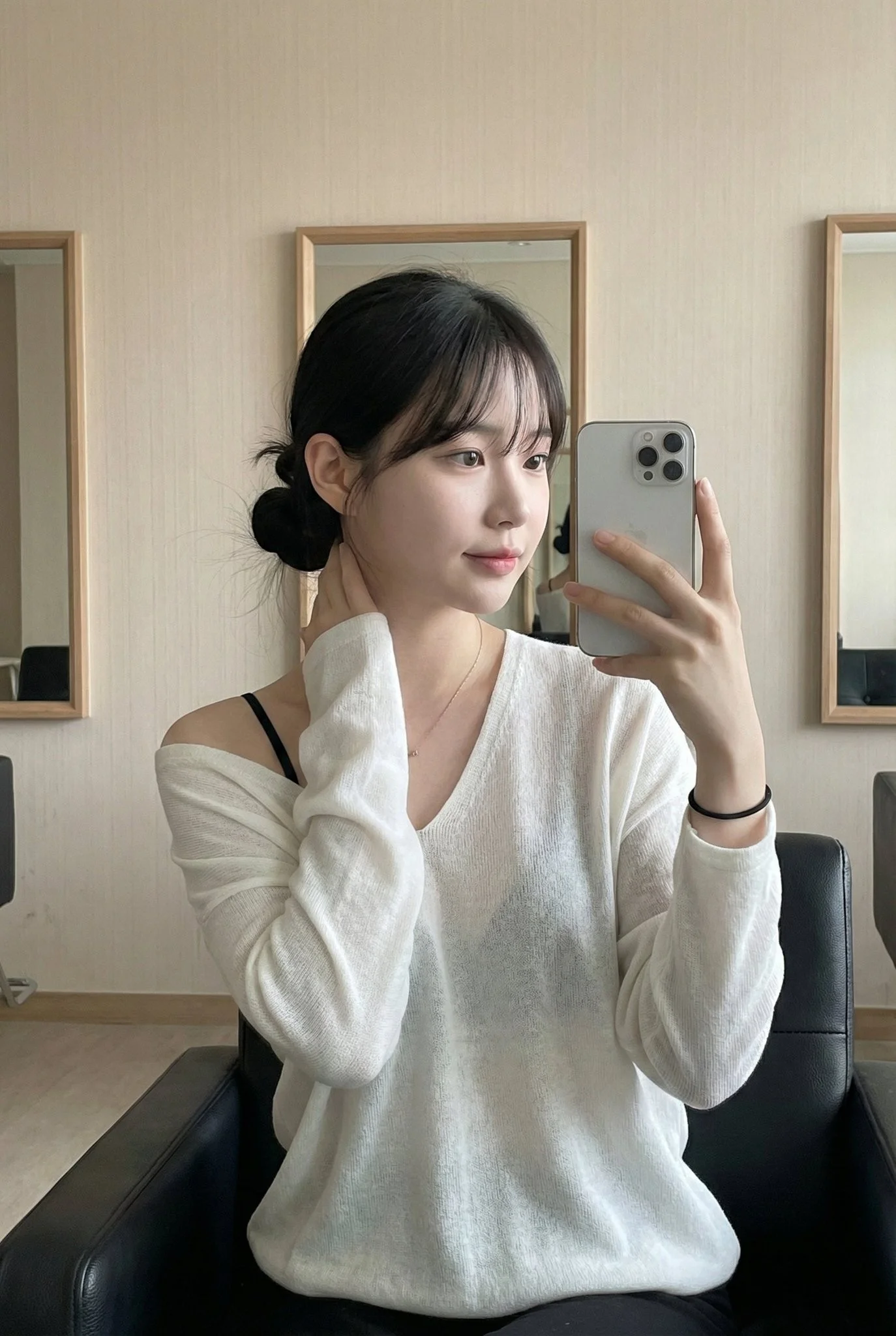
Release Artwork Concepts
Explore visual directions for a song announcement. Review text and design details, then add accurate release information in your editing tool.
Create a Reference Image in Four Steps
Add Your Input
Write a description, or select image-to-image mode and upload a reference. Include the details that matter most to your composition.
Customize Your Options
Choose a model and adjust its available size and quality settings. Check the required credits before generating.
Generate and Refine
Select Generate Image and follow the task in History. Review the result, then revise your prompt to create another version.
Export, Share, or Transform
Download a completed image from History and add it to your project. You can also use it as a reference on the video page.
Images for Every Stage of Your Music Project
Use generated images to explore ideas and prepare visual material for your own edit.
Scene Concepts
Turn one image from a lyric into a composition. Describe the subject, surroundings and lighting, then review the result against your brief.
Social Music Posts
Explore a visual idea for a song or release post. Use the format your channel requires and add accurate text in your design tool.
Pitch and Mood Boards
Prepare visual concepts to discuss with collaborators. Keep a clear brief alongside each image so the intended scene is easy to understand.
Visual World Building
Explore a recurring location, palette or motif for your project. Review separate generations carefully; matching characters and details is not guaranteed.
Workflow Notes
Describe one subject, action and setting before generating. Keep the brief focused so the result is easier to review.
AI Reference Image Questions
Generate an image from a written scene description or a supported reference image. Use the result to explore the visual direction of your music project or as a reference for video generation.
Text-to-image models use your written description to generate a visual interpretation. Specific details about the subject, composition, and lighting can help guide the result.
Download an image you want to use, open the video generator and choose a model that supports image-to-video. Upload the image and describe the movement you want.
Write the medium, palette, lighting and composition in your prompt. There is no one-click style effect control on this page.
Revise your text prompt and generate another version, or use a supported reference image in image-to-image mode. This page does not provide object erasing, canvas expansion or photo restoration controls.
Use inputs you have permission to use and review generated content for recognizable people, brands and protected material. Check the applicable terms for your chosen model and use case before publishing commercially.
Image generation uses credits. Select a model and settings to see the quote before submitting, and visit Pricing for current purchase options.
You can start with a plain-language description. Add details about the subject, setting, lighting, and style as you refine your idea.
You can request a refund within 10 days of purchase if you have unused credits from that purchase and provide a clear reason, subject to our Refund Policy. If eligible, an unused purchase can be fully refunded; a partly used purchase is refunded in proportion to its remaining unused credits. Fully used purchases and free or promotional credits are not refundable.
Credit validity depends on the pack, subscription or promotion that issued them. Review the purchase terms and expiration dates in Settings > Credits. A renewal or new purchase does not extend older credits. Use credits before their stated expiration; do not assume unused subscription credits roll over indefinitely.
Credits charged for a task that is confirmed as failed due to a system error are returned automatically. A task that is still processing has not yet been confirmed as failed. Check its status and your credit history before submitting again. If a confirmed failure still shows an unresolved charge, email support@raplyrics.app with the task ID.
AI results can vary, so a completed result that differs from your expectations is not automatically treated as a technical failure. Eligible completed image tasks can be submitted for credit refund review using the refund option where available; approval is required. For a video or another issue, contact support@raplyrics.app with the task ID and details. A credit refund returns credits, not money to your payment method.
Email support@raplyrics.app. For billing, include your account email and order ID; for generation, include the task ID, issue description and relevant screenshots. If you purchased as a guest, keep the original browser data and payment receipt so we can help locate the purchase.
Create a Visual Starting Point for Your Lyrics
Create an image from a text description or supported reference. Review the model settings, check the credit quote and download completed results from History.
raplyrics.app · Updated
What's new on this page
- — Added editable example prompts and separate drafts for text and reference modes, with an action to restore the example.
- — Page content published.