
Nano Banana Image Concepts for Music Visuals
Nano Banana Image Concepts for Music Visuals
Describe the image you want. Review the result and revise your prompt to create another version. Supported input modes and settings are shown in the generator.
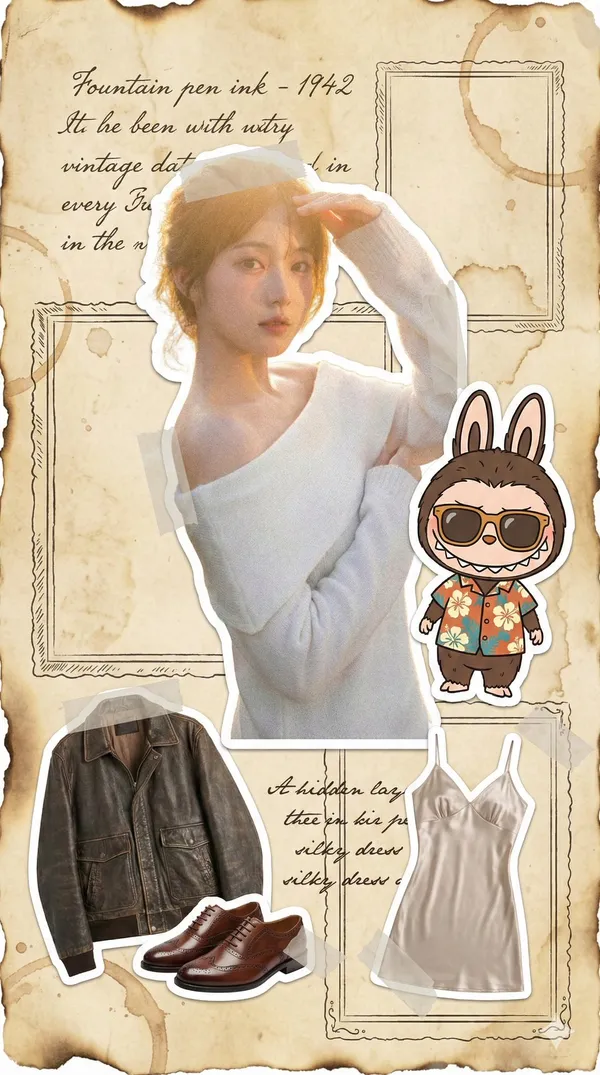
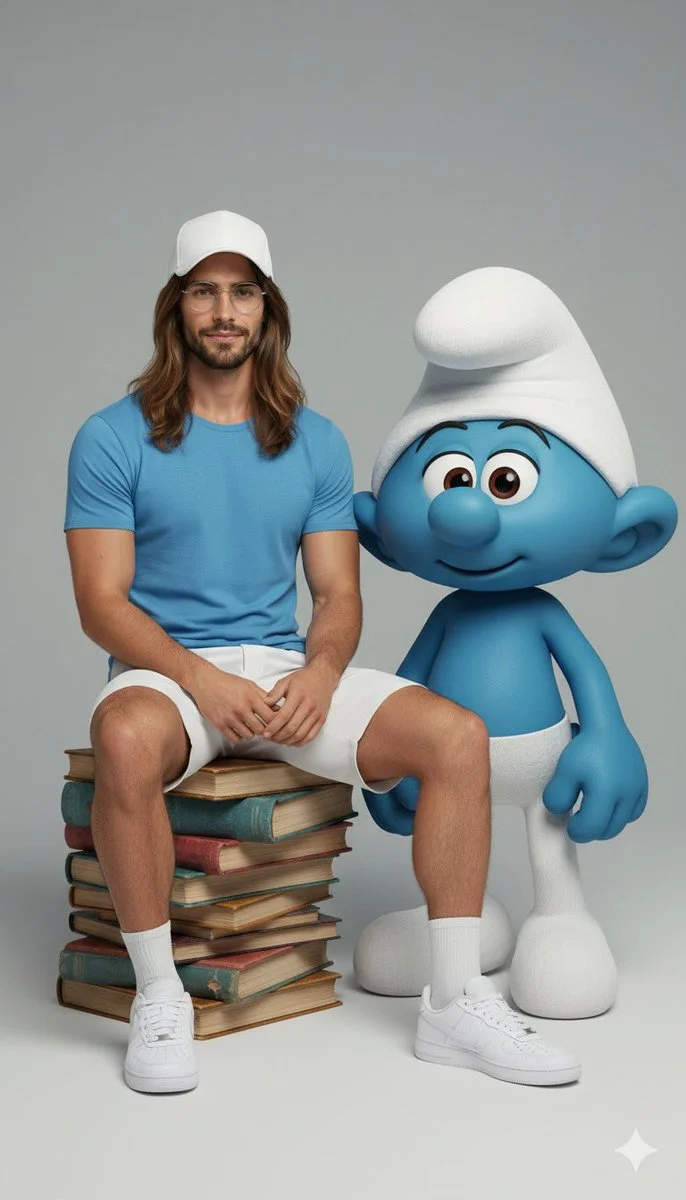
Verified prompt
Ultra-realistic full-body portrait of the attached image. The person is interacting with {fictional character} in a {pose/interaction type}. Studio or neutral environment, soft cinematic lighting, {optional color palette}. The person wears {clothing style and colors}, The fictional character retains its original appearance, including skin color, clothing, and signature features. Expression and mood: {emotional tone}, captured in photorealistic textures, realistic lighting, cinematic composition, high fashion editorial quality.
Ultra-realistic full-body portrait of the attached image. The person is interacting with {fictional character} in a {pose/interaction type}. Studio or neutral environment, soft cinematic lighting, {optional color palette}. The person wears {clothing style and colors}, The fictional character retains its original appearance, including skin color, clothing, and signature features. Expression and mood: {emotional tone}, captured in photorealistic textures, realistic lighting, cinematic composition, high fashion editorial quality.
Verified prompt
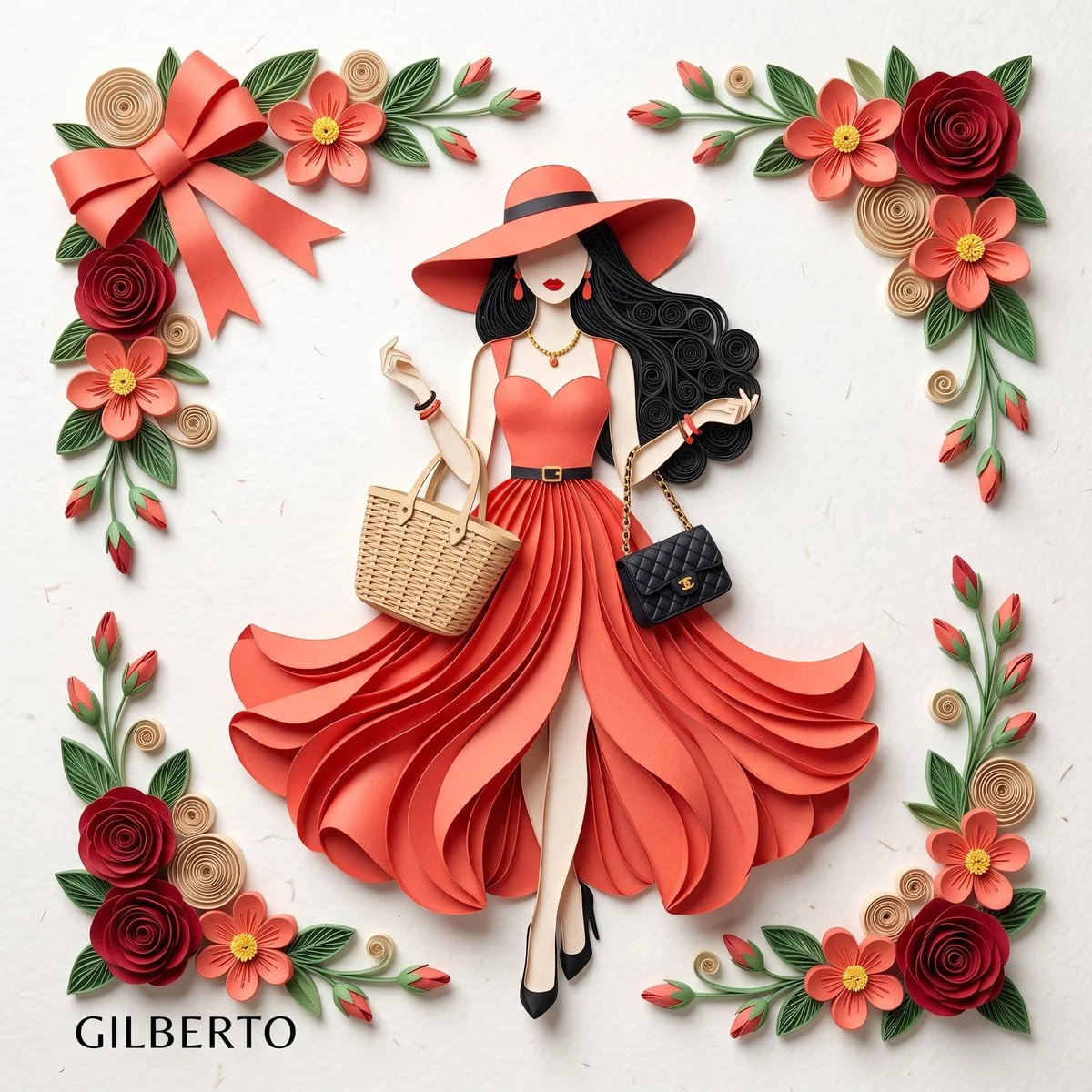
3D paper quilling and layered paper craft art of an elegant fashion illustration, flat lay on clean off-white textured paper with soft overhead studio lighting and drop shadows. Center stylized woman from layered cut paper wearing striking coral-red sleeveless dress with sweetheart neckline, thin black waist belt gold buckle, dramatically layered flowing petal skirt high slit. Matching wide-brimmed coral-red sun hat thin black band, long voluminous black quilled hair soft curls, minimalist faceless with red lipstick, dangling red drop earrings, black pointed heels. Holds woven beige wicker tote and small quilted black handbag. Framed by intricate quilled paper florals: deep red roses, coral five-petal flowers yellow centers, beige spirals, green leaves, red buds. Top-left large elegant coral-red folded paper bow.
3D paper quilling and layered paper craft art of an elegant fashion illustration, flat lay on clean off-white textured paper with soft overhead studio lighting and drop shadows. Center stylized woman from layered cut paper wearing striking coral-red sleeveless dress with sweetheart neckline, thin black waist belt gold buckle, dramatically layered flowing petal skirt high slit. Matching wide-brimmed coral-red sun hat thin black band, long voluminous black quilled hair soft curls, minimalist faceless with red lipstick, dangling red drop earrings, black pointed heels. Holds woven beige wicker tote and small quilted black handbag. Framed by intricate quilled paper florals: deep red roses, coral five-petal flowers yellow centers, beige spirals, green leaves, red buds. Top-left large elegant coral-red folded paper bow.
Verified prompt
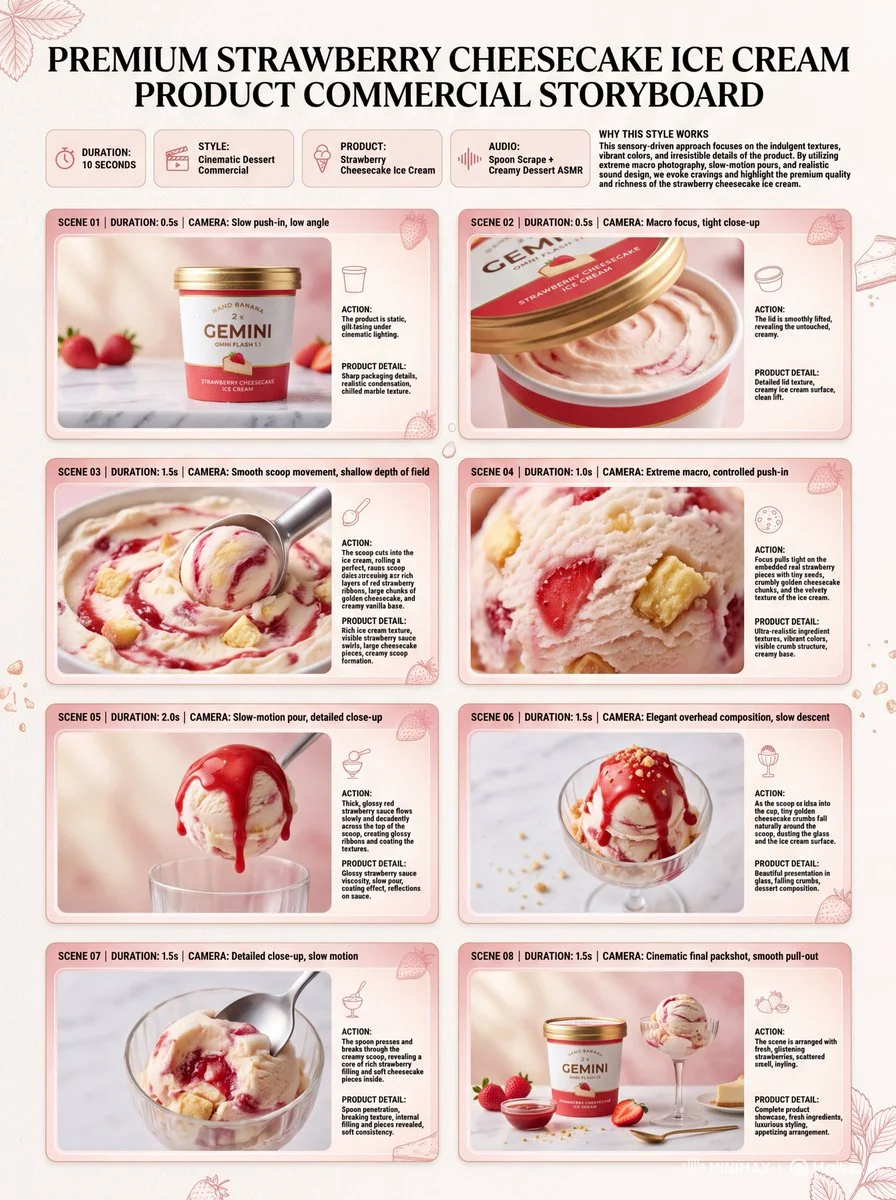
Premium 3:4 10s cinematic strawberry cheesecake ice cream commercial storyboard. Header: duration, dessert style, ice cream product, spoon ASMR, pink-red-cream palette. Eight panels: tub on marble, lid lift reveal, scoop press showing layers, extreme macro pieces crumbs, sauce flow ribbons, scoop to glass with crumbs, spoon break filling, final hero tub cup strawberries sauce. Extreme macro, slow-mo pour, overhead, push-in. Ultra-realistic creamy texture, fruit pieces, condensation, sharp packaging, soft lighting, 8K, product hero.
Premium 3:4 10s cinematic strawberry cheesecake ice cream commercial storyboard. Header: duration, dessert style, ice cream product, spoon ASMR, pink-red-cream palette. Eight panels: tub on marble, lid lift reveal, scoop press showing layers, extreme macro pieces crumbs, sauce flow ribbons, scoop to glass with crumbs, spoon break filling, final hero tub cup strawberries sauce. Extreme macro, slow-mo pour, overhead, push-in. Ultra-realistic creamy texture, fruit pieces, condensation, sharp packaging, soft lighting, 8K, product hero.
Verified prompt
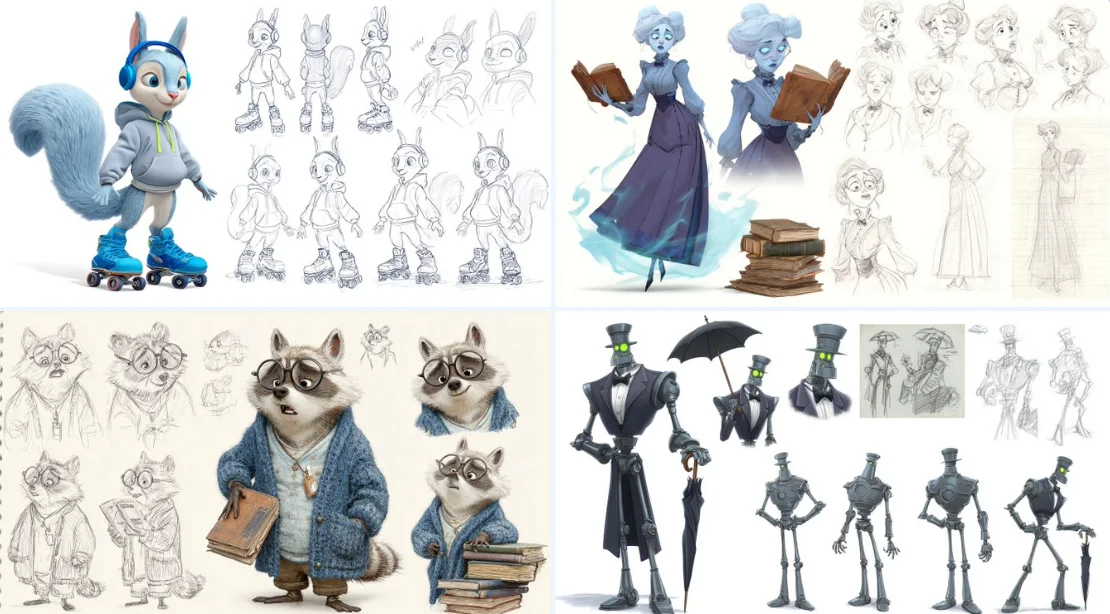
A character sheet of [detailed description of thecharacter], in the style of Pixar, featuring multiple poses and expressions from different angles, including concept art, pencil sketches, a full-body reference sheet, and a white background. The sheet includes wide shots, low-angle views, 3D renders, and Octane renderings, highly detailed result.
A character sheet of [detailed description of thecharacter], in the style of Pixar, featuring multiple poses and expressions from different angles, including concept art, pencil sketches, a full-body reference sheet, and a white background. The sheet includes wide shots, low-angle views, 3D renders, and Octane renderings, highly detailed result.
Verified prompt
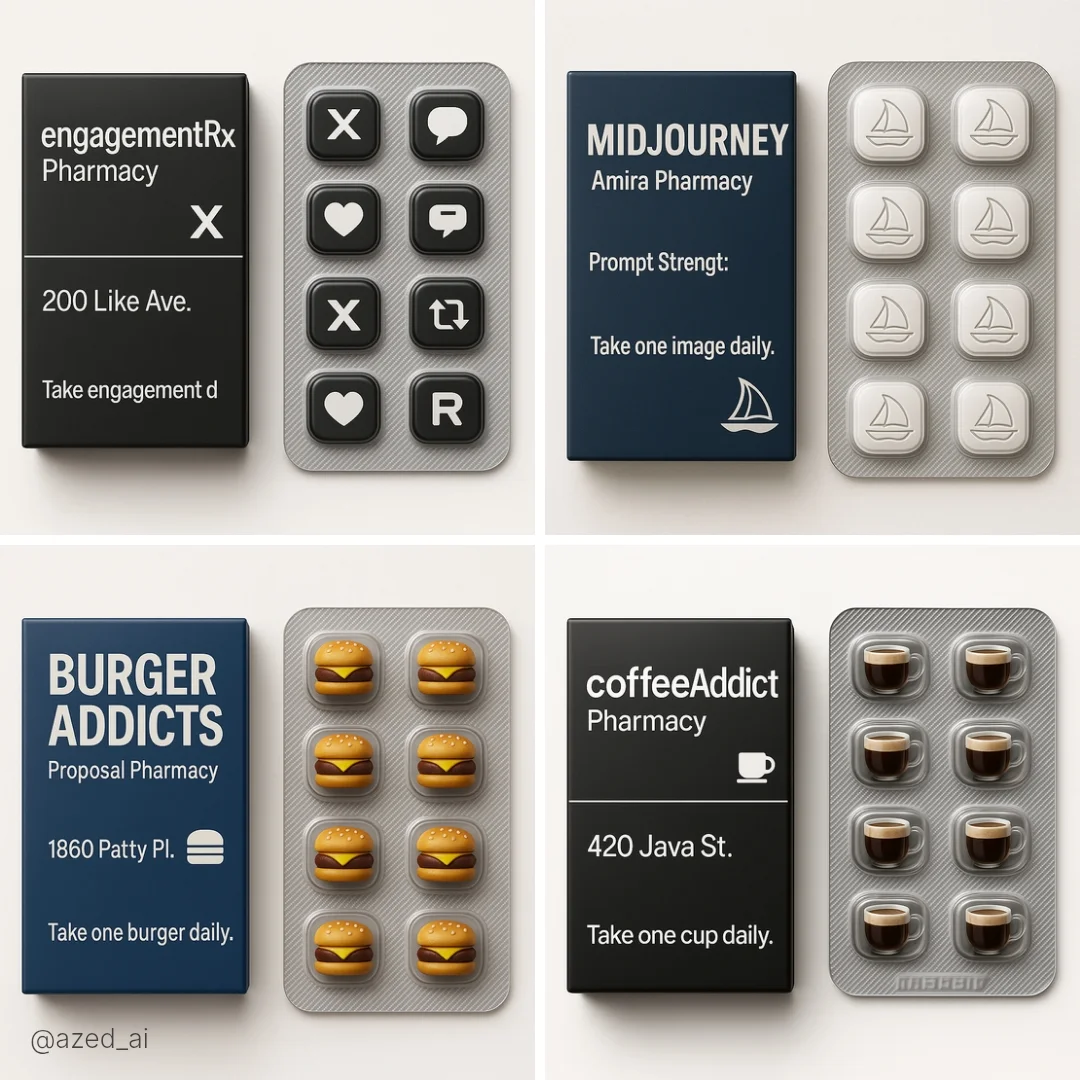
A square-format digital photograph showing a fictional pharmaceutical-style product from [Brand Name] Pharmacy. The box is on the left, clean and minimalist, featuring bold text with the product name "[PRODUCT NAME]" and a witty line like "Take one [type] daily." Next to the box is a silver blister pack containing 6–10 themed pills or capsules shaped like [describe icon/logo/item, e.g., a coffee cup, burger, heart, Midjourney logo, etc.]. Neutral background, soft lighting, sharp focus, modern packaging aesthetic.
A square-format digital photograph showing a fictional pharmaceutical-style product from [Brand Name] Pharmacy. The box is on the left, clean and minimalist, featuring bold text with the product name "[PRODUCT NAME]" and a witty line like "Take one [type] daily." Next to the box is a silver blister pack containing 6–10 themed pills or capsules shaped like [describe icon/logo/item, e.g., a coffee cup, burger, heart, Midjourney logo, etc.]. Neutral background, soft lighting, sharp focus, modern packaging aesthetic.
Verified prompt
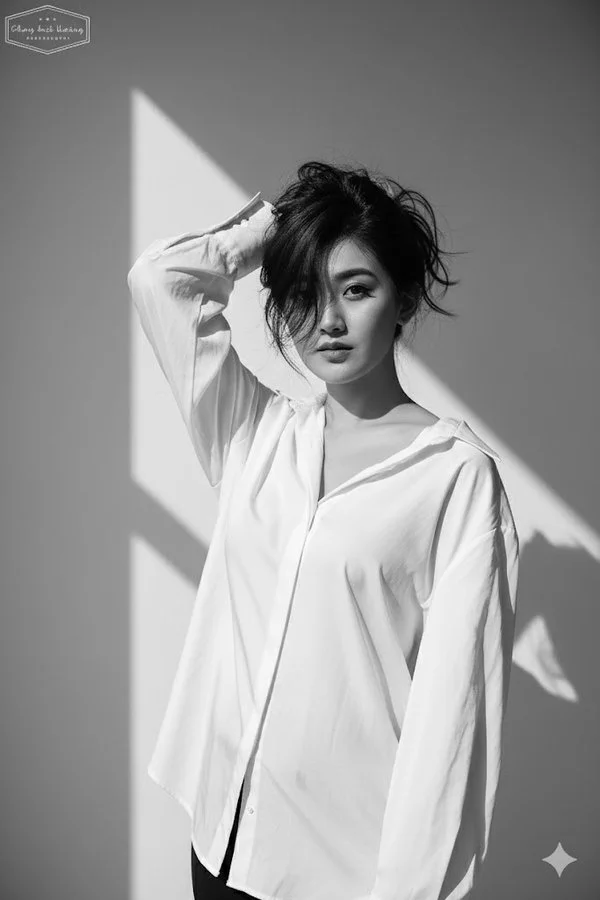
Create a black and white high-fashion editorial portrait of me, keeping my real face exactly as in the reference photo (no edits, same features, no retouching). I am wearing a loose white blouse. My pose is bold and expressive, with one arm raised to hold my hair up, partially covering my face. My gaze is intense and directed at the camera, creating a strong and enigmatic aura. The background is a plain minimalist wall with sharp natural daylight casting defined shadows, adding depth and contrast. Lighting is harsh and high-contrast, highlighting my facial contours, sharp cheekbones, and the texture of the hair and fabric. The style should feel raw, dramatic, and artistic. The overall image is high-fashion editorial in monochrome, cinematic, and striking.
Create a black and white high-fashion editorial portrait of me, keeping my real face exactly as in the reference photo (no edits, same features, no retouching). I am wearing a loose white blouse. My pose is bold and expressive, with one arm raised to hold my hair up, partially covering my face. My gaze is intense and directed at the camera, creating a strong and enigmatic aura. The background is a plain minimalist wall with sharp natural daylight casting defined shadows, adding depth and contrast. Lighting is harsh and high-contrast, highlighting my facial contours, sharp cheekbones, and the texture of the hair and fabric. The style should feel raw, dramatic, and artistic. The overall image is high-fashion editorial in monochrome, cinematic, and striking.
Verified prompt
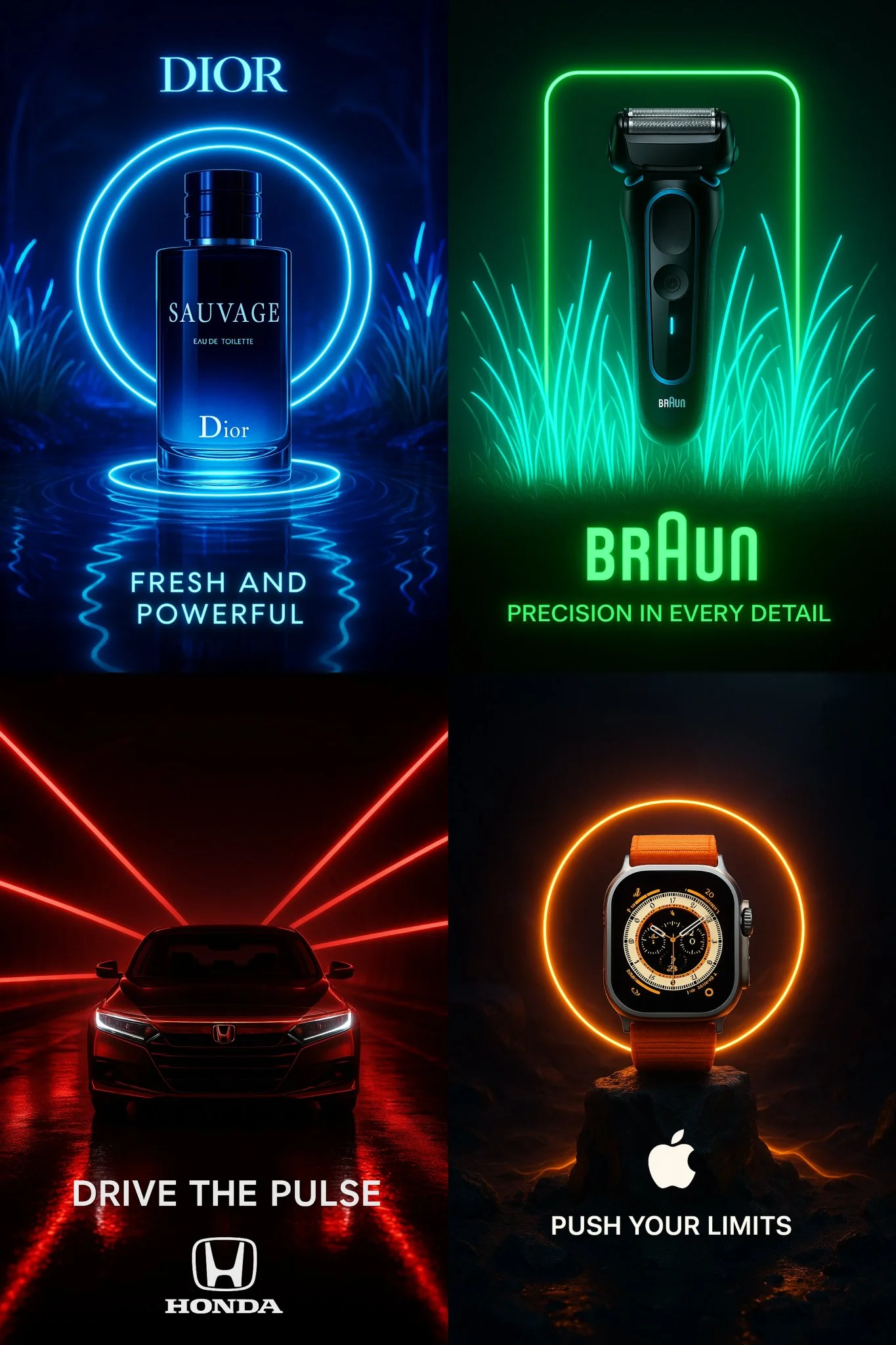
Create a cinematic advertisement for “[PRODUCT NAME]” — use bioluminescent neon lighting that matches the brand’s visual identity — place the product at the center of the scene with surreal, minimalistic composition — automatically adapt the environment to reflect the product’s nature (e.g. tech, fragrance, luxury, automotive, beauty) — integrate the brand’s actual logo in high fidelity — generate a short, powerful 3-word tagline that fits the brand’s tone — long exposure lighting effects — dramatic shadows — ultra-sharp focus — dark or ambient background — aspect ratio 2:3 or 1:1 — ultra-HD resolution
Create a cinematic advertisement for “[PRODUCT NAME]” — use bioluminescent neon lighting that matches the brand’s visual identity — place the product at the center of the scene with surreal, minimalistic composition — automatically adapt the environment to reflect the product’s nature (e.g. tech, fragrance, luxury, automotive, beauty) — integrate the brand’s actual logo in high fidelity — generate a short, powerful 3-word tagline that fits the brand’s tone — long exposure lighting effects — dramatic shadows — ultra-sharp focus — dark or ambient background — aspect ratio 2:3 or 1:1 — ultra-HD resolution
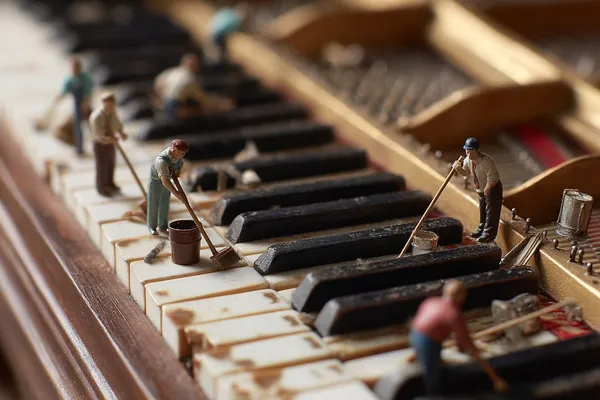
Verified prompt
-shift photo of a grand piano keyboard, side view from the left looking along the keys to the right, shallow depth of field, tiny human figures cleaning the piano keys with brushes, cloths, and buckets, whimsical and surreal scene, soft lighting, hyper-detailed, high realism
-shift photo of a grand piano keyboard, side view from the left looking along the keys to the right, shallow depth of field, tiny human figures cleaning the piano keys with brushes, cloths, and buckets, whimsical and surreal scene, soft lighting, hyper-detailed, high realism
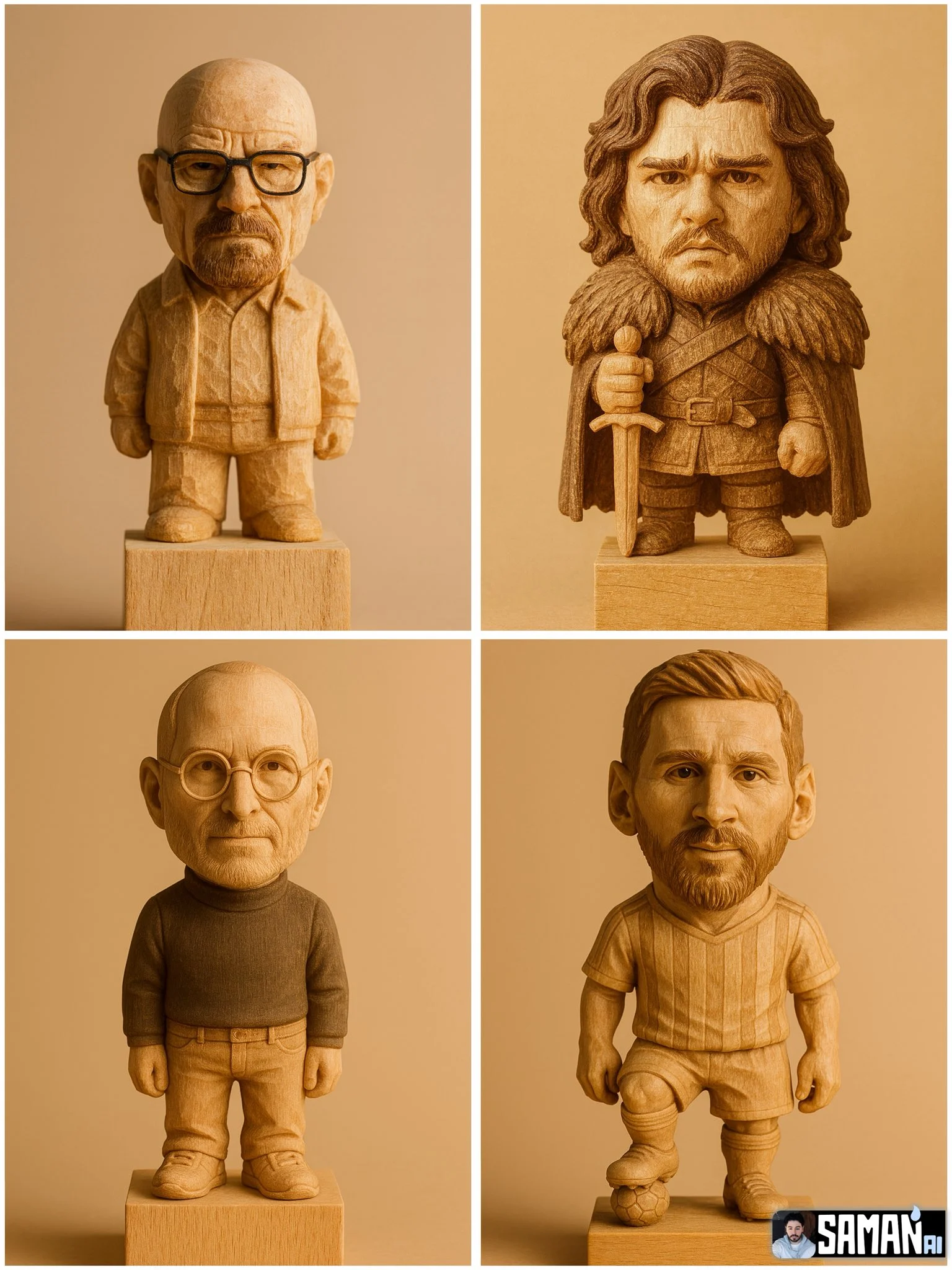
Verified prompt
Hyper-realistic carved wooden figurine of [CHARACTER], chibi proportions (big head, short body), standing on a plain wood block. Keep key face traits and iconic [OUTFIT/PROP]. Visible wood grain and chisel marks, matte finish. Warm studio light, soft shadow, seamless beige background. Centered full-body, slight 3/4 angle, shallow depth of field (85mm look). Ultra-detailed, photoreal, warm sepia grading. Aspect ratio [3:4].
Hyper-realistic carved wooden figurine of [CHARACTER], chibi proportions (big head, short body), standing on a plain wood block. Keep key face traits and iconic [OUTFIT/PROP]. Visible wood grain and chisel marks, matte finish. Warm studio light, soft shadow, seamless beige background. Centered full-body, slight 3/4 angle, shallow depth of field (85mm look). Ultra-detailed, photoreal, warm sepia grading. Aspect ratio [3:4].
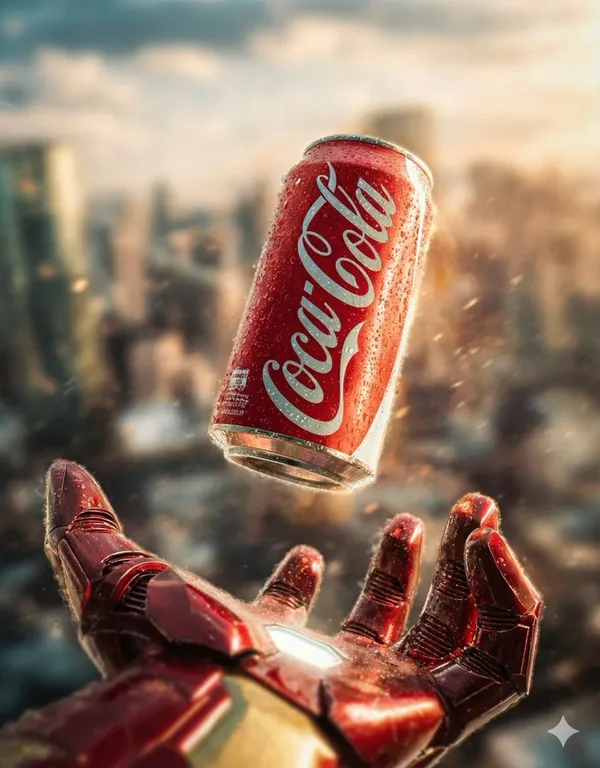
Verified prompt
{ "concept_id": "iron_man_coke", "visual_breakdown": { "focus_object": "Coca-Cola Can", "character_element": "Iron Man's Gauntlet", "environment": "Blurred City Skyline" }, "artistic_direction": { "lighting": "Cinematic/Metallic", "mood": "technological" }, "generation_command": { "aspect_ratio": "7:9", "concise_prompt": "Iron Man's gauntlet hovering below a floating Coca-Cola can, cinematic city background, dramatic movie poster lighting. --ar 7:9" } }, { "concept_id": "hulk_pepsi", "visual_breakdown": { "focus_object": "Crushed Pepsi Can", "character_element": "Hulk's Giant Hand", "environment": "Smoky City Ruins" }, "artistic_direction": { "lighting": "Explosive/High Contrast", "mood": "destructive" }, "generation_command": { "aspect_ratio": "7:9", "concise_prompt": "Hulk's giant hand hovering over a crushed Pepsi can embedded in pavement, smoky ruins, explosive action movie style. --ar 7:9" } }, { "concept_id": "thor_sprite", "visual_breakdown": { "focus_object": "Sprite Bottle", "character_element": "Thor's Glowing Hand", "environment": "Storm/Lightning" }, "artistic_direction": { "lighting": "Electric/Blue-Toned", "mood": "mythological" }, "generation_command": { "aspect_ratio": "7:9", "concise_prompt": "Thor's glowing hand holding a floating Sprite bottle amidst crackling lightning and rain, Mjolnir in background, epic poster style. --ar 7:9" } }, { "concept_id": "dr_strange_fanta", "visual_breakdown": { "focus_object": "Fanta Bottle", "character_element": "Doctor Strange's Hand", "environment": "Golden Magic Portal" }, "artistic_direction": { "lighting": "Magical/Golden Bokeh", "mood": "mystical" }, "generation_command": { "aspect_ratio": "7:9", "concise_prompt": "Doctor Strange casting a spell under a spinning Fanta bottle inside a golden magic portal, mystical Sanctum background, cinematic lighting. --ar 7:9" } } ]
{ "concept_id": "iron_man_coke", "visual_breakdown": { "focus_object": "Coca-Cola Can", "character_element": "Iron Man's Gauntlet", "environment": "Blurred City Skyline" }, "artistic_direction": { "lighting": "Cinematic/Metallic", "mood": "technological" }, "generation_command": { "aspect_ratio": "7:9", "concise_prompt": "Iron Man's gauntlet hovering below a floating Coca-Cola can, cinematic city background, dramatic movie poster lighting. --ar 7:9" } }, { "concept_id": "hulk_pepsi", "visual_breakdown": { "focus_object": "Crushed Pepsi Can", "character_element": "Hulk's Giant Hand", "environment": "Smoky City Ruins" }, "artistic_direction": { "lighting": "Explosive/High Contrast", "mood": "destructive" }, "generation_command": { "aspect_ratio": "7:9", "concise_prompt": "Hulk's giant hand hovering over a crushed Pepsi can embedded in pavement, smoky ruins, explosive action movie style. --ar 7:9" } }, { "concept_id": "thor_sprite", "visual_breakdown": { "focus_object": "Sprite Bottle", "character_element": "Thor's Glowing Hand", "environment": "Storm/Lightning" }, "artistic_direction": { "lighting": "Electric/Blue-Toned", "mood": "mythological" }, "generation_command": { "aspect_ratio": "7:9", "concise_prompt": "Thor's glowing hand holding a floating Sprite bottle amidst crackling lightning and rain, Mjolnir in background, epic poster style. --ar 7:9" } }, { "concept_id": "dr_strange_fanta", "visual_breakdown": { "focus_object": "Fanta Bottle", "character_element": "Doctor Strange's Hand", "environment": "Golden Magic Portal" }, "artistic_direction": { "lighting": "Magical/Golden Bokeh", "mood": "mystical" }, "generation_command": { "aspect_ratio": "7:9", "concise_prompt": "Doctor Strange casting a spell under a spinning Fanta bottle inside a golden magic portal, mystical Sanctum background, cinematic lighting. --ar 7:9" } } ]
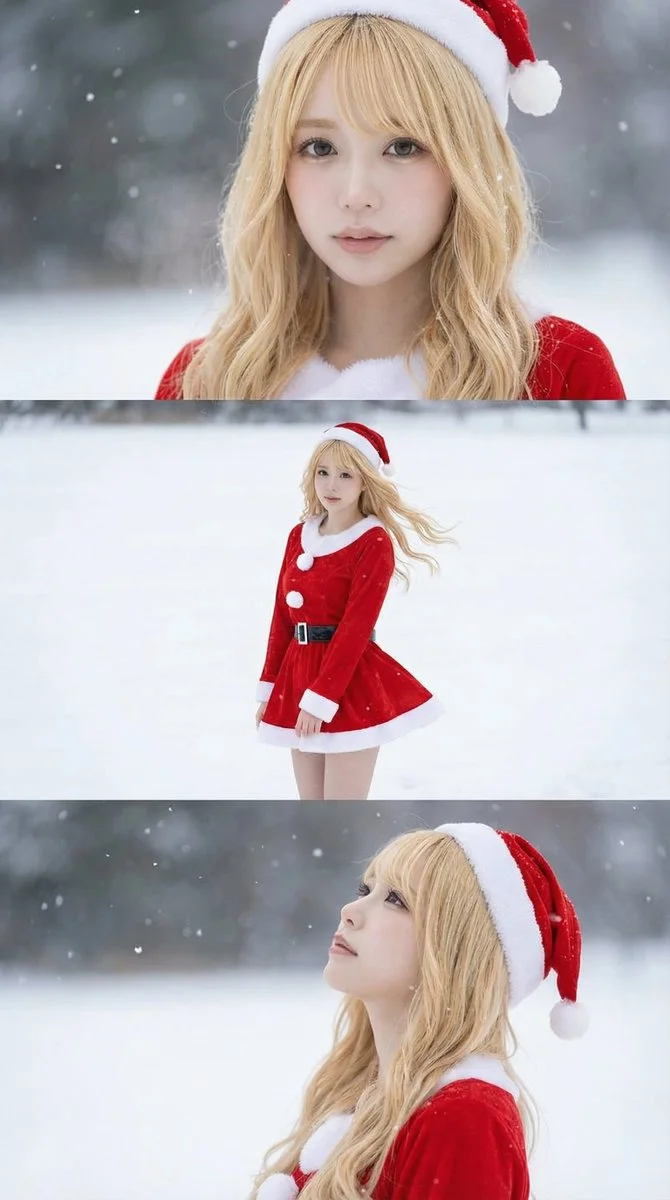
Verified prompt
Borrowed from @iX00AI: Using the uploaded reference image, generate a horizontal three-panel composition with mini-skirt Santa cosplay in winter snow theme.
Borrowed from @iX00AI: Using the uploaded reference image, generate a horizontal three-panel composition with mini-skirt Santa cosplay in winter snow theme.
Verified prompt
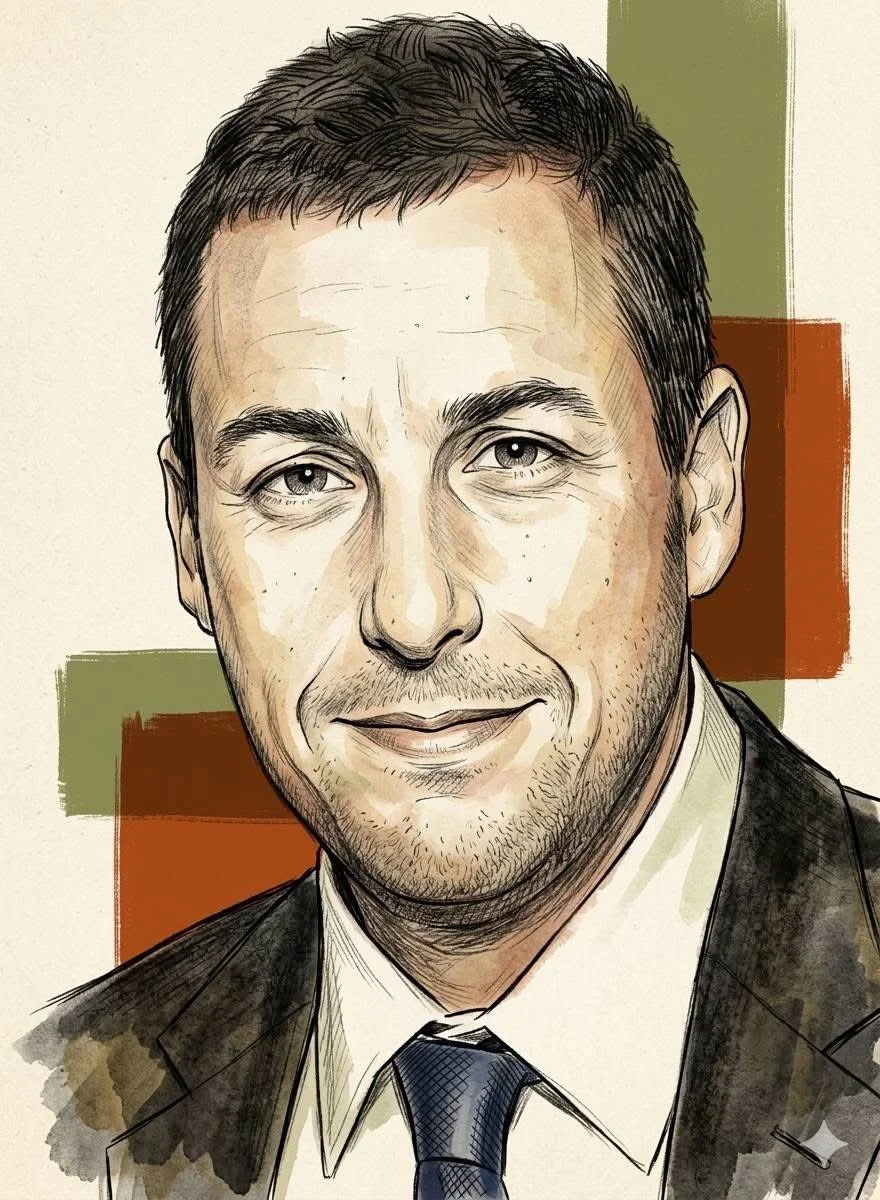
Using an uploaded portrait as the subject reference, create a vertical 9:16 image. Render the subject as a refined editorial sketch with fine ink outlines, cross-hatching, textured pencil marks and a restrained watercolor wash. Use warm earth colors, a lightly grained cream paper surface and a few bold geometric blocks behind the head. Keep facial features recognizable while allowing uneven brush edges and subtle hand-drawn imperfections. Center the portrait, leave the surrounding space simple, and aim for a matte vintage-magazine illustration with careful facial detail and loosely finished clothing.
Using an uploaded portrait as the subject reference, create a vertical 9:16 image. Render the subject as a refined editorial sketch with fine ink outlines, cross-hatching, textured pencil marks and a restrained watercolor wash. Use warm earth colors, a lightly grained cream paper surface and a few bold geometric blocks behind the head. Keep facial features recognizable while allowing uneven brush edges and subtle hand-drawn imperfections. Center the portrait, leave the surrounding space simple, and aim for a matte vintage-magazine illustration with careful facial detail and loosely finished clothing.
Plan Your Music Visuals
Create an image, animate a scene or find a starting prompt for your project.
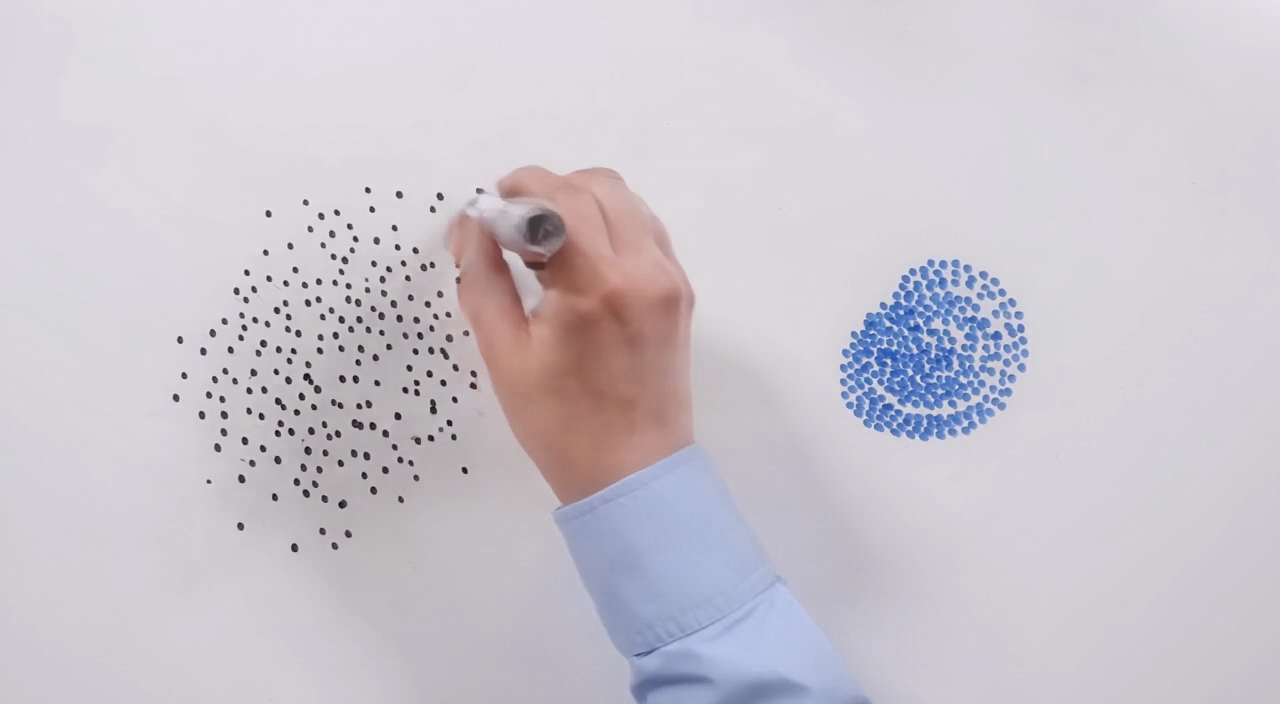
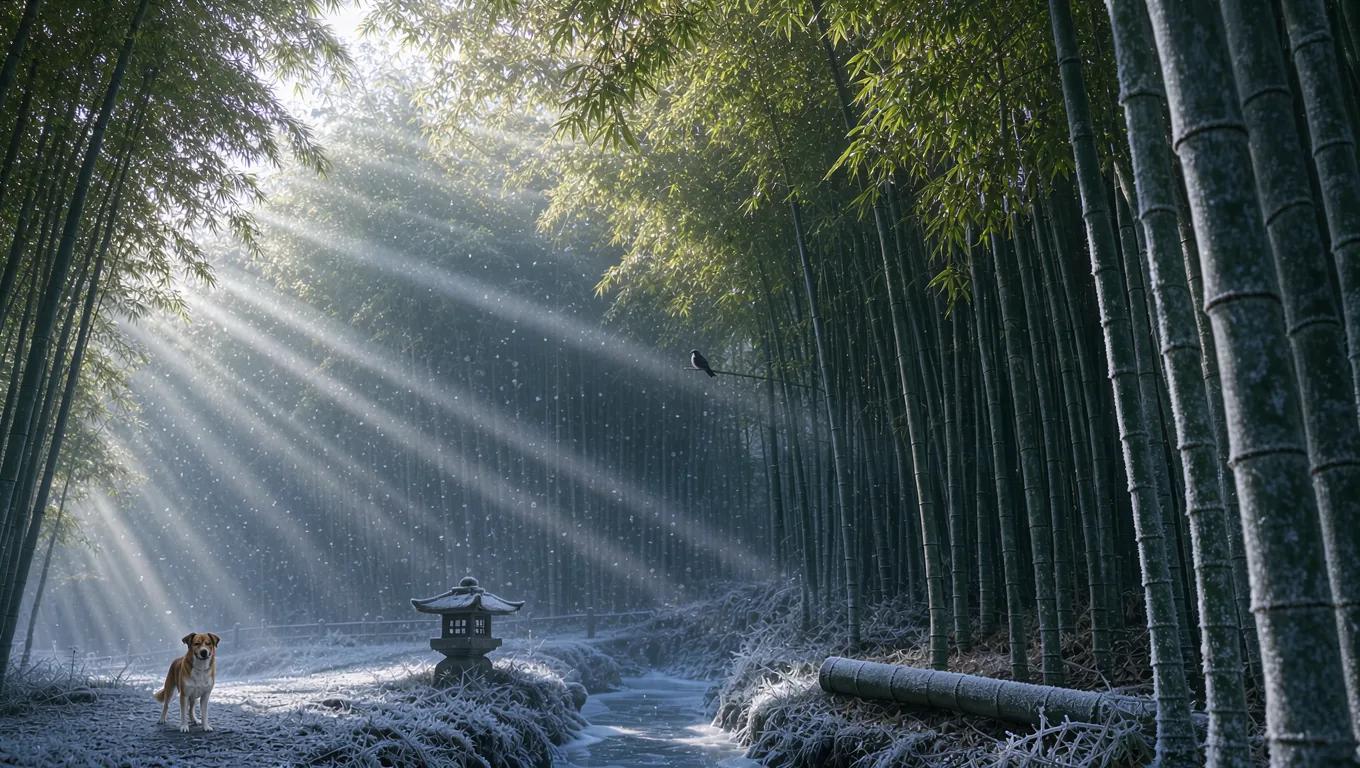
Banana AI Image Generator: Create and Edit from Text
Describe a visual, use a reference image where supported, and refine details through follow-up prompts.
RapLyrics uses an image model you select in the generator. Write a prompt or upload a supported image, then adjust it with follow-up instructions. Check the input options and settings for the model you choose. The current credit quote is shown before generation, and finished images are available in History. Review every result before you use it.
Start Generating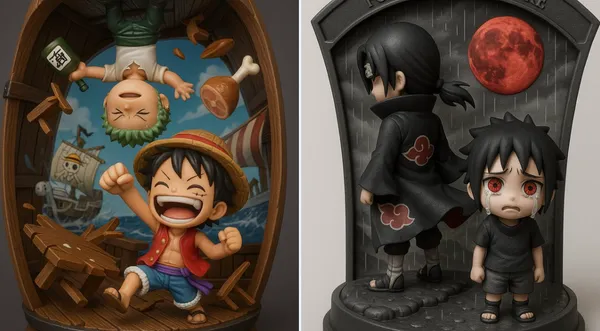
How to Use the Banana AI Image Model
Select the model, describe what you want or upload a supported image, and review the result. Check the available options and credit quote before generating.
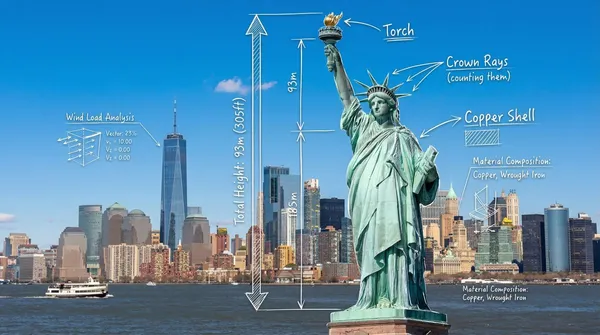
Enter a prompt or upload an image
Open the image generator and choose an enabled model. Enter a text prompt or upload images for reference, editing, or fusion. Supported inputs and settings are shown in the generator.
Click generate
Click generate. The selected model processes your prompt and any uploaded images. Review the result before downloading.
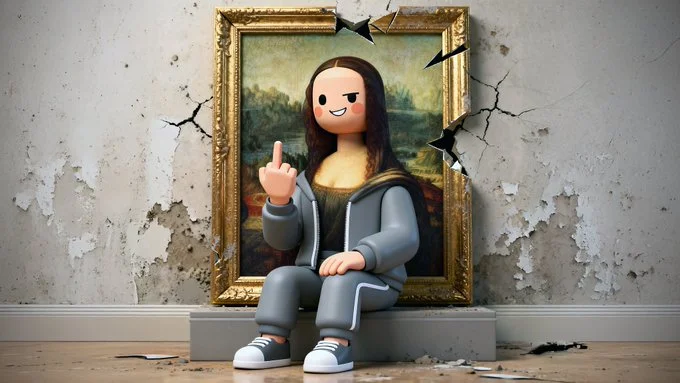
Download
Download your finished image from the generator or History. Use it in your own projects and editing workflow.
Core capabilities
Check which capabilities your selected model supports. Available inputs and settings appear in the generator before you generate.
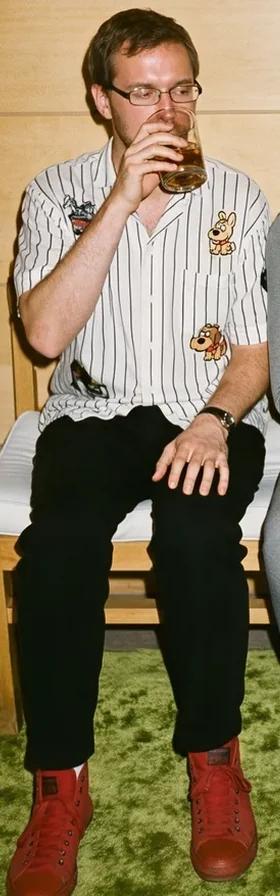
Generate and Refine Image Concepts
Use text prompts to generate images or describe edits to uploaded images. Check whether the selected model supports image-reference or editing modes. Follow the on-screen inputs for prompt and reference images.
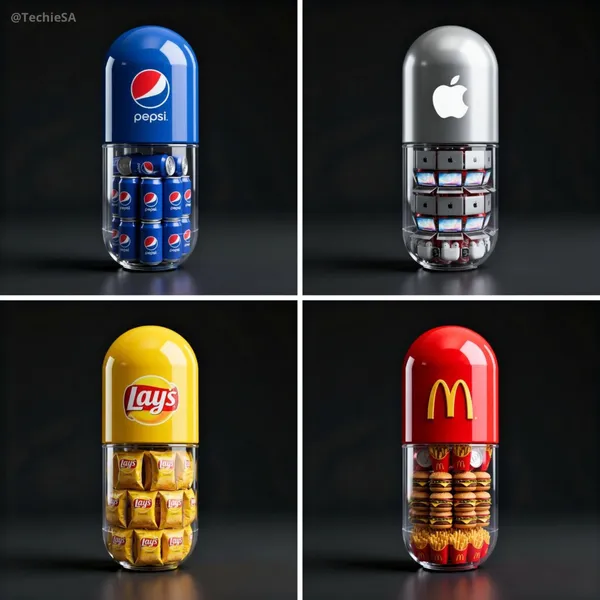
Local editing with text instructions
Describe the area and change you want, such as a background, object, outfit, or style. Whether local editing is available depends on the selected model. Check the generator for supported reference and editing options.
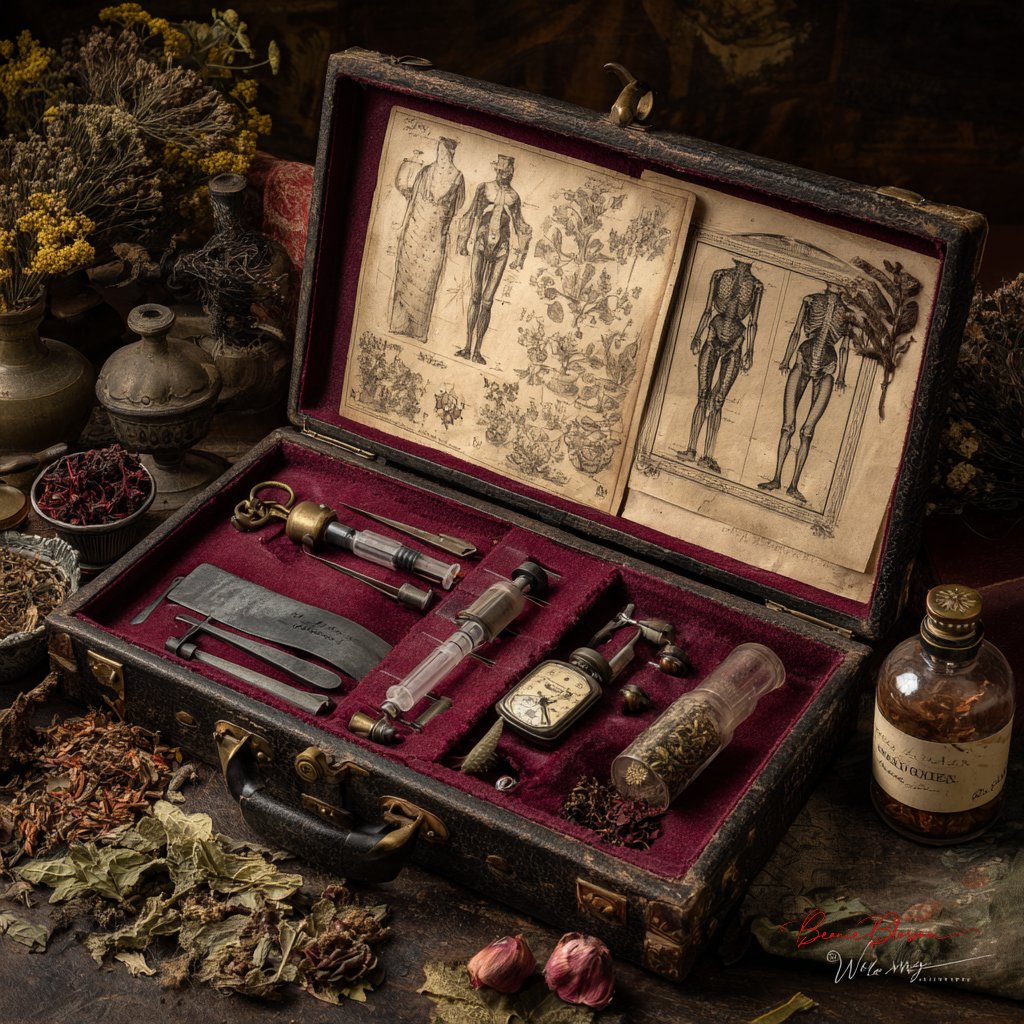
People, products, pets, and characters
Use image references where the selected model supports them. Check the generator for reference options and limits. Review each result for visual continuity before use.
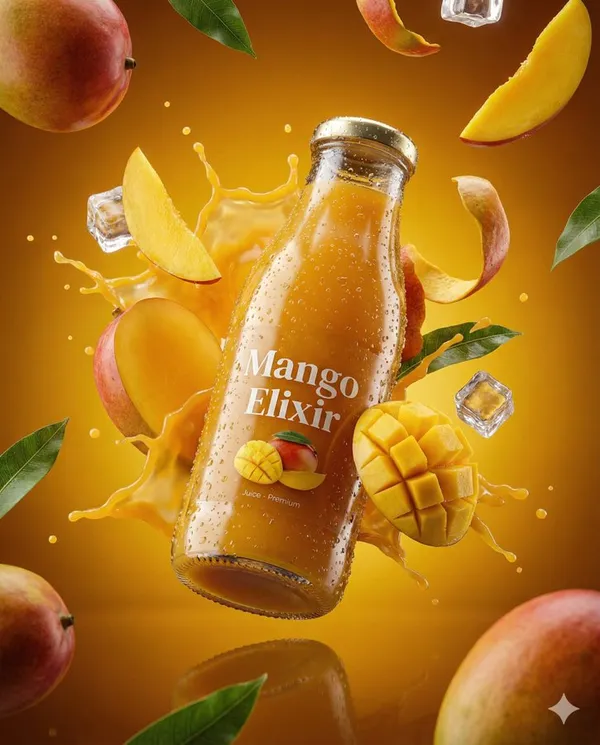
Image fusion and visual references
Combine elements from multiple uploaded images where the selected model supports image references. Check the generator for supported reference modes and input limits. Review results for scene and object relationships.
Workflow scenarios
Choose a model that matches your task. Available inputs and settings are shown in the generator, and the credit quote appears before generation.
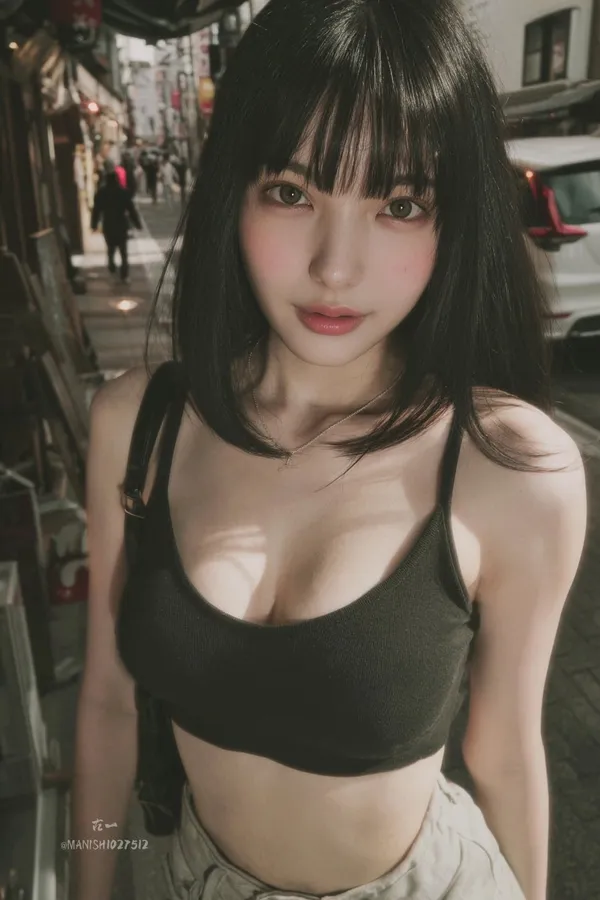
Fast iteration with text and image references
Generate images from text prompts and refine them with follow-up prompts. If the selected model supports image-reference modes, upload images and describe the changes you want. Review each output before download.
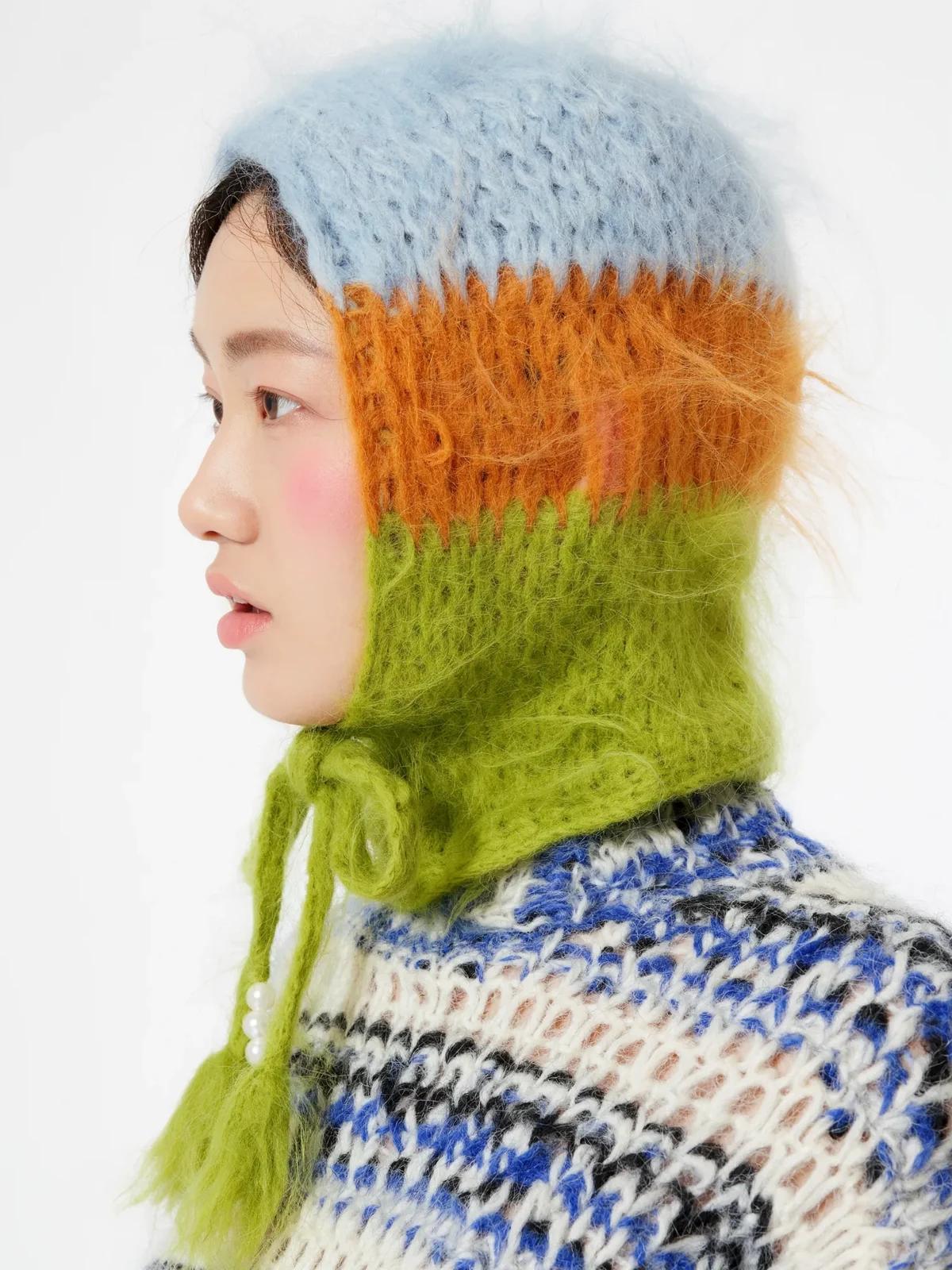
Social media and advertising
Generate product, lifestyle, poster, or ad visuals from prompts and references. Check whether the selected model supports image references, editing, or text rendering. Review text and layout before publishing.
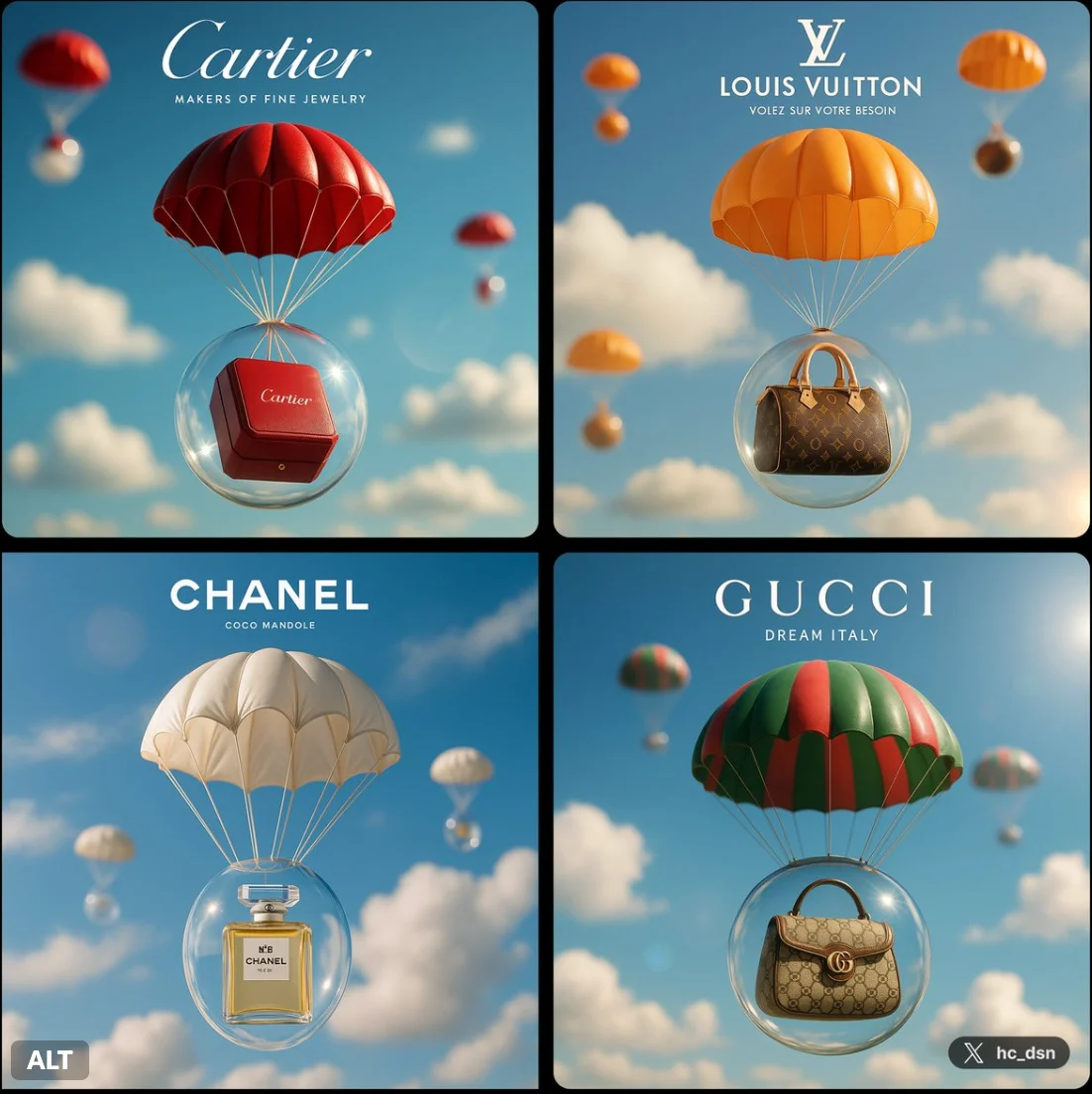
Brand visual continuity
Use image references and follow-up prompts to keep visual details aligned where supported. Check reference options in the generator, and review each result for consistency.
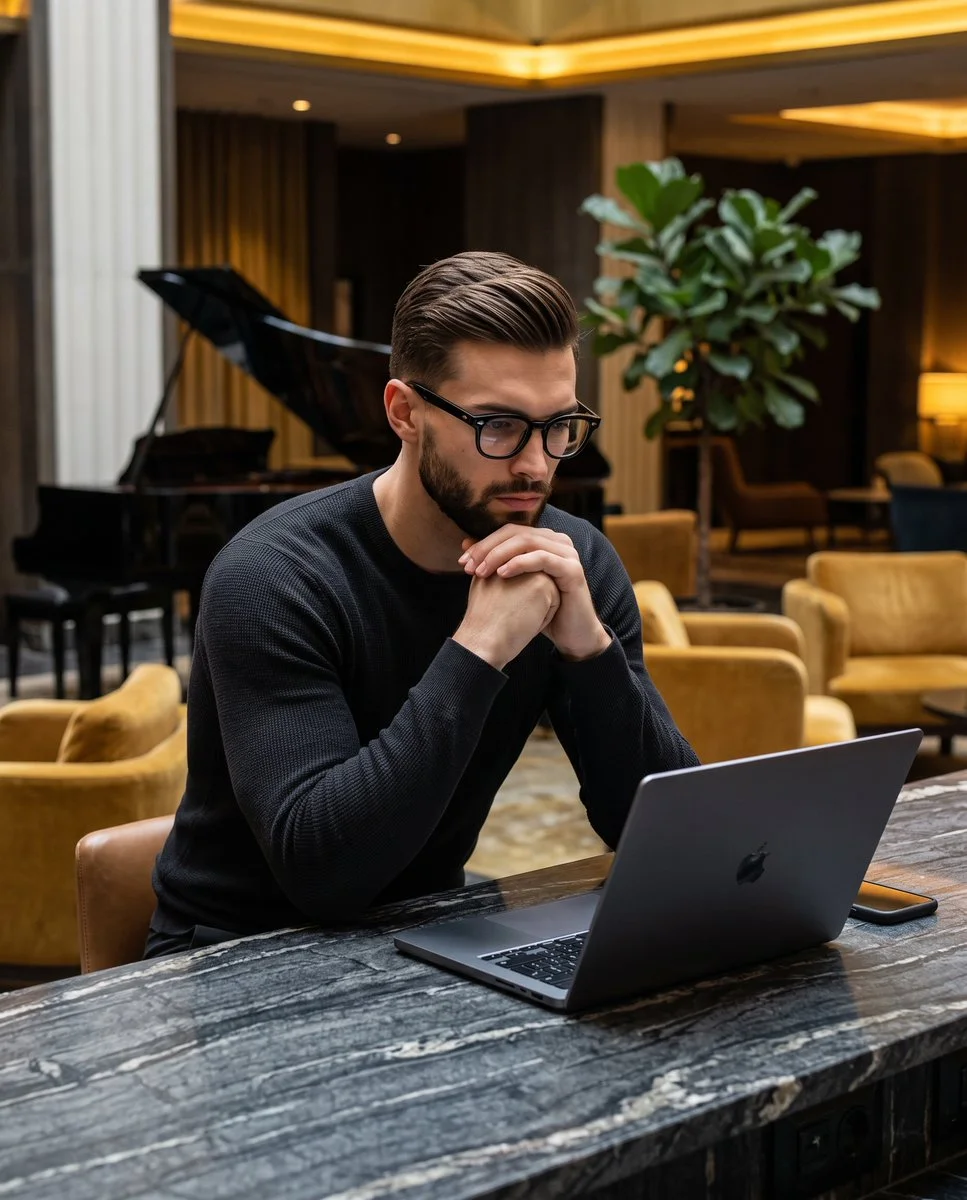
Efficient Production Workflow
Reduce iteration time by describing edits in plain language. Check supported inputs and settings in the generator, and review outputs before use in marketing, e-commerce, or concept work.
Workflow Notes
Describe one subject, action and setting before generating. Keep the brief focused so the result is easier to review.

Questions about the image generator
Short answers about selecting models, entering prompts, and reviewing results in RapLyrics.
A tool that turns a text prompt into an image. In RapLyrics, you choose an enabled model in the generator, and the allowed inputs and settings are shown there.
Nano Banana is a model family name. Available models and their capabilities appear in the generator.
Enter a descriptive prompt in the generator. The selected model processes it to create an image, and the result appears in History.
Some supported models accept image references. Check the generator for the inputs and settings allowed by the selected model.
If the selected model supports local edits, the generator will show the allowed options. Availability is model-specific.
The generator lets you select among currently enabled models and shows the allowed inputs and settings for each. Exact capabilities vary by model.
Check the generator for supported image-reference modes. Availability depends on the selected model.
Some models may support reference inputs that help with consistency. Check the generator for what is offered.
Text rendering varies by model and prompt. Review each result; perfect text is not guaranteed.
You can generate images for product and social use with enabled models. Review outputs and confirm the allowed settings in the generator.
Finished output is available in History for download. Review each result before use.
You can request a refund within 10 days of purchase if you have unused credits from that purchase and provide a clear reason, subject to our Refund Policy. If eligible, an unused purchase can be fully refunded; a partly used purchase is refunded in proportion to its remaining unused credits. Fully used purchases and free or promotional credits are not refundable.
Credit validity depends on the pack, subscription or promotion that issued them. Review the purchase terms and expiration dates in Settings > Credits. A renewal or new purchase does not extend older credits. Use credits before their stated expiration; do not assume unused subscription credits roll over indefinitely.
Credits charged for a task that is confirmed as failed due to a system error are returned automatically. A task that is still processing has not yet been confirmed as failed. Check its status and your credit history before submitting again. If a confirmed failure still shows an unresolved charge, email support@raplyrics.app with the task ID.
AI results can vary, so a completed result that differs from your expectations is not automatically treated as a technical failure. Eligible completed image tasks can be submitted for credit refund review using the refund option where available; approval is required. For a video or another issue, contact support@raplyrics.app with the task ID and details. A credit refund returns credits, not money to your payment method.
Email support@raplyrics.app. For billing, include your account email and order ID; for generation, include the task ID, issue description and relevant screenshots. If you purchased as a guest, keep the original browser data and payment receipt so we can help locate the purchase.
Try the image generator
Choose an enabled model in the generator, enter your prompt, and review the credit quote before generating. Finished images appear in History for download.
raplyrics.app · Updated
What's new on this page
- — Added editable example prompts and separate drafts for text and reference modes, with an action to restore the example.
- — Page content published.