
Verified prompt
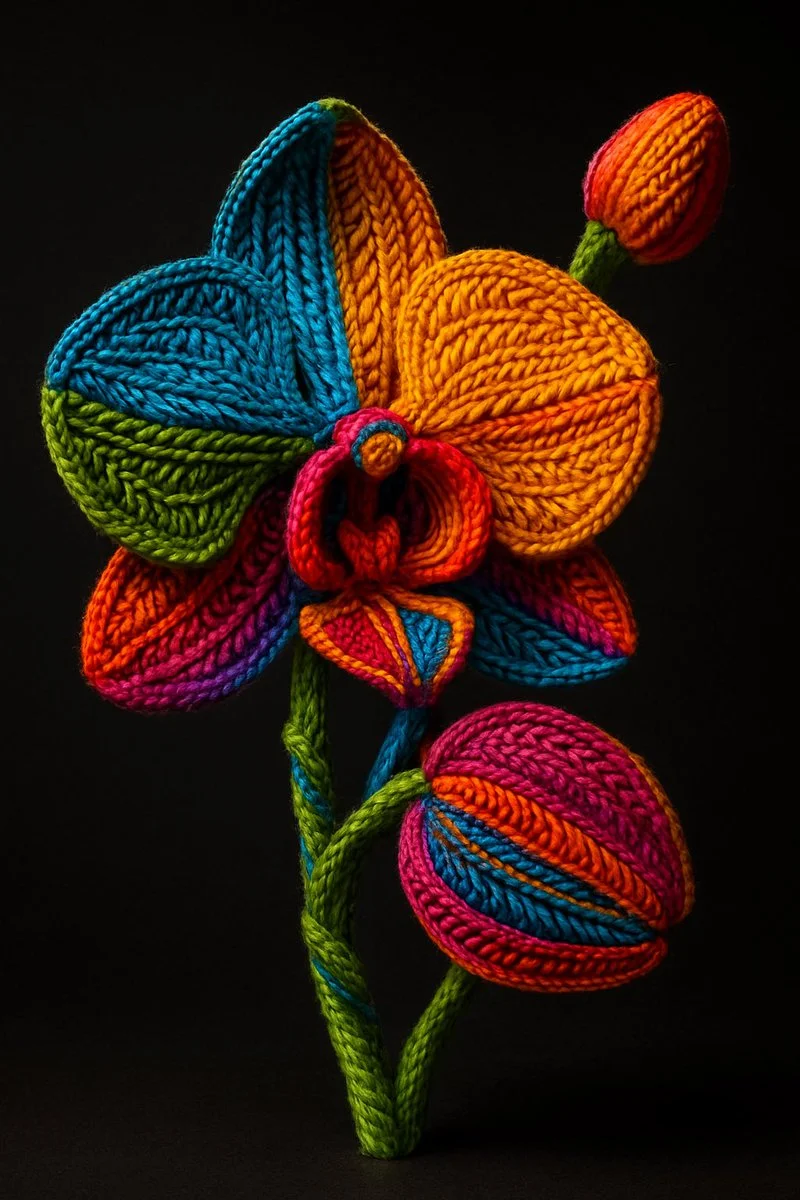
A hyper-realistic, artistic rendering of a [OBJECT] entirely wrapped in colorful, tightly woven yarn and embroidery threads. The surface is covered in intricate, detailed textile patterns—knit, braided, and woven in a variety of textures. Each section of the [OBJECT] is segmented with vivid, high-saturation colors including electric blue, bright orange, vivid green, magenta, and golden yellow. The yarn follows the contours of the [OBJECT], highlighting its shape with layered embroidery. The scene is lit dramatically, with a soft spotlight casting shadows to emphasize the 3D depth and tactile surface. The background is a solid, dark gradient to draw full focus to the texture and color. The style is a blend of surrealism and fiber art, showcasing extreme detail and depth
A hyper-realistic, artistic rendering of a [OBJECT] entirely wrapped in colorful, tightly woven yarn and embroidery threads. The surface is covered in intricate, detailed textile patterns—knit, braided, and woven in a variety of textures. Each section of the [OBJECT] is segmented with vivid, high-saturation colors including electric blue, bright orange, vivid green, magenta, and golden yellow. The yarn follows the contours of the [OBJECT], highlighting its shape with layered embroidery. The scene is lit dramatically, with a soft spotlight casting shadows to emphasize the 3D depth and tactile surface. The background is a solid, dark gradient to draw full focus to the texture and color. The style is a blend of surrealism and fiber art, showcasing extreme detail and depth
Verified prompt
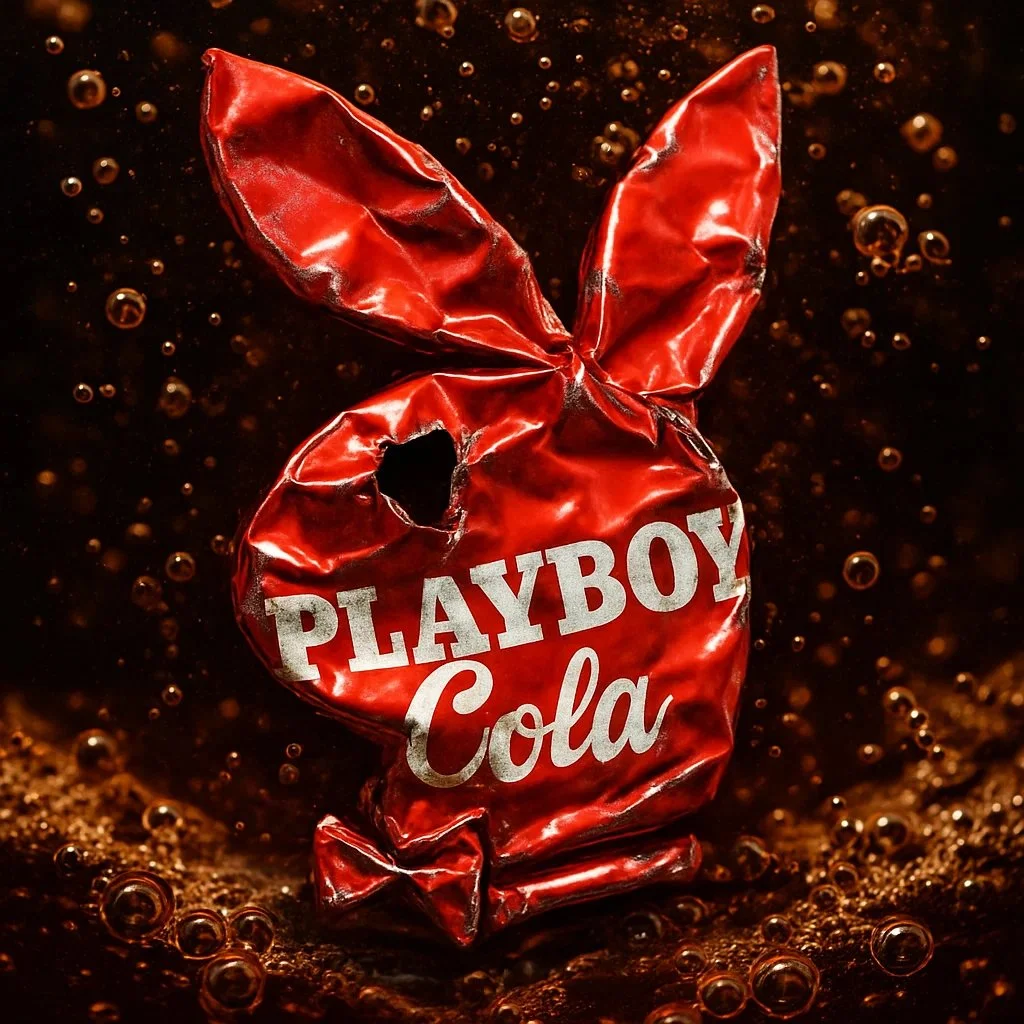
retexture the image attached based on the JSON below: { "style_name": "Transparent Studio Render", "visual_rules": { "form": { "shape": "preserve original object shape", "outline": "no outlines, use smooth geometry transitions and bevels" }, "lighting": { "style": "studio-style 3-point lighting or soft HDRI setup", "highlight": "subtle specular highlights for semi-matte plastic or coated surfaces", "shadow": "soft drop shadow directly beneath the object, cast on a translucent floor plane" }, "texture": { "surface": "smooth or lightly textured based on object, clean shader setup with minimal noise", "branding": "bold and high-contrast, treated as printed decals or sticker-style labels" }, "material": { "finish": "semi-matte or satin shader, mimicking printed plastic or coated materials" }, "color_handling": { "strategy": "make the object's primary color the focal point", "enhancement": "slightly boosted saturation and contrast for clean product visualization" }, "background": { "type": "fully transparent (alpha channel)", "shadow": "optional soft drop shadow directly beneath the object to ground it visually" } }, "rendering": { "camera_angle": "centered front view or slightly elevated for dimensional clarity", "depth_of_field": "neutral or slightly shallow to keep object fully sharp", "background_blur": "none, background remains transparent" } }
retexture the image attached based on the JSON below: { "style_name": "Transparent Studio Render", "visual_rules": { "form": { "shape": "preserve original object shape", "outline": "no outlines, use smooth geometry transitions and bevels" }, "lighting": { "style": "studio-style 3-point lighting or soft HDRI setup", "highlight": "subtle specular highlights for semi-matte plastic or coated surfaces", "shadow": "soft drop shadow directly beneath the object, cast on a translucent floor plane" }, "texture": { "surface": "smooth or lightly textured based on object, clean shader setup with minimal noise", "branding": "bold and high-contrast, treated as printed decals or sticker-style labels" }, "material": { "finish": "semi-matte or satin shader, mimicking printed plastic or coated materials" }, "color_handling": { "strategy": "make the object's primary color the focal point", "enhancement": "slightly boosted saturation and contrast for clean product visualization" }, "background": { "type": "fully transparent (alpha channel)", "shadow": "optional soft drop shadow directly beneath the object to ground it visually" } }, "rendering": { "camera_angle": "centered front view or slightly elevated for dimensional clarity", "depth_of_field": "neutral or slightly shallow to keep object fully sharp", "background_blur": "none, background remains transparent" } }

Verified prompt
create image with 1: 1 ratio turn a vector [ type ] icon with the following json style { "object": "icon", "material": { "primary_surface": "smooth matted translucent metallic", "finish": "iridescent sheen", "color_profile": { "base_color": "deep blue", "secondary_tones": [ "black", "violet", "copper-orange highlights" ] }, "panel_lines": { "material": "metallic copper", "visual_treatment": "glowing edge with subtle bevel" }, }, "lighting": { "type": "studio", "key_light": { "position": "top-left", "effect": "smooth gradient highlight across the surface" }, "rim_light": { "position": "right side", "effect": "sharp metallic edge glow" }, "reflections": { "character": "diffused but iridescent, hinting at a highly polished or lacquered surface" }, "shadows": "soft edge, minimal ground contact due to floating presentation" }, "background": { "color": "#FFF", "style": "solid matte", }, "composition": { "camera_angle": "centered, eye-level", "depth_of_field": "none (sharp focus throughout)", "presentation": "floating, isolated subject" "angle": "isometric style" }, "visual_style": { "tone": "modern, high-impact", "inspiration": "sports branding meets futuristic product design", "aesthetic": "bold contrast, tech-luxury fusion" } }
create image with 1: 1 ratio turn a vector [ type ] icon with the following json style { "object": "icon", "material": { "primary_surface": "smooth matted translucent metallic", "finish": "iridescent sheen", "color_profile": { "base_color": "deep blue", "secondary_tones": [ "black", "violet", "copper-orange highlights" ] }, "panel_lines": { "material": "metallic copper", "visual_treatment": "glowing edge with subtle bevel" }, }, "lighting": { "type": "studio", "key_light": { "position": "top-left", "effect": "smooth gradient highlight across the surface" }, "rim_light": { "position": "right side", "effect": "sharp metallic edge glow" }, "reflections": { "character": "diffused but iridescent, hinting at a highly polished or lacquered surface" }, "shadows": "soft edge, minimal ground contact due to floating presentation" }, "background": { "color": "#FFF", "style": "solid matte", }, "composition": { "camera_angle": "centered, eye-level", "depth_of_field": "none (sharp focus throughout)", "presentation": "floating, isolated subject" "angle": "isometric style" }, "visual_style": { "tone": "modern, high-impact", "inspiration": "sports branding meets futuristic product design", "aesthetic": "bold contrast, tech-luxury fusion" } }
Verified prompt
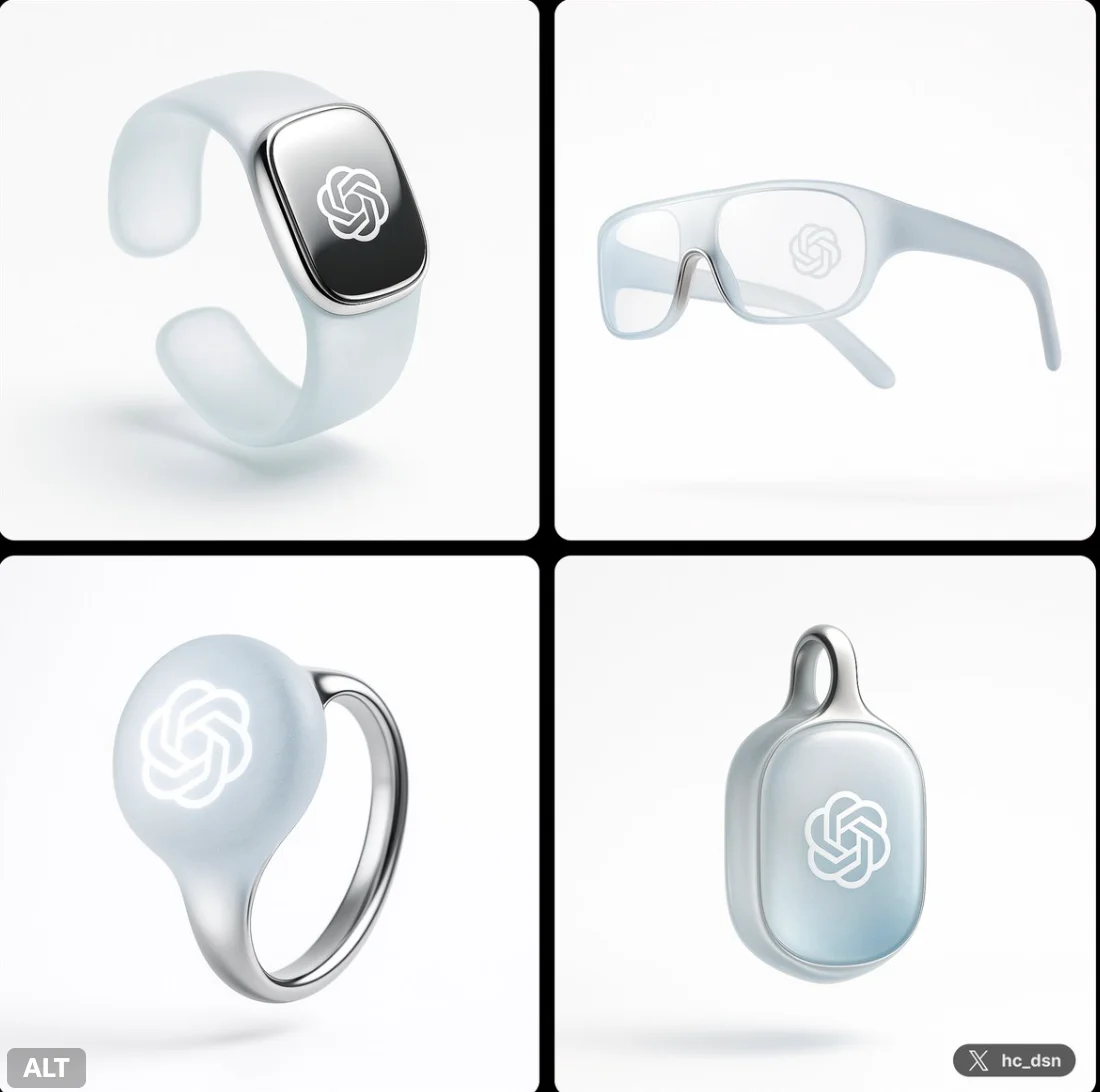
Create image with 1:1 ratio A next-gen wearable ai [device type] blending Jony Ive–inspired refined minimalism with a new material and interaction language symbolizing the power ChatGPT. The device is crafted from translucent aerogel fused with polished ceramic titanium, feather-light yet futuristic. No seams, buttons, or traditional UI. Photographed floating against a pure white background, with a soft, diffused, nearly shadowless studio light.
Create image with 1:1 ratio A next-gen wearable ai [device type] blending Jony Ive–inspired refined minimalism with a new material and interaction language symbolizing the power ChatGPT. The device is crafted from translucent aerogel fused with polished ceramic titanium, feather-light yet futuristic. No seams, buttons, or traditional UI. Photographed floating against a pure white background, with a soft, diffused, nearly shadowless studio light.
Verified prompt
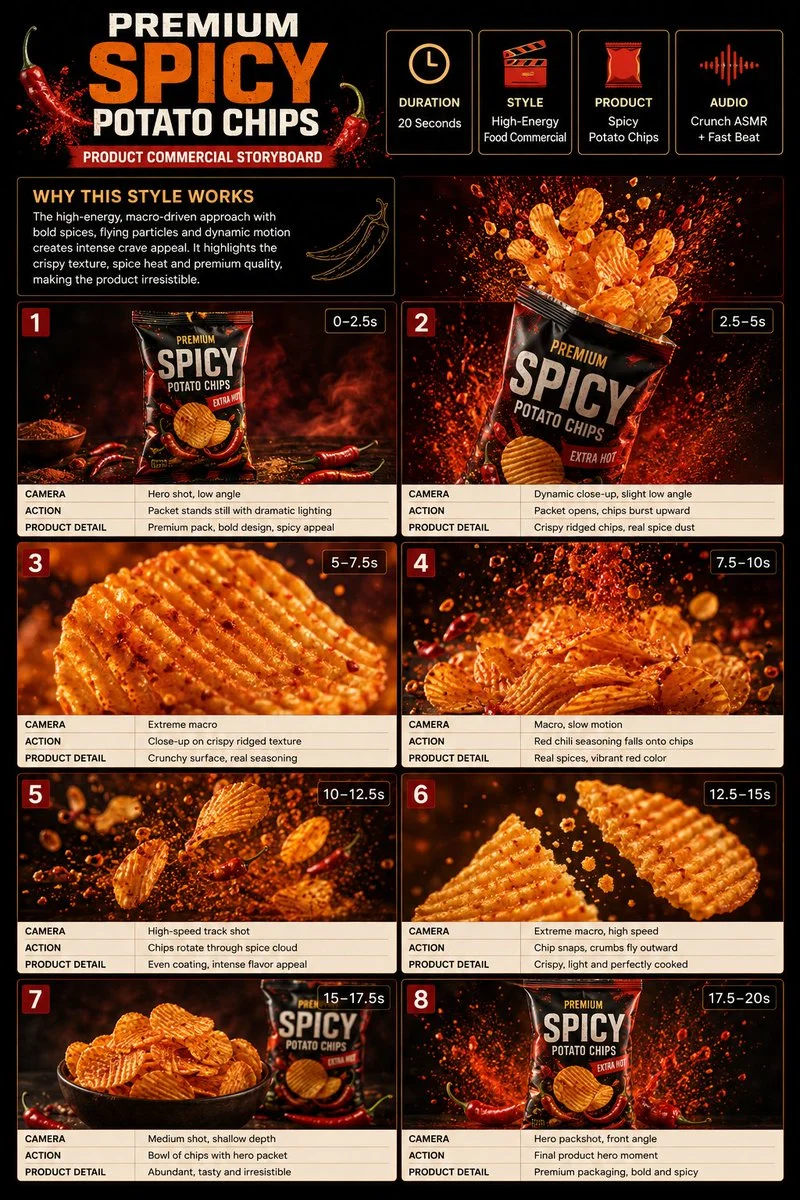
Premium 3:4 storyboard for 20s high-energy spicy potato chips commercial. Header: duration, snack style, chips product, crunch ASMR, red-orange-cream palette. Eight panels: packet dark surface, bursting open, extreme ridged macro, chili seasoning slow-mo, rotating spice cloud, snap crumbs, bowl beside packet, final packshot splash. Extreme macro, high-speed, slow-mo, dynamic push-in. Ultra-realistic crispy, seasoning particles, dramatic lighting, 8K, product hero.
Premium 3:4 storyboard for 20s high-energy spicy potato chips commercial. Header: duration, snack style, chips product, crunch ASMR, red-orange-cream palette. Eight panels: packet dark surface, bursting open, extreme ridged macro, chili seasoning slow-mo, rotating spice cloud, snap crumbs, bowl beside packet, final packshot splash. Extreme macro, high-speed, slow-mo, dynamic push-in. Ultra-realistic crispy, seasoning particles, dramatic lighting, 8K, product hero.
Verified prompt
Verified prompt
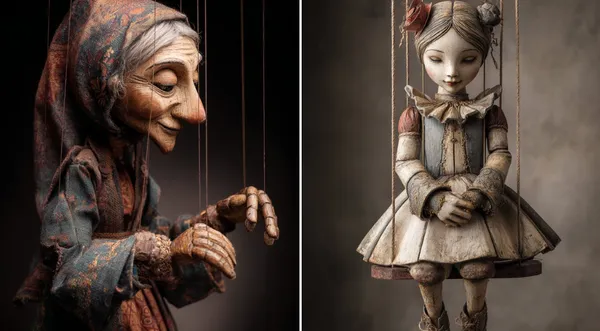
-Carved Wooden Puppet (Czech Marionette Style) A hand-carved wooden marionette interpretation of [SUBJECT], with jointed limbs, painted details, and a slightly eerie antique finish. Showcase theatrical posture, stage lighting, and cultural craftsmanship in the styling.
-Carved Wooden Puppet (Czech Marionette Style) A hand-carved wooden marionette interpretation of [SUBJECT], with jointed limbs, painted details, and a slightly eerie antique finish. Showcase theatrical posture, stage lighting, and cultural craftsmanship in the styling.
Verified prompt
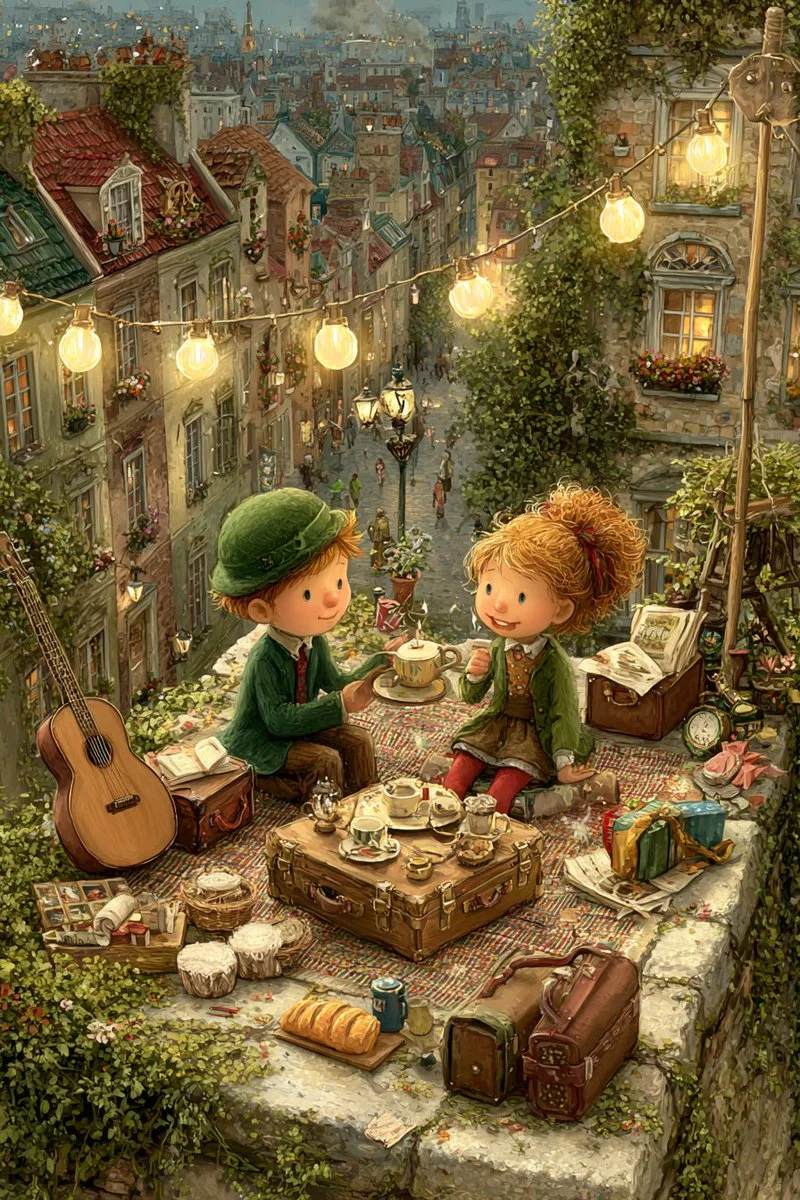
A moonlight rooftop tea party between a girl and a boy, dreamy, gentle, painterly.
A moonlight rooftop tea party between a girl and a boy, dreamy, gentle, painterly.
Verified prompt
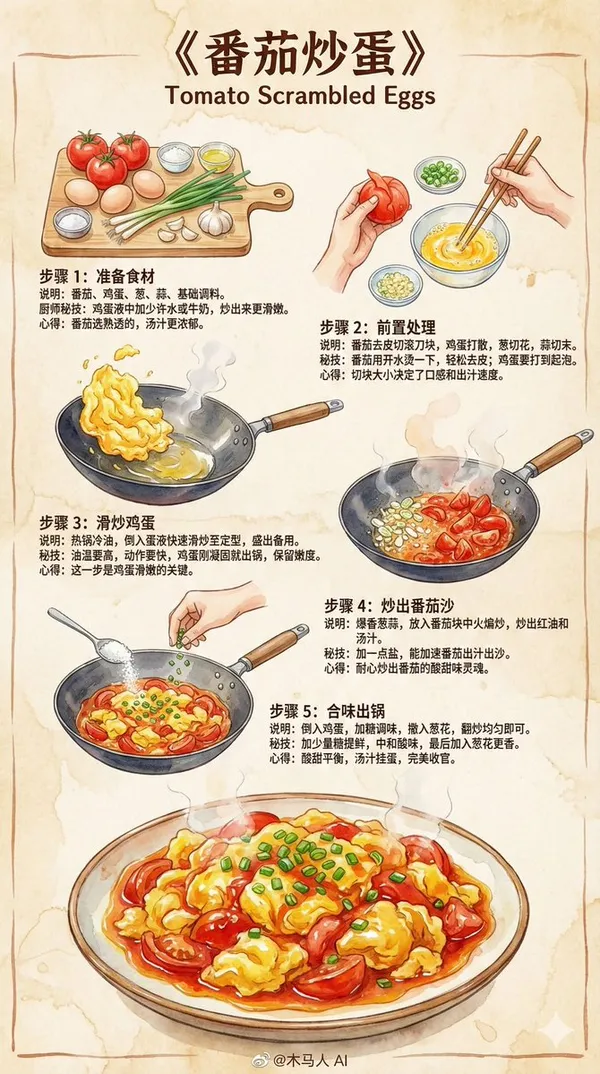
te a 9:16 vertical "Scrambled Eggs with Tomatoes" hand-drawn style instructional recipe infographic. Overall style requirements: • Professional chef-written recipe for home cooks • Z-shaped layout flow (top-left → top-right → bottom-left) for smooth reading • Colored marker sketch style with delicate ink outlines • Using 2025 mainstream illustration color schemes and brush strokes • Beige paper texture background, warm, rustic, and inviting • Illustrations must make viewers "want to cook immediately" Content structure (Universal) 1. Top Title (Eye-catching) "Scrambled Eggs with Tomatoes" 2. Step Sections (Z-layout, 3-5 steps) Each step includes: • Hand-drawn step illustration (colored markers + ink outlines) • Brief visual instructions • Chef's secret techniques • Tips or insights Step Template (Universal, can be auto-filled by model) Step 1: Prepare Ingredients (Auto-generate relevant ingredients based on dish name) Illustration: Neatly arranged main ingredients and seasonings. Instructions: List and prepare basic materials for the dish. Secret technique: How to enhance flavor or texture. Tip: Provide simple experience or reminder. Step 2: Seasoning / Marinating / Pre-preparation Illustration: Mixing sauce, marinating, or preparing main ingredients in small bowls or on cutting board. Instructions: Demonstrate key foundational steps. Secret technique: Ratios, small tricks, failure prevention points. Tip: Lighthearted style suggestions. Step 3: Stir-frying / Key Cooking Steps Illustration: Cooking scene in wok with soft watercolor steam effects. Instructions: High heat, low heat, sequence, important actions. Secret technique: Maintaining heat control, timing, aroma enhancement methods. Tip: Emphasize the soul of the dish. Step 4: Combining Flavors / Final Cooking Steps Illustration: Adding sauce, seasoning, mixing ingredients scene. Instructions: Final reduction, proper seasoning. Secret technique: Glazing oil, texture or aroma preservation tricks. Tip: This step determines success. Step 5: Garnishing / Finishing Steps Illustration: Sprinking herbs, adding nuts, plating actions. Instructions: Final flavor adjustments or presentation. Secret technique: Maintaining crispness, preventing overcooking techniques. Tip: Description of final flavor profile. Bottom Final Illustration • An exquisite, visually appealing portion of "Scrambled Eggs with Tomatoes" • Strong watercolor texture, glossy, tender, appetizing • Makes readers want to cook immediately Bottom Center Signature @Wooden Horse AI
te a 9:16 vertical "Scrambled Eggs with Tomatoes" hand-drawn style instructional recipe infographic. Overall style requirements: • Professional chef-written recipe for home cooks • Z-shaped layout flow (top-left → top-right → bottom-left) for smooth reading • Colored marker sketch style with delicate ink outlines • Using 2025 mainstream illustration color schemes and brush strokes • Beige paper texture background, warm, rustic, and inviting • Illustrations must make viewers "want to cook immediately" Content structure (Universal) 1. Top Title (Eye-catching) "Scrambled Eggs with Tomatoes" 2. Step Sections (Z-layout, 3-5 steps) Each step includes: • Hand-drawn step illustration (colored markers + ink outlines) • Brief visual instructions • Chef's secret techniques • Tips or insights Step Template (Universal, can be auto-filled by model) Step 1: Prepare Ingredients (Auto-generate relevant ingredients based on dish name) Illustration: Neatly arranged main ingredients and seasonings. Instructions: List and prepare basic materials for the dish. Secret technique: How to enhance flavor or texture. Tip: Provide simple experience or reminder. Step 2: Seasoning / Marinating / Pre-preparation Illustration: Mixing sauce, marinating, or preparing main ingredients in small bowls or on cutting board. Instructions: Demonstrate key foundational steps. Secret technique: Ratios, small tricks, failure prevention points. Tip: Lighthearted style suggestions. Step 3: Stir-frying / Key Cooking Steps Illustration: Cooking scene in wok with soft watercolor steam effects. Instructions: High heat, low heat, sequence, important actions. Secret technique: Maintaining heat control, timing, aroma enhancement methods. Tip: Emphasize the soul of the dish. Step 4: Combining Flavors / Final Cooking Steps Illustration: Adding sauce, seasoning, mixing ingredients scene. Instructions: Final reduction, proper seasoning. Secret technique: Glazing oil, texture or aroma preservation tricks. Tip: This step determines success. Step 5: Garnishing / Finishing Steps Illustration: Sprinking herbs, adding nuts, plating actions. Instructions: Final flavor adjustments or presentation. Secret technique: Maintaining crispness, preventing overcooking techniques. Tip: Description of final flavor profile. Bottom Final Illustration • An exquisite, visually appealing portion of "Scrambled Eggs with Tomatoes" • Strong watercolor texture, glossy, tender, appetizing • Makes readers want to cook immediately Bottom Center Signature @Wooden Horse AI
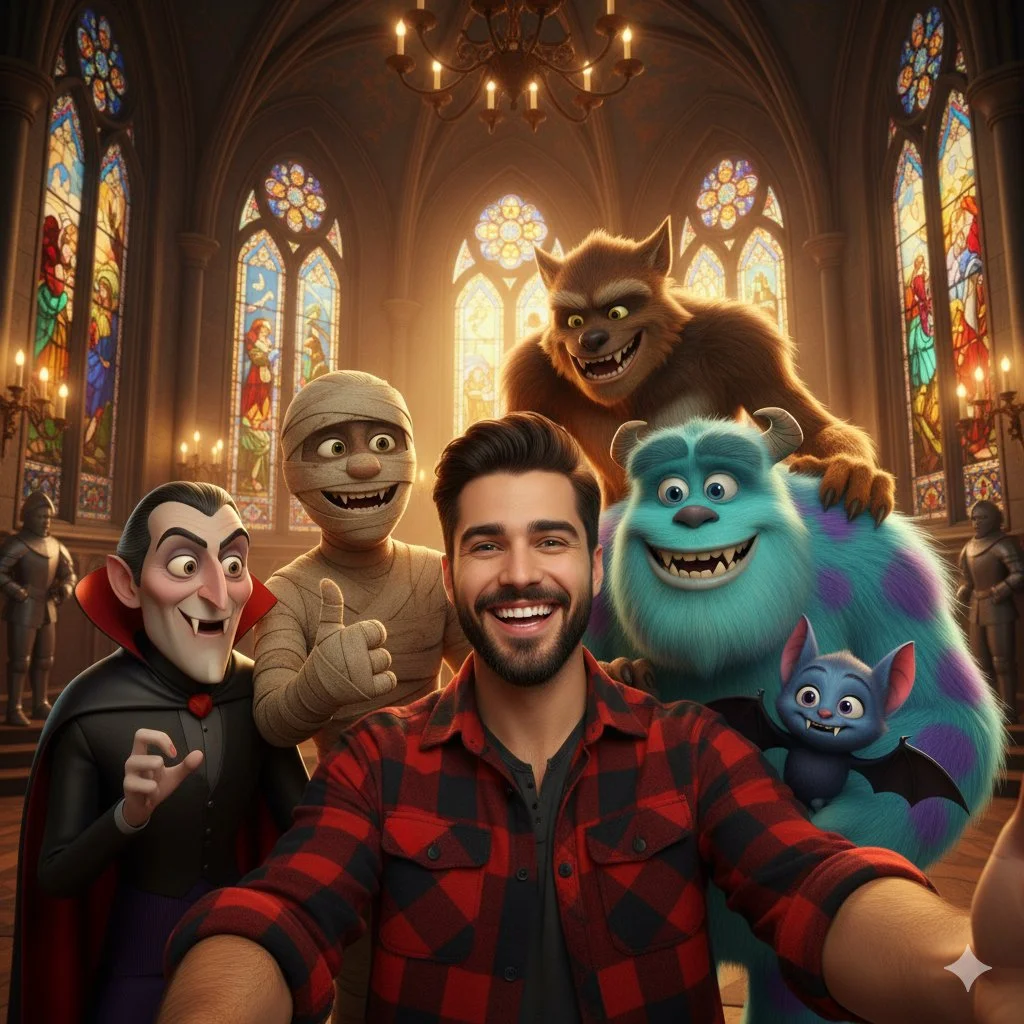
Verified prompt
A selfie-style shot of a smiling young man with dark hair and a beard, wearing a red and black plaid shirt. He is surrounded by several animated movie monsters, including Count Dracula, a mummy, a large blue furry monster resembling Sulley from Monsters Inc., a werewolf, and a smaller blue vampire bat character. They are all smiling and posing for the selfie. The background is a grand hall with stained-glass windows and chandeliers, resembling a gothic castle or church interior. The lighting is warm and inviting.
A selfie-style shot of a smiling young man with dark hair and a beard, wearing a red and black plaid shirt. He is surrounded by several animated movie monsters, including Count Dracula, a mummy, a large blue furry monster resembling Sulley from Monsters Inc., a werewolf, and a smaller blue vampire bat character. They are all smiling and posing for the selfie. The background is a grand hall with stained-glass windows and chandeliers, resembling a gothic castle or church interior. The lighting is warm and inviting.
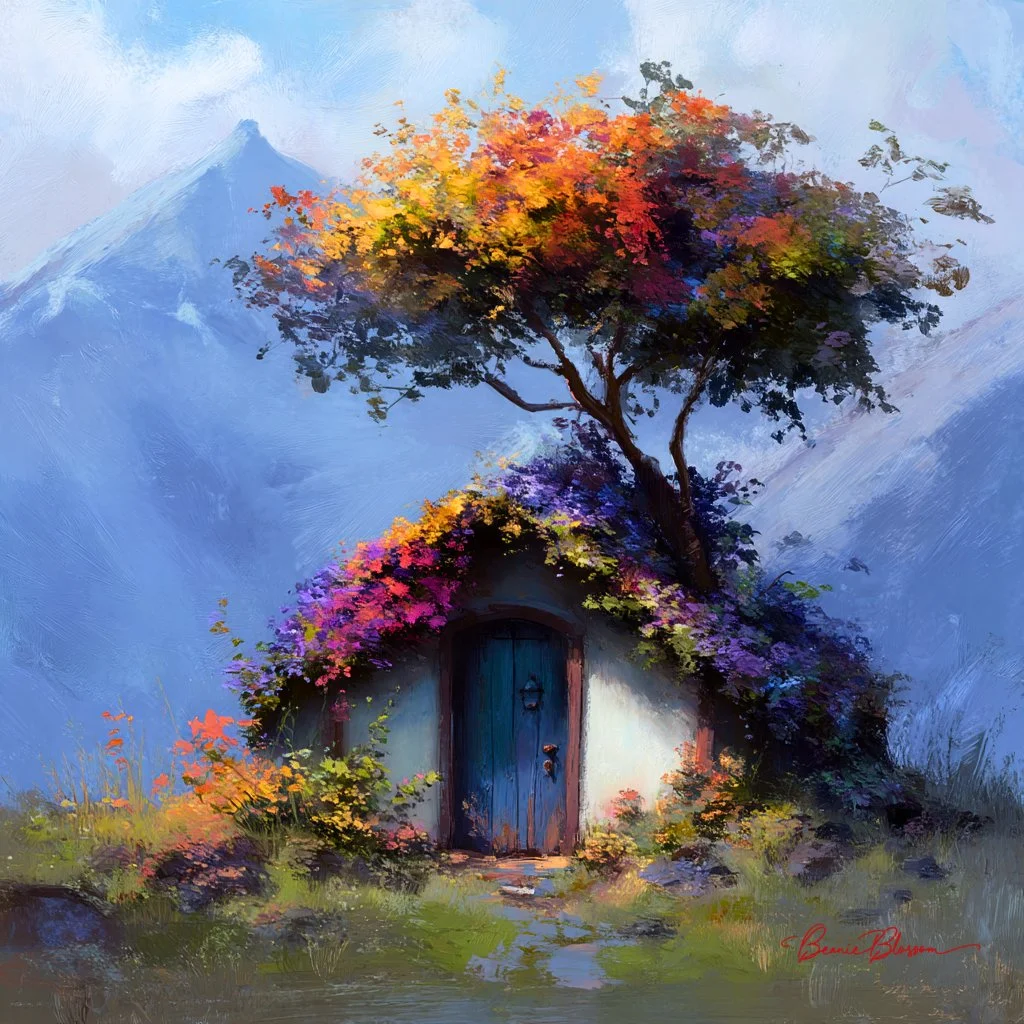
Verified prompt
A small house made of flowers, a tree with colorful leaves growing on top and around the door, in the style of fantasy, mountainscape in the background, natural lighting, soft colors, rich details, and a full atmosphere, subtle painterly style
A small house made of flowers, a tree with colorful leaves growing on top and around the door, in the style of fantasy, mountainscape in the background, natural lighting, soft colors, rich details, and a full atmosphere, subtle painterly style
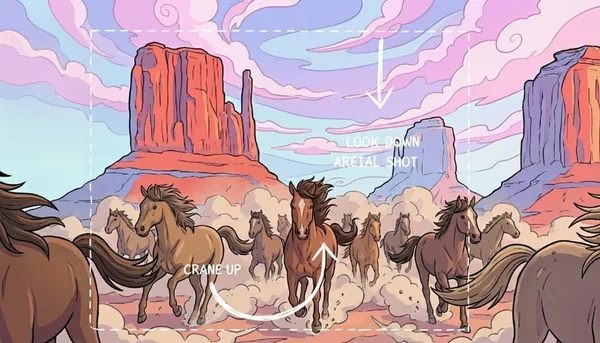
Verified prompt
sketch annotations on top of this image explaining the camera movement. I want it to crane up and the look down as an aerial shot
sketch annotations on top of this image explaining the camera movement. I want it to crane up and the look down as an aerial shot
Plan Your Music Visuals
Create an image, animate a scene or find a starting prompt for your project.
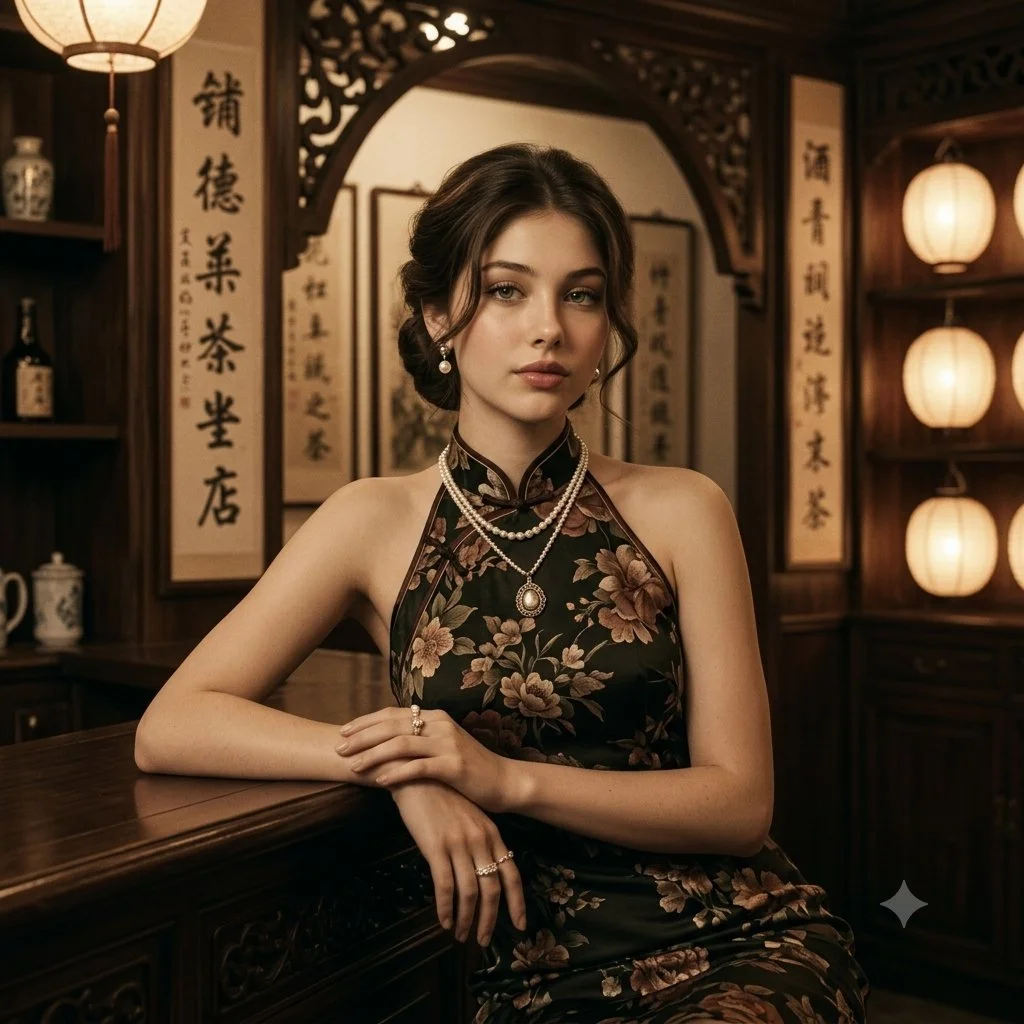
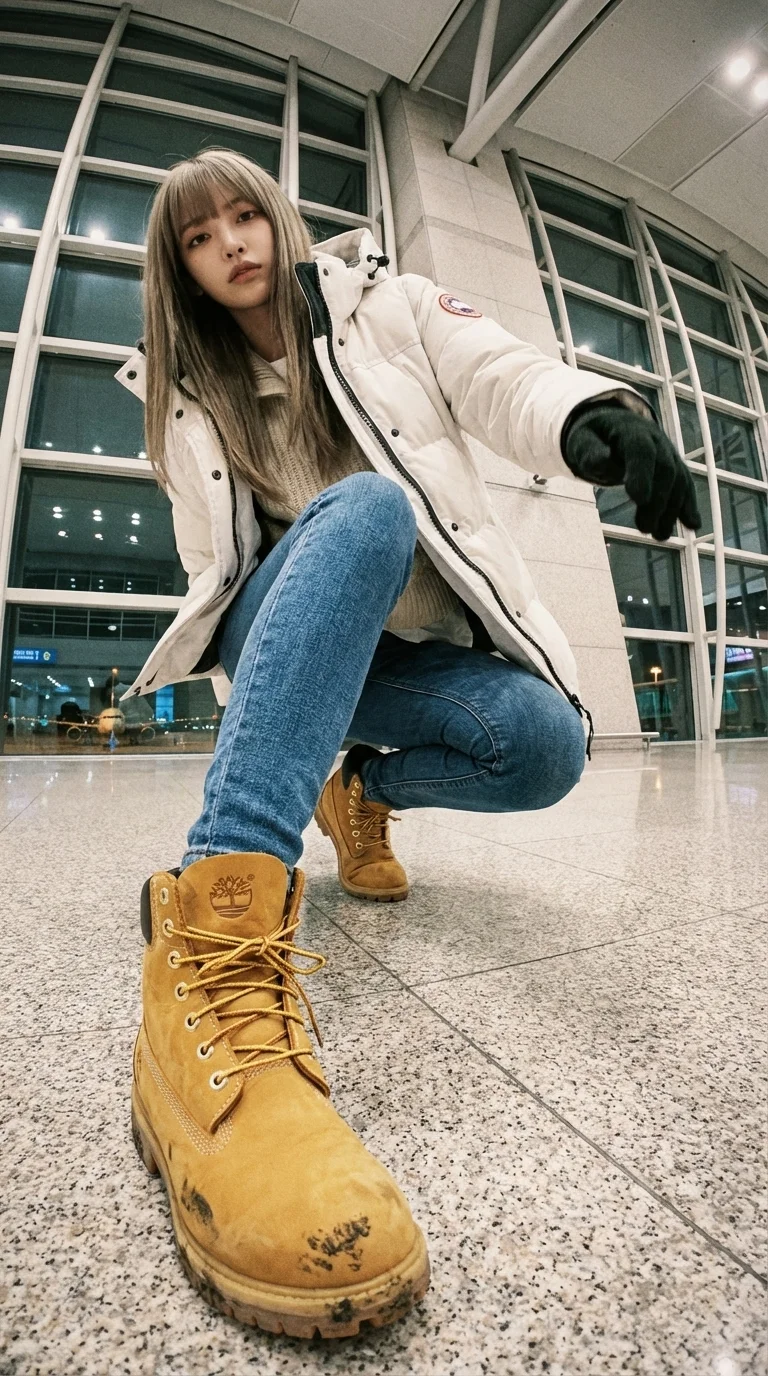
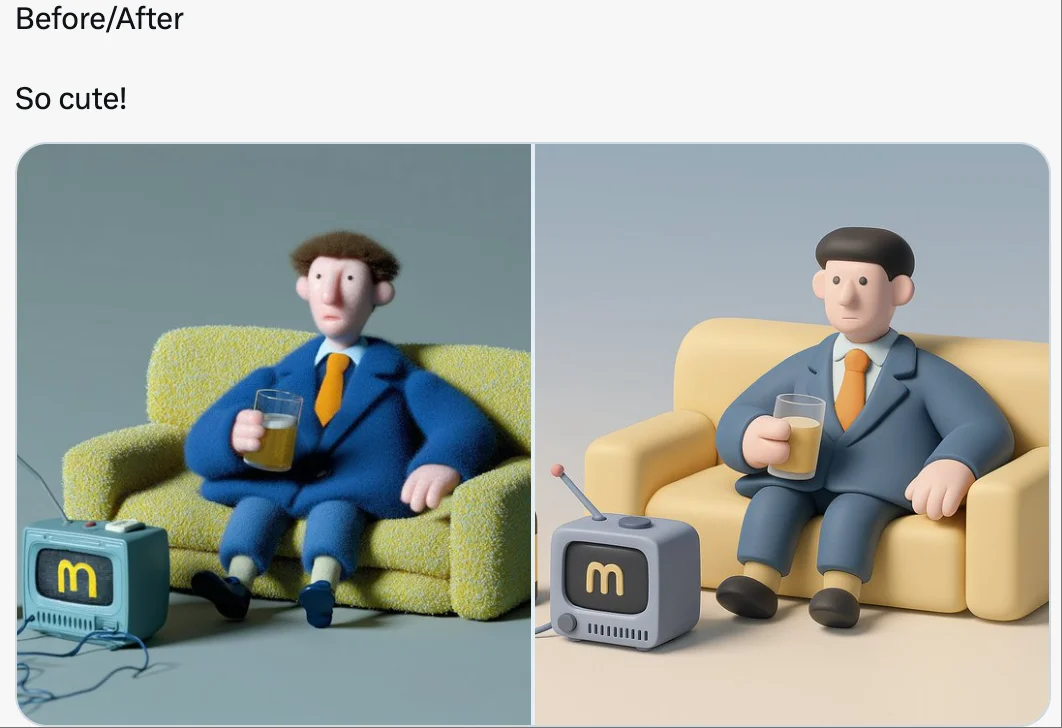
AI Reference Images for Music Visuals
Build the Visual World of Your Song
Explore the places, colors and characters suggested by your lyrics. Start with a written brief or a supported reference image, review the result and develop a visual direction for your music project.
Create a SceneFrom a Lyric to a Visual Brief
Describe the imagery of a verse as a scene: a subject, a setting and a mood. Choose a model and review its available inputs before generating.
Set the Composition Before You Animate
Choose framing, lighting and color in your prompt. Check the available output settings and credit quote, then create an image you can use as a video reference.
Describe the Mood of Your Track
Use a few specific visual details to express the feeling of your song. Compare the image with your brief, then refine its light, colors or composition.
Refine Your Prompt
Review the generated composition, then revise your prompt to change specific details. Choose the available model settings and check the credit quote before creating another version.
Review and Download Results
Open completed results in History, inspect important details and download the image you want to use. Keep your prompt and settings so you can compare later versions.
Keep Your Prompt and Result Together
Write a prompt, choose a model, and review your results in History. Refine your description to explore a different composition or style.
A Focused Image Workspace
Keep your visual brief and completed image results together while you develop the project.
Develop a Visual Direction for Your Music
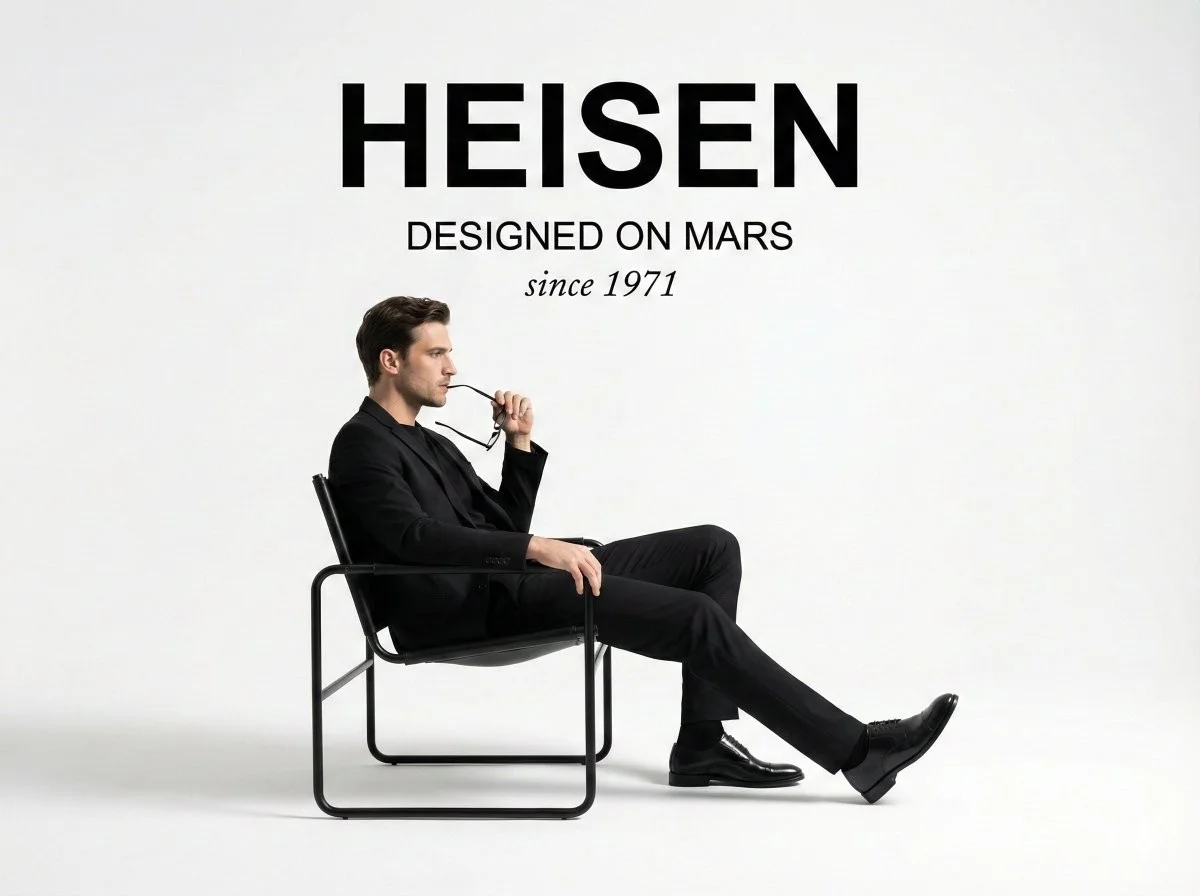
Explore Styles Through Your Prompt
Explore photographic, illustrated or abstract looks by describing the style in your prompt. Results vary by model and request; review each image before using it.
Describe the look you want, then refine your prompt as you compare results.
Reference Images for Your Lyric Video
Explore the scenes and visual details you want to bring into a music project. Create a focused image brief before planning movement.
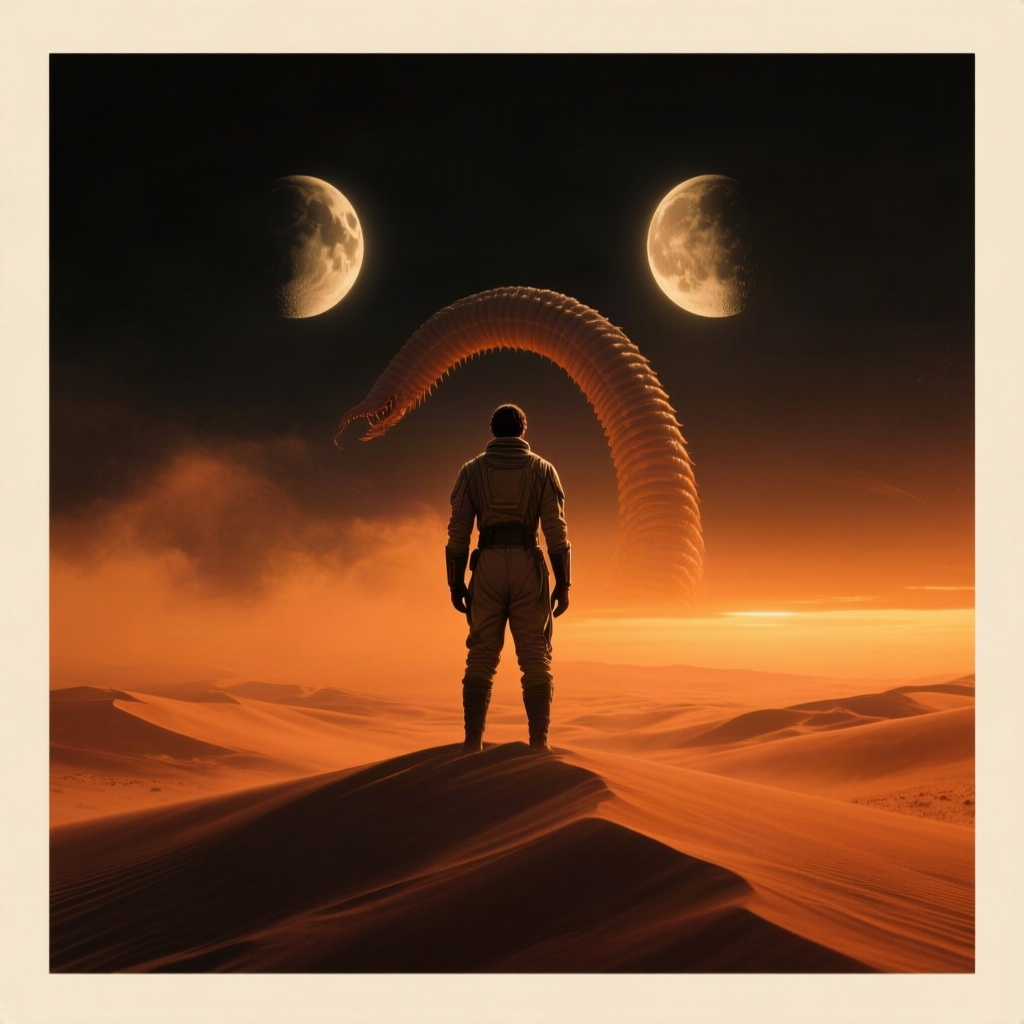
Locations and Atmosphere
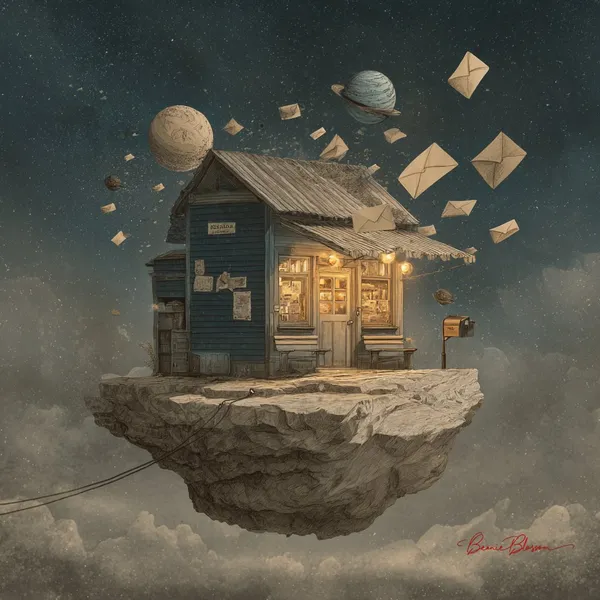
Describe the street, room or landscape suggested by your writing. Test the lighting and color palette before using an image as a video reference.
A Central Image for the Chorus
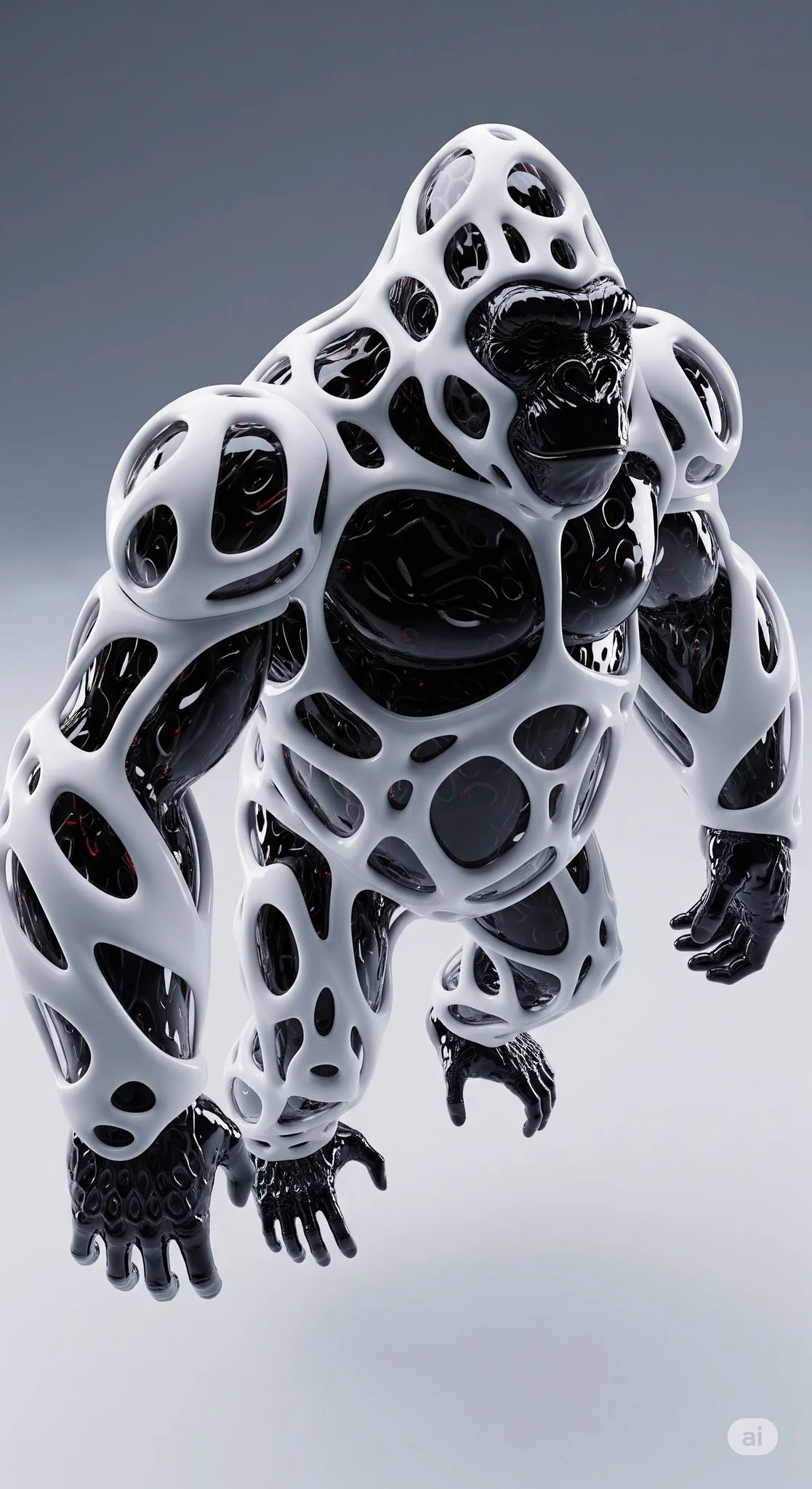
Develop one memorable composition around the main feeling of your chorus. Check the result for distracting details and refine the prompt where needed.
Visual Storyboards
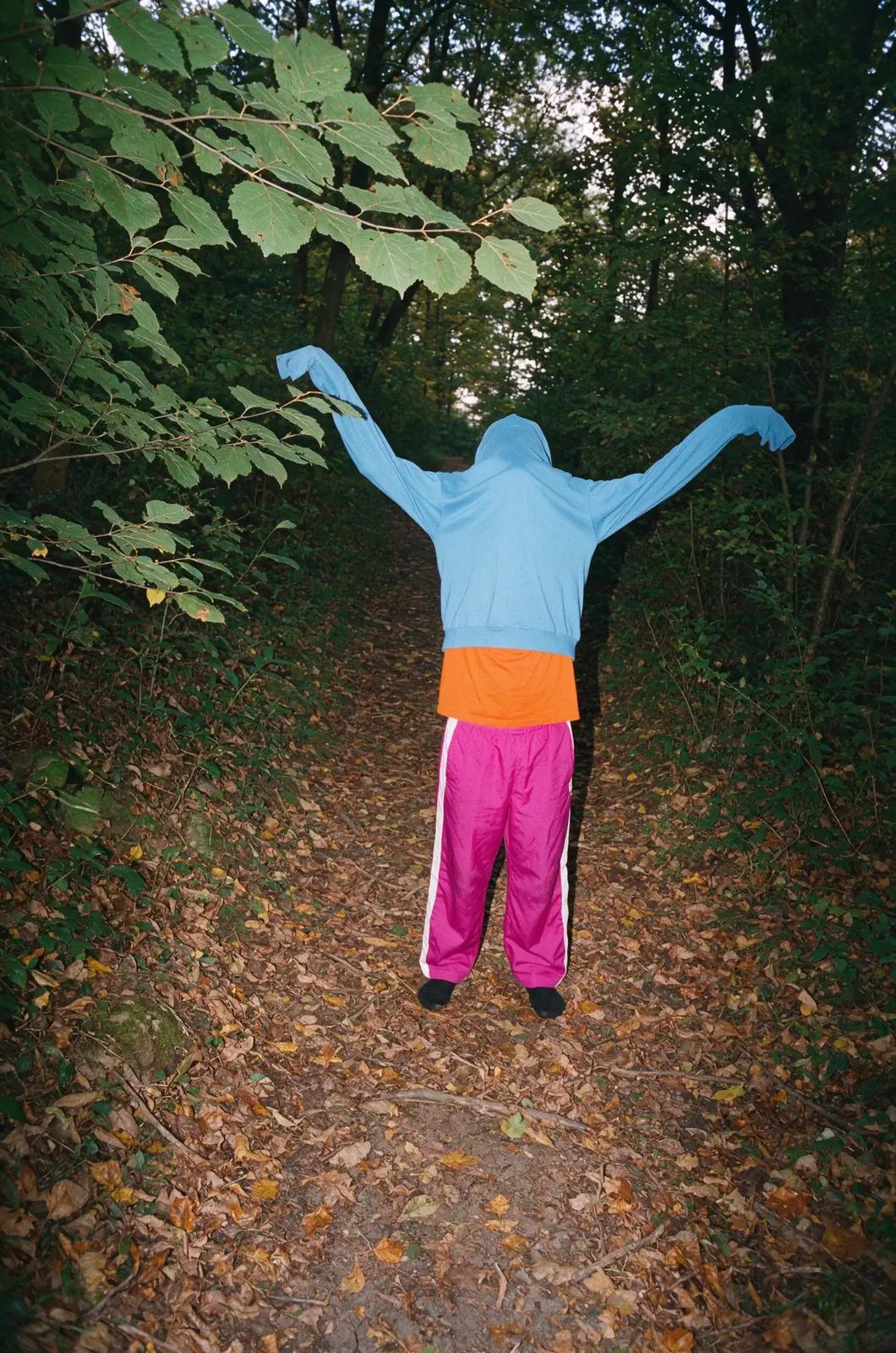
Create concept images for individual moments in a verse. Keep written notes on framing and movement to guide your later video prompts.
Release Artwork Concepts
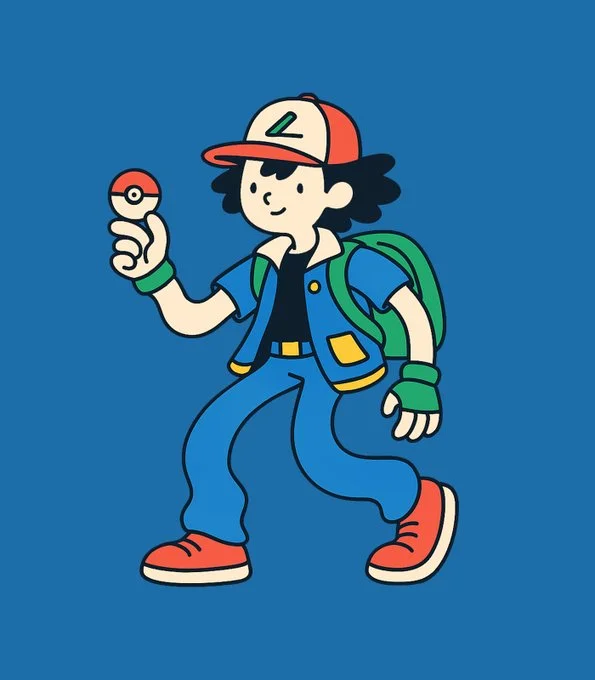
Explore visual directions for a song announcement. Review text and design details, then add accurate release information in your editing tool.
Create a Reference Image in Four Steps
Add Your Input
Write a description, or select image-to-image mode and upload a reference. Include the details that matter most to your composition.
Customize Your Options
Choose a model and adjust its available size and quality settings. Check the required credits before generating.
Generate and Refine
Select Generate Image and follow the task in History. Review the result, then revise your prompt to create another version.
Export, Share, or Transform
Download a completed image from History and add it to your project. You can also use it as a reference on the video page.
Images for Every Stage of Your Music Project
Use generated images to explore ideas and prepare visual material for your own edit.
Scene Concepts
Turn one image from a lyric into a composition. Describe the subject, surroundings and lighting, then review the result against your brief.
Social Music Posts
Explore a visual idea for a song or release post. Use the format your channel requires and add accurate text in your design tool.
Pitch and Mood Boards
Prepare visual concepts to discuss with collaborators. Keep a clear brief alongside each image so the intended scene is easy to understand.
Visual World Building
Explore a recurring location, palette or motif for your project. Review separate generations carefully; matching characters and details is not guaranteed.
Workflow Notes
Describe one subject, action and setting before generating. Keep the brief focused so the result is easier to review.
AI Reference Image Questions
Generate an image from a written scene description or a supported reference image. Use the result to explore the visual direction of your music project or as a reference for video generation.
Text-to-image models use your written description to generate a visual interpretation. Specific details about the subject, composition, and lighting can help guide the result.
Download an image you want to use, open the video generator and choose a model that supports image-to-video. Upload the image and describe the movement you want.
Write the medium, palette, lighting and composition in your prompt. There is no one-click style effect control on this page.
Revise your text prompt and generate another version, or use a supported reference image in image-to-image mode. This page does not provide object erasing, canvas expansion or photo restoration controls.
Use inputs you have permission to use and review generated content for recognizable people, brands and protected material. Check the applicable terms for your chosen model and use case before publishing commercially.
Image generation uses credits. Select a model and settings to see the quote before submitting, and visit Pricing for current purchase options.
You can start with a plain-language description. Add details about the subject, setting, lighting, and style as you refine your idea.
You can request a refund within 10 days of purchase if you have unused credits from that purchase and provide a clear reason, subject to our Refund Policy. If eligible, an unused purchase can be fully refunded; a partly used purchase is refunded in proportion to its remaining unused credits. Fully used purchases and free or promotional credits are not refundable.
Credit validity depends on the pack, subscription or promotion that issued them. Review the purchase terms and expiration dates in Settings > Credits. A renewal or new purchase does not extend older credits. Use credits before their stated expiration; do not assume unused subscription credits roll over indefinitely.
Credits charged for a task that is confirmed as failed due to a system error are returned automatically. A task that is still processing has not yet been confirmed as failed. Check its status and your credit history before submitting again. If a confirmed failure still shows an unresolved charge, email support@raplyrics.app with the task ID.
AI results can vary, so a completed result that differs from your expectations is not automatically treated as a technical failure. Eligible completed image tasks can be submitted for credit refund review using the refund option where available; approval is required. For a video or another issue, contact support@raplyrics.app with the task ID and details. A credit refund returns credits, not money to your payment method.
Email support@raplyrics.app. For billing, include your account email and order ID; for generation, include the task ID, issue description and relevant screenshots. If you purchased as a guest, keep the original browser data and payment receipt so we can help locate the purchase.
Create a Visual Starting Point for Your Lyrics
Create an image from a text description or supported reference. Review the model settings, check the credit quote and download completed results from History.
raplyrics.app · Updated
What's new on this page
- — Added editable example prompts and separate drafts for text and reference modes, with an action to restore the example.
- — Page content published.