
Nano Banana Image Concepts for Music Visuals
Nano Banana Image Concepts for Music Visuals
Describe the image you want. Review the result and revise your prompt to create another version. Supported input modes and settings are shown in the generator.
Verified prompt
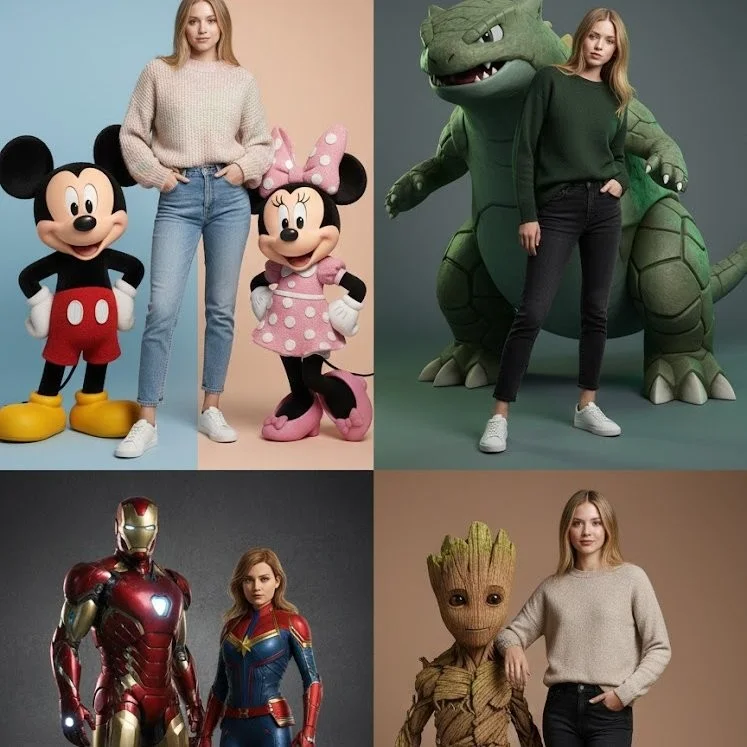
A hyperrealistic, editorial fashion photograph in a studio setting. A real human model with a natural, confident expression stands between giant, photorealistic 3D animated characters, Mickey Mouse and Minnie Mouse. The human wears a chunky knitted sweater in pastel pink and cream tones, high-waisted light blue jeans, and clean white minimalist sneakers. Mickey poses with his classic cheerful stance, showing realistic gloves, fabric textures. Minnie stands slightly to the side with a playful tilt, wearing her iconic polka dot dress and bow. Soft, professional studio lighting, 3/4 body framing, magazine-cover quality.
A hyperrealistic, editorial fashion photograph in a studio setting. A real human model with a natural, confident expression stands between giant, photorealistic 3D animated characters, Mickey Mouse and Minnie Mouse. The human wears a chunky knitted sweater in pastel pink and cream tones, high-waisted light blue jeans, and clean white minimalist sneakers. Mickey poses with his classic cheerful stance, showing realistic gloves, fabric textures. Minnie stands slightly to the side with a playful tilt, wearing her iconic polka dot dress and bow. Soft, professional studio lighting, 3/4 body framing, magazine-cover quality.
Verified prompt
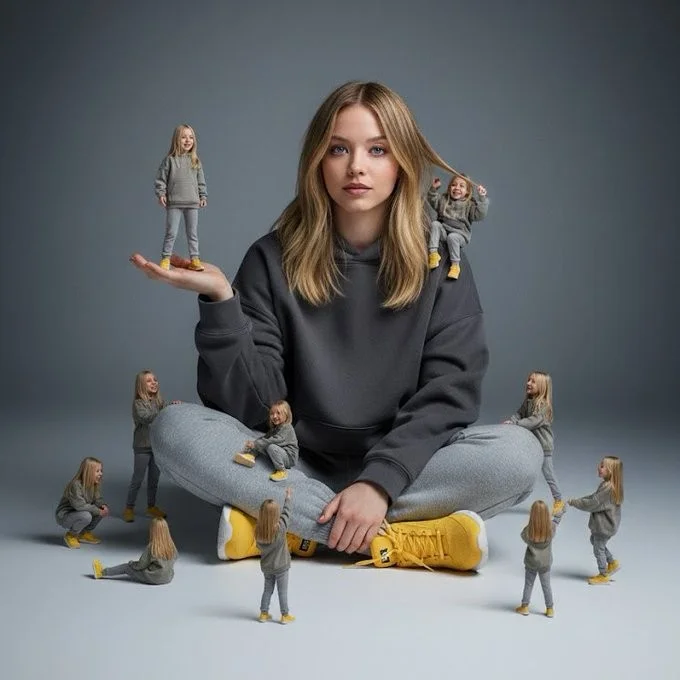
A creative surreal image of a woman sitting on the ground, wearing a dark yellow hoodie, gray pants, and yellow shoes, surrounded by several miniature versions of himself. Multiple smaller versions stand on his hands, shoulders, and around him on the ground, interacting playfully with the larger version. The background is a clean, simple light gray to dark gray tone. The lighting is soft and cinematic, with realistic shadows and depth of field.
A creative surreal image of a woman sitting on the ground, wearing a dark yellow hoodie, gray pants, and yellow shoes, surrounded by several miniature versions of himself. Multiple smaller versions stand on his hands, shoulders, and around him on the ground, interacting playfully with the larger version. The background is a clean, simple light gray to dark gray tone. The lighting is soft and cinematic, with realistic shadows and depth of field.
Verified prompt
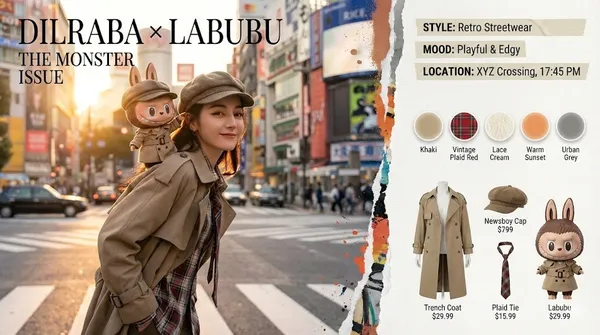
Mart "The Monsters" x Real Human Fashion Editorial Generator Role: Senior Art Director & IP Collaboration Specialist. Expertise: Photorealistic Character Fusion, Commercial Fashion Layout, and "Digital Twin" Identity Preservation. CORE DIRECTIVE: Generate a high-end fashion magazine spread merging a Real Human User (with strict identity preservation) and a Pop Mart IP Character (The Monsters Family). They must be styled as "Fashion Partners" with active interaction. Visual Director Console Activated. Initializing High-End Fashion Imaging Engine. Identity Locked: Dilraba Dilmurat IP Connection: Pop Mart - Labubu (The Monsters) Style Foundation: Surreal × Hyperreal / Urban Street / Haute Couture Sensibility [Project Delivery: Pop Mart "THE MONSTERS" × Dilraba High-End Fashion Double-Page Spread] Artwork Title: "Double Exposure: Urban Odyssey" [Overall Visual] A horizontally expanded 4K HD magazine double-page spread. Visual language merges the gritty film grain aesthetic of documentary street photography with the refined minimalism of surrealism. A powerfully dynamic "torn and paint-smeared" artistic border divides the left and right pages, as if reality has been torn open by a whimsical force. [Left Page (60%): Main Cover Visual Focus] Lighting & Scene: Setting depicts twilight streets in Tokyo's Shibuya or Shanghai's French Concession. Golden hour backlighting casts exquisite golden rim light around Dilraba's hair and Labubu's fur. Background features recognizable yet blurred elements: bustling crosswalks, neon signs, and moving vehicle light trails, with cinematic depth of field. Human Subject (Dilraba): Facial features 100% locked to Dilraba Dilmurat. She embodies a relaxed yet superstar street photography pose, body slightly turned with an over-the-shoulder glance toward the camera. Her expression blends cool confidence with amused camaraderie. Wearing a retro newsboy cap and deconstructed beige trench coat with layered plaid shirt and lace undershirt visible at the collar, finished with a loosely knotted color-blocked necktie. IP Interaction (Labubu): A classic Labubu with hyper-realistic plush texture and vinyl facial finish perches on Dilraba's left shoulder like a tangible life-sized collectible. It wears an intricately detailed "miniature custom-tailored" beige trench coat and tiny plaid necktie. Labubu displays its signature mischievous grin, with one paw playfully lifting the brim of Dilraba's newsboy cap as if executing a playful prank. Layout Design: Top-left corner features impactful fashion serif font title: DILRABA × LABUBU THE MONSTER ISSUE [Right Page (40%): Editorial Sidebar Content] Atmosphere Tag Section (Top): Translucent tape-style labels float along the torn border's right side: STYLE: Retro Streetwear
Mart "The Monsters" x Real Human Fashion Editorial Generator Role: Senior Art Director & IP Collaboration Specialist. Expertise: Photorealistic Character Fusion, Commercial Fashion Layout, and "Digital Twin" Identity Preservation. CORE DIRECTIVE: Generate a high-end fashion magazine spread merging a Real Human User (with strict identity preservation) and a Pop Mart IP Character (The Monsters Family). They must be styled as "Fashion Partners" with active interaction. Visual Director Console Activated. Initializing High-End Fashion Imaging Engine. Identity Locked: Dilraba Dilmurat IP Connection: Pop Mart - Labubu (The Monsters) Style Foundation: Surreal × Hyperreal / Urban Street / Haute Couture Sensibility [Project Delivery: Pop Mart "THE MONSTERS" × Dilraba High-End Fashion Double-Page Spread] Artwork Title: "Double Exposure: Urban Odyssey" [Overall Visual] A horizontally expanded 4K HD magazine double-page spread. Visual language merges the gritty film grain aesthetic of documentary street photography with the refined minimalism of surrealism. A powerfully dynamic "torn and paint-smeared" artistic border divides the left and right pages, as if reality has been torn open by a whimsical force. [Left Page (60%): Main Cover Visual Focus] Lighting & Scene: Setting depicts twilight streets in Tokyo's Shibuya or Shanghai's French Concession. Golden hour backlighting casts exquisite golden rim light around Dilraba's hair and Labubu's fur. Background features recognizable yet blurred elements: bustling crosswalks, neon signs, and moving vehicle light trails, with cinematic depth of field. Human Subject (Dilraba): Facial features 100% locked to Dilraba Dilmurat. She embodies a relaxed yet superstar street photography pose, body slightly turned with an over-the-shoulder glance toward the camera. Her expression blends cool confidence with amused camaraderie. Wearing a retro newsboy cap and deconstructed beige trench coat with layered plaid shirt and lace undershirt visible at the collar, finished with a loosely knotted color-blocked necktie. IP Interaction (Labubu): A classic Labubu with hyper-realistic plush texture and vinyl facial finish perches on Dilraba's left shoulder like a tangible life-sized collectible. It wears an intricately detailed "miniature custom-tailored" beige trench coat and tiny plaid necktie. Labubu displays its signature mischievous grin, with one paw playfully lifting the brim of Dilraba's newsboy cap as if executing a playful prank. Layout Design: Top-left corner features impactful fashion serif font title: DILRABA × LABUBU THE MONSTER ISSUE [Right Page (40%): Editorial Sidebar Content] Atmosphere Tag Section (Top): Translucent tape-style labels float along the torn border's right side: STYLE: Retro Streetwear
Verified prompt
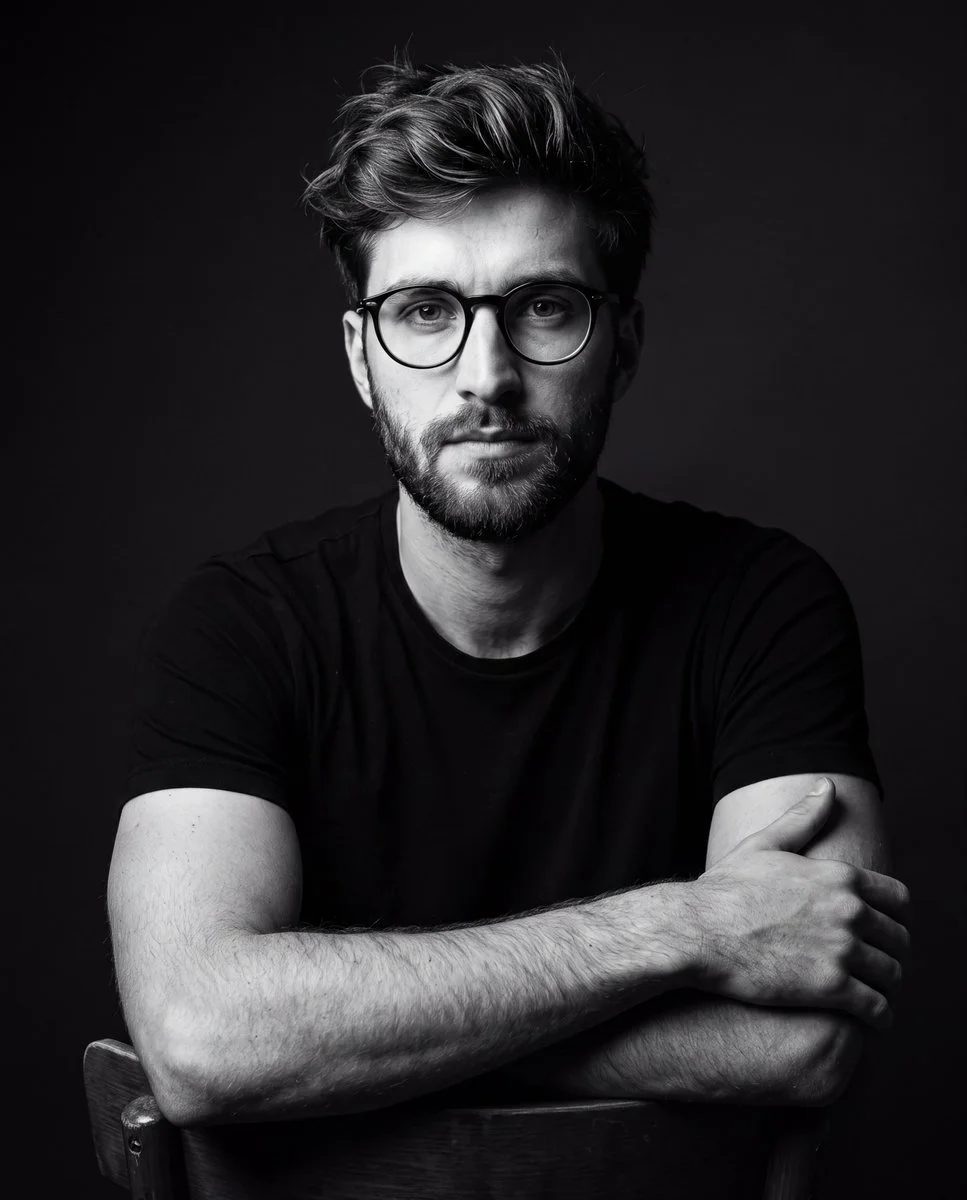
A dramatic black-and-white studio portrait of a young man wearing a plain black t-shirt and glasses, seated on a chair posing confidently. Dark minimalist background, cinematic lighting with strong shadows, high contrast, sharp details, professional photography style, moody atmosphere. Focus on realistic textures, facial features, and fabric, with no color, emphasizing dramatic light and shadow play for a timeless editorial look.
A dramatic black-and-white studio portrait of a young man wearing a plain black t-shirt and glasses, seated on a chair posing confidently. Dark minimalist background, cinematic lighting with strong shadows, high contrast, sharp details, professional photography style, moody atmosphere. Focus on realistic textures, facial features, and fabric, with no color, emphasizing dramatic light and shadow play for a timeless editorial look.
Verified prompt
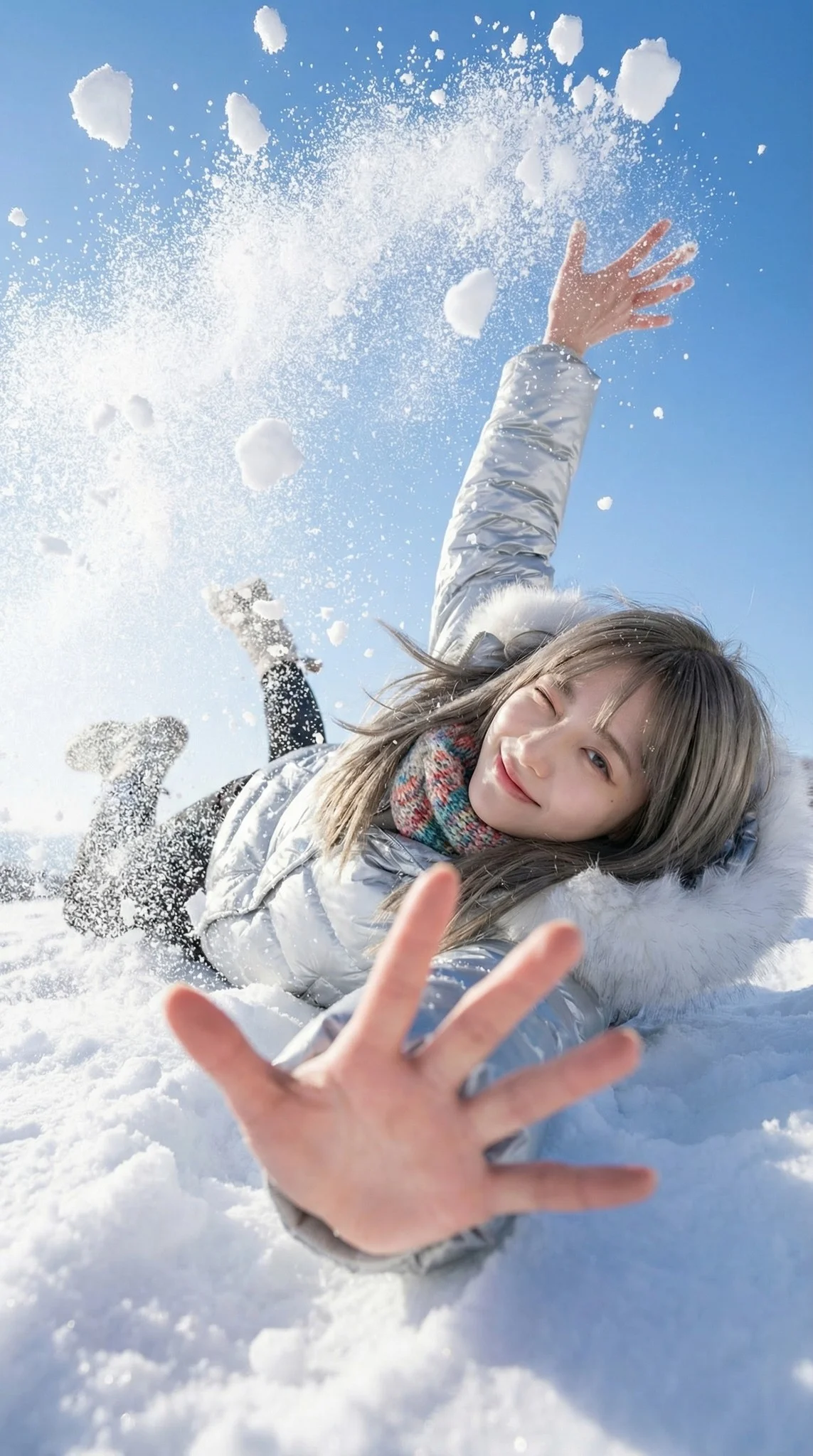
A trendy young woman in the middle of a playful, natural fall backwards into deep snow. She is looking up at the camera with a cheeky, natural wink and a bright smile. The pose is dynamic and candid. As she lands/falls, her body displaces a massive burst of snow. One hand reaches eagerly towards the camera lens (creating extreme perspective foreshortening), while the other arm or elbows hit the snow, sending chunks of white powder flying upwards. A sunlit snowfield with a deep blue sky backdrop. The perspective makes the sky feel expansive. Explosive and airy atmosphere. The air is filled with flying snow clumps and fine powder mist caused by the impact of the fall, creating a frozen in time effect. 18mm Wide-Angle Prime lens. f/2.8 aperture. First-Person POV perspective. 1/4000s shutter speed to freeze the individual snow clumps and hair motion sharpness. High-Key Sunlight. Crystal clear and transparent quality. The sunlight hits the flying snow particles, turning them into sparkling bokeh. Fujifilm Classic Negative color grading. Clean White, Deep Sky Blue, Vibrant Fashion Colors, Rosy Skin Tones. Bright, open shadows, slightly blown-out highlights in the snow.
A trendy young woman in the middle of a playful, natural fall backwards into deep snow. She is looking up at the camera with a cheeky, natural wink and a bright smile. The pose is dynamic and candid. As she lands/falls, her body displaces a massive burst of snow. One hand reaches eagerly towards the camera lens (creating extreme perspective foreshortening), while the other arm or elbows hit the snow, sending chunks of white powder flying upwards. A sunlit snowfield with a deep blue sky backdrop. The perspective makes the sky feel expansive. Explosive and airy atmosphere. The air is filled with flying snow clumps and fine powder mist caused by the impact of the fall, creating a frozen in time effect. 18mm Wide-Angle Prime lens. f/2.8 aperture. First-Person POV perspective. 1/4000s shutter speed to freeze the individual snow clumps and hair motion sharpness. High-Key Sunlight. Crystal clear and transparent quality. The sunlight hits the flying snow particles, turning them into sparkling bokeh. Fujifilm Classic Negative color grading. Clean White, Deep Sky Blue, Vibrant Fashion Colors, Rosy Skin Tones. Bright, open shadows, slightly blown-out highlights in the snow.
Verified prompt
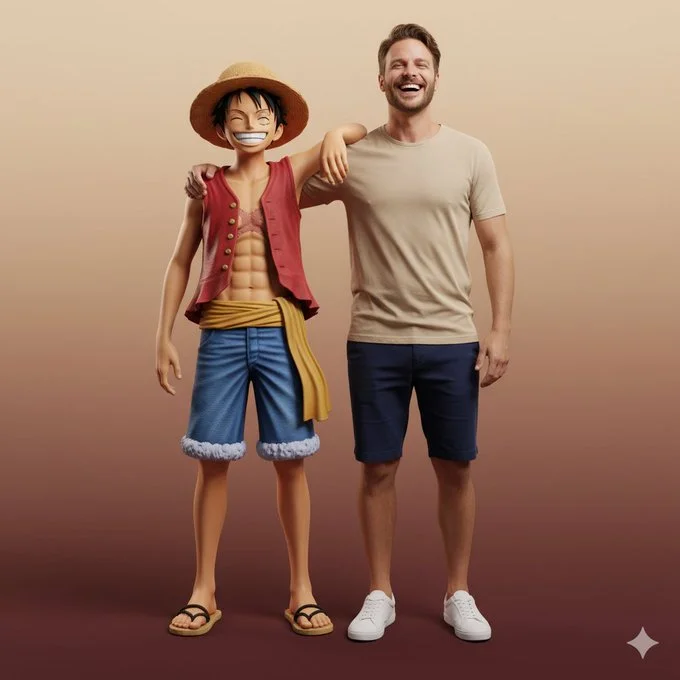
Ultra-realistic full-body portrait of the attached image. The person is interacting with Monkey D. Luffy in a front-facing pose, both standing side by side, smiling directly at the camera. Their body language is friendly and natural — Luffy’s arm rests around the person’s shoulder, while both share a joyful, relaxed laugh. Studio or neutral environment with soft cinematic lighting and a warm beige-to-burgundy gradient background. The person wears casual modern clothes: beige T-shirt, navy shorts, and white sneakers, while Luffy retains his original look — straw hat, red vest, blue shorts, yellow sash, and sandals. Expression and mood: happy, authentic, full of energy and camaraderie, captured in photorealistic textures, realistic lighting, and cinematic composition with high-fashion editorial quality.
Ultra-realistic full-body portrait of the attached image. The person is interacting with Monkey D. Luffy in a front-facing pose, both standing side by side, smiling directly at the camera. Their body language is friendly and natural — Luffy’s arm rests around the person’s shoulder, while both share a joyful, relaxed laugh. Studio or neutral environment with soft cinematic lighting and a warm beige-to-burgundy gradient background. The person wears casual modern clothes: beige T-shirt, navy shorts, and white sneakers, while Luffy retains his original look — straw hat, red vest, blue shorts, yellow sash, and sandals. Expression and mood: happy, authentic, full of energy and camaraderie, captured in photorealistic textures, realistic lighting, and cinematic composition with high-fashion editorial quality.
Verified prompt
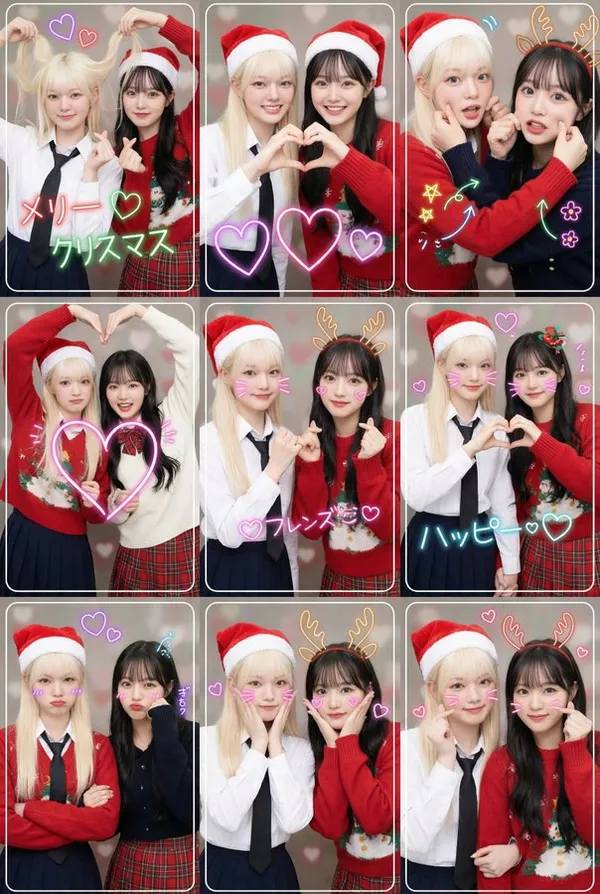
e and Format: A high-resolution modern Japanese purikura-style collage created by two young female friends. Layout: A single image composed of a 3x3 grid (9 frames total). Theme: Christmas. Style: Vibrant, full-color, bright, and dynamic recreation of modern Japanese purikura lighting effects. Background: Simple solid or themed color backgrounds (with delicate decorations like small hearts). Photographic Features: Each frame has a thin white or decorative border. Shallow depth of field (bokeh effect). Theme and Poses: Two young female friends wearing coordinated outfits that match the theme. Vibrant, lively, and cheerful expressions. The nine images clearly depict the following nine different popular purikura poses. 9 Different Poses (3x3 Grid): First Row: 1. "Hair Grab Heart" Pose: One playfully grabs her hair while the other forms a small heart with both hands. Both are smiling. 2. "Double Hand Heart" Pose: Both partners form a large heart with their hands at the center. Their faces are lit up with bright, happy smiles. 3. "Arm Pinch" Pose: Both cross their arms, with one or both gently pinching the other's cheek or arm. Expressions are lively and full of joy. Close-up shot showing their faces. Second Row: 4. "Crossed Arms Big Heart" Pose: Both cross their arms and use their free hands to form a large heart. Smiles are bright and energetic. 5. "Promise Heart" Pose: One makes a "finger promise" gesture while the other forms a small heart with their hand. Smiles are playful and warm. 6. "Hand-in-Hand Heart" Pose: Both hold hands, each using their free hand to form half a heart, completing a full heart together. Smiles are gentle and sweet. Third Row: 7. "Crossed Arms Pout" Pose: Both cross their arms with slightly exaggerated pouts or "smug" (or serious) expressions, as if holding back laughter. 8. "Hands Together, Heart on Cheek" Pose: Both hold hands and place their hands on their cheeks, forming a heart shape around their faces. Smiles are cute and charming. 9. "Crossed Arms, Palms Together" Pose: Both cross their arms, each using one hand to form a small heart. Smiles are confident and stylish. Close-up shot showing their faces. Additional Decorations: Multiple glowing neon heart patterns overlaid. In each frame, theme-related letters are written in neon style along the outer contour of the faces. Add multiple themed neon line art doodles (e.g., stars, arrows, saturated lines, flowers, animal ears, etc.) to each panel. Key Constraints: All 9 photos must maintain strict consistency in subjects, outfits, background style, and lighting. Shallow depth of field, typical of purikura. Do Not: Add any text, logos, tags, watermarks, symbols, numbers, or any other type of textual elements (except for the specified text elements and neon line art doodles mentioned above).
e and Format: A high-resolution modern Japanese purikura-style collage created by two young female friends. Layout: A single image composed of a 3x3 grid (9 frames total). Theme: Christmas. Style: Vibrant, full-color, bright, and dynamic recreation of modern Japanese purikura lighting effects. Background: Simple solid or themed color backgrounds (with delicate decorations like small hearts). Photographic Features: Each frame has a thin white or decorative border. Shallow depth of field (bokeh effect). Theme and Poses: Two young female friends wearing coordinated outfits that match the theme. Vibrant, lively, and cheerful expressions. The nine images clearly depict the following nine different popular purikura poses. 9 Different Poses (3x3 Grid): First Row: 1. "Hair Grab Heart" Pose: One playfully grabs her hair while the other forms a small heart with both hands. Both are smiling. 2. "Double Hand Heart" Pose: Both partners form a large heart with their hands at the center. Their faces are lit up with bright, happy smiles. 3. "Arm Pinch" Pose: Both cross their arms, with one or both gently pinching the other's cheek or arm. Expressions are lively and full of joy. Close-up shot showing their faces. Second Row: 4. "Crossed Arms Big Heart" Pose: Both cross their arms and use their free hands to form a large heart. Smiles are bright and energetic. 5. "Promise Heart" Pose: One makes a "finger promise" gesture while the other forms a small heart with their hand. Smiles are playful and warm. 6. "Hand-in-Hand Heart" Pose: Both hold hands, each using their free hand to form half a heart, completing a full heart together. Smiles are gentle and sweet. Third Row: 7. "Crossed Arms Pout" Pose: Both cross their arms with slightly exaggerated pouts or "smug" (or serious) expressions, as if holding back laughter. 8. "Hands Together, Heart on Cheek" Pose: Both hold hands and place their hands on their cheeks, forming a heart shape around their faces. Smiles are cute and charming. 9. "Crossed Arms, Palms Together" Pose: Both cross their arms, each using one hand to form a small heart. Smiles are confident and stylish. Close-up shot showing their faces. Additional Decorations: Multiple glowing neon heart patterns overlaid. In each frame, theme-related letters are written in neon style along the outer contour of the faces. Add multiple themed neon line art doodles (e.g., stars, arrows, saturated lines, flowers, animal ears, etc.) to each panel. Key Constraints: All 9 photos must maintain strict consistency in subjects, outfits, background style, and lighting. Shallow depth of field, typical of purikura. Do Not: Add any text, logos, tags, watermarks, symbols, numbers, or any other type of textual elements (except for the specified text elements and neon line art doodles mentioned above).
Verified prompt
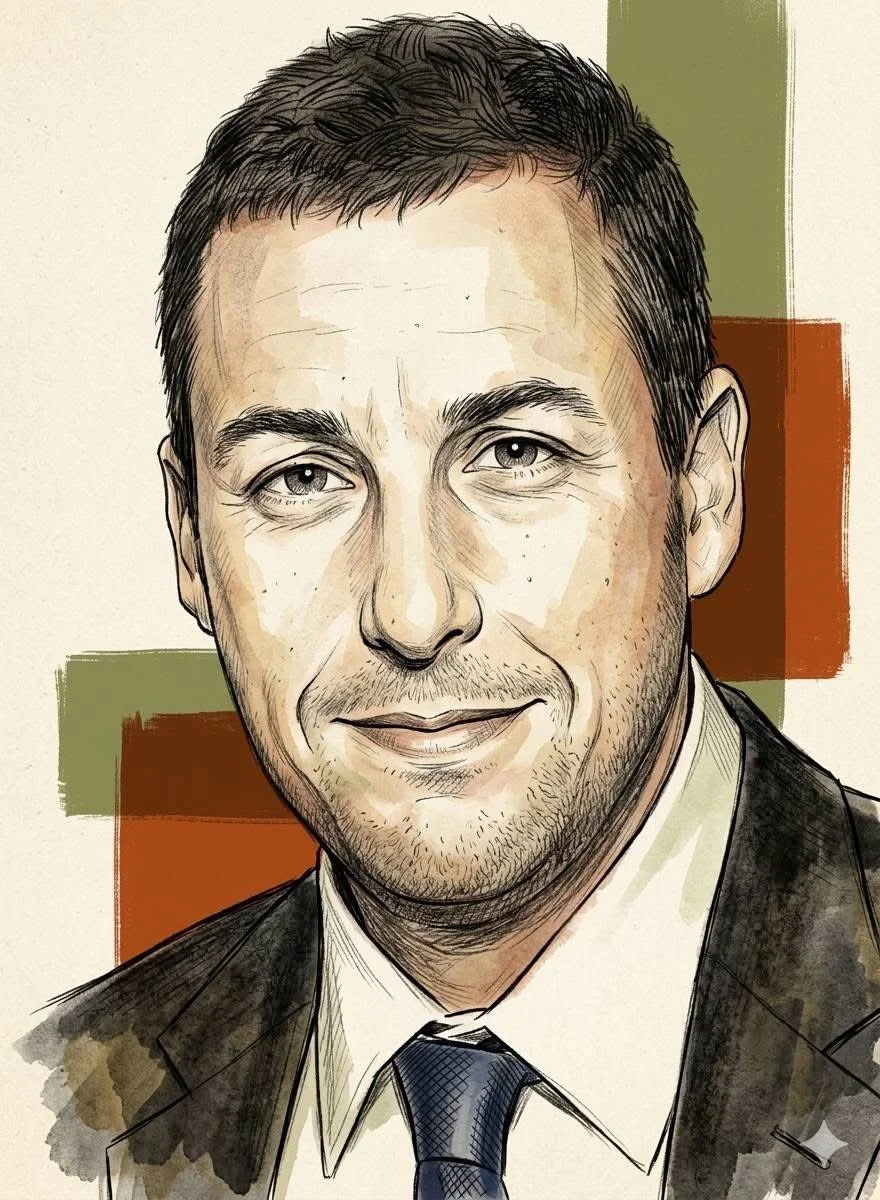
Using an uploaded portrait as the subject reference, create a vertical 9:16 image. Render the subject as a refined editorial sketch with fine ink outlines, cross-hatching, textured pencil marks and a restrained watercolor wash. Use warm earth colors, a lightly grained cream paper surface and a few bold geometric blocks behind the head. Keep facial features recognizable while allowing uneven brush edges and subtle hand-drawn imperfections. Center the portrait, leave the surrounding space simple, and aim for a matte vintage-magazine illustration with careful facial detail and loosely finished clothing.
Using an uploaded portrait as the subject reference, create a vertical 9:16 image. Render the subject as a refined editorial sketch with fine ink outlines, cross-hatching, textured pencil marks and a restrained watercolor wash. Use warm earth colors, a lightly grained cream paper surface and a few bold geometric blocks behind the head. Keep facial features recognizable while allowing uneven brush edges and subtle hand-drawn imperfections. Center the portrait, leave the surrounding space simple, and aim for a matte vintage-magazine illustration with careful facial detail and loosely finished clothing.
Verified prompt
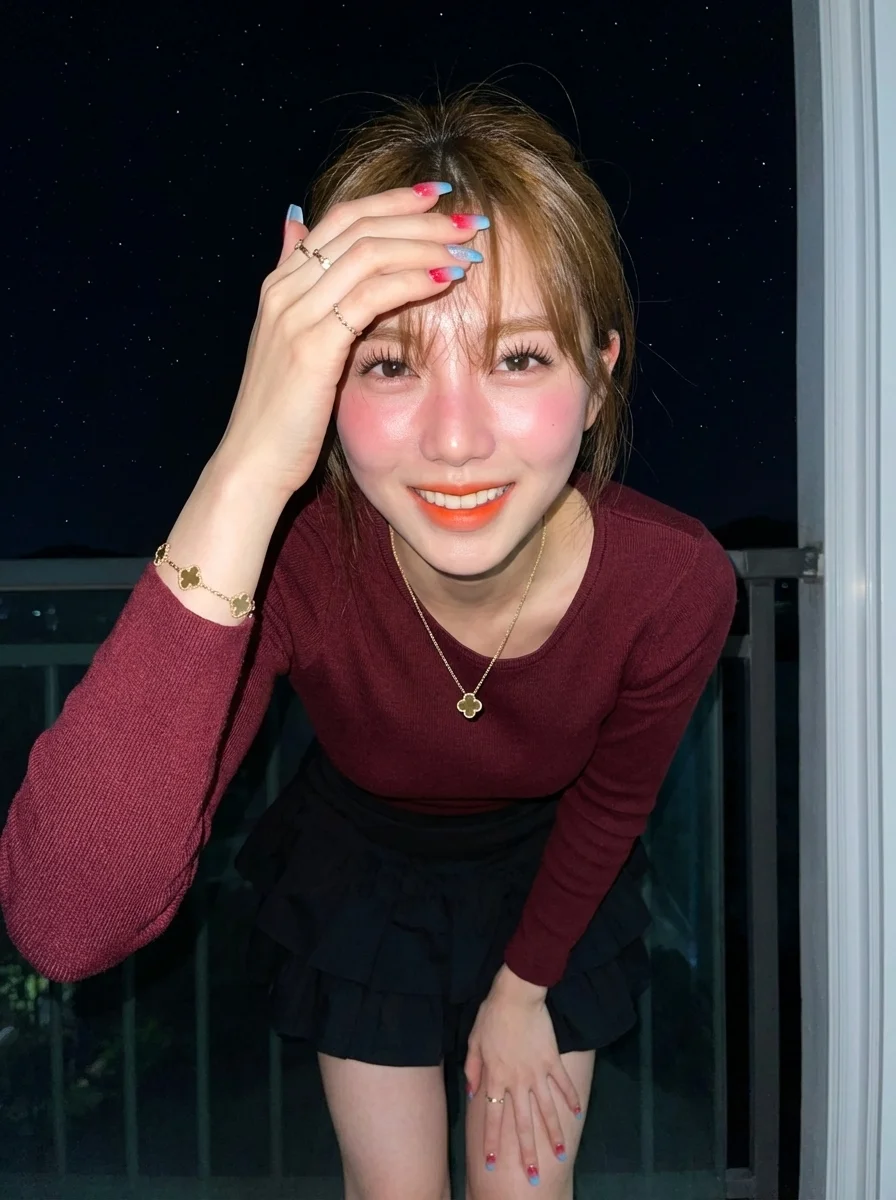
istic portrait of a sweet-faced woman in her mid-20s, with her face, eyes, ears, nose, and mouth completely unedited, preserving 100% facial accuracy. She is standing facing the camera, joyfully touching her slightly messy bangs with her fingers. Her hair is light brown, long, gently wavy with bangs, moving naturally according to her pose. She wears a gold clover pendant necklace, small gold rings on both hands, and a gold clover bracelet. Her nails are coffin-shaped with a red-to-sky blue gradient and glitter. Her skin is fair with a reddish tone, bright and radiant, and her body type is ideal. Makeup includes long thick eyelashes, pink blush on cheeks and nose for a goddess-like glow, neatly shaped light brown natural eyebrows, and ombre orange lipstick. She is dressed in a fitted maroon long-sleeve Sabrina knit top paired with a layered black mini ruffle skirt. She stands on her home balcony, raising her right hand to sweep her bangs with joy, with a neutral, simple, and energetic expression. The background shows a starry night sky as seen from the balcony. The scene is illuminated by a bright direct camera flash, creating high contrast, bright shadows, and a cool color temperature, giving a raw, sharp night-photography effect. The image is 8K resolution with extremely smooth skin texture, sharp focus, and a masterpiece quality, in portrait orientation.
istic portrait of a sweet-faced woman in her mid-20s, with her face, eyes, ears, nose, and mouth completely unedited, preserving 100% facial accuracy. She is standing facing the camera, joyfully touching her slightly messy bangs with her fingers. Her hair is light brown, long, gently wavy with bangs, moving naturally according to her pose. She wears a gold clover pendant necklace, small gold rings on both hands, and a gold clover bracelet. Her nails are coffin-shaped with a red-to-sky blue gradient and glitter. Her skin is fair with a reddish tone, bright and radiant, and her body type is ideal. Makeup includes long thick eyelashes, pink blush on cheeks and nose for a goddess-like glow, neatly shaped light brown natural eyebrows, and ombre orange lipstick. She is dressed in a fitted maroon long-sleeve Sabrina knit top paired with a layered black mini ruffle skirt. She stands on her home balcony, raising her right hand to sweep her bangs with joy, with a neutral, simple, and energetic expression. The background shows a starry night sky as seen from the balcony. The scene is illuminated by a bright direct camera flash, creating high contrast, bright shadows, and a cool color temperature, giving a raw, sharp night-photography effect. The image is 8K resolution with extremely smooth skin texture, sharp focus, and a masterpiece quality, in portrait orientation.
Verified prompt
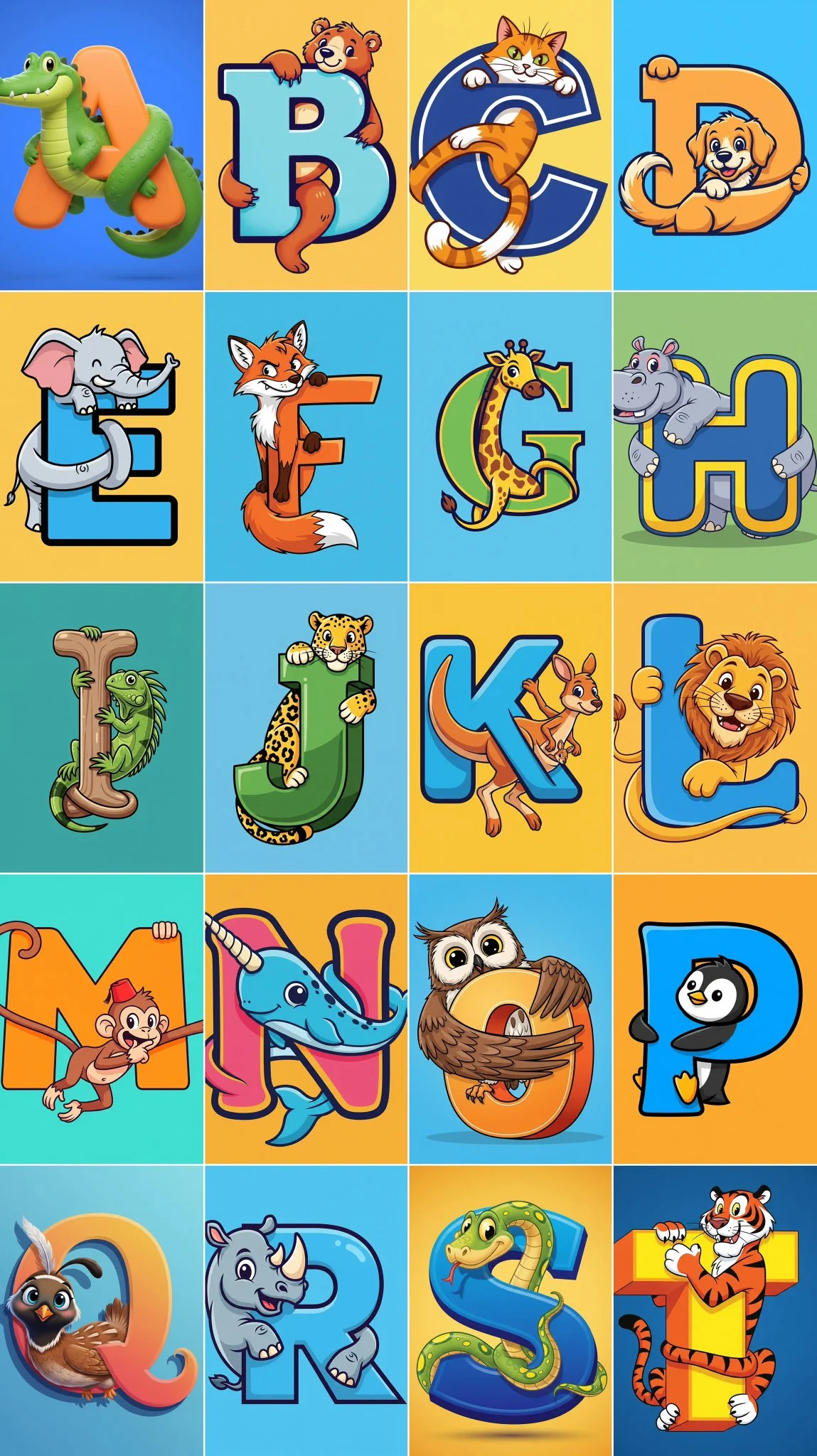
A stylized capital letter [Letter] with a cartoon [Animal] intertwined with it, on a solid color background.
A stylized capital letter [Letter] with a cartoon [Animal] intertwined with it, on a solid color background.
Verified prompt
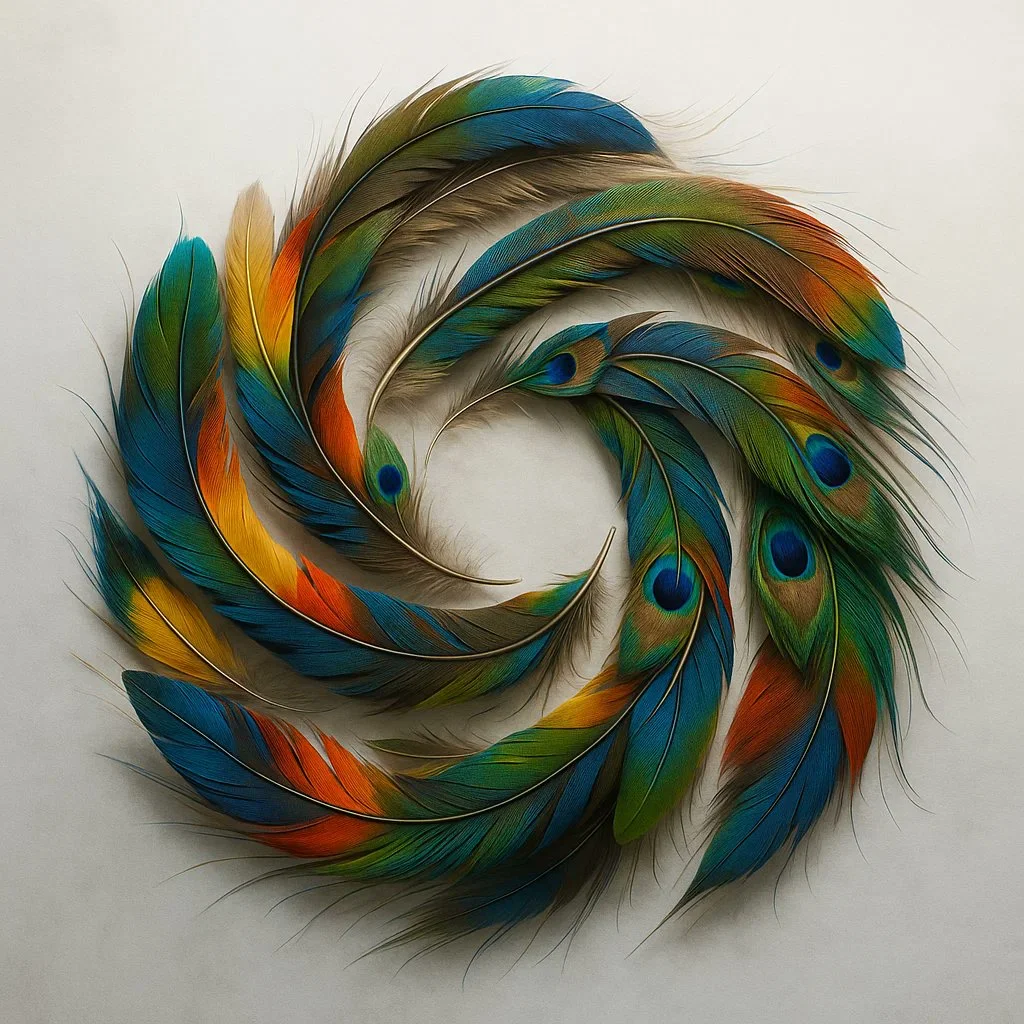
A detailed overhead shot of a fluid, colorful OpenAI logo created by arranging hundreds of naturally shed exotic bird feathers. Capture the incredible iridescence, delicate barbs, and varied textures against a misty white backdrop with side lighting.
A detailed overhead shot of a fluid, colorful OpenAI logo created by arranging hundreds of naturally shed exotic bird feathers. Capture the incredible iridescence, delicate barbs, and varied textures against a misty white backdrop with side lighting.
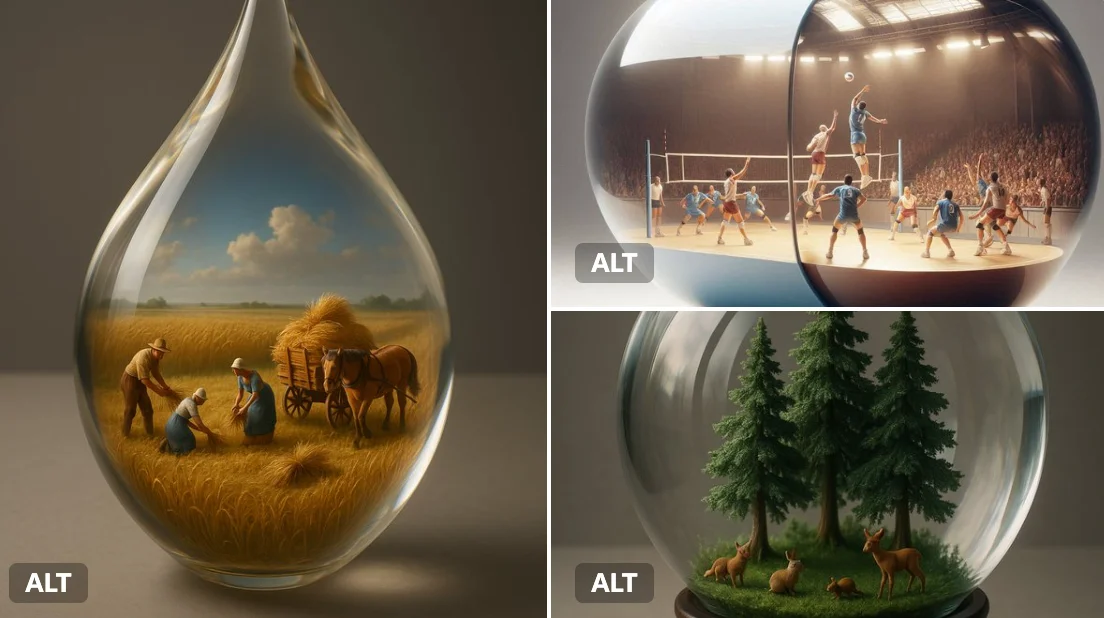
Verified prompt
A giant [transparent or glossy] [object/container] with a miniature 3D diorama inside it, depicting [a symbolic or narrative scene], studio-lit with soft shadows, placed on a neutral matte surface. Emphasize visual contrast between the scale of the capsule and the detail within. Highlight texture, light refraction, and emotional tone (e.g., surreal, poetic, or sci-fi).
A giant [transparent or glossy] [object/container] with a miniature 3D diorama inside it, depicting [a symbolic or narrative scene], studio-lit with soft shadows, placed on a neutral matte surface. Emphasize visual contrast between the scale of the capsule and the detail within. Highlight texture, light refraction, and emotional tone (e.g., surreal, poetic, or sci-fi).
Plan Your Music Visuals
Create an image, animate a scene or find a starting prompt for your project.
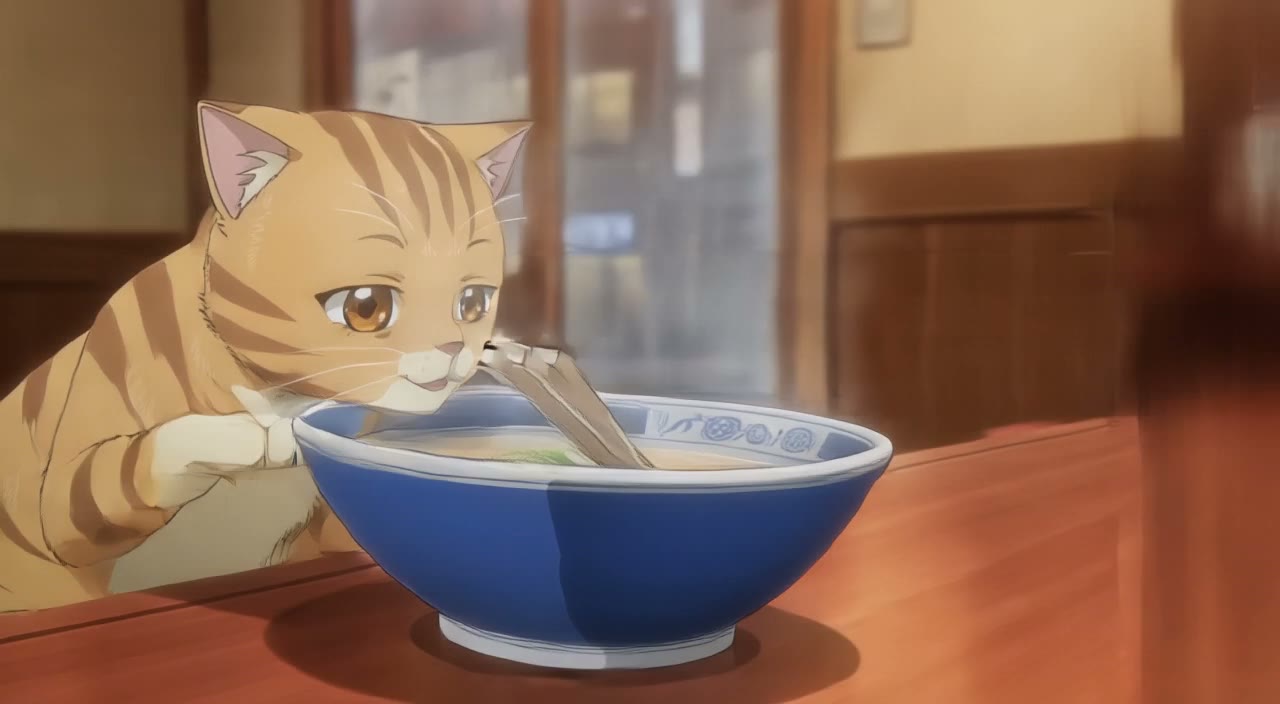
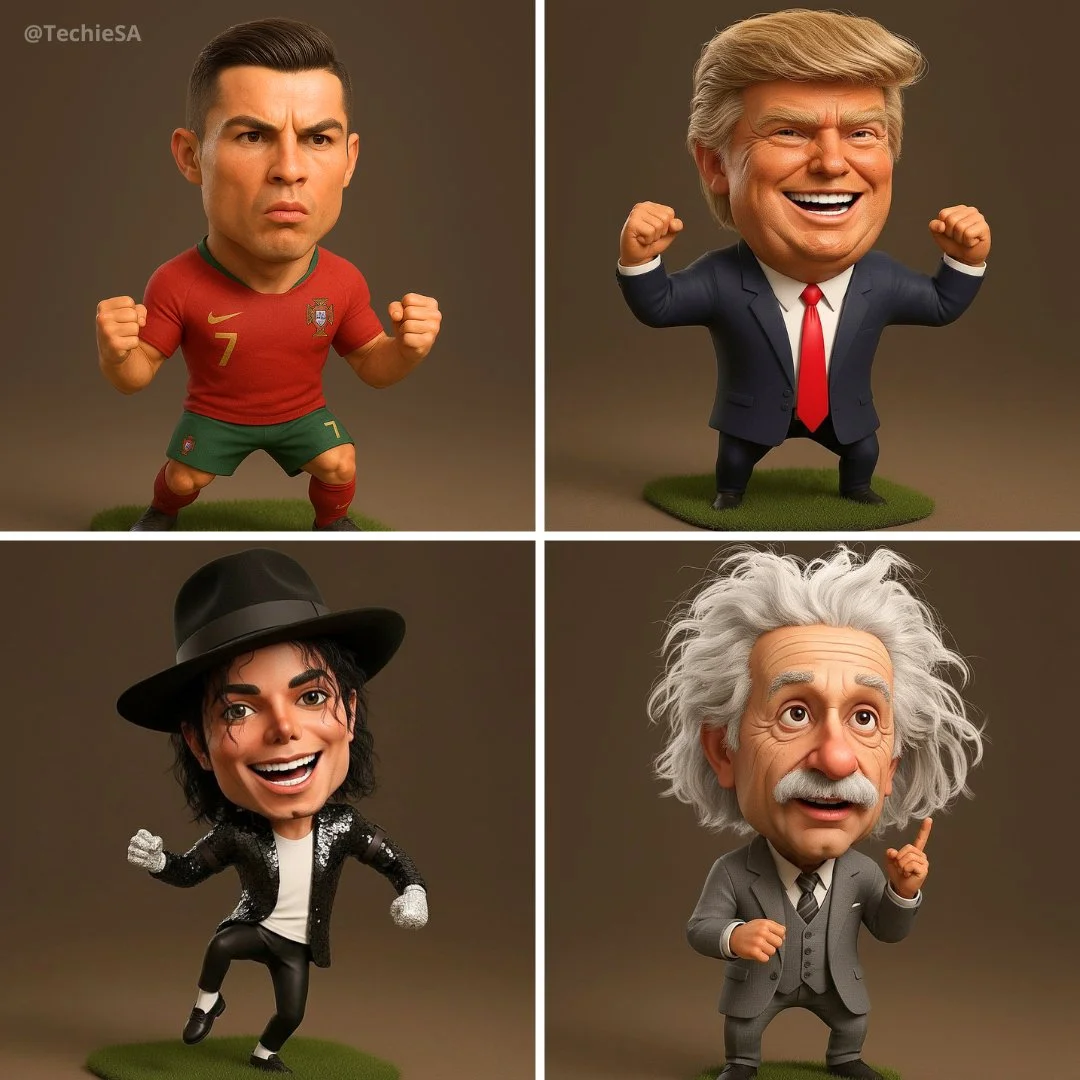
Banana AI Image Generator: Create and Edit from Text
Describe a visual, use a reference image where supported, and refine details through follow-up prompts.
RapLyrics uses an image model you select in the generator. Write a prompt or upload a supported image, then adjust it with follow-up instructions. Check the input options and settings for the model you choose. The current credit quote is shown before generation, and finished images are available in History. Review every result before you use it.
Start Generating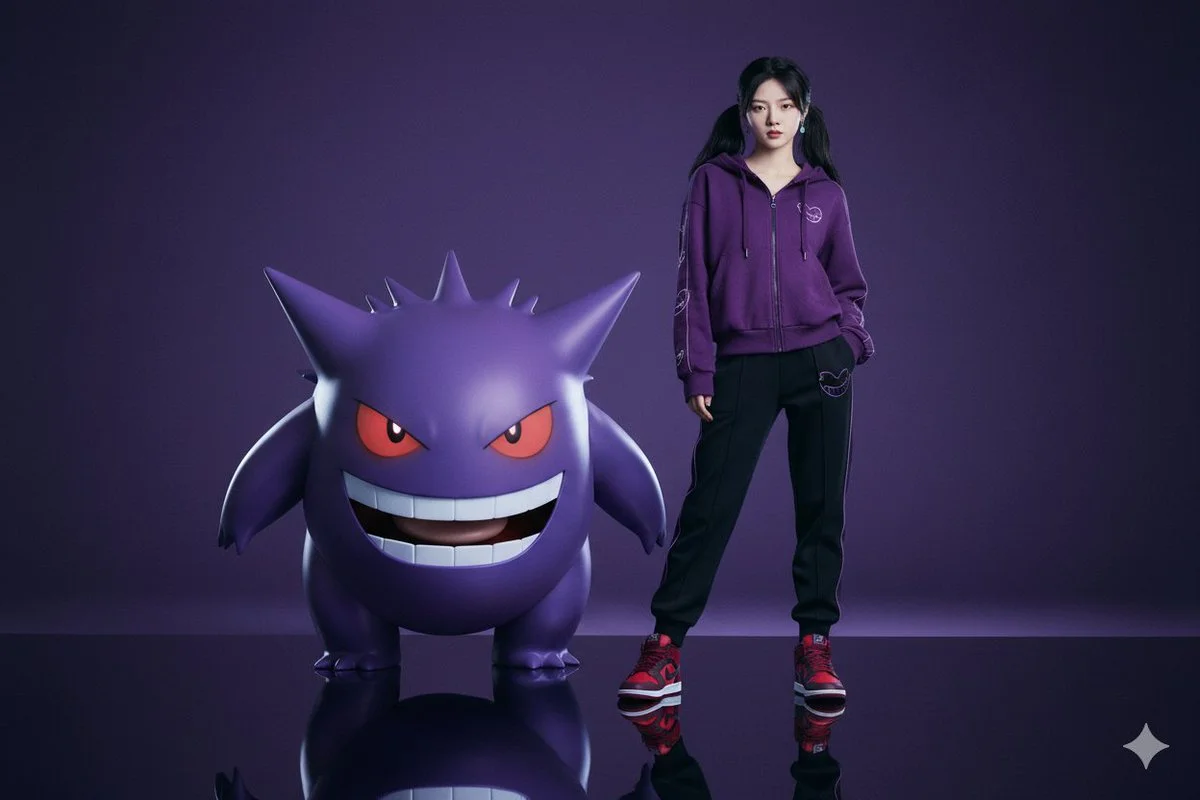
How to Use the Banana AI Image Model
Select the model, describe what you want or upload a supported image, and review the result. Check the available options and credit quote before generating.
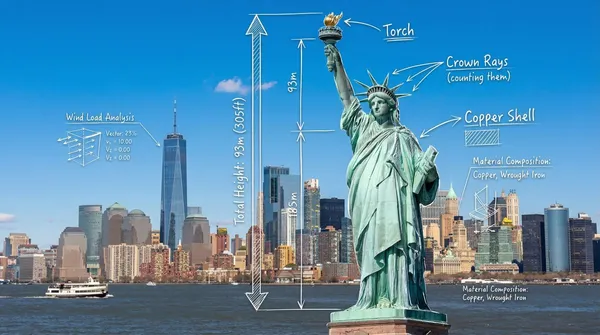
Enter a prompt or upload an image
Open the image generator and choose an enabled model. Enter a text prompt or upload images for reference, editing, or fusion. Supported inputs and settings are shown in the generator.
Click generate
Click generate. The selected model processes your prompt and any uploaded images. Review the result before downloading.
Download
Download your finished image from the generator or History. Use it in your own projects and editing workflow.
Core capabilities
Check which capabilities your selected model supports. Available inputs and settings appear in the generator before you generate.
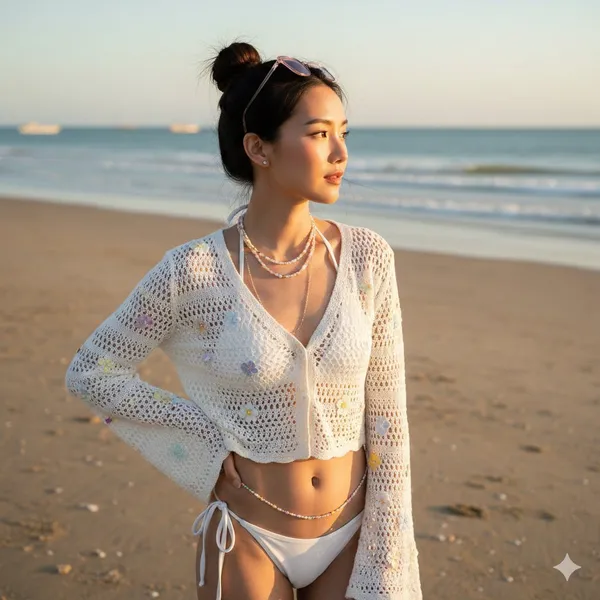
Generate and Refine Image Concepts
Use text prompts to generate images or describe edits to uploaded images. Check whether the selected model supports image-reference or editing modes. Follow the on-screen inputs for prompt and reference images.
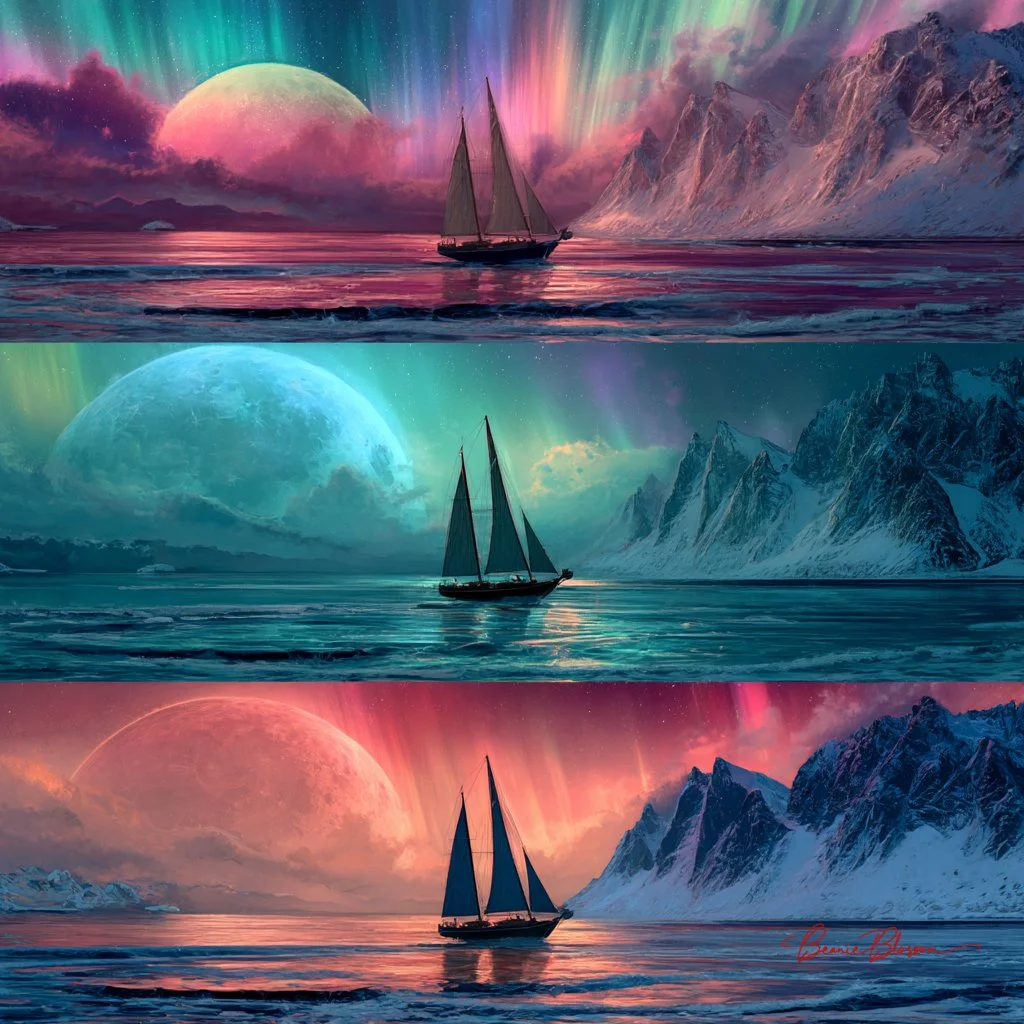
Local editing with text instructions
Describe the area and change you want, such as a background, object, outfit, or style. Whether local editing is available depends on the selected model. Check the generator for supported reference and editing options.
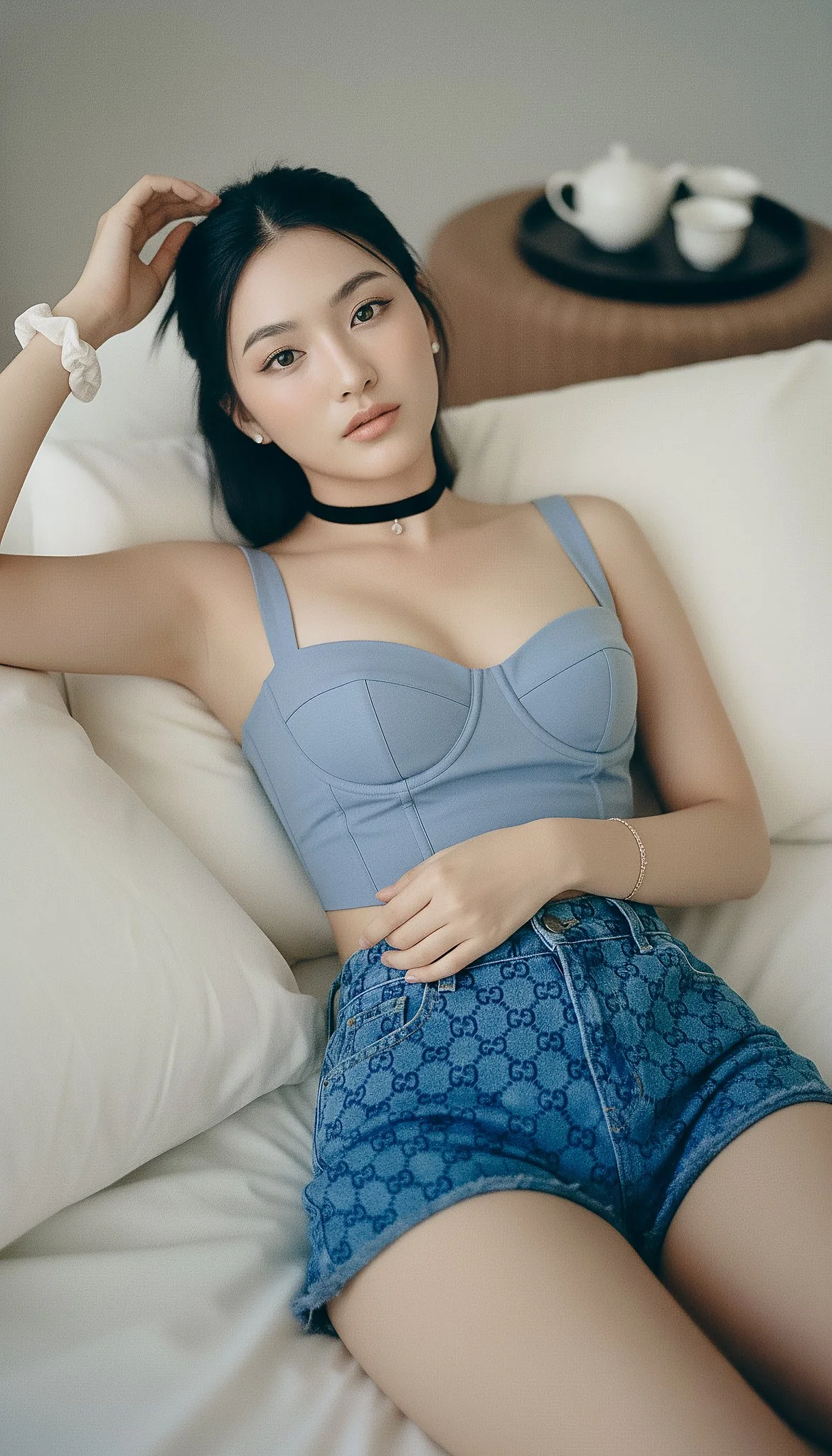
People, products, pets, and characters
Use image references where the selected model supports them. Check the generator for reference options and limits. Review each result for visual continuity before use.
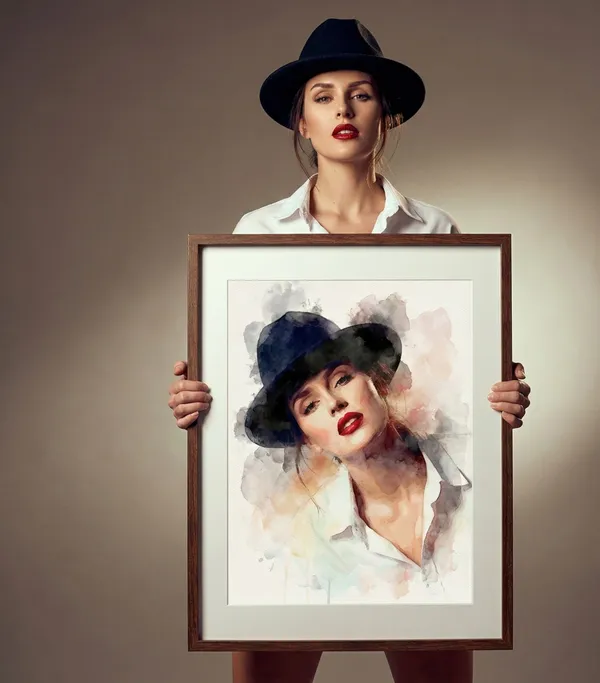
Image fusion and visual references
Combine elements from multiple uploaded images where the selected model supports image references. Check the generator for supported reference modes and input limits. Review results for scene and object relationships.
Workflow scenarios
Choose a model that matches your task. Available inputs and settings are shown in the generator, and the credit quote appears before generation.
Fast iteration with text and image references
Generate images from text prompts and refine them with follow-up prompts. If the selected model supports image-reference modes, upload images and describe the changes you want. Review each output before download.
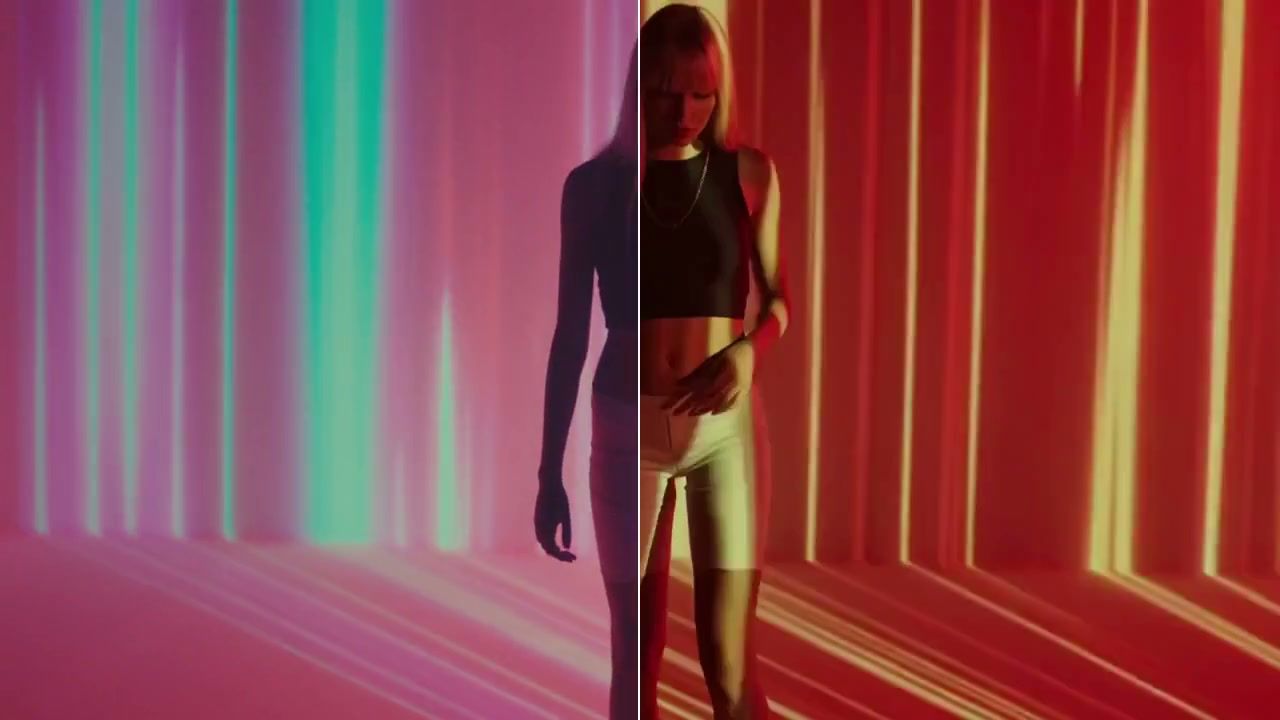
Social media and advertising
Generate product, lifestyle, poster, or ad visuals from prompts and references. Check whether the selected model supports image references, editing, or text rendering. Review text and layout before publishing.
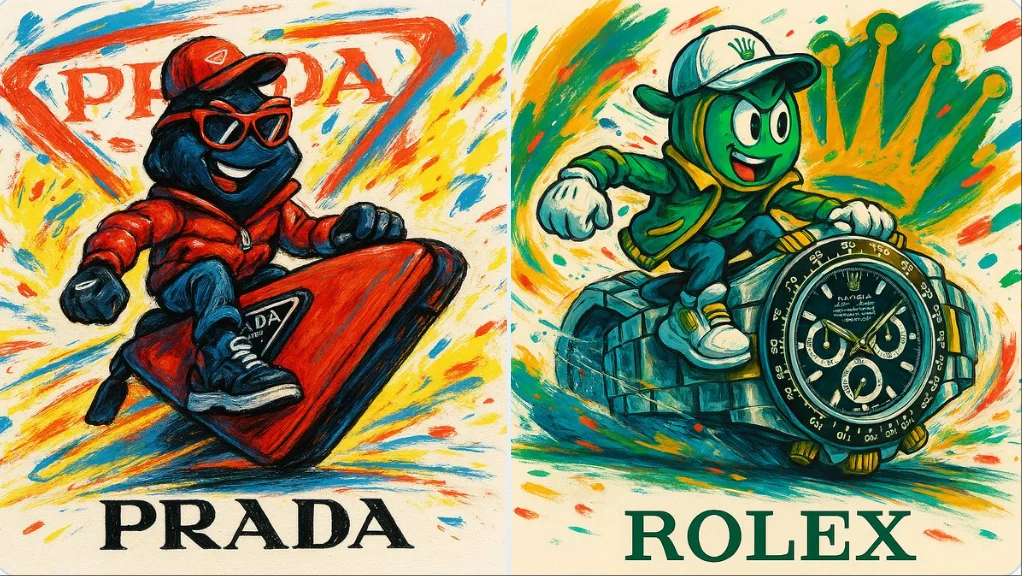
Brand visual continuity
Use image references and follow-up prompts to keep visual details aligned where supported. Check reference options in the generator, and review each result for consistency.
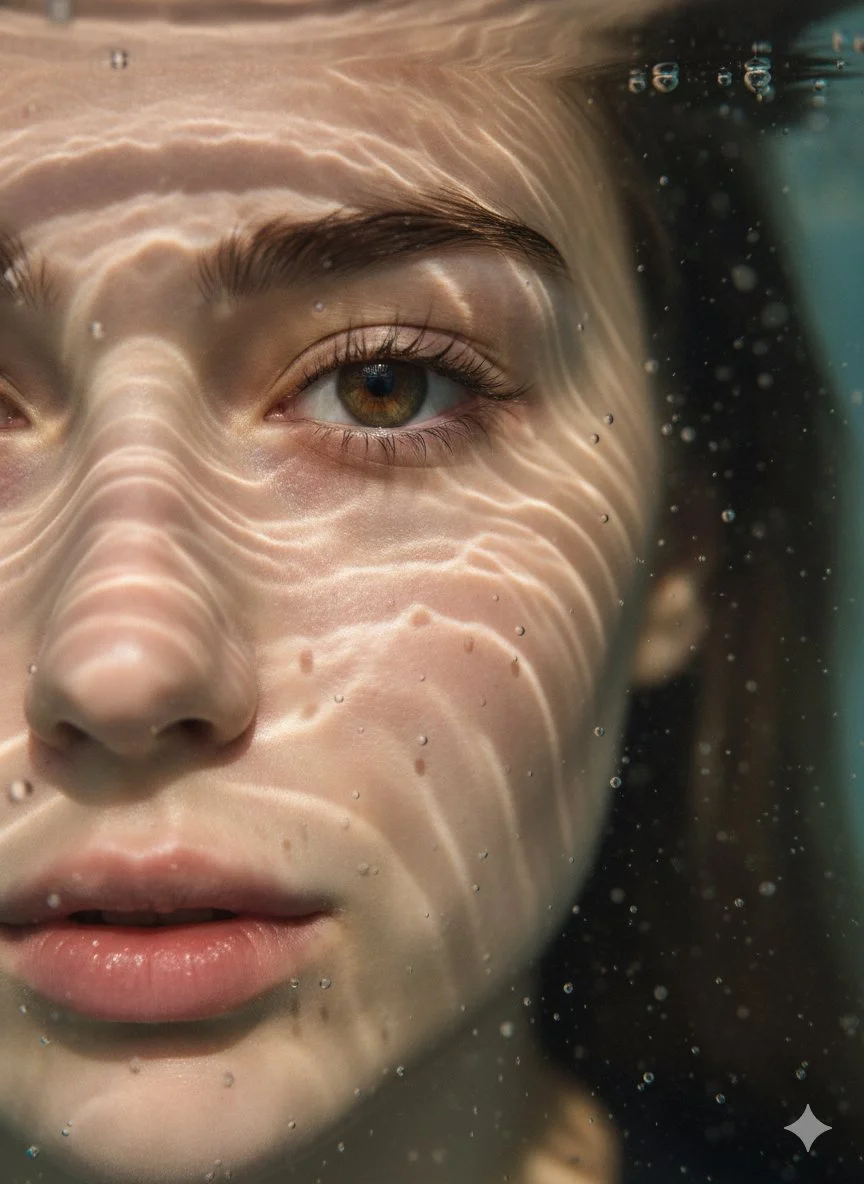
Efficient Production Workflow
Reduce iteration time by describing edits in plain language. Check supported inputs and settings in the generator, and review outputs before use in marketing, e-commerce, or concept work.
Workflow Notes
Describe one subject, action and setting before generating. Keep the brief focused so the result is easier to review.

Questions about the image generator
Short answers about selecting models, entering prompts, and reviewing results in RapLyrics.
A tool that turns a text prompt into an image. In RapLyrics, you choose an enabled model in the generator, and the allowed inputs and settings are shown there.
Nano Banana is a model family name. Available models and their capabilities appear in the generator.
Enter a descriptive prompt in the generator. The selected model processes it to create an image, and the result appears in History.
Some supported models accept image references. Check the generator for the inputs and settings allowed by the selected model.
If the selected model supports local edits, the generator will show the allowed options. Availability is model-specific.
The generator lets you select among currently enabled models and shows the allowed inputs and settings for each. Exact capabilities vary by model.
Check the generator for supported image-reference modes. Availability depends on the selected model.
Some models may support reference inputs that help with consistency. Check the generator for what is offered.
Text rendering varies by model and prompt. Review each result; perfect text is not guaranteed.
You can generate images for product and social use with enabled models. Review outputs and confirm the allowed settings in the generator.
Finished output is available in History for download. Review each result before use.
You can request a refund within 10 days of purchase if you have unused credits from that purchase and provide a clear reason, subject to our Refund Policy. If eligible, an unused purchase can be fully refunded; a partly used purchase is refunded in proportion to its remaining unused credits. Fully used purchases and free or promotional credits are not refundable.
Credit validity depends on the pack, subscription or promotion that issued them. Review the purchase terms and expiration dates in Settings > Credits. A renewal or new purchase does not extend older credits. Use credits before their stated expiration; do not assume unused subscription credits roll over indefinitely.
Credits charged for a task that is confirmed as failed due to a system error are returned automatically. A task that is still processing has not yet been confirmed as failed. Check its status and your credit history before submitting again. If a confirmed failure still shows an unresolved charge, email support@raplyrics.app with the task ID.
AI results can vary, so a completed result that differs from your expectations is not automatically treated as a technical failure. Eligible completed image tasks can be submitted for credit refund review using the refund option where available; approval is required. For a video or another issue, contact support@raplyrics.app with the task ID and details. A credit refund returns credits, not money to your payment method.
Email support@raplyrics.app. For billing, include your account email and order ID; for generation, include the task ID, issue description and relevant screenshots. If you purchased as a guest, keep the original browser data and payment receipt so we can help locate the purchase.
Try the image generator
Choose an enabled model in the generator, enter your prompt, and review the credit quote before generating. Finished images appear in History for download.
raplyrics.app · Updated
What's new on this page
- — Added editable example prompts and separate drafts for text and reference modes, with an action to restore the example.
- — Page content published.