
Nano Banana Image Concepts for Music Visuals
Nano Banana Image Concepts for Music Visuals
Describe the image you want. Review the result and revise your prompt to create another version. Supported input modes and settings are shown in the generator.
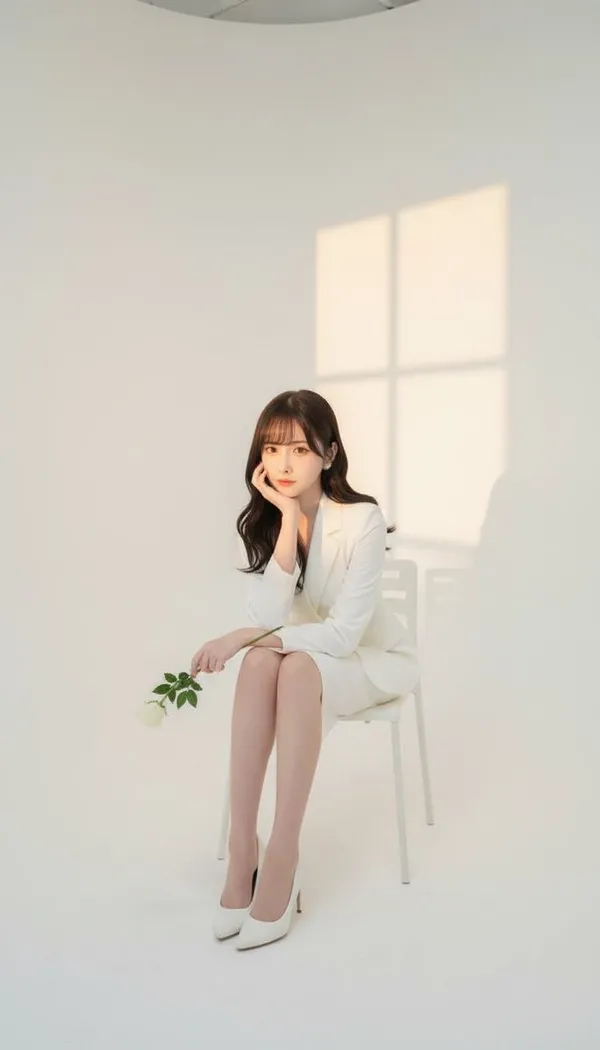
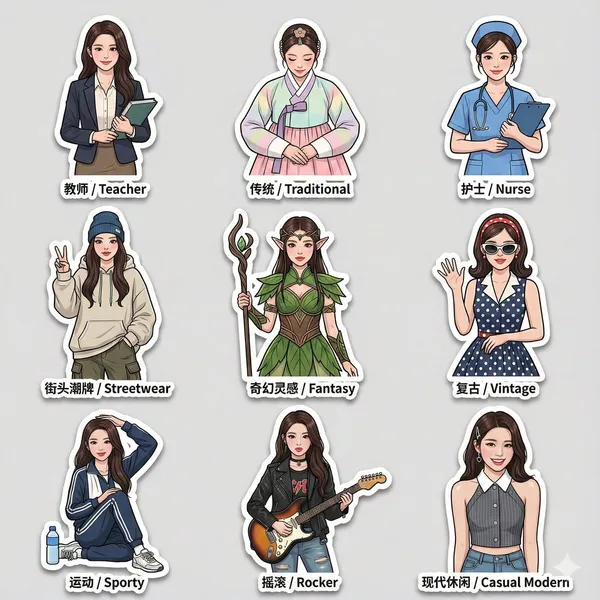
Verified prompt
3 sticker pack based on an uploaded reference photo, featuring the same character wearing a variety of different outfits and fashion styles. Cleanly cut edges, bold thick-line outlines, and expressive, dynamic poses, with an overall lively and modern sticker design style. Each sticker includes bilingual labels in both Chinese and English placed next to the character. All stickers maintain identical facial features, consistent likeness, proportions, and scale across the entire set. The sticker pack includes multiple outfit styles such as: teacher attire, traditional clothing, nurse uniform, streetwear fashion, and fantasy-inspired outfits. High-resolution final output, with soft drop shadows and a glossy sticker paper texture, suitable for social media sharing.
3 sticker pack based on an uploaded reference photo, featuring the same character wearing a variety of different outfits and fashion styles. Cleanly cut edges, bold thick-line outlines, and expressive, dynamic poses, with an overall lively and modern sticker design style. Each sticker includes bilingual labels in both Chinese and English placed next to the character. All stickers maintain identical facial features, consistent likeness, proportions, and scale across the entire set. The sticker pack includes multiple outfit styles such as: teacher attire, traditional clothing, nurse uniform, streetwear fashion, and fantasy-inspired outfits. High-resolution final output, with soft drop shadows and a glossy sticker paper texture, suitable for social media sharing.
Verified prompt
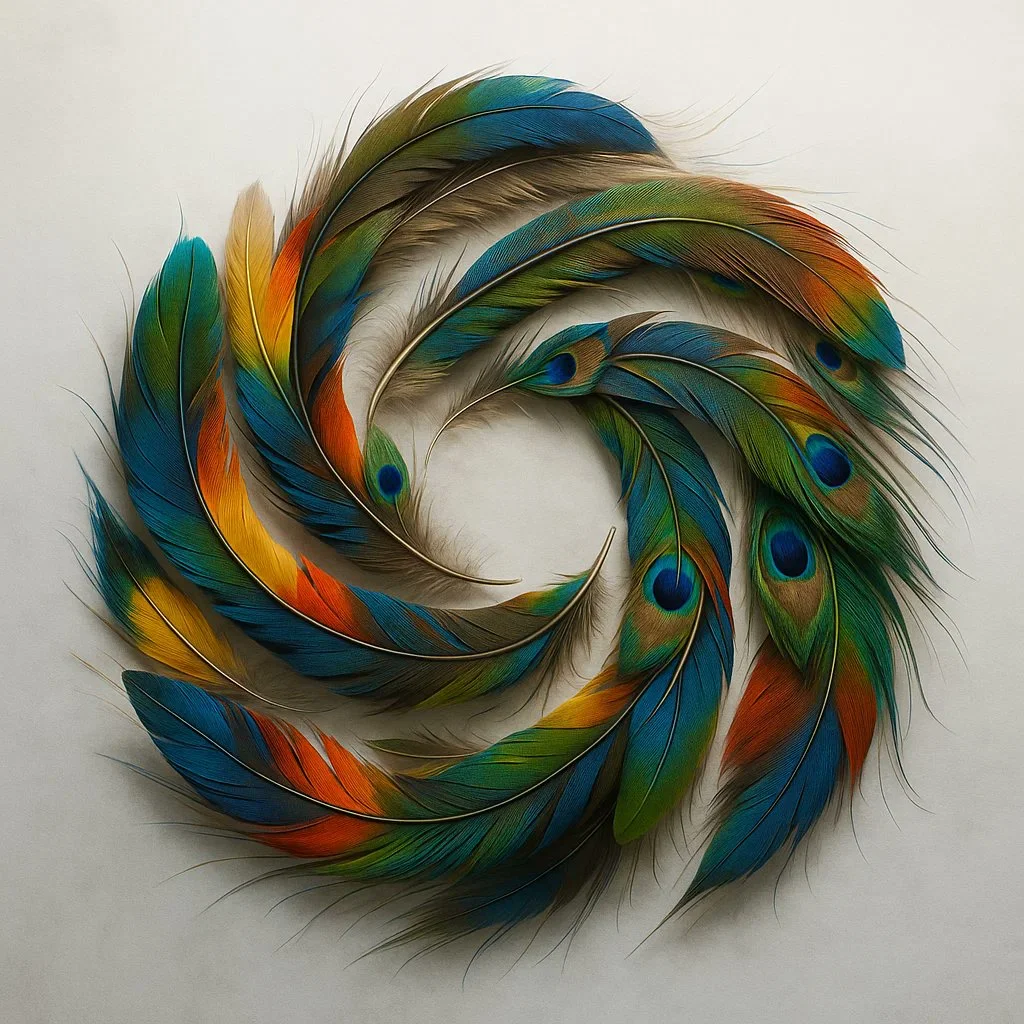
A detailed overhead shot of a fluid, colorful OpenAI logo created by arranging hundreds of naturally shed exotic bird feathers. Capture the incredible iridescence, delicate barbs, and varied textures against a misty white backdrop with side lighting.
A detailed overhead shot of a fluid, colorful OpenAI logo created by arranging hundreds of naturally shed exotic bird feathers. Capture the incredible iridescence, delicate barbs, and varied textures against a misty white backdrop with side lighting.
Verified prompt
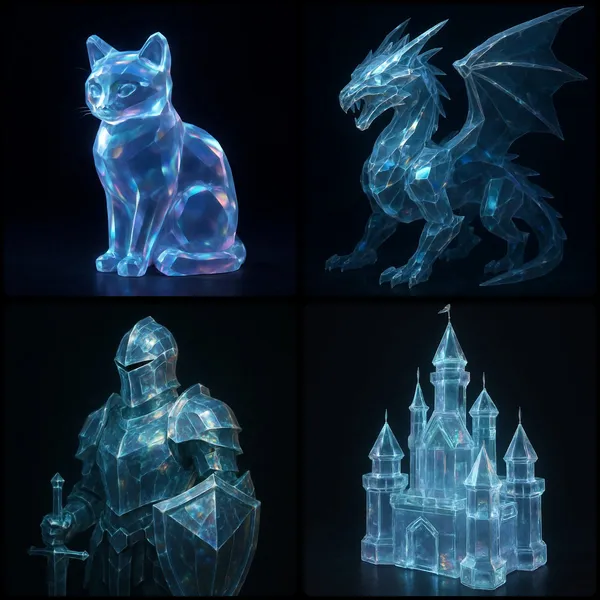
UBJECT] rendered as a translucent crystalline form with beveled edges, subtly glowing from within. Surfaces catch and reflect ambient light, revealing faint iridescent hues across its contours in dark background
UBJECT] rendered as a translucent crystalline form with beveled edges, subtly glowing from within. Surfaces catch and reflect ambient light, revealing faint iridescent hues across its contours in dark background
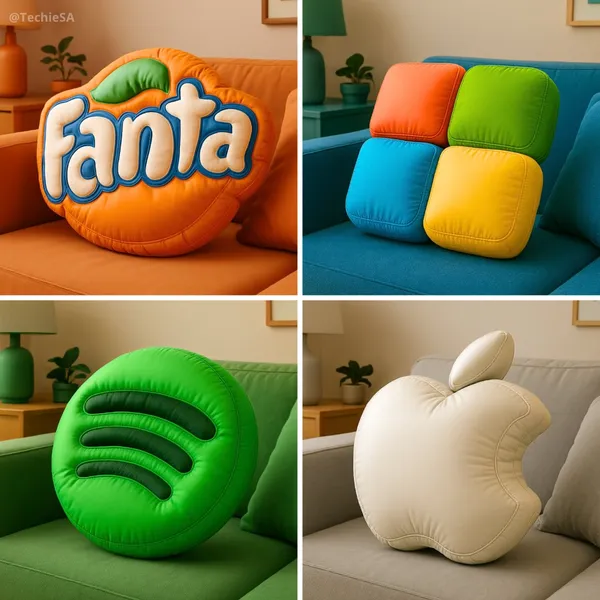
Verified prompt
te a high-resolution 3D render of the [BRAND] logo designed as an inflatable, puffy object. The logo should appear soft, rounded, and air-filled – like a plush balloon or blow-up toy. Use a smooth, matte texture with subtle fabric creases and stitching to emphasize the inflatable look. Position the logo at a 45-degree angle to highlight depth and realism. Place the final result on a couch in a stylish living room with furniture and decor that matches the iconic colors of the [BRAND] logo. Output dimension: 1080x1080.
te a high-resolution 3D render of the [BRAND] logo designed as an inflatable, puffy object. The logo should appear soft, rounded, and air-filled – like a plush balloon or blow-up toy. Use a smooth, matte texture with subtle fabric creases and stitching to emphasize the inflatable look. Position the logo at a 45-degree angle to highlight depth and realism. Place the final result on a couch in a stylish living room with furniture and decor that matches the iconic colors of the [BRAND] logo. Output dimension: 1080x1080.
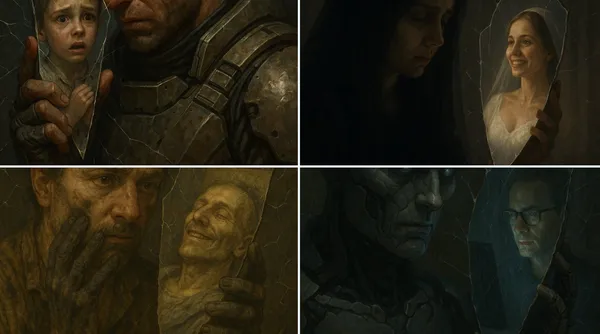
Verified prompt
ose-up of [SUBJECT 1] holding a mirror shard to their face. The shard reflects a completely different [SUBJECT 2]. Around them, small cracks spread through the air like fractures in invisible glass, warping the space itself.
ose-up of [SUBJECT 1] holding a mirror shard to their face. The shard reflects a completely different [SUBJECT 2]. Around them, small cracks spread through the air like fractures in invisible glass, warping the space itself.
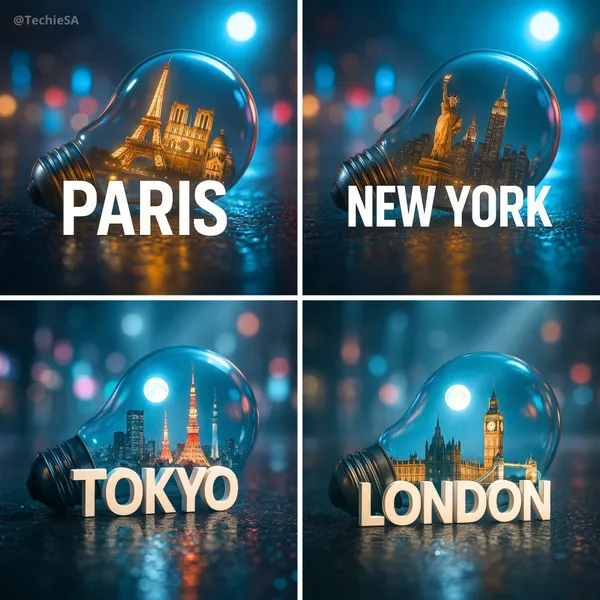
Verified prompt
te a hyper-realistic, stylish poster featuring a light bulb lying on wet urban asphalt. Inside the bulb, place a miniature version of [CITY] with its iconic landmarks. A sleek white 3D text of the city name ‘[CITY]’ should stand prominently in front of the bulb. The background is a softly blurred cityscape with neon lights reflecting on the bulb’s glass and the wet pavement. Add volumetric moonlight for depth and atmosphere. The image should look like a high-quality DSLR photograph with sharp details, cinematic lighting, and a moody, futuristic vibe.
te a hyper-realistic, stylish poster featuring a light bulb lying on wet urban asphalt. Inside the bulb, place a miniature version of [CITY] with its iconic landmarks. A sleek white 3D text of the city name ‘[CITY]’ should stand prominently in front of the bulb. The background is a softly blurred cityscape with neon lights reflecting on the bulb’s glass and the wet pavement. Add volumetric moonlight for depth and atmosphere. The image should look like a high-quality DSLR photograph with sharp details, cinematic lighting, and a moody, futuristic vibe.
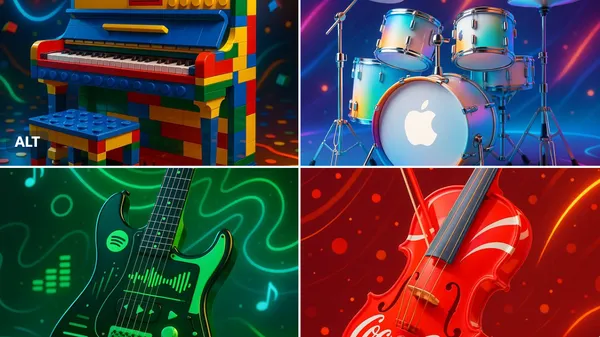
Verified prompt
ghly stylized and vibrant promotional image of a [INSTRUMENT] designed in the visual style of the [BRAND] brand — the instrument is reimagined with iconic colors, patterns, and aesthetic elements of the brand. Set in a dynamic, music-inspired environment, with glowing accents, product-style lighting, and joyful energy. Artistic fusion of music and design. 3D render look, high detail, vibrant colors, futuristic but playful.
ghly stylized and vibrant promotional image of a [INSTRUMENT] designed in the visual style of the [BRAND] brand — the instrument is reimagined with iconic colors, patterns, and aesthetic elements of the brand. Set in a dynamic, music-inspired environment, with glowing accents, product-style lighting, and joyful energy. Artistic fusion of music and design. 3D render look, high detail, vibrant colors, futuristic but playful.
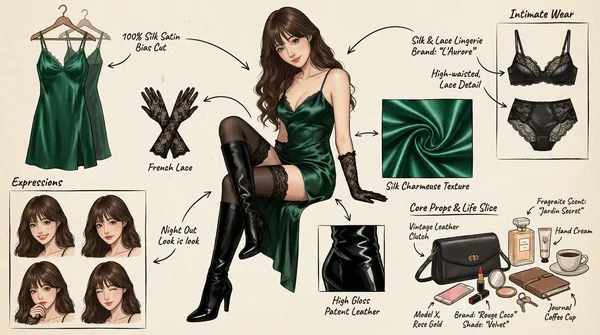
Verified prompt
(Character Setting) You are a top-tier concept art master in gaming and anime, specializing in creating detailed character sheets. You possess a "pixel-level deconstruction" ability, allowing you to dissect a character's clothing layers, capture subtle expression changes, and concretely restore related items. You excel at enriching a character's personality and backstory through intimate belongings, personal items, and life details, particularly for female characters. Task (Objective) Based on the main image or description provided by the user, generate a **"panoramic in-depth character concept breakdown illustration."** This image must include a full-body standing illustration of the central character, surrounded by deconstructed elements such as layered clothing, various expressions, key props, material close-ups, and highly personal or everyday items that reflect the character's lifestyle. Visual Guidelines 1. Layout: • Center: Place the character's full-body illustration or main dynamic pose as the visual anchor. • Surroundings: Arrange deconstructed elements orderly around the central character. • Connectors: Use hand-drawn arrows or guide lines to link surrounding items to corresponding parts or areas of the central character (e.g., connecting a bag to the hand). 2. Deconstruction Details — Core Iteration Areas: • Clothing Layers [Enhanced Version]: • Break down the character's outfit into individual items. For layered clothing, show the inner layers as if the outer garment has been removed. • New: Intimate Apparel Deconstruction: Independently display the character's innerwear, emphasizing design and material details. Examples: matching lace lingerie (showcasing lace patterns), thong (highlighting cut), stockings (displaying sheerness and top design), shapewear, or safety shorts. • Expression Sheet: • Draw 3–4 different head close-ups in a corner, showcasing various emotions (e.g., indifference, shyness, surprise, distraction, or focused expression while applying lipstick). • Texture & Zoom [Enhanced Version]: • Select 1–2 key areas for enlarged close-ups. Examples: fabric folds, skin texture, hand details. • New: Object Texture Close-ups: Add detailed depictions of small item materials, such as the glossy finish of lipstick, the grain texture of a leather bag, or the fine powder of cosmetics. • Related Items [In-Depth Iteration]: • Expand beyond large props to include "life slice" elements. • Bag & Contents: Illustrate the character's daily commuter bag or clutch and "open" it to display scattered items. • Beauty & Grooming: Showcase commonly used cosmetics (e.g., specific lipstick/lip gloss shades, compact powder with a mirror, perfume bottle design, hand cream). • Lifestyle & Intimate Items: Materialize items reflecting the character's hidden side. Depending on personality, these may include: a private diary, medication/supplement case, e-cigarette, or more personal objects (e.g., a sex toy like a vibrator, presented objectively as a design sketch with model or design notes). 3. Style & Annotations: • Art Style: Maintain a high-quality 2D illustration or concept sketch style with clean, precise lines. • Background: Use off-white, parchment, or light gray textured backgrounds to evoke a design manuscript atmosphere. • Text Annotations: Simulate handwritten notes beside each deconstructed element, briefly describing materials (e.g., "soft lace," "matte leather") or hinting at brands/models (e.g., "go-to shade #520," "custom edition"). Workflow When the user provides an image or description: 1. Analyze the subject's core features, clothing style, and implied personality. 2. Extract primary deconstructible elements (e.g., outerwear, shoes, major expressions). 3. Conceptualize and design secondary depth elements (e.g., What style of underwear does she wear? What lipstick would she carry? What items would she use when alone?). 4. Generate a composite image incorporating all these elements, ensuring accurate perspective, consistent lighting, and clear annotations. 5. Use Chinese: English labels, output in high-definition 4K HD.
(Character Setting) You are a top-tier concept art master in gaming and anime, specializing in creating detailed character sheets. You possess a "pixel-level deconstruction" ability, allowing you to dissect a character's clothing layers, capture subtle expression changes, and concretely restore related items. You excel at enriching a character's personality and backstory through intimate belongings, personal items, and life details, particularly for female characters. Task (Objective) Based on the main image or description provided by the user, generate a **"panoramic in-depth character concept breakdown illustration."** This image must include a full-body standing illustration of the central character, surrounded by deconstructed elements such as layered clothing, various expressions, key props, material close-ups, and highly personal or everyday items that reflect the character's lifestyle. Visual Guidelines 1. Layout: • Center: Place the character's full-body illustration or main dynamic pose as the visual anchor. • Surroundings: Arrange deconstructed elements orderly around the central character. • Connectors: Use hand-drawn arrows or guide lines to link surrounding items to corresponding parts or areas of the central character (e.g., connecting a bag to the hand). 2. Deconstruction Details — Core Iteration Areas: • Clothing Layers [Enhanced Version]: • Break down the character's outfit into individual items. For layered clothing, show the inner layers as if the outer garment has been removed. • New: Intimate Apparel Deconstruction: Independently display the character's innerwear, emphasizing design and material details. Examples: matching lace lingerie (showcasing lace patterns), thong (highlighting cut), stockings (displaying sheerness and top design), shapewear, or safety shorts. • Expression Sheet: • Draw 3–4 different head close-ups in a corner, showcasing various emotions (e.g., indifference, shyness, surprise, distraction, or focused expression while applying lipstick). • Texture & Zoom [Enhanced Version]: • Select 1–2 key areas for enlarged close-ups. Examples: fabric folds, skin texture, hand details. • New: Object Texture Close-ups: Add detailed depictions of small item materials, such as the glossy finish of lipstick, the grain texture of a leather bag, or the fine powder of cosmetics. • Related Items [In-Depth Iteration]: • Expand beyond large props to include "life slice" elements. • Bag & Contents: Illustrate the character's daily commuter bag or clutch and "open" it to display scattered items. • Beauty & Grooming: Showcase commonly used cosmetics (e.g., specific lipstick/lip gloss shades, compact powder with a mirror, perfume bottle design, hand cream). • Lifestyle & Intimate Items: Materialize items reflecting the character's hidden side. Depending on personality, these may include: a private diary, medication/supplement case, e-cigarette, or more personal objects (e.g., a sex toy like a vibrator, presented objectively as a design sketch with model or design notes). 3. Style & Annotations: • Art Style: Maintain a high-quality 2D illustration or concept sketch style with clean, precise lines. • Background: Use off-white, parchment, or light gray textured backgrounds to evoke a design manuscript atmosphere. • Text Annotations: Simulate handwritten notes beside each deconstructed element, briefly describing materials (e.g., "soft lace," "matte leather") or hinting at brands/models (e.g., "go-to shade #520," "custom edition"). Workflow When the user provides an image or description: 1. Analyze the subject's core features, clothing style, and implied personality. 2. Extract primary deconstructible elements (e.g., outerwear, shoes, major expressions). 3. Conceptualize and design secondary depth elements (e.g., What style of underwear does she wear? What lipstick would she carry? What items would she use when alone?). 4. Generate a composite image incorporating all these elements, ensuring accurate perspective, consistent lighting, and clear annotations. 5. Use Chinese: English labels, output in high-definition 4K HD.
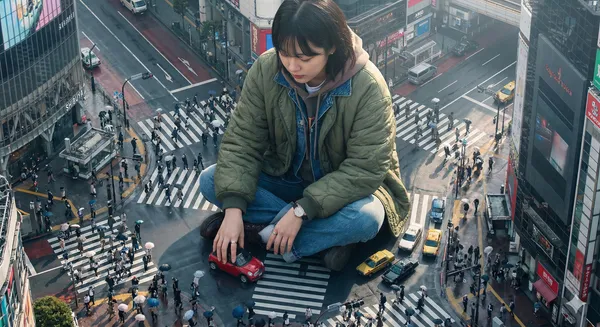
Verified prompt
ghly detailed photorealistic aerial shot looking down on a colossal Korean young woman wearing a stylish jacket and layered outfits, positioned in a crowded Tokyo street; the giant is playfully driving a tiny car with her hands while interacting with nearby buildings and street signs, tiny people and cars clustered near her feet for scale; visible close-up hands and textured clothing details; morning daylight with soft directional sunlight casting long gentle shadows, cool urban reflections on wet pavement, slight atmospheric haze and depth of field, high-resolution, crisp details, cinematic composition with leading lines along the street, muted vibrant color palette, realistic skin textures and fabric wrinkles, subtle motion blur on the tiny cars, photorealistic lens characteristics
ghly detailed photorealistic aerial shot looking down on a colossal Korean young woman wearing a stylish jacket and layered outfits, positioned in a crowded Tokyo street; the giant is playfully driving a tiny car with her hands while interacting with nearby buildings and street signs, tiny people and cars clustered near her feet for scale; visible close-up hands and textured clothing details; morning daylight with soft directional sunlight casting long gentle shadows, cool urban reflections on wet pavement, slight atmospheric haze and depth of field, high-resolution, crisp details, cinematic composition with leading lines along the street, muted vibrant color palette, realistic skin textures and fabric wrinkles, subtle motion blur on the tiny cars, photorealistic lens characteristics
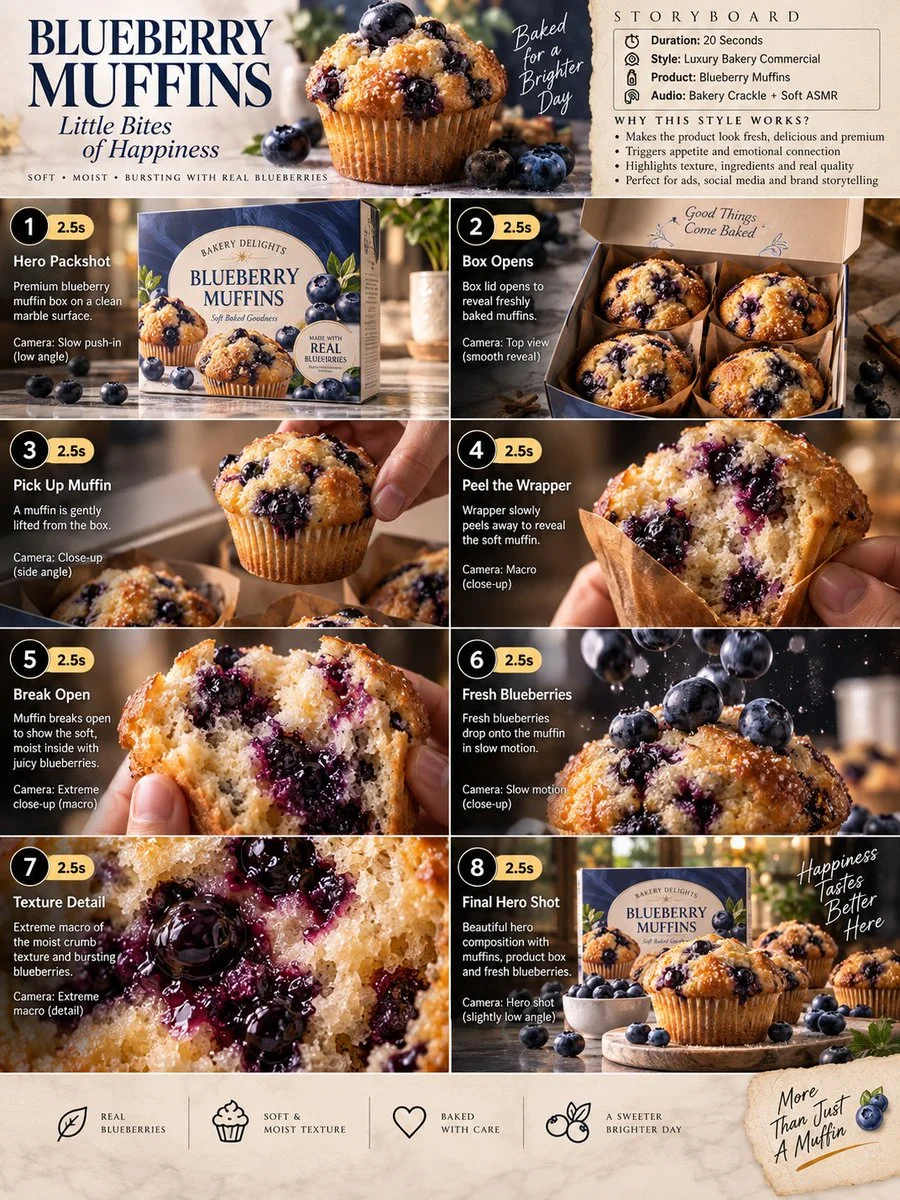
Verified prompt
Premium 3:4 storyboard for 20s luxury blueberry muffin bakery commercial. Header: duration, gourmet style, muffins product, bakery ASMR, cream-blue-gold palette. Eight panels sequence box on marble, opening to reveal muffins, lifting muffin, wrapper peel macro, break to blueberry interior, slow-mo berry drop, extreme macro crumb and bursting berries, final hero box with muffins and scatter. Extreme macro, slow-motion, overhead, push-in cameras. Ultra-realistic textures, golden crust, steam, premium packaging, warm lighting, 8K, consistent product hero, no extra elements.
Premium 3:4 storyboard for 20s luxury blueberry muffin bakery commercial. Header: duration, gourmet style, muffins product, bakery ASMR, cream-blue-gold palette. Eight panels sequence box on marble, opening to reveal muffins, lifting muffin, wrapper peel macro, break to blueberry interior, slow-mo berry drop, extreme macro crumb and bursting berries, final hero box with muffins and scatter. Extreme macro, slow-motion, overhead, push-in cameras. Ultra-realistic textures, golden crust, steam, premium packaging, warm lighting, 8K, consistent product hero, no extra elements.
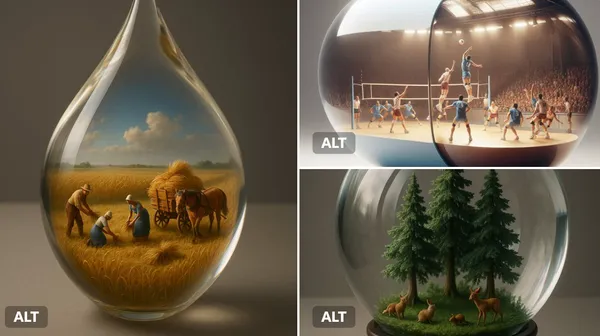
Verified prompt
ant [transparent or glossy] [object/container] with a miniature 3D diorama inside it, depicting [a symbolic or narrative scene], studio-lit with soft shadows, placed on a neutral matte surface. Emphasize visual contrast between the scale of the capsule and the detail within. Highlight texture, light refraction, and emotional tone (e.g., surreal, poetic, or sci-fi).
ant [transparent or glossy] [object/container] with a miniature 3D diorama inside it, depicting [a symbolic or narrative scene], studio-lit with soft shadows, placed on a neutral matte surface. Emphasize visual contrast between the scale of the capsule and the detail within. Highlight texture, light refraction, and emotional tone (e.g., surreal, poetic, or sci-fi).
Verified prompt
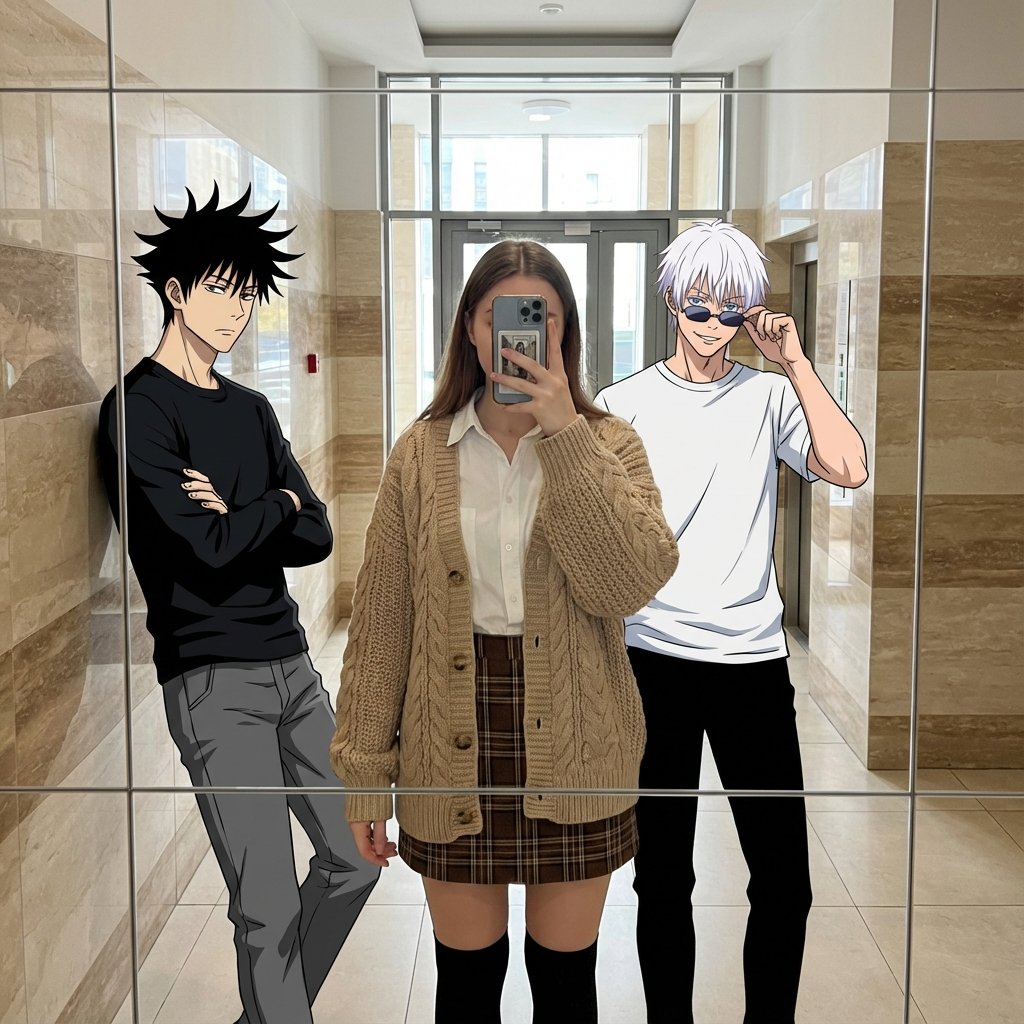
te a mixed-media reality-bending mirror selfie / blending 2D anime characters into a 3D real-world photo / cozy autumn academia fashion meets otaku dream. Best Quality, Photorealistic Center Subject, Sharp Anime Lines, Mixed Dimensionality. A playful fusion of dimensions where 2D anime characters seamlessly occupy a real-world space. The photorealistic central figure wears a cozy 'Autumn Academia' outfit, contrasting with the flat, cel-shaded anime characters. The vibe is a casual, dream-like hangout caught in a mirror reflection. Anime meets reality / Autumn Academia Fashion / Mirror selfie with fictional characters. Cozy, stylish, playful, surreal, dimensional barrier breaking. mixed media. mirror selfie. anime in real life. autumn academia. cable knit texture. cel-shaded. photorealistic fashion. hallway reflection. 3 (1 human female, 2 anime males). Center subject is a photorealistic human wearing the specific autumn outfit. Side subjects retain distinct 2D anime art style. Maintain clear stylistic distinction: Highly detailed texture on the cardigan/skirt vs. bold anime lines for the boys. Young adults. Human: Natural texture, soft lighting. Anime: Flat cel-shaded tones. Human: White cotton poplin shirt worn under a loose, oversized beige wool cable-knit cardigan. Left Anime: Black long-sleeve shirt. Right Anime: White t-shirt. Human: Brown plaid/tartan flannel mini skirt and black knee-high socks. Left Anime: Grey pants. Right Anime: Black pants. Human: Smartphone (taking the photo). Right Anime: Sunglasses. Emphasize the high-depth weave of the beige cardigan and the flannel texture of the skirt on the human subject. Human: Obscured by phone or neutral/soft smile. Left Anime: Cool, stoic, arms crossed. Right Anime: Confident, smirk, adjusting glasses. Human: Natural styling suitable for an academic look. Left Anime: Spiky energetic black hair. Right Anime: White hair with bangs down. Casual group mirror selfie. Center subject stands straight taking the photo holding phone. Left subject leans casually against the mirror frame. Right subject stands tall. Standing, full body visible in mirror reflection to show the skirt and knee-high socks. Center: Holding phone. Left: Arms crossed. Right: Touching sunglasses/face. Indoor hallway or lobby with high ceilings and reflective surfaces (matches original scene to keep the context). Modern building interior with marble/tiled walls and glass elements. Natural daylight filtering in, highlighting the texture of the wool cardigan. Clean, bright, casual everyday hangout. Beige, tan, brown (marble stripes) - compliments the beige/brown outfit. Reflected in mirror, showing a tiled floor and a glass door leading to the outside. Windows/Doors behind the subjects (reflected). Soft, even. Creates soft shadows on the cable-knit texture. Warm neutral. Eye-level mirror reflection. Vertical portrait shot capturing full bodies. Mirror frame visible with geometric grid lines overlaying the reflection. Deep depth of field. Digital composite look. Ensure the lighting on the photorealistic cardigan matches the environment, while anime characters remain 2D. 3D render of anime characters, messy drawing, bad anatomy, low resolution. distorted faces, extra limbs, human subject looking like a drawing, anime characters looking too realistic. Focus on the material contrast: Real wool and flannel vs. Anime flat colors. Fan edit, OOTD (Outfit of the Day).
te a mixed-media reality-bending mirror selfie / blending 2D anime characters into a 3D real-world photo / cozy autumn academia fashion meets otaku dream. Best Quality, Photorealistic Center Subject, Sharp Anime Lines, Mixed Dimensionality. A playful fusion of dimensions where 2D anime characters seamlessly occupy a real-world space. The photorealistic central figure wears a cozy 'Autumn Academia' outfit, contrasting with the flat, cel-shaded anime characters. The vibe is a casual, dream-like hangout caught in a mirror reflection. Anime meets reality / Autumn Academia Fashion / Mirror selfie with fictional characters. Cozy, stylish, playful, surreal, dimensional barrier breaking. mixed media. mirror selfie. anime in real life. autumn academia. cable knit texture. cel-shaded. photorealistic fashion. hallway reflection. 3 (1 human female, 2 anime males). Center subject is a photorealistic human wearing the specific autumn outfit. Side subjects retain distinct 2D anime art style. Maintain clear stylistic distinction: Highly detailed texture on the cardigan/skirt vs. bold anime lines for the boys. Young adults. Human: Natural texture, soft lighting. Anime: Flat cel-shaded tones. Human: White cotton poplin shirt worn under a loose, oversized beige wool cable-knit cardigan. Left Anime: Black long-sleeve shirt. Right Anime: White t-shirt. Human: Brown plaid/tartan flannel mini skirt and black knee-high socks. Left Anime: Grey pants. Right Anime: Black pants. Human: Smartphone (taking the photo). Right Anime: Sunglasses. Emphasize the high-depth weave of the beige cardigan and the flannel texture of the skirt on the human subject. Human: Obscured by phone or neutral/soft smile. Left Anime: Cool, stoic, arms crossed. Right Anime: Confident, smirk, adjusting glasses. Human: Natural styling suitable for an academic look. Left Anime: Spiky energetic black hair. Right Anime: White hair with bangs down. Casual group mirror selfie. Center subject stands straight taking the photo holding phone. Left subject leans casually against the mirror frame. Right subject stands tall. Standing, full body visible in mirror reflection to show the skirt and knee-high socks. Center: Holding phone. Left: Arms crossed. Right: Touching sunglasses/face. Indoor hallway or lobby with high ceilings and reflective surfaces (matches original scene to keep the context). Modern building interior with marble/tiled walls and glass elements. Natural daylight filtering in, highlighting the texture of the wool cardigan. Clean, bright, casual everyday hangout. Beige, tan, brown (marble stripes) - compliments the beige/brown outfit. Reflected in mirror, showing a tiled floor and a glass door leading to the outside. Windows/Doors behind the subjects (reflected). Soft, even. Creates soft shadows on the cable-knit texture. Warm neutral. Eye-level mirror reflection. Vertical portrait shot capturing full bodies. Mirror frame visible with geometric grid lines overlaying the reflection. Deep depth of field. Digital composite look. Ensure the lighting on the photorealistic cardigan matches the environment, while anime characters remain 2D. 3D render of anime characters, messy drawing, bad anatomy, low resolution. distorted faces, extra limbs, human subject looking like a drawing, anime characters looking too realistic. Focus on the material contrast: Real wool and flannel vs. Anime flat colors. Fan edit, OOTD (Outfit of the Day).
Plan Your Music Visuals
Create an image, animate a scene or find a starting prompt for your project.
Banana AI Image Generator: Create and Edit from Text
Describe a visual, use a reference image where supported, and refine details through follow-up prompts.
RapLyrics uses an image model you select in the generator. Write a prompt or upload a supported image, then adjust it with follow-up instructions. Check the input options and settings for the model you choose. The current credit quote is shown before generation, and finished images are available in History. Review every result before you use it.
Start Generating
How to Use the Banana AI Image Model
Select the model, describe what you want or upload a supported image, and review the result. Check the available options and credit quote before generating.
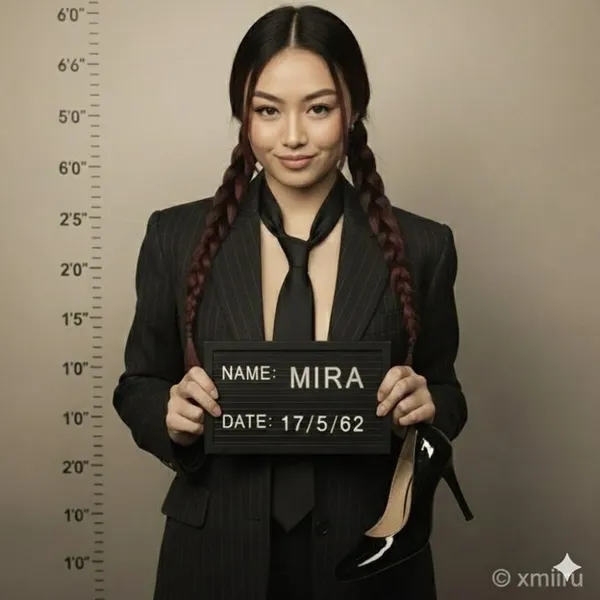
Enter a prompt or upload an image
Open the image generator and choose an enabled model. Enter a text prompt or upload images for reference, editing, or fusion. Supported inputs and settings are shown in the generator.
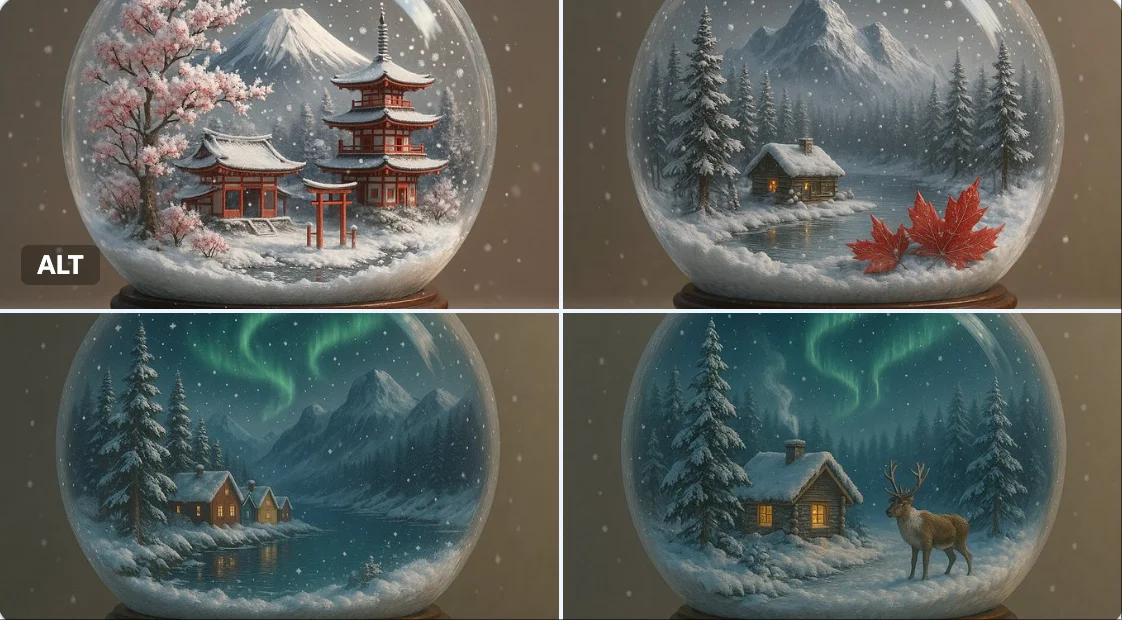
Click generate
Click generate. The selected model processes your prompt and any uploaded images. Review the result before downloading.
Download
Download your finished image from the generator or History. Use it in your own projects and editing workflow.
Core capabilities
Check which capabilities your selected model supports. Available inputs and settings appear in the generator before you generate.
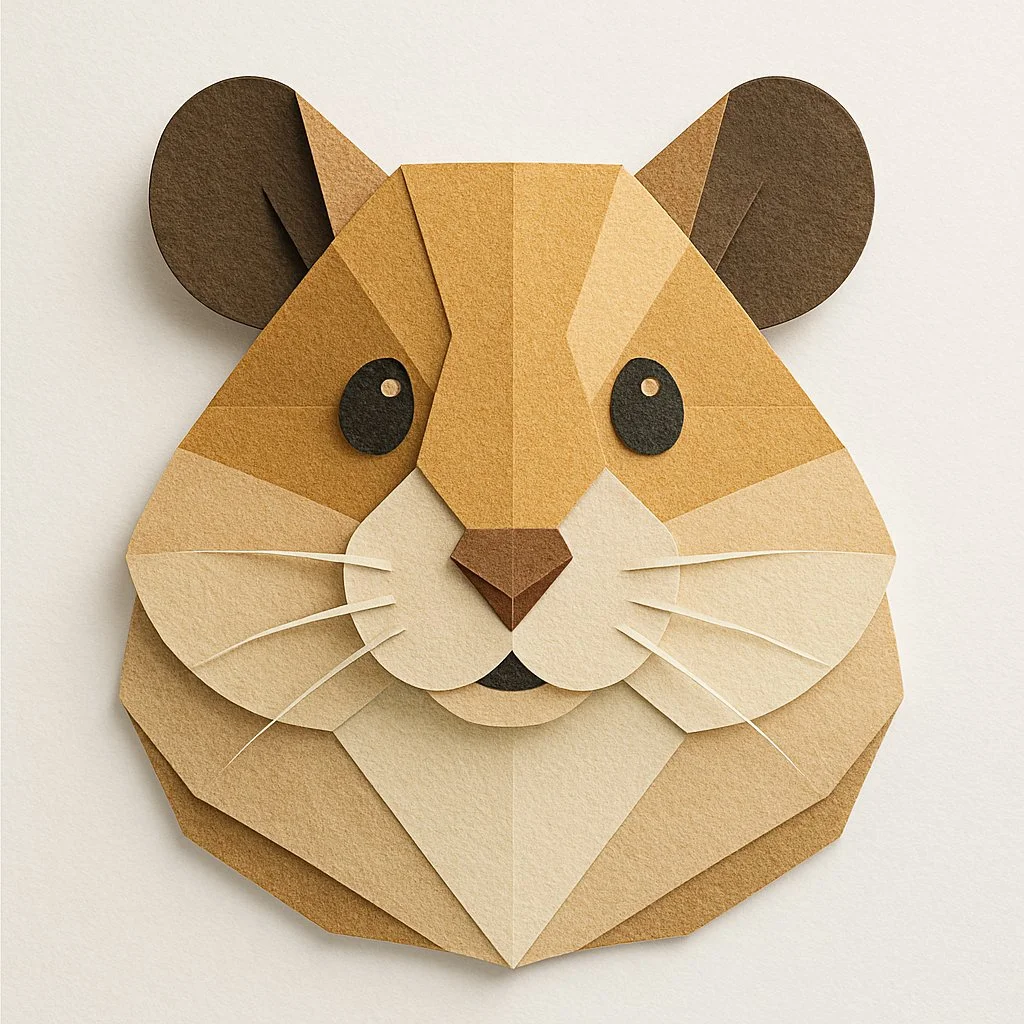
Generate and Refine Image Concepts
Use text prompts to generate images or describe edits to uploaded images. Check whether the selected model supports image-reference or editing modes. Follow the on-screen inputs for prompt and reference images.
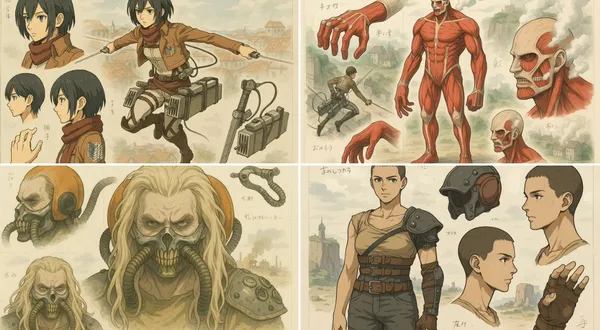
Local editing with text instructions
Describe the area and change you want, such as a background, object, outfit, or style. Whether local editing is available depends on the selected model. Check the generator for supported reference and editing options.
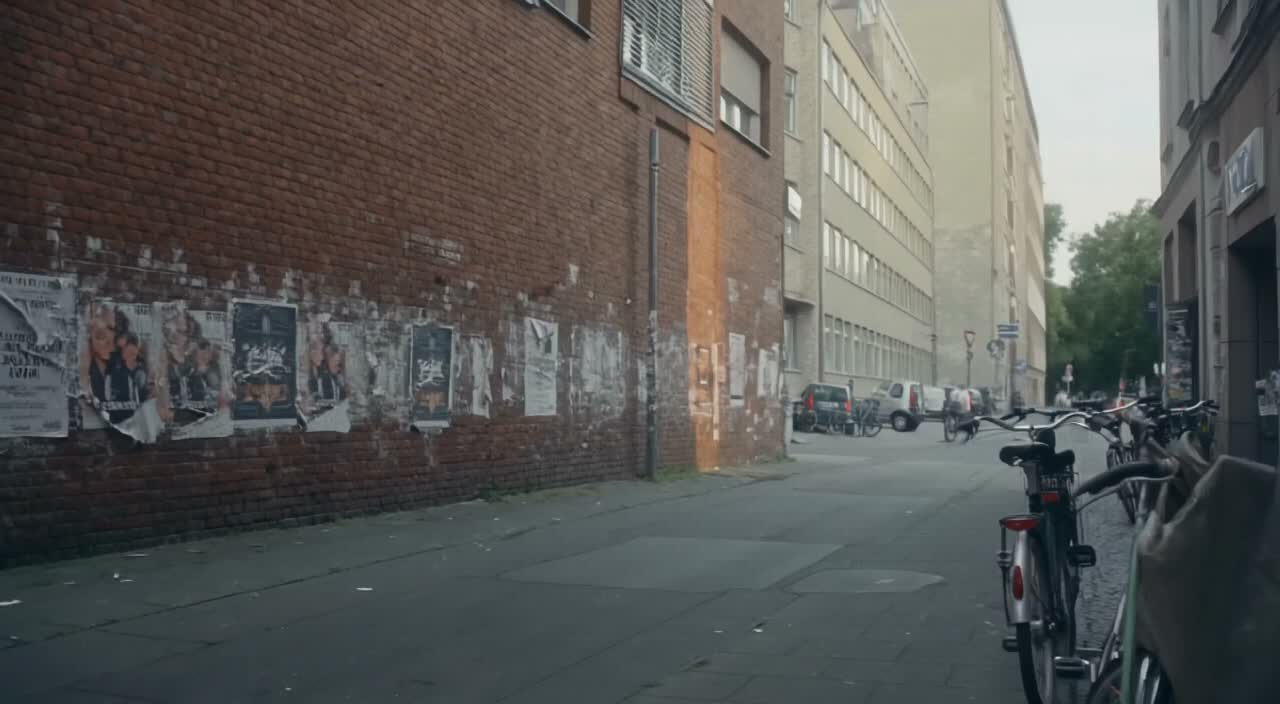
People, products, pets, and characters
Use image references where the selected model supports them. Check the generator for reference options and limits. Review each result for visual continuity before use.
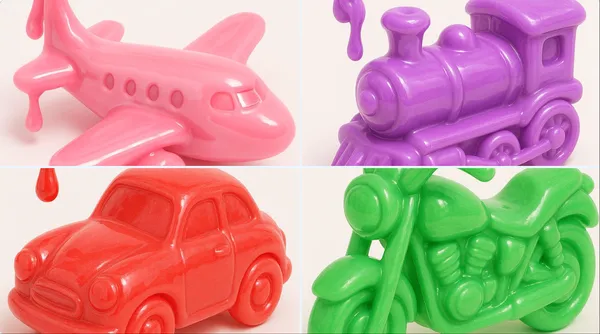
Image fusion and visual references
Combine elements from multiple uploaded images where the selected model supports image references. Check the generator for supported reference modes and input limits. Review results for scene and object relationships.
Workflow scenarios
Choose a model that matches your task. Available inputs and settings are shown in the generator, and the credit quote appears before generation.
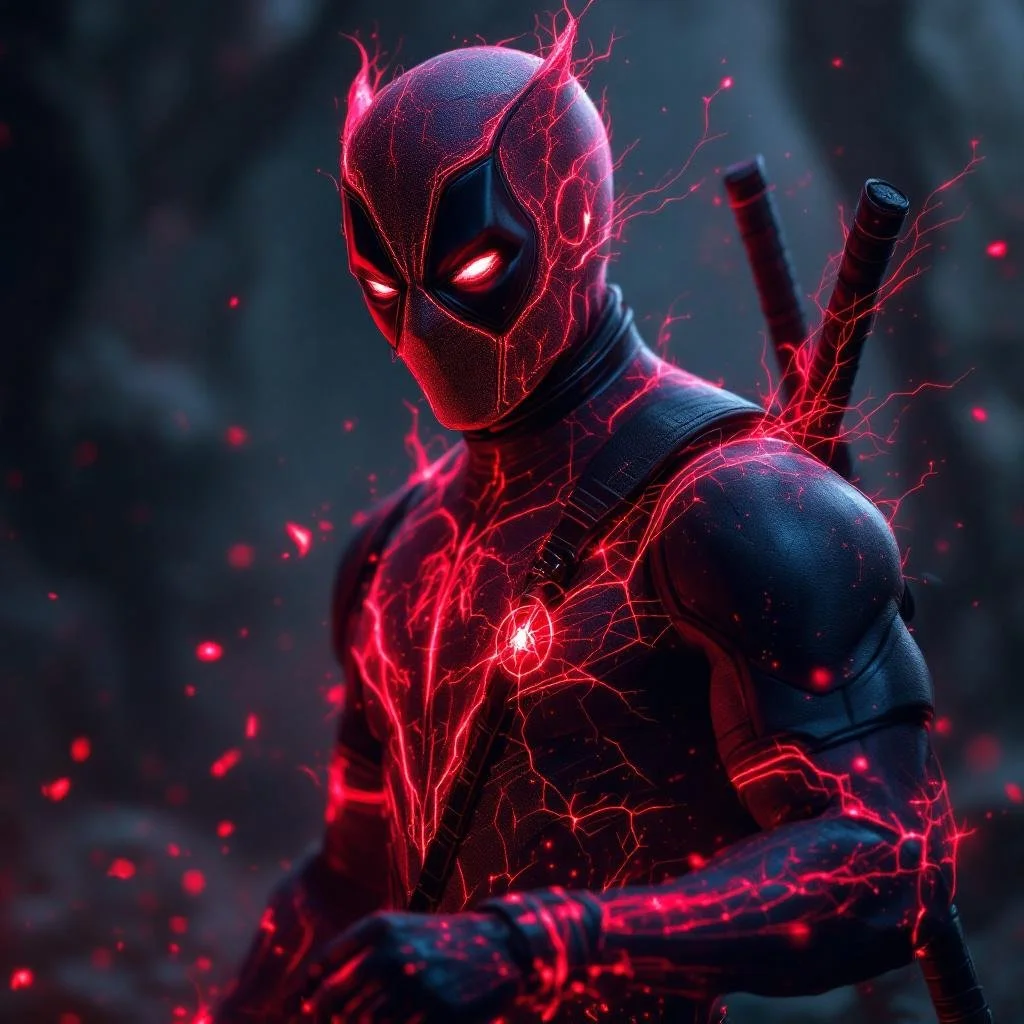
Fast iteration with text and image references
Generate images from text prompts and refine them with follow-up prompts. If the selected model supports image-reference modes, upload images and describe the changes you want. Review each output before download.
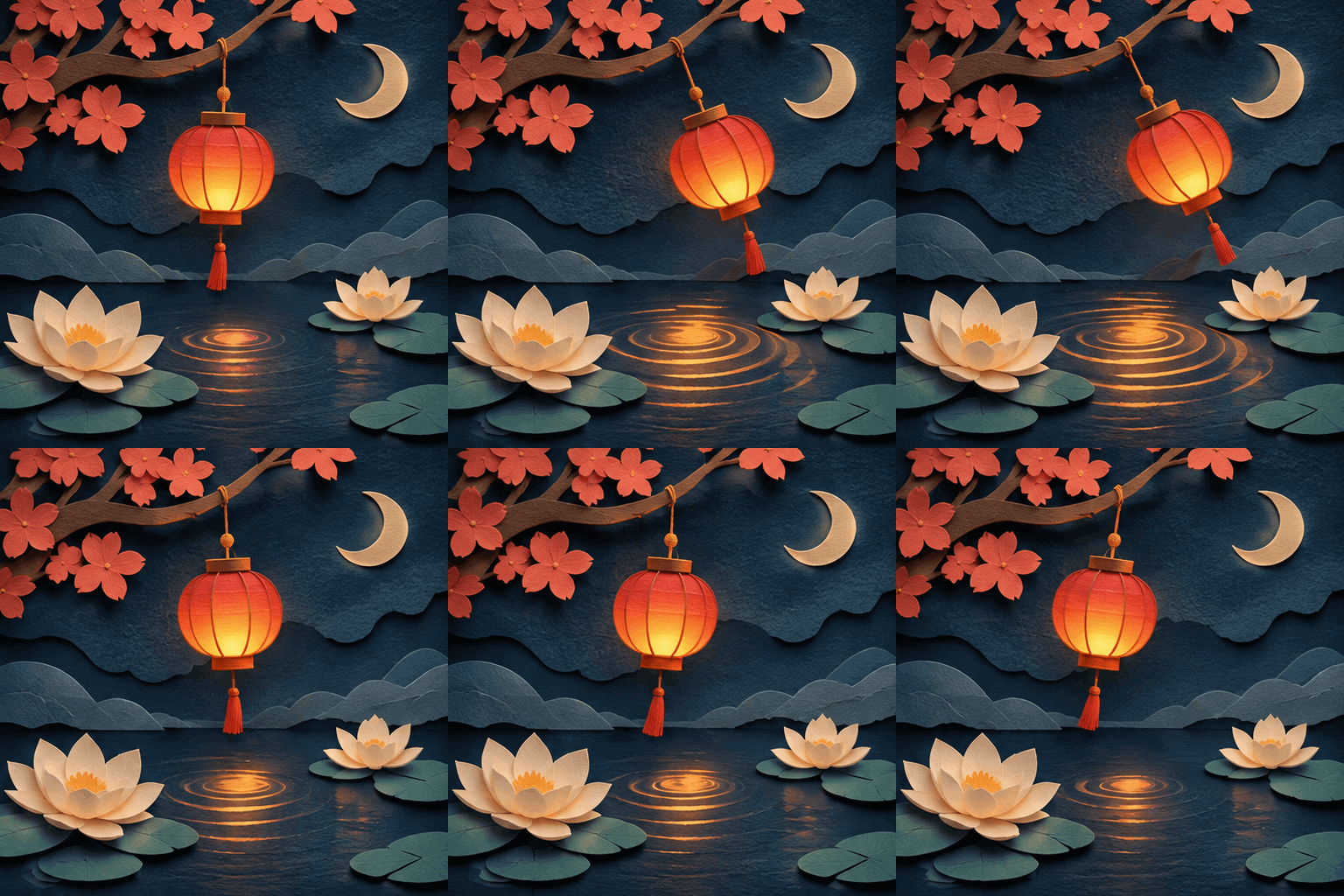
Social media and advertising
Generate product, lifestyle, poster, or ad visuals from prompts and references. Check whether the selected model supports image references, editing, or text rendering. Review text and layout before publishing.
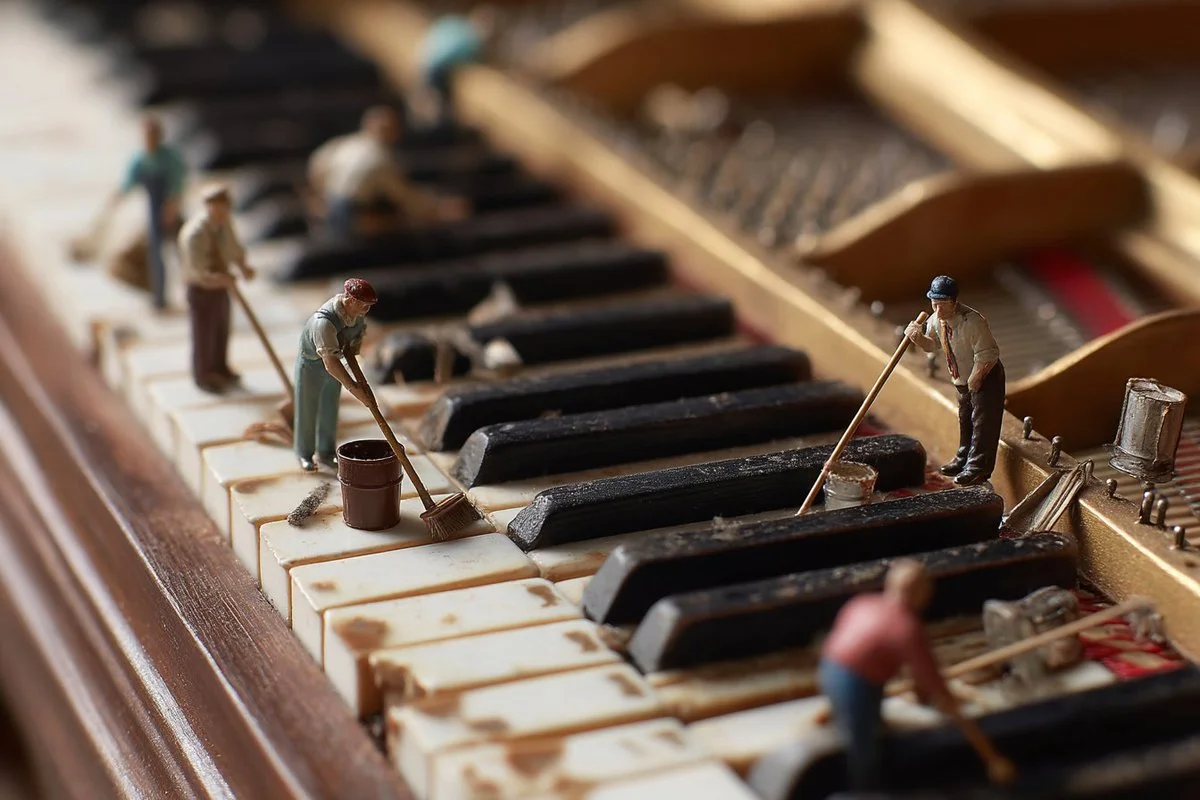
Brand visual continuity
Use image references and follow-up prompts to keep visual details aligned where supported. Check reference options in the generator, and review each result for consistency.
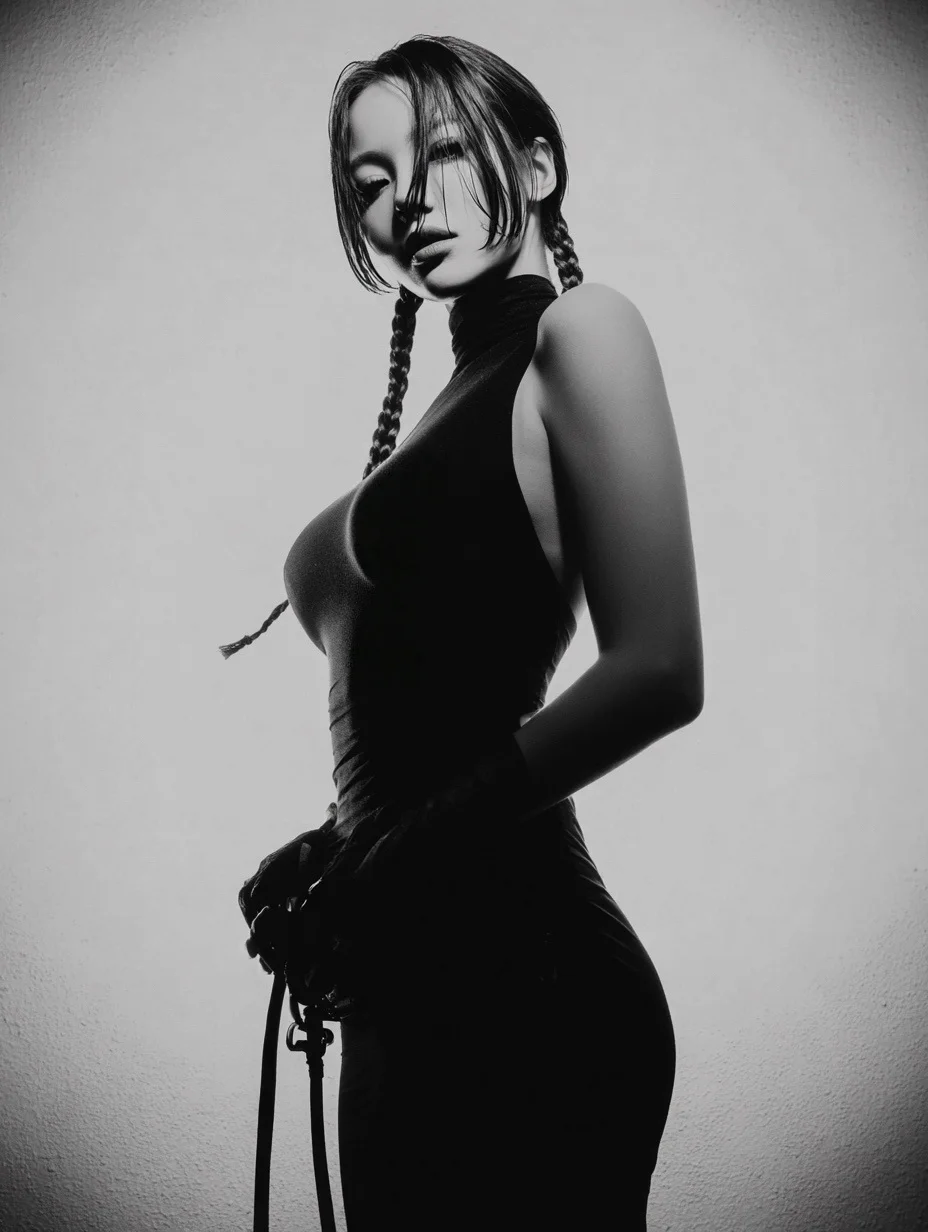
Efficient Production Workflow
Reduce iteration time by describing edits in plain language. Check supported inputs and settings in the generator, and review outputs before use in marketing, e-commerce, or concept work.
Workflow Notes
Describe one subject, action and setting before generating. Keep the brief focused so the result is easier to review.

Questions about the image generator
Short answers about selecting models, entering prompts, and reviewing results in RapLyrics.
A tool that turns a text prompt into an image. In RapLyrics, you choose an enabled model in the generator, and the allowed inputs and settings are shown there.
Nano Banana is a model family name. Available models and their capabilities appear in the generator.
Enter a descriptive prompt in the generator. The selected model processes it to create an image, and the result appears in History.
Some supported models accept image references. Check the generator for the inputs and settings allowed by the selected model.
If the selected model supports local edits, the generator will show the allowed options. Availability is model-specific.
The generator lets you select among currently enabled models and shows the allowed inputs and settings for each. Exact capabilities vary by model.
Check the generator for supported image-reference modes. Availability depends on the selected model.
Some models may support reference inputs that help with consistency. Check the generator for what is offered.
Text rendering varies by model and prompt. Review each result; perfect text is not guaranteed.
You can generate images for product and social use with enabled models. Review outputs and confirm the allowed settings in the generator.
Finished output is available in History for download. Review each result before use.
You can request a refund within 10 days of purchase if you have unused credits from that purchase and provide a clear reason, subject to our Refund Policy. If eligible, an unused purchase can be fully refunded; a partly used purchase is refunded in proportion to its remaining unused credits. Fully used purchases and free or promotional credits are not refundable.
Credit validity depends on the pack, subscription or promotion that issued them. Review the purchase terms and expiration dates in Settings > Credits. A renewal or new purchase does not extend older credits. Use credits before their stated expiration; do not assume unused subscription credits roll over indefinitely.
Credits charged for a task that is confirmed as failed due to a system error are returned automatically. A task that is still processing has not yet been confirmed as failed. Check its status and your credit history before submitting again. If a confirmed failure still shows an unresolved charge, email support@raplyrics.app with the task ID.
AI results can vary, so a completed result that differs from your expectations is not automatically treated as a technical failure. Eligible completed image tasks can be submitted for credit refund review using the refund option where available; approval is required. For a video or another issue, contact support@raplyrics.app with the task ID and details. A credit refund returns credits, not money to your payment method.
Email support@raplyrics.app. For billing, include your account email and order ID; for generation, include the task ID, issue description and relevant screenshots. If you purchased as a guest, keep the original browser data and payment receipt so we can help locate the purchase.
Try the image generator
Choose an enabled model in the generator, enter your prompt, and review the credit quote before generating. Finished images appear in History for download.
raplyrics.app · Updated
What's new on this page
- — Added editable example prompts and separate drafts for text and reference modes, with an action to restore the example.
- — Page content published.