
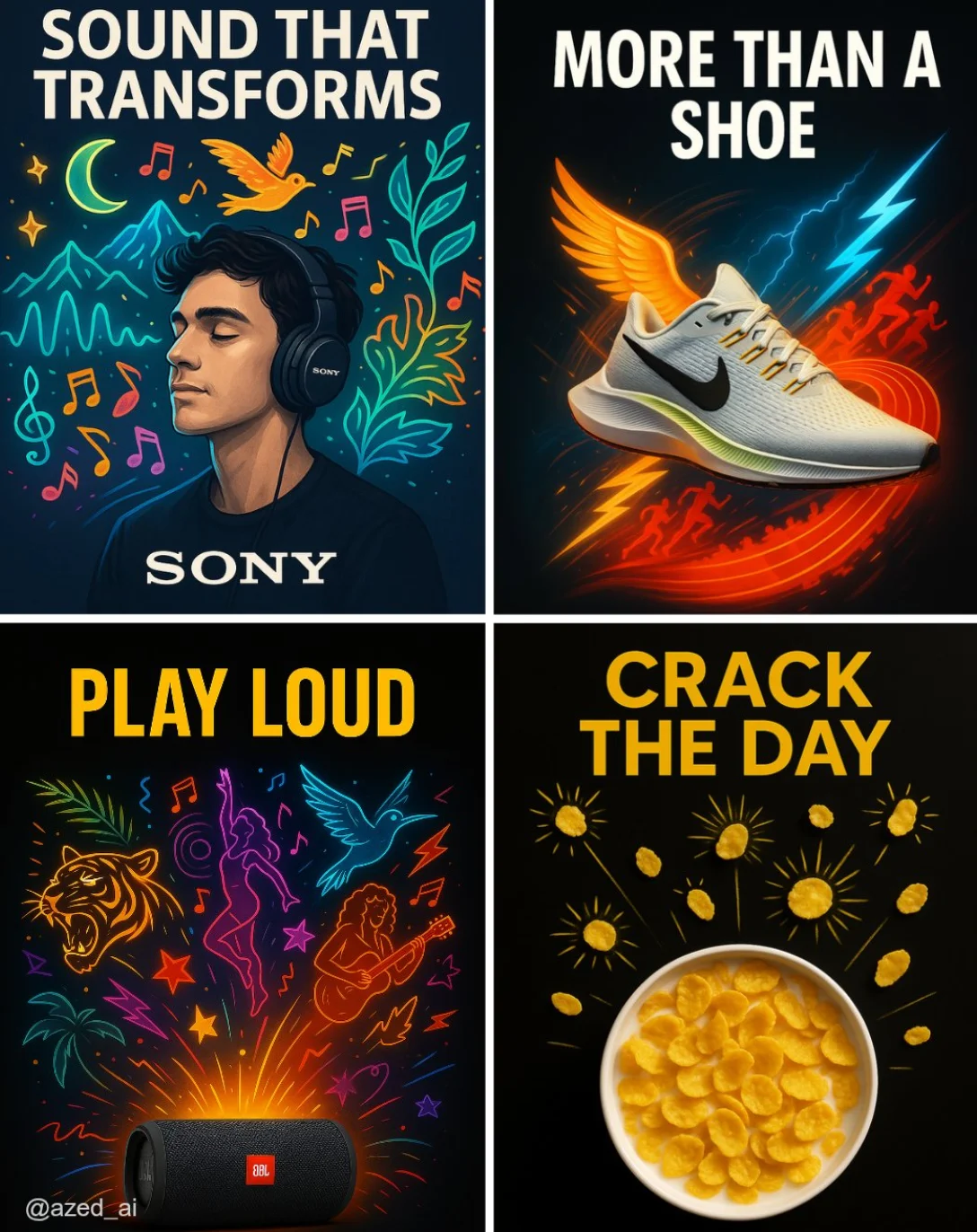
Verified prompt
A high-impact advertisement set against a clean, dark or high-contrast background. A [product] is centered, sharply lit and highly detailed. Around it, surreal, stylized visual [elements] illustrations explode outward (e.g., musicians, runners, curls, sunbursts), vibrant color palette, neon. bold uppercase ad copy at the top that reads [TEXT] and the brand logo at the bottom, modern Ad
A high-impact advertisement set against a clean, dark or high-contrast background. A [product] is centered, sharply lit and highly detailed. Around it, surreal, stylized visual [elements] illustrations explode outward (e.g., musicians, runners, curls, sunbursts), vibrant color palette, neon. bold uppercase ad copy at the top that reads [TEXT] and the brand logo at the bottom, modern Ad
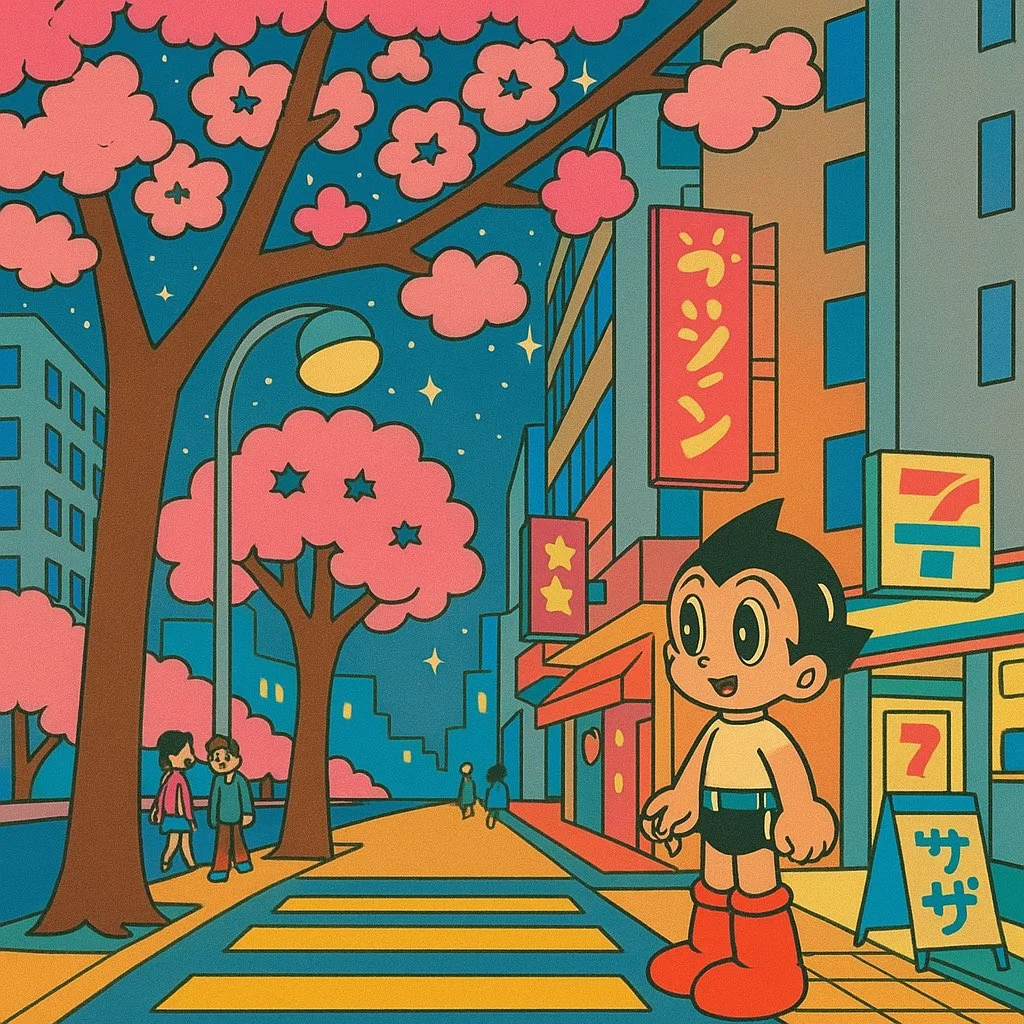
Verified prompt
Transform this image into a 1960s Tezuka-style illustration. Use big, rounded expressive eyes with bright highlights. Simplify the anatomy with soft, rounded limbs and clean linework. Avoid detailed textures — focus on smooth color fills and strong silhouettes. The final image should resemble a vintage anime frame from Astro Boy, with an optimistic, futuristic feel.
Transform this image into a 1960s Tezuka-style illustration. Use big, rounded expressive eyes with bright highlights. Simplify the anatomy with soft, rounded limbs and clean linework. Avoid detailed textures — focus on smooth color fills and strong silhouettes. The final image should resemble a vintage anime frame from Astro Boy, with an optimistic, futuristic feel.
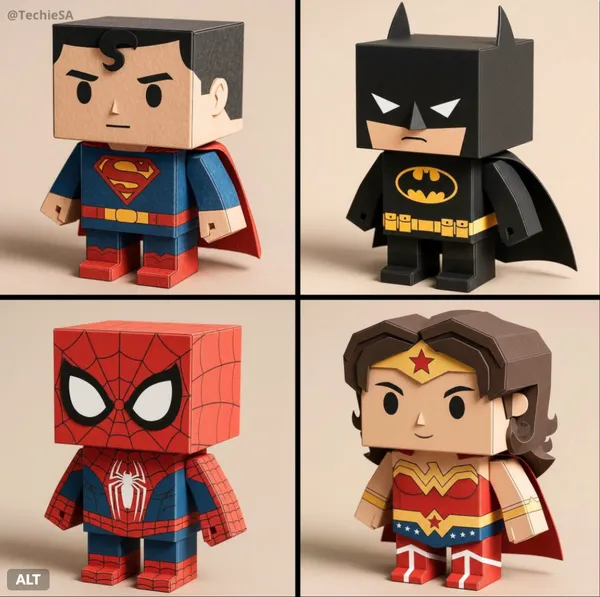
Verified prompt
a-detailed render of a [CHARACTER NAME] paper toy version in box form (papertoy) made from matte folded cardboard and cut with visible paper texture, clean edges and neat folds. Cubic head and body, square extremities, simplified facial features, flat printed colors and subtle shading for greater depth. The clothing and accessories faithfully imitate the appearance of the reference image in a minimalist geometric papercraft style, maintaining compact proportions and chibi style. Neutral studio lighting, soft shadows, smooth background, photorealistic product photography, 4K, no text or logos. 1080x1080 dimension.
a-detailed render of a [CHARACTER NAME] paper toy version in box form (papertoy) made from matte folded cardboard and cut with visible paper texture, clean edges and neat folds. Cubic head and body, square extremities, simplified facial features, flat printed colors and subtle shading for greater depth. The clothing and accessories faithfully imitate the appearance of the reference image in a minimalist geometric papercraft style, maintaining compact proportions and chibi style. Neutral studio lighting, soft shadows, smooth background, photorealistic product photography, 4K, no text or logos. 1080x1080 dimension.
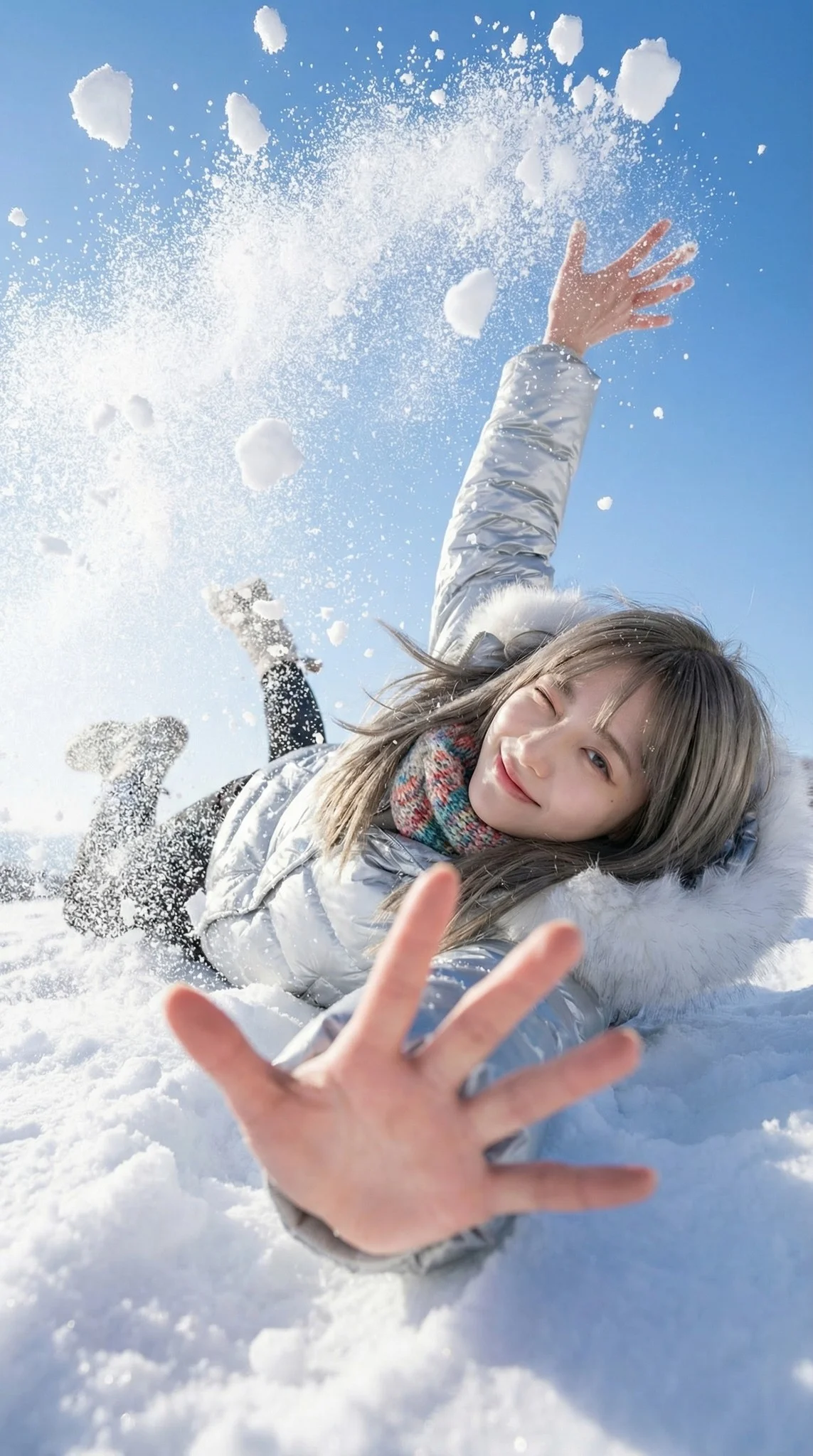
Verified prompt
A trendy young woman in the middle of a playful, natural fall backwards into deep snow. She is looking up at the camera with a cheeky, natural wink and a bright smile. The pose is dynamic and candid. As she lands/falls, her body displaces a massive burst of snow. One hand reaches eagerly towards the camera lens (creating extreme perspective foreshortening), while the other arm or elbows hit the snow, sending chunks of white powder flying upwards. A sunlit snowfield with a deep blue sky backdrop. The perspective makes the sky feel expansive. Explosive and airy atmosphere. The air is filled with flying snow clumps and fine powder mist caused by the impact of the fall, creating a frozen in time effect. 18mm Wide-Angle Prime lens. f/2.8 aperture. First-Person POV perspective. 1/4000s shutter speed to freeze the individual snow clumps and hair motion sharpness. High-Key Sunlight. Crystal clear and transparent quality. The sunlight hits the flying snow particles, turning them into sparkling bokeh. Fujifilm Classic Negative color grading. Clean White, Deep Sky Blue, Vibrant Fashion Colors, Rosy Skin Tones. Bright, open shadows, slightly blown-out highlights in the snow.
A trendy young woman in the middle of a playful, natural fall backwards into deep snow. She is looking up at the camera with a cheeky, natural wink and a bright smile. The pose is dynamic and candid. As she lands/falls, her body displaces a massive burst of snow. One hand reaches eagerly towards the camera lens (creating extreme perspective foreshortening), while the other arm or elbows hit the snow, sending chunks of white powder flying upwards. A sunlit snowfield with a deep blue sky backdrop. The perspective makes the sky feel expansive. Explosive and airy atmosphere. The air is filled with flying snow clumps and fine powder mist caused by the impact of the fall, creating a frozen in time effect. 18mm Wide-Angle Prime lens. f/2.8 aperture. First-Person POV perspective. 1/4000s shutter speed to freeze the individual snow clumps and hair motion sharpness. High-Key Sunlight. Crystal clear and transparent quality. The sunlight hits the flying snow particles, turning them into sparkling bokeh. Fujifilm Classic Negative color grading. Clean White, Deep Sky Blue, Vibrant Fashion Colors, Rosy Skin Tones. Bright, open shadows, slightly blown-out highlights in the snow.
Verified prompt
Verified prompt
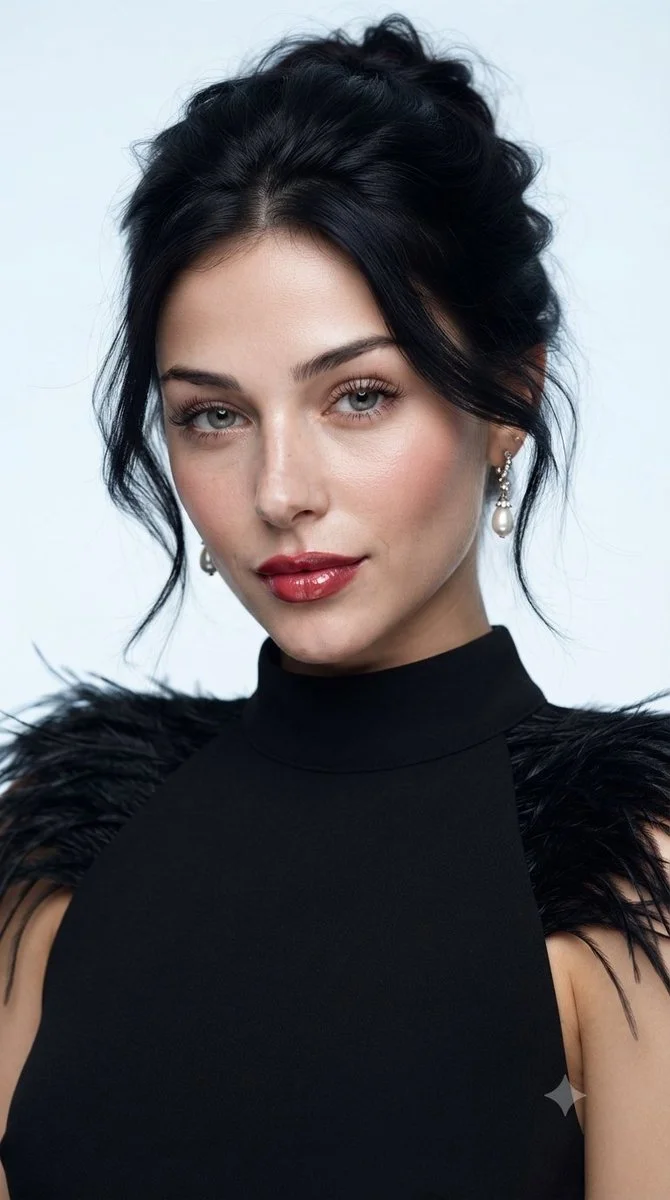
Create a polished studio beauty portrait of an adult woman wearing a sleeveless black high-neck dress with delicate feather trim at the shoulders. Frame her from the upper chest upward against a pale blue-gray background. Give her a relaxed dark updo with a few loose strands, subtle earrings, luminous skin, softly defined eyes and rich rose-colored lips. Use a broad, soft key light to keep facial transitions smooth while preserving fine skin texture. Emphasize poised expression, restrained styling and the contrast between the dark feathers and clean background. Aim for a realistic fashion-magazine photograph.
Create a polished studio beauty portrait of an adult woman wearing a sleeveless black high-neck dress with delicate feather trim at the shoulders. Frame her from the upper chest upward against a pale blue-gray background. Give her a relaxed dark updo with a few loose strands, subtle earrings, luminous skin, softly defined eyes and rich rose-colored lips. Use a broad, soft key light to keep facial transitions smooth while preserving fine skin texture. Emphasize poised expression, restrained styling and the contrast between the dark feathers and clean background. Aim for a realistic fashion-magazine photograph.
Verified prompt
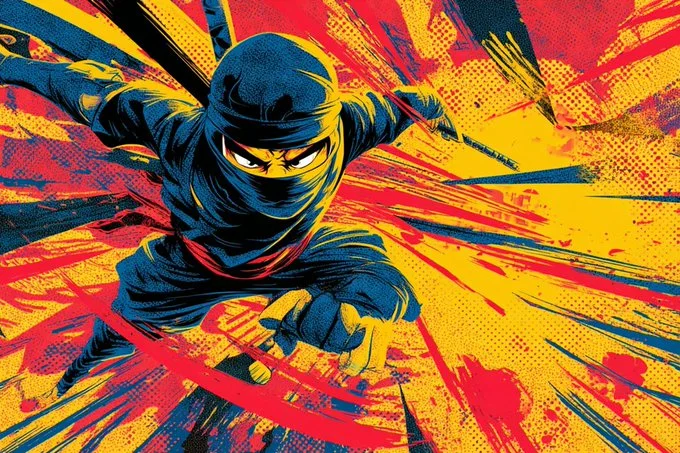
2D cartoon illustration of a [subject] mid-motion in a [dynamic action pose], drawn in vintage comic book style with bold outlines and saturated primary colors. Featuring dramatic motion streaks, exaggerated perspective, punchy panel composition, and crisp halftone texture. Designed for high-energy visual storytelling with retro superhero flair.
2D cartoon illustration of a [subject] mid-motion in a [dynamic action pose], drawn in vintage comic book style with bold outlines and saturated primary colors. Featuring dramatic motion streaks, exaggerated perspective, punchy panel composition, and crisp halftone texture. Designed for high-energy visual storytelling with retro superhero flair.
Verified prompt
Verified prompt
Verified prompt
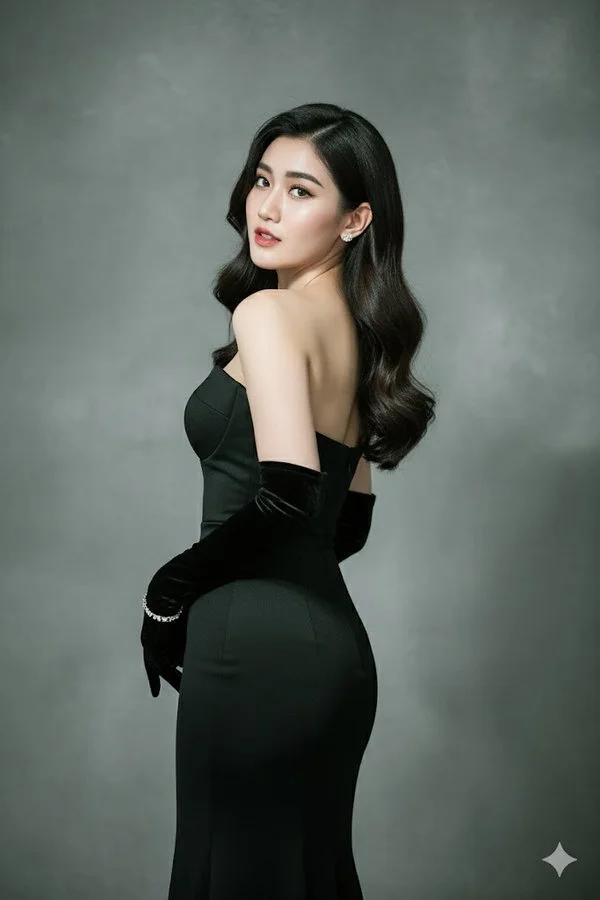
Create the highest-resolution picture of me posing elegantly with my back slightly turned and my head looking over the shoulder towards the camera. I am wearing a sleek, form-fitting strapless black evening gown, paired with long, elegant black velvet opera gloves. My hair is styled in loose, glossy waves cascading naturally over my shoulder. I wear small, subtle earrings and a delicate bracelet on one wrist. My expression is confident, graceful, and alluring. The background is a plain stucco gray with soft gradient lighting, giving it a high-fashion photography look. The lighting is dramatic but soft, highlighting the contours of my body and face with realistic shadows and textures. The image should look like a high-quality, ultra-realistic fashion magazine photo, keeping my real face exactly as shown in the reference photo.
Create the highest-resolution picture of me posing elegantly with my back slightly turned and my head looking over the shoulder towards the camera. I am wearing a sleek, form-fitting strapless black evening gown, paired with long, elegant black velvet opera gloves. My hair is styled in loose, glossy waves cascading naturally over my shoulder. I wear small, subtle earrings and a delicate bracelet on one wrist. My expression is confident, graceful, and alluring. The background is a plain stucco gray with soft gradient lighting, giving it a high-fashion photography look. The lighting is dramatic but soft, highlighting the contours of my body and face with realistic shadows and textures. The image should look like a high-quality, ultra-realistic fashion magazine photo, keeping my real face exactly as shown in the reference photo.
Verified prompt
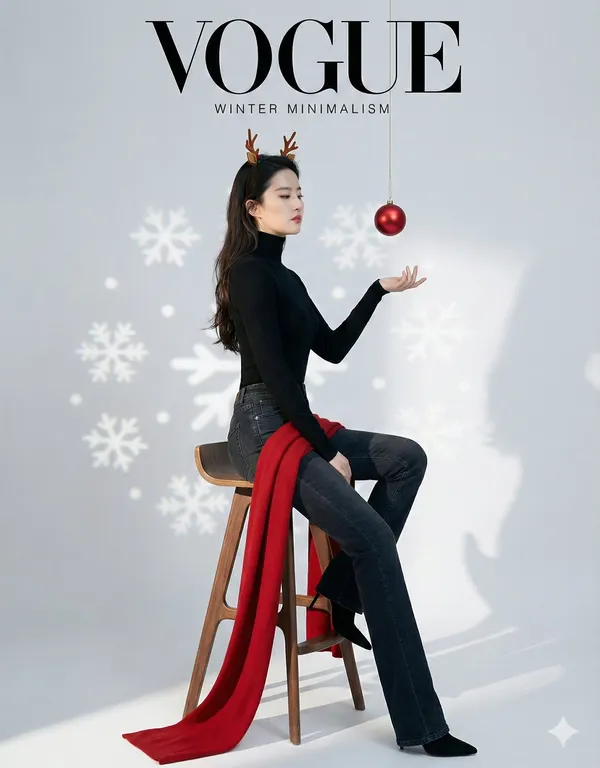
azine cover layout, minimalist composition, negative space). A full-body studio shot of the specific character sitting on a tall stool. [CRITICAL: Ensure the face is exactly the same as the reference]. Styling: Minimalist chic outfit (black turtleneck, jeans). A long red scarf flowing down. Wearing subtle reindeer antlers. Props: A single red Christmas bauble hanging from a string right above her hand. Snowflake light patterns projected on the background wall. Background: Solid light grey or white seamless paper. Lighting: Soft, directional light creating a clean look with defined shadows. Style: Vogue or Elle magazine style, high fashion, clean lines, modern and sophisticated.
azine cover layout, minimalist composition, negative space). A full-body studio shot of the specific character sitting on a tall stool. [CRITICAL: Ensure the face is exactly the same as the reference]. Styling: Minimalist chic outfit (black turtleneck, jeans). A long red scarf flowing down. Wearing subtle reindeer antlers. Props: A single red Christmas bauble hanging from a string right above her hand. Snowflake light patterns projected on the background wall. Background: Solid light grey or white seamless paper. Lighting: Soft, directional light creating a clean look with defined shadows. Style: Vogue or Elle magazine style, high fashion, clean lines, modern and sophisticated.
Verified prompt
Plan Your Music Visuals
Create an image, animate a scene or find a starting prompt for your project.
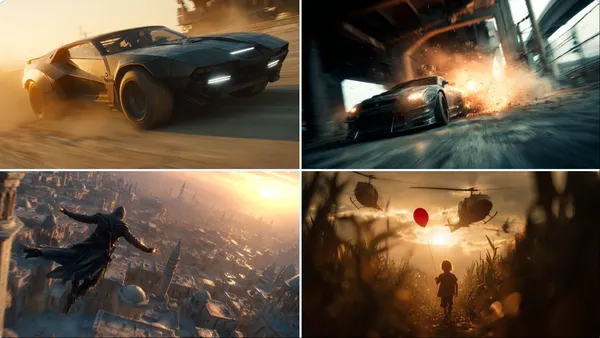
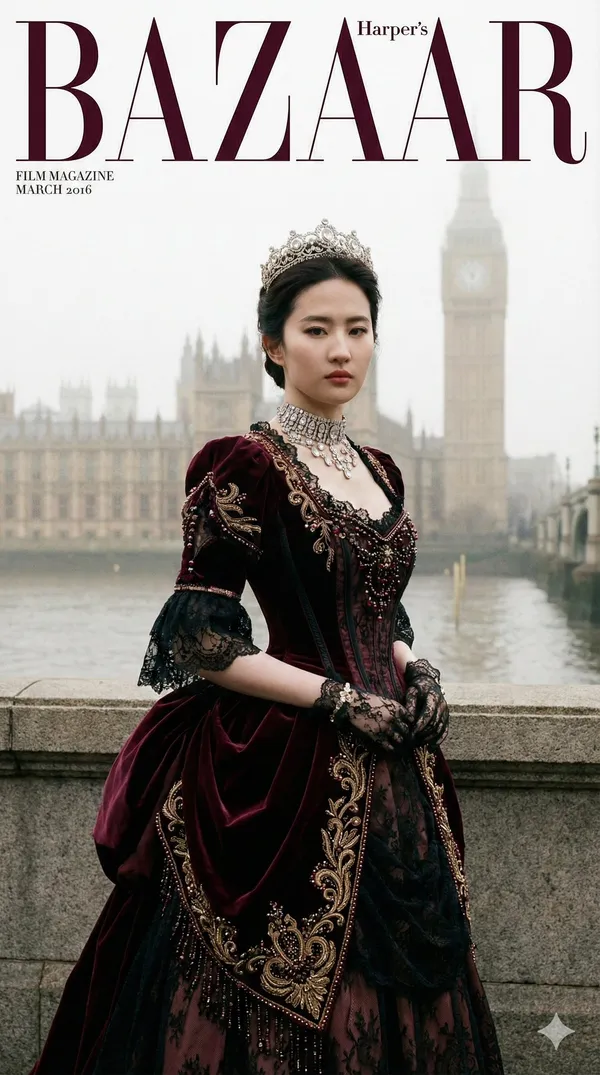
AI Reference Images for Music Visuals
Build the Visual World of Your Song
Explore the places, colors and characters suggested by your lyrics. Start with a written brief or a supported reference image, review the result and develop a visual direction for your music project.
Create a SceneFrom a Lyric to a Visual Brief
Describe the imagery of a verse as a scene: a subject, a setting and a mood. Choose a model and review its available inputs before generating.
Set the Composition Before You Animate
Choose framing, lighting and color in your prompt. Check the available output settings and credit quote, then create an image you can use as a video reference.
Describe the Mood of Your Track
Use a few specific visual details to express the feeling of your song. Compare the image with your brief, then refine its light, colors or composition.
Refine Your Prompt
Review the generated composition, then revise your prompt to change specific details. Choose the available model settings and check the credit quote before creating another version.
Review and Download Results
Open completed results in History, inspect important details and download the image you want to use. Keep your prompt and settings so you can compare later versions.
Keep Your Prompt and Result Together
Write a prompt, choose a model, and review your results in History. Refine your description to explore a different composition or style.
A Focused Image Workspace
Keep your visual brief and completed image results together while you develop the project.
Develop a Visual Direction for Your Music
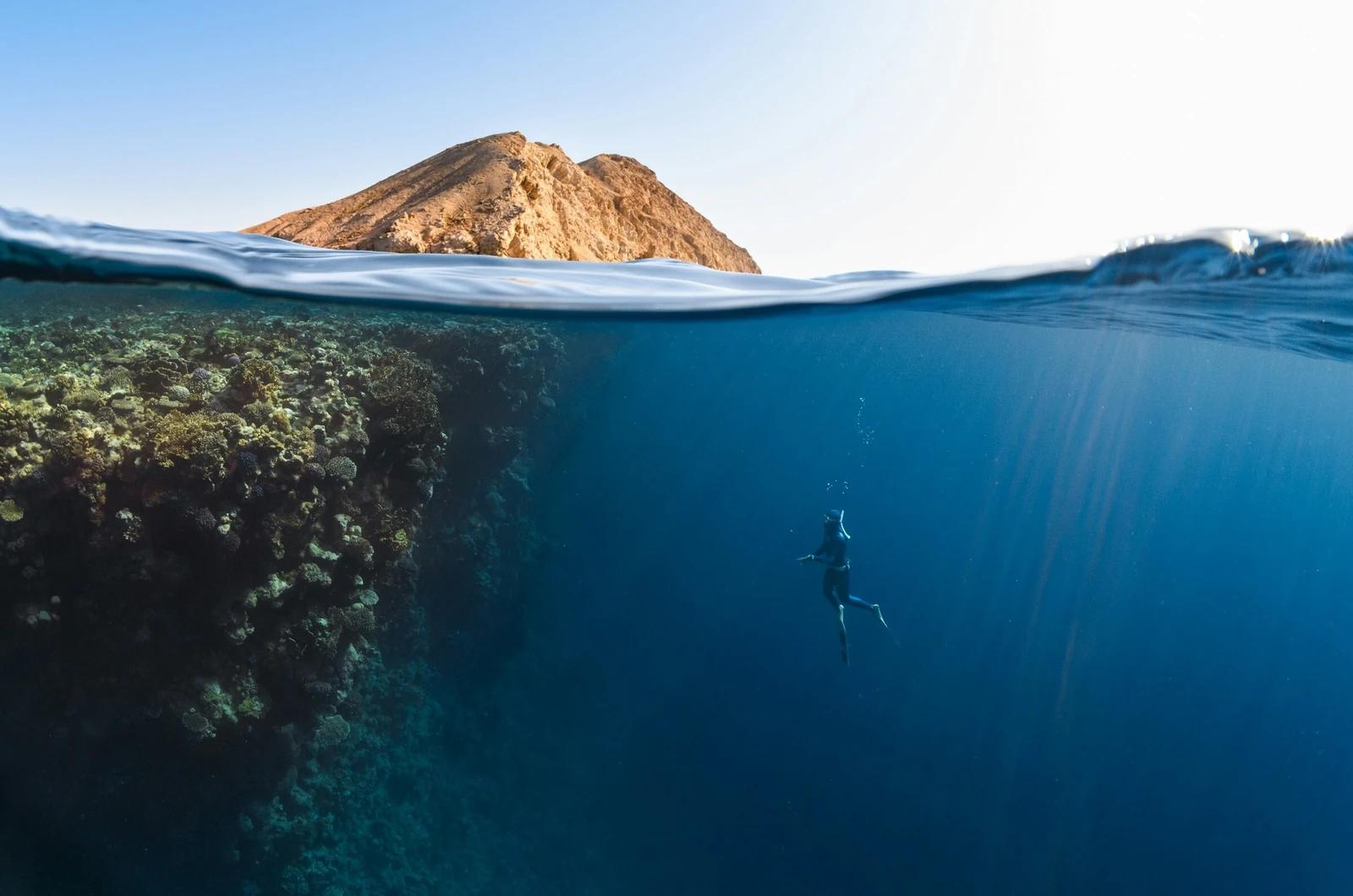
Explore Styles Through Your Prompt
Explore photographic, illustrated or abstract looks by describing the style in your prompt. Results vary by model and request; review each image before using it.
Describe the look you want, then refine your prompt as you compare results.
Reference Images for Your Lyric Video
Explore the scenes and visual details you want to bring into a music project. Create a focused image brief before planning movement.
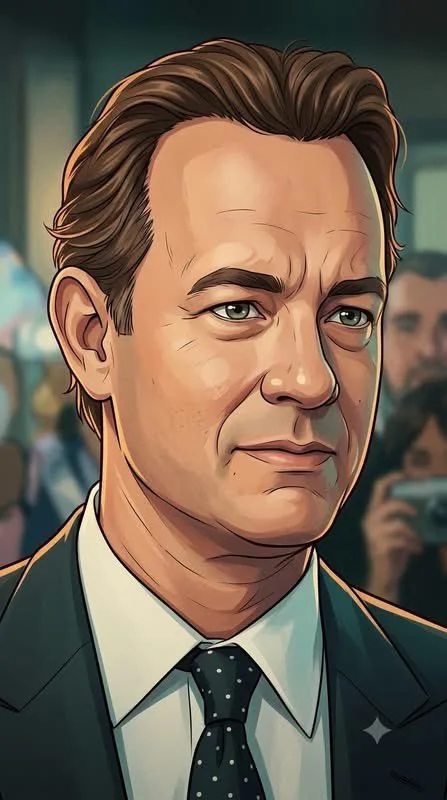
Locations and Atmosphere
Describe the street, room or landscape suggested by your writing. Test the lighting and color palette before using an image as a video reference.
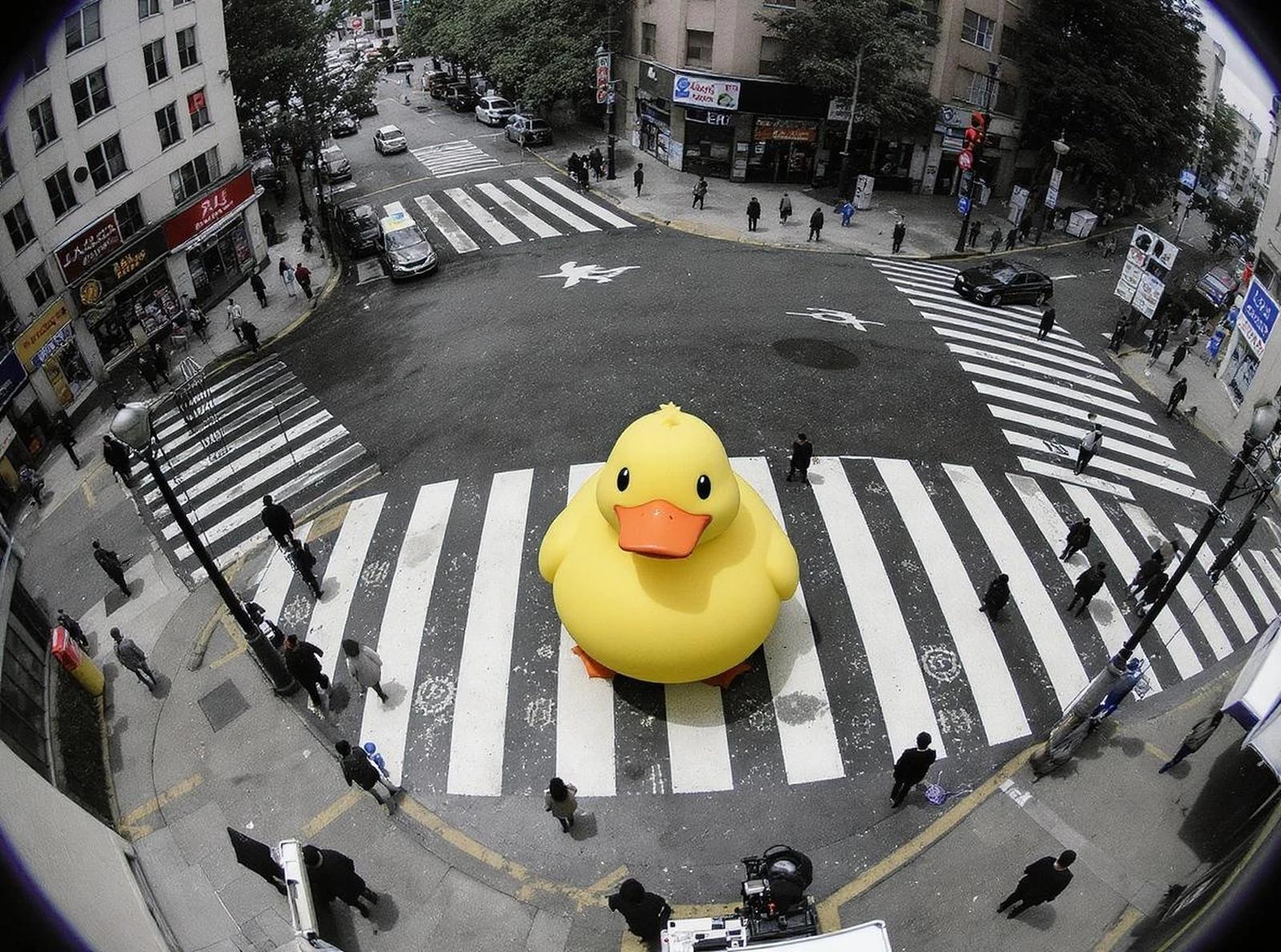
A Central Image for the Chorus
Develop one memorable composition around the main feeling of your chorus. Check the result for distracting details and refine the prompt where needed.
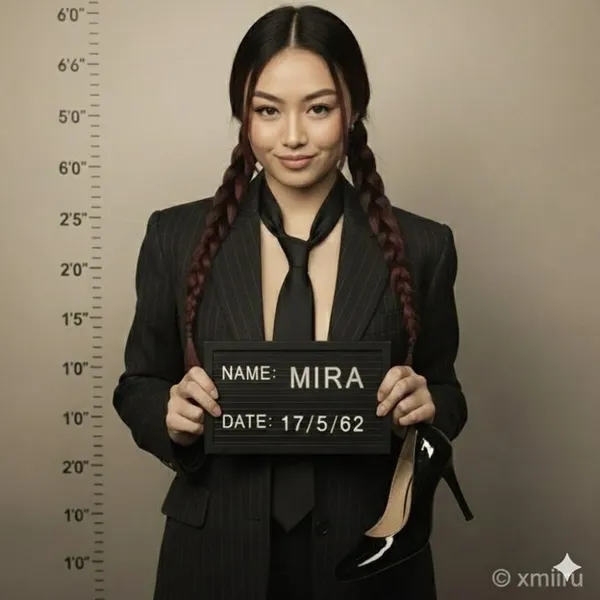
Visual Storyboards
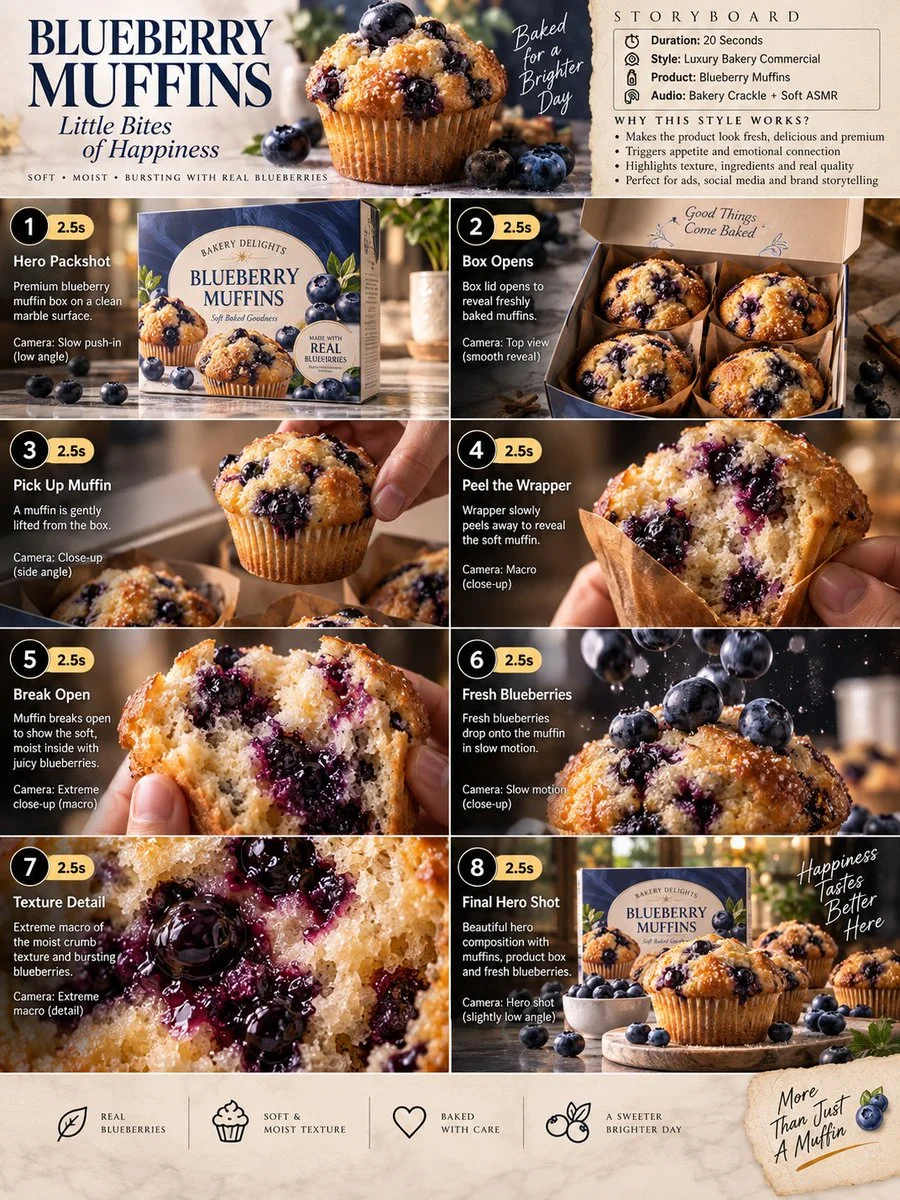
Create concept images for individual moments in a verse. Keep written notes on framing and movement to guide your later video prompts.
Release Artwork Concepts
Explore visual directions for a song announcement. Review text and design details, then add accurate release information in your editing tool.
Create a Reference Image in Four Steps
Add Your Input
Write a description, or select image-to-image mode and upload a reference. Include the details that matter most to your composition.
Customize Your Options
Choose a model and adjust its available size and quality settings. Check the required credits before generating.
Generate and Refine
Select Generate Image and follow the task in History. Review the result, then revise your prompt to create another version.
Export, Share, or Transform
Download a completed image from History and add it to your project. You can also use it as a reference on the video page.
Images for Every Stage of Your Music Project
Use generated images to explore ideas and prepare visual material for your own edit.
Scene Concepts
Turn one image from a lyric into a composition. Describe the subject, surroundings and lighting, then review the result against your brief.
Social Music Posts
Explore a visual idea for a song or release post. Use the format your channel requires and add accurate text in your design tool.
Pitch and Mood Boards
Prepare visual concepts to discuss with collaborators. Keep a clear brief alongside each image so the intended scene is easy to understand.
Visual World Building
Explore a recurring location, palette or motif for your project. Review separate generations carefully; matching characters and details is not guaranteed.
Workflow Notes
Describe one subject, action and setting before generating. Keep the brief focused so the result is easier to review.
AI Reference Image Questions
Generate an image from a written scene description or a supported reference image. Use the result to explore the visual direction of your music project or as a reference for video generation.
Text-to-image models use your written description to generate a visual interpretation. Specific details about the subject, composition, and lighting can help guide the result.
Download an image you want to use, open the video generator and choose a model that supports image-to-video. Upload the image and describe the movement you want.
Write the medium, palette, lighting and composition in your prompt. There is no one-click style effect control on this page.
Revise your text prompt and generate another version, or use a supported reference image in image-to-image mode. This page does not provide object erasing, canvas expansion or photo restoration controls.
Use inputs you have permission to use and review generated content for recognizable people, brands and protected material. Check the applicable terms for your chosen model and use case before publishing commercially.
Image generation uses credits. Select a model and settings to see the quote before submitting, and visit Pricing for current purchase options.
You can start with a plain-language description. Add details about the subject, setting, lighting, and style as you refine your idea.
You can request a refund within 10 days of purchase if you have unused credits from that purchase and provide a clear reason, subject to our Refund Policy. If eligible, an unused purchase can be fully refunded; a partly used purchase is refunded in proportion to its remaining unused credits. Fully used purchases and free or promotional credits are not refundable.
Credit validity depends on the pack, subscription or promotion that issued them. Review the purchase terms and expiration dates in Settings > Credits. A renewal or new purchase does not extend older credits. Use credits before their stated expiration; do not assume unused subscription credits roll over indefinitely.
Credits charged for a task that is confirmed as failed due to a system error are returned automatically. A task that is still processing has not yet been confirmed as failed. Check its status and your credit history before submitting again. If a confirmed failure still shows an unresolved charge, email support@raplyrics.app with the task ID.
AI results can vary, so a completed result that differs from your expectations is not automatically treated as a technical failure. Eligible completed image tasks can be submitted for credit refund review using the refund option where available; approval is required. For a video or another issue, contact support@raplyrics.app with the task ID and details. A credit refund returns credits, not money to your payment method.
Email support@raplyrics.app. For billing, include your account email and order ID; for generation, include the task ID, issue description and relevant screenshots. If you purchased as a guest, keep the original browser data and payment receipt so we can help locate the purchase.
Create a Visual Starting Point for Your Lyrics
Create an image from a text description or supported reference. Review the model settings, check the credit quote and download completed results from History.
raplyrics.app · Updated
What's new on this page
- — Added editable example prompts and separate drafts for text and reference modes, with an action to restore the example.
- — Page content published.