
Nano Banana Image Concepts for Music Visuals
Nano Banana Image Concepts for Music Visuals
Describe the image you want. Review the result and revise your prompt to create another version. Supported input modes and settings are shown in the generator.
Verified prompt
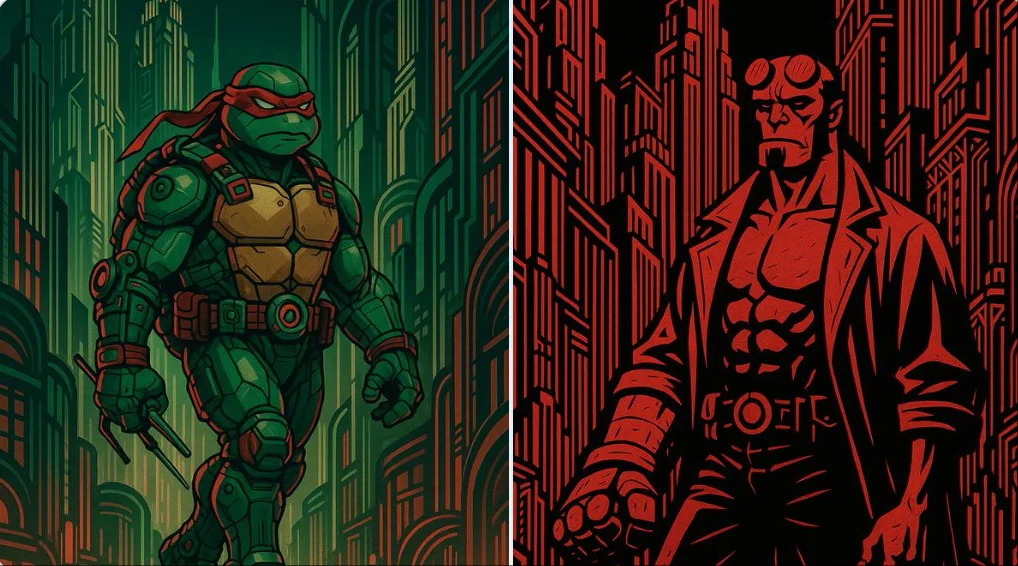
[SUBJECT] set within an Art Deco Metropolis, showcasing the grandeur and geometric elegance of 1920s architecture. Use streamlined forms and ornamental details, highlighting a sophisticated color palette of [COLOR1] and [COLOR2] to reflect the prosperity of the era.
[SUBJECT] set within an Art Deco Metropolis, showcasing the grandeur and geometric elegance of 1920s architecture. Use streamlined forms and ornamental details, highlighting a sophisticated color palette of [COLOR1] and [COLOR2] to reflect the prosperity of the era.
Verified prompt
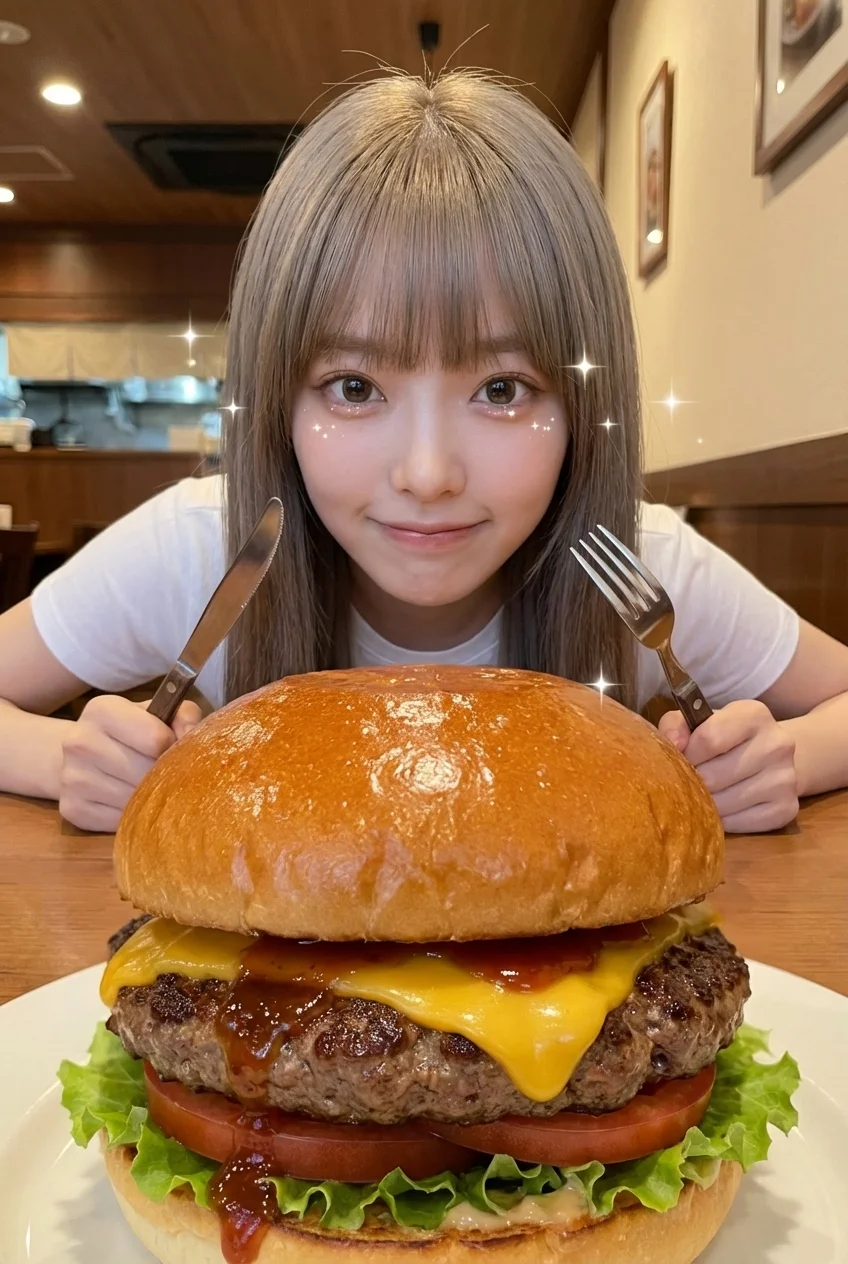
gerated yet realistic food point-of-view photography. Camera Position: The camera lens is positioned at the same height as the hamburger, representing the food’s point of view. The camera is lower than the person, looking upward from the food toward the person. Camera Angle: Low-to-high upward angle, approximately 25–30 degrees. Foreground (PRIMARY SUBJECT): A single oversized hamburger placed extremely close to the camera, appearing larger than life due to perspective. The hamburger occupies nearly half of the entire frame. Its full structure is visible (about three-quarters shown), with a strong sense of volume and depth. Thick glossy bun, juicy beef patty, melted cheese stretching slightly, fresh lettuce and tomato, rich sauce with visible shine. The burger feels bold, heavy, and tempting, almost pushing toward the viewer. Background (HUMAN SUBJECT): A {{PERSON_DESCRIPTION}} sitting across the table, clearly visible behind the hamburger. The person is leaning slightly forward, eyes wide and sparkling with anticipation, focused intensely on the food. Subtle smile or restrained excitement on the face, expressing eagerness to eat. Hands & Utensils: The person is holding appropriate eating utensils naturally, hands positioned close to the food, ready to begin eating, showing correct and realistic posture for eating a hamburger. Expression & Emotion: The person’s expression conveys delight, curiosity, and excitement. Eyes appear bright and lively, with a sense of “can’t wait to take the first bite.” Visual Effects (SUBTLE): Very subtle sparkle or tiny star-like highlights near the person’s eyes and around the food, used sparingly to emphasize excitement. The effects are soft, minimal, and realistic, not cartoonish, not illustrative. Focus & Depth: Natural human-eye depth of field. Both the hamburger and the person are clearly in focus. No exaggerated background blur. Environment: {{SCENE_DESCRIPTION}}, cozy restaurant interior, warm ambient lighting. Lens & Perspective: Natural wide-angle perspective (24–28mm), slight perspective exaggeration to enhance food presence. Style: Ultra-realistic photography with light emotional enhancement, candid dining moment, true-to-life but expressive. No anime style, no illustration. The hamburger feels almost too large to handle, visually overwhelming in a tempting way. The anticipation is clearly visible in the person’s eyes and posture, as if the moment before the first bite is frozen in time.
gerated yet realistic food point-of-view photography. Camera Position: The camera lens is positioned at the same height as the hamburger, representing the food’s point of view. The camera is lower than the person, looking upward from the food toward the person. Camera Angle: Low-to-high upward angle, approximately 25–30 degrees. Foreground (PRIMARY SUBJECT): A single oversized hamburger placed extremely close to the camera, appearing larger than life due to perspective. The hamburger occupies nearly half of the entire frame. Its full structure is visible (about three-quarters shown), with a strong sense of volume and depth. Thick glossy bun, juicy beef patty, melted cheese stretching slightly, fresh lettuce and tomato, rich sauce with visible shine. The burger feels bold, heavy, and tempting, almost pushing toward the viewer. Background (HUMAN SUBJECT): A {{PERSON_DESCRIPTION}} sitting across the table, clearly visible behind the hamburger. The person is leaning slightly forward, eyes wide and sparkling with anticipation, focused intensely on the food. Subtle smile or restrained excitement on the face, expressing eagerness to eat. Hands & Utensils: The person is holding appropriate eating utensils naturally, hands positioned close to the food, ready to begin eating, showing correct and realistic posture for eating a hamburger. Expression & Emotion: The person’s expression conveys delight, curiosity, and excitement. Eyes appear bright and lively, with a sense of “can’t wait to take the first bite.” Visual Effects (SUBTLE): Very subtle sparkle or tiny star-like highlights near the person’s eyes and around the food, used sparingly to emphasize excitement. The effects are soft, minimal, and realistic, not cartoonish, not illustrative. Focus & Depth: Natural human-eye depth of field. Both the hamburger and the person are clearly in focus. No exaggerated background blur. Environment: {{SCENE_DESCRIPTION}}, cozy restaurant interior, warm ambient lighting. Lens & Perspective: Natural wide-angle perspective (24–28mm), slight perspective exaggeration to enhance food presence. Style: Ultra-realistic photography with light emotional enhancement, candid dining moment, true-to-life but expressive. No anime style, no illustration. The hamburger feels almost too large to handle, visually overwhelming in a tempting way. The anticipation is clearly visible in the person’s eyes and posture, as if the moment before the first bite is frozen in time.
Verified prompt
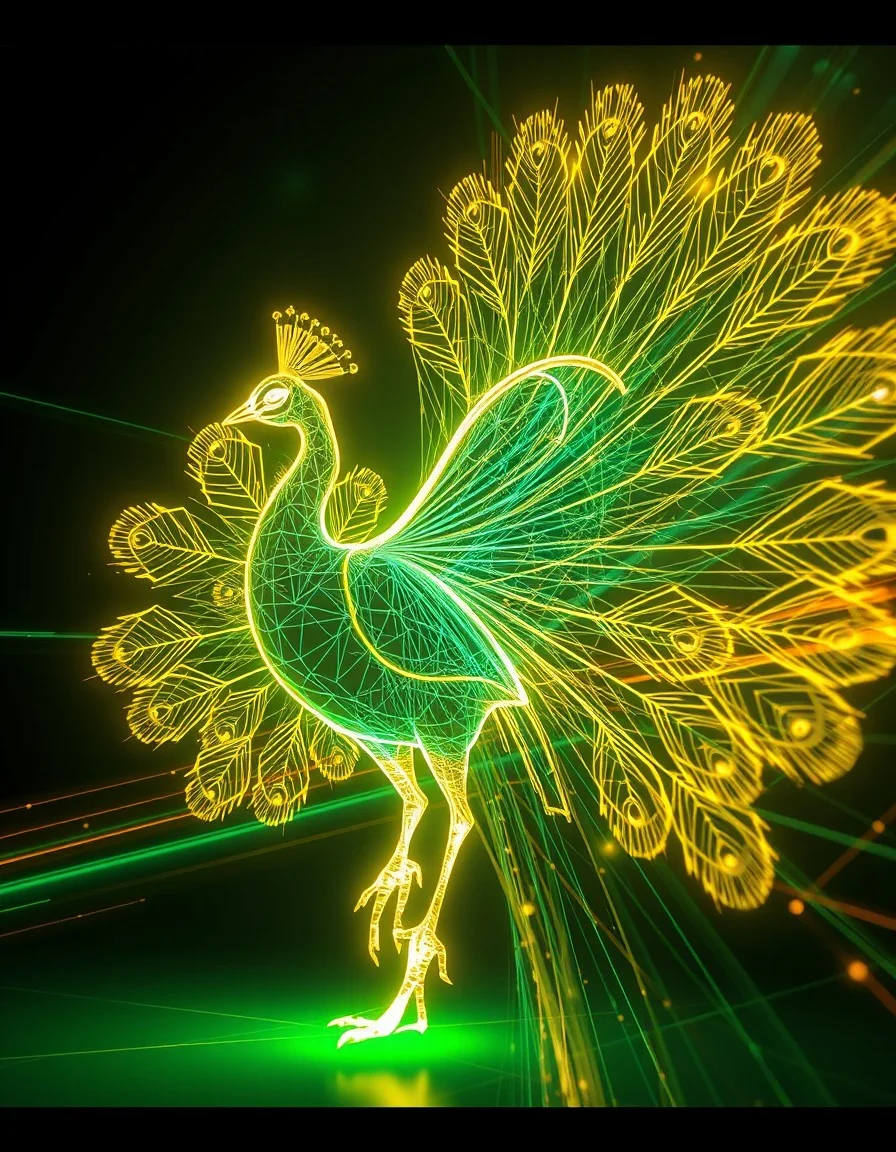
A neon wireframe visualization of a [subject], traced in glowing [color1] and [color2] vector lines. Suspended in a digital void, the figure is surrounded by speed trails, motion blur, and shifting geometric shadows, evoking a sense of kinetic energy and futuristic momentum.
A neon wireframe visualization of a [subject], traced in glowing [color1] and [color2] vector lines. Suspended in a digital void, the figure is surrounded by speed trails, motion blur, and shifting geometric shadows, evoking a sense of kinetic energy and futuristic momentum.
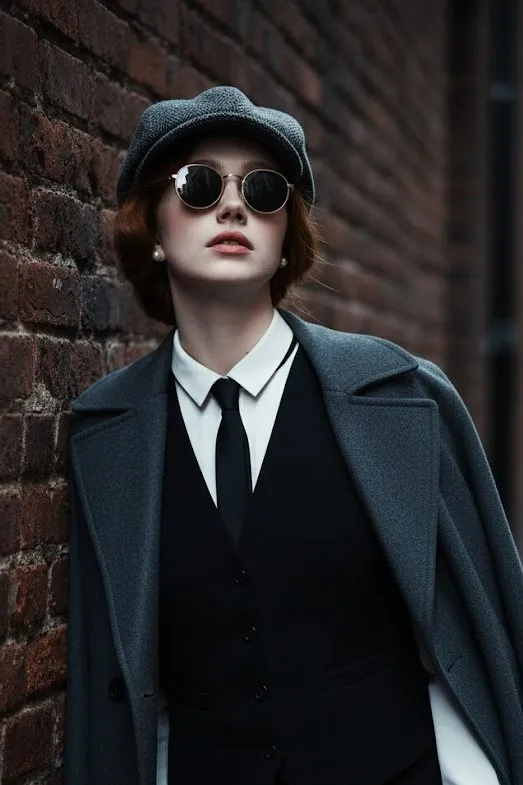
Verified prompt
100% face above uploaded photo. A hyper-realistic, cinematic medium shot of a handsome man in his late 20s with black hair and black beard like uploaded photo, styled in the fashion of the 1920s. He wears a grey tweed newsboy cap, a black waistcoat over a crisp white shirt, a slim black tie, and black leather gloves. A heavy wool overcoat is draped over his shoulder. He leans against a weathered brick wall in a narrow, atmospheric alleyway, looking upwards with a cool, contemplative expression through his round sunglasses. The lighting is moody and dramatic, with cool tones and soft shadows creating a sense of depth and mystery. The photograph is ultra-detailed with sharp focus and a shallow depth of field.
100% face above uploaded photo. A hyper-realistic, cinematic medium shot of a handsome man in his late 20s with black hair and black beard like uploaded photo, styled in the fashion of the 1920s. He wears a grey tweed newsboy cap, a black waistcoat over a crisp white shirt, a slim black tie, and black leather gloves. A heavy wool overcoat is draped over his shoulder. He leans against a weathered brick wall in a narrow, atmospheric alleyway, looking upwards with a cool, contemplative expression through his round sunglasses. The lighting is moody and dramatic, with cool tones and soft shadows creating a sense of depth and mystery. The photograph is ultra-detailed with sharp focus and a shallow depth of field.
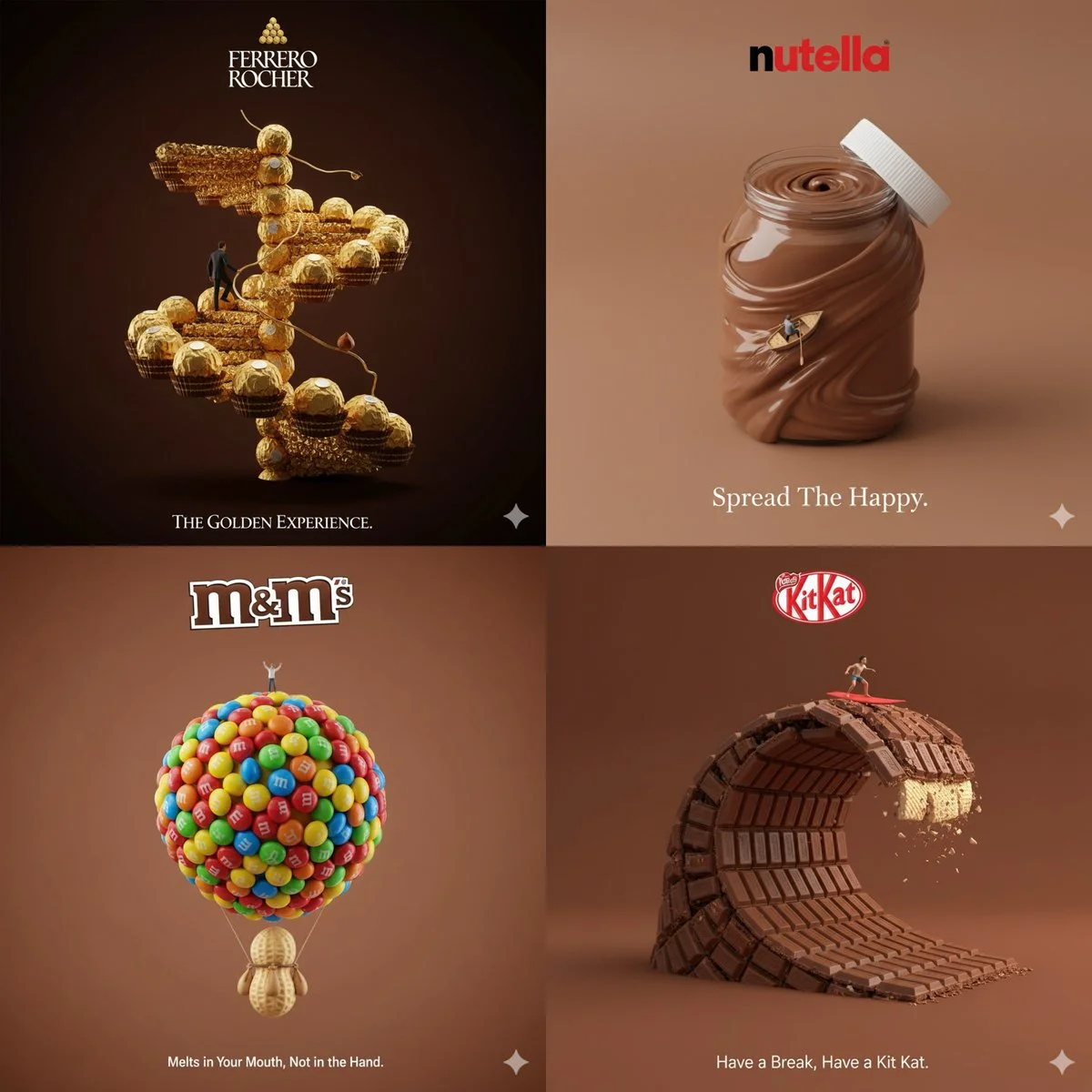
Verified prompt
Creative 3D ad for [Brand Name], with surreal object made from it, matching background color, real slogan below, logo on top, miniature person interacting, minimal and clever concept
Creative 3D ad for [Brand Name], with surreal object made from it, matching background color, real slogan below, logo on top, miniature person interacting, minimal and clever concept
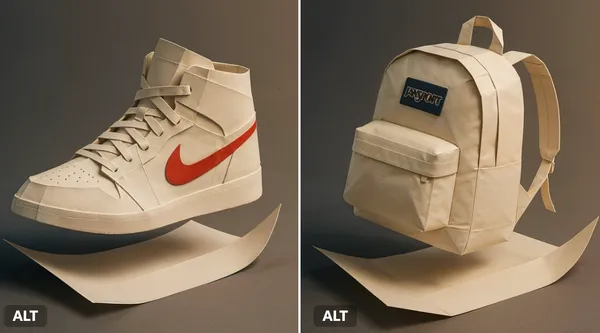
Verified prompt
at branded paper folds itself into the full 3D shape of a [Air Jordan 1 shoes], mid-motion. Dramatic studio lighting, origami texture detail, gradient shadows, Japanese minimalism feel.
at branded paper folds itself into the full 3D shape of a [Air Jordan 1 shoes], mid-motion. Dramatic studio lighting, origami texture detail, gradient shadows, Japanese minimalism feel.
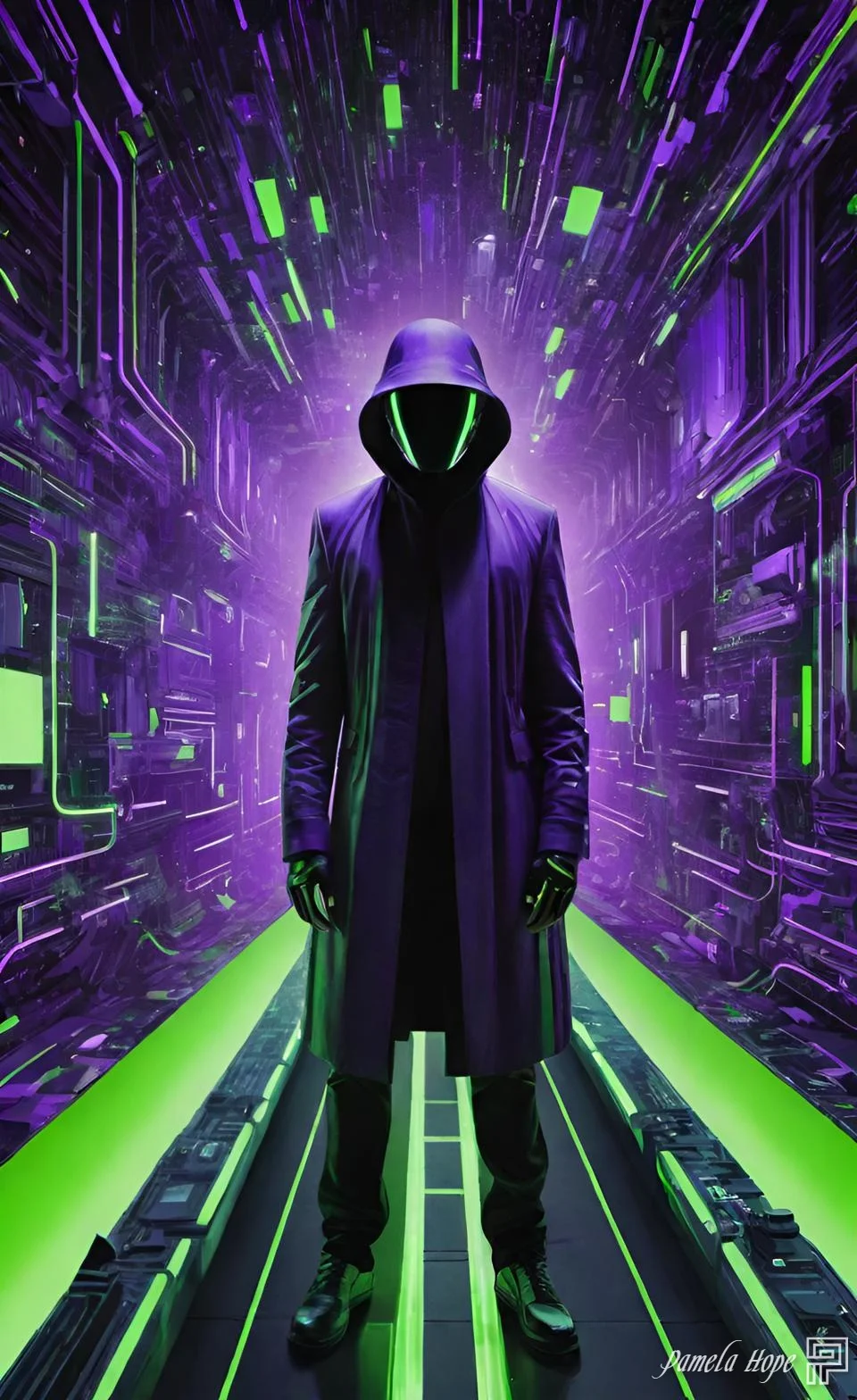
Verified prompt
[SUBJECT] reinterpreted through Cyber Matrix Dreamscapes, where cascading streams of digital code form the immersive backdrop. Imbue the scene with radical neon [COLOR1] and luminous [COLOR2] accents to evoke a futuristic reality where art converges with algorithm
[SUBJECT] reinterpreted through Cyber Matrix Dreamscapes, where cascading streams of digital code form the immersive backdrop. Imbue the scene with radical neon [COLOR1] and luminous [COLOR2] accents to evoke a futuristic reality where art converges with algorithm
Verified prompt
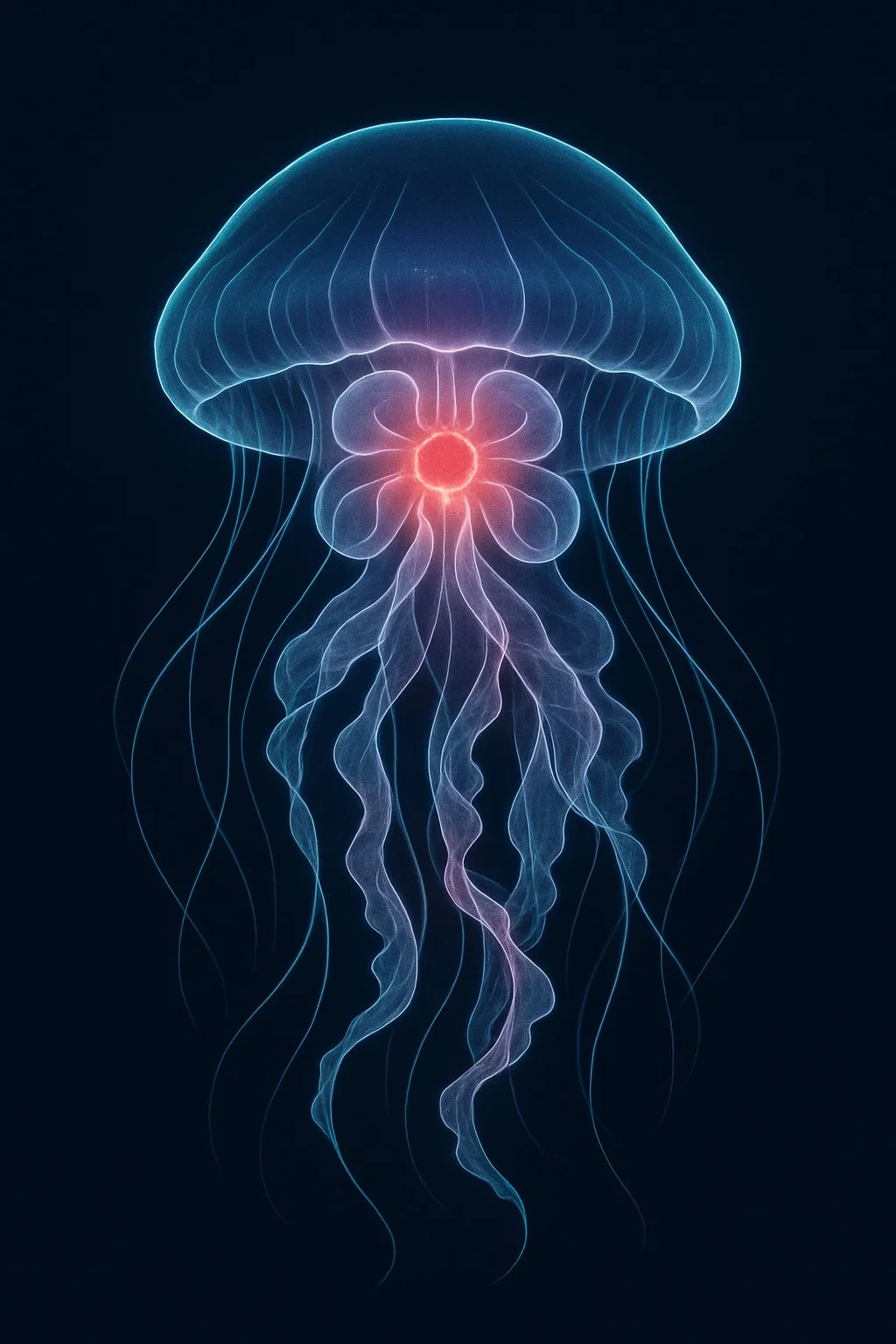
A digital illustration of a [SUBJECT], portrayed with a network of glowing clean pristine blue lines outlining its anatomy. The image is set against a dark background, highlighting the [SUBJECT] form and features. A specific area such as [PART] is emphasized with a red glow to indicate a point of interest or significance. The style is both educational and visually captivating, designed to resemble an advanced imaging technique
A digital illustration of a [SUBJECT], portrayed with a network of glowing clean pristine blue lines outlining its anatomy. The image is set against a dark background, highlighting the [SUBJECT] form and features. A specific area such as [PART] is emphasized with a red glow to indicate a point of interest or significance. The style is both educational and visually captivating, designed to resemble an advanced imaging technique
Verified prompt
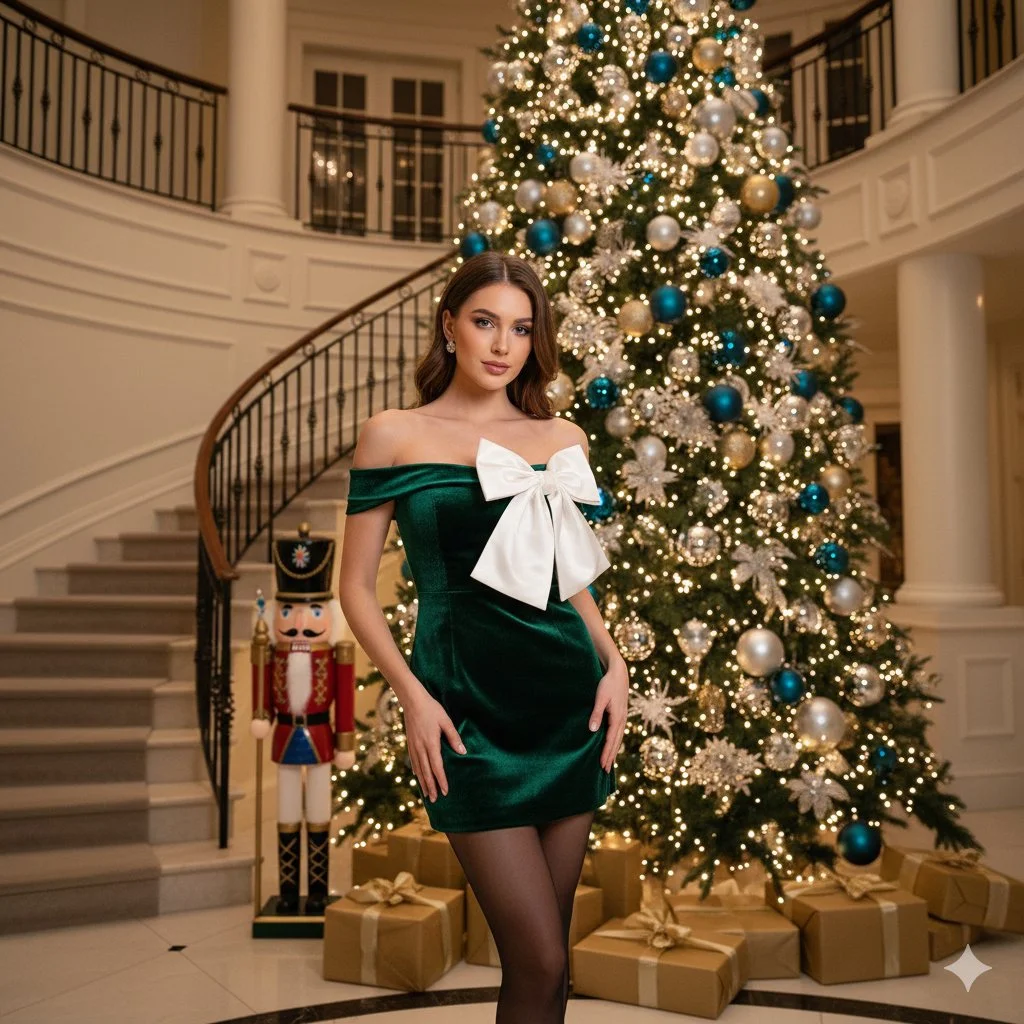
Beautiful young woman with long wavy brunette hair and warm smile. Wearing off-the-shoulder emerald green velvet mini dress with giant oversized white structural silk bow across bust, sheer black tights, diamond stud earrings. Standing centered facing camera. Setting: Grand luxury foyer with classic winding staircase and ornate wrought-iron railings. Large towering Christmas tree with warm golden lights and gold ornaments. Life-sized traditional Nutcracker soldier. Gold-wrapped gift boxes. Medium full shot, eye-level angle. Warm cinematic indoor lighting with soft bokeh. 8k photorealistic.
Beautiful young woman with long wavy brunette hair and warm smile. Wearing off-the-shoulder emerald green velvet mini dress with giant oversized white structural silk bow across bust, sheer black tights, diamond stud earrings. Standing centered facing camera. Setting: Grand luxury foyer with classic winding staircase and ornate wrought-iron railings. Large towering Christmas tree with warm golden lights and gold ornaments. Life-sized traditional Nutcracker soldier. Gold-wrapped gift boxes. Medium full shot, eye-level angle. Warm cinematic indoor lighting with soft bokeh. 8k photorealistic.
Verified prompt
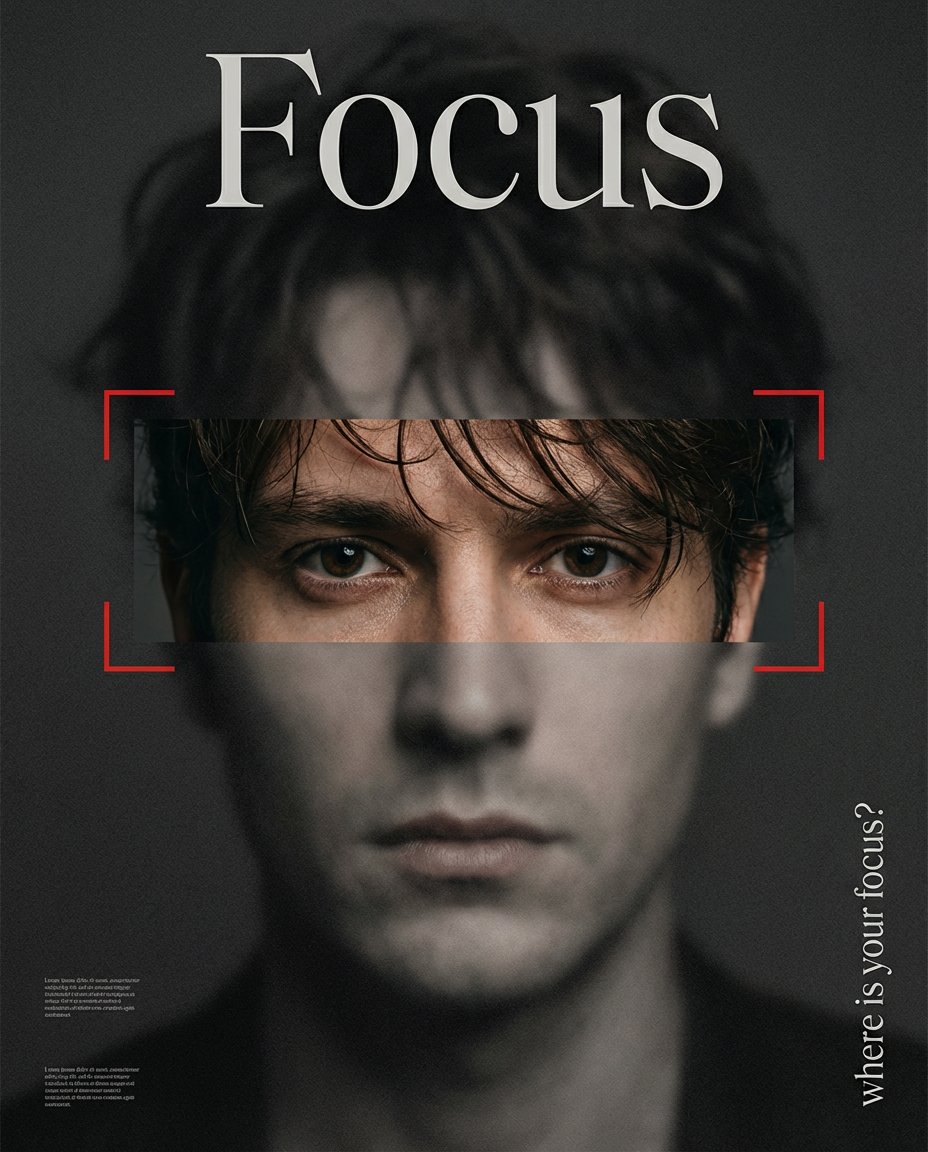
xtreme close-up editorial portrait poster. The entire image is covered with a matte, frosted black overlay, desaturated and grainy, creating a dark, controlled, and minimalist mood. A single horizontal rectangular cutout across the eyes reveals original color, natural skin tone, and sharp clarity, forming a strong visual contrast with the rest of the image. The subject looks directly at the viewer with focused, intent eyes. Red camera-style focus bracket lines frame the eye cutout, reinforcing the concept of attention and focus. Front-facing, centered composition. Serious, calm expression. Dark brown hair, slightly tousled, with loose strands falling naturally across the forehead in a fashion-editorial style. Low-key, moody lighting with strong contrast. Perceived sharpness exists only inside the eye cutout. At the top of the poster, large headline text reads exactly: “Focus” Set in an artistic, high-end editorial display font (not a plain classic serif). On the right side, vertical text reads: “where is your focus?” Background remains dark charcoal to black, with subtle, unreadable text blocks for layout texture. The overall aesthetic is premium, minimal, mysterious — like a high-fashion magazine cover or conceptual poster about attention and perception.
xtreme close-up editorial portrait poster. The entire image is covered with a matte, frosted black overlay, desaturated and grainy, creating a dark, controlled, and minimalist mood. A single horizontal rectangular cutout across the eyes reveals original color, natural skin tone, and sharp clarity, forming a strong visual contrast with the rest of the image. The subject looks directly at the viewer with focused, intent eyes. Red camera-style focus bracket lines frame the eye cutout, reinforcing the concept of attention and focus. Front-facing, centered composition. Serious, calm expression. Dark brown hair, slightly tousled, with loose strands falling naturally across the forehead in a fashion-editorial style. Low-key, moody lighting with strong contrast. Perceived sharpness exists only inside the eye cutout. At the top of the poster, large headline text reads exactly: “Focus” Set in an artistic, high-end editorial display font (not a plain classic serif). On the right side, vertical text reads: “where is your focus?” Background remains dark charcoal to black, with subtle, unreadable text blocks for layout texture. The overall aesthetic is premium, minimal, mysterious — like a high-fashion magazine cover or conceptual poster about attention and perception.
Verified prompt
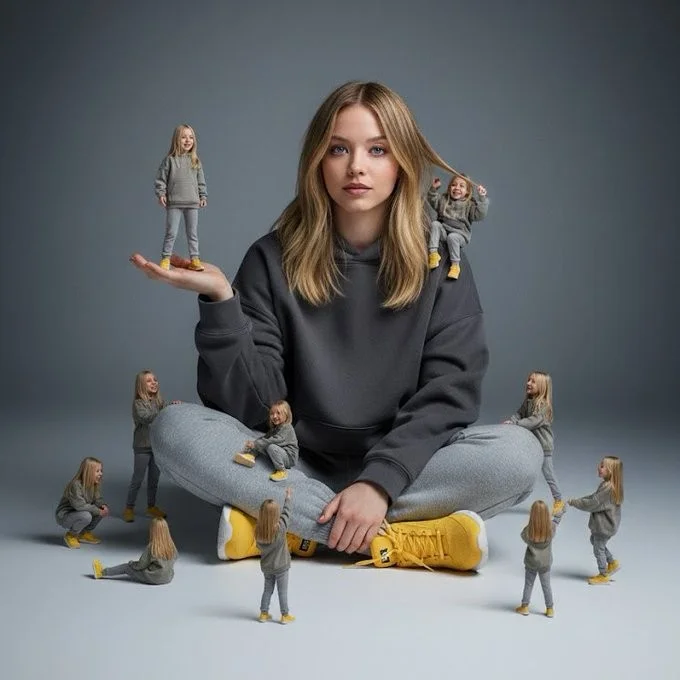
A creative surreal image of a woman sitting on the ground, wearing a dark yellow hoodie, gray pants, and yellow shoes, surrounded by several miniature versions of himself. Multiple smaller versions stand on his hands, shoulders, and around him on the ground, interacting playfully with the larger version. The background is a clean, simple light gray to dark gray tone. The lighting is soft and cinematic, with realistic shadows and depth of field.
A creative surreal image of a woman sitting on the ground, wearing a dark yellow hoodie, gray pants, and yellow shoes, surrounded by several miniature versions of himself. Multiple smaller versions stand on his hands, shoulders, and around him on the ground, interacting playfully with the larger version. The background is a clean, simple light gray to dark gray tone. The lighting is soft and cinematic, with realistic shadows and depth of field.
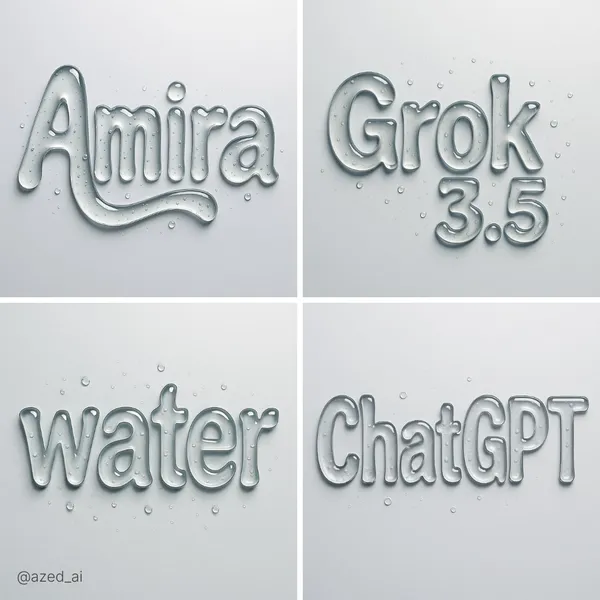
Verified prompt
ract liquid typography spelling "text", made of thick, transparent water-gel with realistic refraction and soft shadows. Each letter appears sculpted from droplets with surface tension, smooth curves, and light reflections. Water droplets scattered on the surface, minimal background, hyper-realistic lighting, photorealistic render
ract liquid typography spelling "text", made of thick, transparent water-gel with realistic refraction and soft shadows. Each letter appears sculpted from droplets with surface tension, smooth curves, and light reflections. Water droplets scattered on the surface, minimal background, hyper-realistic lighting, photorealistic render
Plan Your Music Visuals
Create an image, animate a scene or find a starting prompt for your project.
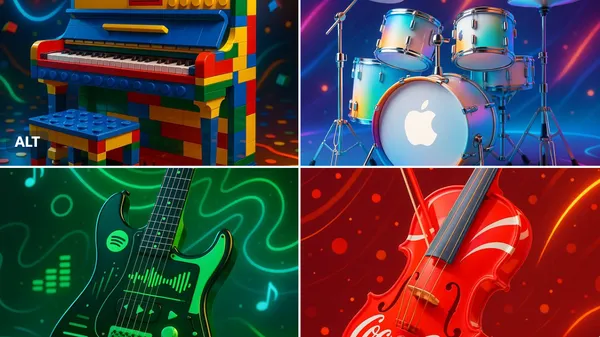
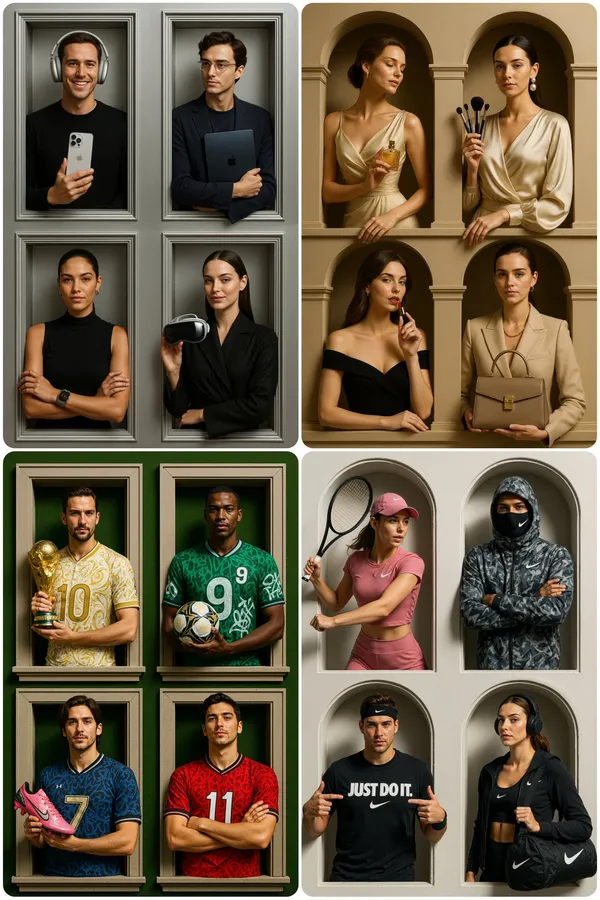
Banana AI Image Generator: Create and Edit from Text
Describe a visual, use a reference image where supported, and refine details through follow-up prompts.
RapLyrics uses an image model you select in the generator. Write a prompt or upload a supported image, then adjust it with follow-up instructions. Check the input options and settings for the model you choose. The current credit quote is shown before generation, and finished images are available in History. Review every result before you use it.
Start Generating
How to Use the Banana AI Image Model
Select the model, describe what you want or upload a supported image, and review the result. Check the available options and credit quote before generating.
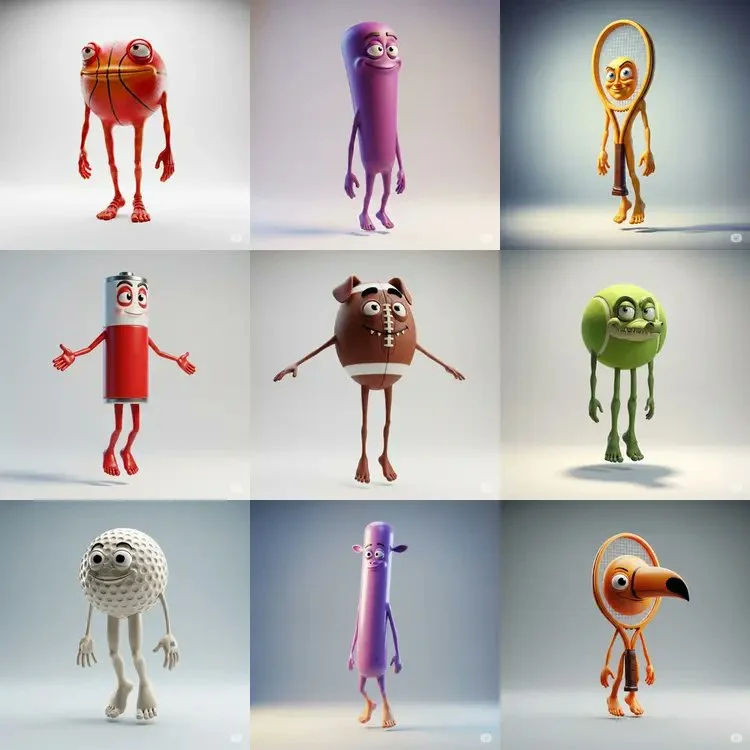
Enter a prompt or upload an image
Open the image generator and choose an enabled model. Enter a text prompt or upload images for reference, editing, or fusion. Supported inputs and settings are shown in the generator.

Click generate
Click generate. The selected model processes your prompt and any uploaded images. Review the result before downloading.
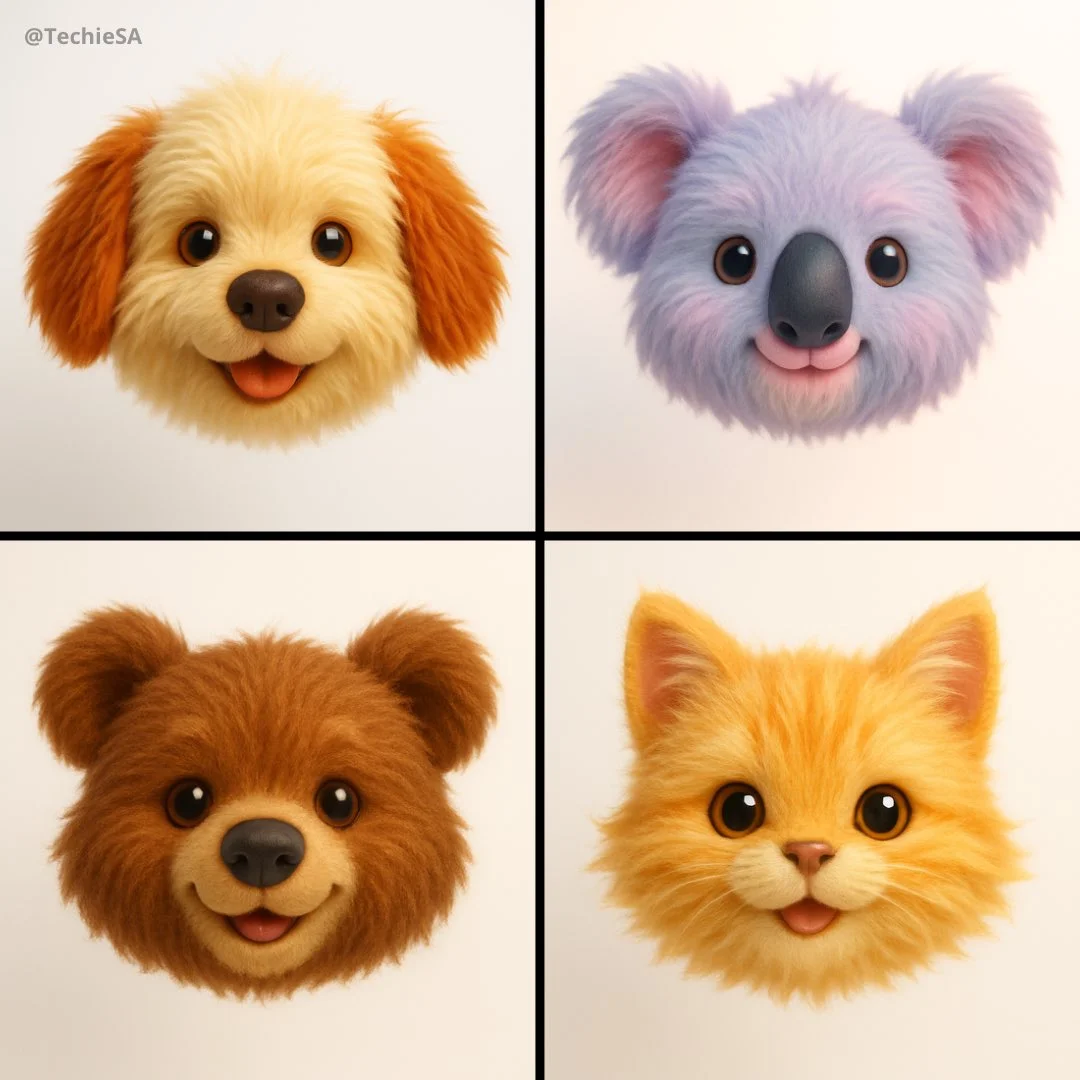
Download
Download your finished image from the generator or History. Use it in your own projects and editing workflow.
Core capabilities
Check which capabilities your selected model supports. Available inputs and settings appear in the generator before you generate.
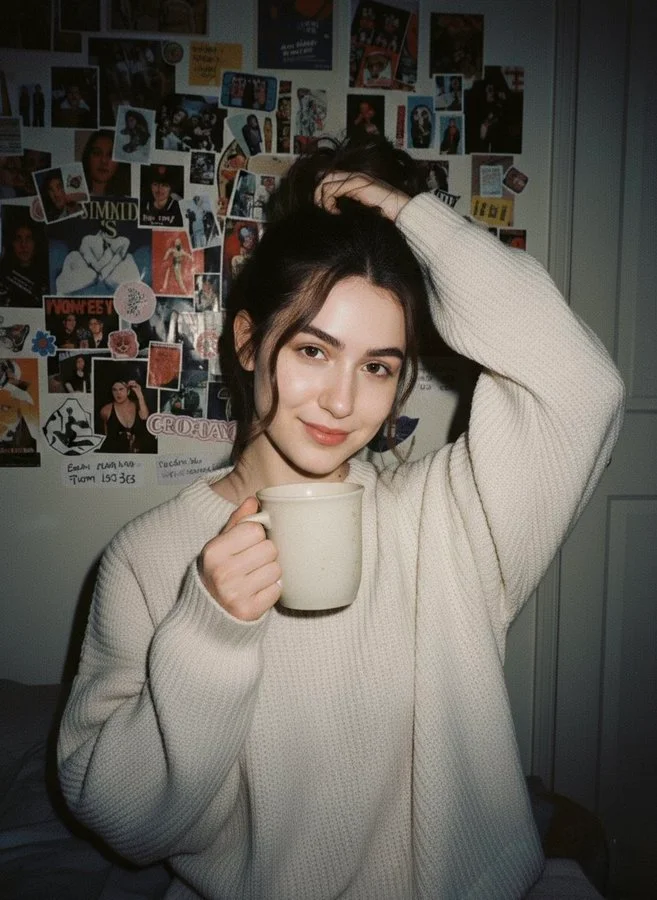
Generate and Refine Image Concepts
Use text prompts to generate images or describe edits to uploaded images. Check whether the selected model supports image-reference or editing modes. Follow the on-screen inputs for prompt and reference images.
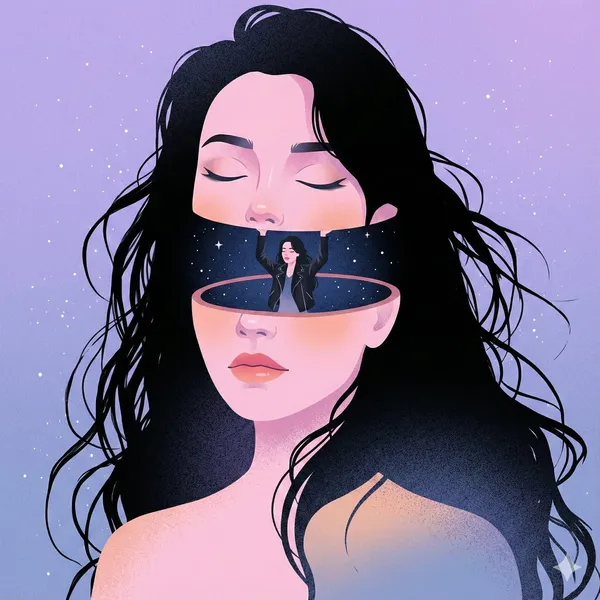
Local editing with text instructions
Describe the area and change you want, such as a background, object, outfit, or style. Whether local editing is available depends on the selected model. Check the generator for supported reference and editing options.
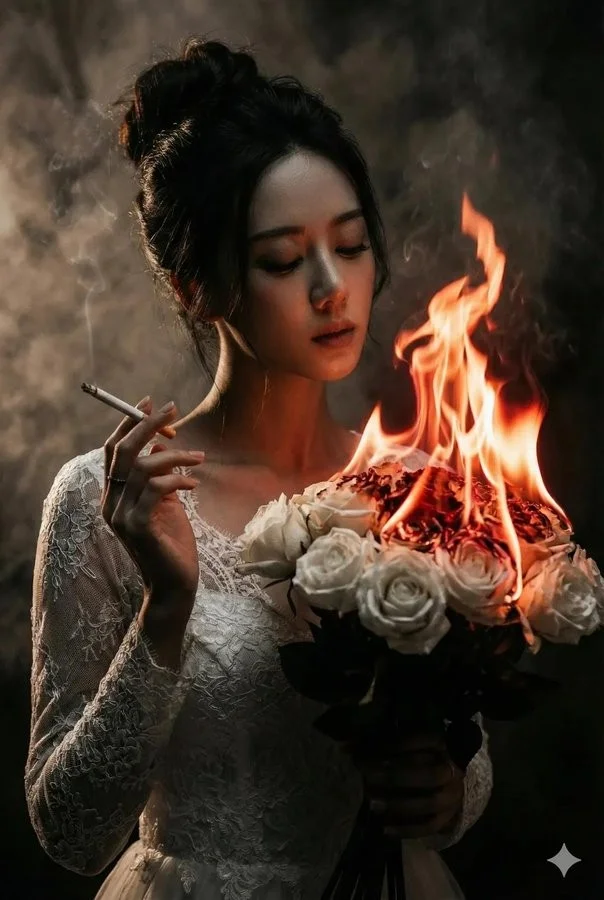
People, products, pets, and characters
Use image references where the selected model supports them. Check the generator for reference options and limits. Review each result for visual continuity before use.
Image fusion and visual references
Combine elements from multiple uploaded images where the selected model supports image references. Check the generator for supported reference modes and input limits. Review results for scene and object relationships.
Workflow scenarios
Choose a model that matches your task. Available inputs and settings are shown in the generator, and the credit quote appears before generation.
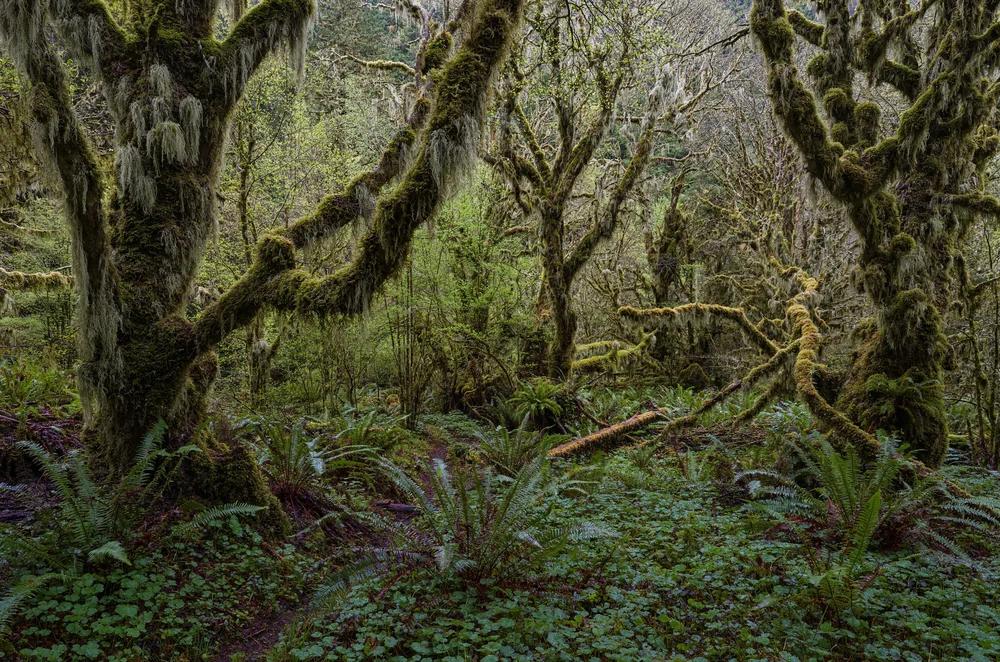
Fast iteration with text and image references
Generate images from text prompts and refine them with follow-up prompts. If the selected model supports image-reference modes, upload images and describe the changes you want. Review each output before download.
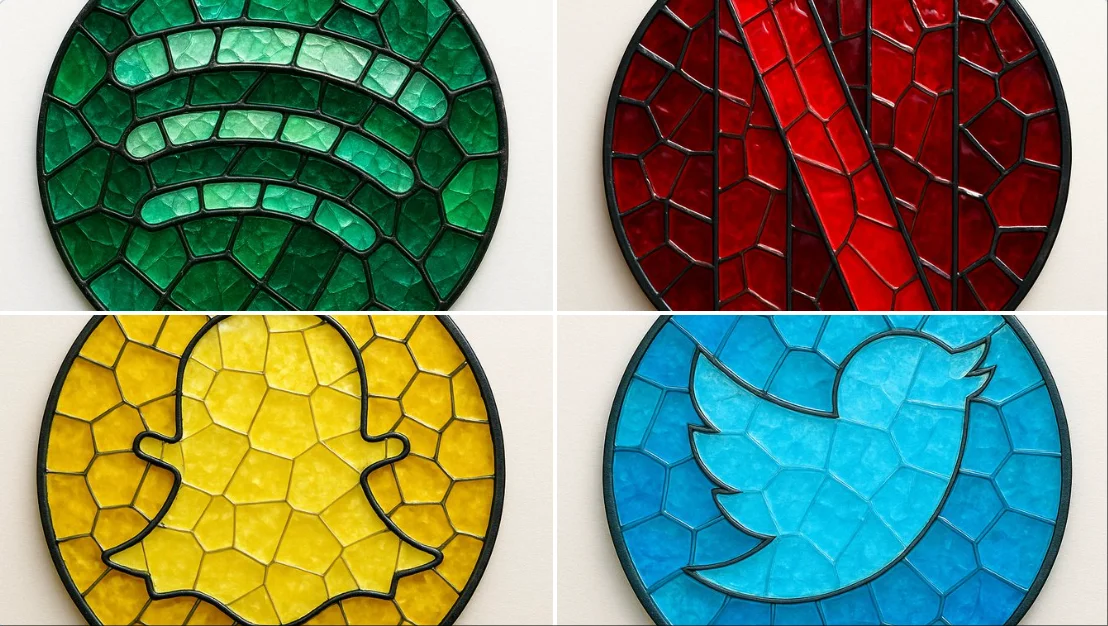
Social media and advertising
Generate product, lifestyle, poster, or ad visuals from prompts and references. Check whether the selected model supports image references, editing, or text rendering. Review text and layout before publishing.
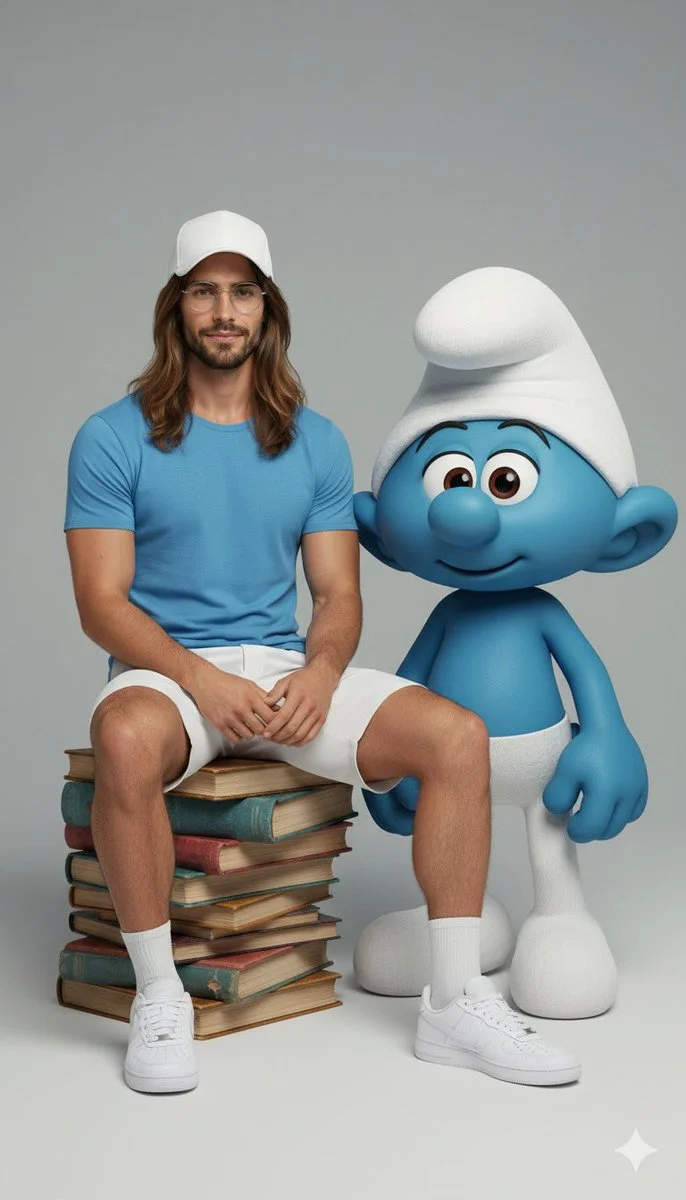
Brand visual continuity
Use image references and follow-up prompts to keep visual details aligned where supported. Check reference options in the generator, and review each result for consistency.

Efficient Production Workflow
Reduce iteration time by describing edits in plain language. Check supported inputs and settings in the generator, and review outputs before use in marketing, e-commerce, or concept work.
Workflow Notes
Describe one subject, action and setting before generating. Keep the brief focused so the result is easier to review.

Questions about the image generator
Short answers about selecting models, entering prompts, and reviewing results in RapLyrics.
A tool that turns a text prompt into an image. In RapLyrics, you choose an enabled model in the generator, and the allowed inputs and settings are shown there.
Nano Banana is a model family name. Available models and their capabilities appear in the generator.
Enter a descriptive prompt in the generator. The selected model processes it to create an image, and the result appears in History.
Some supported models accept image references. Check the generator for the inputs and settings allowed by the selected model.
If the selected model supports local edits, the generator will show the allowed options. Availability is model-specific.
The generator lets you select among currently enabled models and shows the allowed inputs and settings for each. Exact capabilities vary by model.
Check the generator for supported image-reference modes. Availability depends on the selected model.
Some models may support reference inputs that help with consistency. Check the generator for what is offered.
Text rendering varies by model and prompt. Review each result; perfect text is not guaranteed.
You can generate images for product and social use with enabled models. Review outputs and confirm the allowed settings in the generator.
Finished output is available in History for download. Review each result before use.
You can request a refund within 10 days of purchase if you have unused credits from that purchase and provide a clear reason, subject to our Refund Policy. If eligible, an unused purchase can be fully refunded; a partly used purchase is refunded in proportion to its remaining unused credits. Fully used purchases and free or promotional credits are not refundable.
Credit validity depends on the pack, subscription or promotion that issued them. Review the purchase terms and expiration dates in Settings > Credits. A renewal or new purchase does not extend older credits. Use credits before their stated expiration; do not assume unused subscription credits roll over indefinitely.
Credits charged for a task that is confirmed as failed due to a system error are returned automatically. A task that is still processing has not yet been confirmed as failed. Check its status and your credit history before submitting again. If a confirmed failure still shows an unresolved charge, email support@raplyrics.app with the task ID.
AI results can vary, so a completed result that differs from your expectations is not automatically treated as a technical failure. Eligible completed image tasks can be submitted for credit refund review using the refund option where available; approval is required. For a video or another issue, contact support@raplyrics.app with the task ID and details. A credit refund returns credits, not money to your payment method.
Email support@raplyrics.app. For billing, include your account email and order ID; for generation, include the task ID, issue description and relevant screenshots. If you purchased as a guest, keep the original browser data and payment receipt so we can help locate the purchase.
Try the image generator
Choose an enabled model in the generator, enter your prompt, and review the credit quote before generating. Finished images appear in History for download.
raplyrics.app · Updated
What's new on this page
- — Added editable example prompts and separate drafts for text and reference modes, with an action to restore the example.
- — Page content published.