
Grok Image Concepts for Music Visuals
Select an enabled model, enter text, review the credit quote, then download finished clips from History and add your music and timed lyric overlays in an external editor.
Create and edit images with Grok in RapLyrics. Move from text-to-image generation to natural-language editing in one place. Check the selected model for reference image options and available controls, then review the results and download visual clips for your music project.
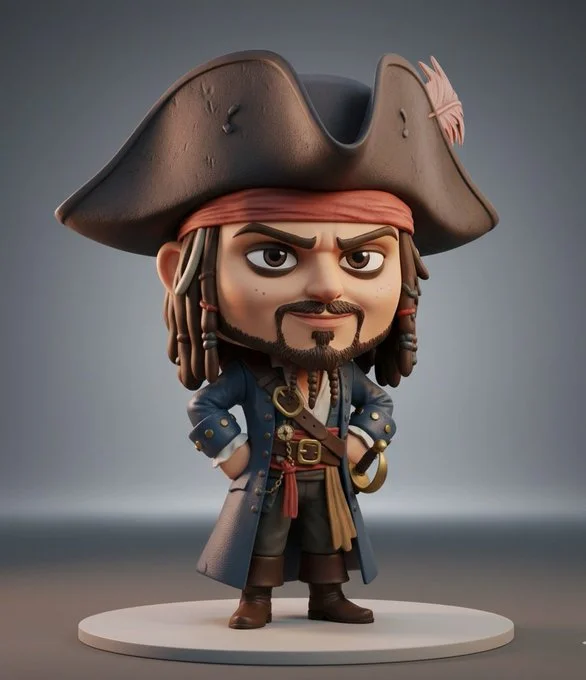
Verified prompt
3D collectible chibi-style figure of [insert celebrity or character name], ultra-detailed, stylized proportions (large head, small body), expressive face, cinematic lighting, soft shadows, Pixar-quality realism, glossy vinyl toy texture, standing pose, high detail clothing, character-accurate outfit, professional product photography, rendered in Unreal Engine 5, on a minimal studio background, toy display aesthetic, 8K ultra realistic
3D collectible chibi-style figure of [insert celebrity or character name], ultra-detailed, stylized proportions (large head, small body), expressive face, cinematic lighting, soft shadows, Pixar-quality realism, glossy vinyl toy texture, standing pose, high detail clothing, character-accurate outfit, professional product photography, rendered in Unreal Engine 5, on a minimal studio background, toy display aesthetic, 8K ultra realistic
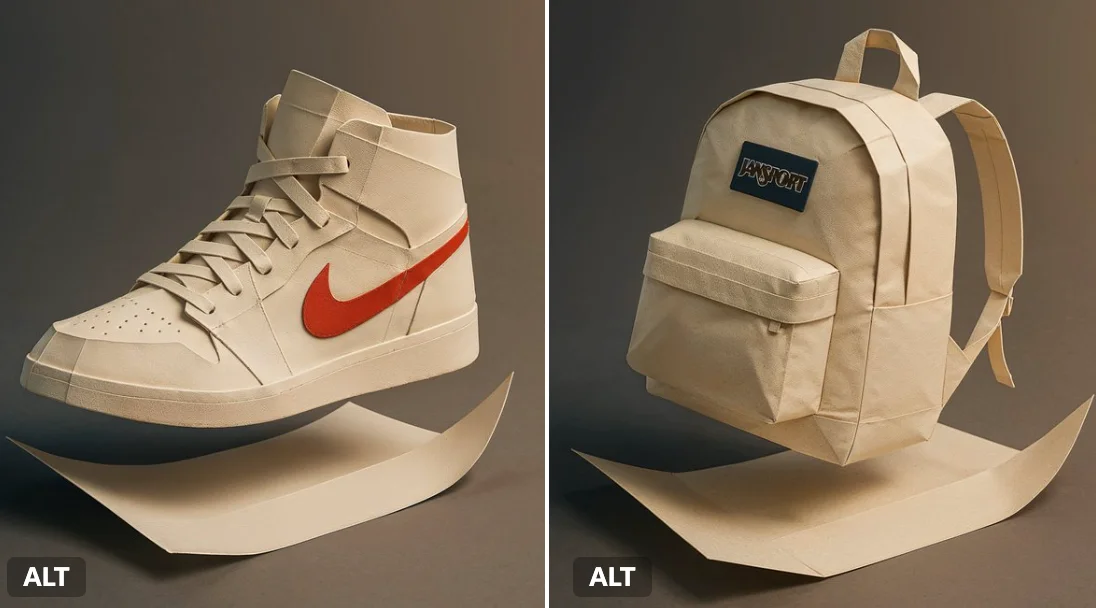
Verified prompt
A flat branded paper folds itself into the full 3D shape of a [Air Jordan 1 shoes], mid-motion. Dramatic studio lighting, origami texture detail, gradient shadows, Japanese minimalism feel.
A flat branded paper folds itself into the full 3D shape of a [Air Jordan 1 shoes], mid-motion. Dramatic studio lighting, origami texture detail, gradient shadows, Japanese minimalism feel.
Verified prompt
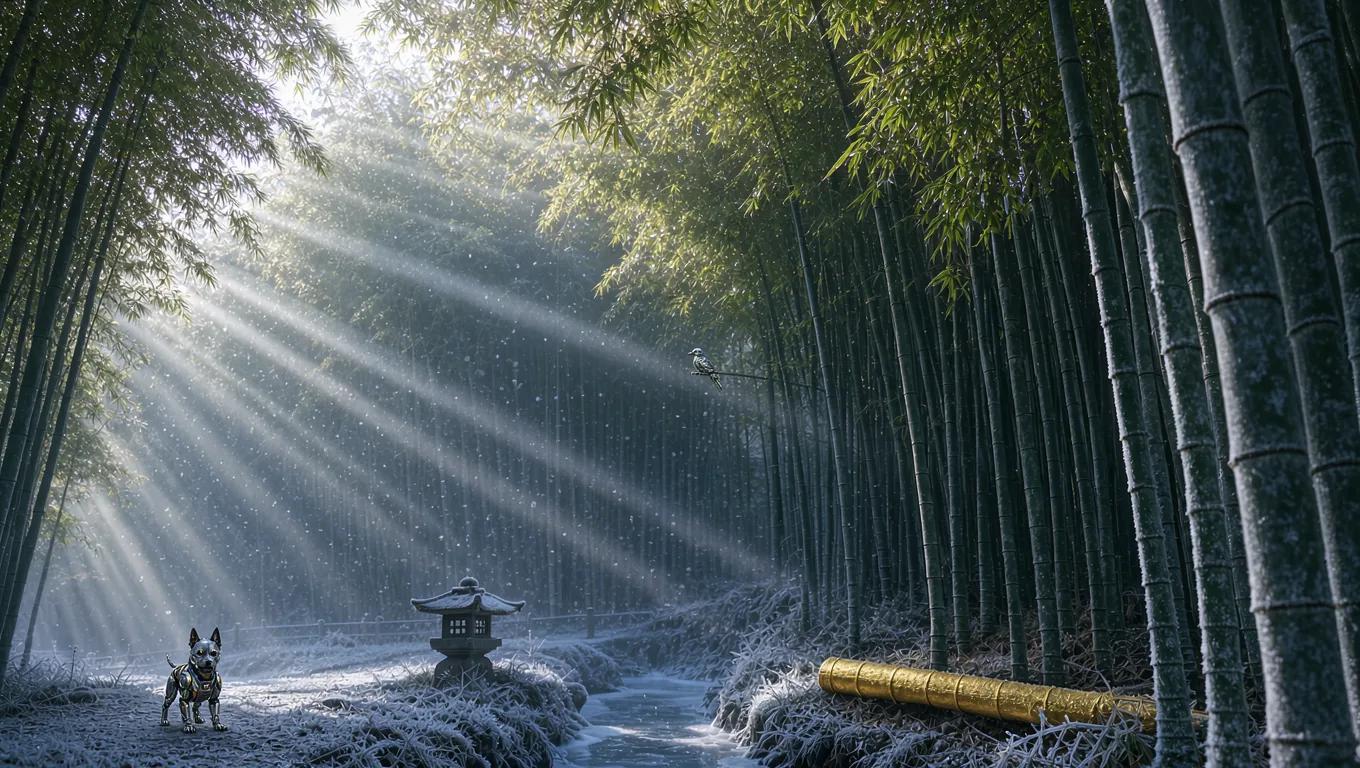
Verified prompt
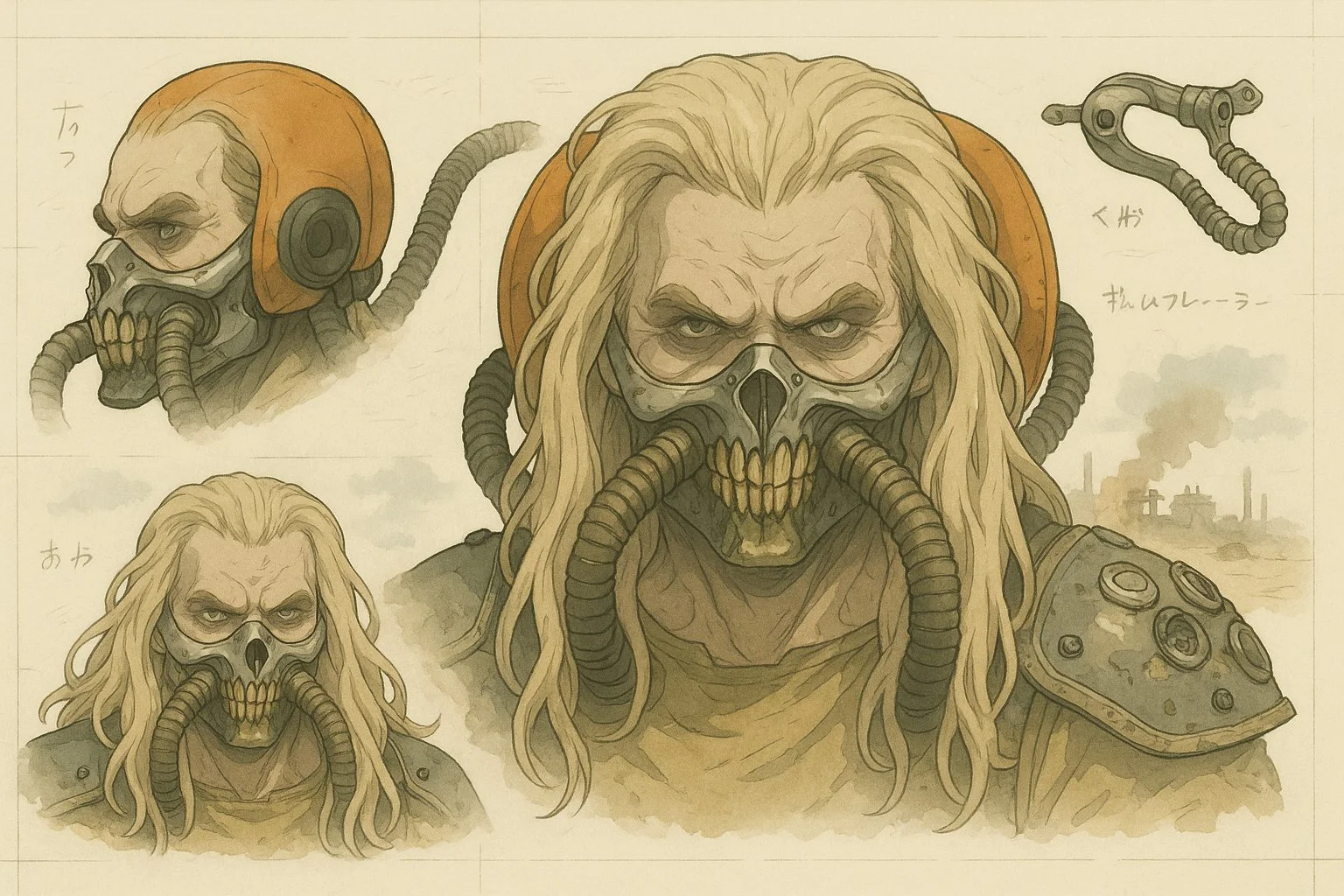
Verified prompt
Transform this image into a stylized mechanical design sheet inspired by Japanese anime mecha blueprints. Render the subject with precise, clean linework and semi-realistic cel-shading, as if it were a technical illustration from an anime artbook. Break down the design into parts (e.g. head, hand, accessory, full body) and arrange them like a reference sheet, with different angles and views. Include soft handwritten notes or Japanese characters scattered like concept annotations. Use muted digital colors (red, gray, metallic tones) and draw the background in a loose watercolor anime landscape style — cliffs, cityscapes, or grassland ruins. The final composition should feel like an official design page for an animated sci-fi series or manga. Keep the format horizontal, like a blueprint or character sheet, with a balance between precision and artistic flair.
Transform this image into a stylized mechanical design sheet inspired by Japanese anime mecha blueprints. Render the subject with precise, clean linework and semi-realistic cel-shading, as if it were a technical illustration from an anime artbook. Break down the design into parts (e.g. head, hand, accessory, full body) and arrange them like a reference sheet, with different angles and views. Include soft handwritten notes or Japanese characters scattered like concept annotations. Use muted digital colors (red, gray, metallic tones) and draw the background in a loose watercolor anime landscape style — cliffs, cityscapes, or grassland ruins. The final composition should feel like an official design page for an animated sci-fi series or manga. Keep the format horizontal, like a blueprint or character sheet, with a balance between precision and artistic flair.
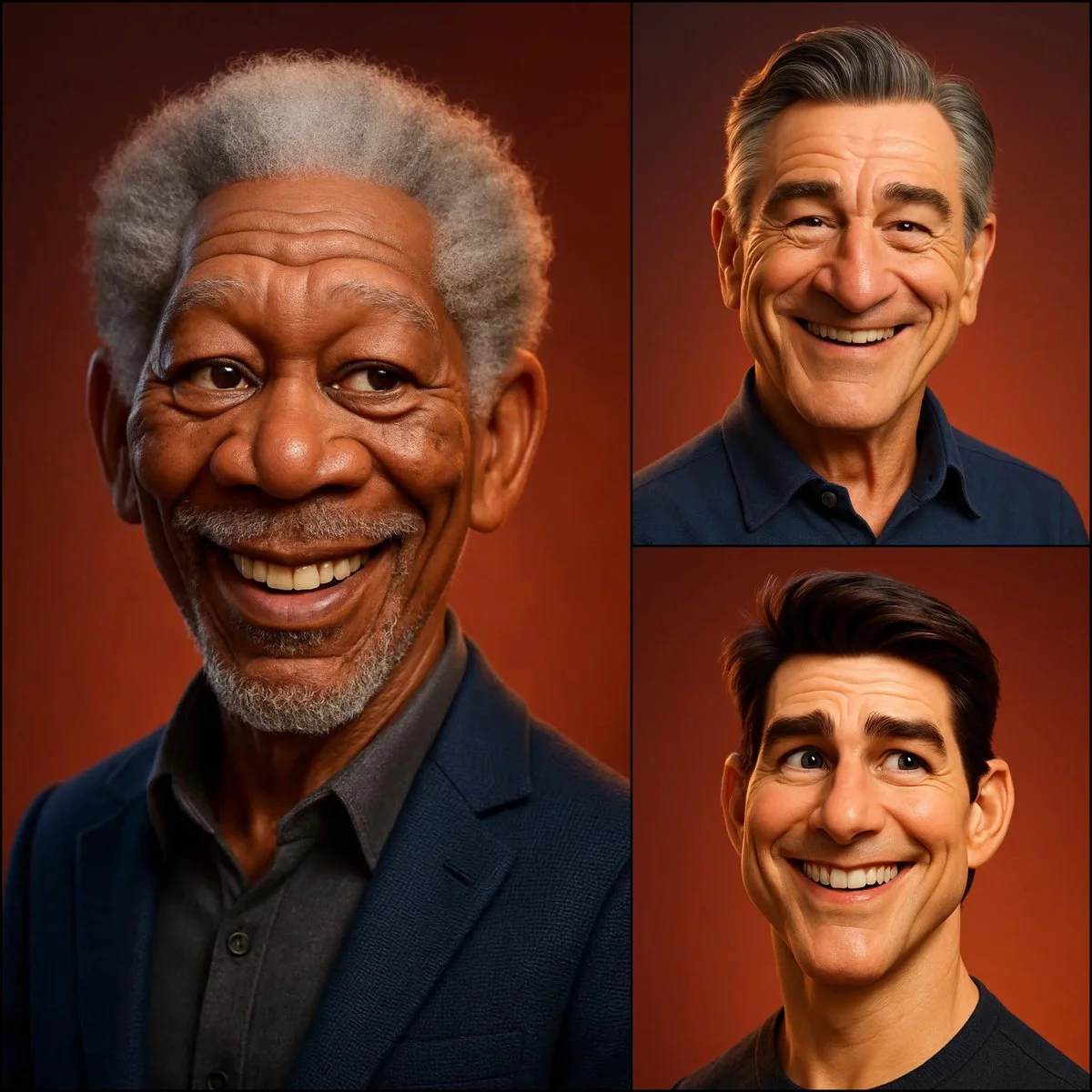
Verified prompt
3D caricature portrait of [SUBJECT], Pixar/DreamWorks style — expressive eyes, slightly oversized head, exaggerated ears & nose, realistic skin shading with soft subsurface scattering, detailed hair, gentle warm smile, smooth polished materials, subtle fabric texture, soft ambient lighting, warm reddish-orange gradient background — balanced realism and stylized charm.
3D caricature portrait of [SUBJECT], Pixar/DreamWorks style — expressive eyes, slightly oversized head, exaggerated ears & nose, realistic skin shading with soft subsurface scattering, detailed hair, gentle warm smile, smooth polished materials, subtle fabric texture, soft ambient lighting, warm reddish-orange gradient background — balanced realism and stylized charm.
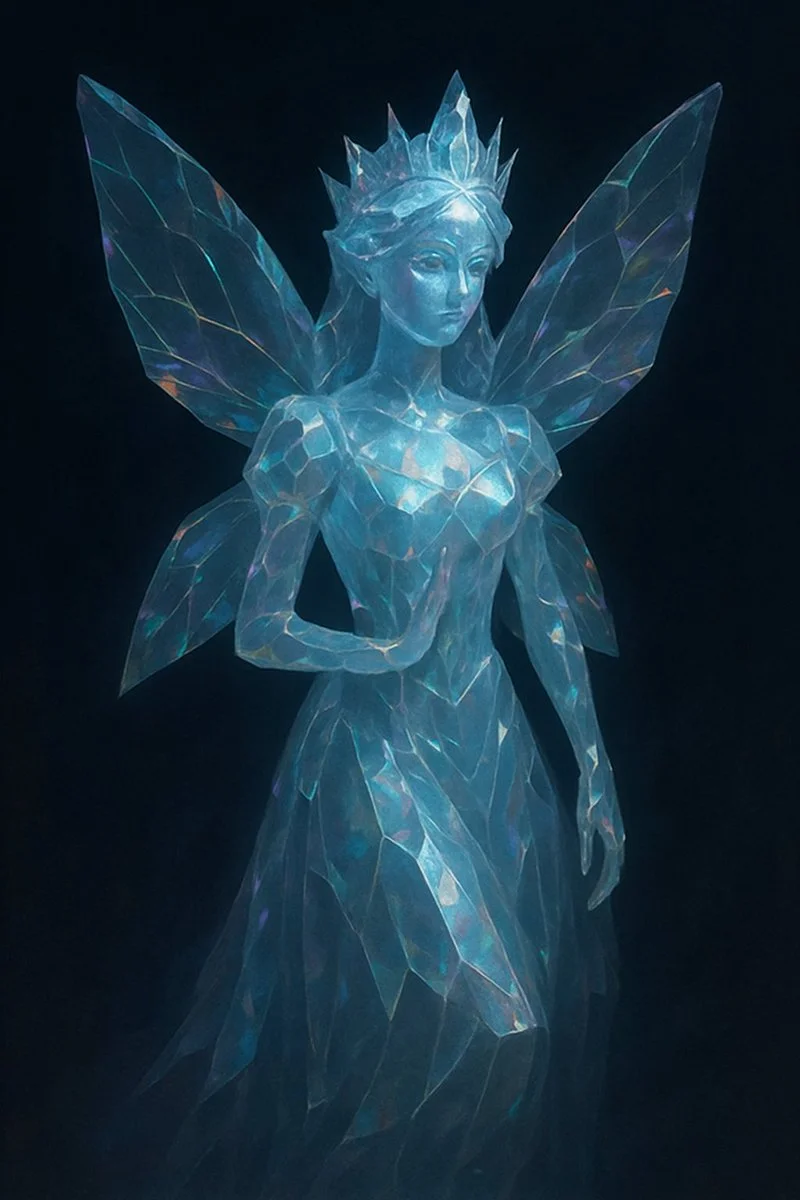
Verified prompt
a [SUBJECT] rendered as a translucent crystalline form with beveled edges, subtly glowing from within. Surfaces catch and reflect ambient light, revealing faint iridescent hues across its contours in dark background
a [SUBJECT] rendered as a translucent crystalline form with beveled edges, subtly glowing from within. Surfaces catch and reflect ambient light, revealing faint iridescent hues across its contours in dark background
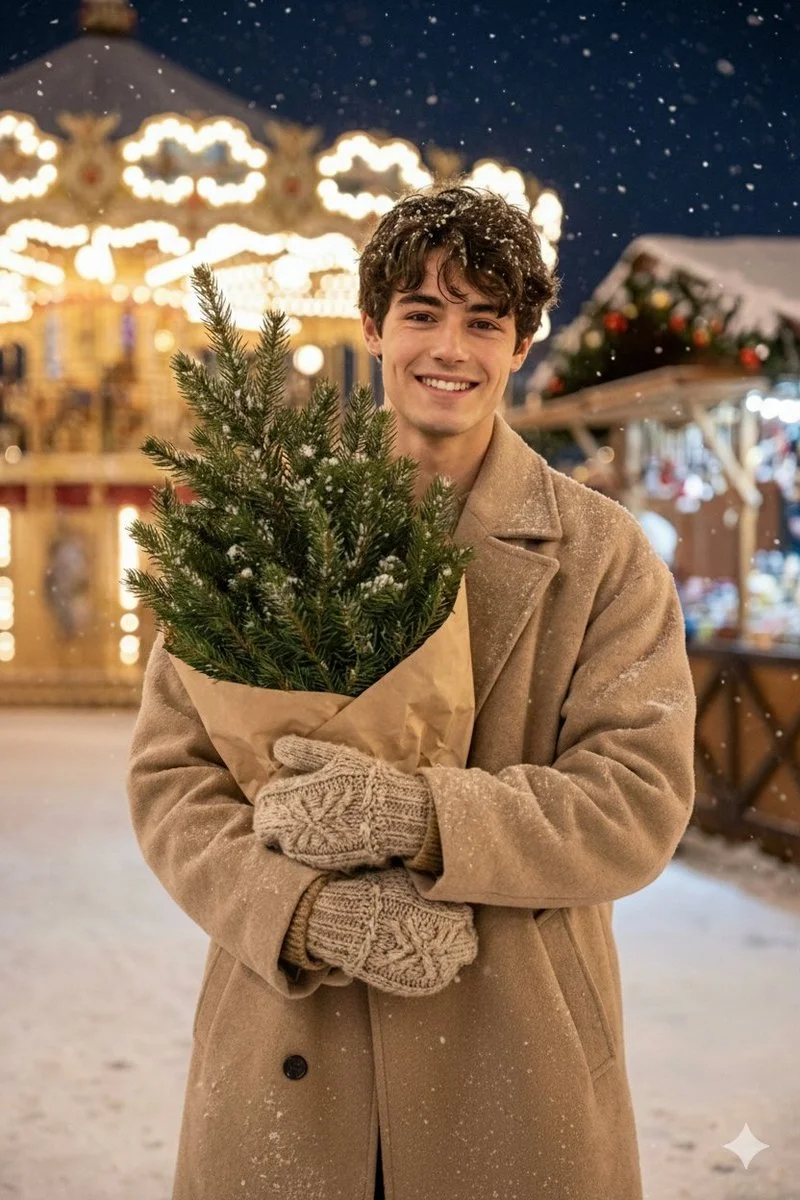
Verified prompt
Hyper-realistic 8K editorial frame. Rustic festive village atmosphere with carousel lights behind. Nikon D5600. Man holding a small wrapped Christmas tree in kraft paper. Snow falling softly. Outfit: beige oversized coat, knitted mittens, winter boots. Emotion: happy, natural candid smile. Highly detailed textures: snow crystals, knitted fibers, tree needles. Use the face from the uploaded photo.
Hyper-realistic 8K editorial frame. Rustic festive village atmosphere with carousel lights behind. Nikon D5600. Man holding a small wrapped Christmas tree in kraft paper. Snow falling softly. Outfit: beige oversized coat, knitted mittens, winter boots. Emotion: happy, natural candid smile. Highly detailed textures: snow crystals, knitted fibers, tree needles. Use the face from the uploaded photo.
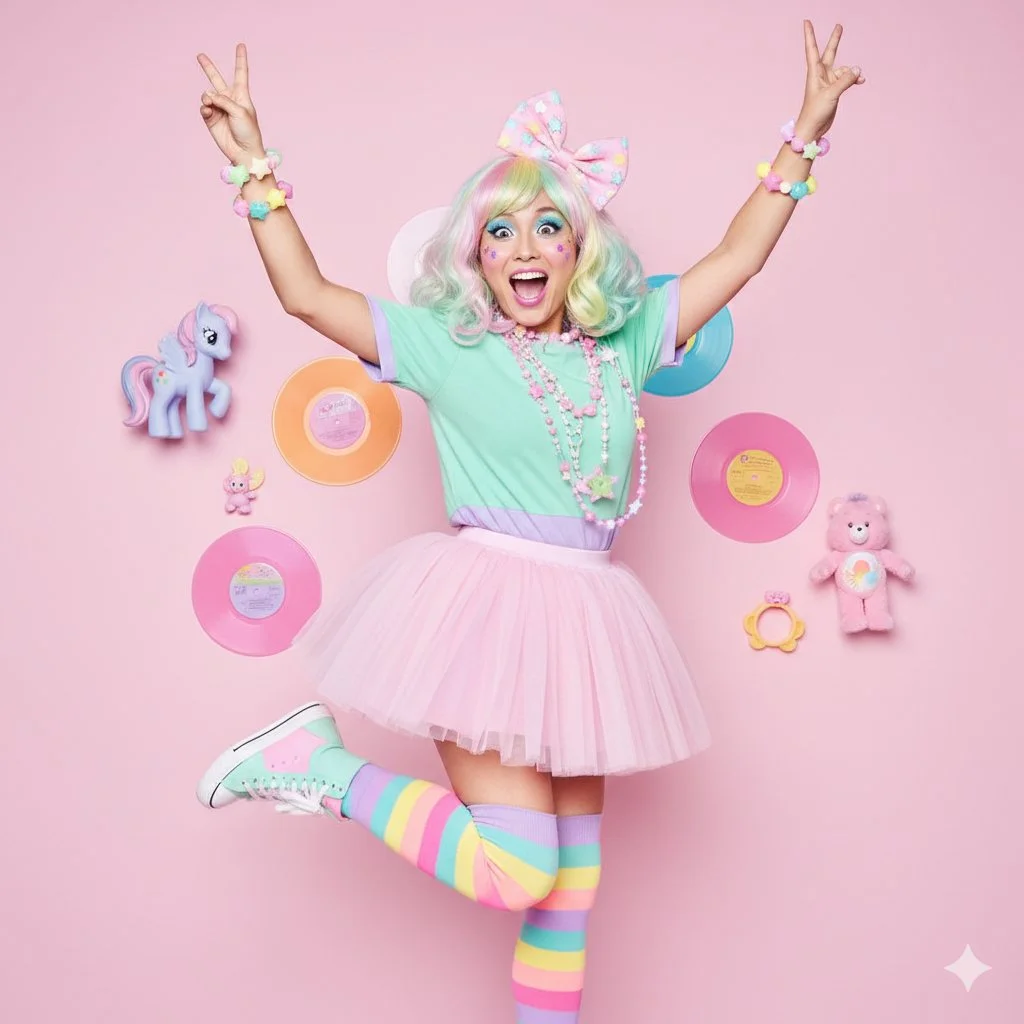
Verified prompt
{ "scene": { "location": "Hyper-colorful studio", "background": "Pastel pink wall, decorated with 80s/90s retro toys (e.g., My Little Pony, Care Bears), vinyl records" }, "subject": { "age": "adult", "description": "East Asian woman, rainbow pastel hair (wig), large, excited eyes", "wardrobe": "Layered pastel t-shirts (e.g., mint green over lavender), a pink tutu skirt, colorful striped leg warmers, pastel high-top sneakers", "accessories": "Excessive plastic jewelry: beaded necklaces, star bracelets, large bow in hair", "pose": "High-energy, mid-jump or one leg popped high, arms up in excitement, peace signs", "expression": "Hyper, excited, huge open-mouthed smile, 'genki'", "gaze": "Direct to camera, full of energy", "body_notes": "realistic adult proportions; natural skin texture" }, "camera": { "sensor": "full_frame", "focal_length_mm": 35, "aperture_f": 4.0, "shutter_s": 0.008, "iso": 200, "white_balance_k": 5000, "distance_m": 3.0, "camera_height_m": 1.0, "framing": "Full body, capturing the dynamic pose", "focus": "eye_detect_AF on nearest eye" }, "lighting": { "key": "Bright, even, "pop" lighting (on-axis beauty dish or ring flash)", "fill": "Two large softboxes on sides, eliminating shadows", "hair": "Simple top light", "catchlights": "Distinctive ring light catchlight", "notes": "High-key, flat, "magazine pop" style" }, "color_grade": { "style": "Fairy Kei, 80s pastel-pop", "palette": "All pastels: pink, lavender, mint, yellow; bright, clear skin", "contrast": "Medium, very clean", "saturation": "High saturation on all pastels" }, "makeup": { "eyes": "Bright pastel eyeshadow (e.g., blue), winged liner, glitter", "cheeks": "Bright pink blush, maybe small face stickers (e.g., stars)", "lips": "Bubblegum pink glossy lips" }, "postprocess": { "retouch": "Clean skin", "clarity": "High clarity on all accessories and clothing layers", "dodge_burn": "Minimal, keep lighting flat and bright", "vignette": "None" }, "art_direction": { "mood": "Hyper, energetic, nostalgic, colorful, bubbly", "keywords": ["Fairy Kei", "Harajuku", "pastel", "80s", "retro toys", "colorful", "bubbly"] }, "negative_prompts": [ "nsfw", "underage look", "text or logos", "plastic doll skin", "warped hands or extra fingers", "deformed limbs", "dark colors", "Goth", "sad expression" ] }
{ "scene": { "location": "Hyper-colorful studio", "background": "Pastel pink wall, decorated with 80s/90s retro toys (e.g., My Little Pony, Care Bears), vinyl records" }, "subject": { "age": "adult", "description": "East Asian woman, rainbow pastel hair (wig), large, excited eyes", "wardrobe": "Layered pastel t-shirts (e.g., mint green over lavender), a pink tutu skirt, colorful striped leg warmers, pastel high-top sneakers", "accessories": "Excessive plastic jewelry: beaded necklaces, star bracelets, large bow in hair", "pose": "High-energy, mid-jump or one leg popped high, arms up in excitement, peace signs", "expression": "Hyper, excited, huge open-mouthed smile, 'genki'", "gaze": "Direct to camera, full of energy", "body_notes": "realistic adult proportions; natural skin texture" }, "camera": { "sensor": "full_frame", "focal_length_mm": 35, "aperture_f": 4.0, "shutter_s": 0.008, "iso": 200, "white_balance_k": 5000, "distance_m": 3.0, "camera_height_m": 1.0, "framing": "Full body, capturing the dynamic pose", "focus": "eye_detect_AF on nearest eye" }, "lighting": { "key": "Bright, even, "pop" lighting (on-axis beauty dish or ring flash)", "fill": "Two large softboxes on sides, eliminating shadows", "hair": "Simple top light", "catchlights": "Distinctive ring light catchlight", "notes": "High-key, flat, "magazine pop" style" }, "color_grade": { "style": "Fairy Kei, 80s pastel-pop", "palette": "All pastels: pink, lavender, mint, yellow; bright, clear skin", "contrast": "Medium, very clean", "saturation": "High saturation on all pastels" }, "makeup": { "eyes": "Bright pastel eyeshadow (e.g., blue), winged liner, glitter", "cheeks": "Bright pink blush, maybe small face stickers (e.g., stars)", "lips": "Bubblegum pink glossy lips" }, "postprocess": { "retouch": "Clean skin", "clarity": "High clarity on all accessories and clothing layers", "dodge_burn": "Minimal, keep lighting flat and bright", "vignette": "None" }, "art_direction": { "mood": "Hyper, energetic, nostalgic, colorful, bubbly", "keywords": ["Fairy Kei", "Harajuku", "pastel", "80s", "retro toys", "colorful", "bubbly"] }, "negative_prompts": [ "nsfw", "underage look", "text or logos", "plastic doll skin", "warped hands or extra fingers", "deformed limbs", "dark colors", "Goth", "sad expression" ] }
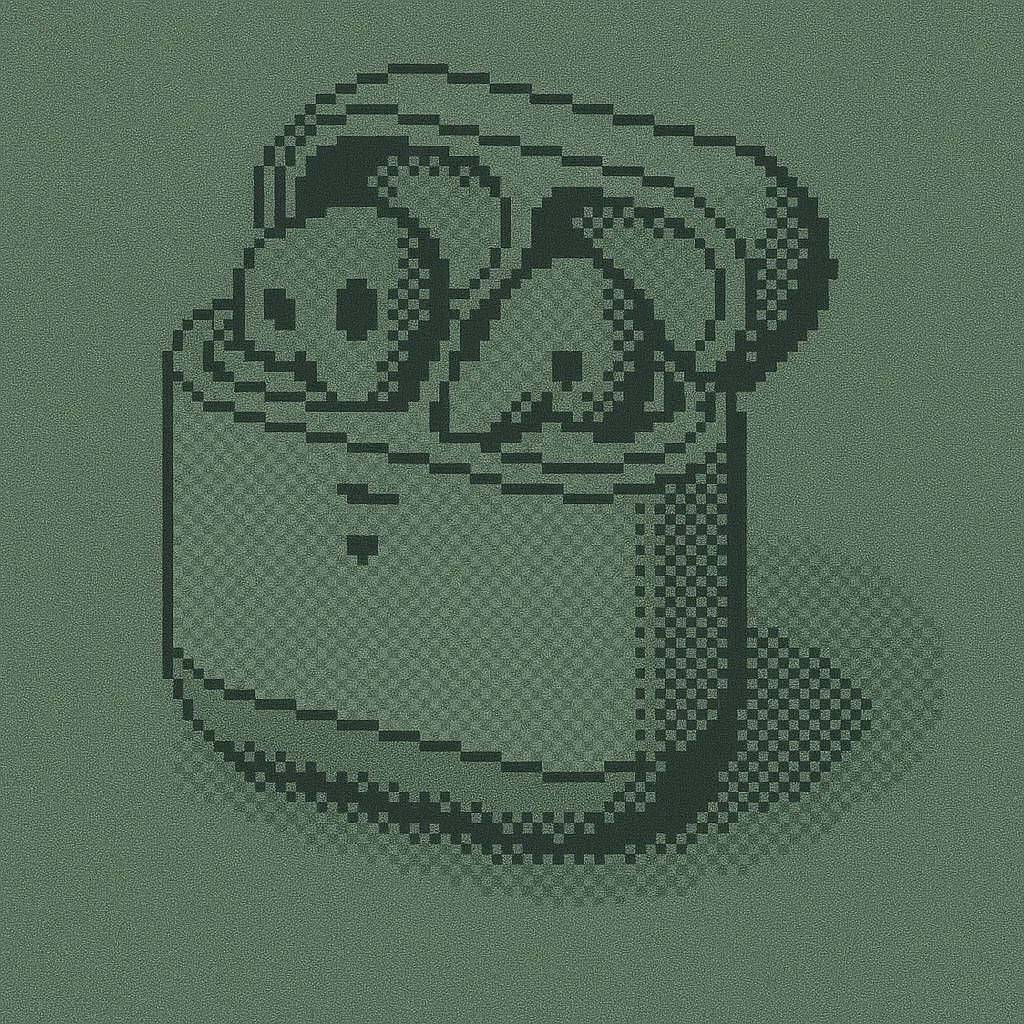
Verified prompt
{ "styleAesthetic": { "title": "Monochrome Pixel Mosaic", "overallVibe": "Retro mobile-screen pixel art—clean, minimal, and slightly nostalgic", "renderingStyle": "1-bit square-pixel grid with optional dithering to suggest tone and depth", "viewAngle": "Orthographic front view (no perspective distortion)", "pixelation": { "pixelSize": 6, // width/height of each square in px (tweak per output res) "pixelShape": "perfect square", "gridAlignment": "uniform, no gaps", "ditheringPattern": "Floyd–Steinberg or ordered 2×2" }, "colorPalette": { "pixelColor": "#000000", // foreground pixels "backgroundColor": "#8CA17C", // muted pastel green sample; replace to recolor "paletteType": "1-bit monochrome" }, "lightingAndShadows": { "pixelDropShadow": { "enabled": true, "offsetX": 0, "offsetY": 1, "blur": 2, "opacity": 0.25 }, }, "materialsAndTextures": [ { "type": "Matte LCD surface", "description": "Flat display with very fine grain/noise to simulate old LCD texture", "noiseIntensity": 0.01 } ], "typography": { "fontFamily": "monospaced bitmap", "weight": "bold", "capitalization": "uppercase", "letterSpacing": 0, "align": "center" }, "postProcessing": { "edgeSmoothing": "none (hard pixel edges preserved)", "filmGrain": 0.01, "overallContrast": 1.0 }, "adaptabilityHints": { "applyToPhotographs": "posterize → 1-bit → downsample to pixel grid → apply dithering", "applyToVectorText": "render glyphs to bitmap grid using same pixel size and drop shadow", "safeResize": "always scale by whole-number multiples to keep squares crisp" } } }
{ "styleAesthetic": { "title": "Monochrome Pixel Mosaic", "overallVibe": "Retro mobile-screen pixel art—clean, minimal, and slightly nostalgic", "renderingStyle": "1-bit square-pixel grid with optional dithering to suggest tone and depth", "viewAngle": "Orthographic front view (no perspective distortion)", "pixelation": { "pixelSize": 6, // width/height of each square in px (tweak per output res) "pixelShape": "perfect square", "gridAlignment": "uniform, no gaps", "ditheringPattern": "Floyd–Steinberg or ordered 2×2" }, "colorPalette": { "pixelColor": "#000000", // foreground pixels "backgroundColor": "#8CA17C", // muted pastel green sample; replace to recolor "paletteType": "1-bit monochrome" }, "lightingAndShadows": { "pixelDropShadow": { "enabled": true, "offsetX": 0, "offsetY": 1, "blur": 2, "opacity": 0.25 }, }, "materialsAndTextures": [ { "type": "Matte LCD surface", "description": "Flat display with very fine grain/noise to simulate old LCD texture", "noiseIntensity": 0.01 } ], "typography": { "fontFamily": "monospaced bitmap", "weight": "bold", "capitalization": "uppercase", "letterSpacing": 0, "align": "center" }, "postProcessing": { "edgeSmoothing": "none (hard pixel edges preserved)", "filmGrain": 0.01, "overallContrast": 1.0 }, "adaptabilityHints": { "applyToPhotographs": "posterize → 1-bit → downsample to pixel grid → apply dithering", "applyToVectorText": "render glyphs to bitmap grid using same pixel size and drop shadow", "safeResize": "always scale by whole-number multiples to keep squares crisp" } } }
Verified prompt
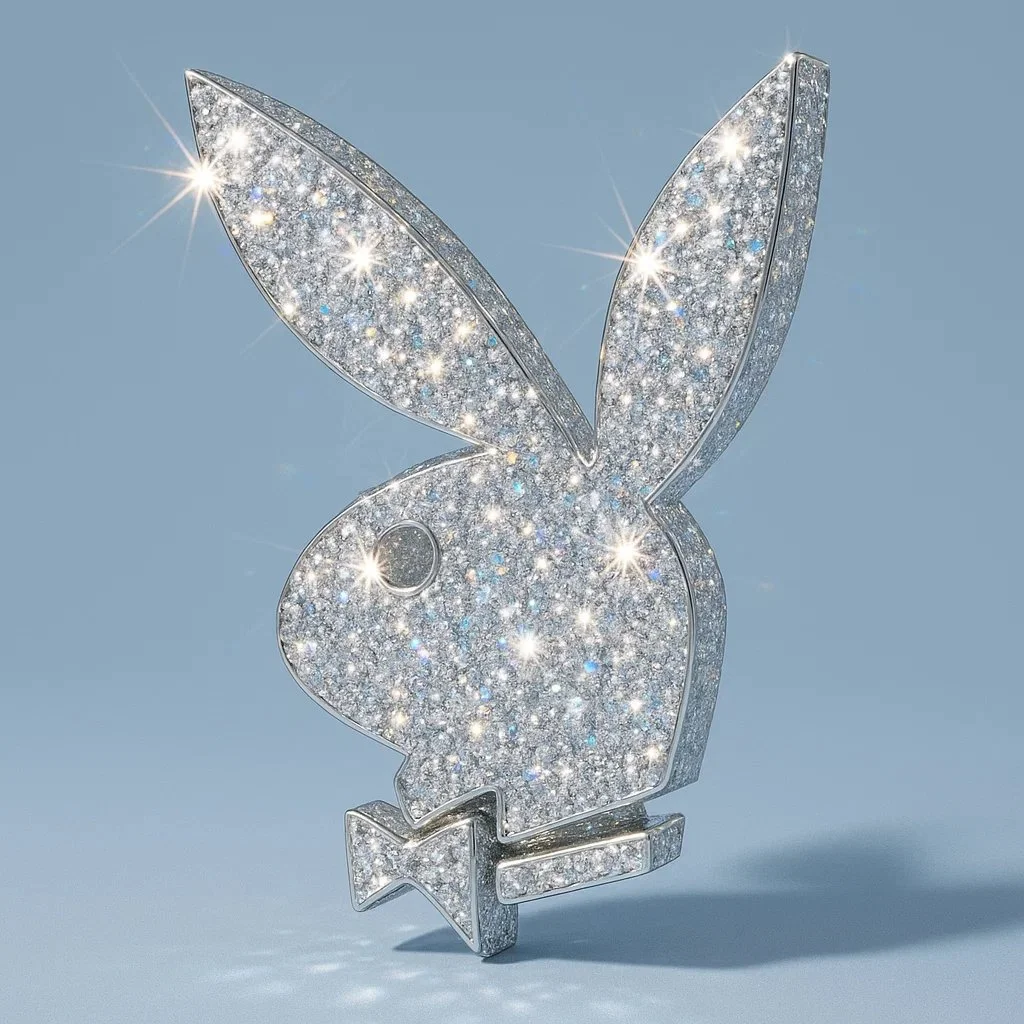
Verified prompt
Recreate this image using the parameters of the JSON provided. { "style_name": "Diamond-Encrusted Glamour", "description": "Applies a hyper-realistic diamond-encrusted style to any object, logo, or shape. The surface of the subject is entirely covered with sparkling gemstones that reflect light with intense brilliance, creating a luxurious, eye-catching, and surreal look.", "surface_texture": { "material": "diamond-crystal", "coating": "fully encrusted with multi-faceted diamonds", "sparkle_intensity": "maximum", "reflection_type": "specular and highly refractive", "detail_density": "ultra-fine, micro-gem coverage with no gaps", "light_refraction": "strong rainbow dispersion through facets" }, "lighting": { "light_source": "hard directional light", "highlight_effects": "lens flares, sparkle flares on gem edges", "shadow_type": "soft-edged, low-opacity shadows for contrast", "specularity": "very high", "reflection_sources": "ambient and direct highlights across the gem facets" }, "background": { "type": "minimalist solid color", "color": "#B0C4DE", "texture": "smooth matte", "contrast_with_subject": "high contrast to enhance sparkle", "depth": "subtle shadow under the object for floating effect" }, "color_palette": { "primary": "transparent white (diamond base)", "secondary": "prismatic reflections (rainbow light dispersion)", "accent": "metallic shimmer on edges (optional: gold or silver undertones)" }, "camera": { "angle": "slight top-down perspective", "depth_of_field": "shallow (sharp focus on object, blurred background)", "lens_effects": ["macro focus", "sparkle highlights", "light bloom"] }, "style_keywords": [ "glamorous", "luxury", "crystal-covered", "bling", "hyper-detailed", "sparkling", "futuristic", "eye-catching", "surreal realism", "fashion-inspired" ], "applicability": { "usable_on": ["logos", "icons", "food items", "everyday objects", "fashion accessories", "typography"], "visual_requirements": ["well-defined silhouette", "clean shapes for gem placement"], "scalability": "best results on medium to large subjects for detailed sparkle" } }
Recreate this image using the parameters of the JSON provided. { "style_name": "Diamond-Encrusted Glamour", "description": "Applies a hyper-realistic diamond-encrusted style to any object, logo, or shape. The surface of the subject is entirely covered with sparkling gemstones that reflect light with intense brilliance, creating a luxurious, eye-catching, and surreal look.", "surface_texture": { "material": "diamond-crystal", "coating": "fully encrusted with multi-faceted diamonds", "sparkle_intensity": "maximum", "reflection_type": "specular and highly refractive", "detail_density": "ultra-fine, micro-gem coverage with no gaps", "light_refraction": "strong rainbow dispersion through facets" }, "lighting": { "light_source": "hard directional light", "highlight_effects": "lens flares, sparkle flares on gem edges", "shadow_type": "soft-edged, low-opacity shadows for contrast", "specularity": "very high", "reflection_sources": "ambient and direct highlights across the gem facets" }, "background": { "type": "minimalist solid color", "color": "#B0C4DE", "texture": "smooth matte", "contrast_with_subject": "high contrast to enhance sparkle", "depth": "subtle shadow under the object for floating effect" }, "color_palette": { "primary": "transparent white (diamond base)", "secondary": "prismatic reflections (rainbow light dispersion)", "accent": "metallic shimmer on edges (optional: gold or silver undertones)" }, "camera": { "angle": "slight top-down perspective", "depth_of_field": "shallow (sharp focus on object, blurred background)", "lens_effects": ["macro focus", "sparkle highlights", "light bloom"] }, "style_keywords": [ "glamorous", "luxury", "crystal-covered", "bling", "hyper-detailed", "sparkling", "futuristic", "eye-catching", "surreal realism", "fashion-inspired" ], "applicability": { "usable_on": ["logos", "icons", "food items", "everyday objects", "fashion accessories", "typography"], "visual_requirements": ["well-defined silhouette", "clean shapes for gem placement"], "scalability": "best results on medium to large subjects for detailed sparkle" } }
Plan Your Music Visuals
Create an image, animate a scene or find a starting prompt for your project.
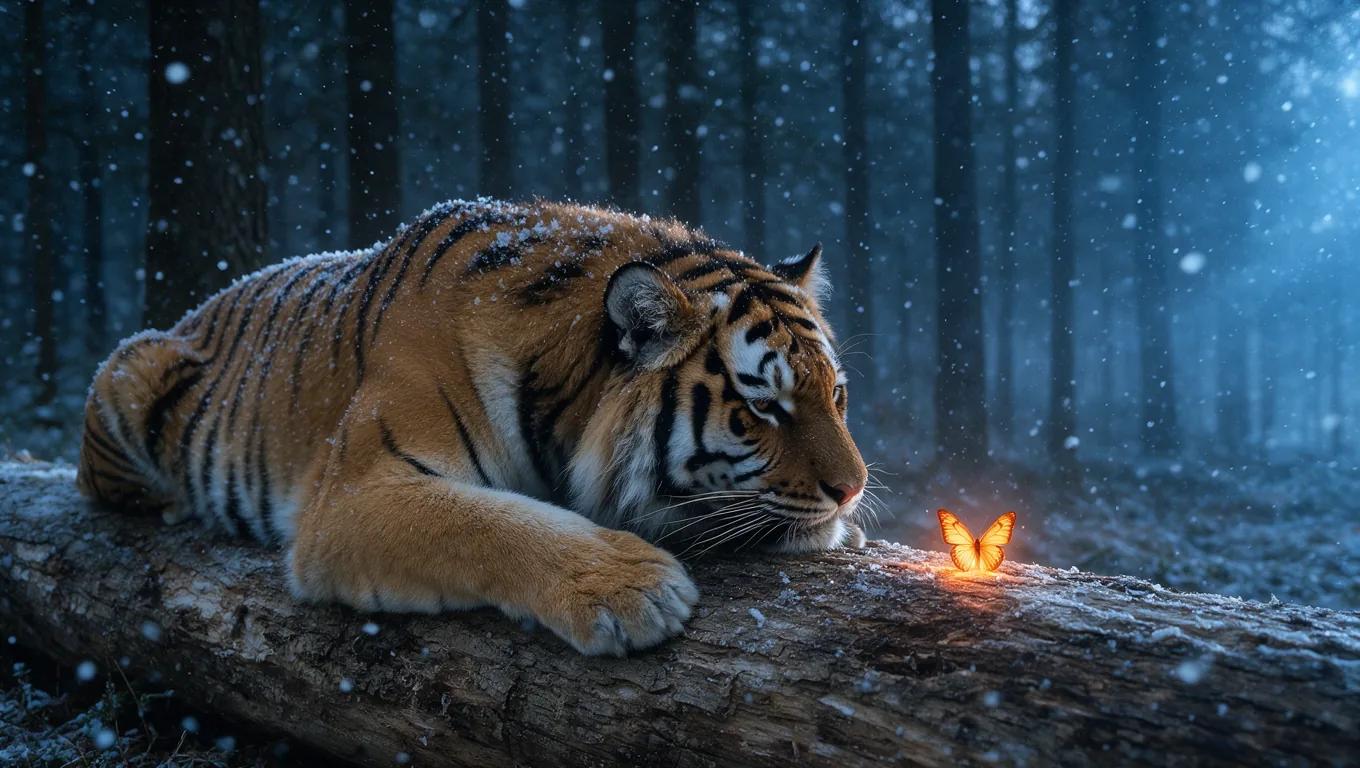
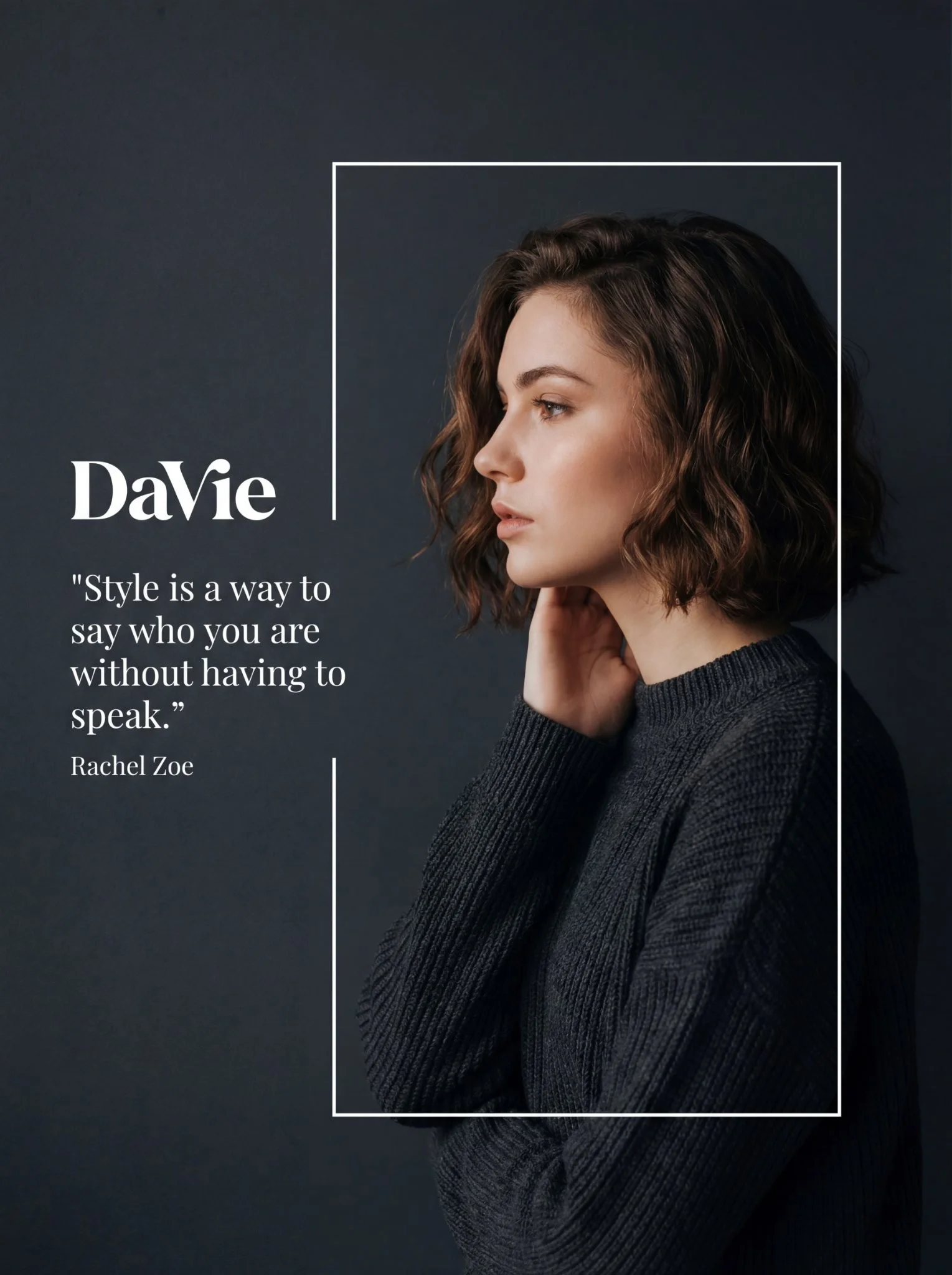
Create visuals with Grok in RapLyrics
A Grok image generator for music visual projects.
Use RapLyrics to turn text prompts into images with the Grok models currently enabled in the generator. You can also check whether the selected model supports image-reference or editing modes. The generator shows the allowed inputs, settings, and credit quote before you generate. Review each result and download clips from History to use in your external editor with your own music and timed lyric overlays.
Open the generator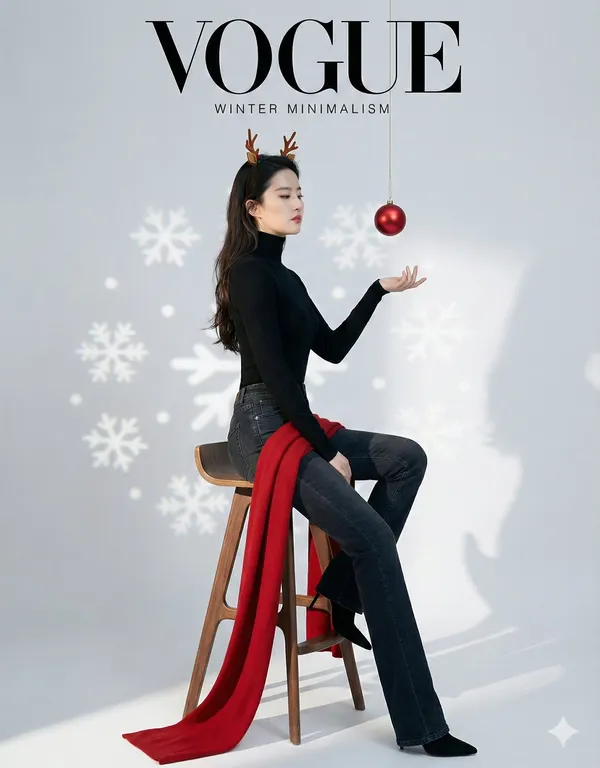
How to use the Grok generator
The workflow is simple. Choose an enabled model, enter a text prompt, and add an image reference only if the selected model offers that mode. The generator shows the allowed inputs and settings before you generate, and the credit quote appears before each run.
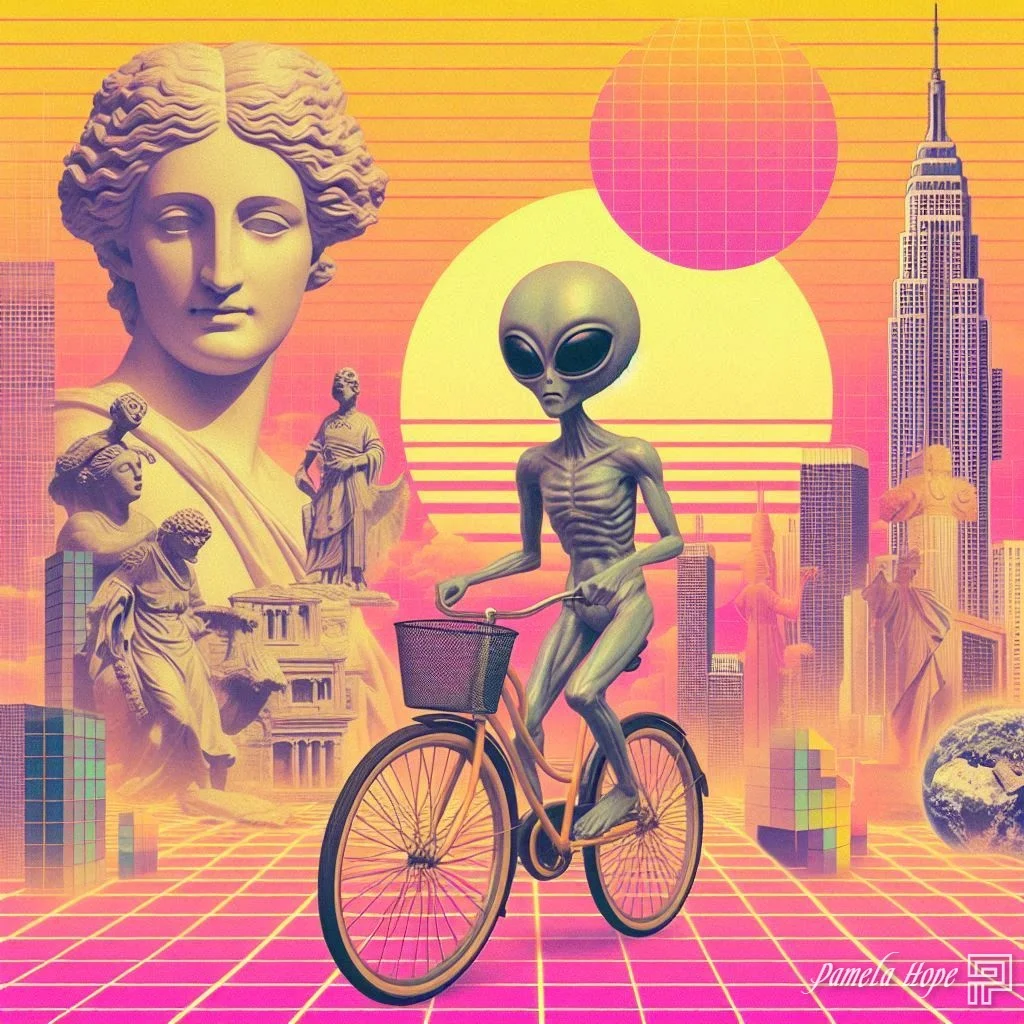
Enter a prompt or add a reference
Describe the subject, setting, lighting, and mood in your prompt. If the selected model supports image-reference mode, you can add an image to guide style, subject, or composition. Availability and capabilities vary by model, so check the options shown in the generator.
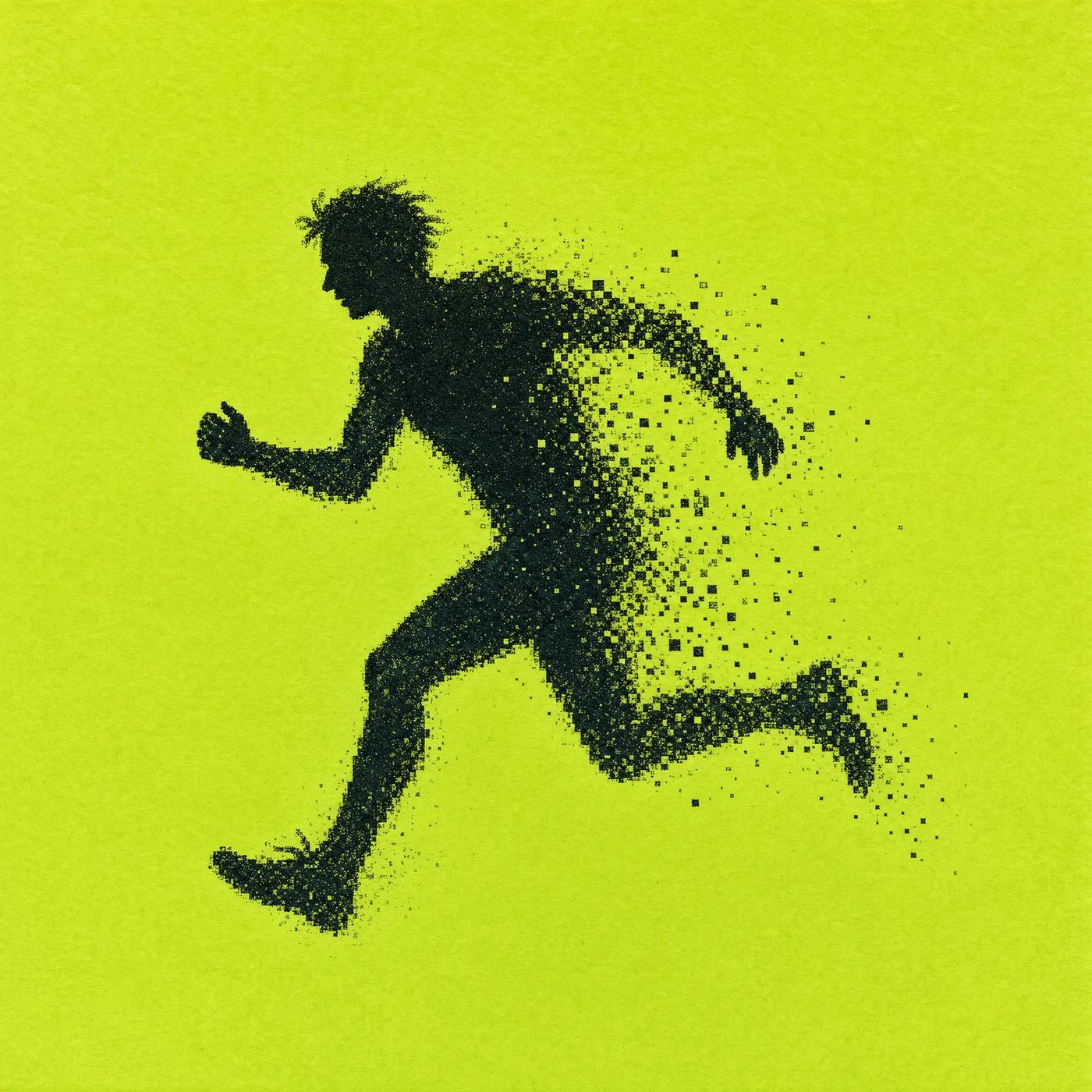
Click generate
Review the credit quote and generate
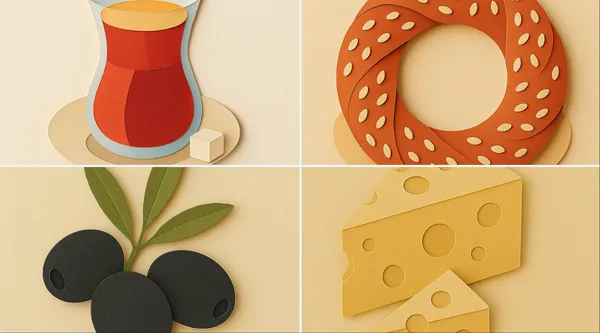
Download
Review the credit quote, then start generation. Available settings and input options are shown in the generator. When generation finishes, review the results and download the clips you want from History. Add your own music and timed lyric overlays in an external editor.
Core features
The Grok models available in RapLyrics support text-to-image generation and may support image-reference or editing modes depending on the model. Allowed inputs, settings, and the credit quote are shown in the generator before you run. Finished outputs are listed in History for review and download.
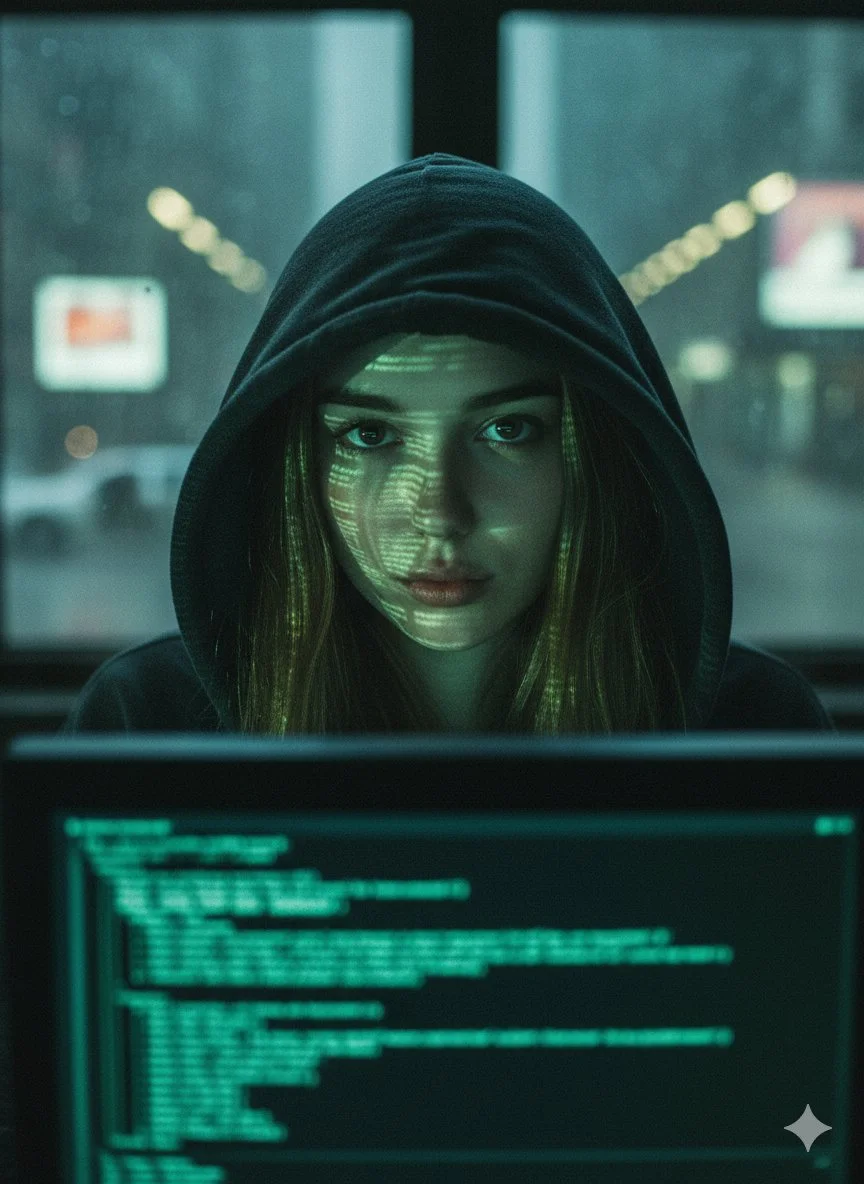
Text-to-image creation
The Grok image generation turns text prompts into images. Check the selected model for available styles and settings.
- Use the Grok models in RapLyrics to generate images from text prompts. The generator shows the allowed inputs and settings for each model.
- The Model options vary by model. Check the generator for supported inputs, reference image modes, and settings before you generate.Text-to-image generation.
- Generate visuals for music projects and review them before use. Download clips from History and add your own music and timed lyric overlays in an external editor.Grok image generation in RapLyrics.
- Use this image prompt workflow to turn a clear idea into a visual by describing what you want to see.

Prompt-based image editing
The Grok image generation editing workflow can help you revise existing visuals.
- Upload an image and use the Grok models in RapLyrics prompt to describe the changes you want.
- The Model optionsThis editing workflow can help you adjust colors, replace objects, or change backgrounds.
- Use the Prompt-based editing lets you refine details without advanced editing software or manual retouching.
- This Grok image generation in RapLyricsIterate on visual assets by describing what you want to change.
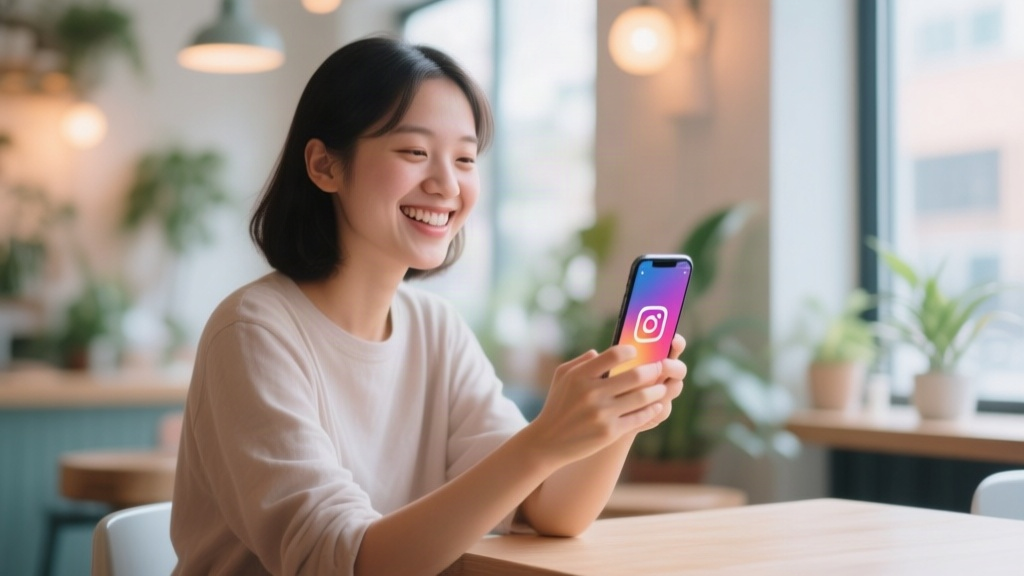
Reference image guidance
Guide the output with the image generator’s reference image options.
- The Grok models in RapLyrics by uploading reference images to guide subject, style, colors, product details, and scene direction, if your selected model offers image-reference input.
- With Model optionsUsing references can reduce guesswork when the reference image option is available.
- Support a consistent look by using the Grok image generation in RapLyrics reference image option to align with the aesthetic of your provided references, when offered by the selected model.
- This is useful for a cohesive look when using the image generator for project visuals.
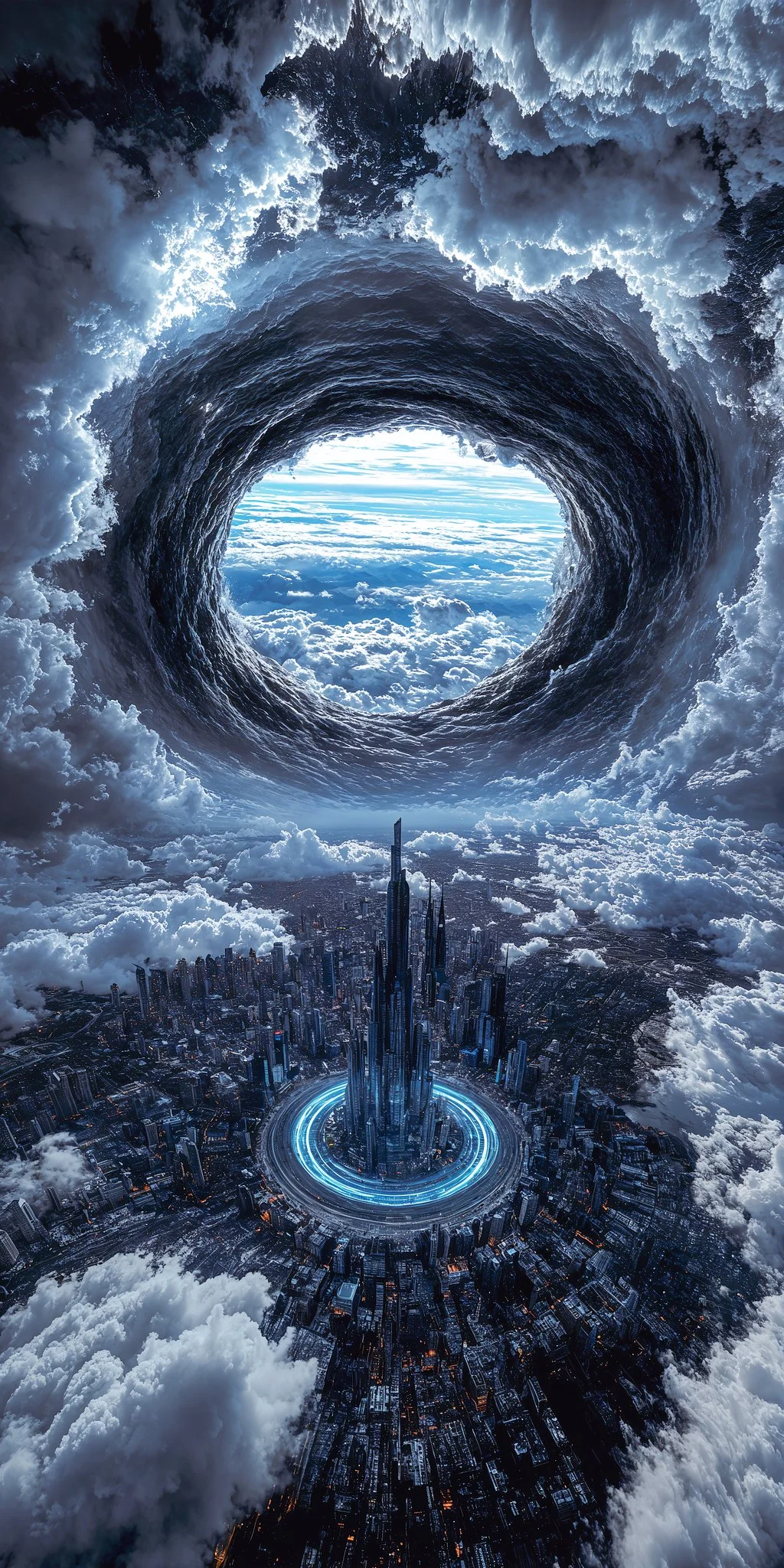
Multiple visual directions
Explore different visual directions with the Grok image generation.
- The Grok models in RapLyricsCreate multiple image ideas faster without manual design skills.
- Use Model optionsGenerate multiple image variations for ads, social posts, product mockups, thumbnails, and visual testing.
- The Grok image generation in RapLyricsThe available models offer a range of options, making them suitable forsocial media visuals with RapLyrics.
- Compare styles and compositions to find what fits your project using theimage generator in RapLyrics.
Why use this image generator?
This image generator helps with common visual content tasks. It is built for speed, ease of use, and practical application. If you need a tool that prioritizes utility over complexity, this is for you. Here is what it offers for daily use.
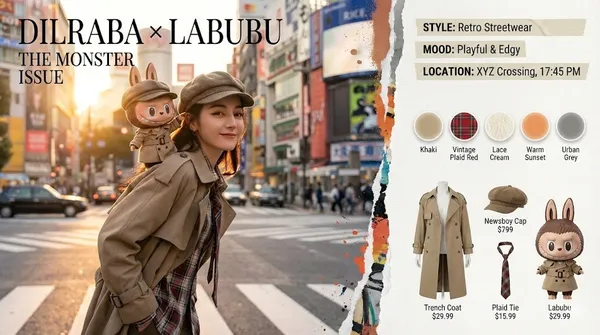
Skip Complex Software
You do not need to spend hours learning complicated design software. TheGrok image generationgenerator allows fast image generation without manual retouching, complex editing software, or advanced design skills. Just use thegenerator in RapLyricsto get what you need.
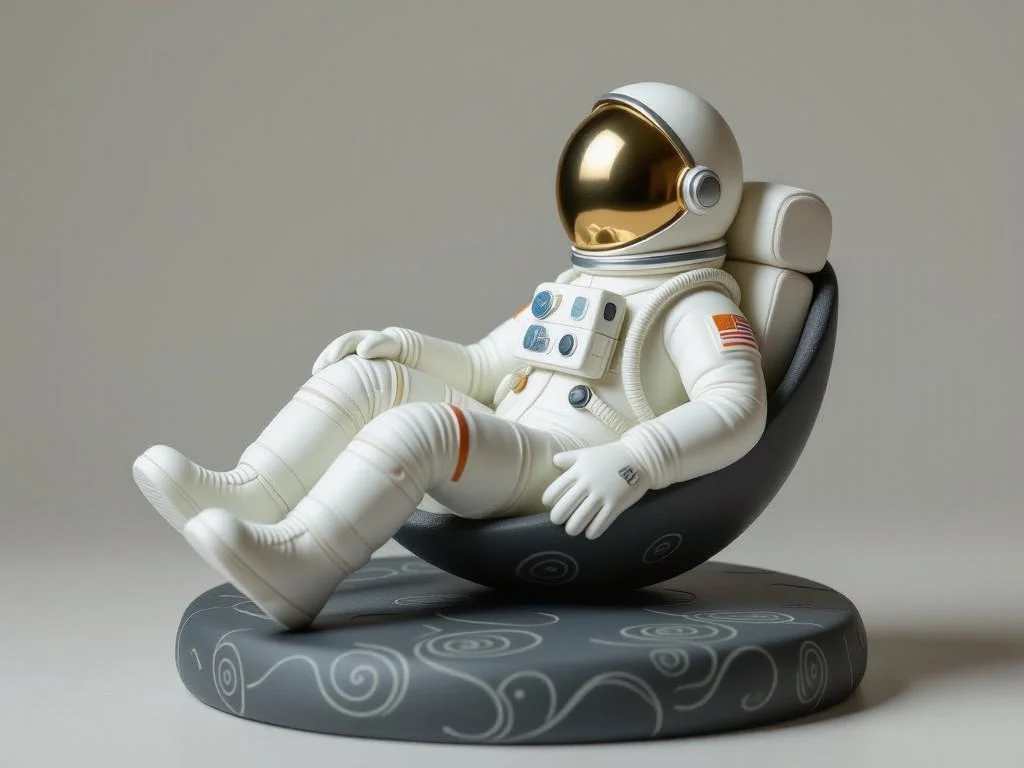
Turn Ideas into Visuals
Turn abstract ideas into usable visuals, not just vague inspiration. TheModel optionssystem turns text prompts into images quickly, making it a practicalchoice for creative ideas in RapLyrics.

Reduce Randomness
When generating images, control matters. By using theimage generator’s reference image options, you can guide the subject, style, product look, and scene composition. This reduces randomness and makes theGrok image generation in RapLyricsmore dependable.
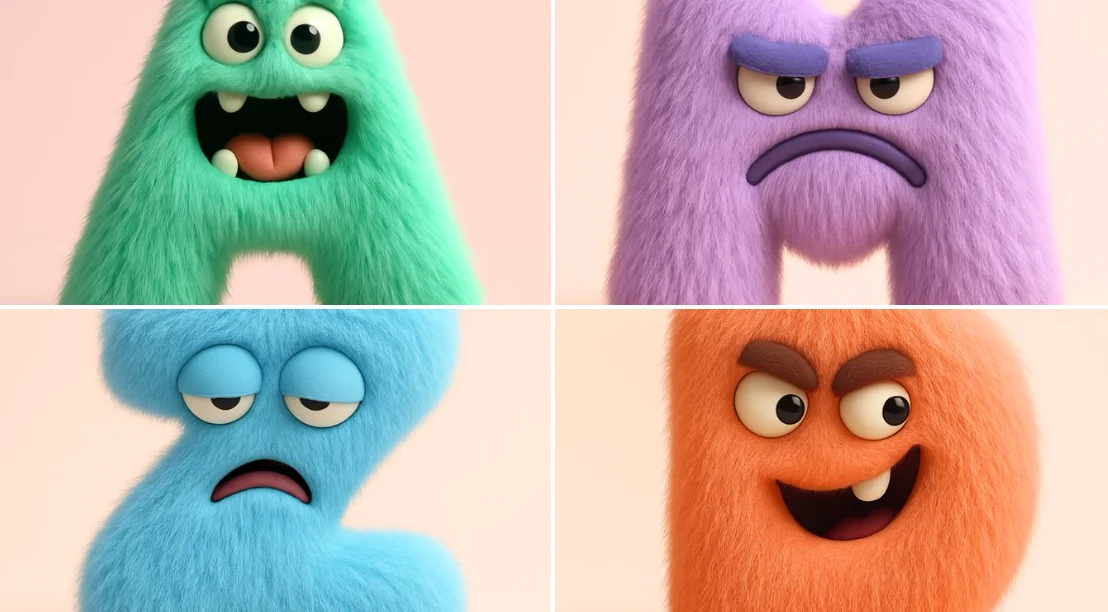
Built for Marketing and Social
You need multiple variations fast. TheGrok image generationis useful for generating product mockups, social media visuals, ad creatives, thumbnails, posters, and creative references. It is a practicalchoice for adsand social media campaigns.

Easy Natural-Language Editing
Instead of manual erasing and painting, you can edit with text. Inside theGrok image generation, theGrok models in RapLyrics supports editing uploaded images with plain-language instructions, which can help with the Prompt-based editing step for music visual work.
Workflow Notes
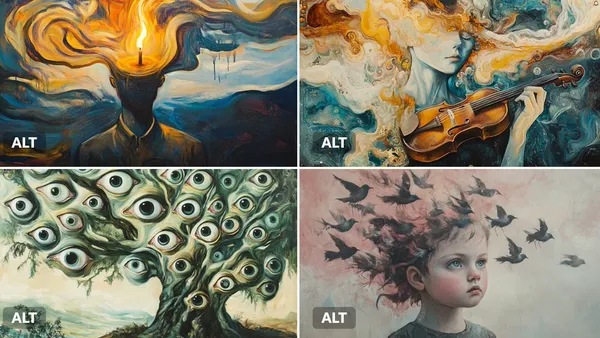
Speed up early visual drafts with the Grok image generation by generating several image options from a prompt before you move to video. Check the model options for supported reference-image modes, then use the Grok models in RapLyrics to review the credit quote and download clips from History for editing in your own editor.
Workflow Notes
Describe one subject, action and setting before generating. Keep the brief focused so the result is easier to review.

Questions about music visual workflows
Quick answers about generating visual clips with RapLyrics, checking model options, reviewing credits, and moving finished output into your editor.
RapLyrics helps you generate image or video clips from text prompts using the currently enabled models in the generator. You can review and download finished clips from History, then add music and timed lyric overlays in an external editor.
Open the generator, choose from the currently enabled models, and enter a text prompt. Check the allowed inputs and settings shown there, review the credit quote before generating, and find finished output in History.
Some models offer supported image-reference modes. Check the selected model in the generator to see whether reference images are available and what inputs are allowed. Model-specific availability is not verified outside the generator.
The current credit quote is shown before generation. Review that quote so you know the cost for the selected model and settings before you start.
Finished output is in History. Review each generated clip, then download the visuals you want to use in your own editor with music and lyric timing.
No. Download visual clips and add your own music and timed lyric overlays in an external editor. RapLyrics does not provide automatic lyric synchronization.
Check the selected model to confirm allowed inputs, settings, and any supported options. Review the credit quote shown before generation. After generation, review the output in History before using it.
No. Generated visuals must be reviewed. No guaranteed quality, speed, character consistency, perfect text, or precise motion is offered. Check whether the selected model offers any advanced controls before you rely on them.
You can request a refund within 10 days of purchase if you have unused credits from that purchase and provide a clear reason, subject to our Refund Policy. If eligible, an unused purchase can be fully refunded; a partly used purchase is refunded in proportion to its remaining unused credits. Fully used purchases and free or promotional credits are not refundable.
Credit validity depends on the pack, subscription or promotion that issued them. Review the purchase terms and expiration dates in Settings > Credits. A renewal or new purchase does not extend older credits. Use credits before their stated expiration; do not assume unused subscription credits roll over indefinitely.
Credits charged for a task that is confirmed as failed due to a system error are returned automatically. A task that is still processing has not yet been confirmed as failed. Check its status and your credit history before submitting again. If a confirmed failure still shows an unresolved charge, email support@raplyrics.app with the task ID.
AI results can vary, so a completed result that differs from your expectations is not automatically treated as a technical failure. Eligible completed image tasks can be submitted for credit refund review using the refund option where available; approval is required. For a video or another issue, contact support@raplyrics.app with the task ID and details. A credit refund returns credits, not money to your payment method.
Email support@raplyrics.app. For billing, include your account email and order ID; for generation, include the task ID, issue description and relevant screenshots. If you purchased as a guest, keep the original browser data and payment receipt so we can help locate the purchase.
Generate your first visual with RapLyrics
Create images from text prompts with the Grok model family. Describe a scene, upload an image to edit with natural-language instructions, or use a reference image to guide style and composition. The generator shows available inputs and settings; the credit quote appears before generation, and finished output is in History. Review results before use.
raplyrics.app · Updated
What's new on this page
- — Corrected the default model selection for the Grok image generator. Added editable example prompts and separate drafts for text and reference modes, with an action to restore the example.
- — Page content published.