
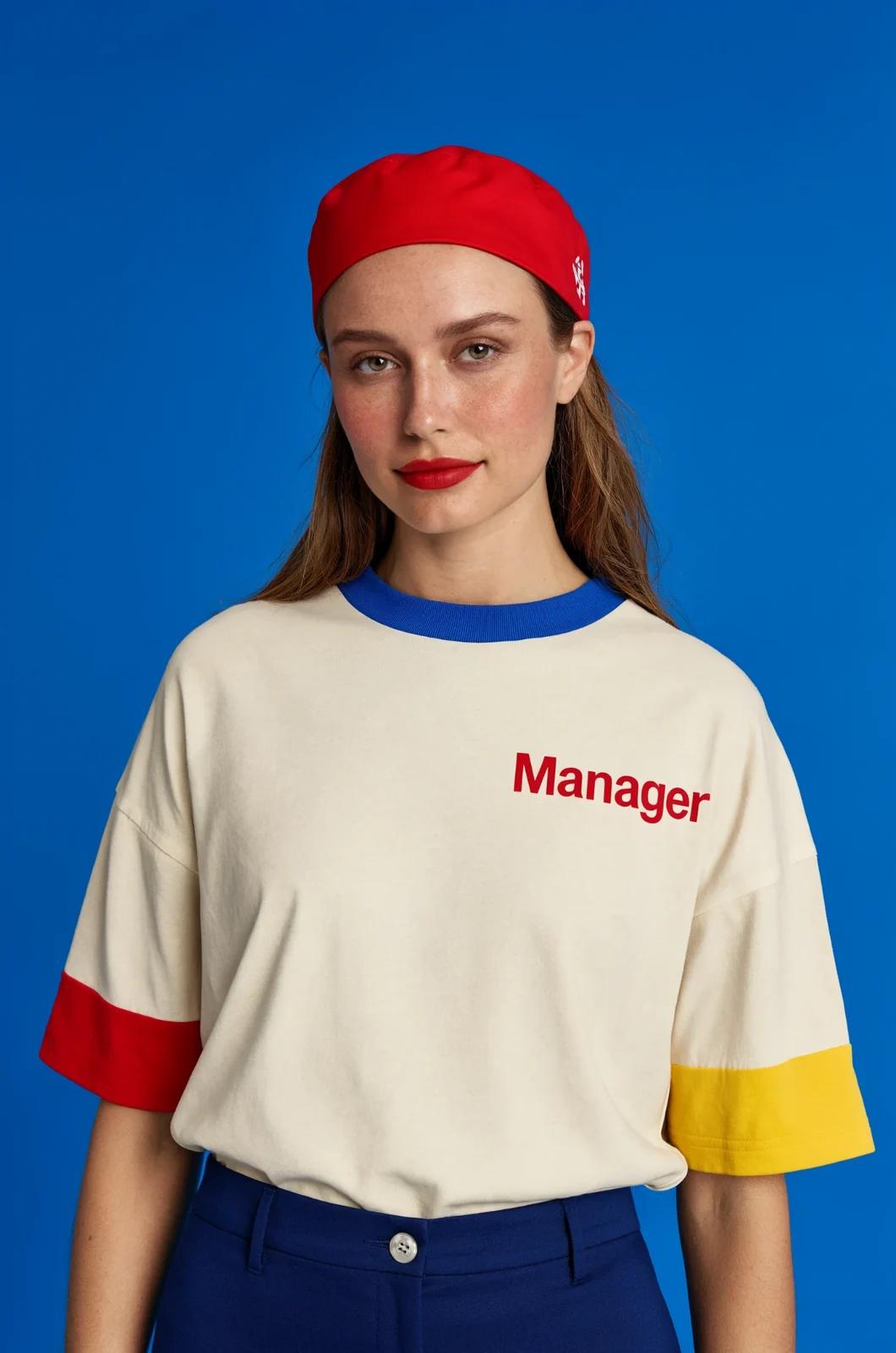
Verified prompt
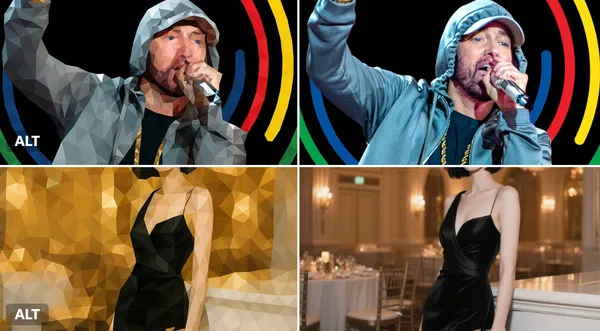
Verified prompt
sform this image into a refined low-poly mosaic style. Preserve the original structure and recognizable details, especially facial features and contours. Use small, high-density polygons to maintain clarity and identity while creating a crystalline, faceted look. Keep the original color palette for a harmonious and natural aesthetic. Avoid altering or adding new elements.
sform this image into a refined low-poly mosaic style. Preserve the original structure and recognizable details, especially facial features and contours. Use small, high-density polygons to maintain clarity and identity while creating a crystalline, faceted look. Keep the original color palette for a harmonious and natural aesthetic. Avoid altering or adding new elements.
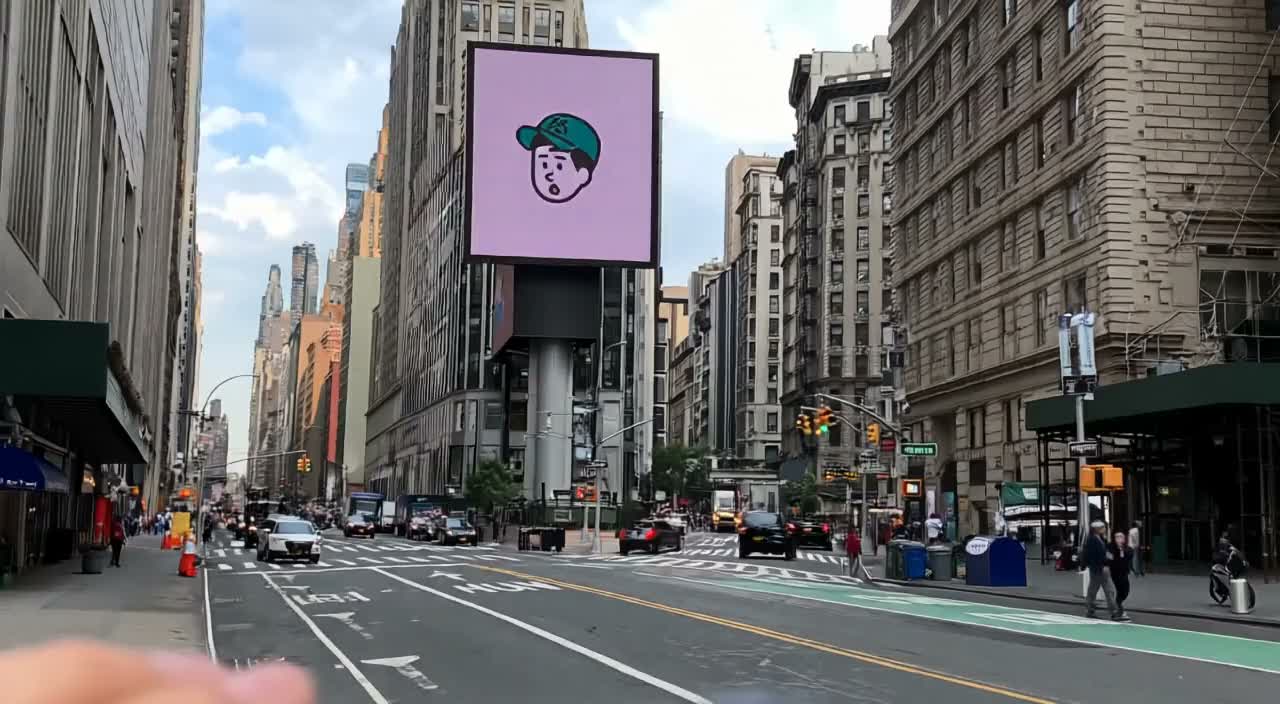
Verified prompt
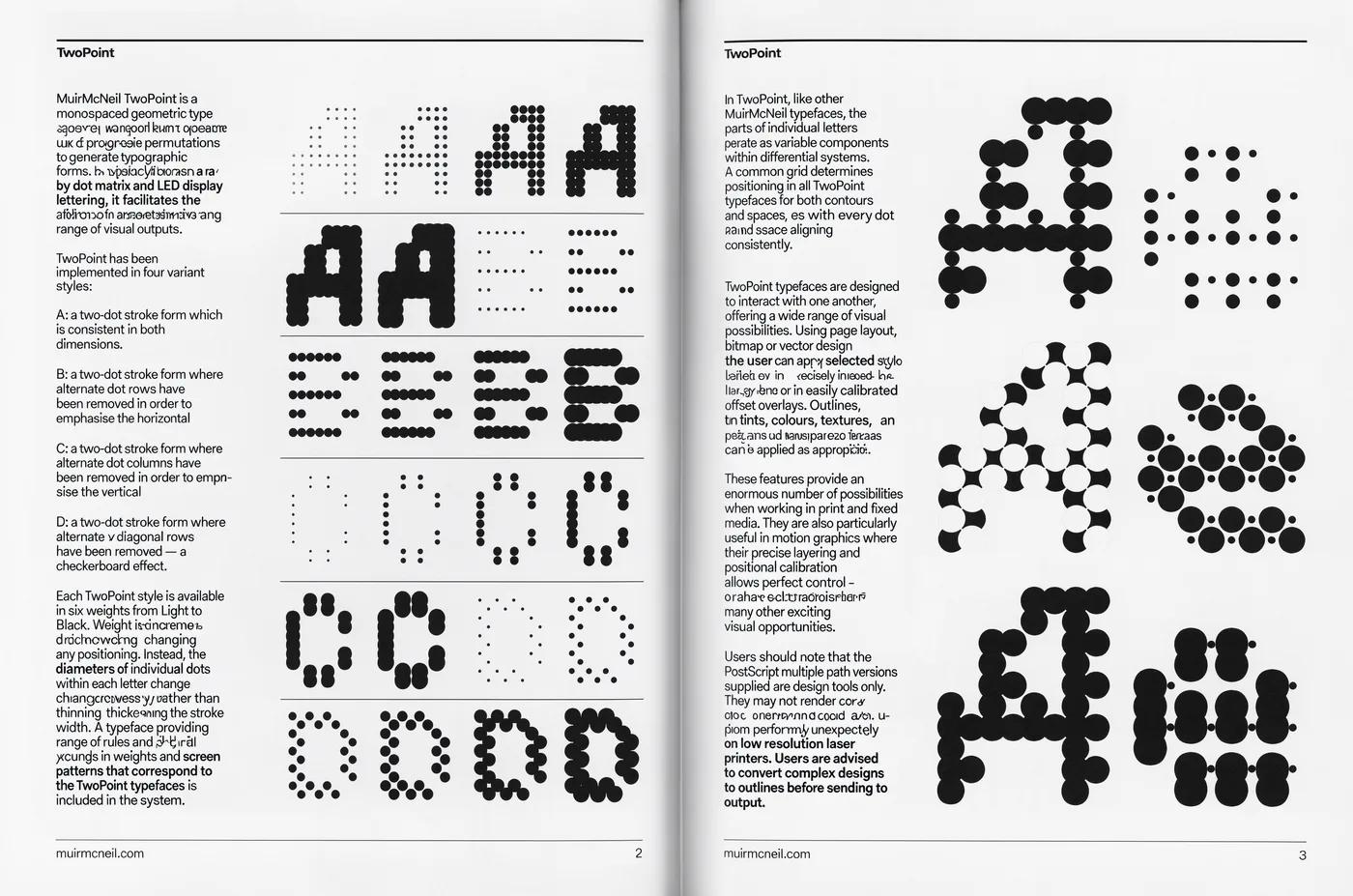
Verified prompt
Verified prompt
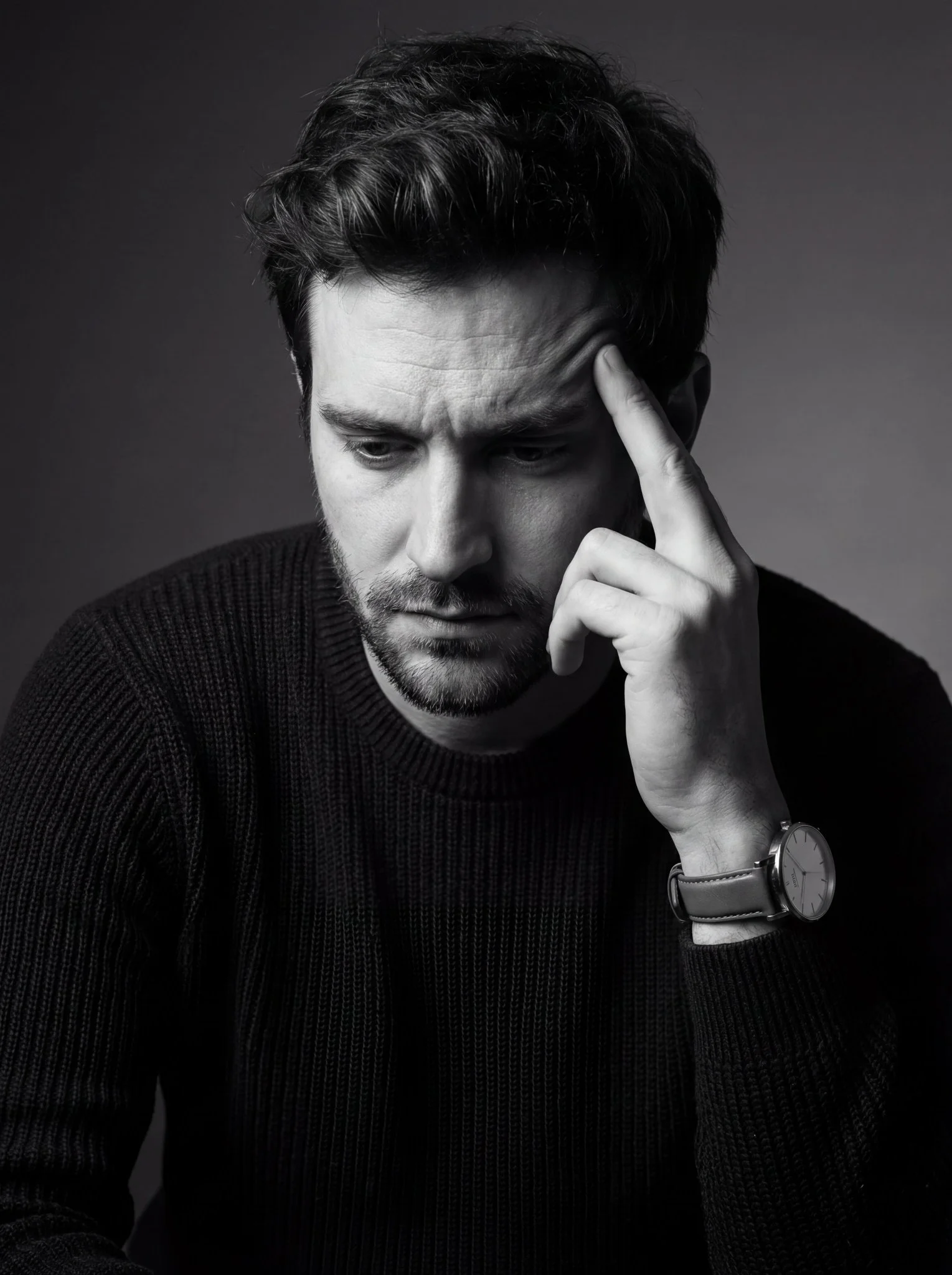
Photographic portrait, vertical orientation, tight medium close-up, three-quarter profile, camera position slightly above eye level. Male subject, late 20s to mid 30s. Pose: head tilted downward, hand raised to temple in contemplative gesture. Pensive, introspective, serious expression. Dark short tousled textured hair, short stubble beard. Dark long-sleeve knit sweater, ribbed or woven fabric. Analog wristwatch with leather strap and minimalist light-colored dial. Low-key studio lighting from upper left, high contrast with deep shadows. Monochrome palette - black, charcoal gray, soft gray, off-white highlights. Dark gray to near black studio backdrop. Sharp focus on face and hand, shallow to moderate depth of field. Fine art portrait style, dramatic, cinematic aesthetic. High quality black-and-white conversion with enhanced contrast and moderate clarity.
Photographic portrait, vertical orientation, tight medium close-up, three-quarter profile, camera position slightly above eye level. Male subject, late 20s to mid 30s. Pose: head tilted downward, hand raised to temple in contemplative gesture. Pensive, introspective, serious expression. Dark short tousled textured hair, short stubble beard. Dark long-sleeve knit sweater, ribbed or woven fabric. Analog wristwatch with leather strap and minimalist light-colored dial. Low-key studio lighting from upper left, high contrast with deep shadows. Monochrome palette - black, charcoal gray, soft gray, off-white highlights. Dark gray to near black studio backdrop. Sharp focus on face and hand, shallow to moderate depth of field. Fine art portrait style, dramatic, cinematic aesthetic. High quality black-and-white conversion with enhanced contrast and moderate clarity.

Verified prompt
Create an original premium 3D cartoon illustration for a reusable travel mug campaign on Instagram, appealing to design-conscious US and European young adults. A small friendly round teal robot with exactly two arms and two legs proudly presents one cream ceramic travel mug with a coral silicone lid on a miniature cafe counter. A few coffee beans form a gentle curved leading line toward the product. Warm tactile clay-like surfaces, refined animated-feature lighting, soft peach background, subtle teal and coral accents, playful but sophisticated editorial art direction. Vertical composition with the robot and mug in the lower two-thirds, uncluttered blank upper third for later campaign copy. Eye-level medium shot, coherent hand-to-mug contact, consistent handle and lid, crisp edges, soft realistic contact shadows, beautiful indirect illumination. Original character, no imitation of any existing franchise, no letters, no logos, no watermark, no extra fingers or duplicate mugs.
Create an original premium 3D cartoon illustration for a reusable travel mug campaign on Instagram, appealing to design-conscious US and European young adults. A small friendly round teal robot with exactly two arms and two legs proudly presents one cream ceramic travel mug with a coral silicone lid on a miniature cafe counter. A few coffee beans form a gentle curved leading line toward the product. Warm tactile clay-like surfaces, refined animated-feature lighting, soft peach background, subtle teal and coral accents, playful but sophisticated editorial art direction. Vertical composition with the robot and mug in the lower two-thirds, uncluttered blank upper third for later campaign copy. Eye-level medium shot, coherent hand-to-mug contact, consistent handle and lid, crisp edges, soft realistic contact shadows, beautiful indirect illumination. Original character, no imitation of any existing franchise, no letters, no logos, no watermark, no extra fingers or duplicate mugs.
Verified prompt
Verified prompt
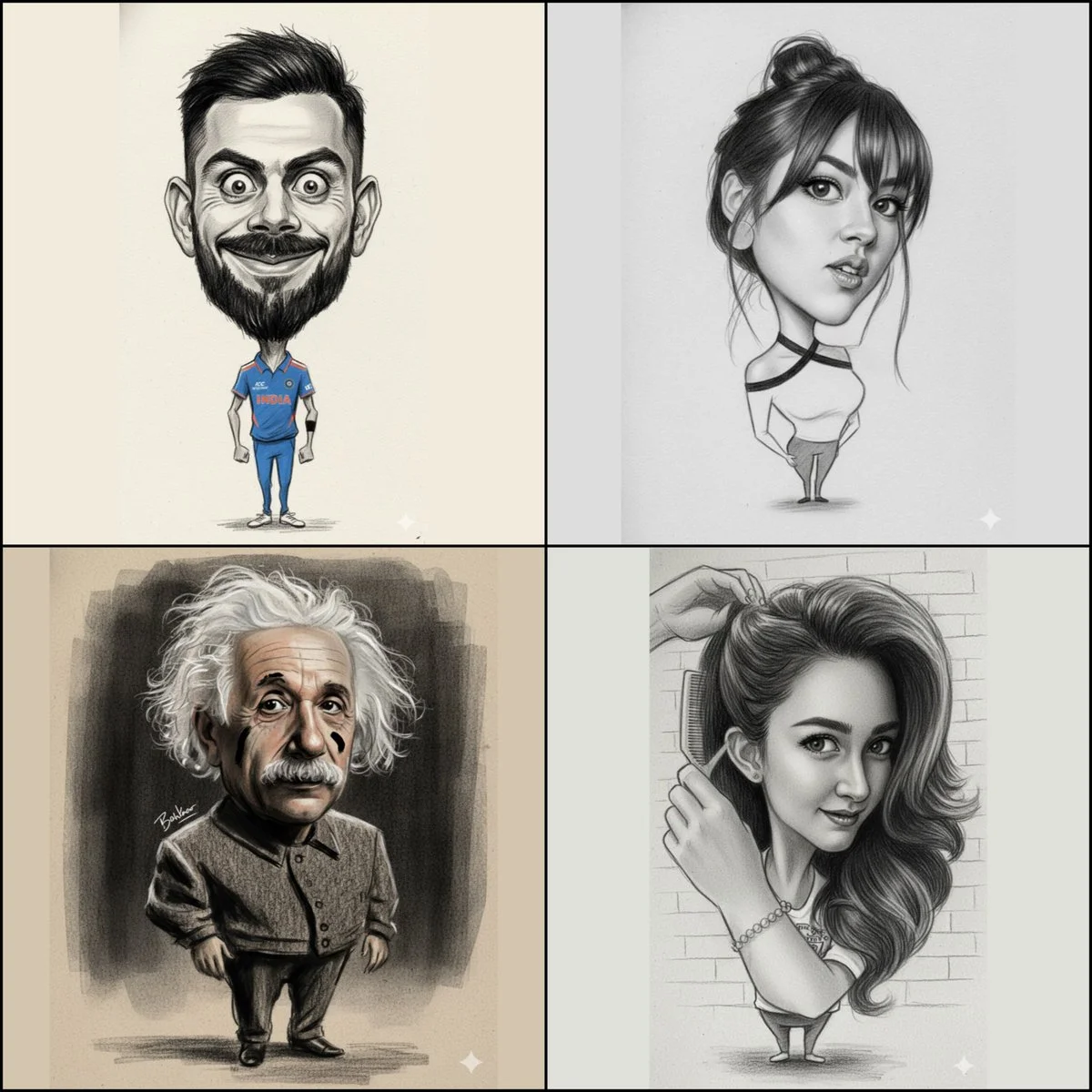
{ "image_edit": { "subject": "uploaded_image", "Goal":"proportional composition of The whole body bottom to head is a caricature with the face and head exaggerated in the extremely shape of the eyes, nose, lips.", "style": "textured paper", "refine details, retain original charcoal structure and strong brushes pencil, aesthetic composition and expression, pure black, brushes stroke" {"style": "pencil brush stroke", "no types text", "position":" stylized near shoulder, aesthetic replacement, no right_bottom" }, { "output": "a big head caricature." Ensure to create an image with a noticeably exaggerated head size for the caricature effect you desire, while retaining the charcoal and brush stroke style" } }
{ "image_edit": { "subject": "uploaded_image", "Goal":"proportional composition of The whole body bottom to head is a caricature with the face and head exaggerated in the extremely shape of the eyes, nose, lips.", "style": "textured paper", "refine details, retain original charcoal structure and strong brushes pencil, aesthetic composition and expression, pure black, brushes stroke" {"style": "pencil brush stroke", "no types text", "position":" stylized near shoulder, aesthetic replacement, no right_bottom" }, { "output": "a big head caricature." Ensure to create an image with a noticeably exaggerated head size for the caricature effect you desire, while retaining the charcoal and brush stroke style" } }
Verified prompt
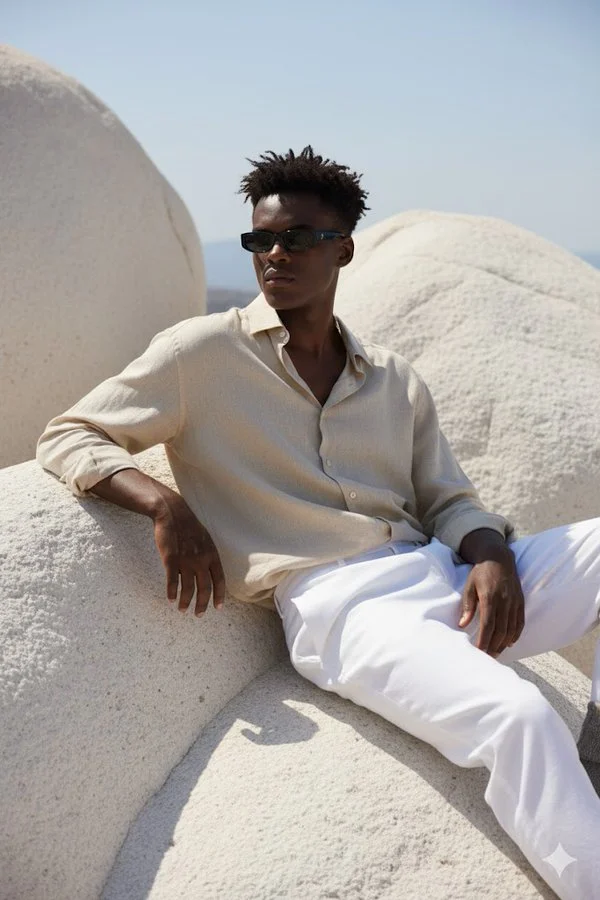
A hyper-realistic portrait of a young man sitting on large, smooth white rocky formations under natural sunlight. He is wearing a loose, slightly crumpled beige linen shirt with the top buttons open, paired with white trousers. His outfit gives a relaxed, Mediterranean vibe. He is leaning back, one arm resting on the rock, and the other hand on his knee, looking slightly to the side. He wears slim black rectangular sunglasses. His hairstyle is short, slightly messy, and the sunlight casts soft shadows across his outfit and the textured rocks. The overall atmosphere is calm, stylish, and Mediterranean-inspired. The face should match exactly with the reference photo.
A hyper-realistic portrait of a young man sitting on large, smooth white rocky formations under natural sunlight. He is wearing a loose, slightly crumpled beige linen shirt with the top buttons open, paired with white trousers. His outfit gives a relaxed, Mediterranean vibe. He is leaning back, one arm resting on the rock, and the other hand on his knee, looking slightly to the side. He wears slim black rectangular sunglasses. His hairstyle is short, slightly messy, and the sunlight casts soft shadows across his outfit and the textured rocks. The overall atmosphere is calm, stylish, and Mediterranean-inspired. The face should match exactly with the reference photo.
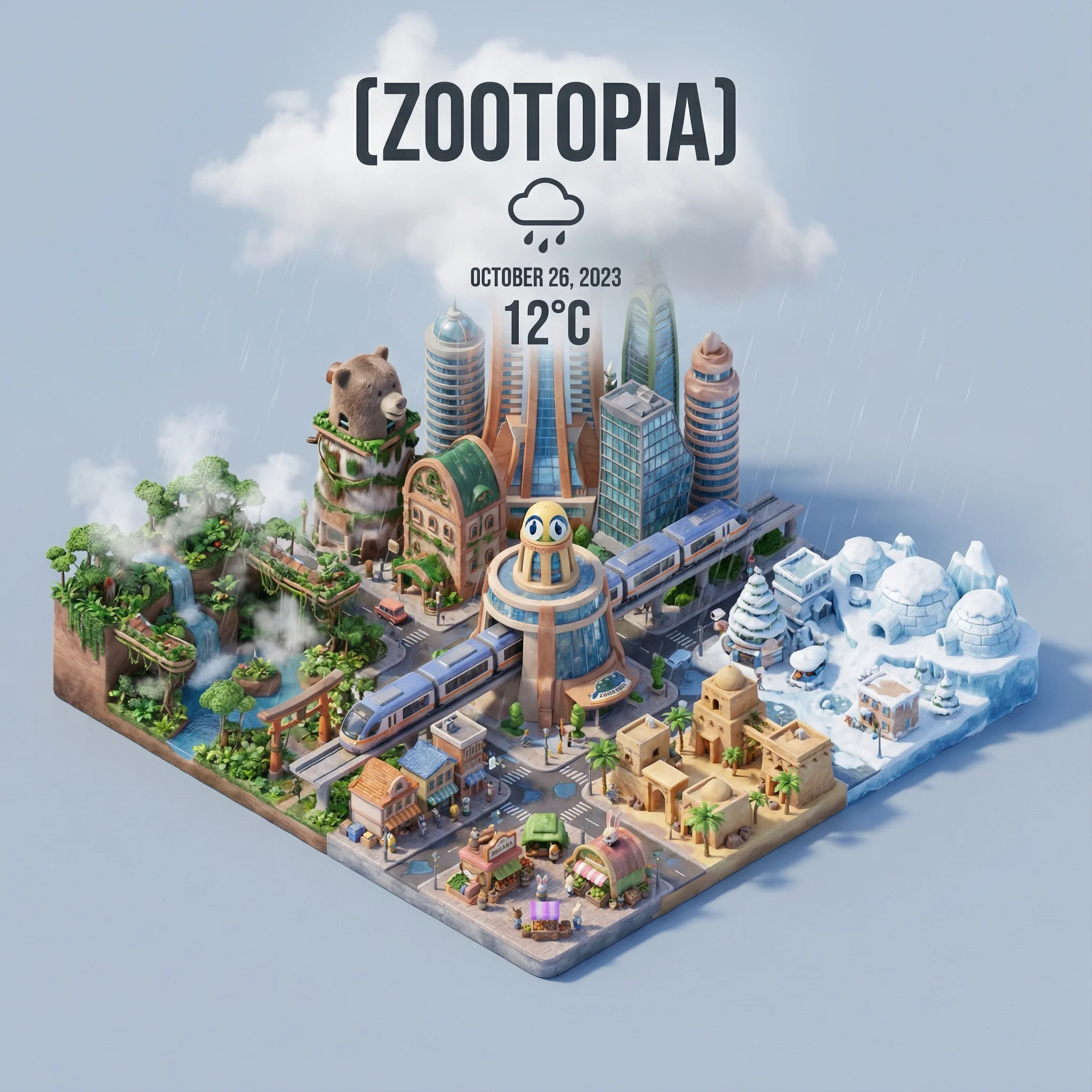
Verified prompt
=xxx Present a clear, 45° top-down isometric miniature 3D cartoon scene of [CITY], featuring its most iconic landmarks and architectural elements. Use soft, refined textures with realistic PBR materials and gentle, lifelike lighting and shadows. Integrate the current weather conditions directly into the city environment to create an immersive atmospheric mood. Use a clean, minimalistic composition with a soft, solid-colored background. At the top-center, place the title “[CITY]” in large bold text, a prominent weather icon beneath it, then the date (small text) and temperature (medium text). All text must be centered with consistent spacing, and may subtly overlap the tops of the buildings. Square 1080x1080 dimension.
=xxx Present a clear, 45° top-down isometric miniature 3D cartoon scene of [CITY], featuring its most iconic landmarks and architectural elements. Use soft, refined textures with realistic PBR materials and gentle, lifelike lighting and shadows. Integrate the current weather conditions directly into the city environment to create an immersive atmospheric mood. Use a clean, minimalistic composition with a soft, solid-colored background. At the top-center, place the title “[CITY]” in large bold text, a prominent weather icon beneath it, then the date (small text) and temperature (medium text). All text must be centered with consistent spacing, and may subtly overlap the tops of the buildings. Square 1080x1080 dimension.
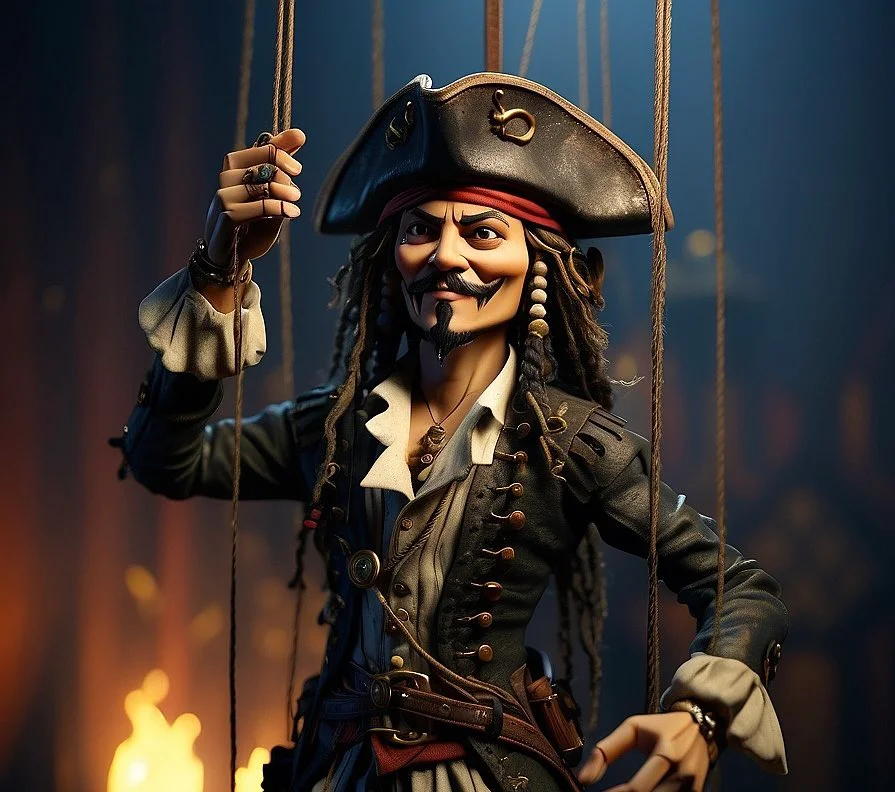
Verified prompt
Hand-Carved Wooden Puppet (Czech Marionette Style) A hand-carved wooden marionette interpretation of [SUBJECT], with jointed limbs, painted details, and a slightly eerie antique finish. Showcase theatrical posture, stage lighting, and cultural craftsmanship in the styling.
Hand-Carved Wooden Puppet (Czech Marionette Style) A hand-carved wooden marionette interpretation of [SUBJECT], with jointed limbs, painted details, and a slightly eerie antique finish. Showcase theatrical posture, stage lighting, and cultural craftsmanship in the styling.
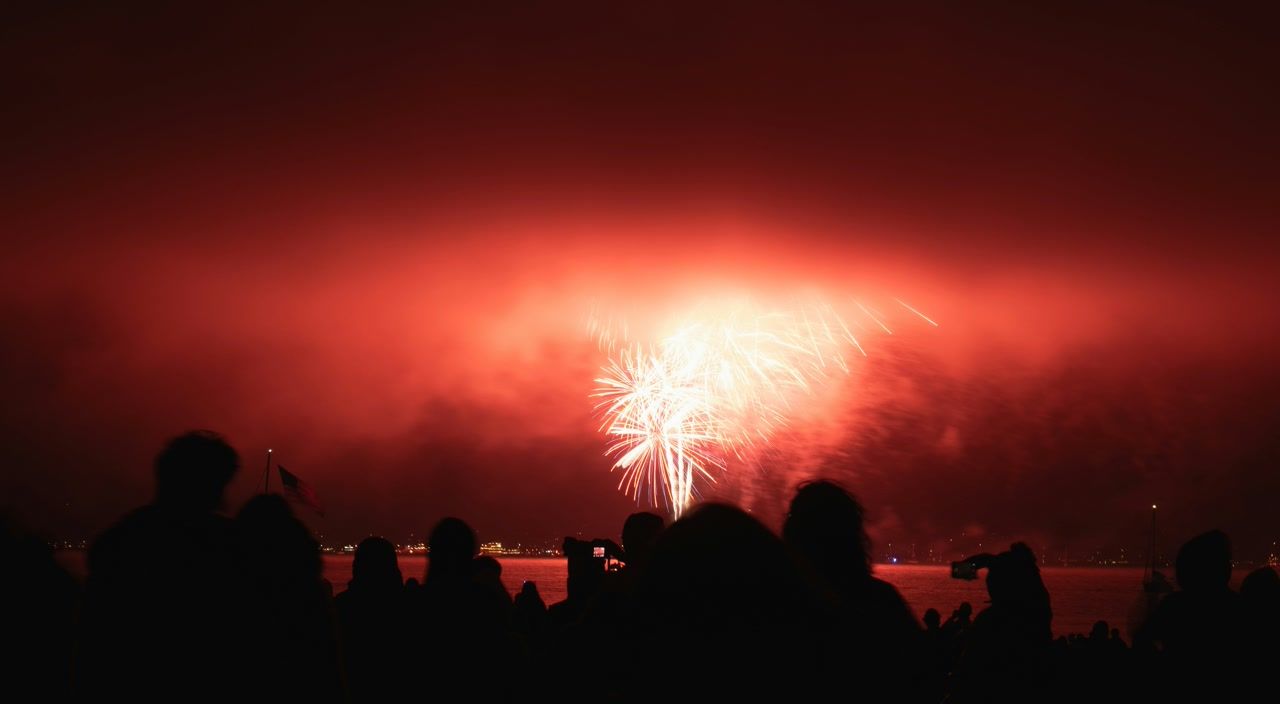
Verified prompt
Plan Your Music Visuals
Create an image, animate a scene or find a starting prompt for your project.
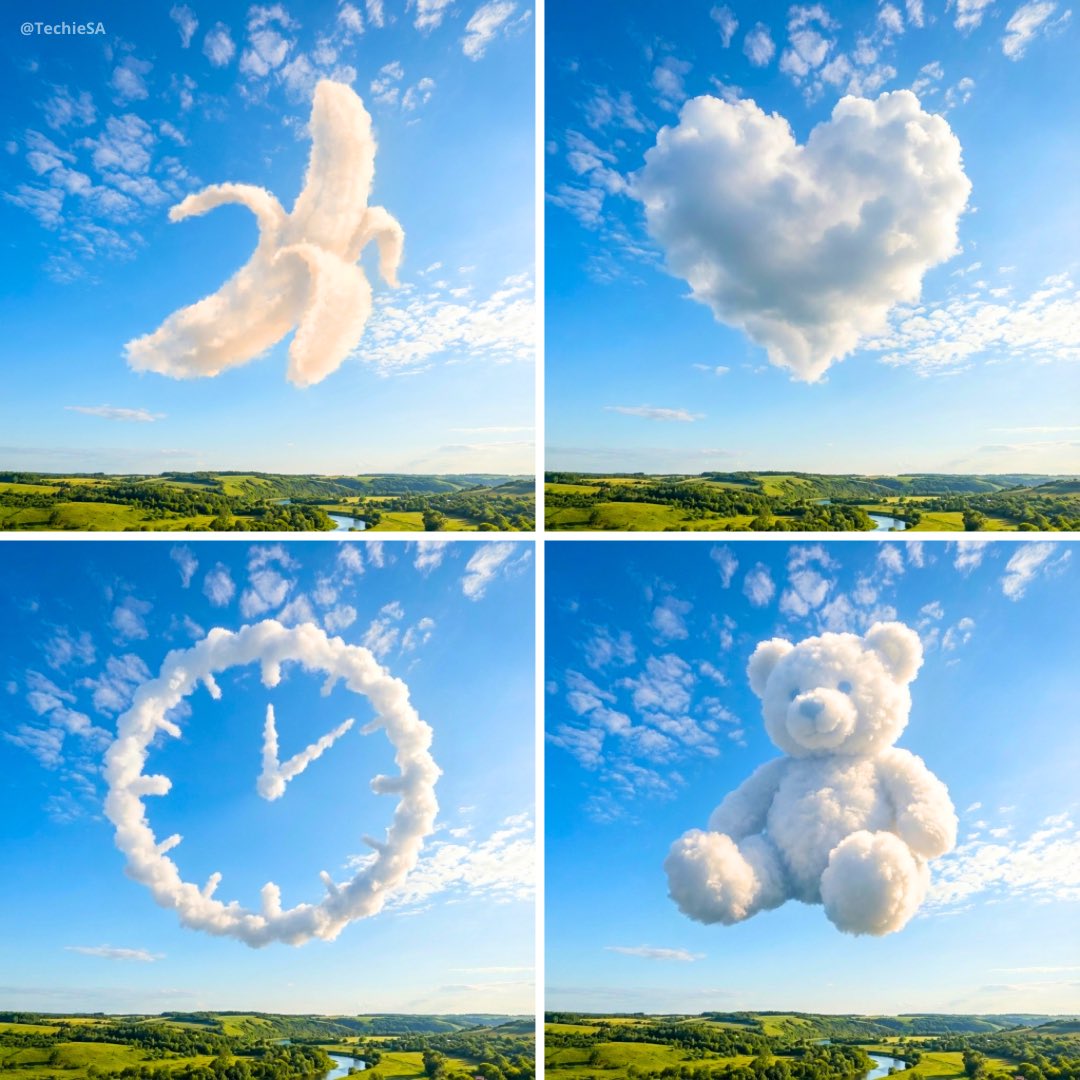
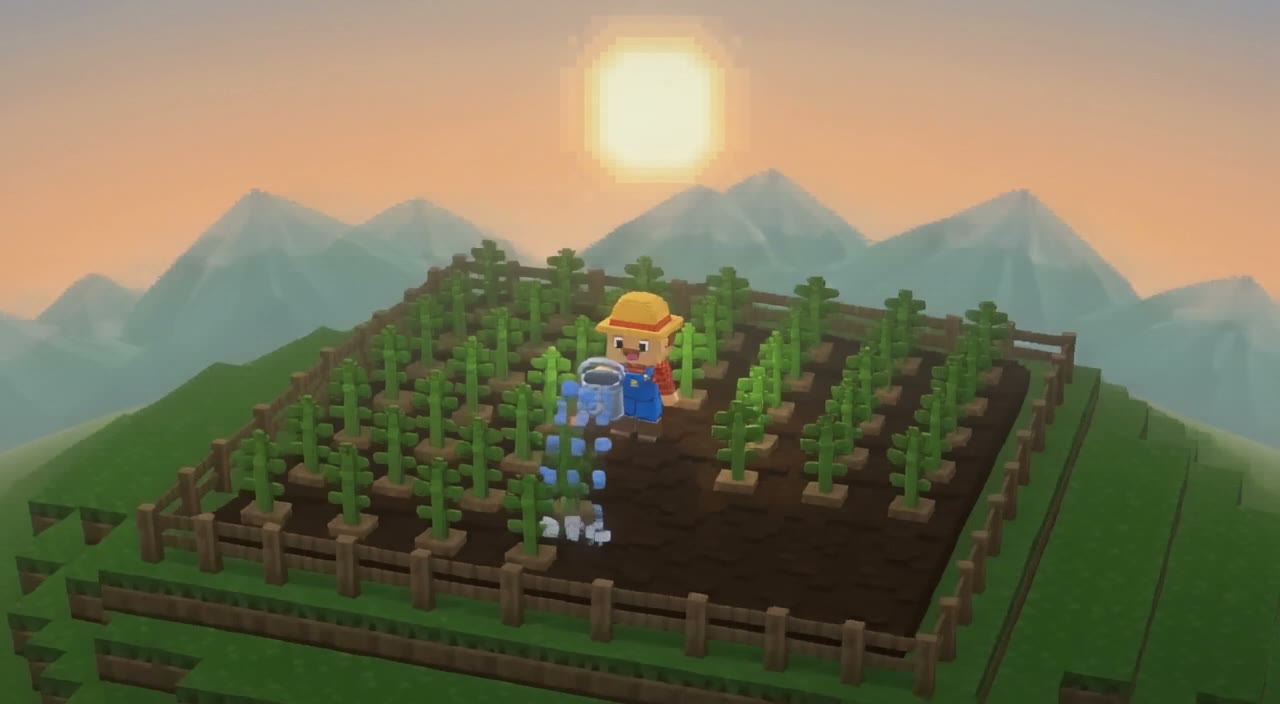
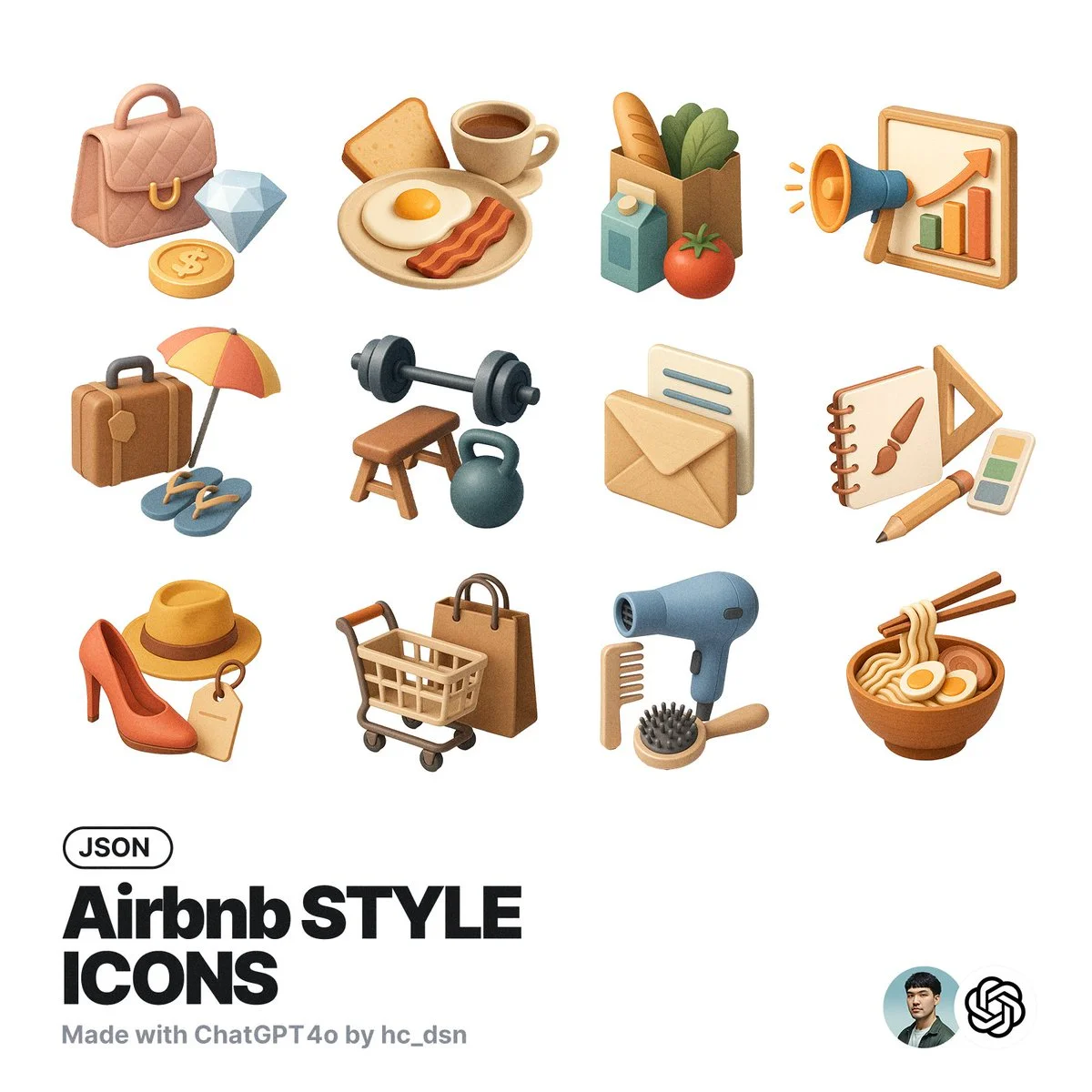
AI Reference Images for Music Visuals
Build the Visual World of Your Song
Explore the places, colors and characters suggested by your lyrics. Start with a written brief or a supported reference image, review the result and develop a visual direction for your music project.
Create a SceneFrom a Lyric to a Visual Brief
Describe the imagery of a verse as a scene: a subject, a setting and a mood. Choose a model and review its available inputs before generating.
Set the Composition Before You Animate
Choose framing, lighting and color in your prompt. Check the available output settings and credit quote, then create an image you can use as a video reference.
Describe the Mood of Your Track
Use a few specific visual details to express the feeling of your song. Compare the image with your brief, then refine its light, colors or composition.
Refine Your Prompt
Review the generated composition, then revise your prompt to change specific details. Choose the available model settings and check the credit quote before creating another version.
Review and Download Results
Open completed results in History, inspect important details and download the image you want to use. Keep your prompt and settings so you can compare later versions.
Keep Your Prompt and Result Together
Write a prompt, choose a model, and review your results in History. Refine your description to explore a different composition or style.
A Focused Image Workspace
Keep your visual brief and completed image results together while you develop the project.
Develop a Visual Direction for Your Music
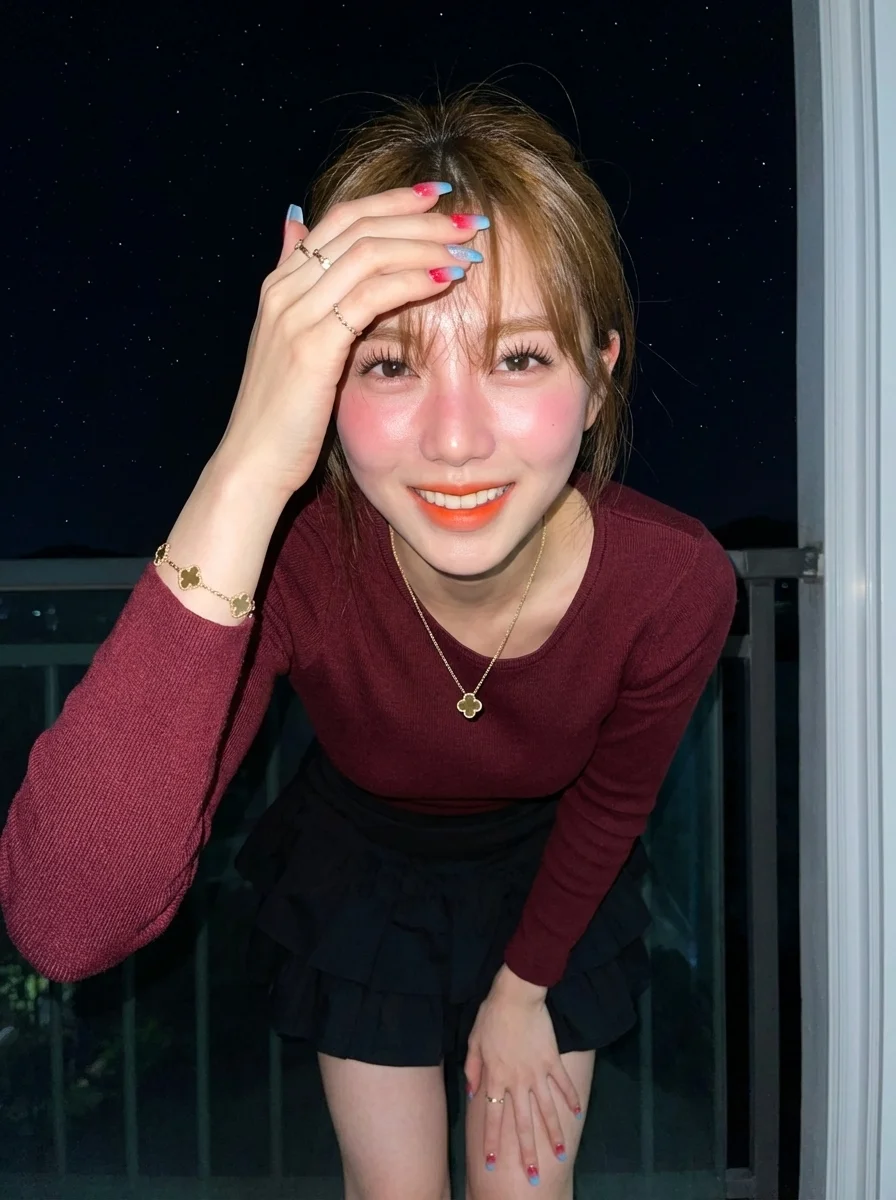
Explore Styles Through Your Prompt
Explore photographic, illustrated or abstract looks by describing the style in your prompt. Results vary by model and request; review each image before using it.
Describe the look you want, then refine your prompt as you compare results.
Reference Images for Your Lyric Video
Explore the scenes and visual details you want to bring into a music project. Create a focused image brief before planning movement.
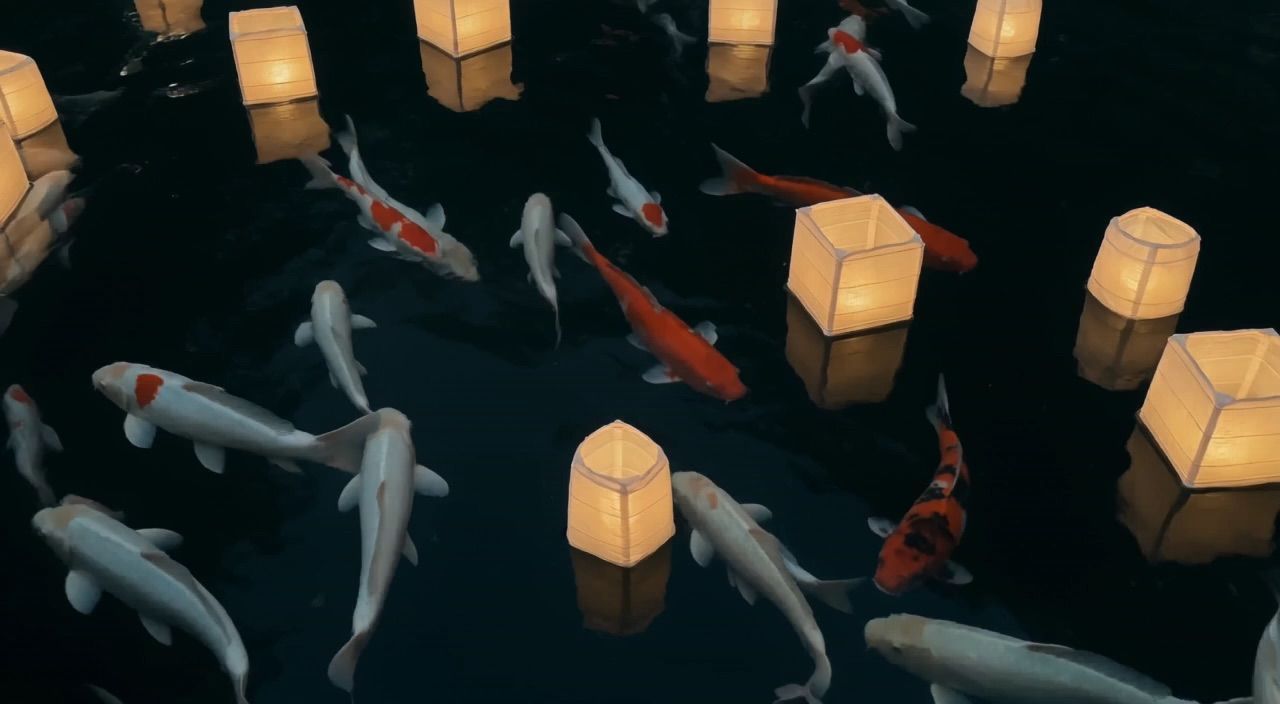
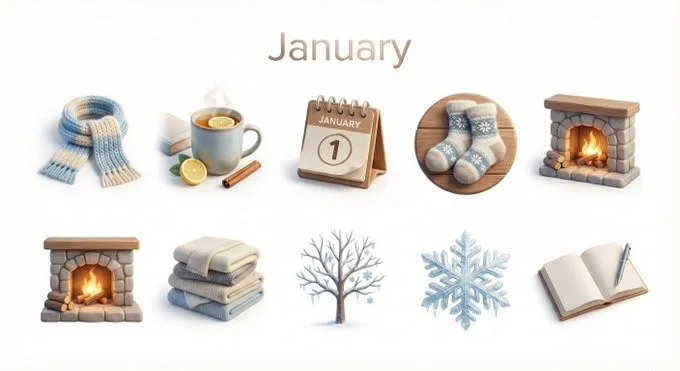
Locations and Atmosphere
Describe the street, room or landscape suggested by your writing. Test the lighting and color palette before using an image as a video reference.
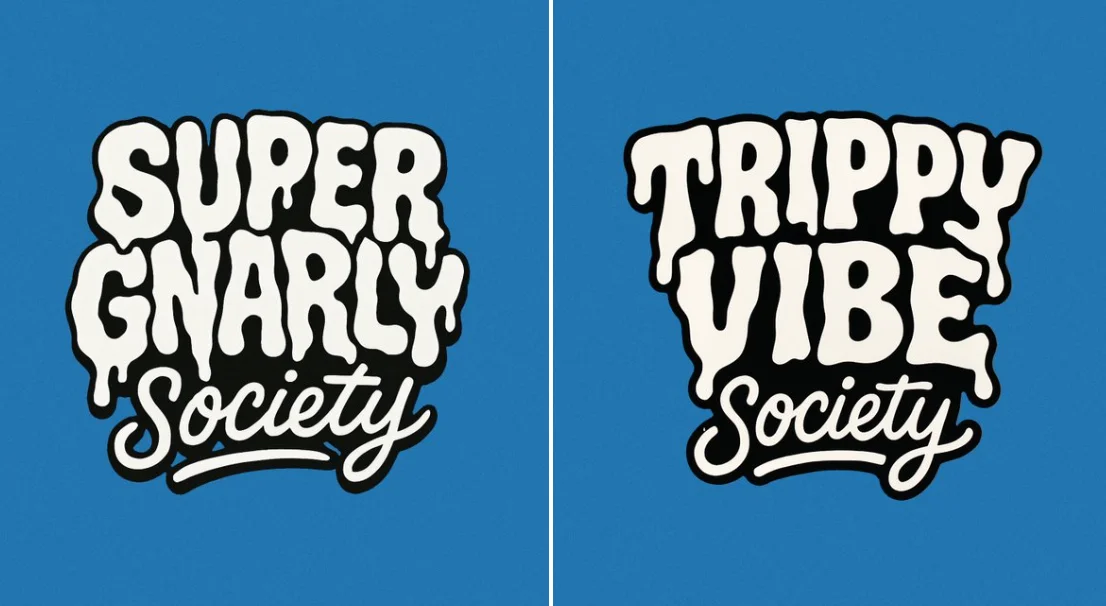
A Central Image for the Chorus
Develop one memorable composition around the main feeling of your chorus. Check the result for distracting details and refine the prompt where needed.
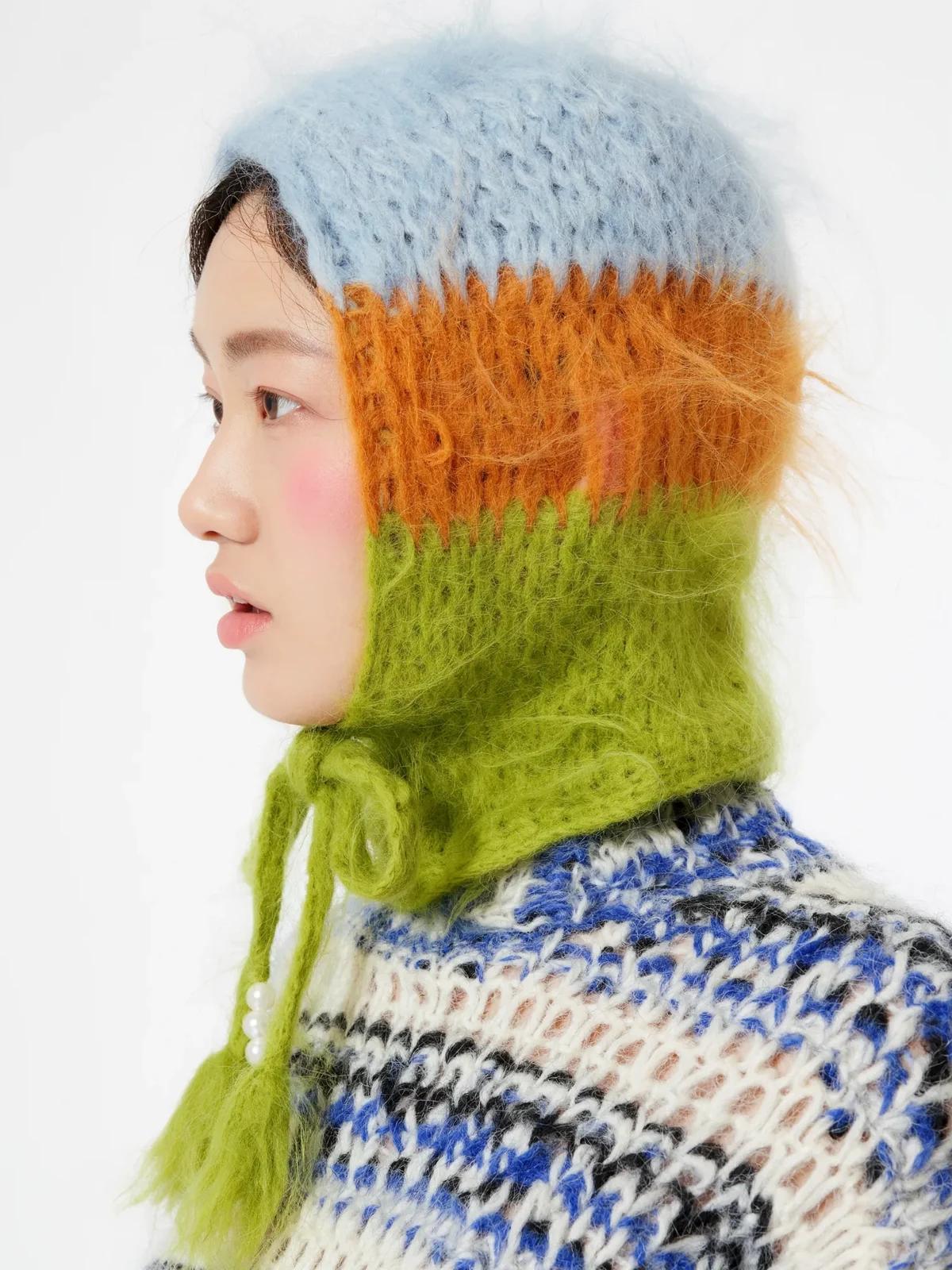
Visual Storyboards
Create concept images for individual moments in a verse. Keep written notes on framing and movement to guide your later video prompts.
Release Artwork Concepts
Explore visual directions for a song announcement. Review text and design details, then add accurate release information in your editing tool.
Create a Reference Image in Four Steps
Add Your Input
Write a description, or select image-to-image mode and upload a reference. Include the details that matter most to your composition.
Customize Your Options
Choose a model and adjust its available size and quality settings. Check the required credits before generating.
Generate and Refine
Select Generate Image and follow the task in History. Review the result, then revise your prompt to create another version.
Export, Share, or Transform
Download a completed image from History and add it to your project. You can also use it as a reference on the video page.
Images for Every Stage of Your Music Project
Use generated images to explore ideas and prepare visual material for your own edit.
Scene Concepts
Turn one image from a lyric into a composition. Describe the subject, surroundings and lighting, then review the result against your brief.
Social Music Posts
Explore a visual idea for a song or release post. Use the format your channel requires and add accurate text in your design tool.
Pitch and Mood Boards
Prepare visual concepts to discuss with collaborators. Keep a clear brief alongside each image so the intended scene is easy to understand.
Visual World Building
Explore a recurring location, palette or motif for your project. Review separate generations carefully; matching characters and details is not guaranteed.
Workflow Notes
Describe one subject, action and setting before generating. Keep the brief focused so the result is easier to review.
AI Reference Image Questions
Generate an image from a written scene description or a supported reference image. Use the result to explore the visual direction of your music project or as a reference for video generation.
Text-to-image models use your written description to generate a visual interpretation. Specific details about the subject, composition, and lighting can help guide the result.
Download an image you want to use, open the video generator and choose a model that supports image-to-video. Upload the image and describe the movement you want.
Write the medium, palette, lighting and composition in your prompt. There is no one-click style effect control on this page.
Revise your text prompt and generate another version, or use a supported reference image in image-to-image mode. This page does not provide object erasing, canvas expansion or photo restoration controls.
Use inputs you have permission to use and review generated content for recognizable people, brands and protected material. Check the applicable terms for your chosen model and use case before publishing commercially.
Image generation uses credits. Select a model and settings to see the quote before submitting, and visit Pricing for current purchase options.
You can start with a plain-language description. Add details about the subject, setting, lighting, and style as you refine your idea.
You can request a refund within 10 days of purchase if you have unused credits from that purchase and provide a clear reason, subject to our Refund Policy. If eligible, an unused purchase can be fully refunded; a partly used purchase is refunded in proportion to its remaining unused credits. Fully used purchases and free or promotional credits are not refundable.
Credit validity depends on the pack, subscription or promotion that issued them. Review the purchase terms and expiration dates in Settings > Credits. A renewal or new purchase does not extend older credits. Use credits before their stated expiration; do not assume unused subscription credits roll over indefinitely.
Credits charged for a task that is confirmed as failed due to a system error are returned automatically. A task that is still processing has not yet been confirmed as failed. Check its status and your credit history before submitting again. If a confirmed failure still shows an unresolved charge, email support@raplyrics.app with the task ID.
AI results can vary, so a completed result that differs from your expectations is not automatically treated as a technical failure. Eligible completed image tasks can be submitted for credit refund review using the refund option where available; approval is required. For a video or another issue, contact support@raplyrics.app with the task ID and details. A credit refund returns credits, not money to your payment method.
Email support@raplyrics.app. For billing, include your account email and order ID; for generation, include the task ID, issue description and relevant screenshots. If you purchased as a guest, keep the original browser data and payment receipt so we can help locate the purchase.
Create a Visual Starting Point for Your Lyrics
Create an image from a text description or supported reference. Review the model settings, check the credit quote and download completed results from History.
raplyrics.app · Updated
What's new on this page
- — Added editable example prompts and separate drafts for text and reference modes, with an action to restore the example.
- — Page content published.