
Nano Banana Image Concepts for Music Visuals
Nano Banana Image Concepts for Music Visuals
Describe the image you want. Review the result and revise your prompt to create another version. Supported input modes and settings are shown in the generator.
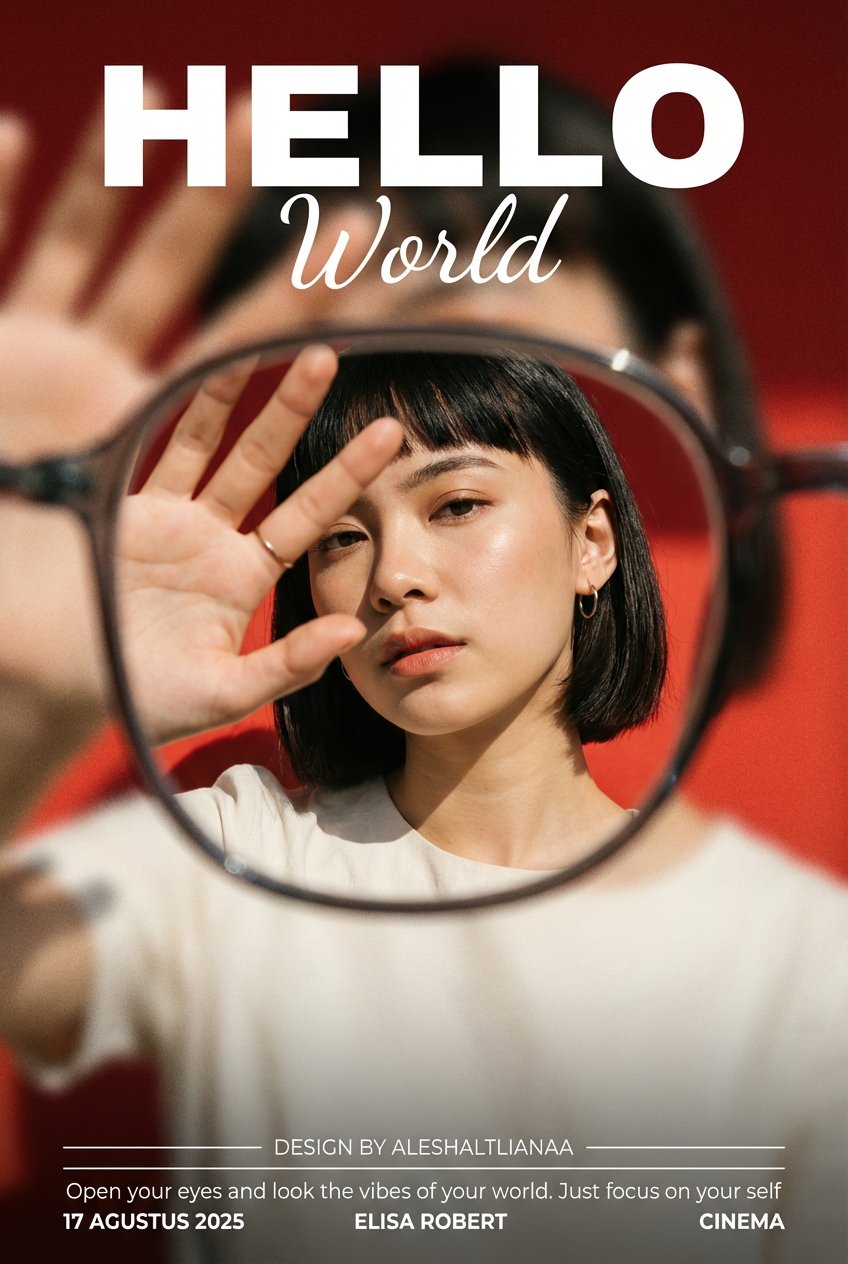
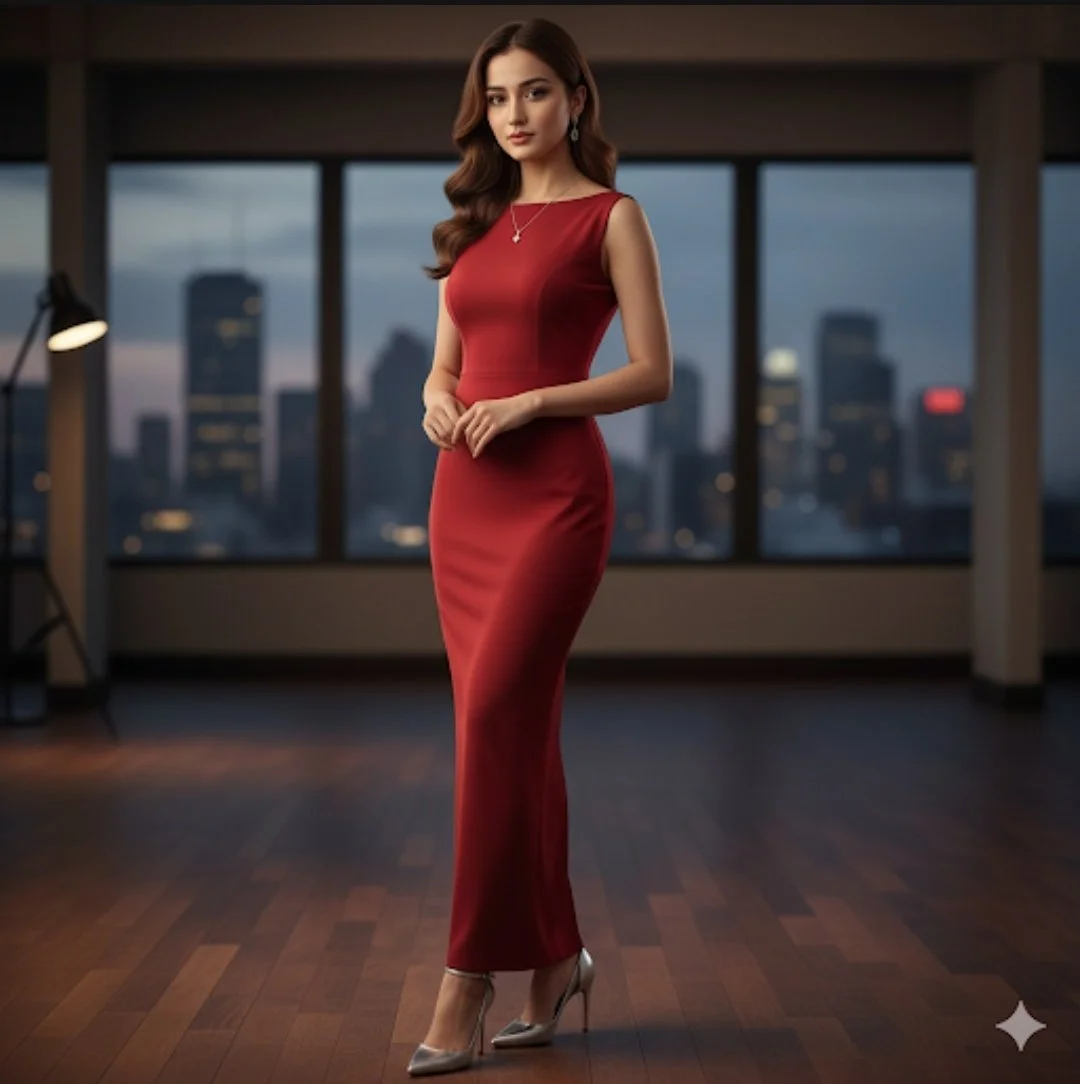
Verified prompt
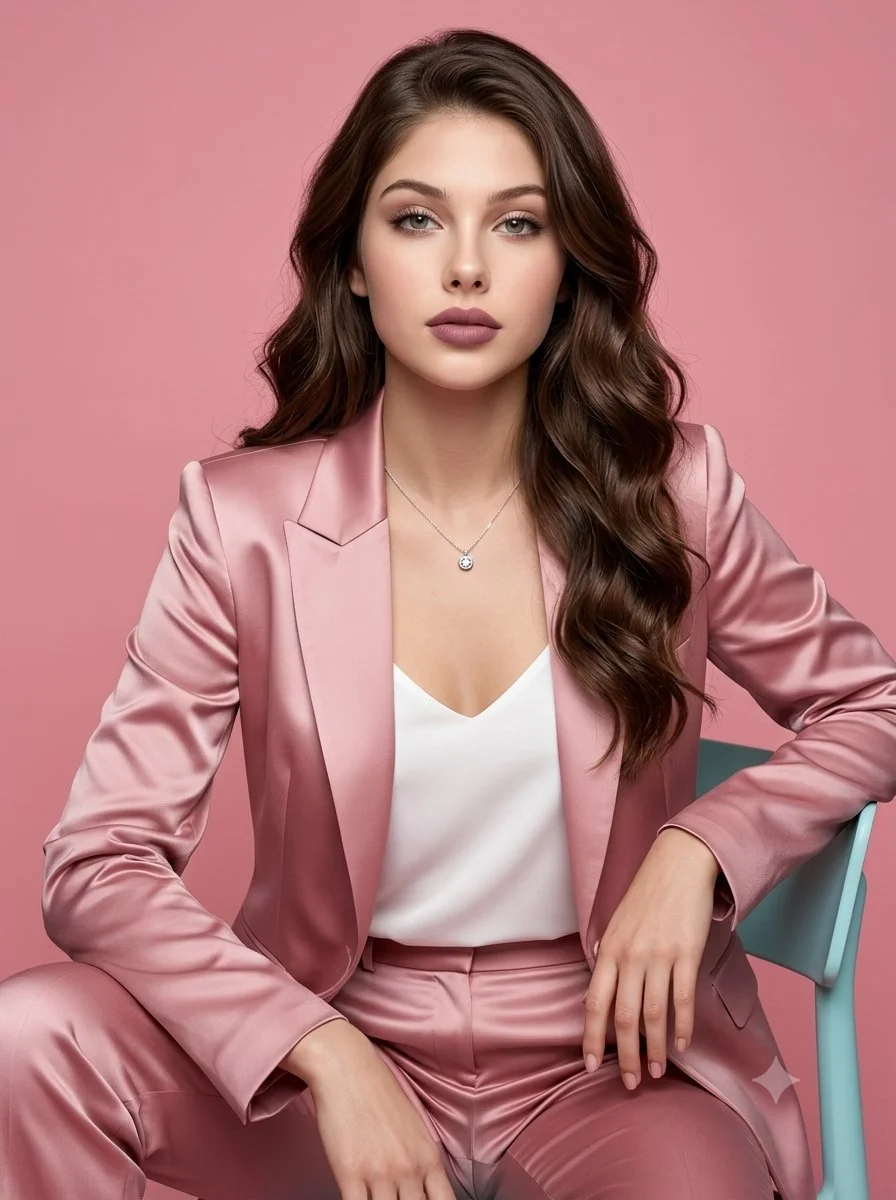
A full-body studio portrait of a beautiful young woman with long, wavy brown hair and the exact facial features as the second image provided, wearing an elegant, sleeveless, floor-length red evening gown. She is wearing a silver pendant necklace and matching silver earrings. The dress is a smooth, form-fitting fabric and she is wearing silver high, slim-heeled pumps. She is standing in a luxurious, modern penthouse setting with a dark wood floor and large floor-to-ceiling windows overlooking a city skyline at twilight. Her pose is poised and confident, with her hands clasped lightly in front of her. The lighting is soft and dramatic.
A full-body studio portrait of a beautiful young woman with long, wavy brown hair and the exact facial features as the second image provided, wearing an elegant, sleeveless, floor-length red evening gown. She is wearing a silver pendant necklace and matching silver earrings. The dress is a smooth, form-fitting fabric and she is wearing silver high, slim-heeled pumps. She is standing in a luxurious, modern penthouse setting with a dark wood floor and large floor-to-ceiling windows overlooking a city skyline at twilight. Her pose is poised and confident, with her hands clasped lightly in front of her. The lighting is soft and dramatic.
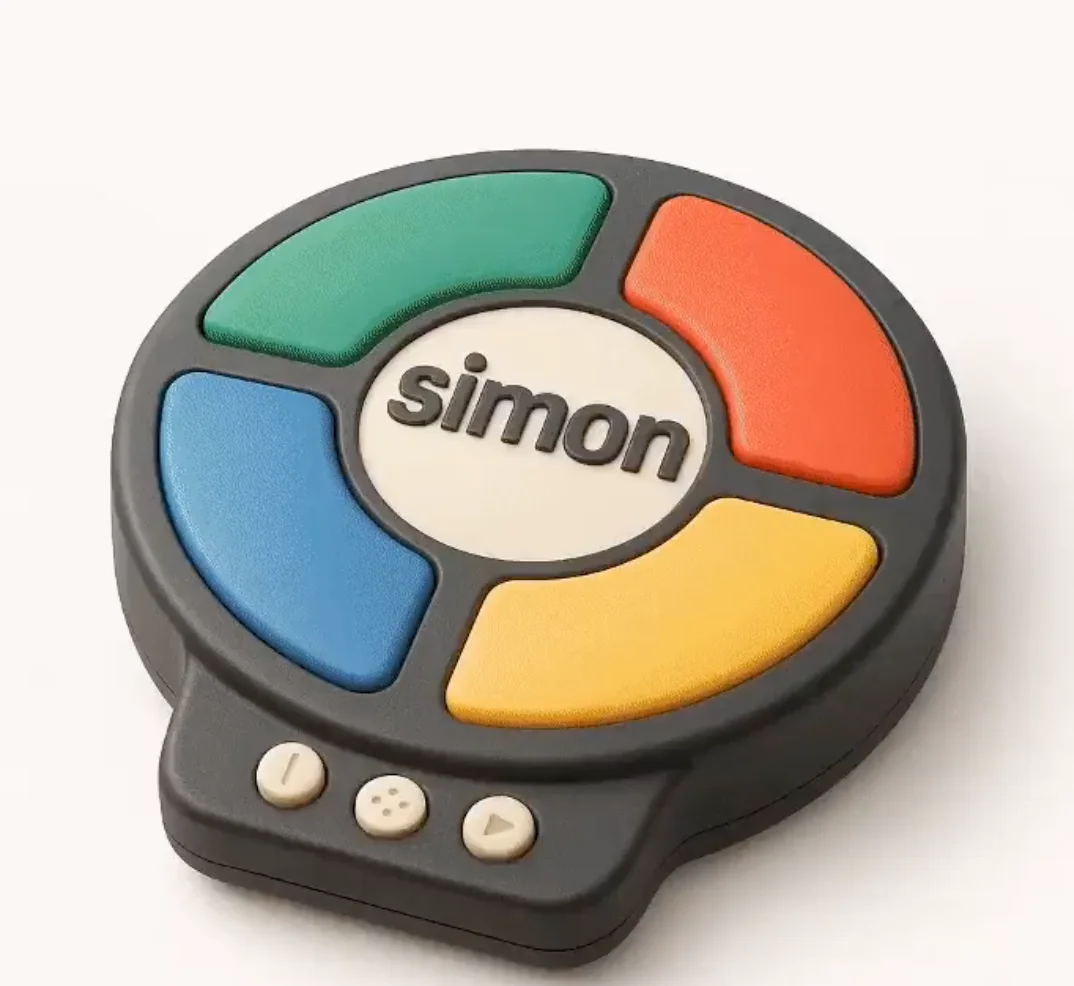
Verified prompt
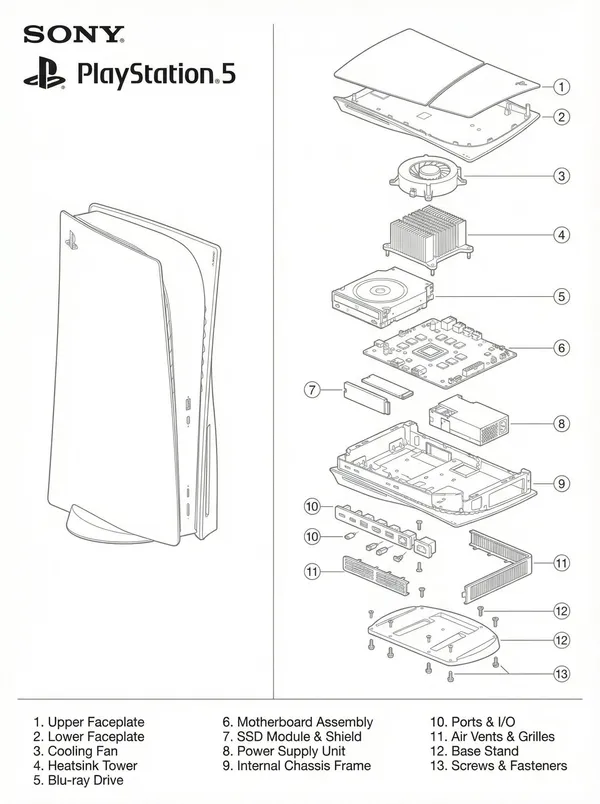
A highly detailed 3D isometric icon of the following object: [OBJECT] Style: Airbnb 2024 icon language — miniature diorama / emoji-like object with crisp edges, realistic textures, and soft handcrafted realism. Material: The object should clearly retains its fundamental qualities but look as if its made from a mixture of matte and plastic-like materials. View: three-quarter front-left isometric view with a slight top-down angle. Lighting: soft neutral studio lighting from the top-left with subtle shadows and gentle gloss highlights. Color palette: retain the fundamental colors from the object and include subtle gradients and no harsh contrasts. Background: clean white, no drop shadow or noise. Mood: minimal, charming, utilitarian, premium. Rendering: hyper-detailed, photorealistic object with depth and tactility, like a designer lifestyle emoji or miniature product model. Optional Add-on for Replication: Use the attached photo as a reference for proportions and layout. Do not copy exactly — reinterpret it in the Airbnb icon aesthetic.
A highly detailed 3D isometric icon of the following object: [OBJECT] Style: Airbnb 2024 icon language — miniature diorama / emoji-like object with crisp edges, realistic textures, and soft handcrafted realism. Material: The object should clearly retains its fundamental qualities but look as if its made from a mixture of matte and plastic-like materials. View: three-quarter front-left isometric view with a slight top-down angle. Lighting: soft neutral studio lighting from the top-left with subtle shadows and gentle gloss highlights. Color palette: retain the fundamental colors from the object and include subtle gradients and no harsh contrasts. Background: clean white, no drop shadow or noise. Mood: minimal, charming, utilitarian, premium. Rendering: hyper-detailed, photorealistic object with depth and tactility, like a designer lifestyle emoji or miniature product model. Optional Add-on for Replication: Use the attached photo as a reference for proportions and layout. Do not copy exactly — reinterpret it in the Airbnb icon aesthetic.
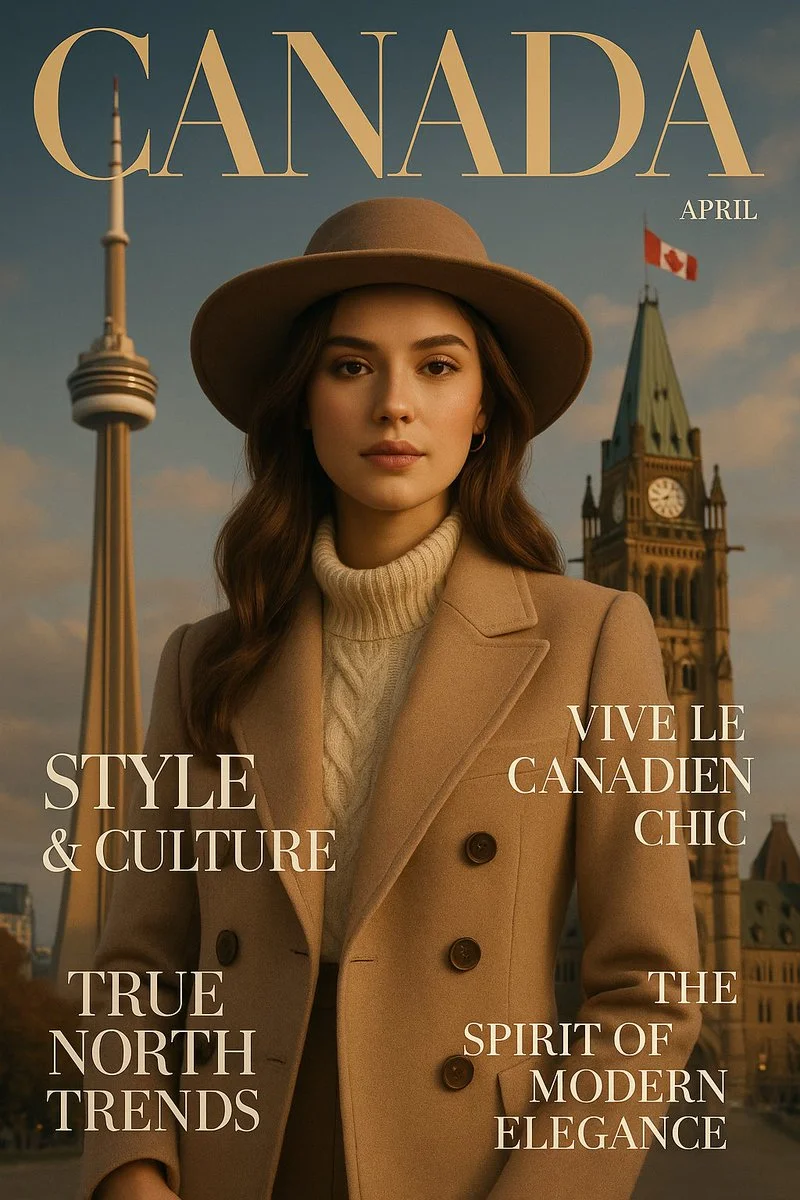
Verified prompt
a luxurious fashion magazine cover designed in the style of [COUNTRY], blending iconic landmarks, cultural symbols, and local fashion aesthetics. The layout mimics high-end editorial design, with headlines inspired by the country’s language, trends, and lifestyle. Sophisticated, cinematic lighting, vertical 9:16 format, ultra-detailed, Vogue-level elegance
a luxurious fashion magazine cover designed in the style of [COUNTRY], blending iconic landmarks, cultural symbols, and local fashion aesthetics. The layout mimics high-end editorial design, with headlines inspired by the country’s language, trends, and lifestyle. Sophisticated, cinematic lighting, vertical 9:16 format, ultra-detailed, Vogue-level elegance
Verified prompt
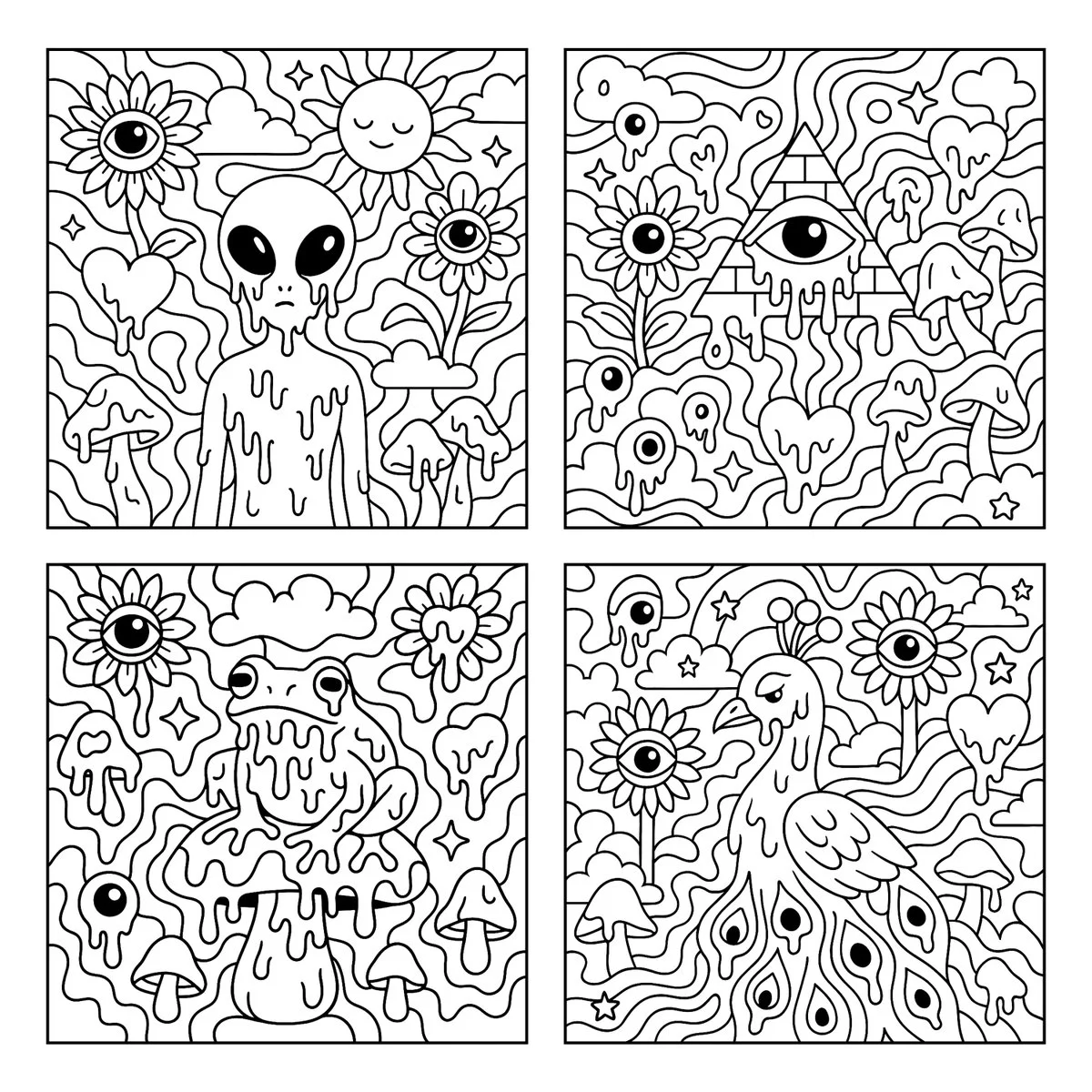
Create a psychedelic black and white coloring page featuring melting [SUBJECT] in the center, surrounded by large, playful shapes and smooth flowing patterns. The background includes whimsical and surreal elements such as sunflowers with eyes, melting eyeballs, melting hearts, melting mushrooms, clouds, and stars. Use bold, clean outlines and fully enclosed shapes to create distinct sections for easy coloring. Avoid excessive fine detail or clutter. Keep the composition open, spacious, and fun. Square aspect ratio with a white background. No text or color.
Create a psychedelic black and white coloring page featuring melting [SUBJECT] in the center, surrounded by large, playful shapes and smooth flowing patterns. The background includes whimsical and surreal elements such as sunflowers with eyes, melting eyeballs, melting hearts, melting mushrooms, clouds, and stars. Use bold, clean outlines and fully enclosed shapes to create distinct sections for easy coloring. Avoid excessive fine detail or clutter. Keep the composition open, spacious, and fun. Square aspect ratio with a white background. No text or color.
Verified prompt
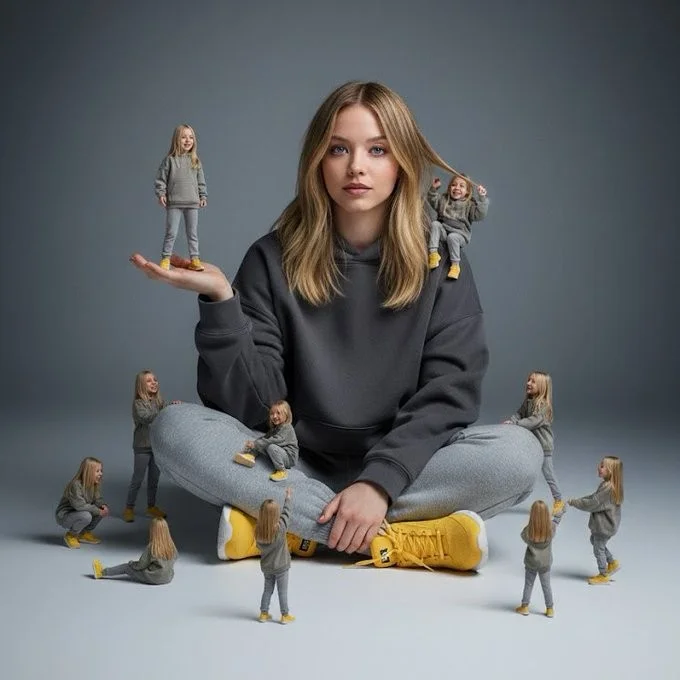
A creative surreal image of a woman sitting on the ground, wearing a dark yellow hoodie, gray pants, and yellow shoes, surrounded by several miniature versions of himself. Multiple smaller versions stand on his hands, shoulders, and around him on the ground, interacting playfully with the larger version. The background is a clean, simple light gray to dark gray tone. The lighting is soft and cinematic, with realistic shadows and depth of field.
A creative surreal image of a woman sitting on the ground, wearing a dark yellow hoodie, gray pants, and yellow shoes, surrounded by several miniature versions of himself. Multiple smaller versions stand on his hands, shoulders, and around him on the ground, interacting playfully with the larger version. The background is a clean, simple light gray to dark gray tone. The lighting is soft and cinematic, with realistic shadows and depth of field.
Verified prompt
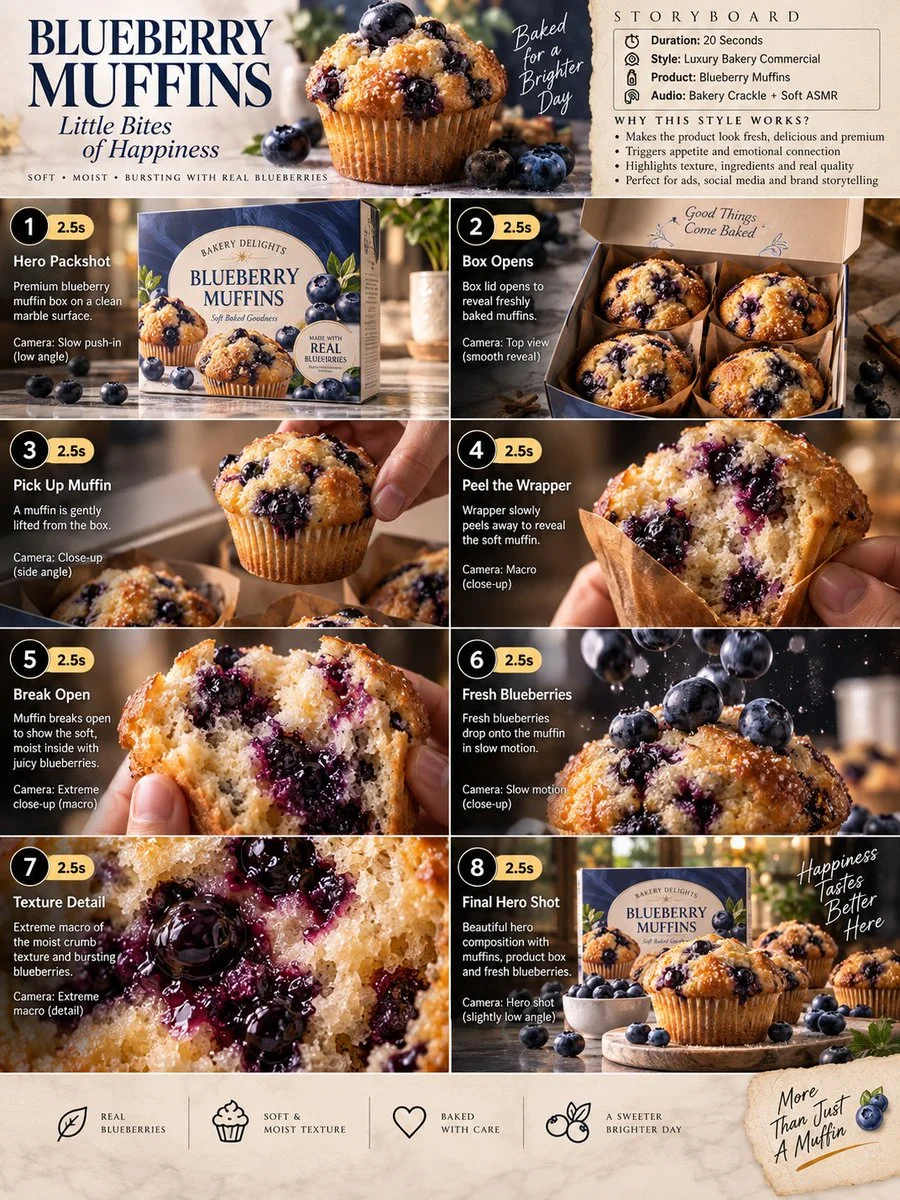
Premium 3:4 storyboard for 20s luxury blueberry muffin bakery commercial. Header: duration, gourmet style, muffins product, bakery ASMR, cream-blue-gold palette. Eight panels sequence box on marble, opening to reveal muffins, lifting muffin, wrapper peel macro, break to blueberry interior, slow-mo berry drop, extreme macro crumb and bursting berries, final hero box with muffins and scatter. Extreme macro, slow-motion, overhead, push-in cameras. Ultra-realistic textures, golden crust, steam, premium packaging, warm lighting, 8K, consistent product hero, no extra elements.
Premium 3:4 storyboard for 20s luxury blueberry muffin bakery commercial. Header: duration, gourmet style, muffins product, bakery ASMR, cream-blue-gold palette. Eight panels sequence box on marble, opening to reveal muffins, lifting muffin, wrapper peel macro, break to blueberry interior, slow-mo berry drop, extreme macro crumb and bursting berries, final hero box with muffins and scatter. Extreme macro, slow-motion, overhead, push-in cameras. Ultra-realistic textures, golden crust, steam, premium packaging, warm lighting, 8K, consistent product hero, no extra elements.
Verified prompt
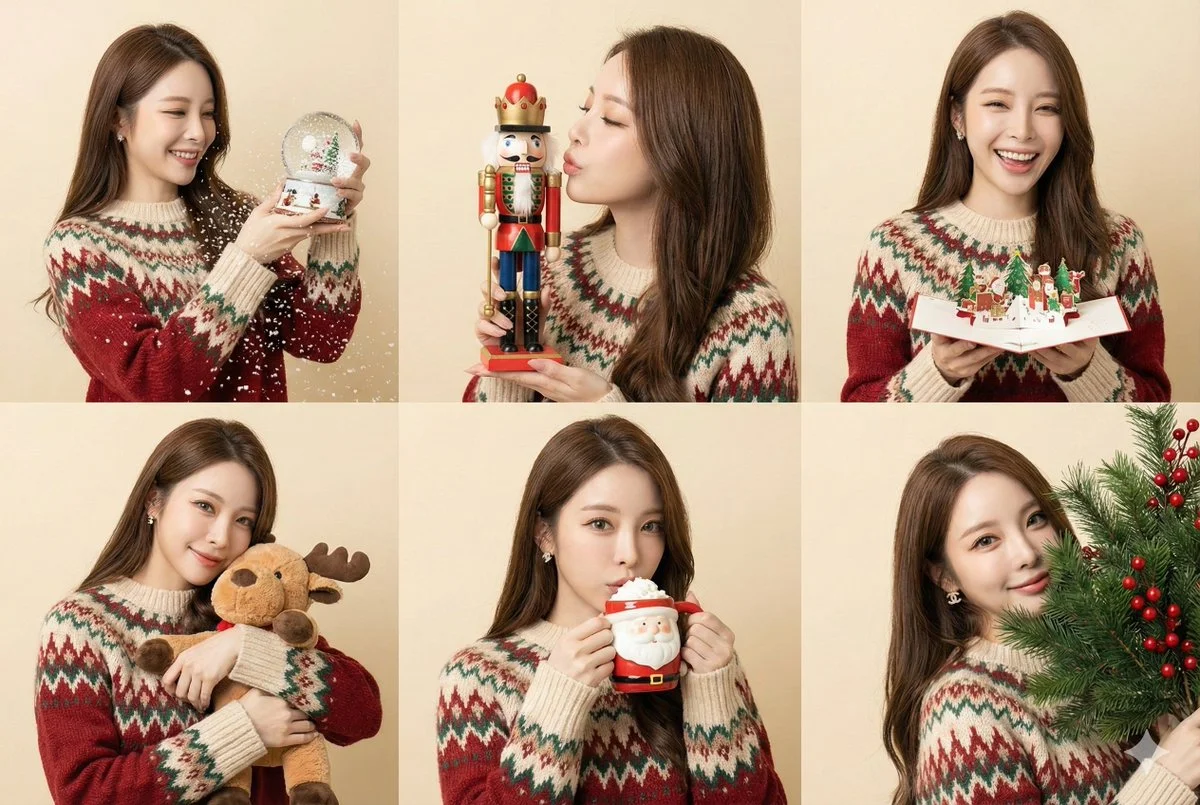
(6-panel grid, variety of props, studio portraiture). A collage of 6 shots of the specific character interacting with different Christmas objects. [CRITICAL: Maintain exact facial identity, preserve original bone structure]. Clothing: A cozy fair-isle patterned sweater. Panels: Shaking a Snow globe. Kissing a wooden Nutcracker soldier. Reading a pop-up Christmas card. Hugging a plush Reindeer toy. Sipping from a Santa-themed hot cocoa mug. Peek-a-boo behind a bunch of pine branches. Background: Soft beige or cream paper backdrop. Lighting: Softbox lighting from 45 degree angle.
(6-panel grid, variety of props, studio portraiture). A collage of 6 shots of the specific character interacting with different Christmas objects. [CRITICAL: Maintain exact facial identity, preserve original bone structure]. Clothing: A cozy fair-isle patterned sweater. Panels: Shaking a Snow globe. Kissing a wooden Nutcracker soldier. Reading a pop-up Christmas card. Hugging a plush Reindeer toy. Sipping from a Santa-themed hot cocoa mug. Peek-a-boo behind a bunch of pine branches. Background: Soft beige or cream paper backdrop. Lighting: Softbox lighting from 45 degree angle.
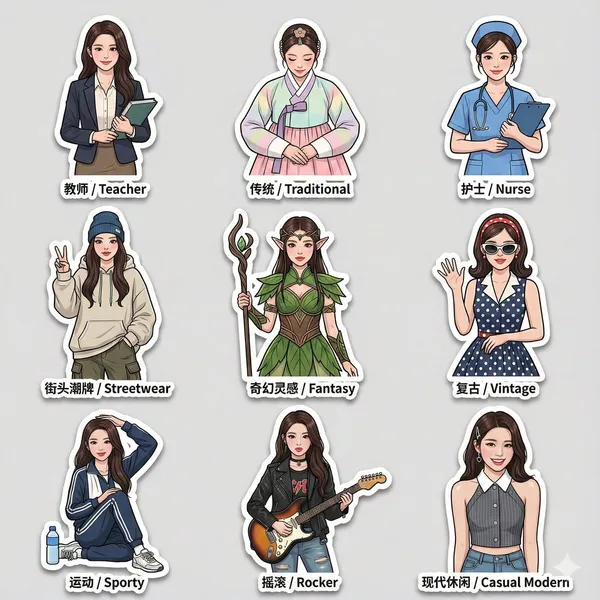
Verified prompt
3 sticker pack based on an uploaded reference photo, featuring the same character wearing a variety of different outfits and fashion styles. Cleanly cut edges, bold thick-line outlines, and expressive, dynamic poses, with an overall lively and modern sticker design style. Each sticker includes bilingual labels in both Chinese and English placed next to the character. All stickers maintain identical facial features, consistent likeness, proportions, and scale across the entire set. The sticker pack includes multiple outfit styles such as: teacher attire, traditional clothing, nurse uniform, streetwear fashion, and fantasy-inspired outfits. High-resolution final output, with soft drop shadows and a glossy sticker paper texture, suitable for social media sharing.
3 sticker pack based on an uploaded reference photo, featuring the same character wearing a variety of different outfits and fashion styles. Cleanly cut edges, bold thick-line outlines, and expressive, dynamic poses, with an overall lively and modern sticker design style. Each sticker includes bilingual labels in both Chinese and English placed next to the character. All stickers maintain identical facial features, consistent likeness, proportions, and scale across the entire set. The sticker pack includes multiple outfit styles such as: teacher attire, traditional clothing, nurse uniform, streetwear fashion, and fantasy-inspired outfits. High-resolution final output, with soft drop shadows and a glossy sticker paper texture, suitable for social media sharing.
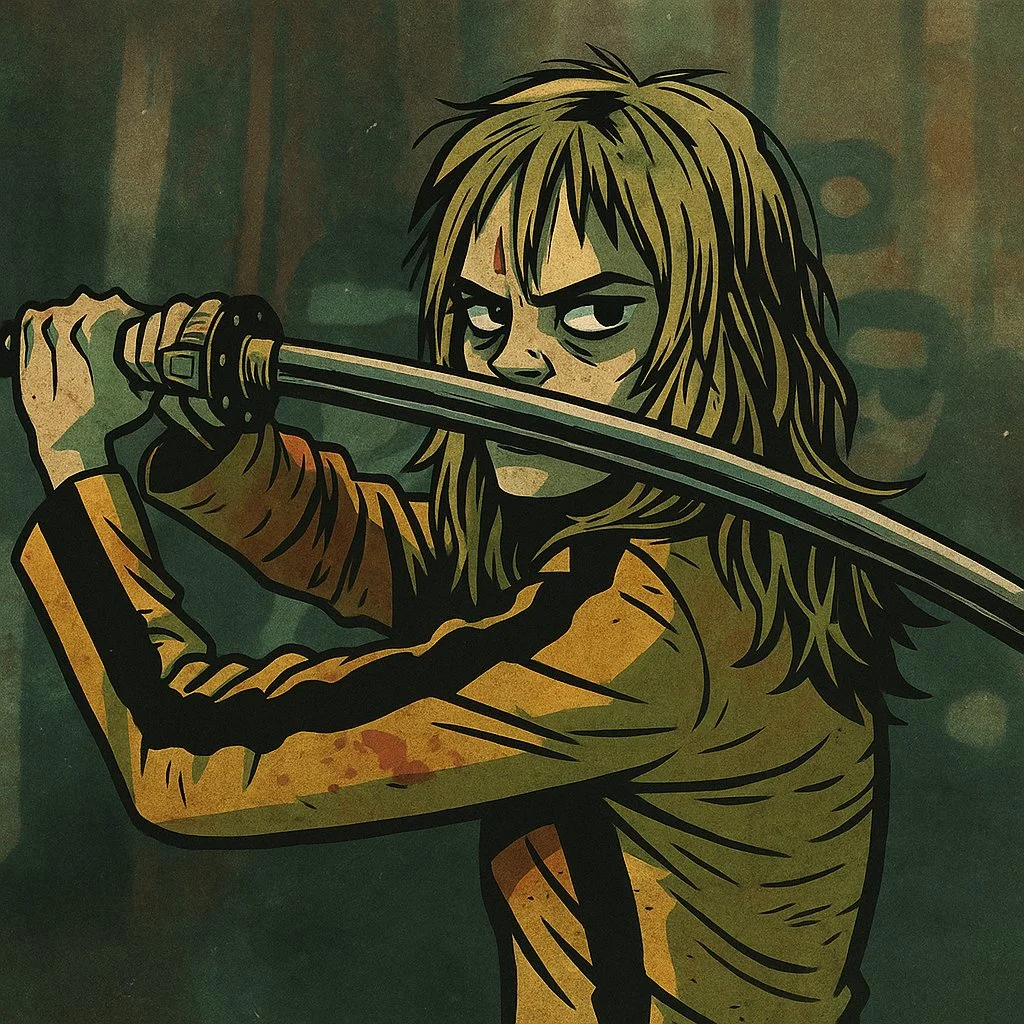
Verified prompt
Restyle this image into a gritty Gorillaz-style illustration, bold thick black outlines, sharp angular edges, flat expressive lighting, stylized high-contrast shadows, dirty distressed surface textures, muted color palette: washed-out teals, olive greens, rusty reds, mustard yellows, dusty browns, raw grungy urban atmosphere, comic book flatness mixed with painterly grit, hand-drawn finish with faded gradients, graphic novel aesthetic with a rebellious, animated tone, dark stylish tone, full of attitude.
Restyle this image into a gritty Gorillaz-style illustration, bold thick black outlines, sharp angular edges, flat expressive lighting, stylized high-contrast shadows, dirty distressed surface textures, muted color palette: washed-out teals, olive greens, rusty reds, mustard yellows, dusty browns, raw grungy urban atmosphere, comic book flatness mixed with painterly grit, hand-drawn finish with faded gradients, graphic novel aesthetic with a rebellious, animated tone, dark stylish tone, full of attitude.
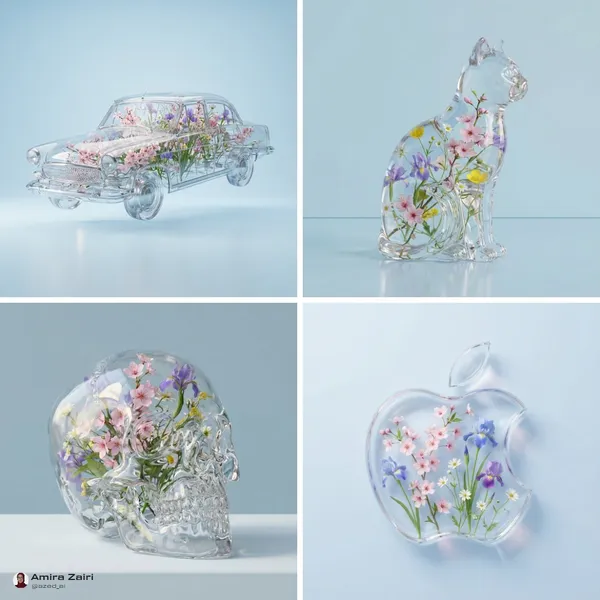
Verified prompt
ansparent [OBJECT] filled with delicate spring flowers like cherry blossoms, irises, and wildflowers. Hyper-realistic 3D render, soft lighting and reflections, minimal aesthetic, set against a [BACKGROUND COLOR] backdrop, whimsical botanical design, elegant and surreal composition
ansparent [OBJECT] filled with delicate spring flowers like cherry blossoms, irises, and wildflowers. Hyper-realistic 3D render, soft lighting and reflections, minimal aesthetic, set against a [BACKGROUND COLOR] backdrop, whimsical botanical design, elegant and surreal composition
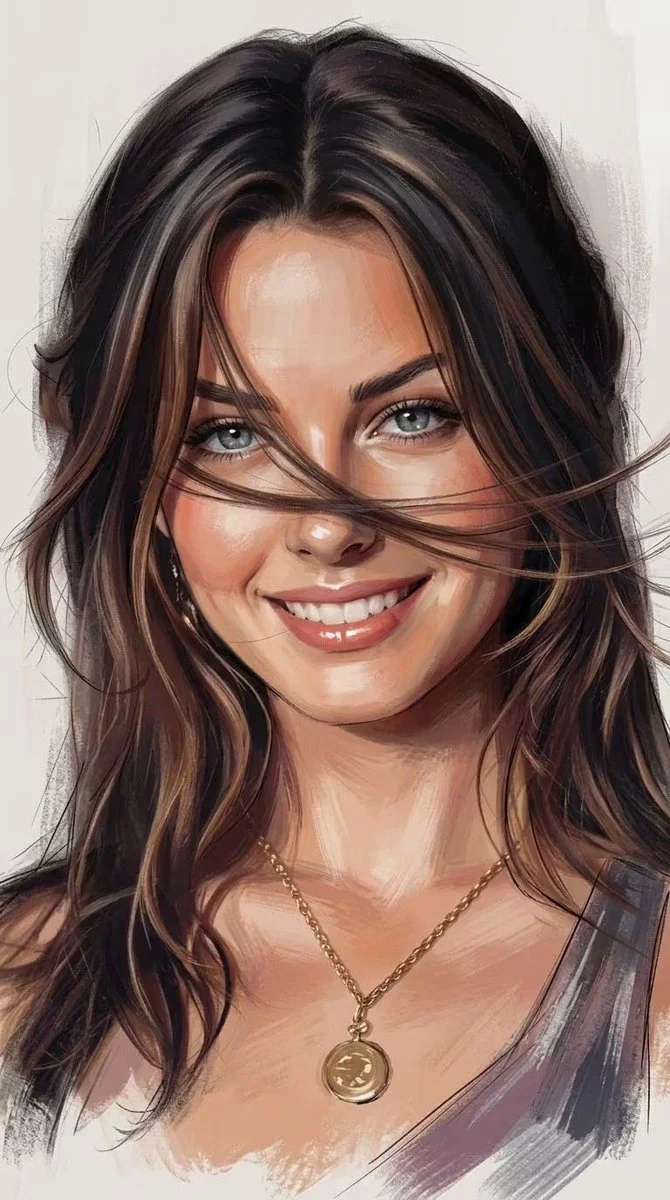
Verified prompt
Using an uploaded portrait as the subject reference, create a vertical 9:16 image. Convert the subject into a hybrid portrait that blends expressive painted realism with clean digital illustration. Preserve the face, expression, pose and hairstyle from the reference. Use confident brushstrokes, faint sketch lines, soft glazing and selective dry-brush texture. Model the skin with warm peach and terracotta highlights and muted plum or charcoal shadows. Give the eyes careful detail while letting hair and clothing dissolve into looser strokes at the edges. Set the portrait against a quiet warm-neutral background with restrained directional light.
Using an uploaded portrait as the subject reference, create a vertical 9:16 image. Convert the subject into a hybrid portrait that blends expressive painted realism with clean digital illustration. Preserve the face, expression, pose and hairstyle from the reference. Use confident brushstrokes, faint sketch lines, soft glazing and selective dry-brush texture. Model the skin with warm peach and terracotta highlights and muted plum or charcoal shadows. Give the eyes careful detail while letting hair and clothing dissolve into looser strokes at the edges. Set the portrait against a quiet warm-neutral background with restrained directional light.
Verified prompt
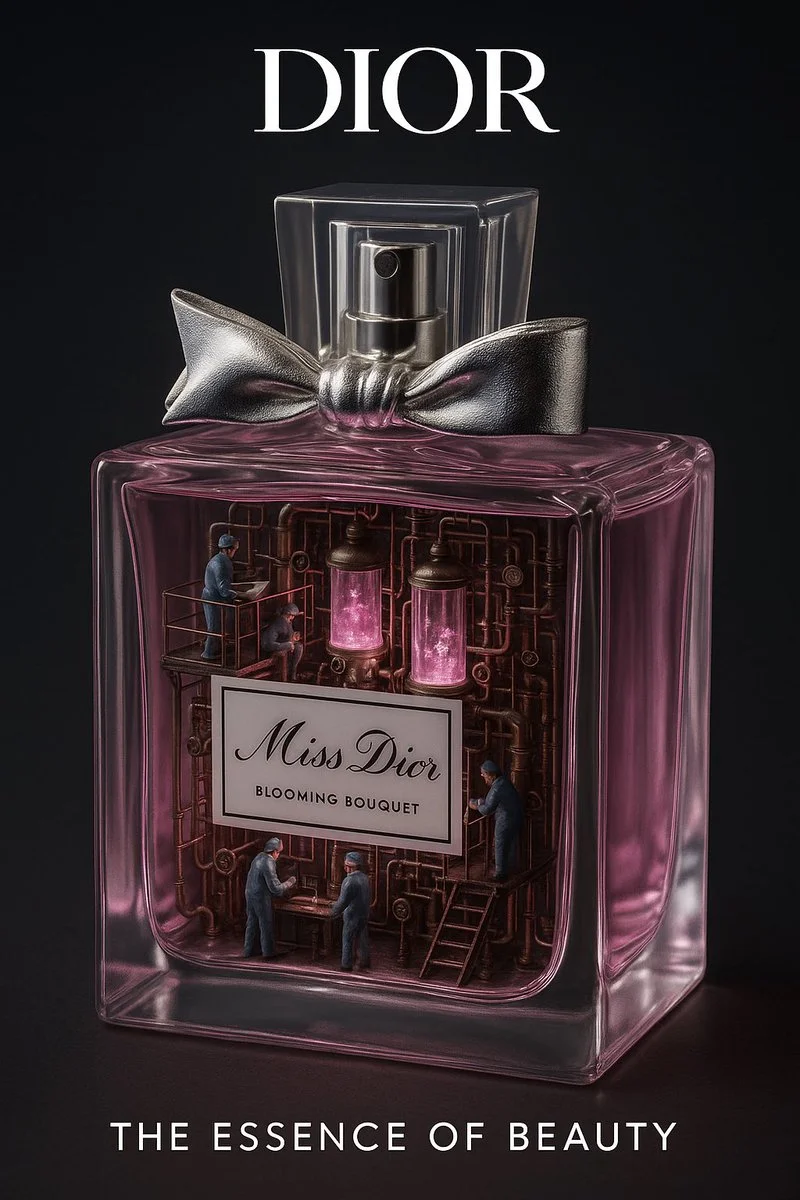
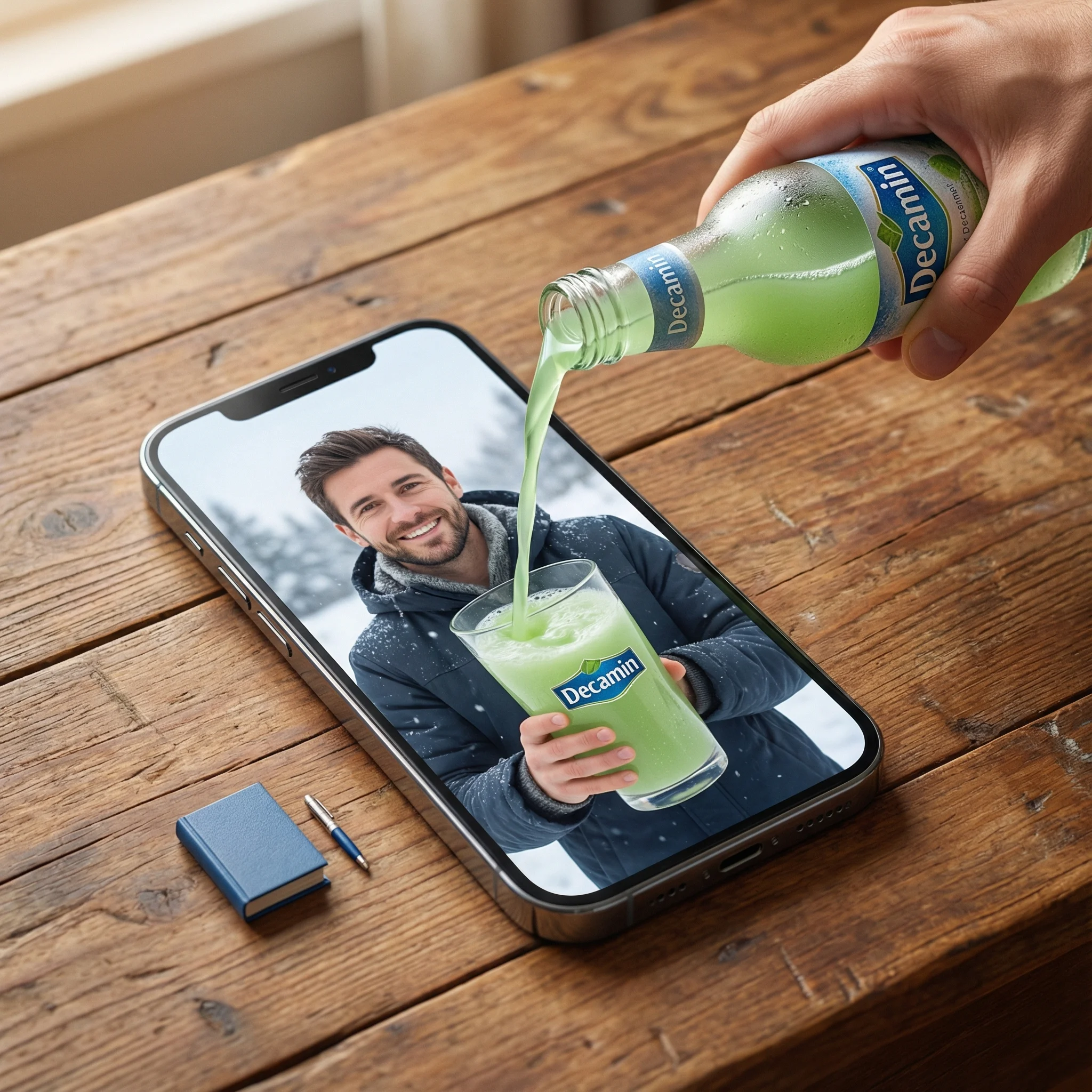
Create a hyperrealistic, surreal 1:1 advertisement for [Brand Name]. Transform the product into a miniature industrial factory or laboratory from the inside. Reveal detailed internal systems: pipes, workers, glowing fluids, steam, and machines — all functioning to reflect the product’s core purpose (energy, beauty, flavor, etc). Keep the outer product branding realistic and sharp. Set the background minimal and cinematic. Add the brand logo at the top, and a short, powerful slogan at the bottom. Style: studio-grade lighting, high contrast, photorealistic textures.
Create a hyperrealistic, surreal 1:1 advertisement for [Brand Name]. Transform the product into a miniature industrial factory or laboratory from the inside. Reveal detailed internal systems: pipes, workers, glowing fluids, steam, and machines — all functioning to reflect the product’s core purpose (energy, beauty, flavor, etc). Keep the outer product branding realistic and sharp. Set the background minimal and cinematic. Add the brand logo at the top, and a short, powerful slogan at the bottom. Style: studio-grade lighting, high contrast, photorealistic textures.
Plan Your Music Visuals
Create an image, animate a scene or find a starting prompt for your project.
Banana AI Image Generator: Create and Edit from Text
Describe a visual, use a reference image where supported, and refine details through follow-up prompts.
RapLyrics uses an image model you select in the generator. Write a prompt or upload a supported image, then adjust it with follow-up instructions. Check the input options and settings for the model you choose. The current credit quote is shown before generation, and finished images are available in History. Review every result before you use it.
Start Generating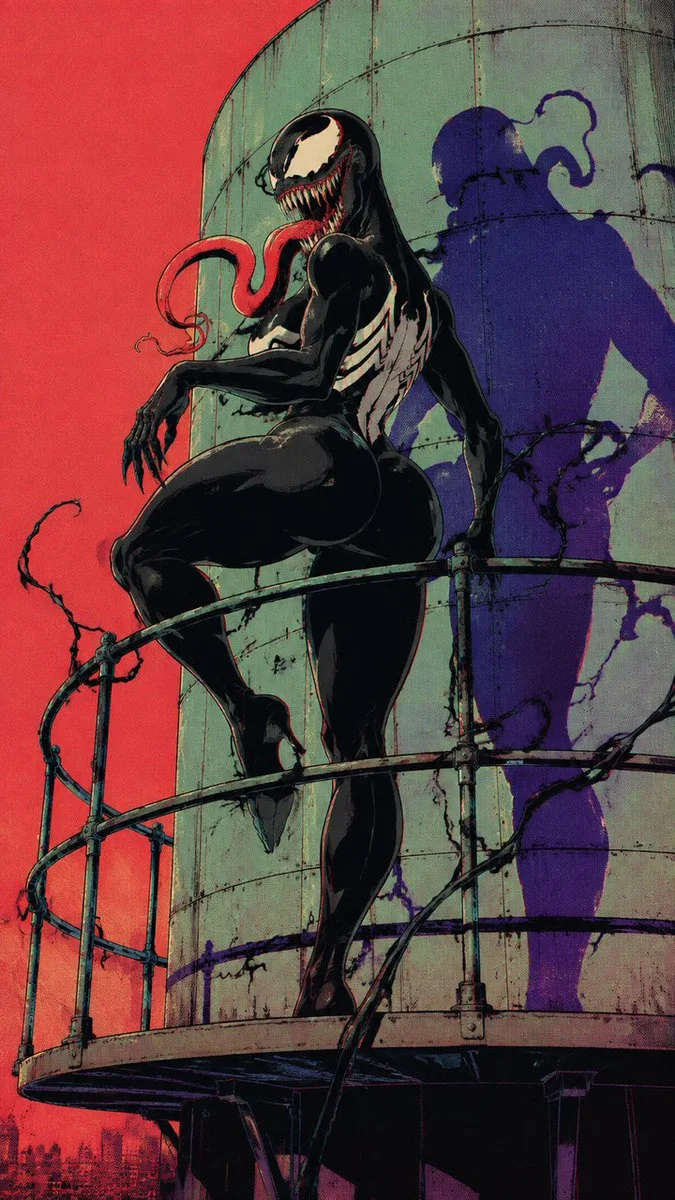
How to Use the Banana AI Image Model
Select the model, describe what you want or upload a supported image, and review the result. Check the available options and credit quote before generating.
Enter a prompt or upload an image
Open the image generator and choose an enabled model. Enter a text prompt or upload images for reference, editing, or fusion. Supported inputs and settings are shown in the generator.
Click generate
Click generate. The selected model processes your prompt and any uploaded images. Review the result before downloading.
Download
Download your finished image from the generator or History. Use it in your own projects and editing workflow.
Core capabilities
Check which capabilities your selected model supports. Available inputs and settings appear in the generator before you generate.
Generate and Refine Image Concepts
Use text prompts to generate images or describe edits to uploaded images. Check whether the selected model supports image-reference or editing modes. Follow the on-screen inputs for prompt and reference images.
Local editing with text instructions
Describe the area and change you want, such as a background, object, outfit, or style. Whether local editing is available depends on the selected model. Check the generator for supported reference and editing options.
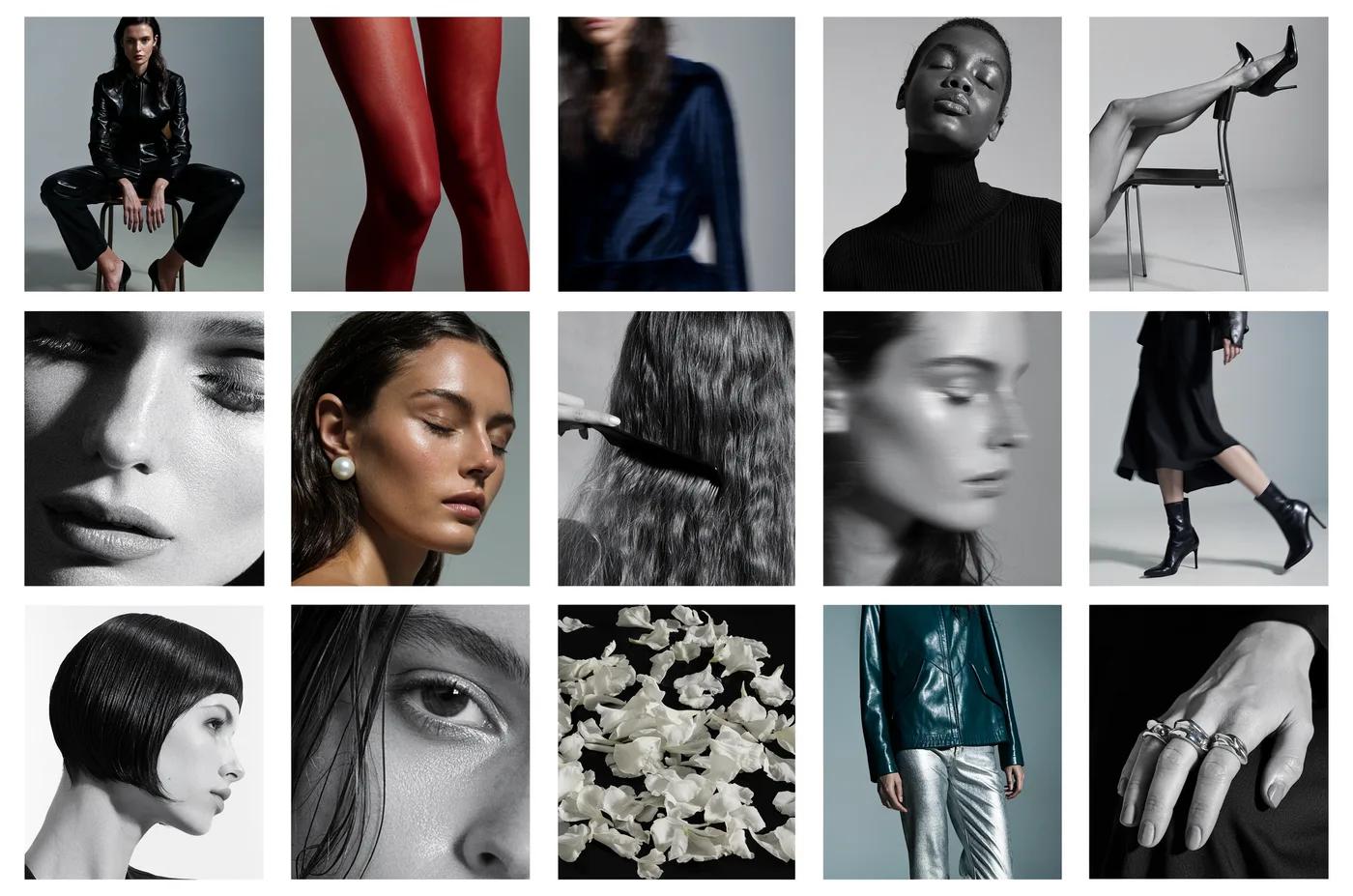
People, products, pets, and characters
Use image references where the selected model supports them. Check the generator for reference options and limits. Review each result for visual continuity before use.
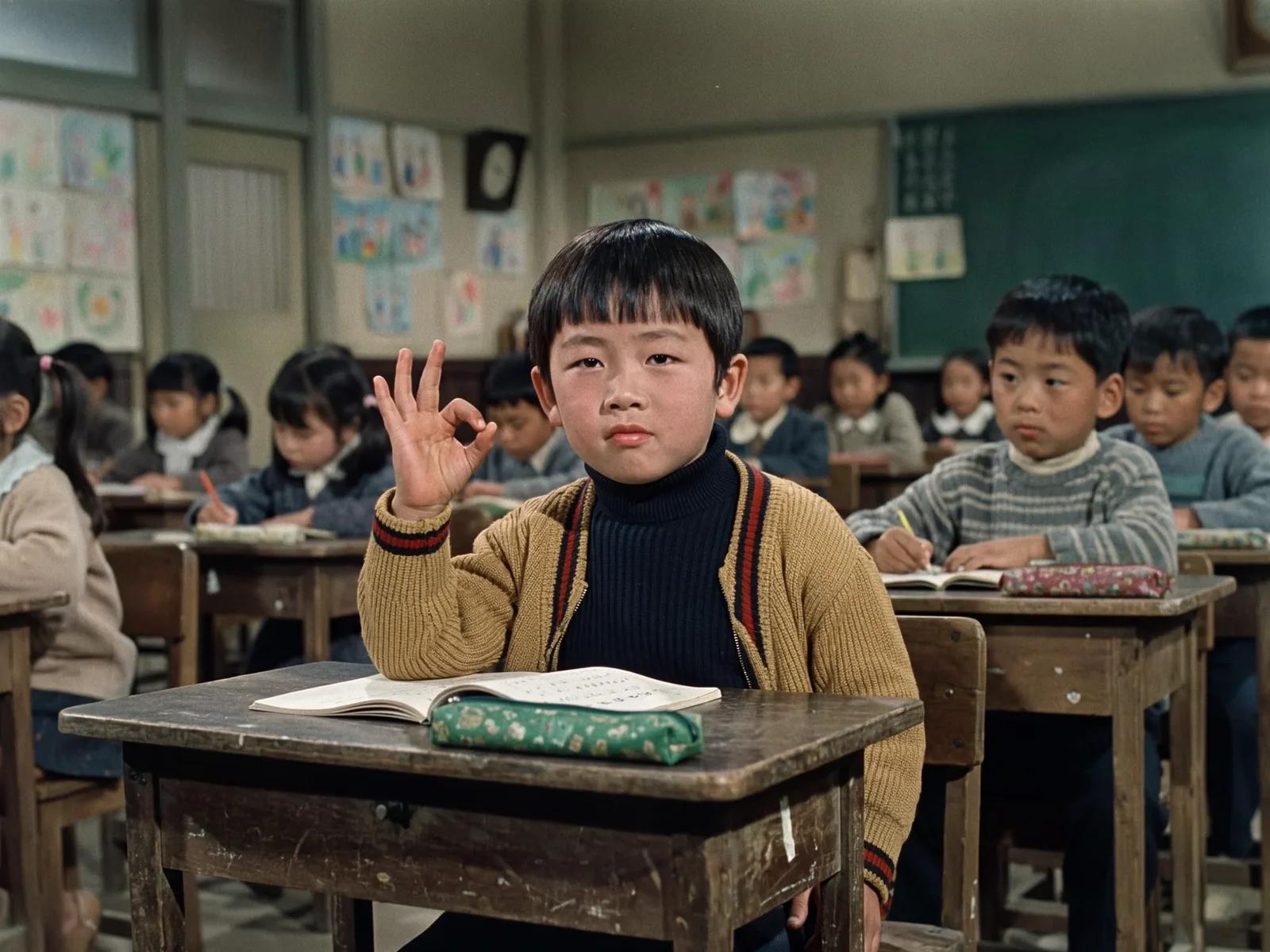
Image fusion and visual references
Combine elements from multiple uploaded images where the selected model supports image references. Check the generator for supported reference modes and input limits. Review results for scene and object relationships.
Workflow scenarios
Choose a model that matches your task. Available inputs and settings are shown in the generator, and the credit quote appears before generation.
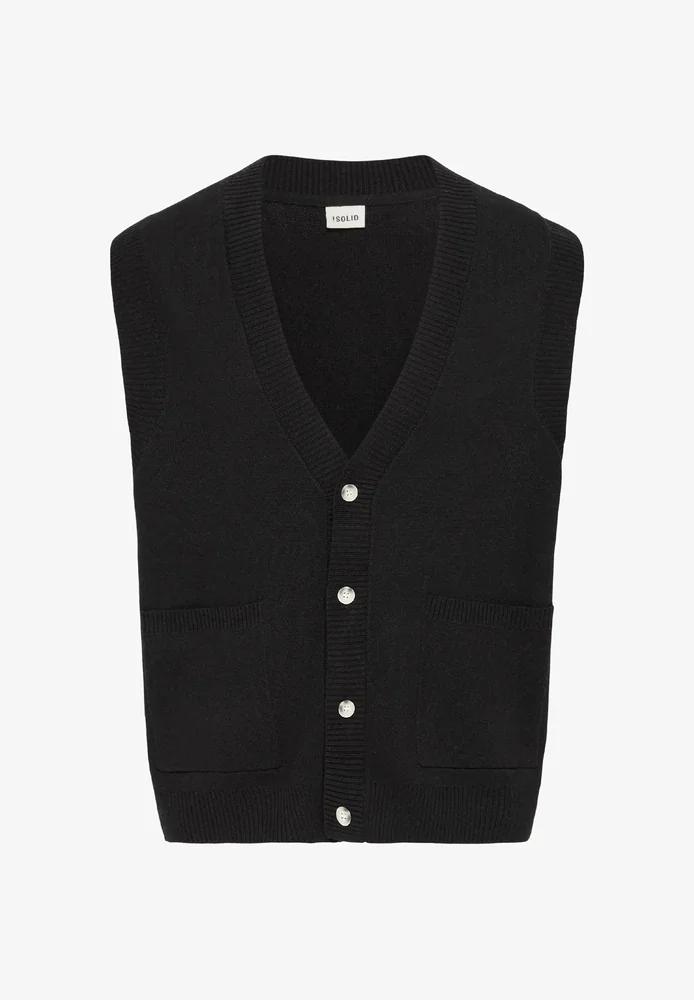
Fast iteration with text and image references
Generate images from text prompts and refine them with follow-up prompts. If the selected model supports image-reference modes, upload images and describe the changes you want. Review each output before download.
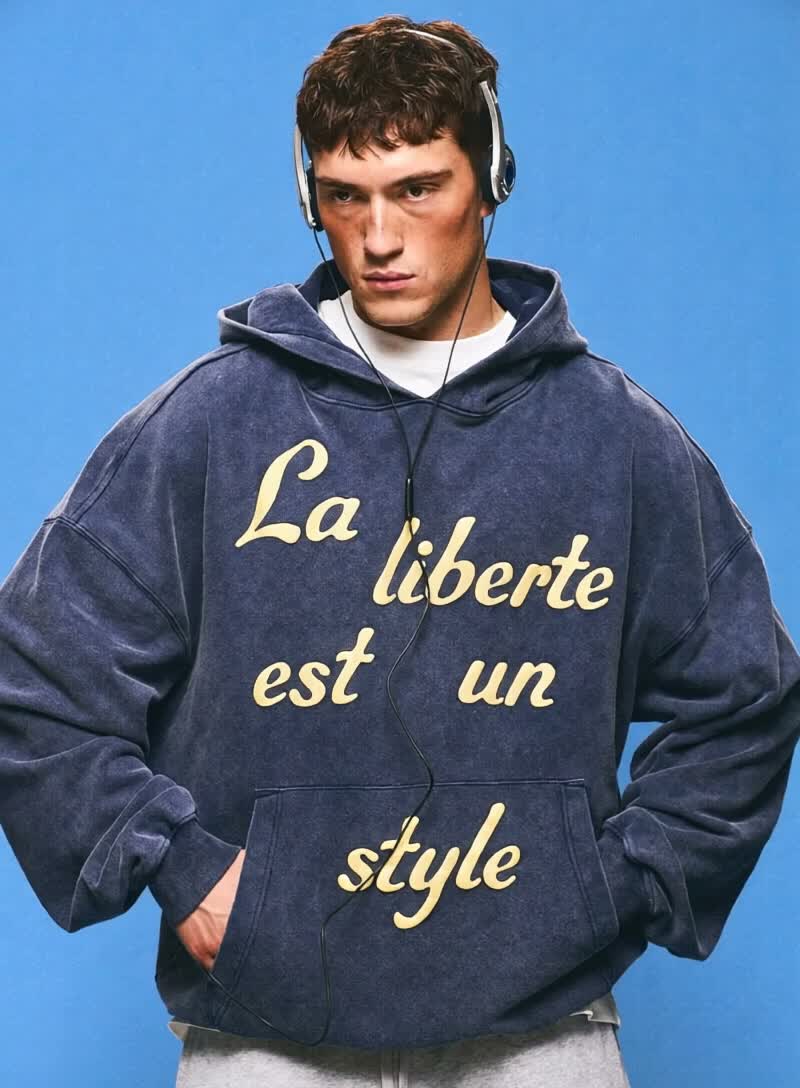
Social media and advertising
Generate product, lifestyle, poster, or ad visuals from prompts and references. Check whether the selected model supports image references, editing, or text rendering. Review text and layout before publishing.
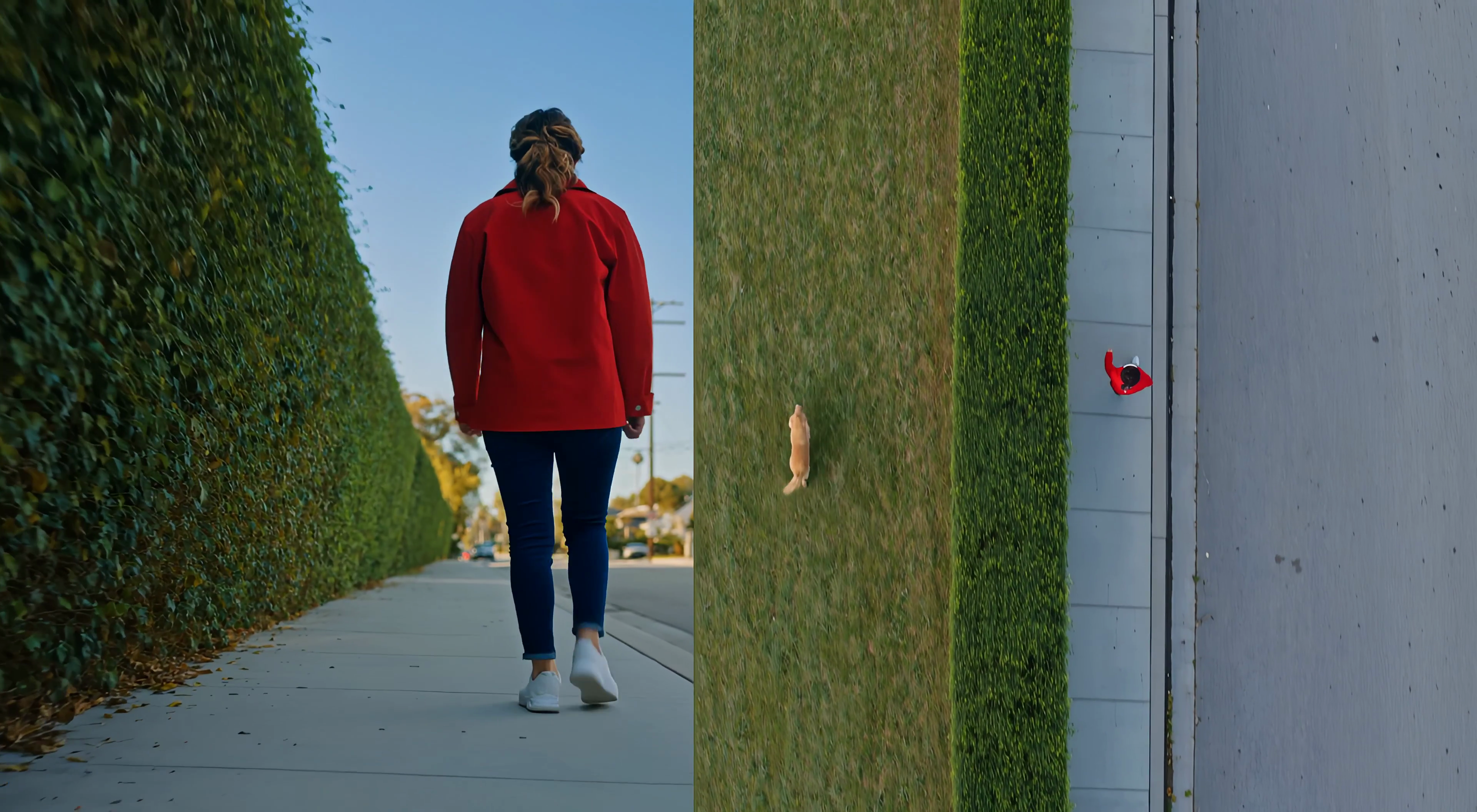
Brand visual continuity
Use image references and follow-up prompts to keep visual details aligned where supported. Check reference options in the generator, and review each result for consistency.
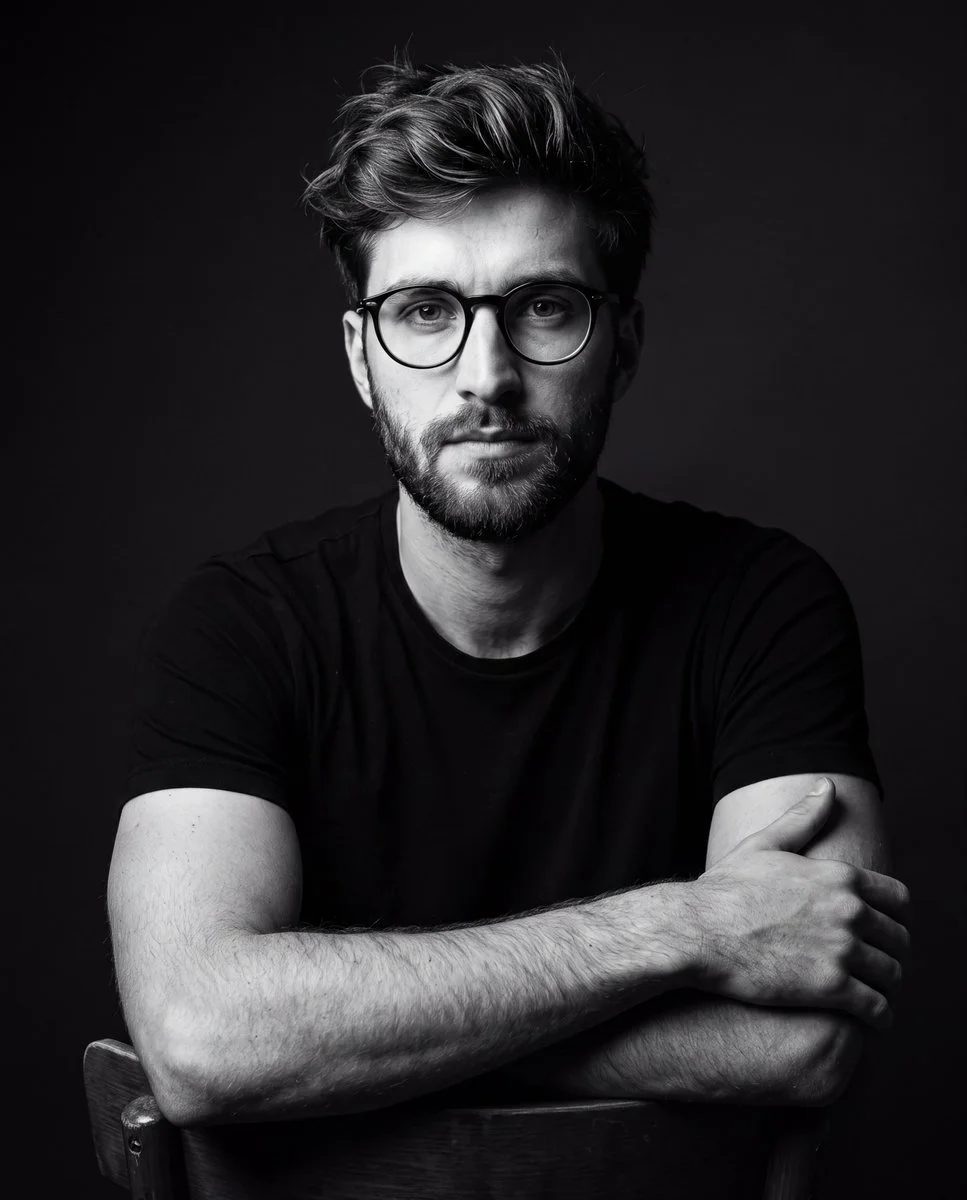
Efficient Production Workflow
Reduce iteration time by describing edits in plain language. Check supported inputs and settings in the generator, and review outputs before use in marketing, e-commerce, or concept work.
Workflow Notes
Describe one subject, action and setting before generating. Keep the brief focused so the result is easier to review.

Questions about the image generator
Short answers about selecting models, entering prompts, and reviewing results in RapLyrics.
A tool that turns a text prompt into an image. In RapLyrics, you choose an enabled model in the generator, and the allowed inputs and settings are shown there.
Nano Banana is a model family name. Available models and their capabilities appear in the generator.
Enter a descriptive prompt in the generator. The selected model processes it to create an image, and the result appears in History.
Some supported models accept image references. Check the generator for the inputs and settings allowed by the selected model.
If the selected model supports local edits, the generator will show the allowed options. Availability is model-specific.
The generator lets you select among currently enabled models and shows the allowed inputs and settings for each. Exact capabilities vary by model.
Check the generator for supported image-reference modes. Availability depends on the selected model.
Some models may support reference inputs that help with consistency. Check the generator for what is offered.
Text rendering varies by model and prompt. Review each result; perfect text is not guaranteed.
You can generate images for product and social use with enabled models. Review outputs and confirm the allowed settings in the generator.
Finished output is available in History for download. Review each result before use.
You can request a refund within 10 days of purchase if you have unused credits from that purchase and provide a clear reason, subject to our Refund Policy. If eligible, an unused purchase can be fully refunded; a partly used purchase is refunded in proportion to its remaining unused credits. Fully used purchases and free or promotional credits are not refundable.
Credit validity depends on the pack, subscription or promotion that issued them. Review the purchase terms and expiration dates in Settings > Credits. A renewal or new purchase does not extend older credits. Use credits before their stated expiration; do not assume unused subscription credits roll over indefinitely.
Credits charged for a task that is confirmed as failed due to a system error are returned automatically. A task that is still processing has not yet been confirmed as failed. Check its status and your credit history before submitting again. If a confirmed failure still shows an unresolved charge, email support@raplyrics.app with the task ID.
AI results can vary, so a completed result that differs from your expectations is not automatically treated as a technical failure. Eligible completed image tasks can be submitted for credit refund review using the refund option where available; approval is required. For a video or another issue, contact support@raplyrics.app with the task ID and details. A credit refund returns credits, not money to your payment method.
Email support@raplyrics.app. For billing, include your account email and order ID; for generation, include the task ID, issue description and relevant screenshots. If you purchased as a guest, keep the original browser data and payment receipt so we can help locate the purchase.
Try the image generator
Choose an enabled model in the generator, enter your prompt, and review the credit quote before generating. Finished images appear in History for download.
raplyrics.app · Updated
What's new on this page
- — Added editable example prompts and separate drafts for text and reference modes, with an action to restore the example.
- — Page content published.