
Grok Image Concepts for Music Visuals
Select an enabled model, enter text, review the credit quote, then download finished clips from History and add your music and timed lyric overlays in an external editor.
Create and edit images with Grok in RapLyrics. Move from text-to-image generation to natural-language editing in one place. Check the selected model for reference image options and available controls, then review the results and download visual clips for your music project.
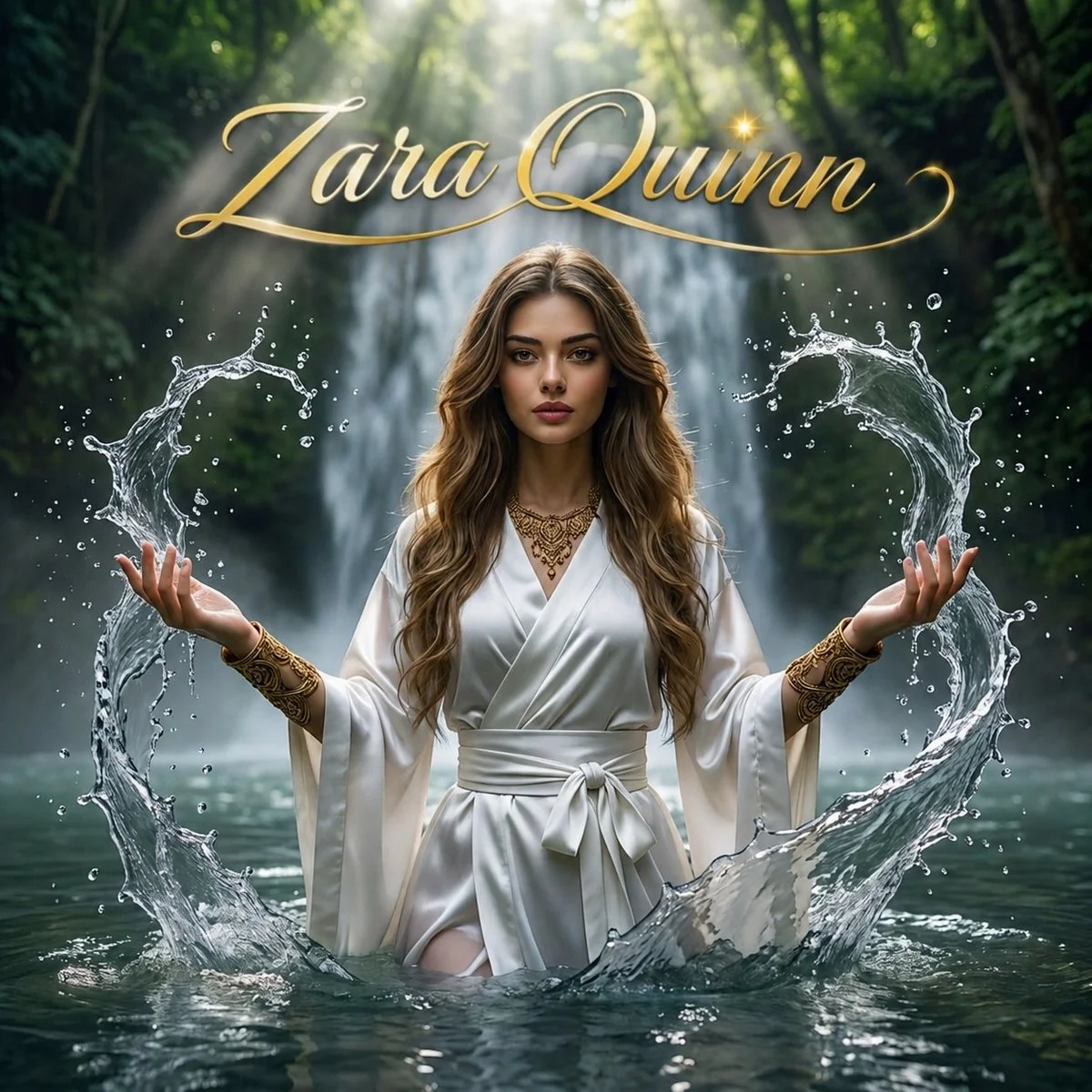
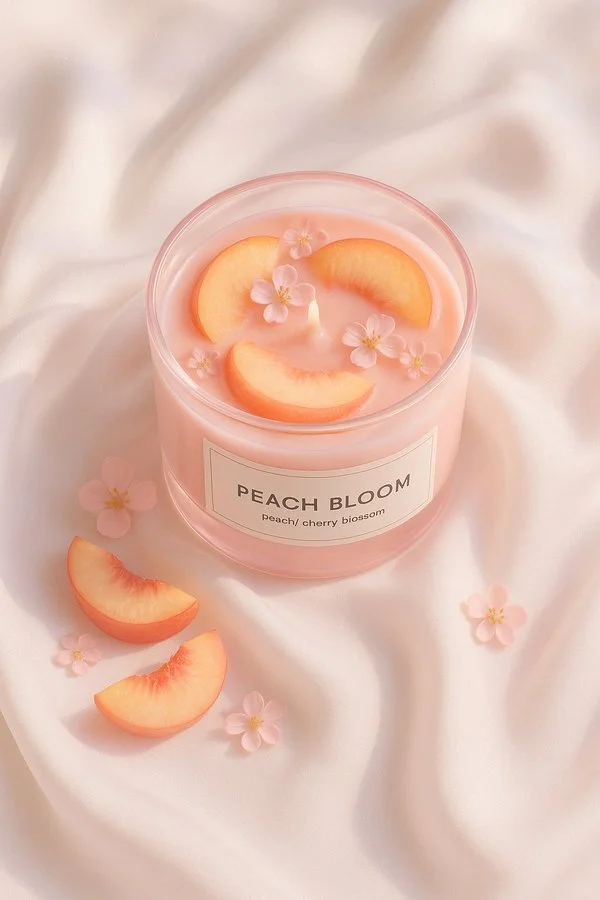
Verified prompt
A minimal still life of a round glass candle filled with [fruit], labeled “[SCENT NAME]”, placed on elegant white silk fabric. The candle glass is [glass color], and the wax matches the fruit color. The scene is softly lit by natural daylight with subtle shadows and smooth highlights. Hyperrealistic texture, clean aesthetic, top-down view, styled like high-end product photography.
A minimal still life of a round glass candle filled with [fruit], labeled “[SCENT NAME]”, placed on elegant white silk fabric. The candle glass is [glass color], and the wax matches the fruit color. The scene is softly lit by natural daylight with subtle shadows and smooth highlights. Hyperrealistic texture, clean aesthetic, top-down view, styled like high-end product photography.
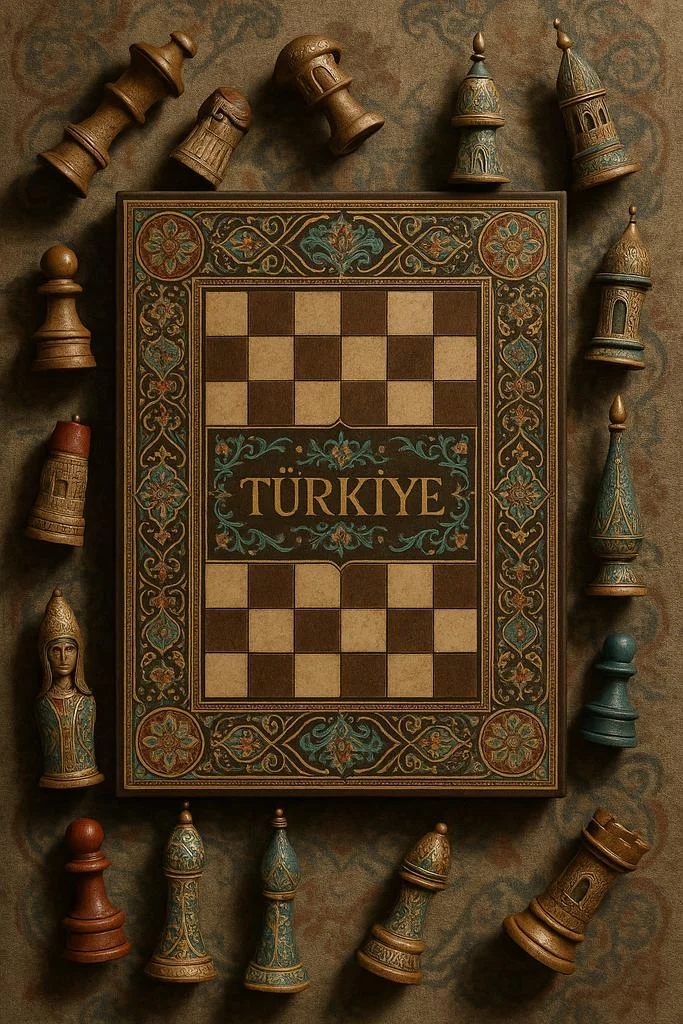
Verified prompt
A highly realistic vertical photograph of a traditional chessboard viewed from above, set against a textured surface inspired by [COUNTRY]’s artistic heritage. The chessboard features intricate patterns and national motifs, with the word “[COUNTRY]” written across the board in elegant golden calligraphy. All the chess pieces are off the board, arranged around it on the fabric — some lying on their side, others upright — as if waiting to be placed. Each piece is uniquely reimagined in shape, ornament, and texture, reflecting the architecture, cultural symbols, and color palette of [COUNTRY]. Rich materials, soft directional light, cinematic shadows, ultra-detailed editorial still life style, symmetrical top-down framing, 9:16 format.
A highly realistic vertical photograph of a traditional chessboard viewed from above, set against a textured surface inspired by [COUNTRY]’s artistic heritage. The chessboard features intricate patterns and national motifs, with the word “[COUNTRY]” written across the board in elegant golden calligraphy. All the chess pieces are off the board, arranged around it on the fabric — some lying on their side, others upright — as if waiting to be placed. Each piece is uniquely reimagined in shape, ornament, and texture, reflecting the architecture, cultural symbols, and color palette of [COUNTRY]. Rich materials, soft directional light, cinematic shadows, ultra-detailed editorial still life style, symmetrical top-down framing, 9:16 format.
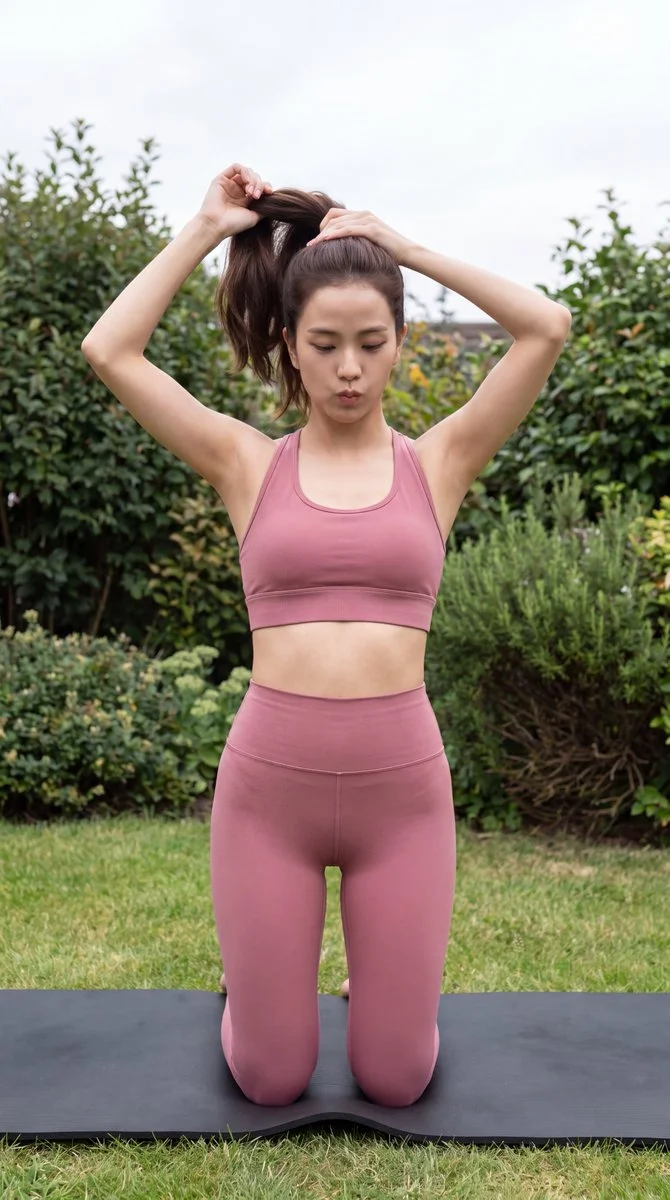
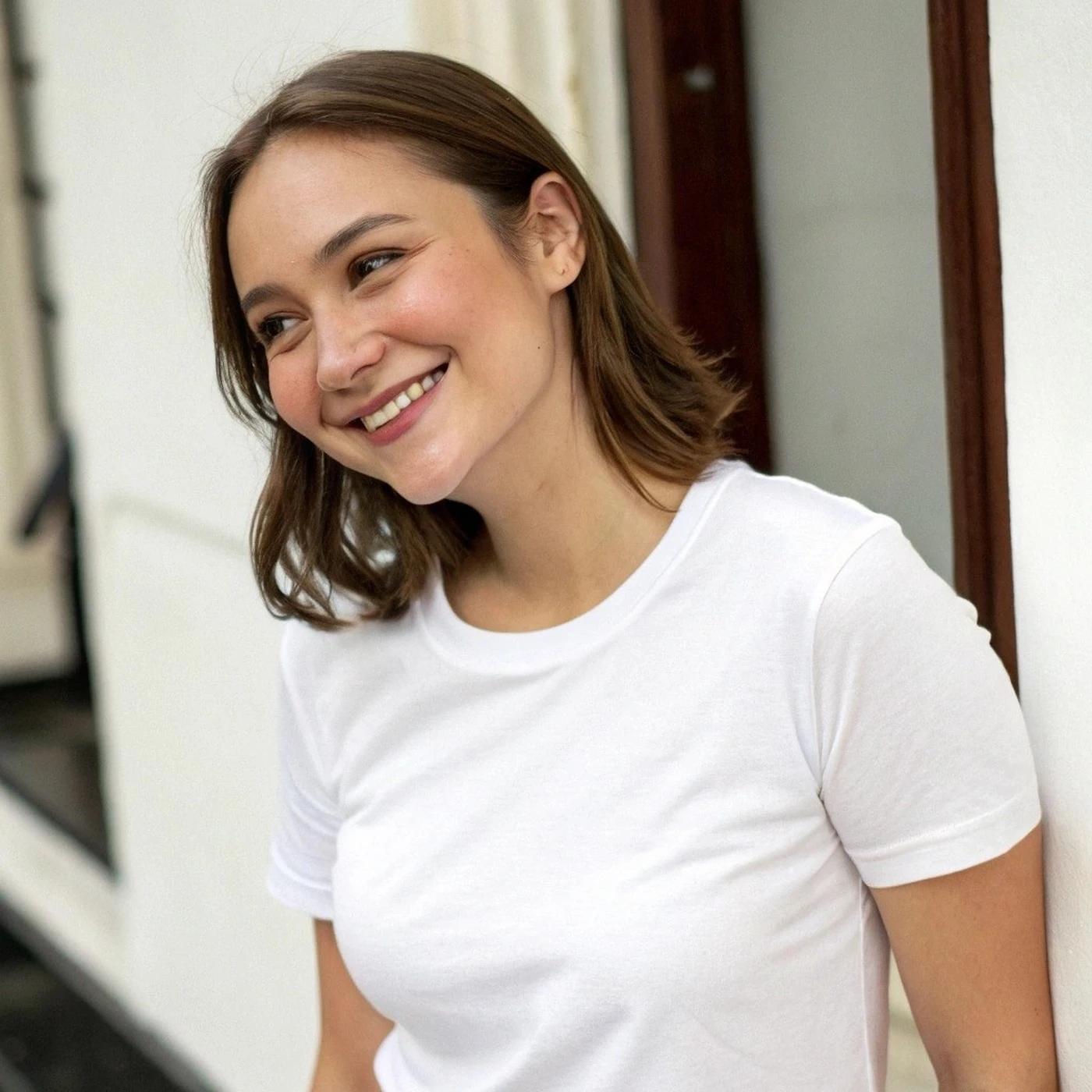
Verified prompt
Create an understated vertical fitness photograph of an adult woman preparing for a workout in a garden. She kneels upright on a black exercise mat and gathers her dark hair into a ponytail with both hands. Dress her in a dusty rose sports top and matching full-length, high-waisted leggings. Keep her expression focused and the pose natural. Frame her against a green lawn and dense shrubs with a little overcast sky visible. Use soft, even outdoor light, realistic skin and fabric texture, and a slightly elevated camera position. The result should feel like a candid moment before an exercise session.
Create an understated vertical fitness photograph of an adult woman preparing for a workout in a garden. She kneels upright on a black exercise mat and gathers her dark hair into a ponytail with both hands. Dress her in a dusty rose sports top and matching full-length, high-waisted leggings. Keep her expression focused and the pose natural. Frame her against a green lawn and dense shrubs with a little overcast sky visible. Use soft, even outdoor light, realistic skin and fabric texture, and a slightly elevated camera position. The result should feel like a candid moment before an exercise session.
Verified prompt
Verified prompt
Verified prompt
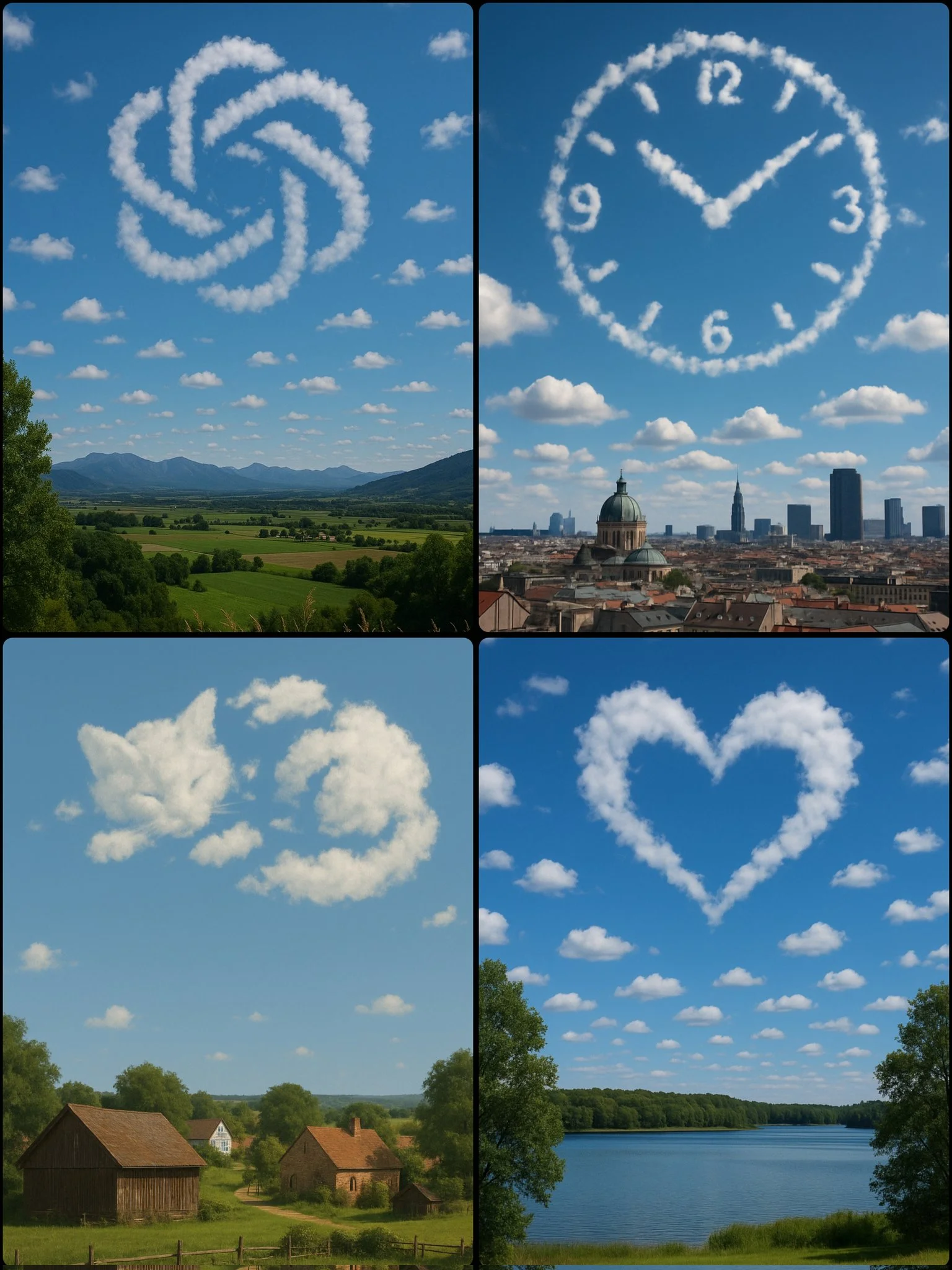
Verified prompt
A photograph captures a daytime scene with a [SUBJECT/OBJECT] formed by scattered clouds in the sky, positioned above a [LOCATION]
A photograph captures a daytime scene with a [SUBJECT/OBJECT] formed by scattered clouds in the sky, positioned above a [LOCATION]
Verified prompt
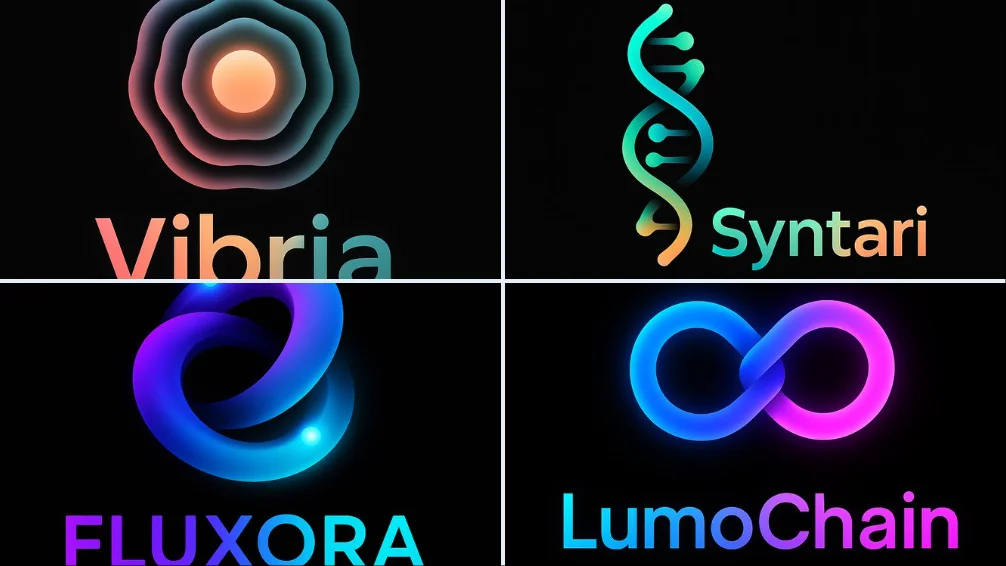
Design a modern logo in NeoGradient Soft Tech style for a fictional startup called “NAME” in the “[INDUSTRY TYPE]” industry. The logo must include: •A unique abstract icon •A clean, bold sans-serif logotype •Smooth glowing gradients blending vibrant colors like blue, purple, pink, orange, and teal •Seamless harmony between symbol and text •Minimalist, futuristic composition •On a pure black background •1:1 aspect ratio — ultra-HD The logo should feel creative, modern, and ready for a bold digital brand.
Design a modern logo in NeoGradient Soft Tech style for a fictional startup called “NAME” in the “[INDUSTRY TYPE]” industry. The logo must include: •A unique abstract icon •A clean, bold sans-serif logotype •Smooth glowing gradients blending vibrant colors like blue, purple, pink, orange, and teal •Seamless harmony between symbol and text •Minimalist, futuristic composition •On a pure black background •1:1 aspect ratio — ultra-HD The logo should feel creative, modern, and ready for a bold digital brand.
Verified prompt
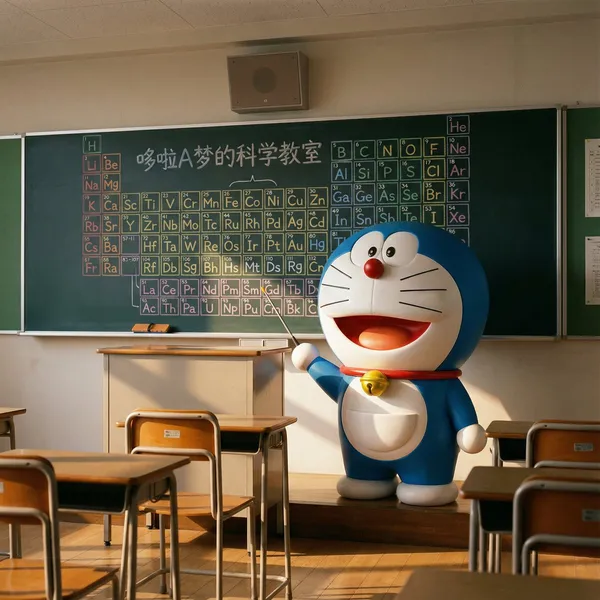
nt an ultra-realistic photo, but with a slightly surreal touch. It should feel like a child peeking through the classroom door after school and witnessing a magical scene: Doraemon is actually in the empty classroom, like a little teacher, seriously preparing for a chemistry lesson. The entire image should be highly realistic, yet filled with a fairytale-like warmth and wonder. **Image Content** **Subject:** Doraemon himself, alive and standing in front of the classroom teacher's desk, not drawn on the blackboard. He should look three-dimensional, with a smooth texture, as if he stepped out of the anime, yet perfectly integrated into this realistic environment. **Character Details:** Doraemon is standing beside the teacher's desk, his body slightly turned, with a serious yet kind expression, as if thinking about how to teach Nobita and the others. One of his hands holds a small pointer, pointing toward the blackboard behind him. His yellow bell has a slight reflection in the classroom light, and his four-dimensional pocket on his belly looks full. **Background Details (Blackboard):** On the blackboard behind him, there's a hand-drawn periodic table of elements in various colored chalks. This periodic table should look like Doraemon just drew it himself, colorful and with a slightly cute style. Use different colored chalks (e.g., yellow, blue, pink) to differentiate different element groups, making the overall image more colorful. **Text:** At the top or corner of the blackboard, write the title in cute chalk font: "Doraemon's Science Classroom." **Environment and Composition** **Scene:** An ordinary Japanese classroom, with desks and chairs neatly arranged. The glow of the setting sun shines through the windows, creating a quiet, warm atmosphere. **Composition:** The aspect ratio is 4:3. The view is from the perspective of a student's seat, with Doraemon and the teacher's desk positioned centrally in the frame. **Foreground:** Include one or two student desks and chairs in the very front of the frame to enhance the immersive perspective. On the teacher's desk, place a box of colored chalks and a blackboard eraser. **Style and Technical Requirements** **Style:** Photorealism. The key is the realistic environment and lighting, combined with the magical presence of Doraemon, an anime character. **Lighting:** Warm afternoon natural light streams in diagonally from the windows. The light should naturally fall on Doraemon, creating soft shadows and highlights on his round body to give him a sense of volume. A faint shadow should be cast at his feet to make him appear more real. **Focus:** The focus should be sharply on Doraemon. The content on the blackboard should also be clear, but the desks in the foreground can be slightly blurred. **Absolutely Avoid!** Do not make Doraemon look like a plastic toy or model; he must appear alive. Do not include any other characters, especially Nobita, Shizuka, etc. Do not make the style look like an anime screenshot or pure CGI; it must feel like a photo. The composition should be stable; avoid strange low angles or fisheye lenses. Colors should not be overly vibrant; they should match the hues under realistic lighting.
nt an ultra-realistic photo, but with a slightly surreal touch. It should feel like a child peeking through the classroom door after school and witnessing a magical scene: Doraemon is actually in the empty classroom, like a little teacher, seriously preparing for a chemistry lesson. The entire image should be highly realistic, yet filled with a fairytale-like warmth and wonder. **Image Content** **Subject:** Doraemon himself, alive and standing in front of the classroom teacher's desk, not drawn on the blackboard. He should look three-dimensional, with a smooth texture, as if he stepped out of the anime, yet perfectly integrated into this realistic environment. **Character Details:** Doraemon is standing beside the teacher's desk, his body slightly turned, with a serious yet kind expression, as if thinking about how to teach Nobita and the others. One of his hands holds a small pointer, pointing toward the blackboard behind him. His yellow bell has a slight reflection in the classroom light, and his four-dimensional pocket on his belly looks full. **Background Details (Blackboard):** On the blackboard behind him, there's a hand-drawn periodic table of elements in various colored chalks. This periodic table should look like Doraemon just drew it himself, colorful and with a slightly cute style. Use different colored chalks (e.g., yellow, blue, pink) to differentiate different element groups, making the overall image more colorful. **Text:** At the top or corner of the blackboard, write the title in cute chalk font: "Doraemon's Science Classroom." **Environment and Composition** **Scene:** An ordinary Japanese classroom, with desks and chairs neatly arranged. The glow of the setting sun shines through the windows, creating a quiet, warm atmosphere. **Composition:** The aspect ratio is 4:3. The view is from the perspective of a student's seat, with Doraemon and the teacher's desk positioned centrally in the frame. **Foreground:** Include one or two student desks and chairs in the very front of the frame to enhance the immersive perspective. On the teacher's desk, place a box of colored chalks and a blackboard eraser. **Style and Technical Requirements** **Style:** Photorealism. The key is the realistic environment and lighting, combined with the magical presence of Doraemon, an anime character. **Lighting:** Warm afternoon natural light streams in diagonally from the windows. The light should naturally fall on Doraemon, creating soft shadows and highlights on his round body to give him a sense of volume. A faint shadow should be cast at his feet to make him appear more real. **Focus:** The focus should be sharply on Doraemon. The content on the blackboard should also be clear, but the desks in the foreground can be slightly blurred. **Absolutely Avoid!** Do not make Doraemon look like a plastic toy or model; he must appear alive. Do not include any other characters, especially Nobita, Shizuka, etc. Do not make the style look like an anime screenshot or pure CGI; it must feel like a photo. The composition should be stable; avoid strange low angles or fisheye lenses. Colors should not be overly vibrant; they should match the hues under realistic lighting.
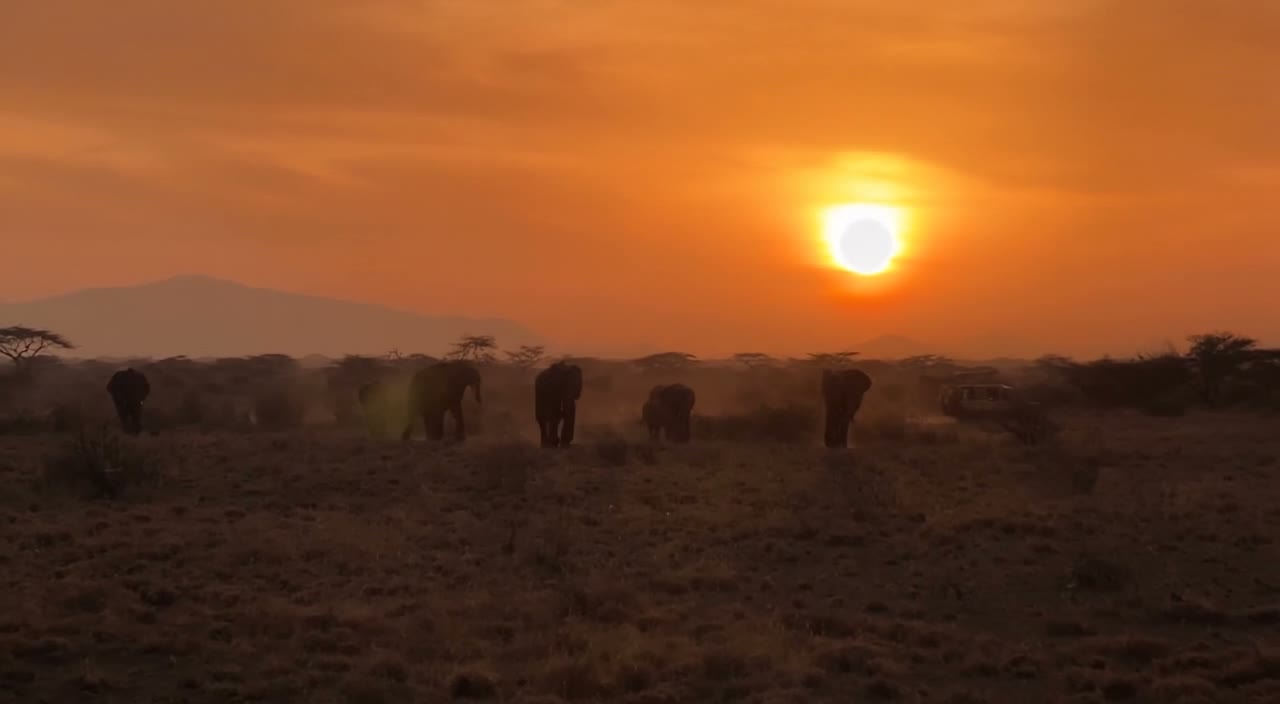
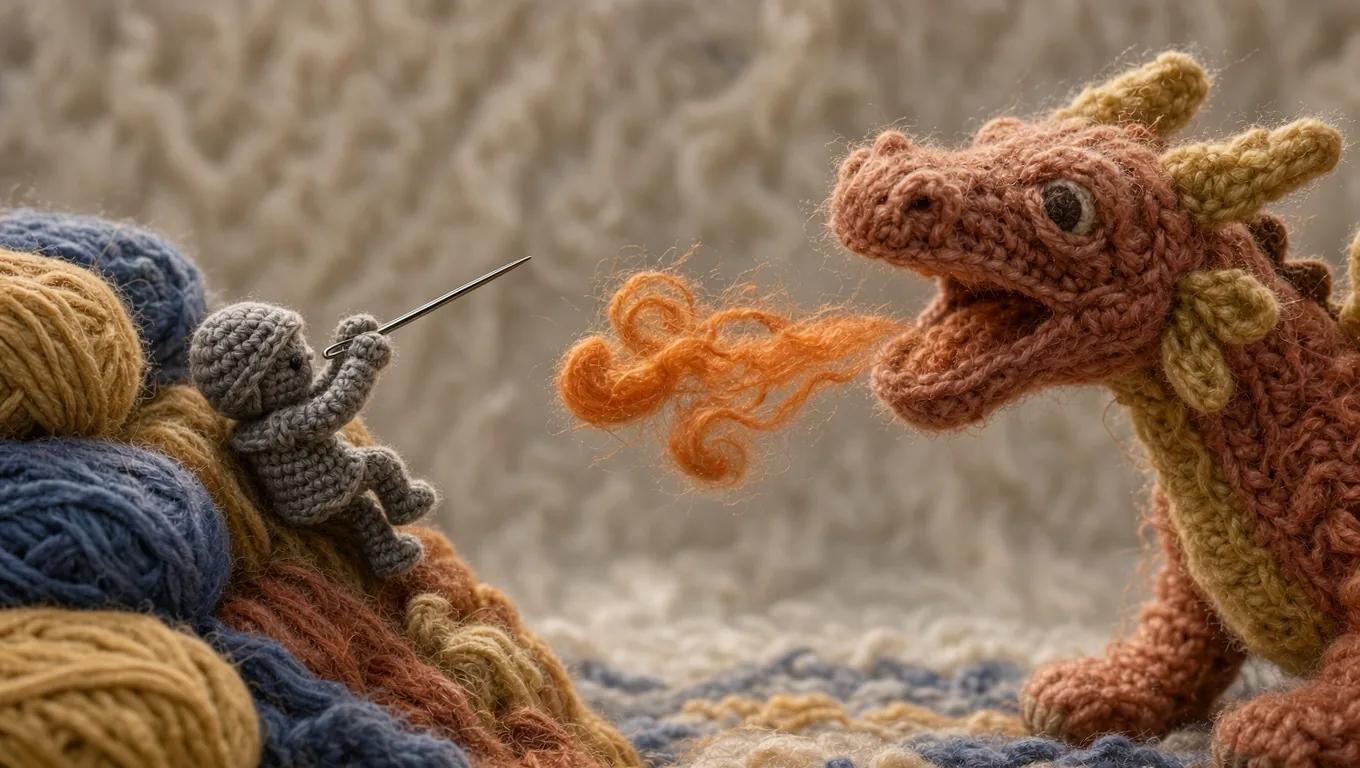
Verified prompt
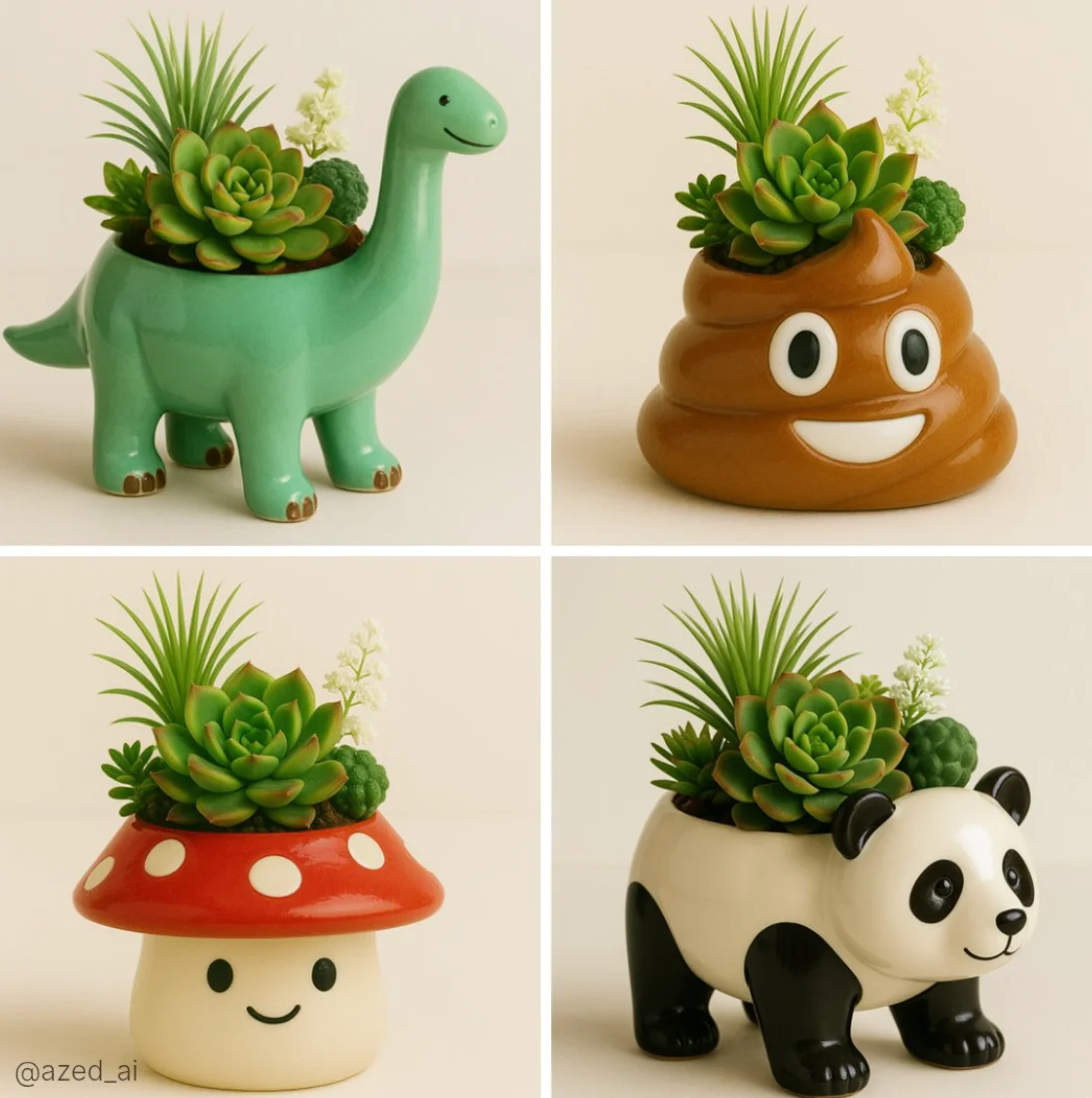
A high-quality photo of a cute ceramic [object/animal]-shaped planter with a glossy finish, filled with a variety of vibrant succulents and greenery including a spiky Haworthia, a rosette-shaped Echeveria, and delicate white flowers. The planter has a friendly face and sits on a soft, neutral background with diffused natural lighting, showcasing fine textures and color contrast in a clean, minimalistic composition
A high-quality photo of a cute ceramic [object/animal]-shaped planter with a glossy finish, filled with a variety of vibrant succulents and greenery including a spiky Haworthia, a rosette-shaped Echeveria, and delicate white flowers. The planter has a friendly face and sits on a soft, neutral background with diffused natural lighting, showcasing fine textures and color contrast in a clean, minimalistic composition
Verified prompt
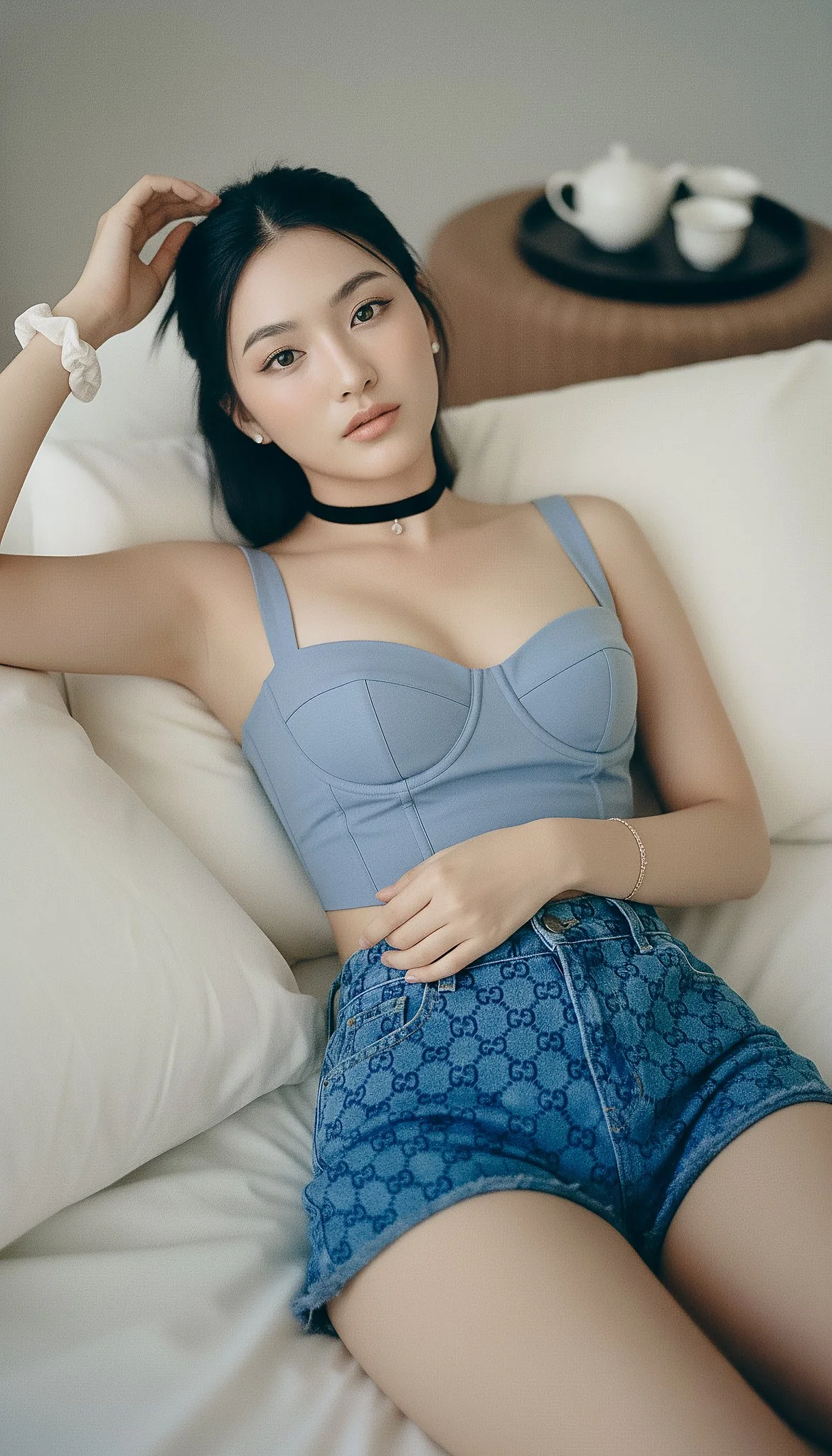
{ "photorealistic_indoor_reclining_portrait", "style": "Natural editorial portrait; lifelike texture; minimal, tasteful retouching.", "output": { "aspect_ratio": "9:16", "resolution_px": [1440, 2560], "color_profile": "sRGB" }, "subject": { "category": "human", "gender_presentation": "female", "ethnicity": "East Asian", "age_bracket": "young_adult", "body": { "build": "slim with realistic proportions", "bust": "fuller bust (natural C–D cup), proportional to frame; gentle natural slope, supportive shaping—no extreme push-up", "skin_tone": "light neutral with natural variation" }, "pose": { "orientation": "reclining on back, relaxed", "right_arm": "raised above head, fingers lightly touching hairline", "left_arm": "bent across torso, hand resting on midriff", "head": "slightly tilted toward camera left" }, "face": { "shape": "oval with mild asymmetry and natural cheek volume", "expression": "soft and open", "gaze": "direct to camera" }, "eyes": { "description": "natural-size, lively but realistic", "color": "neutral gray-blue (low saturation)", "size_ratio": { "iris_fraction_of_visible_eye": 0.29, "pupil_fraction_of_iris": 0.27 }, "details": { "limbal_ring_strength": 0.08, "sclera_brightness_Lstar": 78, "sclera_texture": "fine veins and faint tear meniscus on lower lid", "catchlights": "two soft rectangular window reflections about 10% of iris width", "specular_quality": "satin (no glassy glare)", "iris_texture": "visible stromal fibers and subtle color noise" } }, "makeup": "sheer base preserving pores; soft peach blush; brown mascara/liner; taupe eyeshadow; hydrated nude lips", "hair": { "length": "long", "style": "half-up with bun, slight wave; a few flyaways visible", "color": "natural black" }, "wardrobe": { "outfit": "blue top with Gucci shorts", "top": "powder-blue cropped bustier with sweetheart neckline and structured cups; off-shoulder or slim straps; tasteful cleavage; opaque lined fabric; subtle corset seams; cropped length reveals a sliver of midriff", "bottom": "Gucci blue GG-monogram denim shorts (small-scale jacquard, navy/indigo on blue; correct 'GG' orientation; no extra text)", "accessories": { "jewelry": "thin black velvet choker with tiny pendant, small stud earrings, simple rings", "wrists": "white fabric scrunchie on right; delicate bracelets on left" } } }, "environment": { "location": "bedroom", "set": "plush bed with slightly wrinkled off-white linens and pillows", "background_props": "upper right: dark round tray with small white ceramic tea set on textured brown surface" }, "lighting": { "scheme": "window key + sheet bounce", "source": "large window through sheer curtains (or 120 cm softbox with double diffusion)", "quality": "very soft with defined direction", "direction": "45° from camera right and slightly top; white bedding as fill about 1.5 stops under key", "temperature": "5200K", "effect": "gentle modeling with soft nose/lip shadow; crisp but soft eye catchlights; no bloom" }, "camera": { "sensor": "full-frame", "lens": { "focal_length_mm": 85 }, "distance_m": 1.8, "exposure": { "aperture_f": 3.2, "iso": 200, "shutter_s": 0.005, "metering": "spot on cheekbone; ETTR then -0.3 EV to protect highlights on fabric" }, "focus": { "target": "near eye", "depth_of_field": "moderate (eyes and bust plane in focus; bedding softly blurred)" }, "framing": { "orientation": "vertical", "angle": "overhead with slight tilt toward face; avoid wide-angle distortion", "composition": "9:16 crop framed head to upper hips so bustier and Gucci shorts are visible without foreshortening" } }, "color_grade": { "look": "true-to-life neutrals with blue accent", "contrast": "medium-low", "palette": "powder/indigo blues, ivory, soft brown", "notes": "retain skin undertones; avoid cyan cast; ensure Gucci blue reads clean without oversaturation" }, "postprocess": { "skin": "retain pores and micro-shine; remove only transient blemishes; keep faint under-eye texture", "eyes": "no iris enlargement; subtle iris clarity and micro-contrast; limbal ring kept weak", "sharpen": "moderate on eyes/brows/hair strands and denim weave/monogram", "grain": "fine film grain at 1.5–2%", "effects": "disable beauty filters, frequency-separation blur, glow/bloom; no HDR skin" }, "realism_cues": [ "flyaway hairs around hairline", "subtle nasolabial and philtrum depth", "natural knuckle/tendon texture on left hand", "visible denim weave and aligned monogram on shorts", "fabric creases and bedding wrinkles" ], "negative_prompt": [ "doll, BJD, porcelain skin, neotenous proportions, plastic/waxy texture", "oversized/anime/doe eyes, iris enlargement, glassy eyes", "bright cyan/ice-blue contacts, heavy limbal ring, unnaturally white sclera", "poreless skin, beauty filter, airbrushed, skin smoothing", "bloom/Orton glow, excessive skin luster", "CGI, 3D render, illustration, toon shading, LoRA: doll/BJD", "wide-angle facial distortion, extreme symmetry filter", "random text overlays, misspelled logos, watermarks", "see-through fabrics, wardrobe malfunction, underboob/sideboob, explicit NSFW", "distorted anatomy, extra fingers" ], }
{ "photorealistic_indoor_reclining_portrait", "style": "Natural editorial portrait; lifelike texture; minimal, tasteful retouching.", "output": { "aspect_ratio": "9:16", "resolution_px": [1440, 2560], "color_profile": "sRGB" }, "subject": { "category": "human", "gender_presentation": "female", "ethnicity": "East Asian", "age_bracket": "young_adult", "body": { "build": "slim with realistic proportions", "bust": "fuller bust (natural C–D cup), proportional to frame; gentle natural slope, supportive shaping—no extreme push-up", "skin_tone": "light neutral with natural variation" }, "pose": { "orientation": "reclining on back, relaxed", "right_arm": "raised above head, fingers lightly touching hairline", "left_arm": "bent across torso, hand resting on midriff", "head": "slightly tilted toward camera left" }, "face": { "shape": "oval with mild asymmetry and natural cheek volume", "expression": "soft and open", "gaze": "direct to camera" }, "eyes": { "description": "natural-size, lively but realistic", "color": "neutral gray-blue (low saturation)", "size_ratio": { "iris_fraction_of_visible_eye": 0.29, "pupil_fraction_of_iris": 0.27 }, "details": { "limbal_ring_strength": 0.08, "sclera_brightness_Lstar": 78, "sclera_texture": "fine veins and faint tear meniscus on lower lid", "catchlights": "two soft rectangular window reflections about 10% of iris width", "specular_quality": "satin (no glassy glare)", "iris_texture": "visible stromal fibers and subtle color noise" } }, "makeup": "sheer base preserving pores; soft peach blush; brown mascara/liner; taupe eyeshadow; hydrated nude lips", "hair": { "length": "long", "style": "half-up with bun, slight wave; a few flyaways visible", "color": "natural black" }, "wardrobe": { "outfit": "blue top with Gucci shorts", "top": "powder-blue cropped bustier with sweetheart neckline and structured cups; off-shoulder or slim straps; tasteful cleavage; opaque lined fabric; subtle corset seams; cropped length reveals a sliver of midriff", "bottom": "Gucci blue GG-monogram denim shorts (small-scale jacquard, navy/indigo on blue; correct 'GG' orientation; no extra text)", "accessories": { "jewelry": "thin black velvet choker with tiny pendant, small stud earrings, simple rings", "wrists": "white fabric scrunchie on right; delicate bracelets on left" } } }, "environment": { "location": "bedroom", "set": "plush bed with slightly wrinkled off-white linens and pillows", "background_props": "upper right: dark round tray with small white ceramic tea set on textured brown surface" }, "lighting": { "scheme": "window key + sheet bounce", "source": "large window through sheer curtains (or 120 cm softbox with double diffusion)", "quality": "very soft with defined direction", "direction": "45° from camera right and slightly top; white bedding as fill about 1.5 stops under key", "temperature": "5200K", "effect": "gentle modeling with soft nose/lip shadow; crisp but soft eye catchlights; no bloom" }, "camera": { "sensor": "full-frame", "lens": { "focal_length_mm": 85 }, "distance_m": 1.8, "exposure": { "aperture_f": 3.2, "iso": 200, "shutter_s": 0.005, "metering": "spot on cheekbone; ETTR then -0.3 EV to protect highlights on fabric" }, "focus": { "target": "near eye", "depth_of_field": "moderate (eyes and bust plane in focus; bedding softly blurred)" }, "framing": { "orientation": "vertical", "angle": "overhead with slight tilt toward face; avoid wide-angle distortion", "composition": "9:16 crop framed head to upper hips so bustier and Gucci shorts are visible without foreshortening" } }, "color_grade": { "look": "true-to-life neutrals with blue accent", "contrast": "medium-low", "palette": "powder/indigo blues, ivory, soft brown", "notes": "retain skin undertones; avoid cyan cast; ensure Gucci blue reads clean without oversaturation" }, "postprocess": { "skin": "retain pores and micro-shine; remove only transient blemishes; keep faint under-eye texture", "eyes": "no iris enlargement; subtle iris clarity and micro-contrast; limbal ring kept weak", "sharpen": "moderate on eyes/brows/hair strands and denim weave/monogram", "grain": "fine film grain at 1.5–2%", "effects": "disable beauty filters, frequency-separation blur, glow/bloom; no HDR skin" }, "realism_cues": [ "flyaway hairs around hairline", "subtle nasolabial and philtrum depth", "natural knuckle/tendon texture on left hand", "visible denim weave and aligned monogram on shorts", "fabric creases and bedding wrinkles" ], "negative_prompt": [ "doll, BJD, porcelain skin, neotenous proportions, plastic/waxy texture", "oversized/anime/doe eyes, iris enlargement, glassy eyes", "bright cyan/ice-blue contacts, heavy limbal ring, unnaturally white sclera", "poreless skin, beauty filter, airbrushed, skin smoothing", "bloom/Orton glow, excessive skin luster", "CGI, 3D render, illustration, toon shading, LoRA: doll/BJD", "wide-angle facial distortion, extreme symmetry filter", "random text overlays, misspelled logos, watermarks", "see-through fabrics, wardrobe malfunction, underboob/sideboob, explicit NSFW", "distorted anatomy, extra fingers" ], }
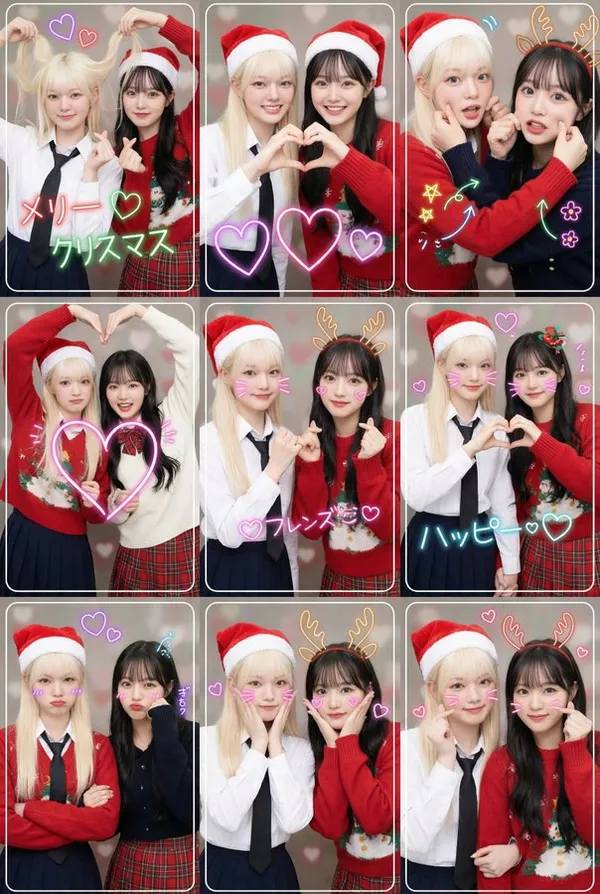
Verified prompt
e and Format: A high-resolution modern Japanese purikura-style collage created by two young female friends. Layout: A single image composed of a 3x3 grid (9 frames total). Theme: Christmas. Style: Vibrant, full-color, bright, and dynamic recreation of modern Japanese purikura lighting effects. Background: Simple solid or themed color backgrounds (with delicate decorations like small hearts). Photographic Features: Each frame has a thin white or decorative border. Shallow depth of field (bokeh effect). Theme and Poses: Two young female friends wearing coordinated outfits that match the theme. Vibrant, lively, and cheerful expressions. The nine images clearly depict the following nine different popular purikura poses. 9 Different Poses (3x3 Grid): First Row: 1. "Hair Grab Heart" Pose: One playfully grabs her hair while the other forms a small heart with both hands. Both are smiling. 2. "Double Hand Heart" Pose: Both partners form a large heart with their hands at the center. Their faces are lit up with bright, happy smiles. 3. "Arm Pinch" Pose: Both cross their arms, with one or both gently pinching the other's cheek or arm. Expressions are lively and full of joy. Close-up shot showing their faces. Second Row: 4. "Crossed Arms Big Heart" Pose: Both cross their arms and use their free hands to form a large heart. Smiles are bright and energetic. 5. "Promise Heart" Pose: One makes a "finger promise" gesture while the other forms a small heart with their hand. Smiles are playful and warm. 6. "Hand-in-Hand Heart" Pose: Both hold hands, each using their free hand to form half a heart, completing a full heart together. Smiles are gentle and sweet. Third Row: 7. "Crossed Arms Pout" Pose: Both cross their arms with slightly exaggerated pouts or "smug" (or serious) expressions, as if holding back laughter. 8. "Hands Together, Heart on Cheek" Pose: Both hold hands and place their hands on their cheeks, forming a heart shape around their faces. Smiles are cute and charming. 9. "Crossed Arms, Palms Together" Pose: Both cross their arms, each using one hand to form a small heart. Smiles are confident and stylish. Close-up shot showing their faces. Additional Decorations: Multiple glowing neon heart patterns overlaid. In each frame, theme-related letters are written in neon style along the outer contour of the faces. Add multiple themed neon line art doodles (e.g., stars, arrows, saturated lines, flowers, animal ears, etc.) to each panel. Key Constraints: All 9 photos must maintain strict consistency in subjects, outfits, background style, and lighting. Shallow depth of field, typical of purikura. Do Not: Add any text, logos, tags, watermarks, symbols, numbers, or any other type of textual elements (except for the specified text elements and neon line art doodles mentioned above).
e and Format: A high-resolution modern Japanese purikura-style collage created by two young female friends. Layout: A single image composed of a 3x3 grid (9 frames total). Theme: Christmas. Style: Vibrant, full-color, bright, and dynamic recreation of modern Japanese purikura lighting effects. Background: Simple solid or themed color backgrounds (with delicate decorations like small hearts). Photographic Features: Each frame has a thin white or decorative border. Shallow depth of field (bokeh effect). Theme and Poses: Two young female friends wearing coordinated outfits that match the theme. Vibrant, lively, and cheerful expressions. The nine images clearly depict the following nine different popular purikura poses. 9 Different Poses (3x3 Grid): First Row: 1. "Hair Grab Heart" Pose: One playfully grabs her hair while the other forms a small heart with both hands. Both are smiling. 2. "Double Hand Heart" Pose: Both partners form a large heart with their hands at the center. Their faces are lit up with bright, happy smiles. 3. "Arm Pinch" Pose: Both cross their arms, with one or both gently pinching the other's cheek or arm. Expressions are lively and full of joy. Close-up shot showing their faces. Second Row: 4. "Crossed Arms Big Heart" Pose: Both cross their arms and use their free hands to form a large heart. Smiles are bright and energetic. 5. "Promise Heart" Pose: One makes a "finger promise" gesture while the other forms a small heart with their hand. Smiles are playful and warm. 6. "Hand-in-Hand Heart" Pose: Both hold hands, each using their free hand to form half a heart, completing a full heart together. Smiles are gentle and sweet. Third Row: 7. "Crossed Arms Pout" Pose: Both cross their arms with slightly exaggerated pouts or "smug" (or serious) expressions, as if holding back laughter. 8. "Hands Together, Heart on Cheek" Pose: Both hold hands and place their hands on their cheeks, forming a heart shape around their faces. Smiles are cute and charming. 9. "Crossed Arms, Palms Together" Pose: Both cross their arms, each using one hand to form a small heart. Smiles are confident and stylish. Close-up shot showing their faces. Additional Decorations: Multiple glowing neon heart patterns overlaid. In each frame, theme-related letters are written in neon style along the outer contour of the faces. Add multiple themed neon line art doodles (e.g., stars, arrows, saturated lines, flowers, animal ears, etc.) to each panel. Key Constraints: All 9 photos must maintain strict consistency in subjects, outfits, background style, and lighting. Shallow depth of field, typical of purikura. Do Not: Add any text, logos, tags, watermarks, symbols, numbers, or any other type of textual elements (except for the specified text elements and neon line art doodles mentioned above).
Plan Your Music Visuals
Create an image, animate a scene or find a starting prompt for your project.
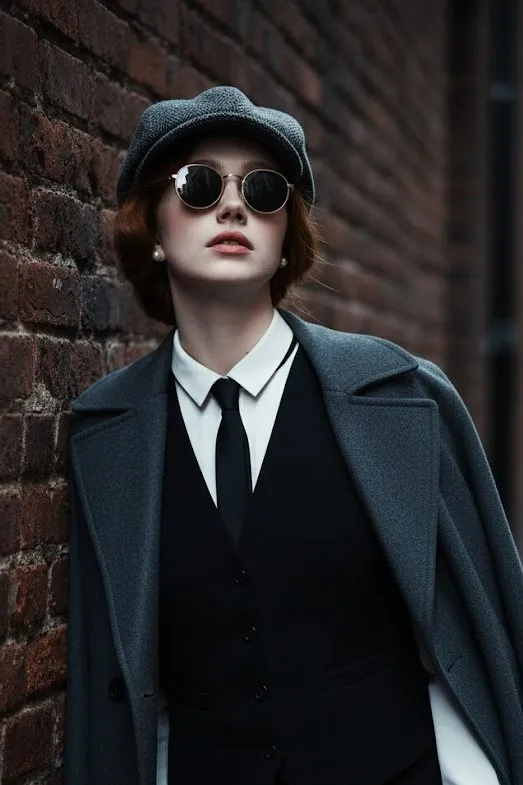
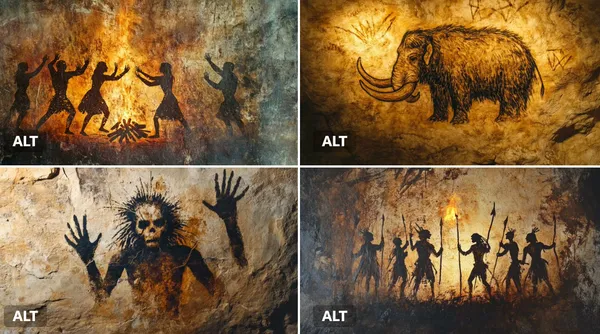
Create visuals with Grok in RapLyrics
A Grok image generator for music visual projects.
Use RapLyrics to turn text prompts into images with the Grok models currently enabled in the generator. You can also check whether the selected model supports image-reference or editing modes. The generator shows the allowed inputs, settings, and credit quote before you generate. Review each result and download clips from History to use in your external editor with your own music and timed lyric overlays.
Open the generator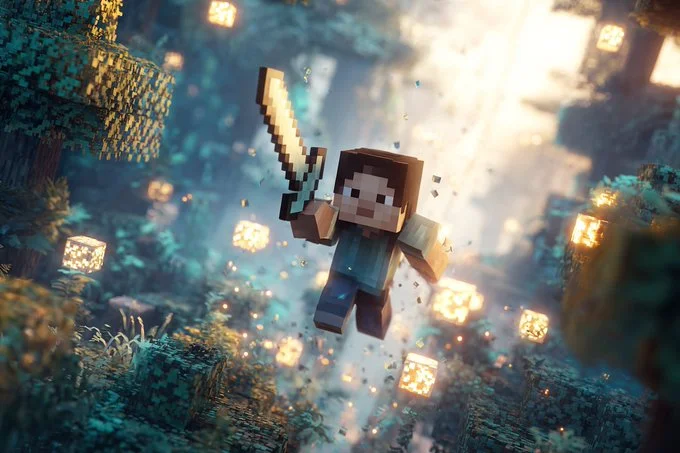
How to use the Grok generator
The workflow is simple. Choose an enabled model, enter a text prompt, and add an image reference only if the selected model offers that mode. The generator shows the allowed inputs and settings before you generate, and the credit quote appears before each run.
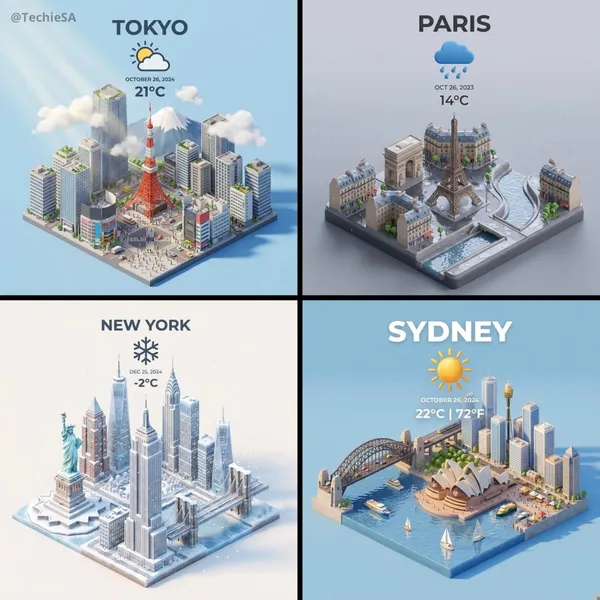
Enter a prompt or add a reference
Describe the subject, setting, lighting, and mood in your prompt. If the selected model supports image-reference mode, you can add an image to guide style, subject, or composition. Availability and capabilities vary by model, so check the options shown in the generator.
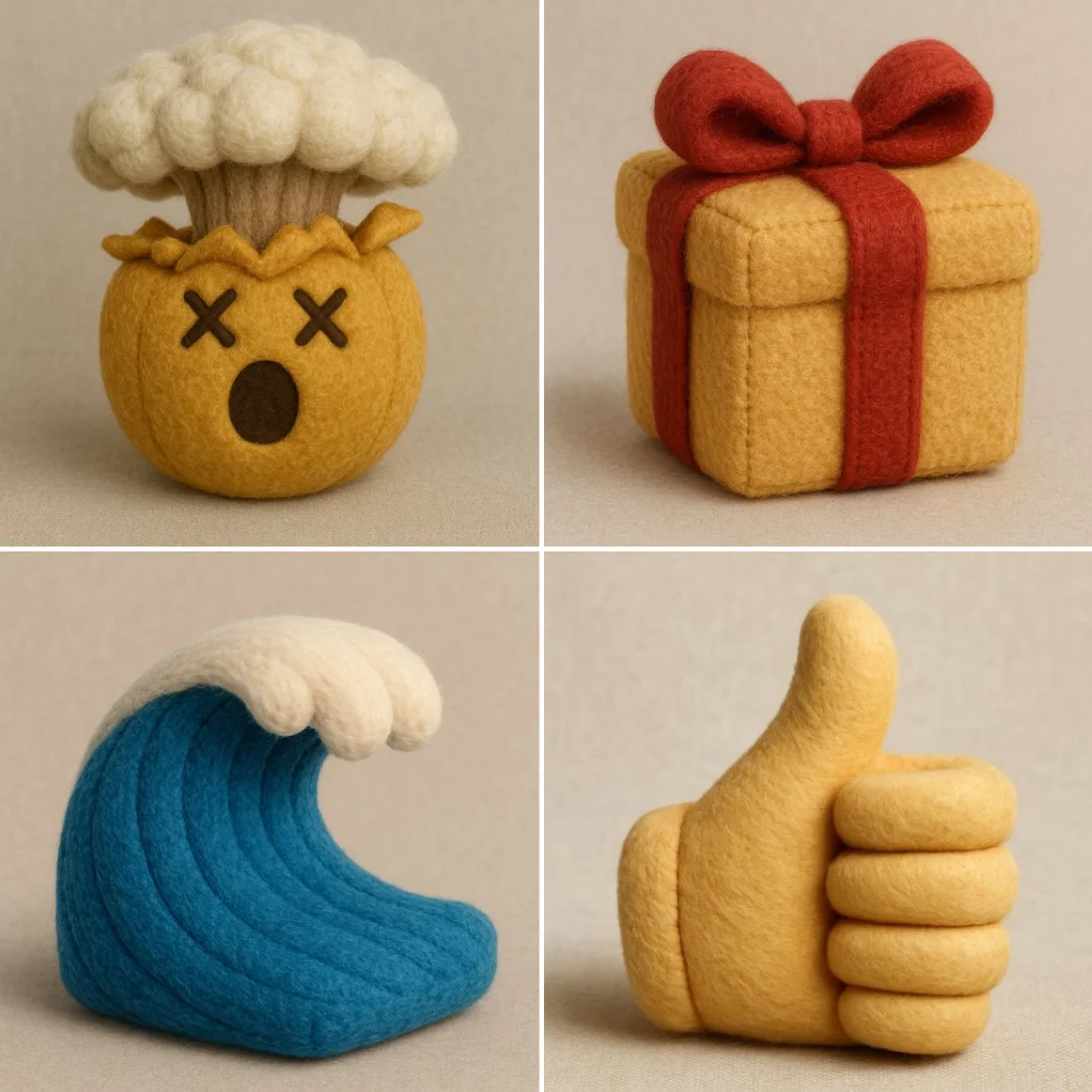
Click generate
Review the credit quote and generate
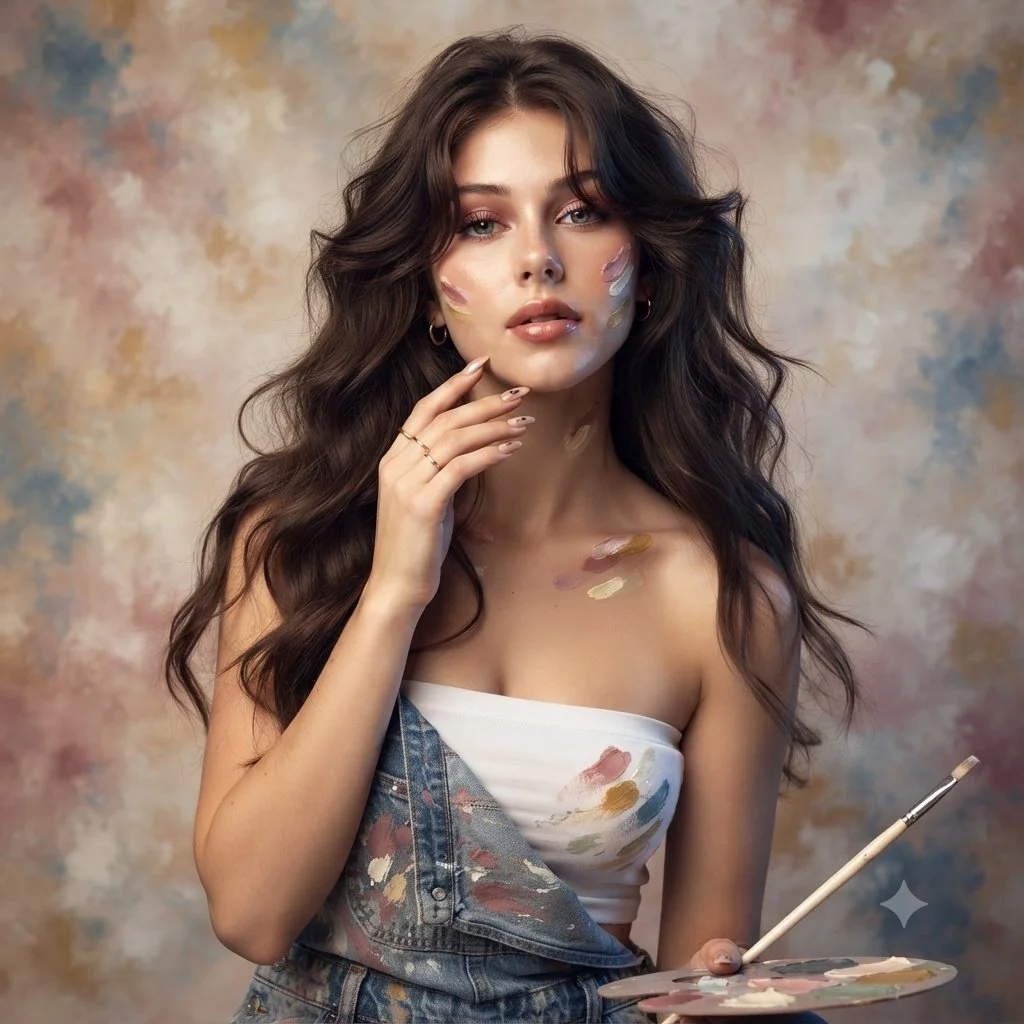
Download
Review the credit quote, then start generation. Available settings and input options are shown in the generator. When generation finishes, review the results and download the clips you want from History. Add your own music and timed lyric overlays in an external editor.
Core features
The Grok models available in RapLyrics support text-to-image generation and may support image-reference or editing modes depending on the model. Allowed inputs, settings, and the credit quote are shown in the generator before you run. Finished outputs are listed in History for review and download.
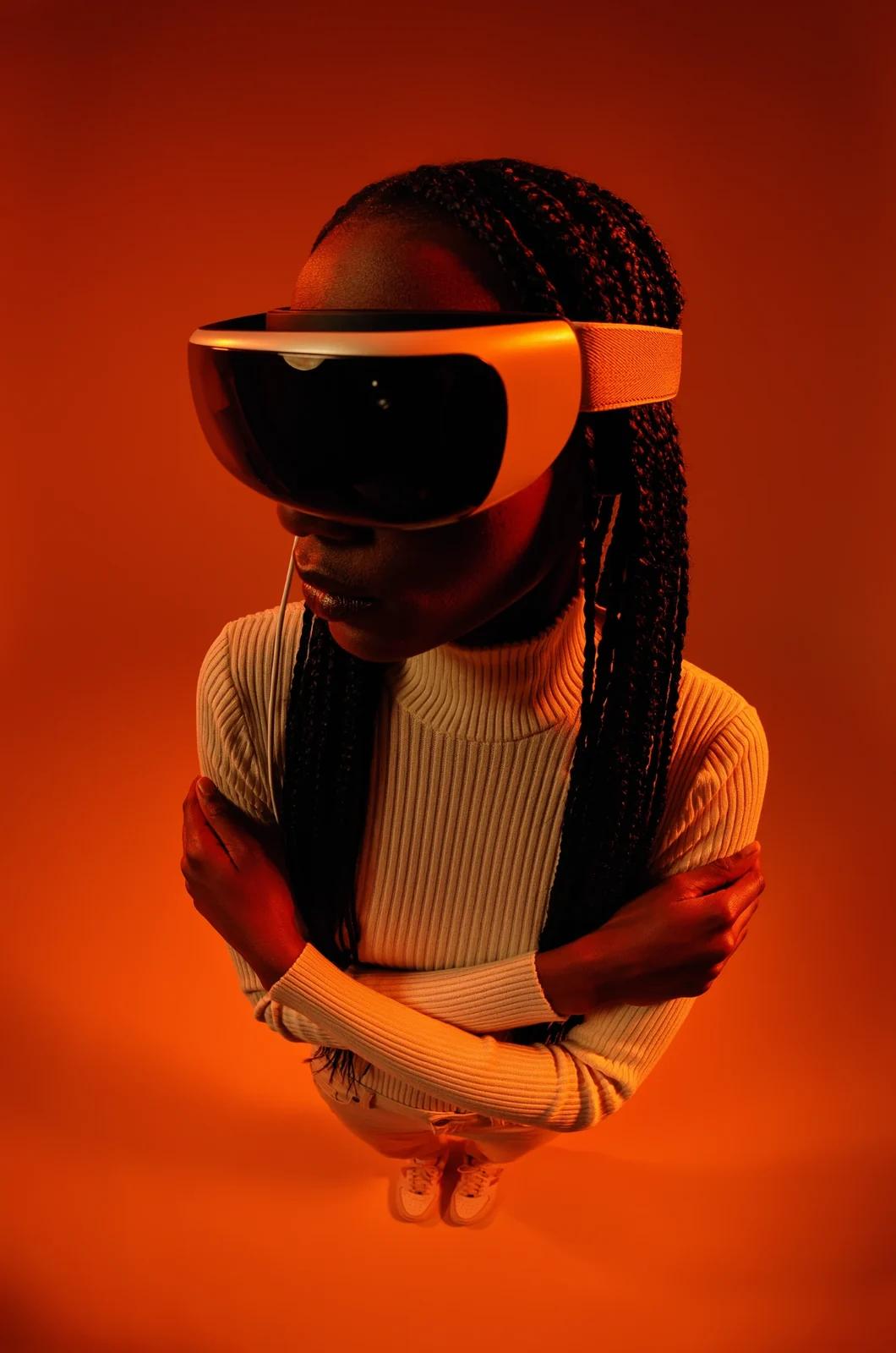
Text-to-image creation
The Grok image generation turns text prompts into images. Check the selected model for available styles and settings.
- Use the Grok models in RapLyrics to generate images from text prompts. The generator shows the allowed inputs and settings for each model.
- The Model options vary by model. Check the generator for supported inputs, reference image modes, and settings before you generate.Text-to-image generation.
- Generate visuals for music projects and review them before use. Download clips from History and add your own music and timed lyric overlays in an external editor.Grok image generation in RapLyrics.
- Use this image prompt workflow to turn a clear idea into a visual by describing what you want to see.
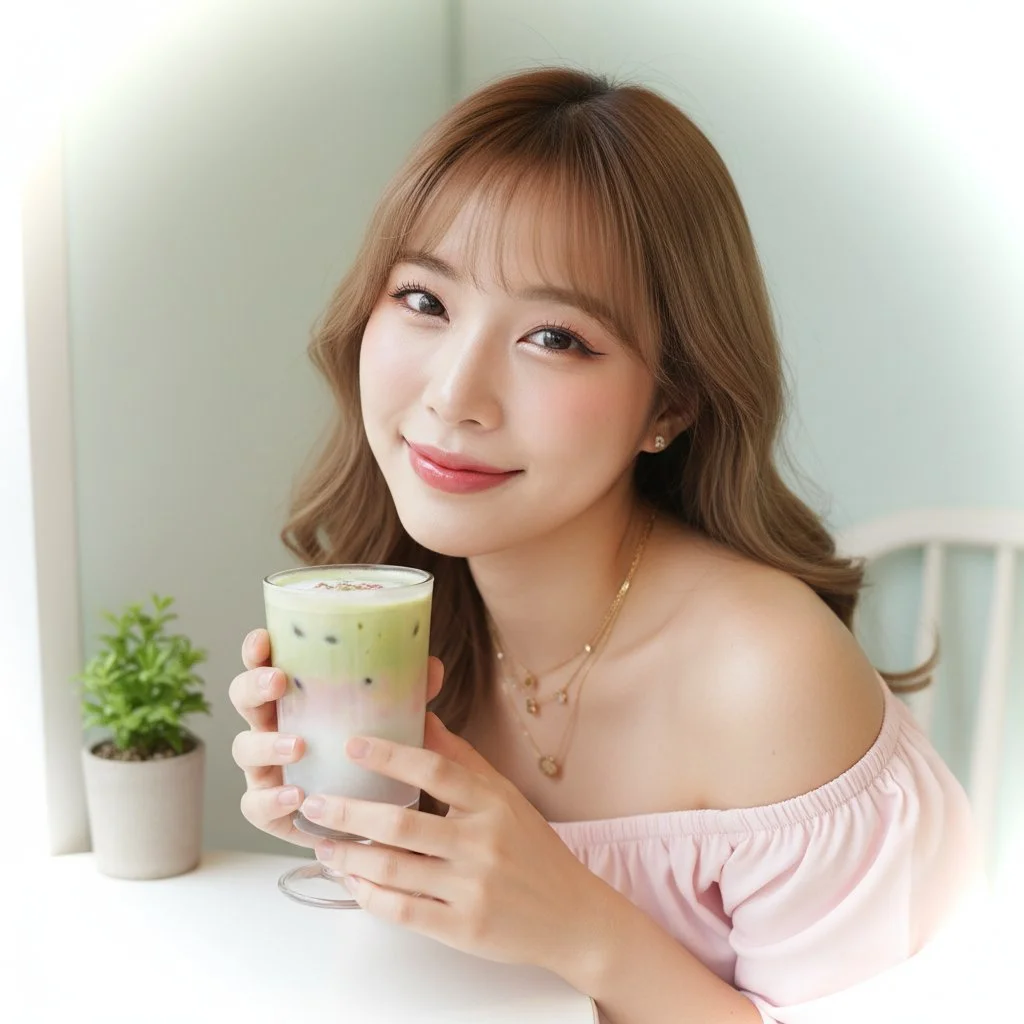
Prompt-based image editing
The Grok image generation editing workflow can help you revise existing visuals.
- Upload an image and use the Grok models in RapLyrics prompt to describe the changes you want.
- The Model optionsThis editing workflow can help you adjust colors, replace objects, or change backgrounds.
- Use the Prompt-based editing lets you refine details without advanced editing software or manual retouching.
- This Grok image generation in RapLyricsIterate on visual assets by describing what you want to change.
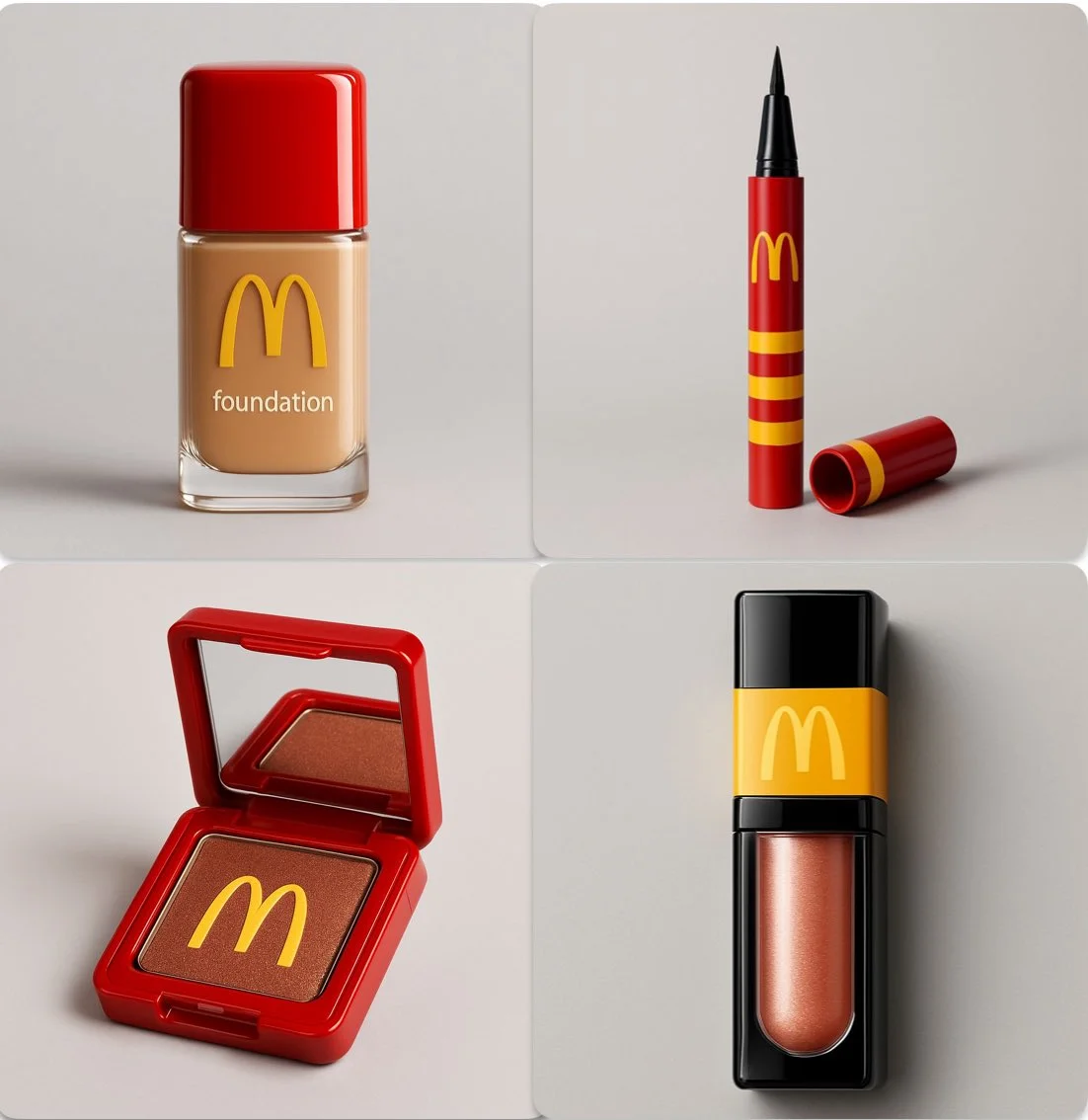
Reference image guidance
Guide the output with the image generator’s reference image options.
- The Grok models in RapLyrics by uploading reference images to guide subject, style, colors, product details, and scene direction, if your selected model offers image-reference input.
- With Model optionsUsing references can reduce guesswork when the reference image option is available.
- Support a consistent look by using the Grok image generation in RapLyrics reference image option to align with the aesthetic of your provided references, when offered by the selected model.
- This is useful for a cohesive look when using the image generator for project visuals.
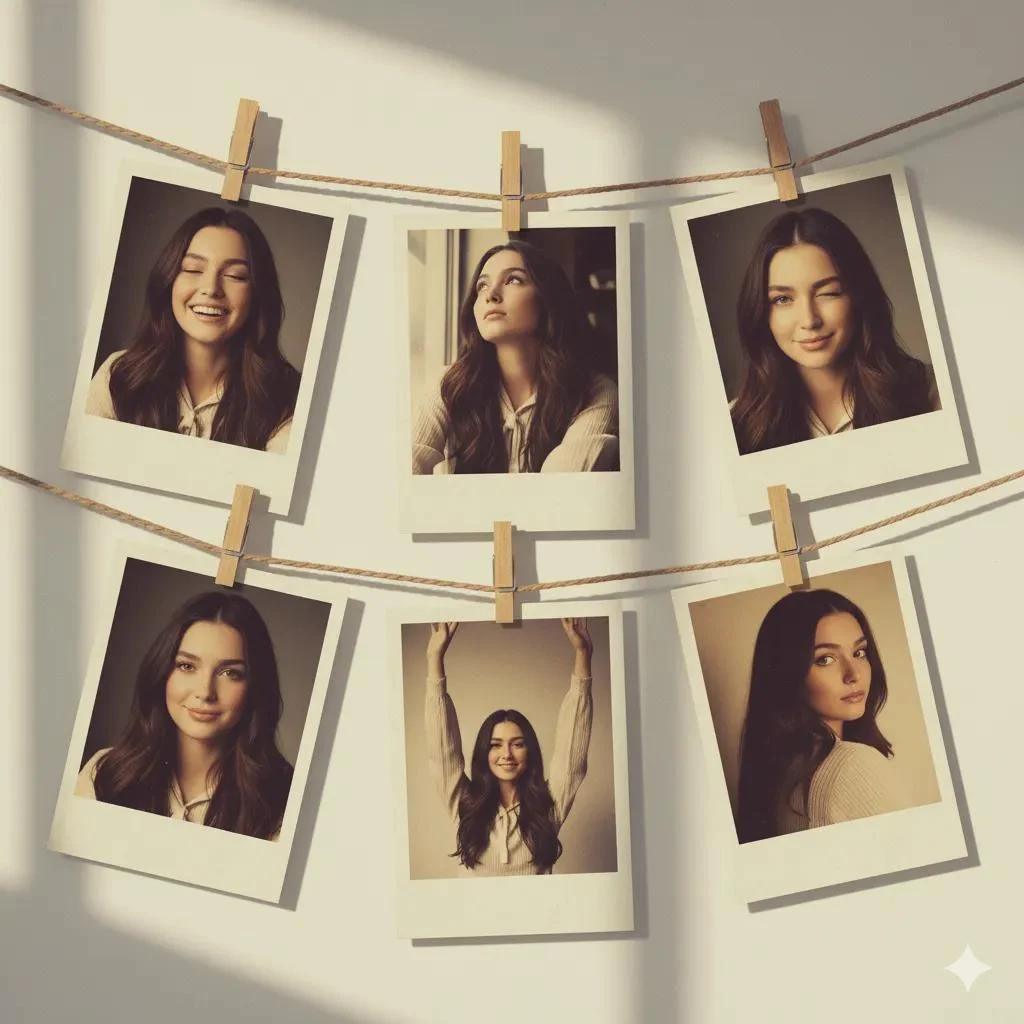
Multiple visual directions
Explore different visual directions with the Grok image generation.
- The Grok models in RapLyricsCreate multiple image ideas faster without manual design skills.
- Use Model optionsGenerate multiple image variations for ads, social posts, product mockups, thumbnails, and visual testing.
- The Grok image generation in RapLyricsThe available models offer a range of options, making them suitable forsocial media visuals with RapLyrics.
- Compare styles and compositions to find what fits your project using theimage generator in RapLyrics.
Why use this image generator?
This image generator helps with common visual content tasks. It is built for speed, ease of use, and practical application. If you need a tool that prioritizes utility over complexity, this is for you. Here is what it offers for daily use.
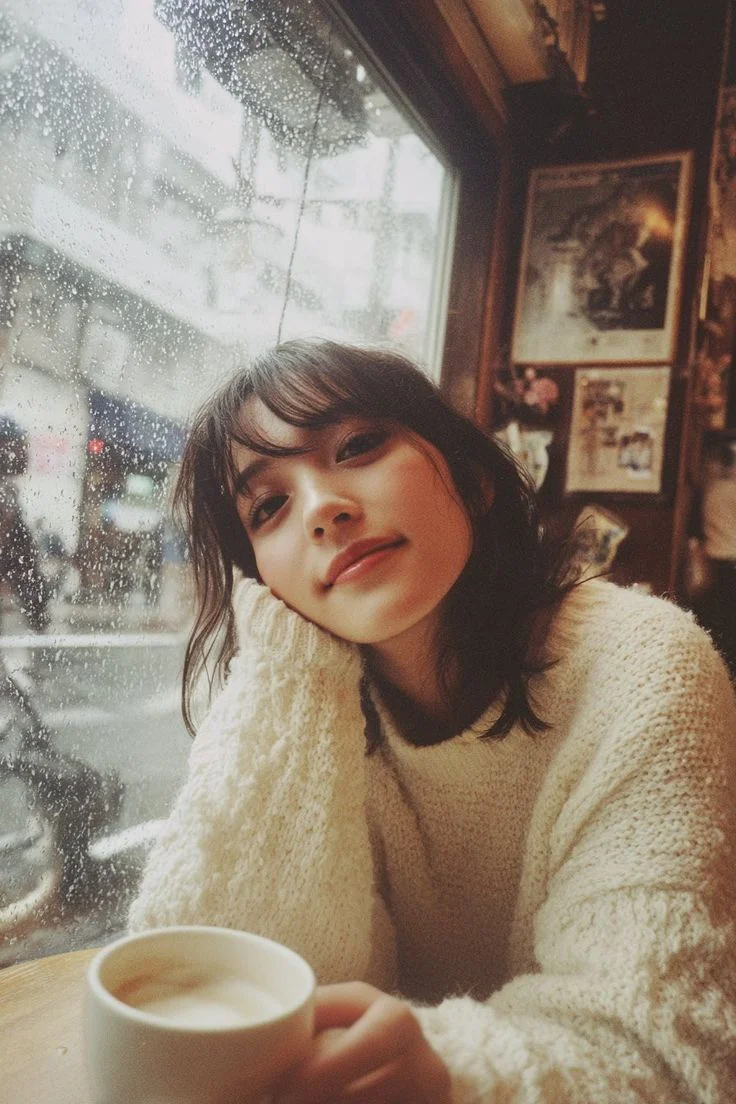
Skip Complex Software
You do not need to spend hours learning complicated design software. TheGrok image generationgenerator allows fast image generation without manual retouching, complex editing software, or advanced design skills. Just use thegenerator in RapLyricsto get what you need.
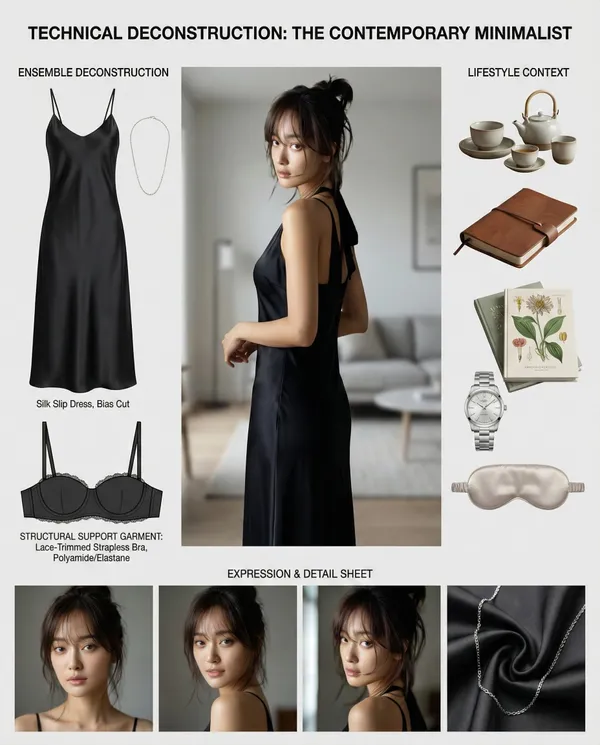
Turn Ideas into Visuals
Turn abstract ideas into usable visuals, not just vague inspiration. TheModel optionssystem turns text prompts into images quickly, making it a practicalchoice for creative ideas in RapLyrics.
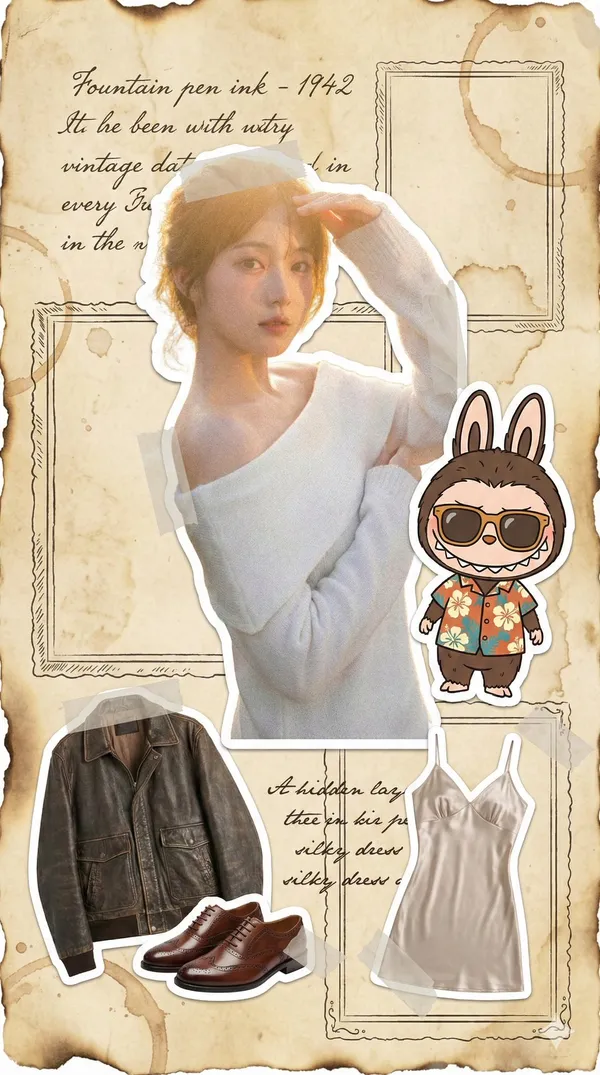
Reduce Randomness
When generating images, control matters. By using theimage generator’s reference image options, you can guide the subject, style, product look, and scene composition. This reduces randomness and makes theGrok image generation in RapLyricsmore dependable.
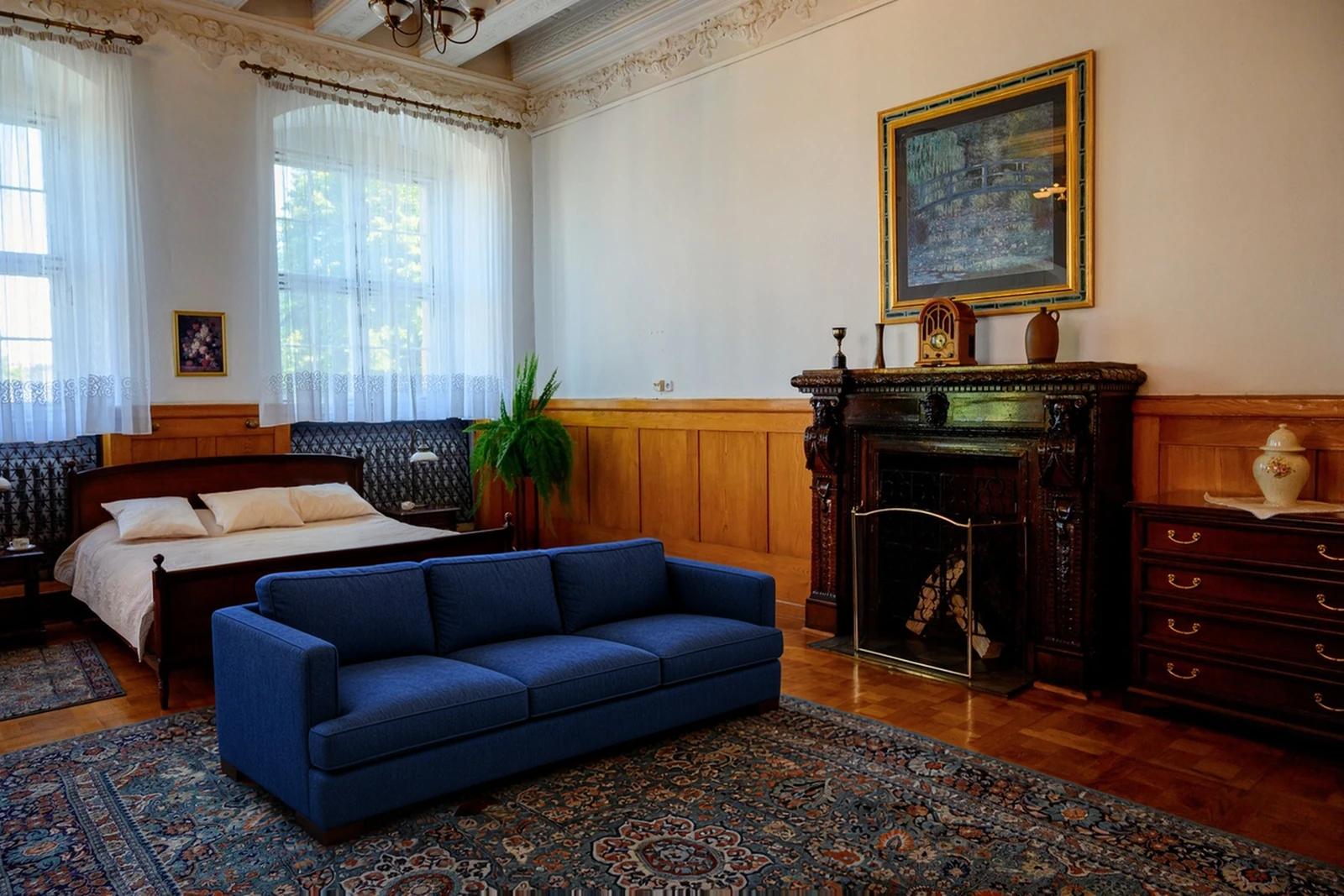
Built for Marketing and Social
You need multiple variations fast. TheGrok image generationis useful for generating product mockups, social media visuals, ad creatives, thumbnails, posters, and creative references. It is a practicalchoice for adsand social media campaigns.
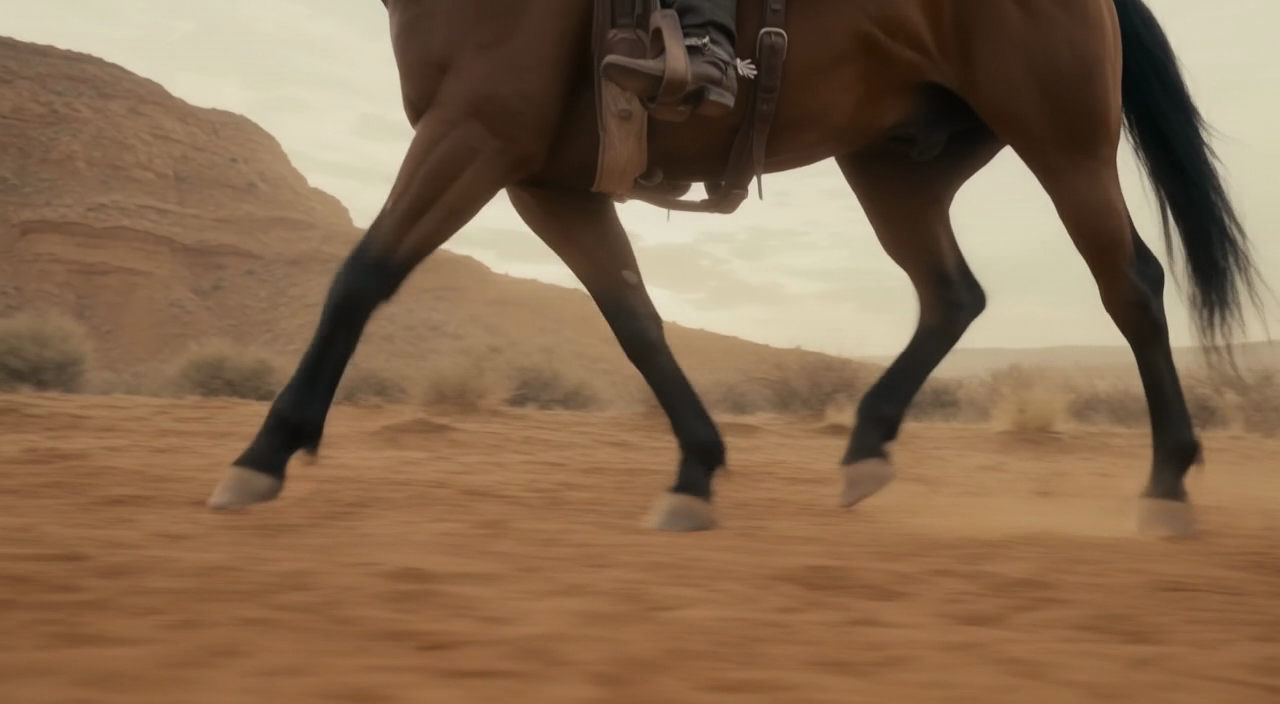
Easy Natural-Language Editing
Instead of manual erasing and painting, you can edit with text. Inside theGrok image generation, theGrok models in RapLyrics supports editing uploaded images with plain-language instructions, which can help with the Prompt-based editing step for music visual work.
Workflow Notes
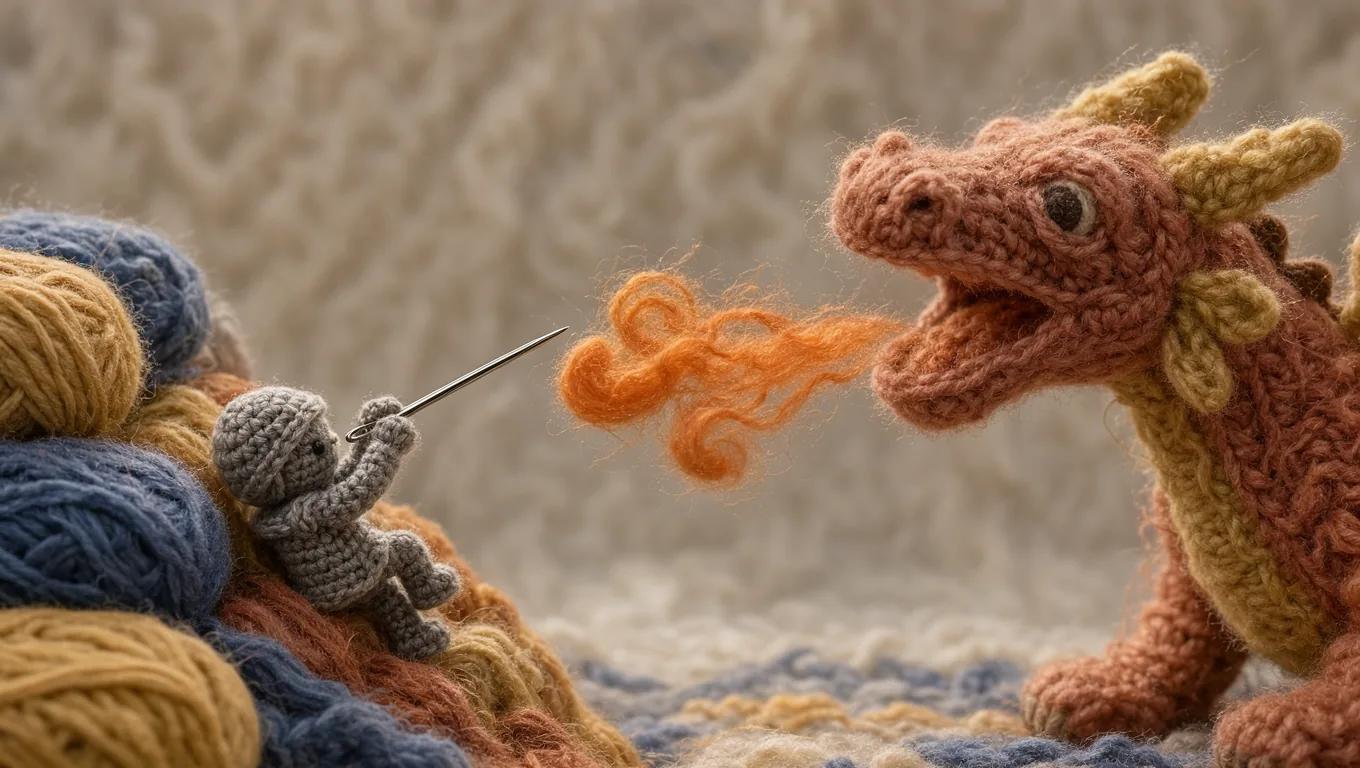
Speed up early visual drafts with the Grok image generation by generating several image options from a prompt before you move to video. Check the model options for supported reference-image modes, then use the Grok models in RapLyrics to review the credit quote and download clips from History for editing in your own editor.
Workflow Notes
Describe one subject, action and setting before generating. Keep the brief focused so the result is easier to review.

Questions about music visual workflows
Quick answers about generating visual clips with RapLyrics, checking model options, reviewing credits, and moving finished output into your editor.
RapLyrics helps you generate image or video clips from text prompts using the currently enabled models in the generator. You can review and download finished clips from History, then add music and timed lyric overlays in an external editor.
Open the generator, choose from the currently enabled models, and enter a text prompt. Check the allowed inputs and settings shown there, review the credit quote before generating, and find finished output in History.
Some models offer supported image-reference modes. Check the selected model in the generator to see whether reference images are available and what inputs are allowed. Model-specific availability is not verified outside the generator.
The current credit quote is shown before generation. Review that quote so you know the cost for the selected model and settings before you start.
Finished output is in History. Review each generated clip, then download the visuals you want to use in your own editor with music and lyric timing.
No. Download visual clips and add your own music and timed lyric overlays in an external editor. RapLyrics does not provide automatic lyric synchronization.
Check the selected model to confirm allowed inputs, settings, and any supported options. Review the credit quote shown before generation. After generation, review the output in History before using it.
No. Generated visuals must be reviewed. No guaranteed quality, speed, character consistency, perfect text, or precise motion is offered. Check whether the selected model offers any advanced controls before you rely on them.
You can request a refund within 10 days of purchase if you have unused credits from that purchase and provide a clear reason, subject to our Refund Policy. If eligible, an unused purchase can be fully refunded; a partly used purchase is refunded in proportion to its remaining unused credits. Fully used purchases and free or promotional credits are not refundable.
Credit validity depends on the pack, subscription or promotion that issued them. Review the purchase terms and expiration dates in Settings > Credits. A renewal or new purchase does not extend older credits. Use credits before their stated expiration; do not assume unused subscription credits roll over indefinitely.
Credits charged for a task that is confirmed as failed due to a system error are returned automatically. A task that is still processing has not yet been confirmed as failed. Check its status and your credit history before submitting again. If a confirmed failure still shows an unresolved charge, email support@raplyrics.app with the task ID.
AI results can vary, so a completed result that differs from your expectations is not automatically treated as a technical failure. Eligible completed image tasks can be submitted for credit refund review using the refund option where available; approval is required. For a video or another issue, contact support@raplyrics.app with the task ID and details. A credit refund returns credits, not money to your payment method.
Email support@raplyrics.app. For billing, include your account email and order ID; for generation, include the task ID, issue description and relevant screenshots. If you purchased as a guest, keep the original browser data and payment receipt so we can help locate the purchase.
Generate your first visual with RapLyrics
Create images from text prompts with the Grok model family. Describe a scene, upload an image to edit with natural-language instructions, or use a reference image to guide style and composition. The generator shows available inputs and settings; the credit quote appears before generation, and finished output is in History. Review results before use.
raplyrics.app · Updated
What's new on this page
- — Corrected the default model selection for the Grok image generator. Added editable example prompts and separate drafts for text and reference modes, with an action to restore the example.
- — Page content published.