
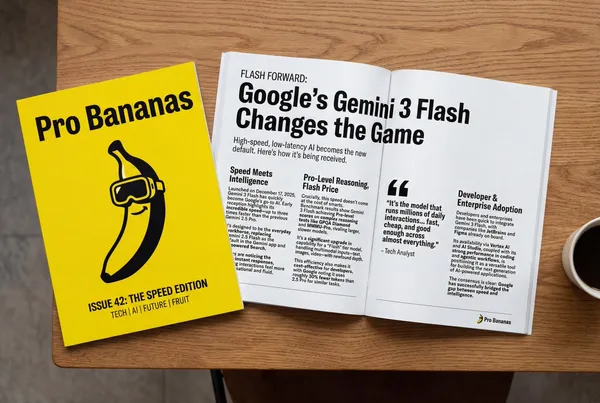
Verified prompt
search to find how the Gemini 3 Flash launch has been received. Use this information to write a short article about it (with headings). Return a photo of the article as it appeared in a glossy magazine. Show the magazine cover (Pro Bananas), and the two page spread of the article about Gemini 3 Flash.
search to find how the Gemini 3 Flash launch has been received. Use this information to write a short article about it (with headings). Return a photo of the article as it appeared in a glossy magazine. Show the magazine cover (Pro Bananas), and the two page spread of the article about Gemini 3 Flash.
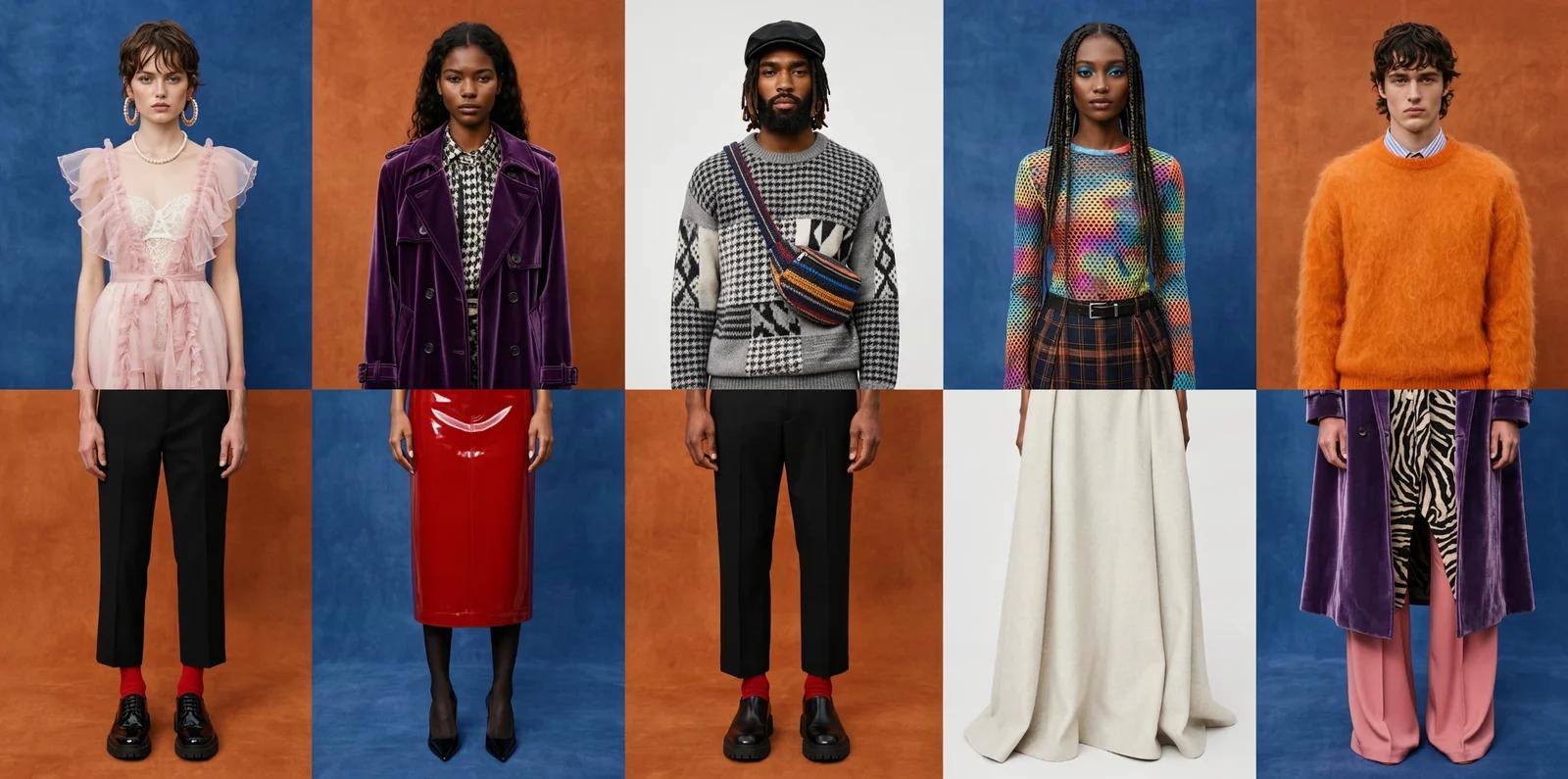
Verified prompt
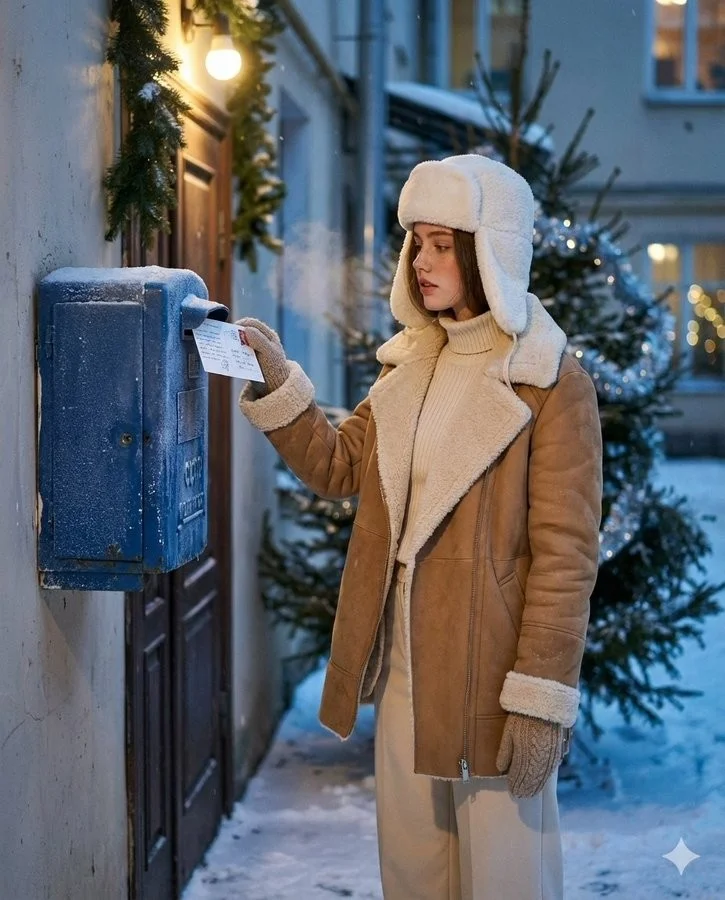
Verified prompt
Create an ultra-realistic winter scene of a woman identical to the uploaded face reference (strictly preserve her face 1:1 no stylization or beautification). Scene and Composition: Soviet blue street mailbox bolted to a brick entryway or plastered wall; dusk with soft falling snow. Vertical 4:5 from waist to head. The woman stands side-on, gently tucks a handwritten New Year postcard into the slot (stamp visible); a wisp of vapor breath. Background: courtyard garlands and a nearby fir with sparse silver tinsel; warm doorway bulb; faint bokeh from distant windows. Natural, candid, cinematic moment. Outfit: Camel/tan double-faced sheepskin coat with plush cream fleece on collar and turn-back cuffs; cream rib-knit turtleneck + matching wide-leg trousers: white wool ushanka; knitted mittens; dark-brown shearling ankle boots. Natural nude makeup with real skin micro-texture. Look and Light: Teal and orange tone: warm sodium doorway lamp as key; cool blue ambient fill from snow; soft rim on ushanka/fleece; gentle halation on bulbs; shallow DoF with fine 35mm grain (Canon AE-1/Fujifilm X100V Classic Chrome vibe). Color and Texture: Frost on mailbox metal, paper fiber of postcard, knit and shearling detail. True-to-skin tones; no smoothing.
Create an ultra-realistic winter scene of a woman identical to the uploaded face reference (strictly preserve her face 1:1 no stylization or beautification). Scene and Composition: Soviet blue street mailbox bolted to a brick entryway or plastered wall; dusk with soft falling snow. Vertical 4:5 from waist to head. The woman stands side-on, gently tucks a handwritten New Year postcard into the slot (stamp visible); a wisp of vapor breath. Background: courtyard garlands and a nearby fir with sparse silver tinsel; warm doorway bulb; faint bokeh from distant windows. Natural, candid, cinematic moment. Outfit: Camel/tan double-faced sheepskin coat with plush cream fleece on collar and turn-back cuffs; cream rib-knit turtleneck + matching wide-leg trousers: white wool ushanka; knitted mittens; dark-brown shearling ankle boots. Natural nude makeup with real skin micro-texture. Look and Light: Teal and orange tone: warm sodium doorway lamp as key; cool blue ambient fill from snow; soft rim on ushanka/fleece; gentle halation on bulbs; shallow DoF with fine 35mm grain (Canon AE-1/Fujifilm X100V Classic Chrome vibe). Color and Texture: Frost on mailbox metal, paper fiber of postcard, knit and shearling detail. True-to-skin tones; no smoothing.
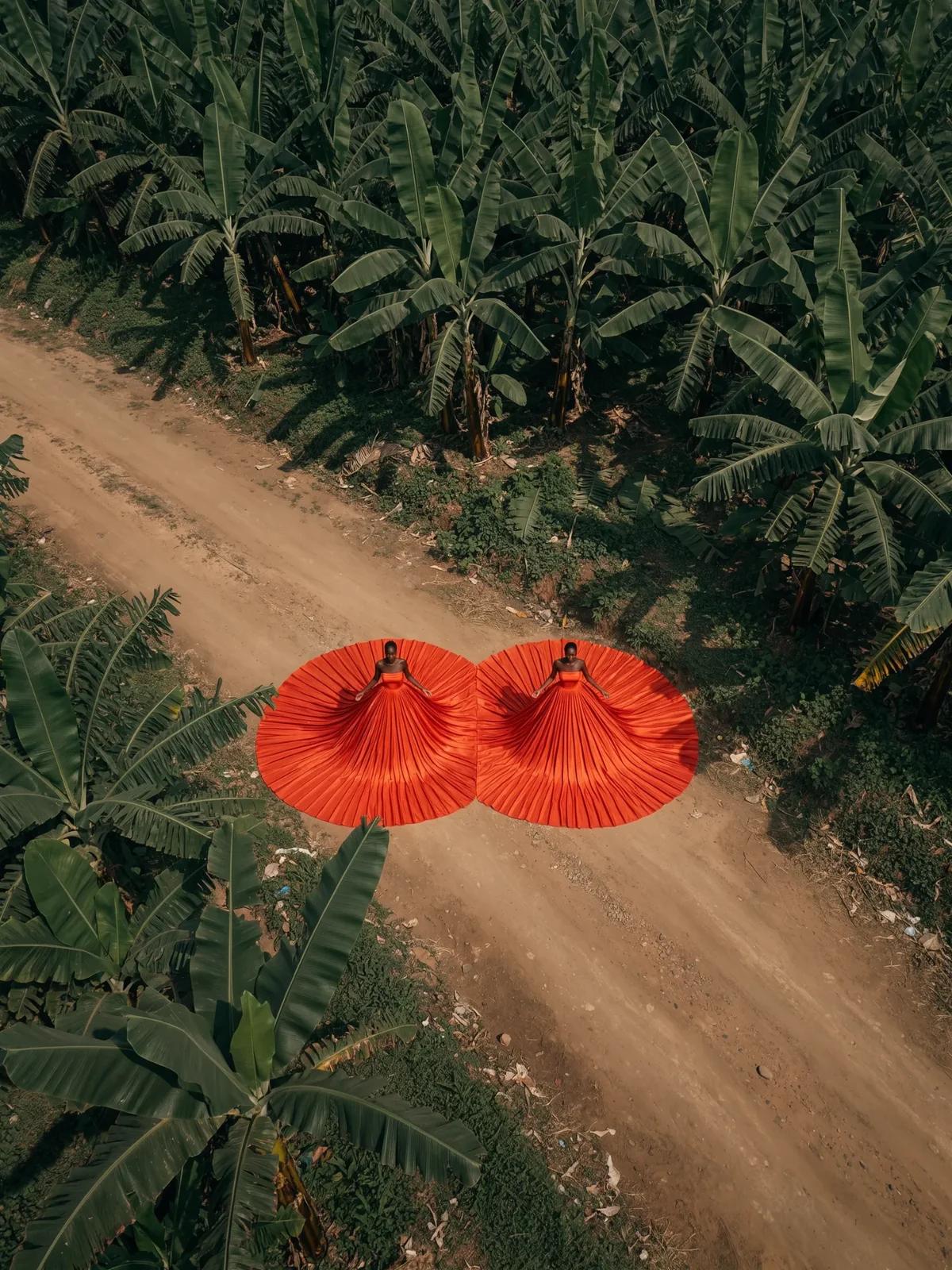
Verified prompt
Verified prompt
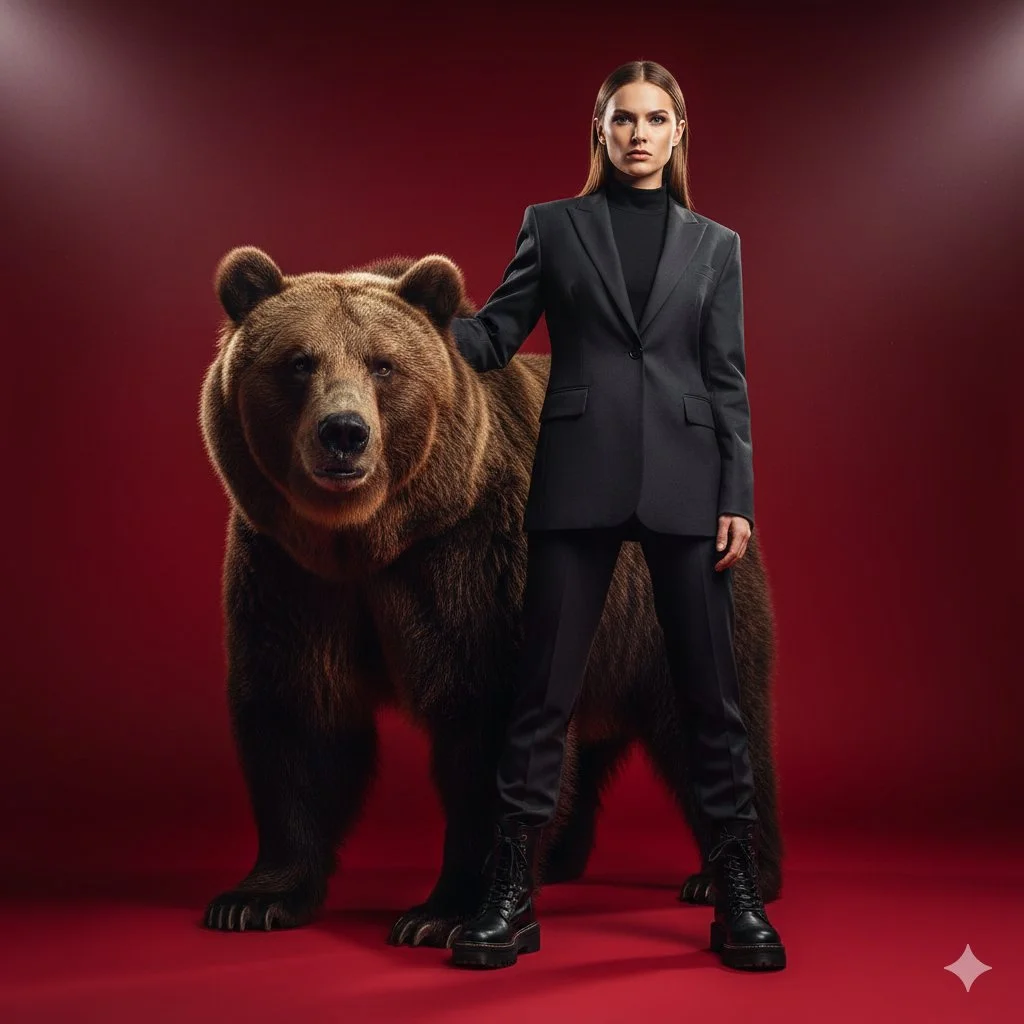
Ultra-cinematic shot of a confident, stylish woman in a sleek, dark suit blazer and combat boots, standing with a massive brown bear slightly behind her, with her hand resting on the bear. It's clear that the bear is her protector and loyal, trained companion. Ultra-detailed photo in Russian style. Dramatic, directed lighting, minimal environmental immersion, solid red background. The image exudes boldness, strength, and a feeling of high tension.
Ultra-cinematic shot of a confident, stylish woman in a sleek, dark suit blazer and combat boots, standing with a massive brown bear slightly behind her, with her hand resting on the bear. It's clear that the bear is her protector and loyal, trained companion. Ultra-detailed photo in Russian style. Dramatic, directed lighting, minimal environmental immersion, solid red background. The image exudes boldness, strength, and a feeling of high tension.
Verified prompt
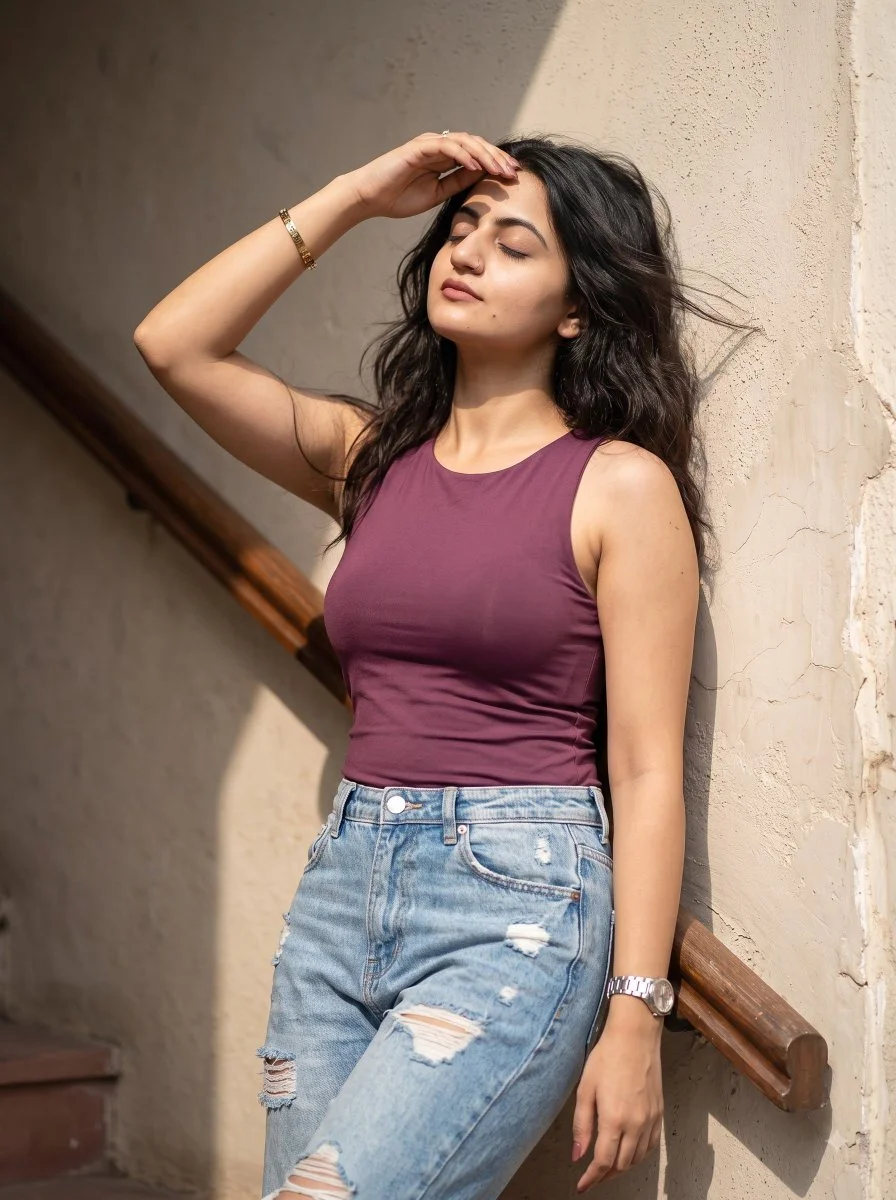
Create a relaxed vertical portrait of an adult woman standing in a sunlit stairwell. Dress her in a simple plum sleeveless top and lightly distressed pale blue jeans. Let her lean against a warm plaster wall and lift one hand toward her forehead as if shading her eyes. Use a peaceful expression and naturally moving dark hair. Include a wooden handrail receding behind her. Frame from the thighs upward and use bright side light with believable shadows, subtle skin texture and an informal everyday-photography feel.
Create a relaxed vertical portrait of an adult woman standing in a sunlit stairwell. Dress her in a simple plum sleeveless top and lightly distressed pale blue jeans. Let her lean against a warm plaster wall and lift one hand toward her forehead as if shading her eyes. Use a peaceful expression and naturally moving dark hair. Include a wooden handrail receding behind her. Frame from the thighs upward and use bright side light with believable shadows, subtle skin texture and an informal everyday-photography feel.
Verified prompt
Verified prompt
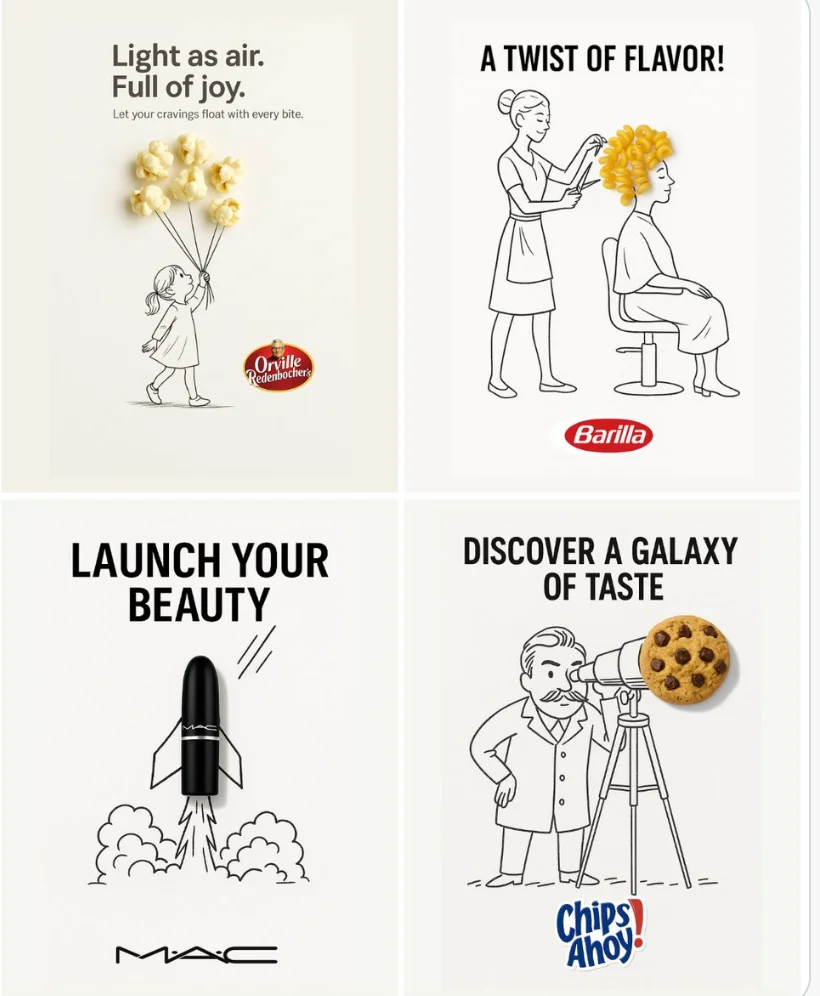
A minimalist and creative advertisement set on a clean white background. A real [Real Object] is integrated into a hand-drawn black ink doodle, using loose, playful lines. The [Doodle Concept] interacts with the object in a clever, imaginative way. Include bold black [Ad Copy] text at the top or center. Place the [Brand Logo] clearly at the bottom. The visual should be clean, fun, high-contrast, and conceptually smart.
A minimalist and creative advertisement set on a clean white background. A real [Real Object] is integrated into a hand-drawn black ink doodle, using loose, playful lines. The [Doodle Concept] interacts with the object in a clever, imaginative way. Include bold black [Ad Copy] text at the top or center. Place the [Brand Logo] clearly at the bottom. The visual should be clean, fun, high-contrast, and conceptually smart.
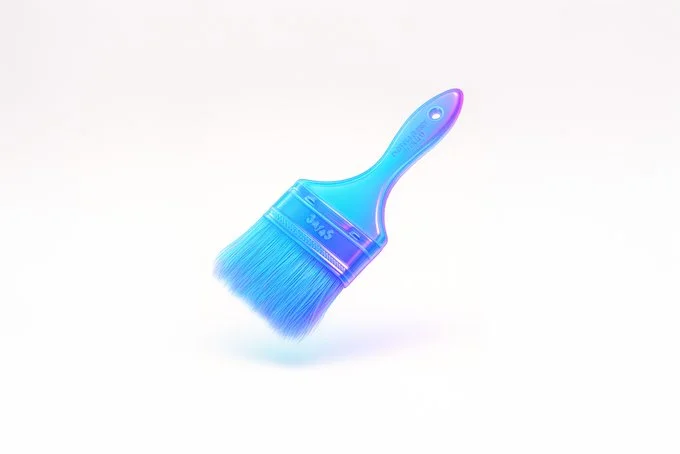
Verified prompt
retexture the image attached based on the JSON below: { "style_name": "Floating Glassy Neon 3D", "retexture_mode": "shape_lock", "object_analysis": { "preserve_silhouette": true, "geometry_sensitive_mapping": true, "detail_retention": "maintain contours, volumes, and layering" }, "material_properties": { "base_material": "translucent neon glass-gel", "surface_finish": "semi-gloss with soft glow edges", "transparency": "high, with soft light refraction", "refraction": "gentle bend with subtle halo on curves", "embedded_effects": "internal light scatter and edge neon glow", "color_blend": { "primary": ["aqua", "electric blue", "neon violet"], "gradient_direction": "top-left to bottom-right", "transition_smoothness": "very smooth" } }, "lighting": { "type": "softbox HDRI", "intensity": "soft and bright", "source_direction": "overhead and slightly front", "highlight_behavior": "gentle bloom with glass sparkle" }, "shadow_behavior": { "type": "floating contact shadow", "appearance": "extremely soft, blurred ellipse", "opacity": 0.07, "distance_below_object": "moderate", "color": "neutral gray" }, "background": { "type": "solid color", "color": "#ffffff", "glow_effect": "none", "gradient": "none" }, "rendering": { "depth_of_field": "subtle with slight vignette", "focus_point": "center of floating object", "ambient_occlusion": "minimal to preserve light feel", "render_engine": "3D stylized with light diffusion and high specular detail", "camera_angle": "slightly above object, frontal", "resolution": "very high for product branding" }, "special_effects": { "floating_behavior": true, "visual_weightlessness": true, "shadow_softness": "maximum" } }
retexture the image attached based on the JSON below: { "style_name": "Floating Glassy Neon 3D", "retexture_mode": "shape_lock", "object_analysis": { "preserve_silhouette": true, "geometry_sensitive_mapping": true, "detail_retention": "maintain contours, volumes, and layering" }, "material_properties": { "base_material": "translucent neon glass-gel", "surface_finish": "semi-gloss with soft glow edges", "transparency": "high, with soft light refraction", "refraction": "gentle bend with subtle halo on curves", "embedded_effects": "internal light scatter and edge neon glow", "color_blend": { "primary": ["aqua", "electric blue", "neon violet"], "gradient_direction": "top-left to bottom-right", "transition_smoothness": "very smooth" } }, "lighting": { "type": "softbox HDRI", "intensity": "soft and bright", "source_direction": "overhead and slightly front", "highlight_behavior": "gentle bloom with glass sparkle" }, "shadow_behavior": { "type": "floating contact shadow", "appearance": "extremely soft, blurred ellipse", "opacity": 0.07, "distance_below_object": "moderate", "color": "neutral gray" }, "background": { "type": "solid color", "color": "#ffffff", "glow_effect": "none", "gradient": "none" }, "rendering": { "depth_of_field": "subtle with slight vignette", "focus_point": "center of floating object", "ambient_occlusion": "minimal to preserve light feel", "render_engine": "3D stylized with light diffusion and high specular detail", "camera_angle": "slightly above object, frontal", "resolution": "very high for product branding" }, "special_effects": { "floating_behavior": true, "visual_weightlessness": true, "shadow_softness": "maximum" } }
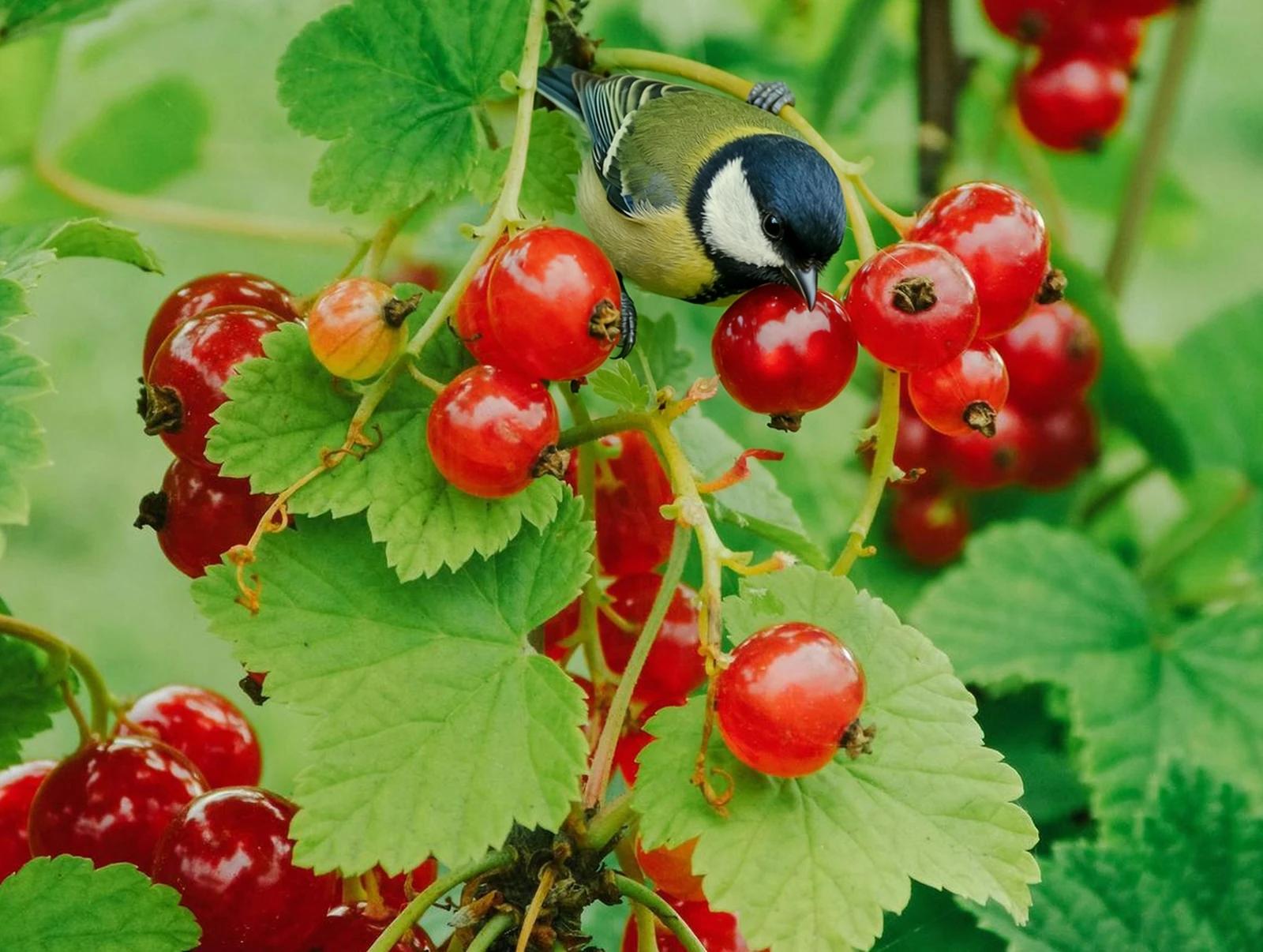
Verified prompt
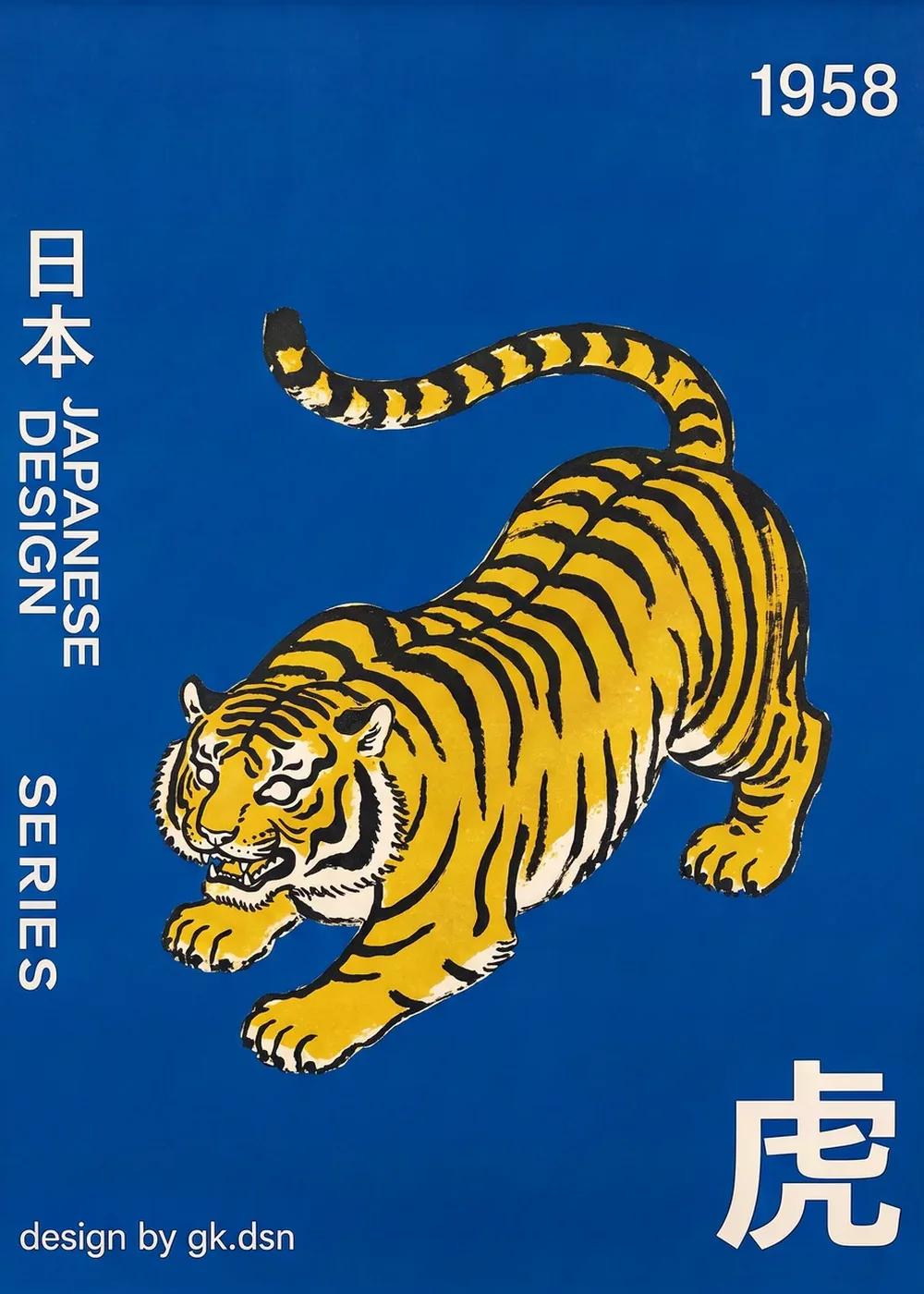
Verified prompt
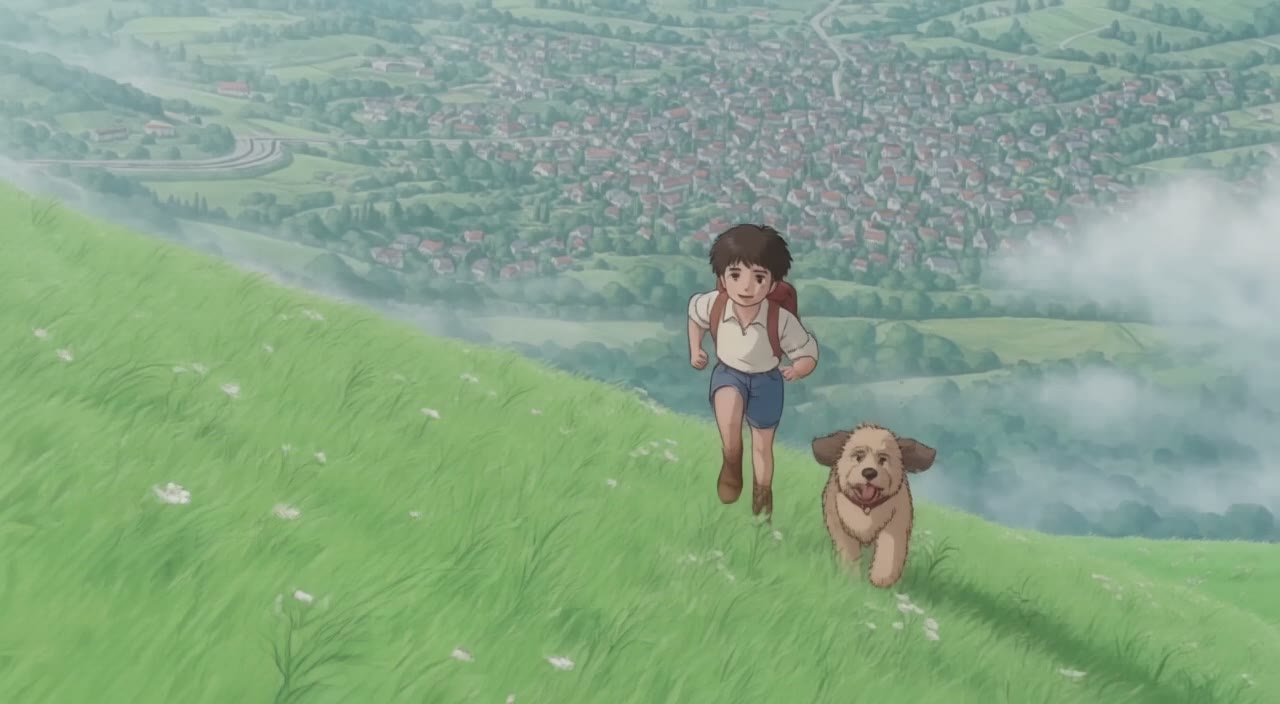
Verified prompt
Plan Your Music Visuals
Create an image, animate a scene or find a starting prompt for your project.
AI Reference Images for Music Visuals
Build the Visual World of Your Song
Explore the places, colors and characters suggested by your lyrics. Start with a written brief or a supported reference image, review the result and develop a visual direction for your music project.
Create a SceneFrom a Lyric to a Visual Brief
Describe the imagery of a verse as a scene: a subject, a setting and a mood. Choose a model and review its available inputs before generating.
Set the Composition Before You Animate
Choose framing, lighting and color in your prompt. Check the available output settings and credit quote, then create an image you can use as a video reference.
Describe the Mood of Your Track
Use a few specific visual details to express the feeling of your song. Compare the image with your brief, then refine its light, colors or composition.
Refine Your Prompt
Review the generated composition, then revise your prompt to change specific details. Choose the available model settings and check the credit quote before creating another version.
Review and Download Results
Open completed results in History, inspect important details and download the image you want to use. Keep your prompt and settings so you can compare later versions.
Keep Your Prompt and Result Together
Write a prompt, choose a model, and review your results in History. Refine your description to explore a different composition or style.
A Focused Image Workspace
Keep your visual brief and completed image results together while you develop the project.
Develop a Visual Direction for Your Music
Explore Styles Through Your Prompt
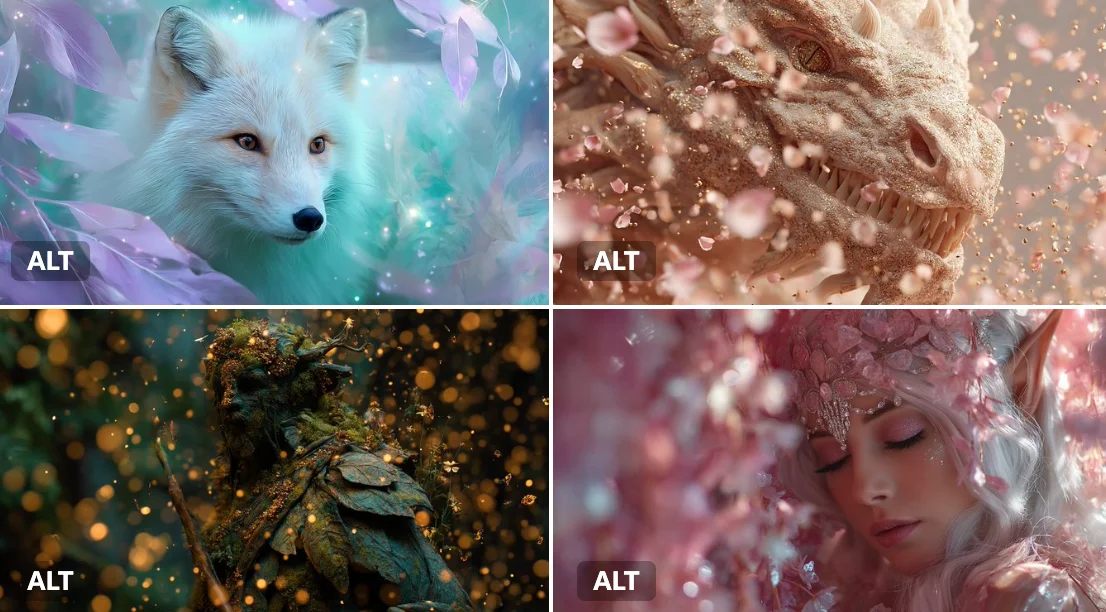
Explore photographic, illustrated or abstract looks by describing the style in your prompt. Results vary by model and request; review each image before using it.
Describe the look you want, then refine your prompt as you compare results.
Reference Images for Your Lyric Video
Explore the scenes and visual details you want to bring into a music project. Create a focused image brief before planning movement.
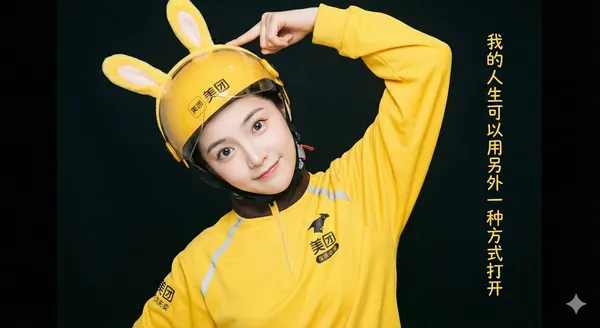
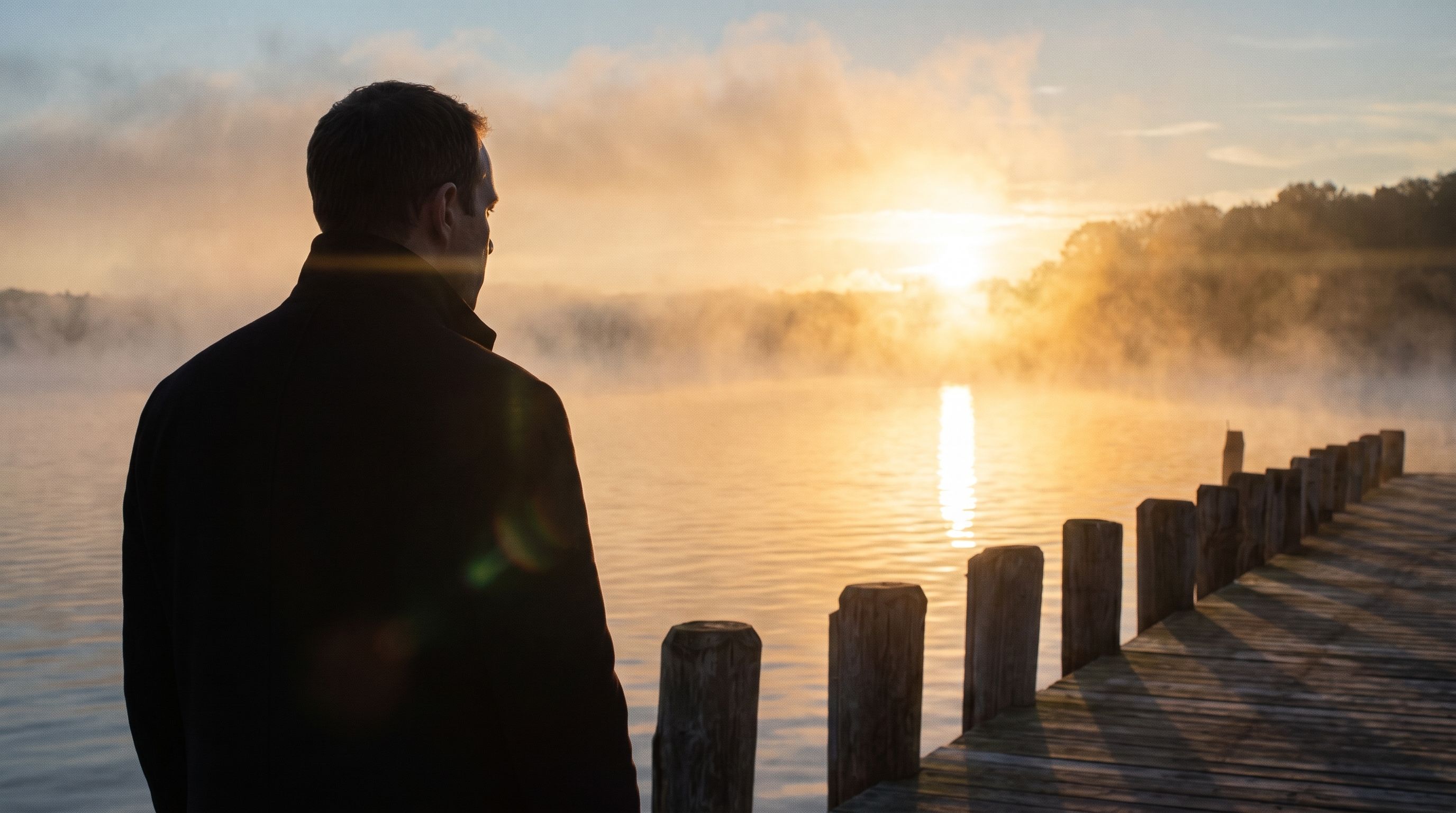
Locations and Atmosphere
Describe the street, room or landscape suggested by your writing. Test the lighting and color palette before using an image as a video reference.
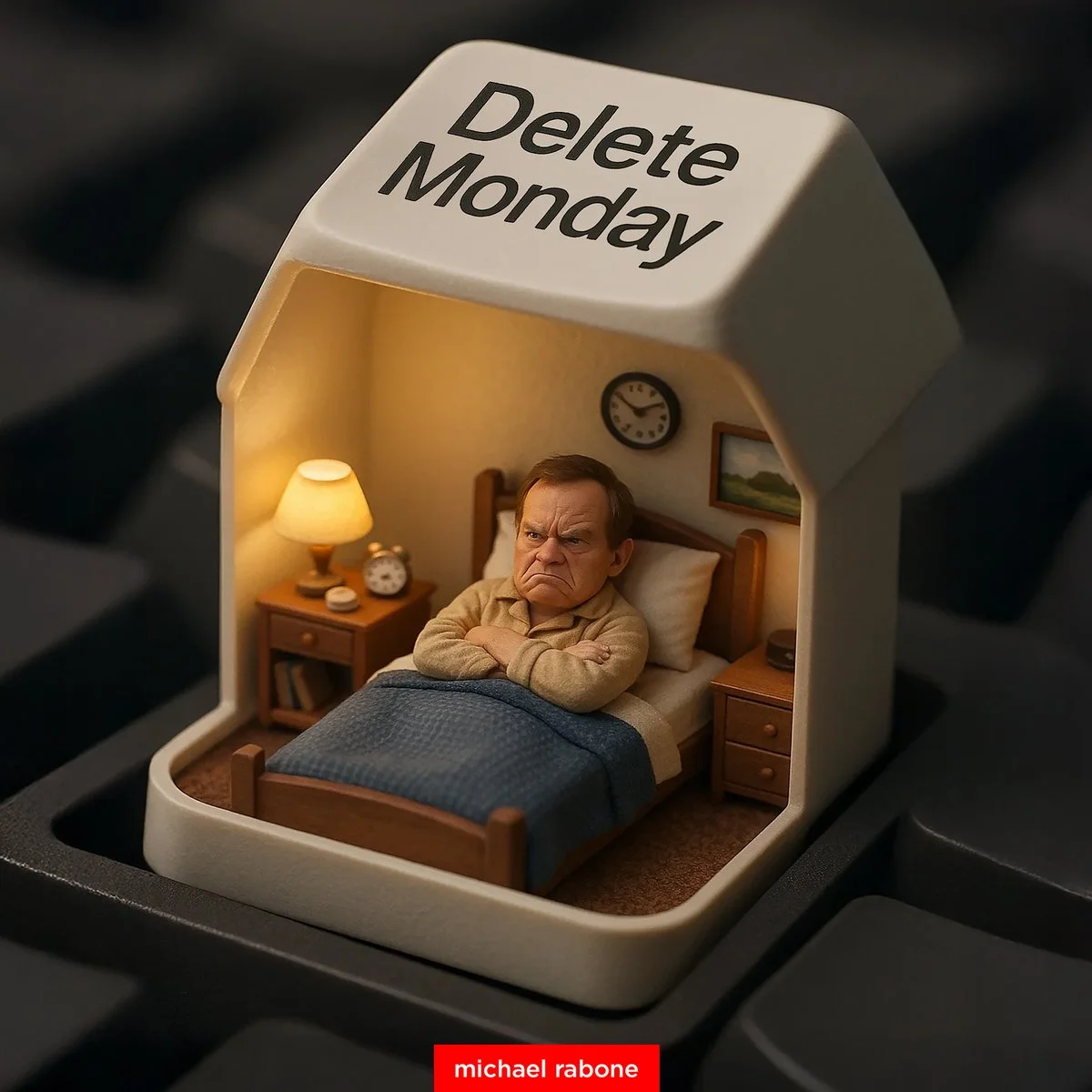
A Central Image for the Chorus
Develop one memorable composition around the main feeling of your chorus. Check the result for distracting details and refine the prompt where needed.
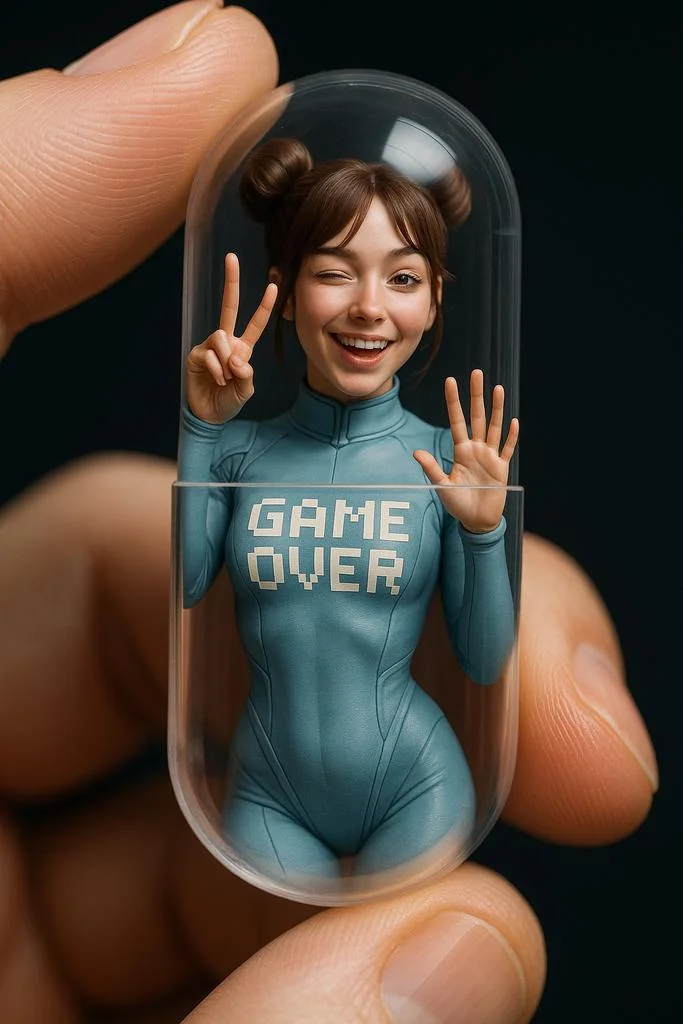
Visual Storyboards
Create concept images for individual moments in a verse. Keep written notes on framing and movement to guide your later video prompts.
Release Artwork Concepts
Explore visual directions for a song announcement. Review text and design details, then add accurate release information in your editing tool.
Create a Reference Image in Four Steps
Add Your Input
Write a description, or select image-to-image mode and upload a reference. Include the details that matter most to your composition.
Customize Your Options
Choose a model and adjust its available size and quality settings. Check the required credits before generating.
Generate and Refine
Select Generate Image and follow the task in History. Review the result, then revise your prompt to create another version.
Export, Share, or Transform
Download a completed image from History and add it to your project. You can also use it as a reference on the video page.
Images for Every Stage of Your Music Project
Use generated images to explore ideas and prepare visual material for your own edit.
Scene Concepts
Turn one image from a lyric into a composition. Describe the subject, surroundings and lighting, then review the result against your brief.
Social Music Posts
Explore a visual idea for a song or release post. Use the format your channel requires and add accurate text in your design tool.
Pitch and Mood Boards
Prepare visual concepts to discuss with collaborators. Keep a clear brief alongside each image so the intended scene is easy to understand.
Visual World Building
Explore a recurring location, palette or motif for your project. Review separate generations carefully; matching characters and details is not guaranteed.
Workflow Notes
Describe one subject, action and setting before generating. Keep the brief focused so the result is easier to review.
AI Reference Image Questions
Generate an image from a written scene description or a supported reference image. Use the result to explore the visual direction of your music project or as a reference for video generation.
Text-to-image models use your written description to generate a visual interpretation. Specific details about the subject, composition, and lighting can help guide the result.
Download an image you want to use, open the video generator and choose a model that supports image-to-video. Upload the image and describe the movement you want.
Write the medium, palette, lighting and composition in your prompt. There is no one-click style effect control on this page.
Revise your text prompt and generate another version, or use a supported reference image in image-to-image mode. This page does not provide object erasing, canvas expansion or photo restoration controls.
Use inputs you have permission to use and review generated content for recognizable people, brands and protected material. Check the applicable terms for your chosen model and use case before publishing commercially.
Image generation uses credits. Select a model and settings to see the quote before submitting, and visit Pricing for current purchase options.
You can start with a plain-language description. Add details about the subject, setting, lighting, and style as you refine your idea.
You can request a refund within 10 days of purchase if you have unused credits from that purchase and provide a clear reason, subject to our Refund Policy. If eligible, an unused purchase can be fully refunded; a partly used purchase is refunded in proportion to its remaining unused credits. Fully used purchases and free or promotional credits are not refundable.
Credit validity depends on the pack, subscription or promotion that issued them. Review the purchase terms and expiration dates in Settings > Credits. A renewal or new purchase does not extend older credits. Use credits before their stated expiration; do not assume unused subscription credits roll over indefinitely.
Credits charged for a task that is confirmed as failed due to a system error are returned automatically. A task that is still processing has not yet been confirmed as failed. Check its status and your credit history before submitting again. If a confirmed failure still shows an unresolved charge, email support@raplyrics.app with the task ID.
AI results can vary, so a completed result that differs from your expectations is not automatically treated as a technical failure. Eligible completed image tasks can be submitted for credit refund review using the refund option where available; approval is required. For a video or another issue, contact support@raplyrics.app with the task ID and details. A credit refund returns credits, not money to your payment method.
Email support@raplyrics.app. For billing, include your account email and order ID; for generation, include the task ID, issue description and relevant screenshots. If you purchased as a guest, keep the original browser data and payment receipt so we can help locate the purchase.
Create a Visual Starting Point for Your Lyrics
Create an image from a text description or supported reference. Review the model settings, check the credit quote and download completed results from History.
raplyrics.app · Updated
What's new on this page
- — Added editable example prompts and separate drafts for text and reference modes, with an action to restore the example.
- — Page content published.