
Nano Banana Image Concepts for Music Visuals
Nano Banana Image Concepts for Music Visuals
Describe the image you want. Review the result and revise your prompt to create another version. Supported input modes and settings are shown in the generator.
Verified prompt
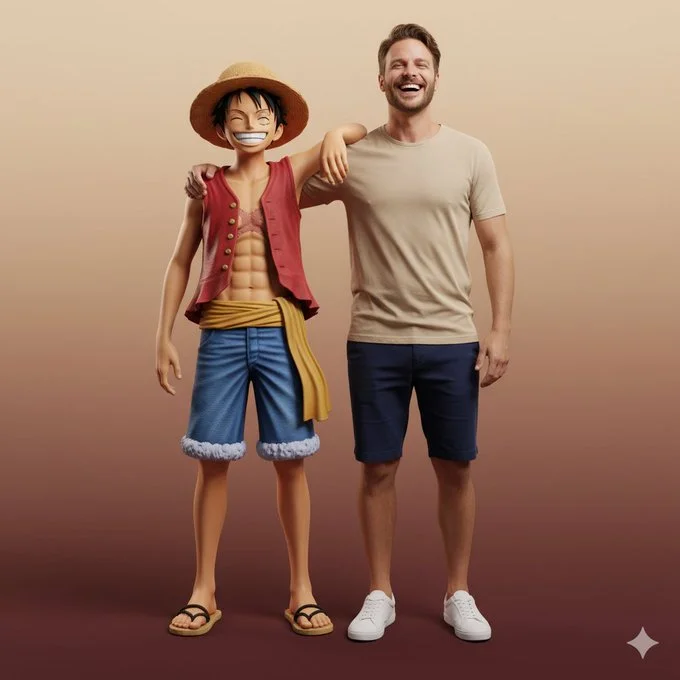
Ultra-realistic full-body portrait of the attached image. The person is interacting with Monkey D. Luffy in a front-facing pose, both standing side by side, smiling directly at the camera. Their body language is friendly and natural — Luffy’s arm rests around the person’s shoulder, while both share a joyful, relaxed laugh. Studio or neutral environment with soft cinematic lighting and a warm beige-to-burgundy gradient background. The person wears casual modern clothes: beige T-shirt, navy shorts, and white sneakers, while Luffy retains his original look — straw hat, red vest, blue shorts, yellow sash, and sandals. Expression and mood: happy, authentic, full of energy and camaraderie, captured in photorealistic textures, realistic lighting, and cinematic composition with high-fashion editorial quality.
Ultra-realistic full-body portrait of the attached image. The person is interacting with Monkey D. Luffy in a front-facing pose, both standing side by side, smiling directly at the camera. Their body language is friendly and natural — Luffy’s arm rests around the person’s shoulder, while both share a joyful, relaxed laugh. Studio or neutral environment with soft cinematic lighting and a warm beige-to-burgundy gradient background. The person wears casual modern clothes: beige T-shirt, navy shorts, and white sneakers, while Luffy retains his original look — straw hat, red vest, blue shorts, yellow sash, and sandals. Expression and mood: happy, authentic, full of energy and camaraderie, captured in photorealistic textures, realistic lighting, and cinematic composition with high-fashion editorial quality.
Verified prompt
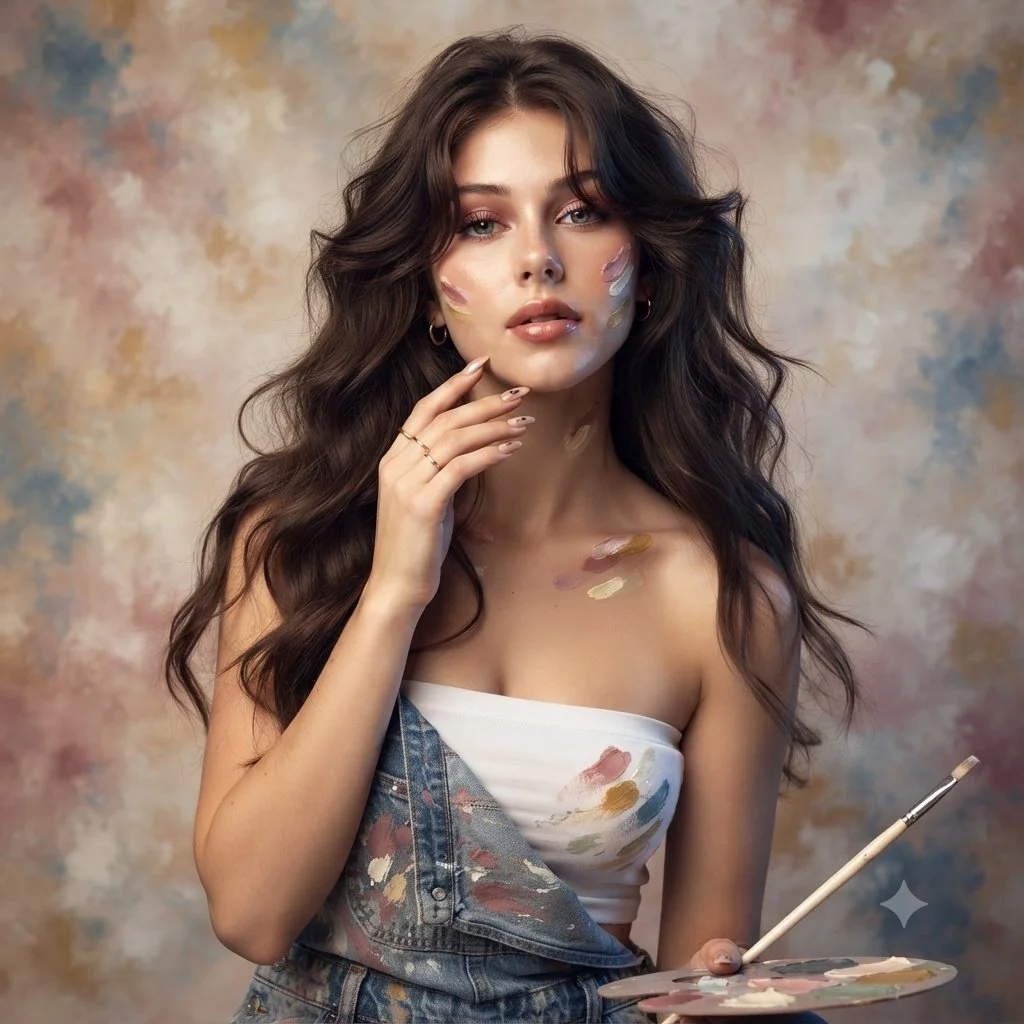
Use an uploaded adult portrait as the identity reference for an artist-inspired studio photograph. Dress the subject in denim overalls over a simple cream top, with a few restrained paint marks on the clothing and fingertips. Include a small palette and a thin brush near the lower frame. Let one hand rest lightly beside the face and keep the eyes unobstructed. Use softly waved hair, delicate jewelry and a mottled painted backdrop in ivory, rose and muted blue. Combine warm and cool soft light while preserving natural skin and facial proportions.
Use an uploaded adult portrait as the identity reference for an artist-inspired studio photograph. Dress the subject in denim overalls over a simple cream top, with a few restrained paint marks on the clothing and fingertips. Include a small palette and a thin brush near the lower frame. Let one hand rest lightly beside the face and keep the eyes unobstructed. Use softly waved hair, delicate jewelry and a mottled painted backdrop in ivory, rose and muted blue. Combine warm and cool soft light while preserving natural skin and facial proportions.
Verified prompt
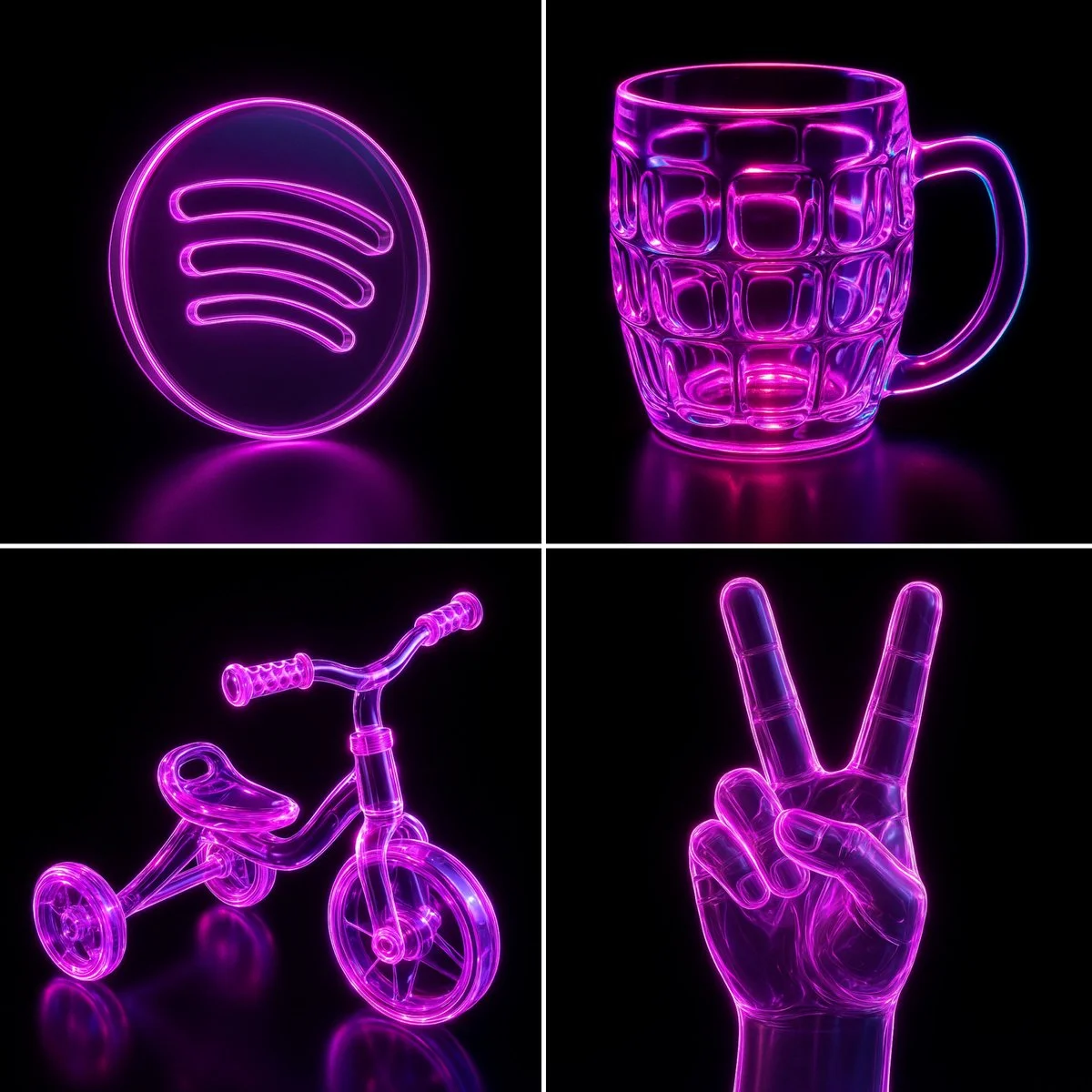
Recreate this image using the parameters from the JSON provided. { "name": "Neon Glass Glow", "style": { "material": { "type": "glass", "transparency": 0.92, "reflectivity": 1.0, "refractionIndex": 1.6, "color": "#ff00ff", "emission": { "color": "#ff66ff", "intensity": 0.8 }, "surfaceFinish": "glossy", "bloom": true, "detail": "high" }, "outline": { "enabled": true, "color": "#ffccff", "width": 1.8 }, "lighting": { "type": "studio", "keyLightColor": "#ffffff", "keyLightIntensity": 1.0, "fillLightColor": "#9900ff", "fillLightIntensity": 0.7, "rimLightColor": "#00ffff", "rimLightIntensity": 0.7, "shadows": "crisp" }, "background": { "type": "solid", "color": "#000000" }, "render": { "shadows": true, "antiAliasing": true, "superSampling": "4x", "resolution": "high", "depthOfField": { "enabled": true, "focusDistance": 0.8, "blurAmount": 0.1 } } } }
Recreate this image using the parameters from the JSON provided. { "name": "Neon Glass Glow", "style": { "material": { "type": "glass", "transparency": 0.92, "reflectivity": 1.0, "refractionIndex": 1.6, "color": "#ff00ff", "emission": { "color": "#ff66ff", "intensity": 0.8 }, "surfaceFinish": "glossy", "bloom": true, "detail": "high" }, "outline": { "enabled": true, "color": "#ffccff", "width": 1.8 }, "lighting": { "type": "studio", "keyLightColor": "#ffffff", "keyLightIntensity": 1.0, "fillLightColor": "#9900ff", "fillLightIntensity": 0.7, "rimLightColor": "#00ffff", "rimLightIntensity": 0.7, "shadows": "crisp" }, "background": { "type": "solid", "color": "#000000" }, "render": { "shadows": true, "antiAliasing": true, "superSampling": "4x", "resolution": "high", "depthOfField": { "enabled": true, "focusDistance": 0.8, "blurAmount": 0.1 } } } }
Verified prompt
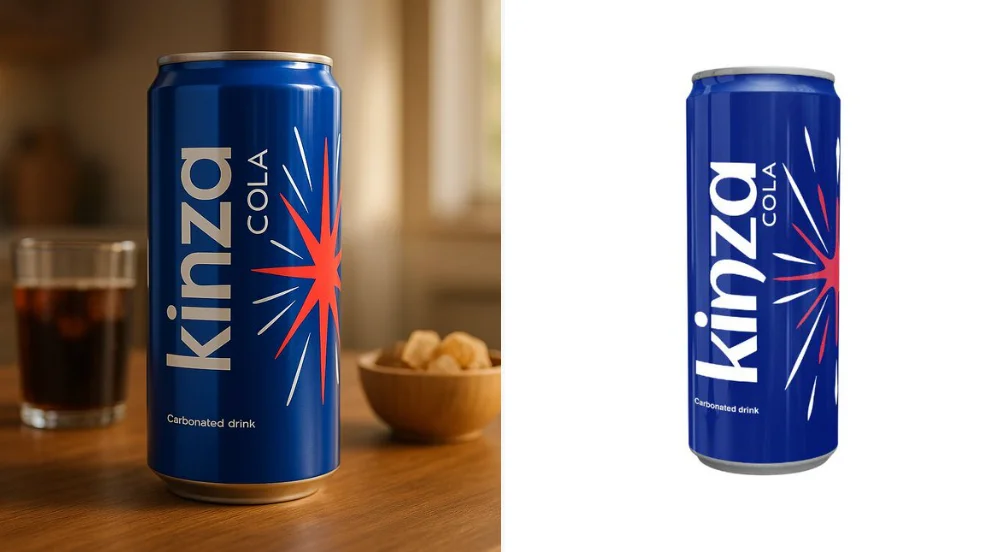
Use the uploaded product image exactly as it is — do not alter, redraw, or reinterpret any part of it. Follow the guidelines below to create a high-quality, cinematic product presentation: • Keep the product fully intact — all text, labels, proportions, packaging, and colors must remain exactly the same. • Use natural or cinematic lighting to enhance the product’s appeal. • Place the product on a realistic surface that matches its category (e.g. wooden kitchen table for bread, bathroom shelf for skincare, desk for tech gadgets). • Add complementary props if appropriate (e.g. toast and coffee for bread, leaves and water droplets for skincare) — but do not let them touch or cover the product. • Use a softly blurred or ambient background (e.g. kitchen, morning window light, minimal interior). • Include soft shadows and subtle reflections for a grounded, photo-realistic effect. • Final result should feel premium, natural, and visually appealing — with 100% fidelity to the uploaded product image.
Use the uploaded product image exactly as it is — do not alter, redraw, or reinterpret any part of it. Follow the guidelines below to create a high-quality, cinematic product presentation: • Keep the product fully intact — all text, labels, proportions, packaging, and colors must remain exactly the same. • Use natural or cinematic lighting to enhance the product’s appeal. • Place the product on a realistic surface that matches its category (e.g. wooden kitchen table for bread, bathroom shelf for skincare, desk for tech gadgets). • Add complementary props if appropriate (e.g. toast and coffee for bread, leaves and water droplets for skincare) — but do not let them touch or cover the product. • Use a softly blurred or ambient background (e.g. kitchen, morning window light, minimal interior). • Include soft shadows and subtle reflections for a grounded, photo-realistic effect. • Final result should feel premium, natural, and visually appealing — with 100% fidelity to the uploaded product image.
Verified prompt
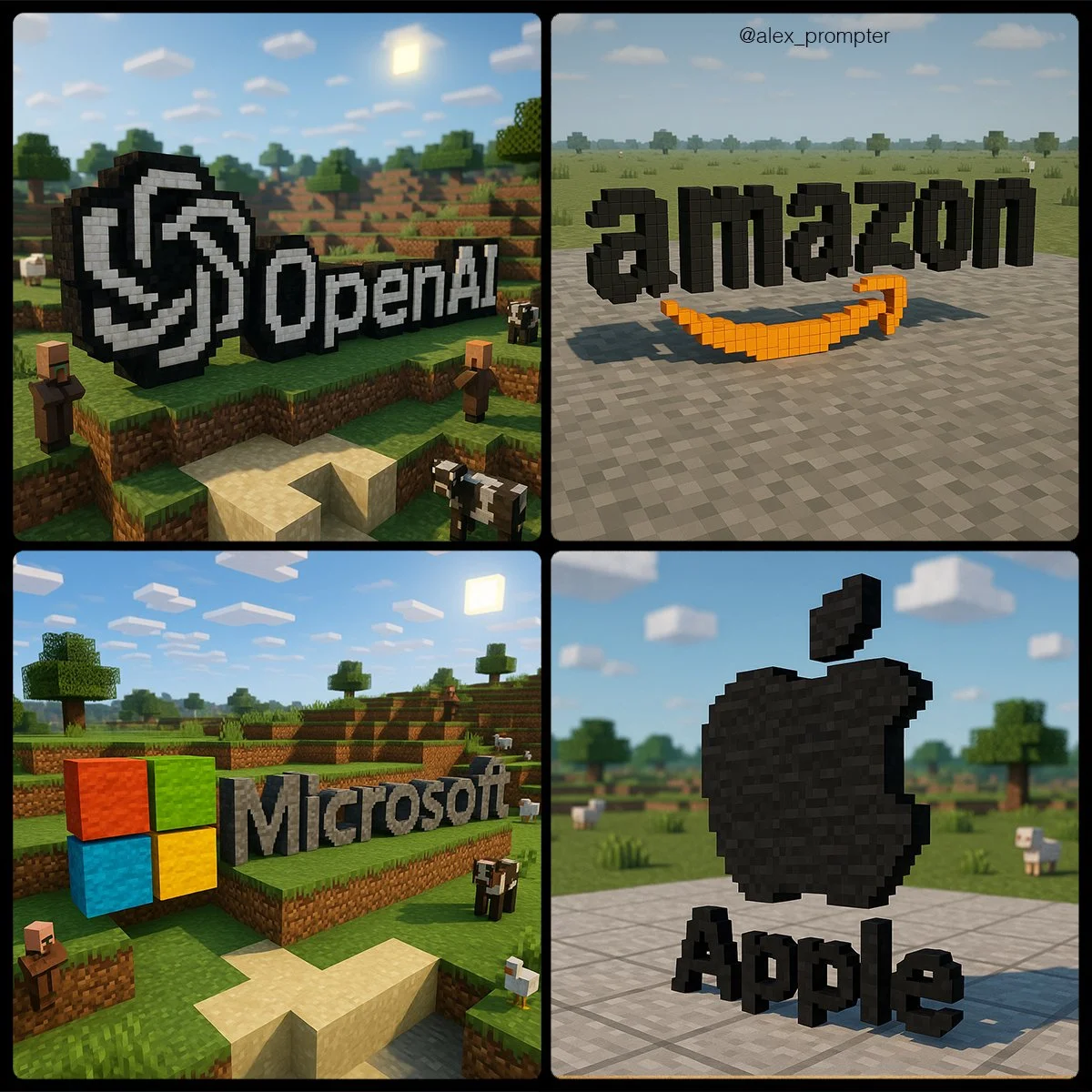
Recreate the [BRAND NAME] logo following the JSON Aesthetic below: { "style": "Minecraft-style voxel 3D rendering", "logo_handling": { "adapt_to_uploaded_logo": true, "rebuild_logo_using_voxel_blocks": true, "use_original_logo_as_strict_pixel-color map": true, "preserve_text_in_logo": true, "preserve_text_case": true, "preserve_original_logo_colors": true, "preserve_shape_and_layout": true "aspect_ratio": [INSERT ASPECT RATIO] }, "minecraft_conversion": { "voxel_depth": "medium thickness to show 3D volume", "block_style": "authentic Minecraft texture mapping", "color_strategy": "each block in the logo must match a pixel from the uploaded logo exactly — no estimation or stylistic substitution", "voxel_material_match": "map logo pixels to Minecraft block colors that visually match pixel color as closely as possible — no creative enhancements", "disable_palette_expansion": true }, "scene_environment": { "base": "neutral terrain (gray concrete or light stone)", "background": "simple sky (clouds, no sun flare)", "optional_elements": [ "Minecraft animals at a distance", "terrain vegetation in background only" ], "environment_color_policy": "environment must not share colors used in the logo to prevent blending or confusion" }, "lighting": { "neutral directional light": true, "do_not_adjust_logo_colors_for_lighting": true, "prevent_ambient_light_color_bleed": true }, "camera": { "angle": "slightly top-down with 3D logo centered", "focus": "sharp focus on voxel logo only, environment softly rendered" }, "render_quality": { "voxel_texture_resolution": "high", "shadows": "natural voxel-style ambient shadows only", "disable_artistic_effects": true }, "post_processing": { "no glow effects": true, "no color correction": true, "disable AI reinterpretation of tones or palette": true }, "image_constraints": { "transparent_background": false, "include_text": true, "preserve_text_case": true, "preserve_original_logo_colors": true, "obey_uploaded_logo_shape": true, "match_uploaded_logo_layout": true, "enforce_color_source_from_logo_only": true }, "notes": "Rebuild the uploaded logo using Minecraft-style voxel blocks. Every block must represent one pixel from the logo's original image. No creative license is allowed in color, shape, or layout. The environment is decorative only and must not affect logo readability or color perception. The final image should appear as if the logo were physically constructed in a Minecraft world using blocks that match its exact colors and shapes." }
Recreate the [BRAND NAME] logo following the JSON Aesthetic below: { "style": "Minecraft-style voxel 3D rendering", "logo_handling": { "adapt_to_uploaded_logo": true, "rebuild_logo_using_voxel_blocks": true, "use_original_logo_as_strict_pixel-color map": true, "preserve_text_in_logo": true, "preserve_text_case": true, "preserve_original_logo_colors": true, "preserve_shape_and_layout": true "aspect_ratio": [INSERT ASPECT RATIO] }, "minecraft_conversion": { "voxel_depth": "medium thickness to show 3D volume", "block_style": "authentic Minecraft texture mapping", "color_strategy": "each block in the logo must match a pixel from the uploaded logo exactly — no estimation or stylistic substitution", "voxel_material_match": "map logo pixels to Minecraft block colors that visually match pixel color as closely as possible — no creative enhancements", "disable_palette_expansion": true }, "scene_environment": { "base": "neutral terrain (gray concrete or light stone)", "background": "simple sky (clouds, no sun flare)", "optional_elements": [ "Minecraft animals at a distance", "terrain vegetation in background only" ], "environment_color_policy": "environment must not share colors used in the logo to prevent blending or confusion" }, "lighting": { "neutral directional light": true, "do_not_adjust_logo_colors_for_lighting": true, "prevent_ambient_light_color_bleed": true }, "camera": { "angle": "slightly top-down with 3D logo centered", "focus": "sharp focus on voxel logo only, environment softly rendered" }, "render_quality": { "voxel_texture_resolution": "high", "shadows": "natural voxel-style ambient shadows only", "disable_artistic_effects": true }, "post_processing": { "no glow effects": true, "no color correction": true, "disable AI reinterpretation of tones or palette": true }, "image_constraints": { "transparent_background": false, "include_text": true, "preserve_text_case": true, "preserve_original_logo_colors": true, "obey_uploaded_logo_shape": true, "match_uploaded_logo_layout": true, "enforce_color_source_from_logo_only": true }, "notes": "Rebuild the uploaded logo using Minecraft-style voxel blocks. Every block must represent one pixel from the logo's original image. No creative license is allowed in color, shape, or layout. The environment is decorative only and must not affect logo readability or color perception. The final image should appear as if the logo were physically constructed in a Minecraft world using blocks that match its exact colors and shapes." }
Verified prompt
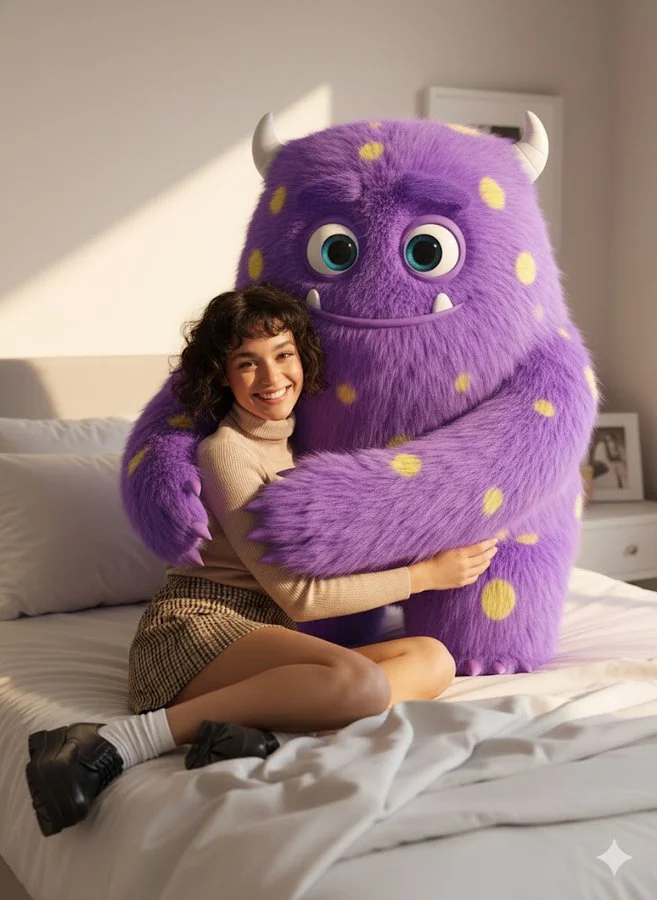
make me sit next to a giant fluffy cute cartoon monster. I am real realistic but monster is 3d cartoon. It’s hugging me and cute. Big eyes we are in house on bed
make me sit next to a giant fluffy cute cartoon monster. I am real realistic but monster is 3d cartoon. It’s hugging me and cute. Big eyes we are in house on bed
Verified prompt
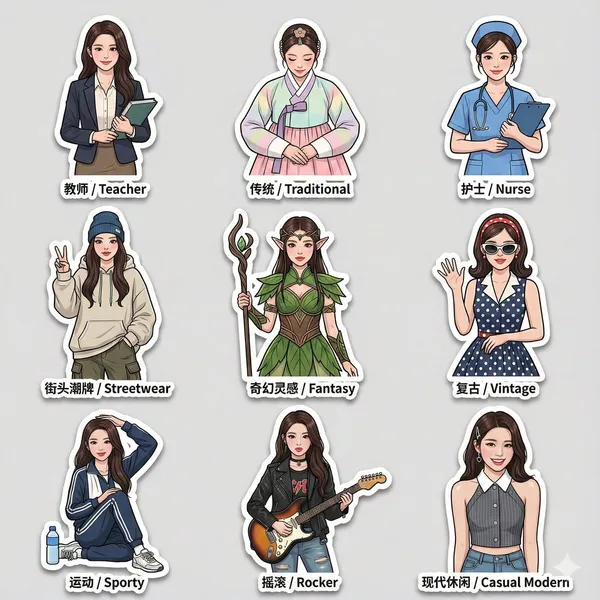
3 sticker pack based on an uploaded reference photo, featuring the same character wearing a variety of different outfits and fashion styles. Cleanly cut edges, bold thick-line outlines, and expressive, dynamic poses, with an overall lively and modern sticker design style. Each sticker includes bilingual labels in both Chinese and English placed next to the character. All stickers maintain identical facial features, consistent likeness, proportions, and scale across the entire set. The sticker pack includes multiple outfit styles such as: teacher attire, traditional clothing, nurse uniform, streetwear fashion, and fantasy-inspired outfits. High-resolution final output, with soft drop shadows and a glossy sticker paper texture, suitable for social media sharing.
3 sticker pack based on an uploaded reference photo, featuring the same character wearing a variety of different outfits and fashion styles. Cleanly cut edges, bold thick-line outlines, and expressive, dynamic poses, with an overall lively and modern sticker design style. Each sticker includes bilingual labels in both Chinese and English placed next to the character. All stickers maintain identical facial features, consistent likeness, proportions, and scale across the entire set. The sticker pack includes multiple outfit styles such as: teacher attire, traditional clothing, nurse uniform, streetwear fashion, and fantasy-inspired outfits. High-resolution final output, with soft drop shadows and a glossy sticker paper texture, suitable for social media sharing.
Verified prompt
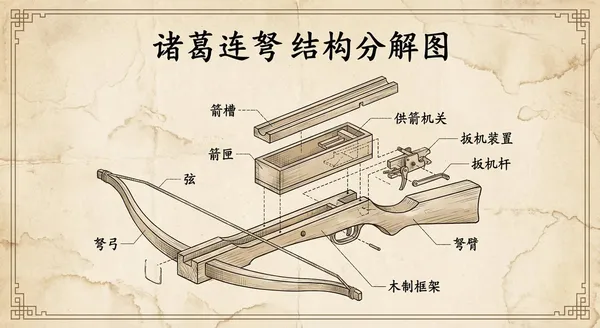
te a retro-style engineering exploded view of the Zhuge repeating crossbow, with all text in Chinese.
te a retro-style engineering exploded view of the Zhuge repeating crossbow, with all text in Chinese.
Verified prompt
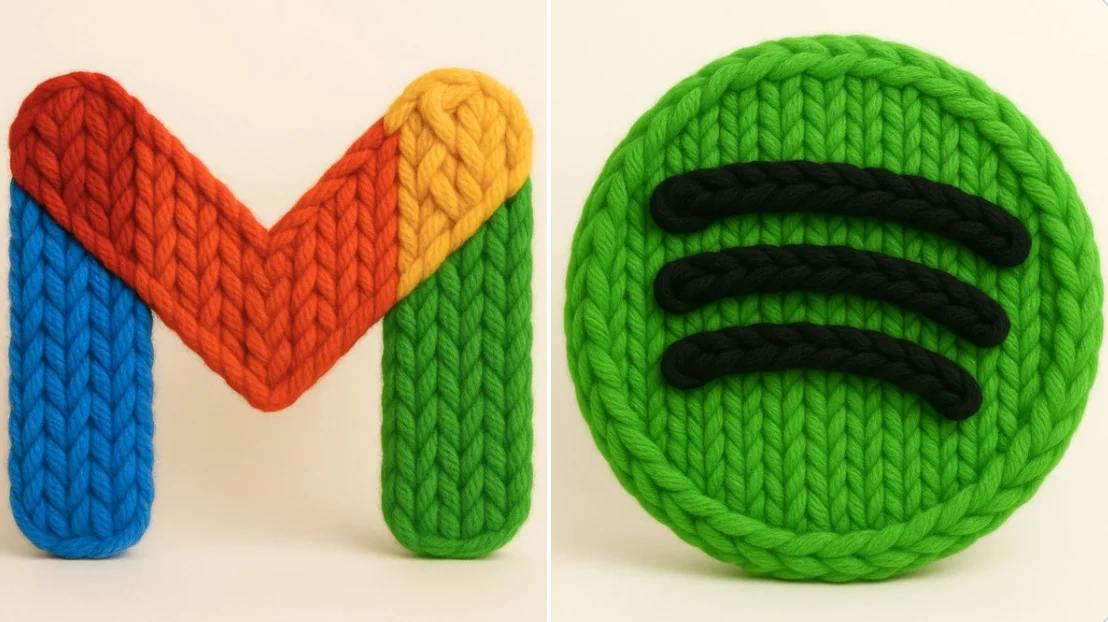
Crea un render 3D fotorrealista de este logo hecho con hilo grueso y tejido a mano. El hilo debe parecer suave, esponjoso y de gran tamaño, con patrones visibles de tejido como bucles, giros y trenzas. Usa colores brillantes y saturados, estética cálida. Resalta la textura de las fibras, la suavidad del material y el acabado artesanal. Iluminación de estudio suave. Fondo blanco o crema limpio. El logo debe estar centrado y sin elementos adicionales. Cuadrado.
Crea un render 3D fotorrealista de este logo hecho con hilo grueso y tejido a mano. El hilo debe parecer suave, esponjoso y de gran tamaño, con patrones visibles de tejido como bucles, giros y trenzas. Usa colores brillantes y saturados, estética cálida. Resalta la textura de las fibras, la suavidad del material y el acabado artesanal. Iluminación de estudio suave. Fondo blanco o crema limpio. El logo debe estar centrado y sin elementos adicionales. Cuadrado.
Verified prompt
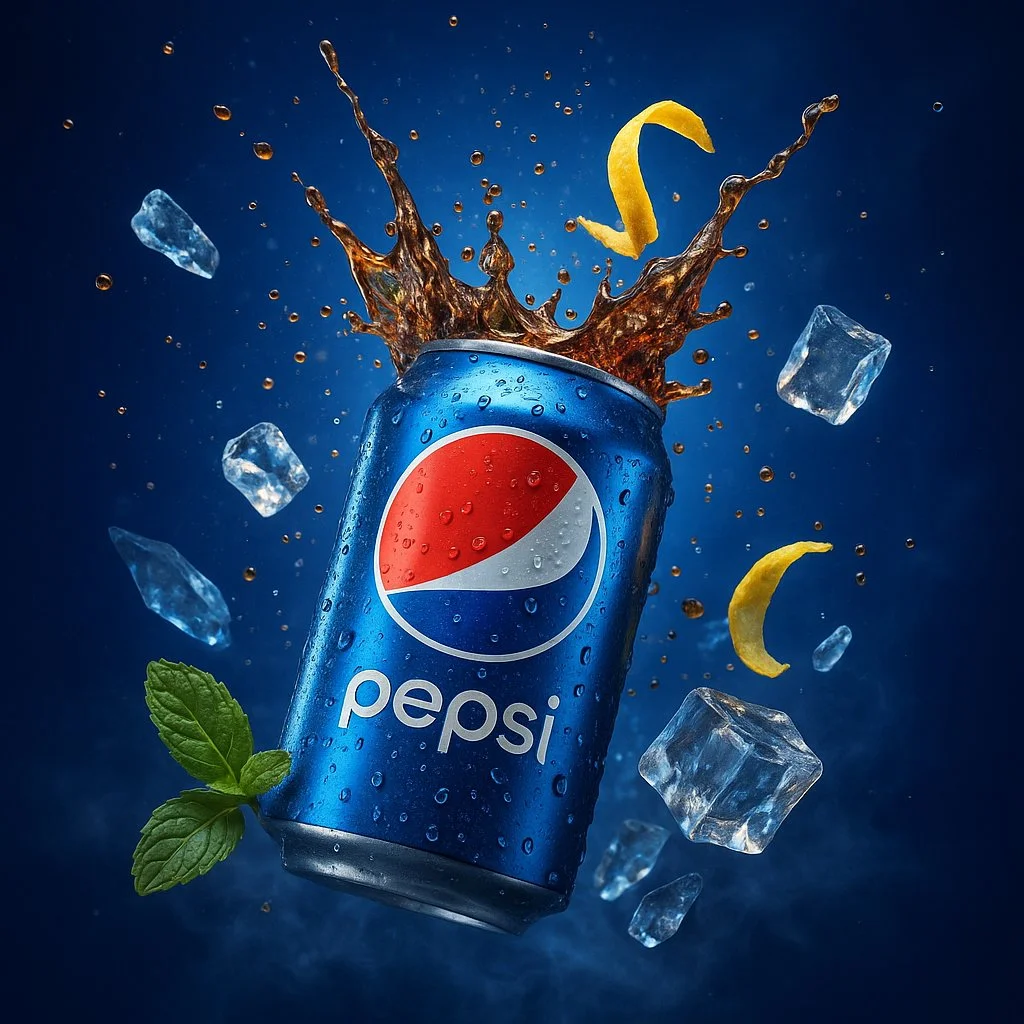
A hyper-realistic, ultra-detailed 3D digital advertisement showcasing a Pepsi can bursting open at its center, sending a refreshing splash of carbonated cola into the air, with effervescent bubbles and ice cubes flying outward. The can’s metallic surface is rendered with sharp, photorealistic textures, complete with condensation droplets, light reflections, and subtle scratches. Surrounding the scene are cold, translucent ice shards and a twist of lemon zest caught mid-motion, adding a vibrant contrast. The background features a deep electric blue gradient with cinematic volumetric lighting and soft lens flares. Green mint leaves and misty vapors add a refreshing, natural accent. The entire scene is rendered in 4K UHD using advanced global illumination, HDR lighting, and realistic shadows. The composition evokes premium beverage advertising with a dramatic tone, created using tools like Unreal Engine + Octane Render for maximum visual impact.
A hyper-realistic, ultra-detailed 3D digital advertisement showcasing a Pepsi can bursting open at its center, sending a refreshing splash of carbonated cola into the air, with effervescent bubbles and ice cubes flying outward. The can’s metallic surface is rendered with sharp, photorealistic textures, complete with condensation droplets, light reflections, and subtle scratches. Surrounding the scene are cold, translucent ice shards and a twist of lemon zest caught mid-motion, adding a vibrant contrast. The background features a deep electric blue gradient with cinematic volumetric lighting and soft lens flares. Green mint leaves and misty vapors add a refreshing, natural accent. The entire scene is rendered in 4K UHD using advanced global illumination, HDR lighting, and realistic shadows. The composition evokes premium beverage advertising with a dramatic tone, created using tools like Unreal Engine + Octane Render for maximum visual impact.
Verified prompt
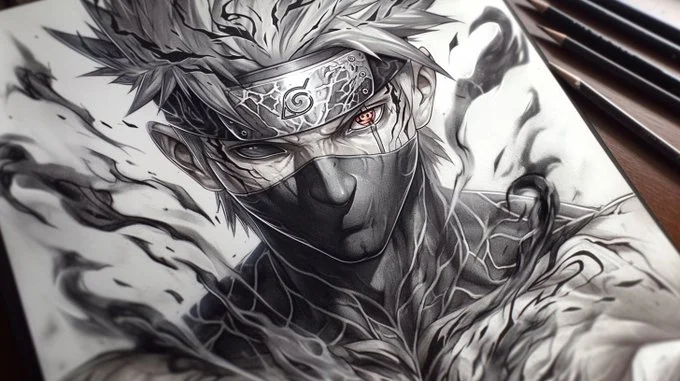
A pencil drawing of [Your character], with detailed lines and shading on white paper, capturing the energy and strength in his muscular body [with element effects] around the character, in a dynamic pose, tattoo design on paper, manga art style, dark background, high contrast, strong shadows, light and shadow effects, black ink drawing, dynamic pose
A pencil drawing of [Your character], with detailed lines and shading on white paper, capturing the energy and strength in his muscular body [with element effects] around the character, in a dynamic pose, tattoo design on paper, manga art style, dark background, high contrast, strong shadows, light and shadow effects, black ink drawing, dynamic pose
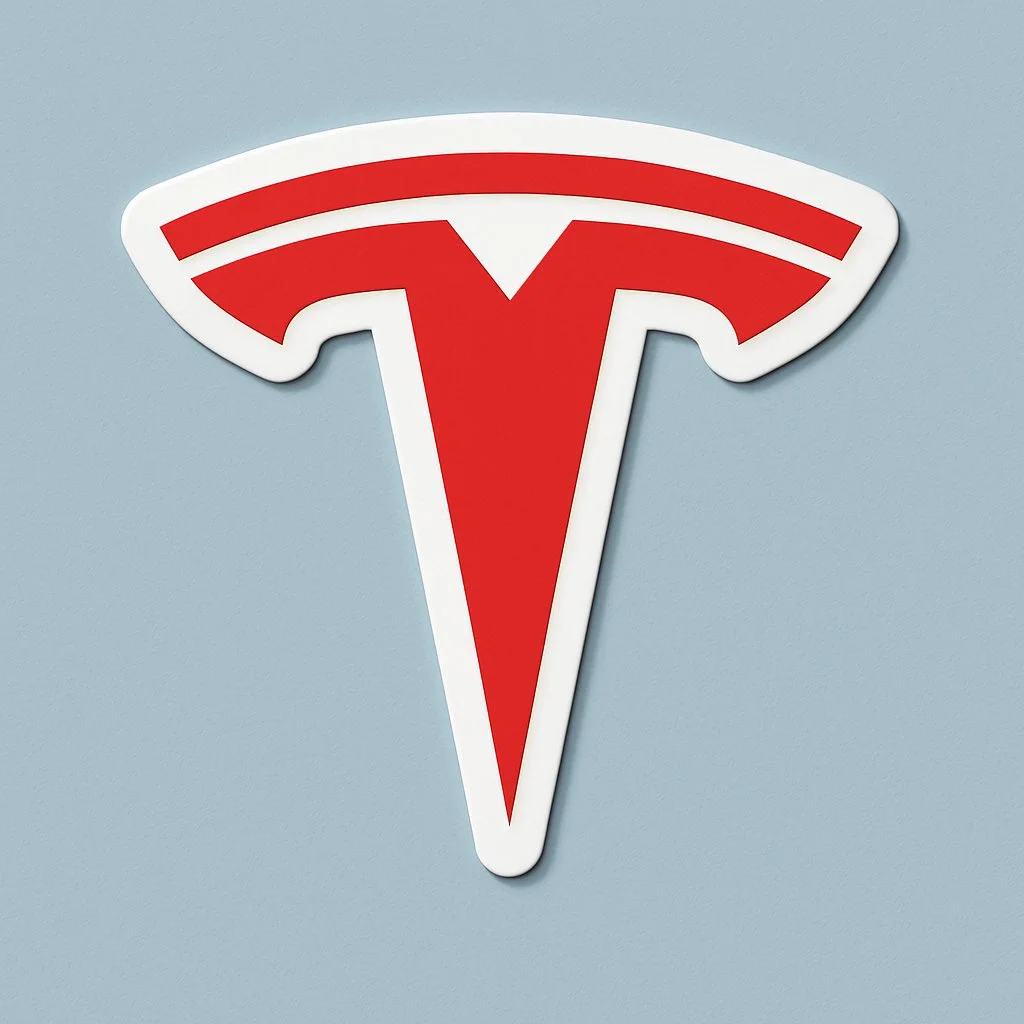
Verified prompt
Generate a large die-cut vinyl sticker of the [BRAND] logo with thick white border, perfectly centered on a soft light blue background. The sticker is viewed straight-on from directly above with realistic drop shadows beneath. Clean, flat design with subtle 3D depth. The sticker takes up most of the frame and maintains original brand colors. 1080x1080 square format.
Generate a large die-cut vinyl sticker of the [BRAND] logo with thick white border, perfectly centered on a soft light blue background. The sticker is viewed straight-on from directly above with realistic drop shadows beneath. Clean, flat design with subtle 3D depth. The sticker takes up most of the frame and maintains original brand colors. 1080x1080 square format.
Plan Your Music Visuals
Create an image, animate a scene or find a starting prompt for your project.
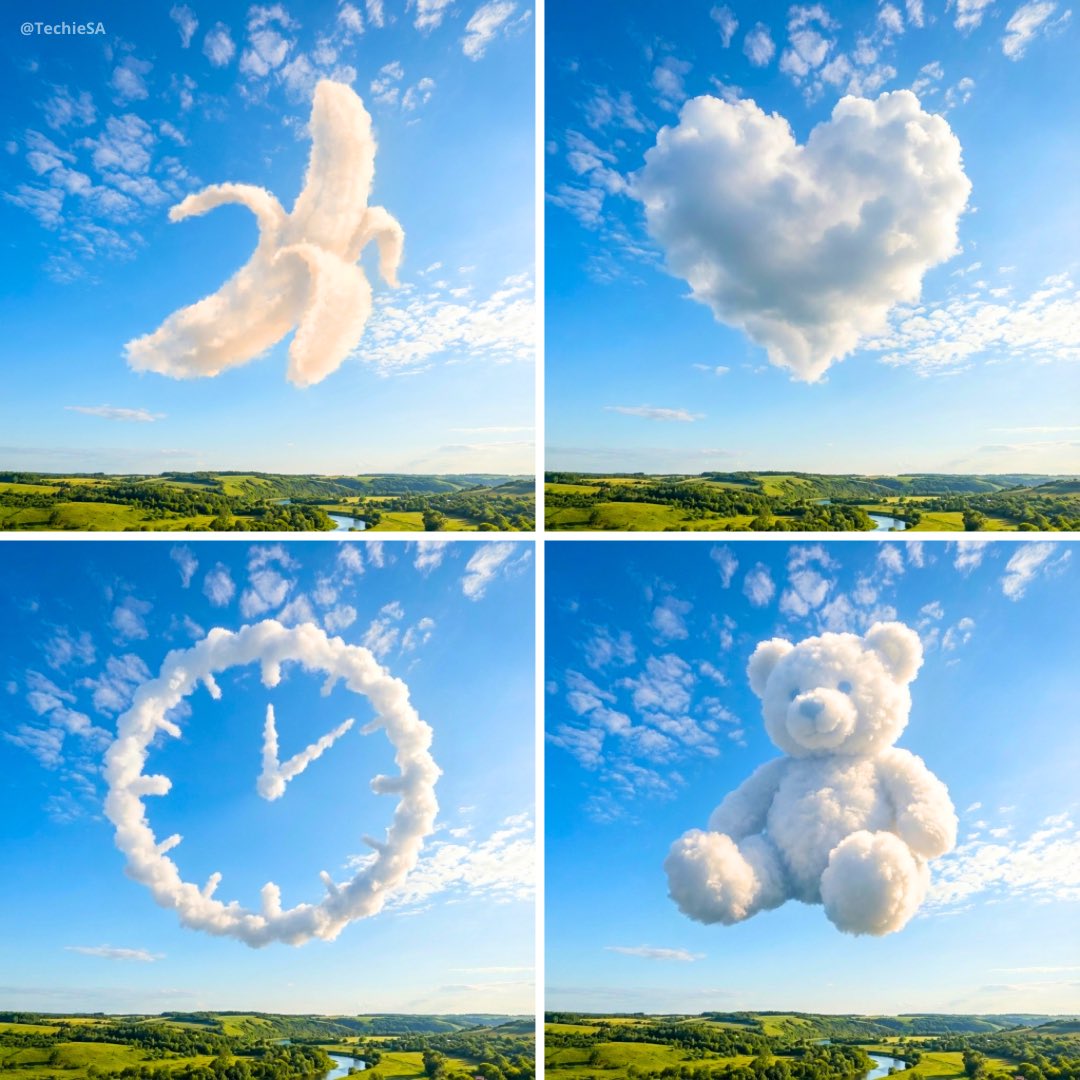
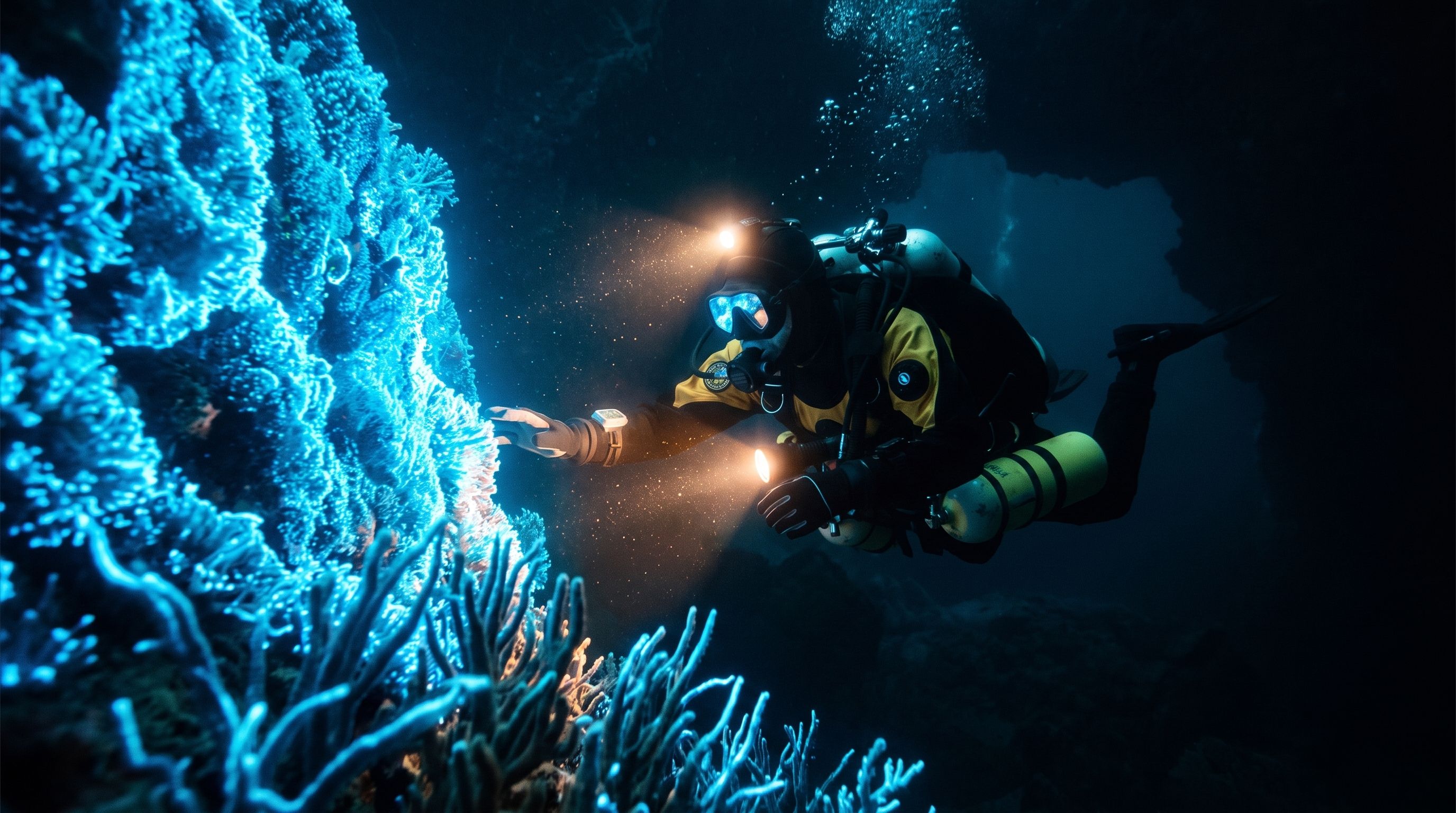
Banana AI Image Generator: Create and Edit from Text
Describe a visual, use a reference image where supported, and refine details through follow-up prompts.
RapLyrics uses an image model you select in the generator. Write a prompt or upload a supported image, then adjust it with follow-up instructions. Check the input options and settings for the model you choose. The current credit quote is shown before generation, and finished images are available in History. Review every result before you use it.
Start Generating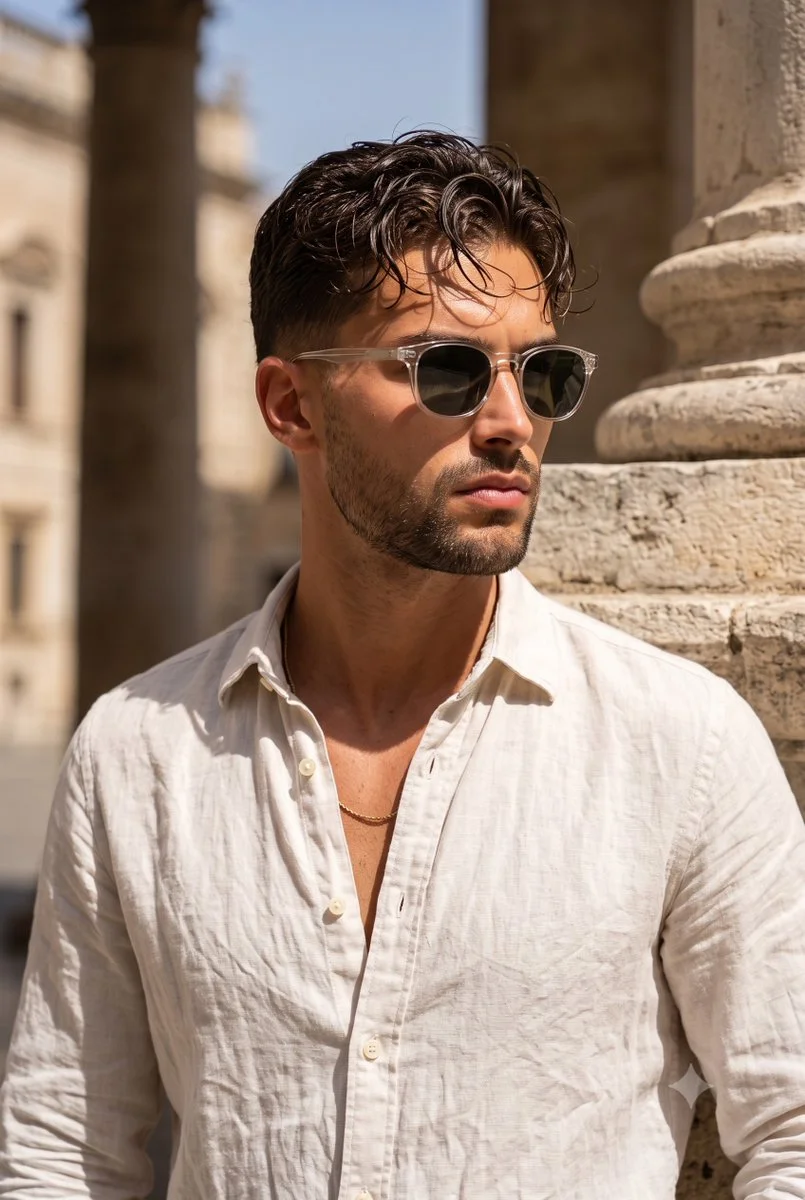
How to Use the Banana AI Image Model
Select the model, describe what you want or upload a supported image, and review the result. Check the available options and credit quote before generating.
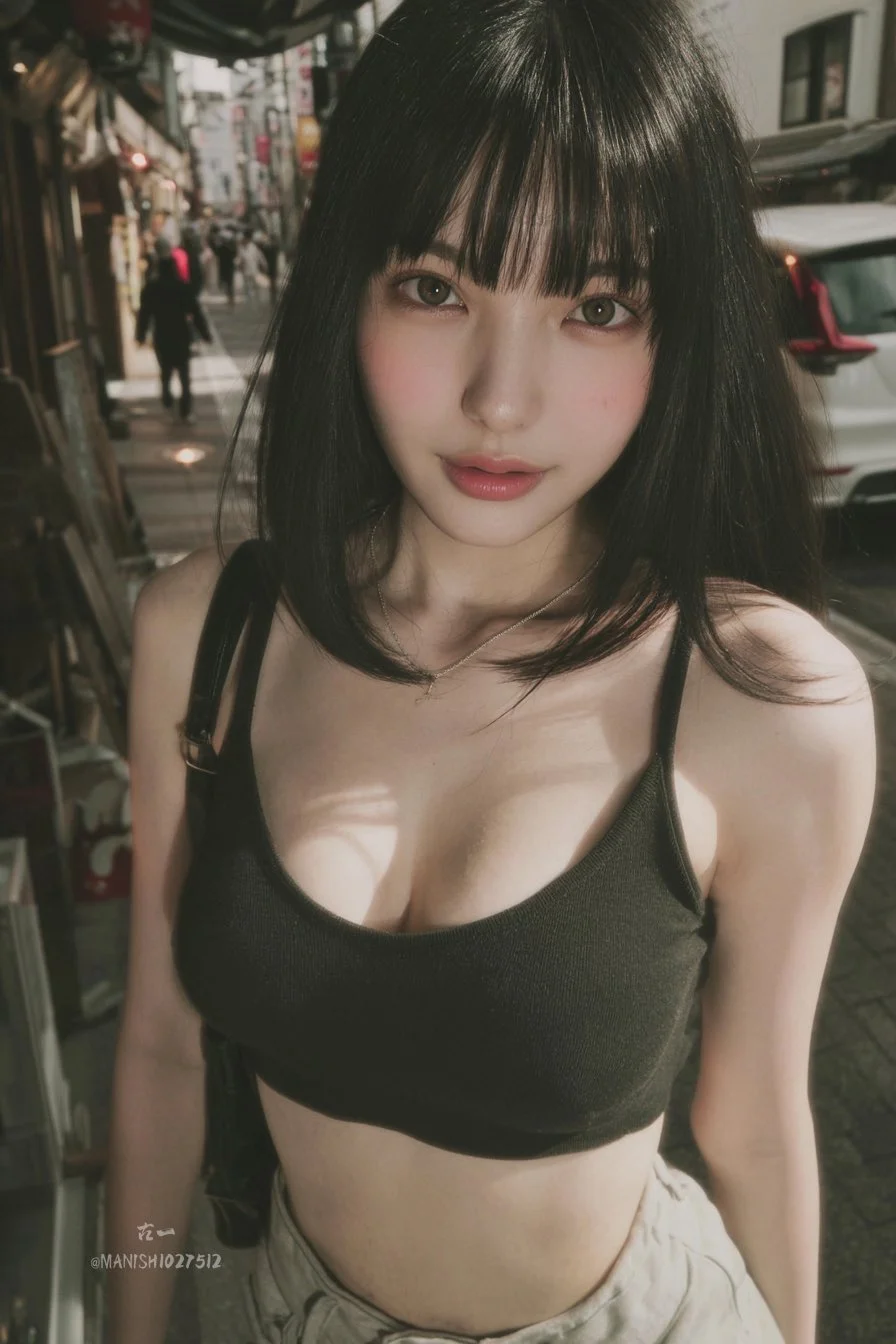
Enter a prompt or upload an image
Open the image generator and choose an enabled model. Enter a text prompt or upload images for reference, editing, or fusion. Supported inputs and settings are shown in the generator.
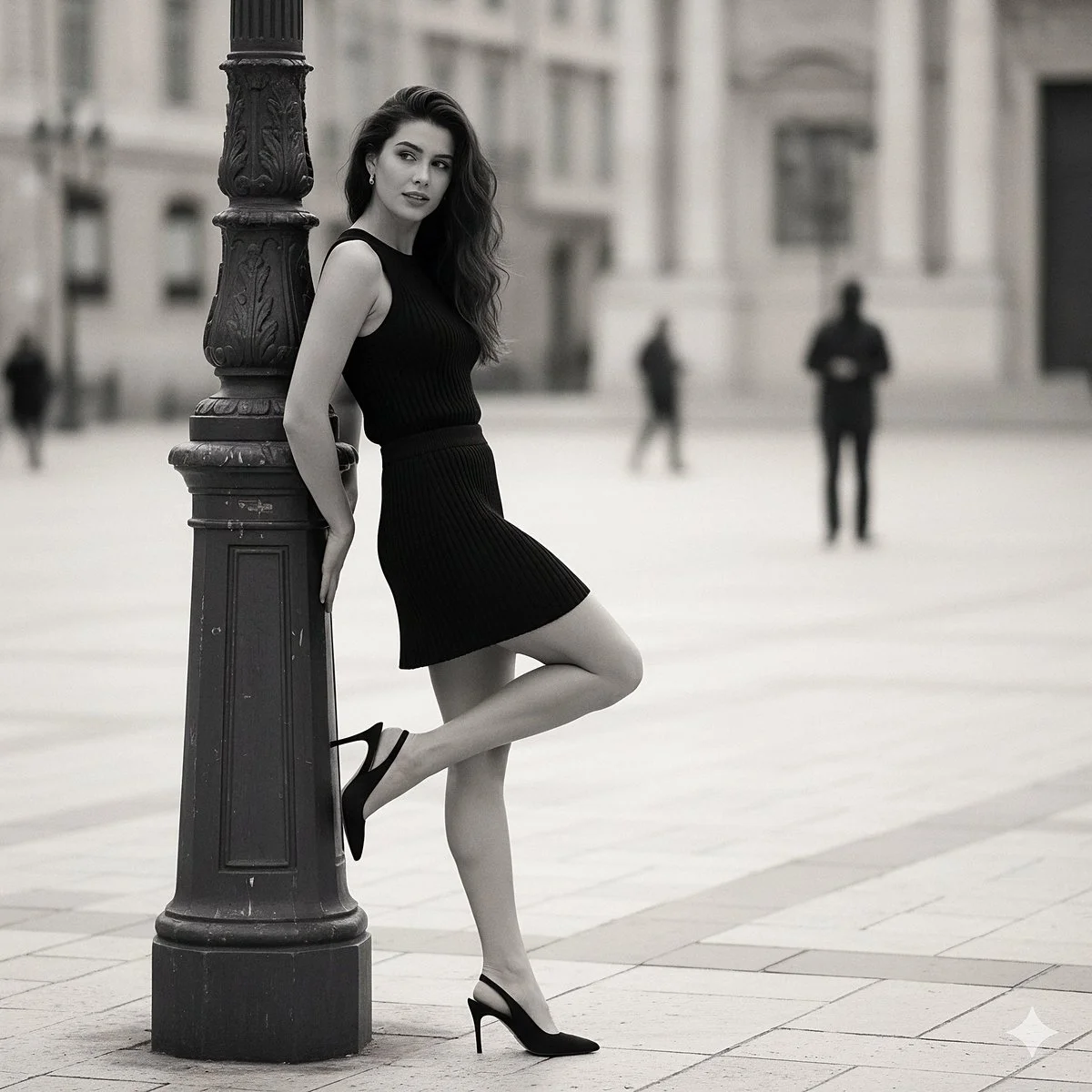
Click generate
Click generate. The selected model processes your prompt and any uploaded images. Review the result before downloading.
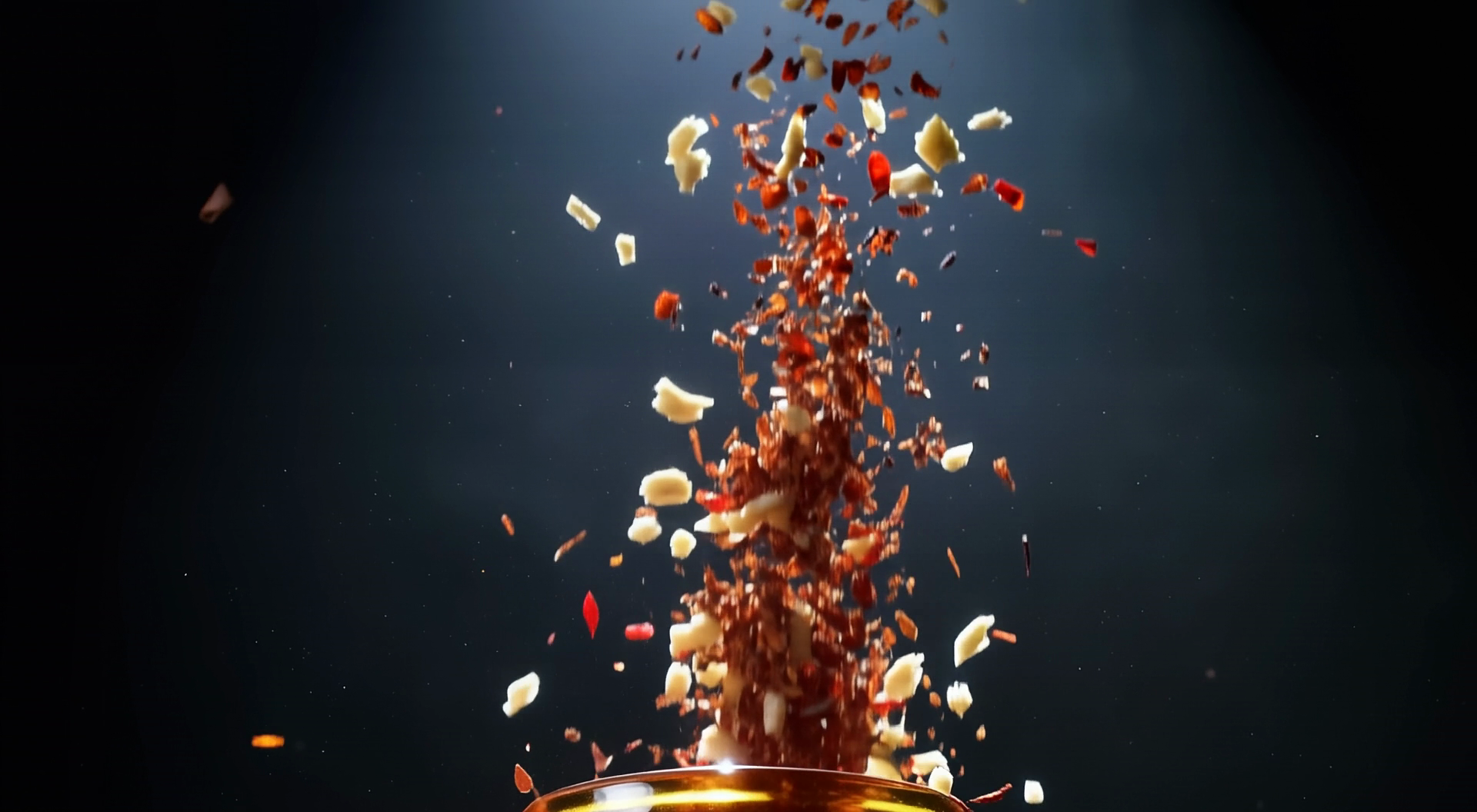
Download
Download your finished image from the generator or History. Use it in your own projects and editing workflow.
Core capabilities
Check which capabilities your selected model supports. Available inputs and settings appear in the generator before you generate.
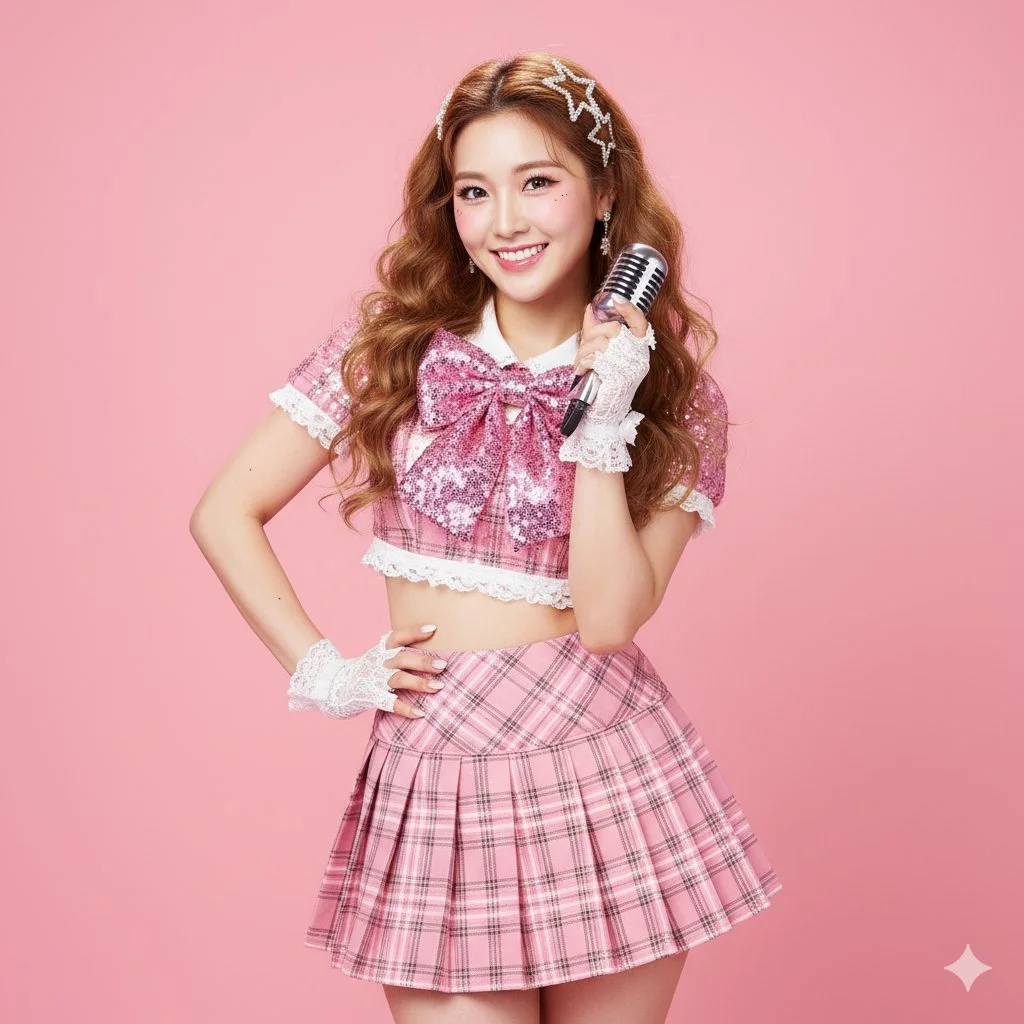
Generate and Refine Image Concepts
Use text prompts to generate images or describe edits to uploaded images. Check whether the selected model supports image-reference or editing modes. Follow the on-screen inputs for prompt and reference images.
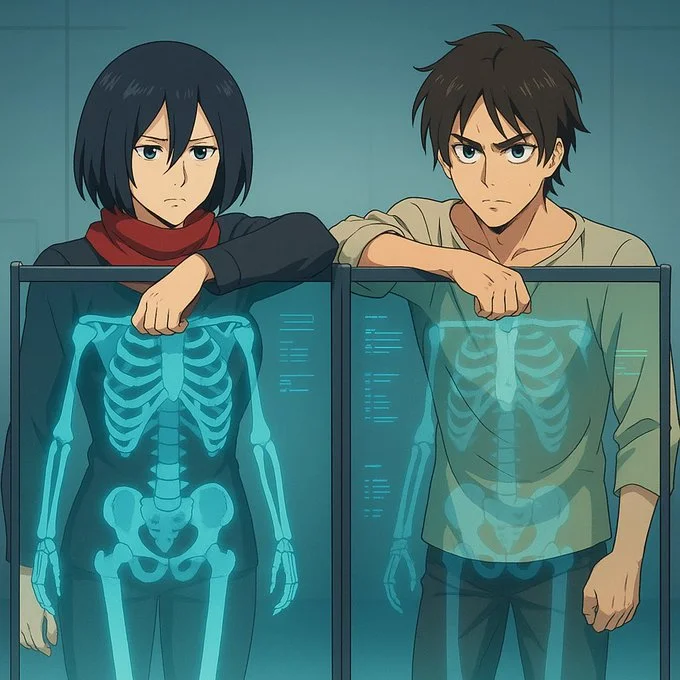
Local editing with text instructions
Describe the area and change you want, such as a background, object, outfit, or style. Whether local editing is available depends on the selected model. Check the generator for supported reference and editing options.
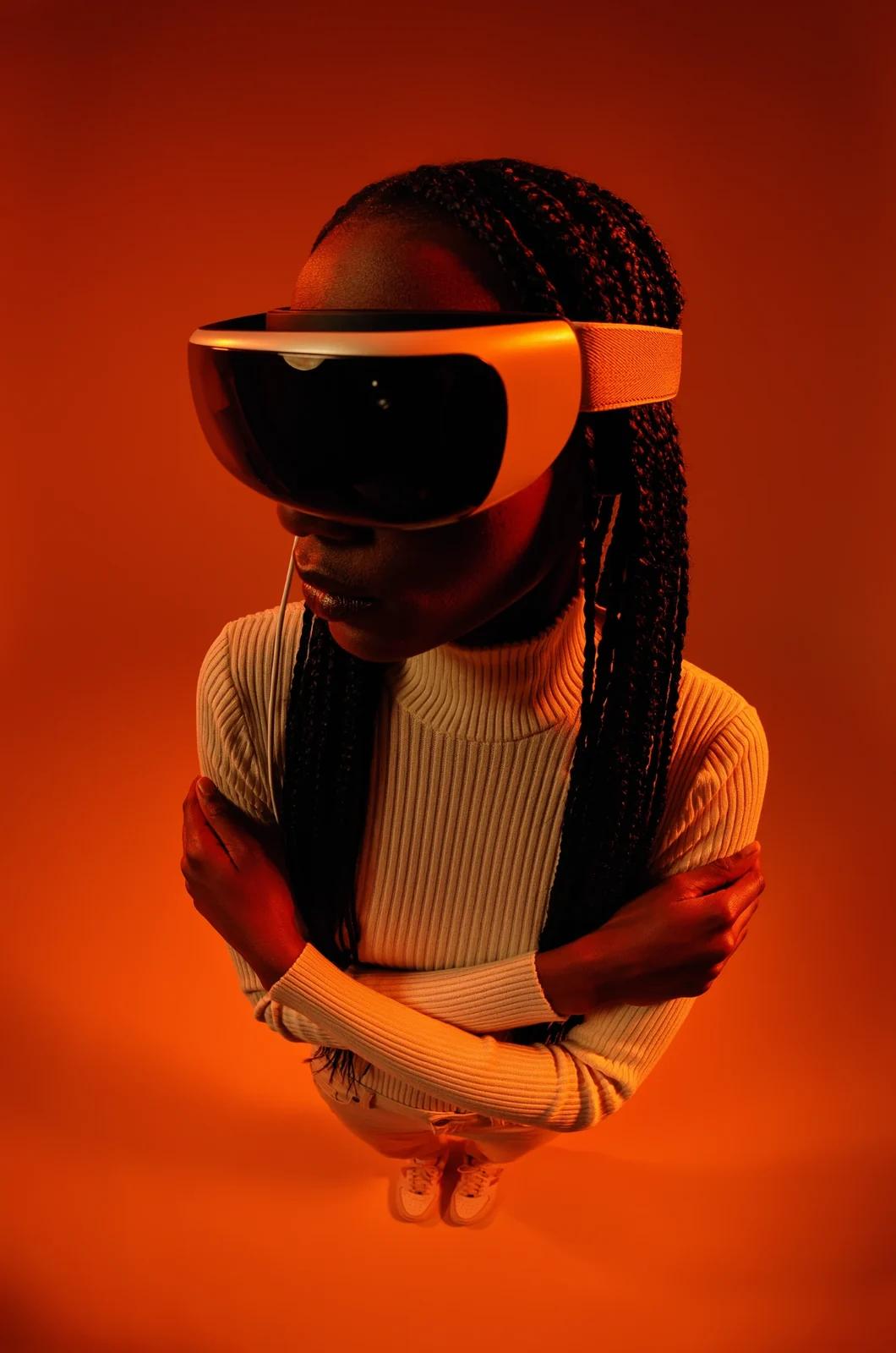
People, products, pets, and characters
Use image references where the selected model supports them. Check the generator for reference options and limits. Review each result for visual continuity before use.
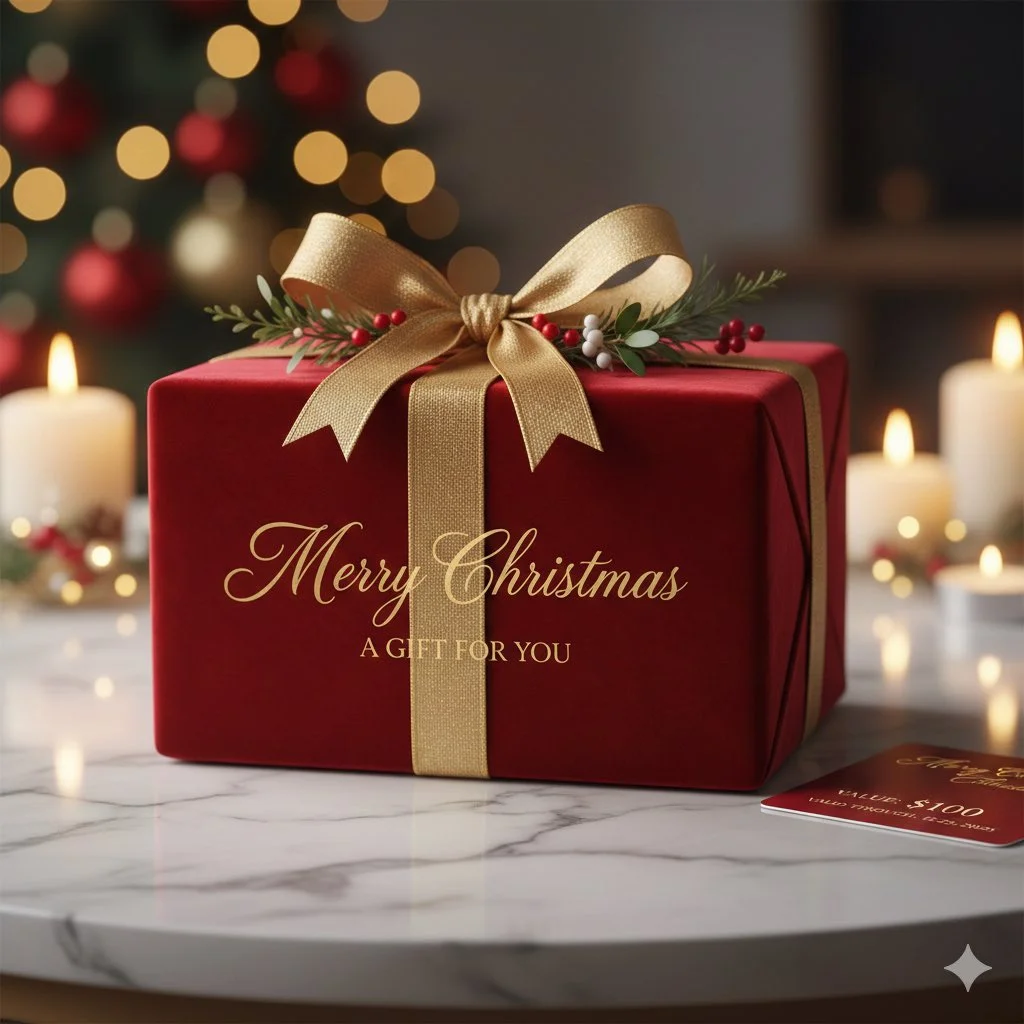
Image fusion and visual references
Combine elements from multiple uploaded images where the selected model supports image references. Check the generator for supported reference modes and input limits. Review results for scene and object relationships.
Workflow scenarios
Choose a model that matches your task. Available inputs and settings are shown in the generator, and the credit quote appears before generation.
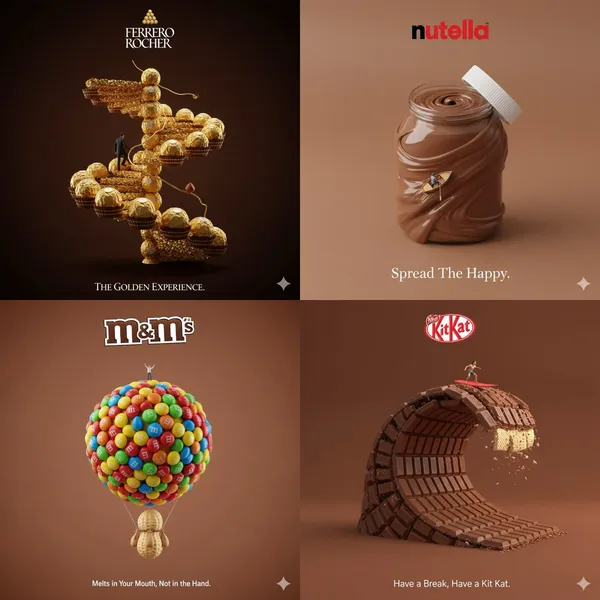
Fast iteration with text and image references
Generate images from text prompts and refine them with follow-up prompts. If the selected model supports image-reference modes, upload images and describe the changes you want. Review each output before download.
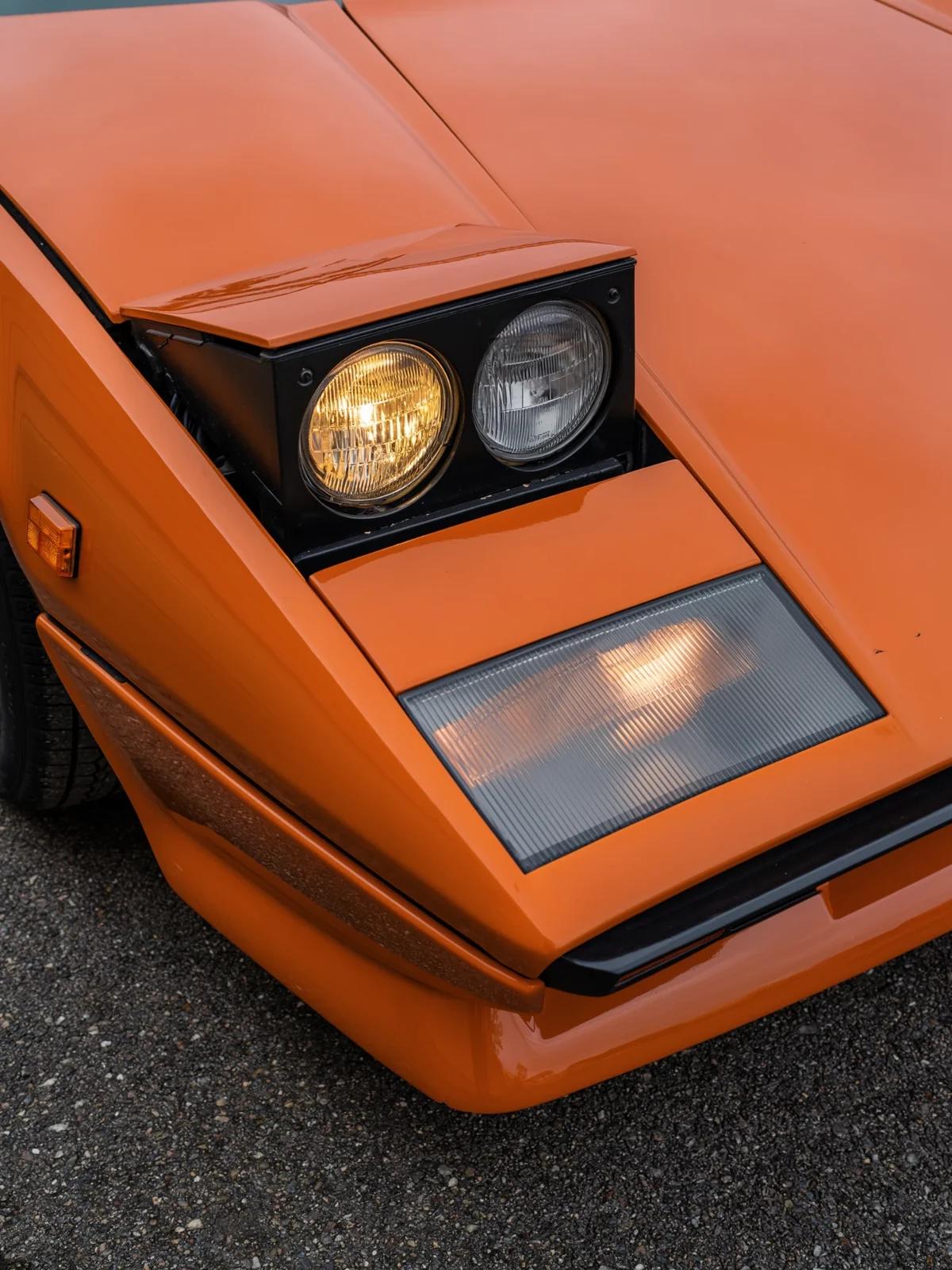
Social media and advertising
Generate product, lifestyle, poster, or ad visuals from prompts and references. Check whether the selected model supports image references, editing, or text rendering. Review text and layout before publishing.
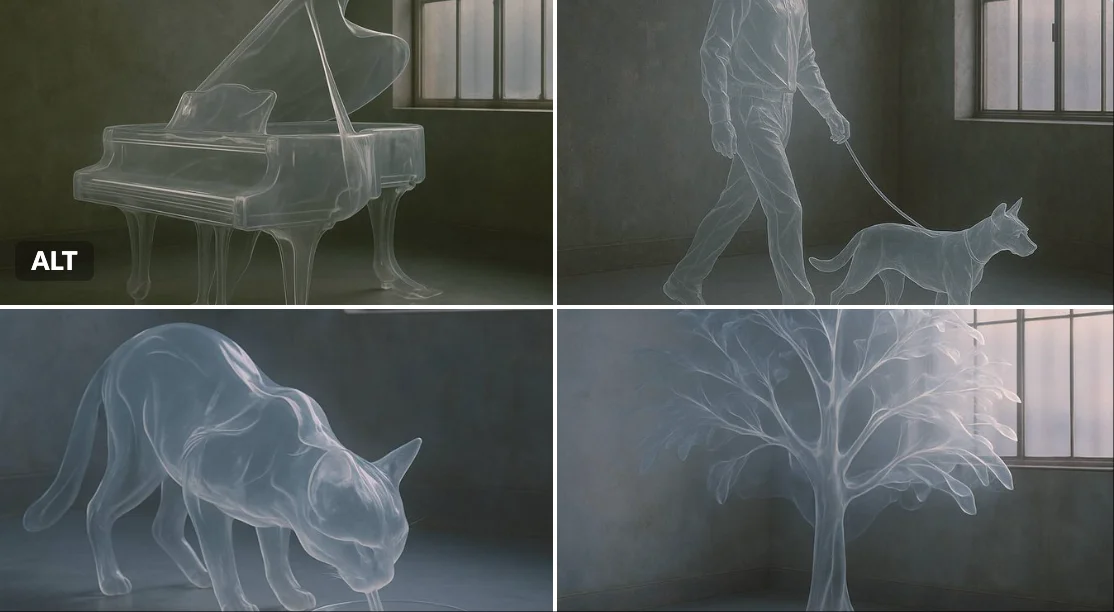
Brand visual continuity
Use image references and follow-up prompts to keep visual details aligned where supported. Check reference options in the generator, and review each result for consistency.
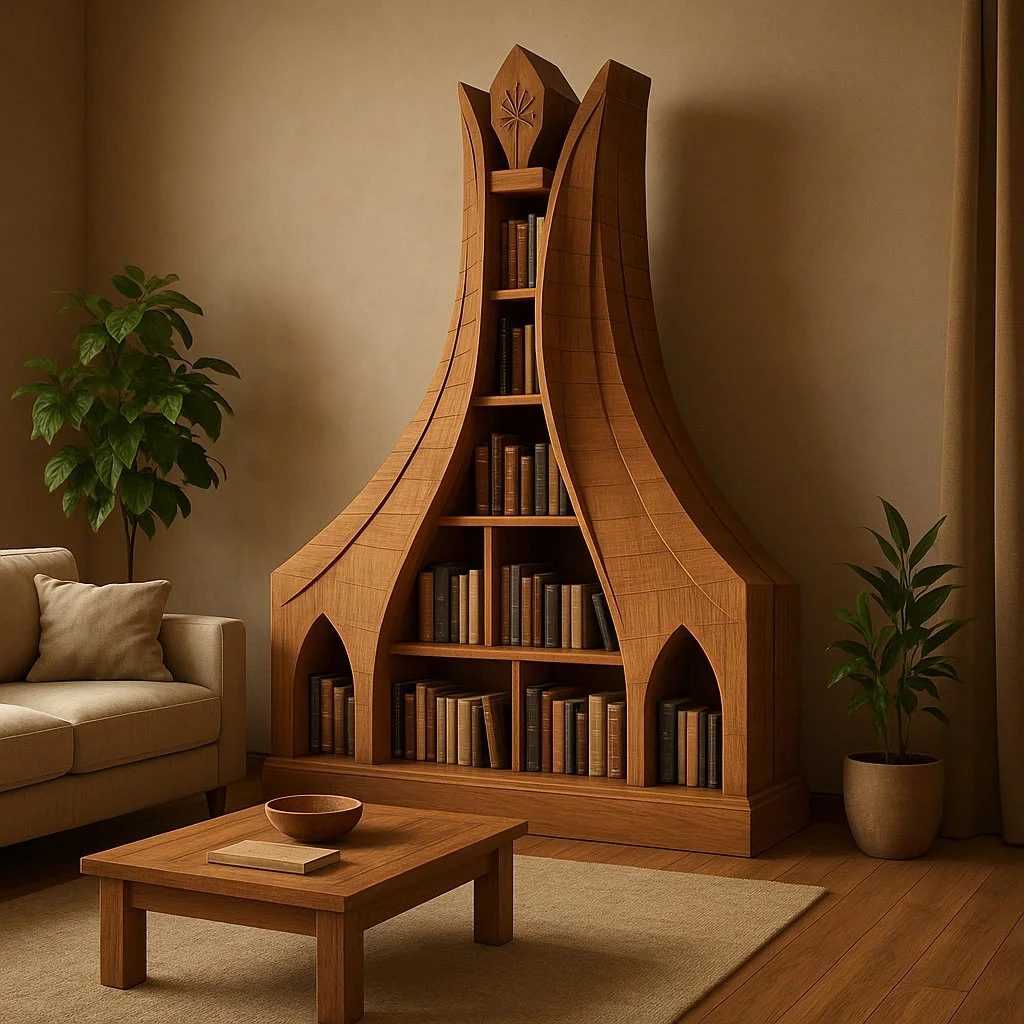
Efficient Production Workflow
Reduce iteration time by describing edits in plain language. Check supported inputs and settings in the generator, and review outputs before use in marketing, e-commerce, or concept work.
Workflow Notes
Describe one subject, action and setting before generating. Keep the brief focused so the result is easier to review.

Questions about the image generator
Short answers about selecting models, entering prompts, and reviewing results in RapLyrics.
A tool that turns a text prompt into an image. In RapLyrics, you choose an enabled model in the generator, and the allowed inputs and settings are shown there.
Nano Banana is a model family name. Available models and their capabilities appear in the generator.
Enter a descriptive prompt in the generator. The selected model processes it to create an image, and the result appears in History.
Some supported models accept image references. Check the generator for the inputs and settings allowed by the selected model.
If the selected model supports local edits, the generator will show the allowed options. Availability is model-specific.
The generator lets you select among currently enabled models and shows the allowed inputs and settings for each. Exact capabilities vary by model.
Check the generator for supported image-reference modes. Availability depends on the selected model.
Some models may support reference inputs that help with consistency. Check the generator for what is offered.
Text rendering varies by model and prompt. Review each result; perfect text is not guaranteed.
You can generate images for product and social use with enabled models. Review outputs and confirm the allowed settings in the generator.
Finished output is available in History for download. Review each result before use.
You can request a refund within 10 days of purchase if you have unused credits from that purchase and provide a clear reason, subject to our Refund Policy. If eligible, an unused purchase can be fully refunded; a partly used purchase is refunded in proportion to its remaining unused credits. Fully used purchases and free or promotional credits are not refundable.
Credit validity depends on the pack, subscription or promotion that issued them. Review the purchase terms and expiration dates in Settings > Credits. A renewal or new purchase does not extend older credits. Use credits before their stated expiration; do not assume unused subscription credits roll over indefinitely.
Credits charged for a task that is confirmed as failed due to a system error are returned automatically. A task that is still processing has not yet been confirmed as failed. Check its status and your credit history before submitting again. If a confirmed failure still shows an unresolved charge, email support@raplyrics.app with the task ID.
AI results can vary, so a completed result that differs from your expectations is not automatically treated as a technical failure. Eligible completed image tasks can be submitted for credit refund review using the refund option where available; approval is required. For a video or another issue, contact support@raplyrics.app with the task ID and details. A credit refund returns credits, not money to your payment method.
Email support@raplyrics.app. For billing, include your account email and order ID; for generation, include the task ID, issue description and relevant screenshots. If you purchased as a guest, keep the original browser data and payment receipt so we can help locate the purchase.
Try the image generator
Choose an enabled model in the generator, enter your prompt, and review the credit quote before generating. Finished images appear in History for download.
raplyrics.app · Updated
What's new on this page
- — Added editable example prompts and separate drafts for text and reference modes, with an action to restore the example.
- — Page content published.