
Verified prompt
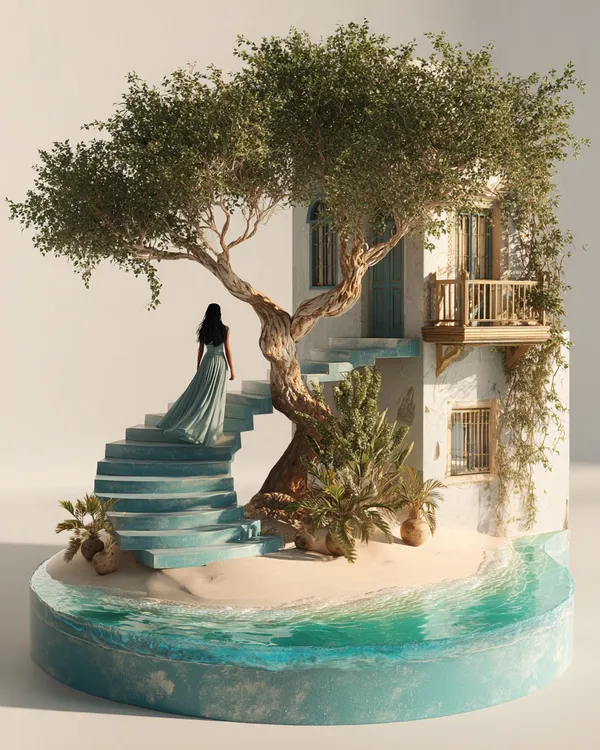
yperrealistic model-scenery of a long-haired woman wearing a flowing maxi dress walking up a curved staircase with an arched doorway at the end with a view to a tiny glowing moon, framed by lush climbing vines, setting over a round base made out of moss and tiny bioluminescent mushrooms, ethereal lighting, staging aesthetics, dark plain background --ar 4:5 --c 6 --s 100
yperrealistic model-scenery of a long-haired woman wearing a flowing maxi dress walking up a curved staircase with an arched doorway at the end with a view to a tiny glowing moon, framed by lush climbing vines, setting over a round base made out of moss and tiny bioluminescent mushrooms, ethereal lighting, staging aesthetics, dark plain background --ar 4:5 --c 6 --s 100
Verified prompt
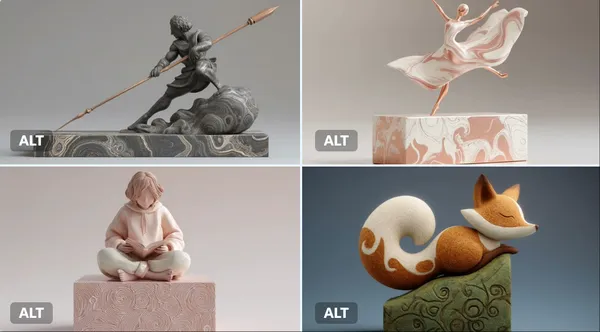
gital clay sculpture of a [subject], captured in a [pose/action], resting on a minimalist [color] plinth etched with organic swirl patterns. The sculpt features smooth, flowing curves and a tactile finish, rendered in a refined [color palette] that evokes a soft, contemporary aesthetic.
gital clay sculpture of a [subject], captured in a [pose/action], resting on a minimalist [color] plinth etched with organic swirl patterns. The sculpt features smooth, flowing curves and a tactile finish, rendered in a refined [color palette] that evokes a soft, contemporary aesthetic.
Verified prompt
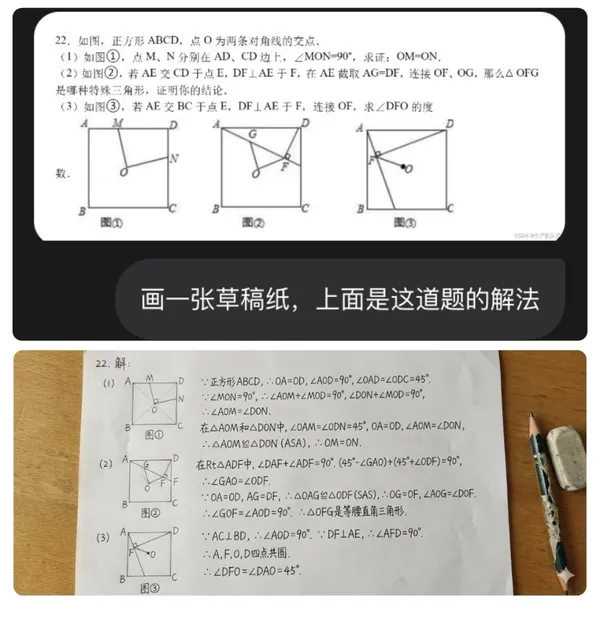
a sheet of draft paper with the solution to this problem on it.
a sheet of draft paper with the solution to this problem on it.
Verified prompt
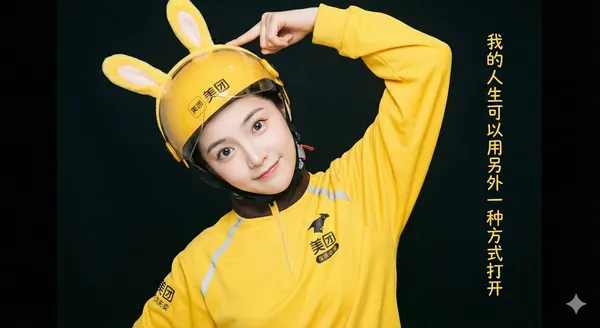
lf-body portrait shot in a bright photography studio. A beautiful East Asian girl with flawless, porcelain-doll-like skin and sparkling large eyes playfully tilts her head, gently touching the yellow rabbit ears on her helmet. She is wearing a full set of yellow delivery uniform with the Meituan logo. Soft, even commercial studio lighting is used to create a fresh and vibrant atmosphere, with a dark background to highlight the subject. On the far right of the image, a column of text reads, "My life can be opened in another way," in a font that matches the style of the photo.
lf-body portrait shot in a bright photography studio. A beautiful East Asian girl with flawless, porcelain-doll-like skin and sparkling large eyes playfully tilts her head, gently touching the yellow rabbit ears on her helmet. She is wearing a full set of yellow delivery uniform with the Meituan logo. Soft, even commercial studio lighting is used to create a fresh and vibrant atmosphere, with a dark background to highlight the subject. On the far right of the image, a column of text reads, "My life can be opened in another way," in a font that matches the style of the photo.
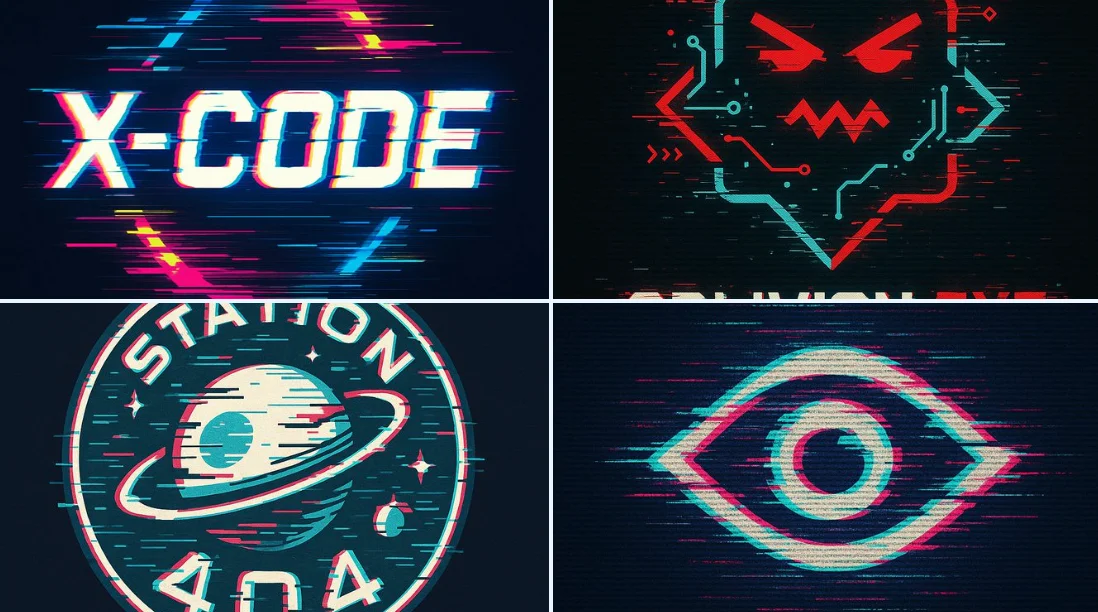
Verified prompt
A bold vector logo design in glitch art style, featuring distorted typography with RGB color channel shifts, fragmented lines, misaligned edges, digital noise effects, and a cyberpunk aesthetic. The logo appears corrupted or hacked, as if captured from a malfunctioning screen. Use a black or dark background for contrast, neon or high-saturation color palette, and sharp angular forms.
A bold vector logo design in glitch art style, featuring distorted typography with RGB color channel shifts, fragmented lines, misaligned edges, digital noise effects, and a cyberpunk aesthetic. The logo appears corrupted or hacked, as if captured from a malfunctioning screen. Use a black or dark background for contrast, neon or high-saturation color palette, and sharp angular forms.
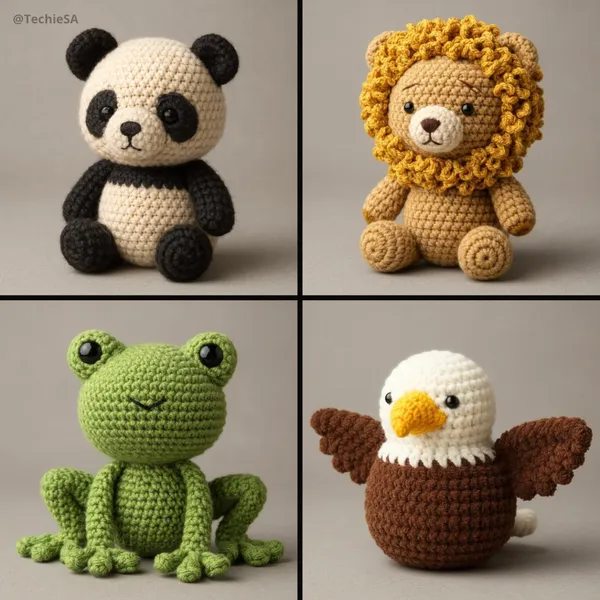
Verified prompt
te a 3D photorealistic and highly detailed poster in amigurumi style. The design should imitate a real handmade crochet [ANIMAL], with visible thread texture, stitching details, and soft, felted proportions. Use realistic fabric shading, subtle fuzz, and natural lighting to achieve depth. The amigurumi should have small embroidered eyes and a simplified face. Represent it in a neutral studio environment with soft shadows for a professional presentation. Gray toned background.
te a 3D photorealistic and highly detailed poster in amigurumi style. The design should imitate a real handmade crochet [ANIMAL], with visible thread texture, stitching details, and soft, felted proportions. Use realistic fabric shading, subtle fuzz, and natural lighting to achieve depth. The amigurumi should have small embroidered eyes and a simplified face. Represent it in a neutral studio environment with soft shadows for a professional presentation. Gray toned background.
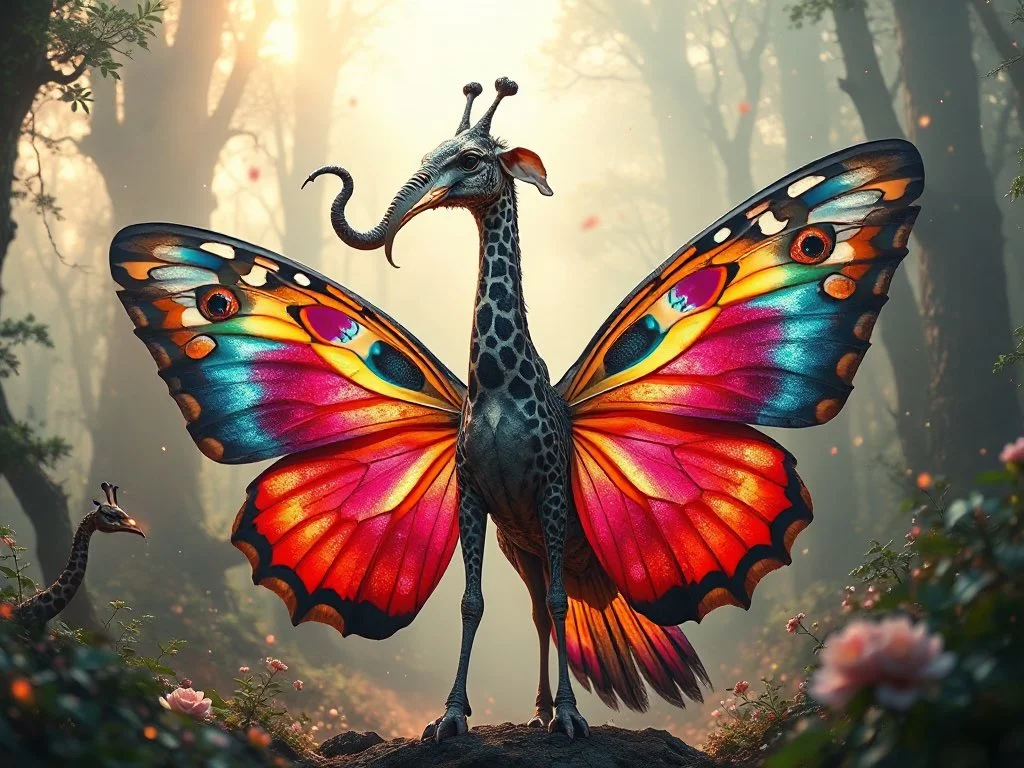
Verified prompt
A highly detailed and surreal depiction of a mythical bird creature. It has the elegant, colorful body of a butterfly, with vibrant symmetrical wing patterns. Its head is that of a majestic elephant, complete with large ears, a long curling trunk, and ivory tusks, giving it a powerful and ancient aura. A long, spotted giraffe neck connects the body and the head, rising high with grace. The wings are enormous eagle wings, fully extended with dramatic feathers in motion. Its tail is an iridescent peacock tail, fanned out in full display like royal plumage. The creature stands in an enchanted misty forest, bathed in ethereal light and surrounded by glowing particles. Ultra-realistic, cinematic lighting, fantasy atmosphere, hyper-detailed concept art
A highly detailed and surreal depiction of a mythical bird creature. It has the elegant, colorful body of a butterfly, with vibrant symmetrical wing patterns. Its head is that of a majestic elephant, complete with large ears, a long curling trunk, and ivory tusks, giving it a powerful and ancient aura. A long, spotted giraffe neck connects the body and the head, rising high with grace. The wings are enormous eagle wings, fully extended with dramatic feathers in motion. Its tail is an iridescent peacock tail, fanned out in full display like royal plumage. The creature stands in an enchanted misty forest, bathed in ethereal light and surrounded by glowing particles. Ultra-realistic, cinematic lighting, fantasy atmosphere, hyper-detailed concept art
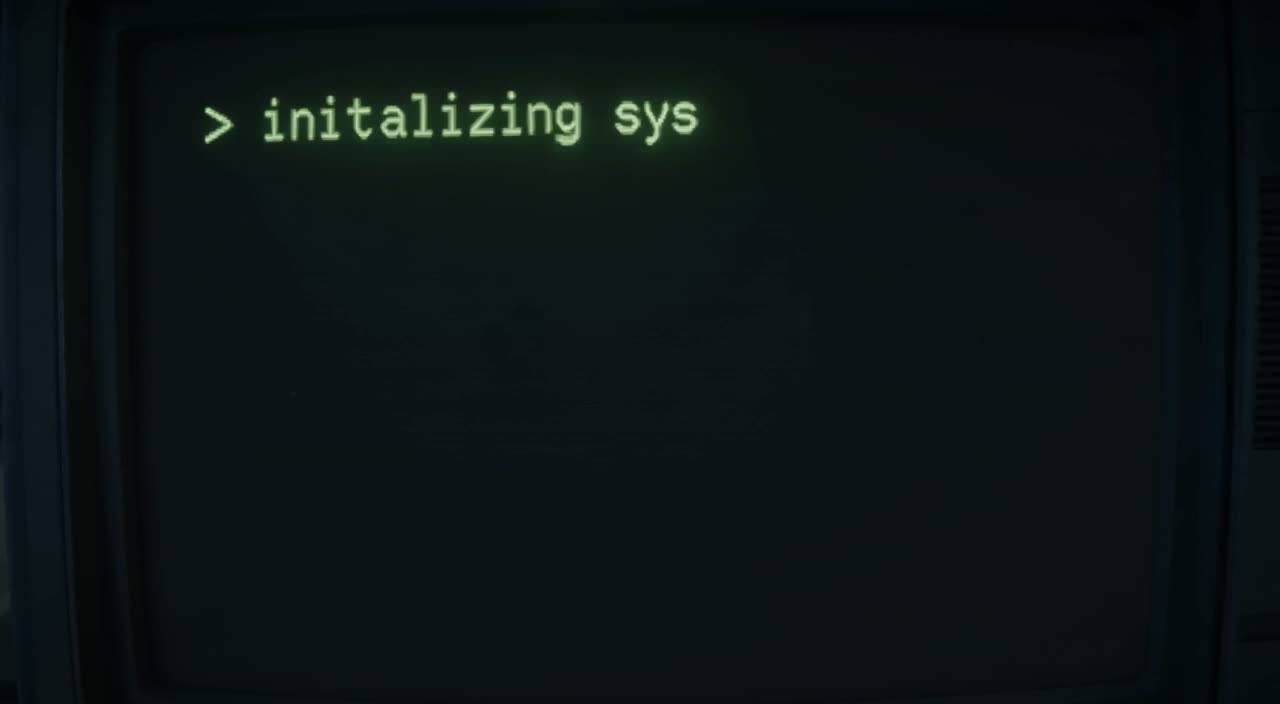
Verified prompt
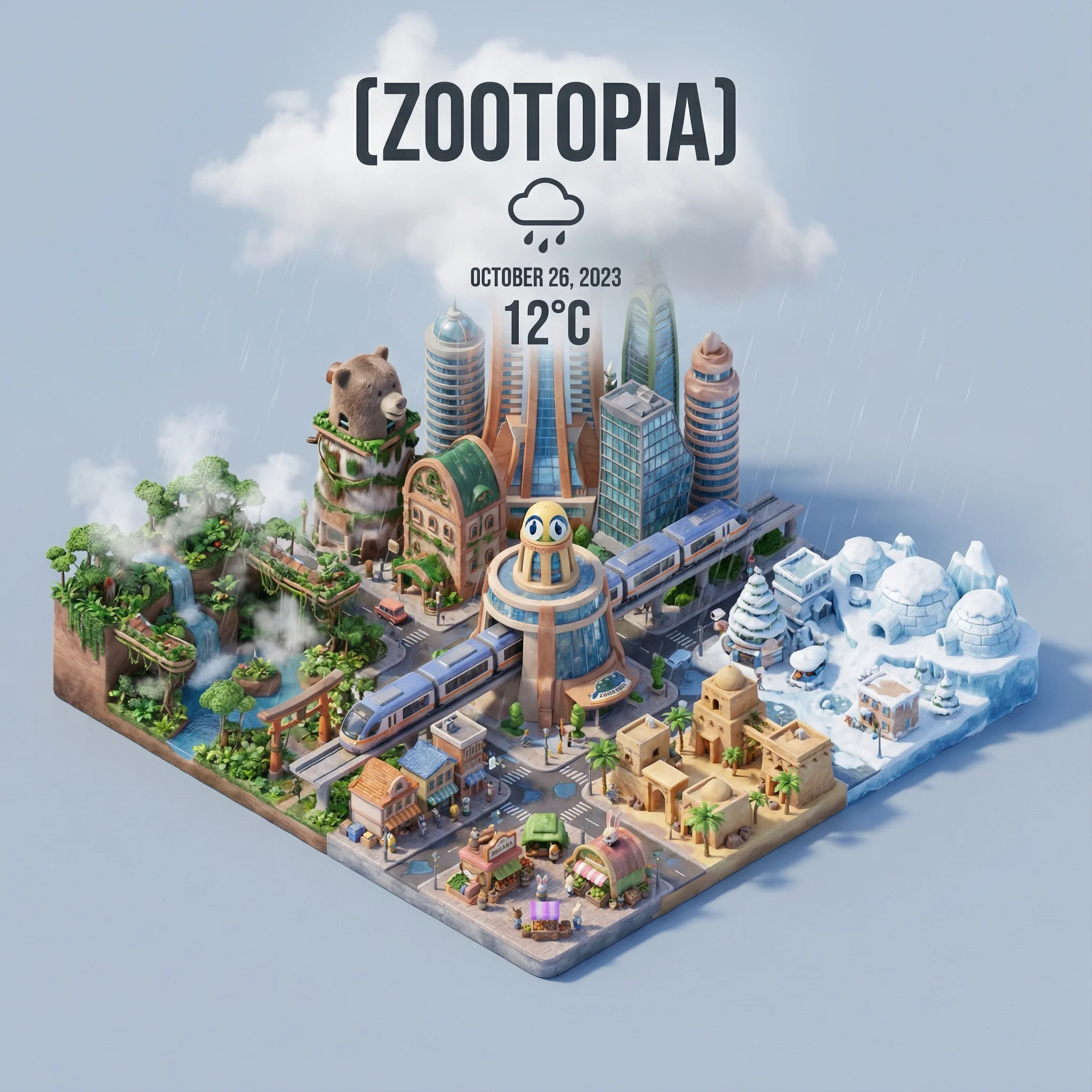
Verified prompt
=xxx Present a clear, 45° top-down isometric miniature 3D cartoon scene of [CITY], featuring its most iconic landmarks and architectural elements. Use soft, refined textures with realistic PBR materials and gentle, lifelike lighting and shadows. Integrate the current weather conditions directly into the city environment to create an immersive atmospheric mood. Use a clean, minimalistic composition with a soft, solid-colored background. At the top-center, place the title “[CITY]” in large bold text, a prominent weather icon beneath it, then the date (small text) and temperature (medium text). All text must be centered with consistent spacing, and may subtly overlap the tops of the buildings. Square 1080x1080 dimension.
=xxx Present a clear, 45° top-down isometric miniature 3D cartoon scene of [CITY], featuring its most iconic landmarks and architectural elements. Use soft, refined textures with realistic PBR materials and gentle, lifelike lighting and shadows. Integrate the current weather conditions directly into the city environment to create an immersive atmospheric mood. Use a clean, minimalistic composition with a soft, solid-colored background. At the top-center, place the title “[CITY]” in large bold text, a prominent weather icon beneath it, then the date (small text) and temperature (medium text). All text must be centered with consistent spacing, and may subtly overlap the tops of the buildings. Square 1080x1080 dimension.
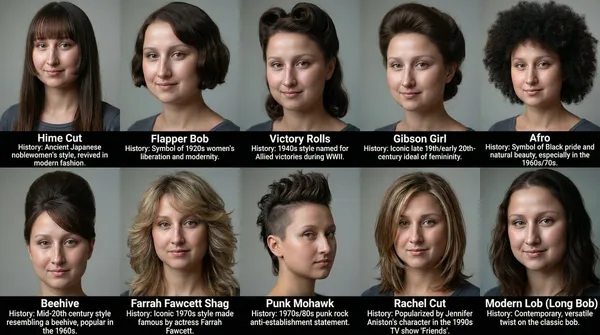
Verified prompt
te a grid of 10 different hairstyles for this women. List the name of each hairstyle and the brief history about the hairstyle. They can be from any era.
te a grid of 10 different hairstyles for this women. List the name of each hairstyle and the brief history about the hairstyle. They can be from any era.
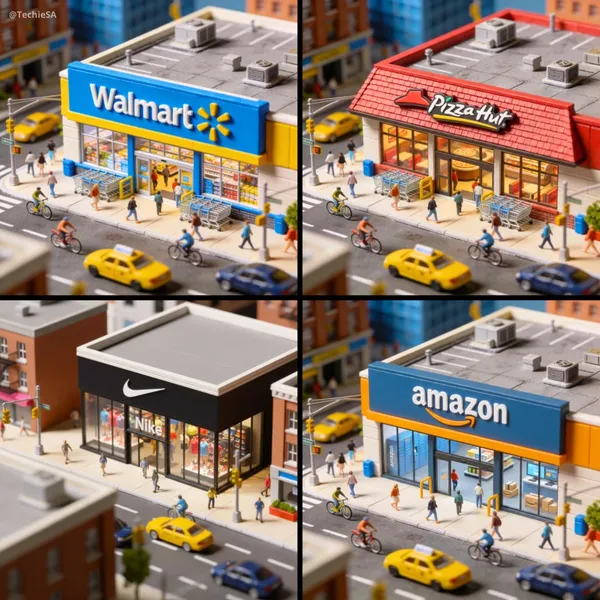
Verified prompt
namic aerial view of a bustling city street, focusing on a miniature [BRAND] store. The camera performs a smooth, sweeping dolly in towards the storefront, capturing the vibrant activity of pedestrians, cyclists, and vehicles. Bright daylight illuminates the scene, highlighting the distinctive branding and merchandise displayed in the window. The atmosphere is lively and energetic, with a playful, miniature aesthetic that emphasizes the intricate details of the cityscape. 1080x1080 dimension.
namic aerial view of a bustling city street, focusing on a miniature [BRAND] store. The camera performs a smooth, sweeping dolly in towards the storefront, capturing the vibrant activity of pedestrians, cyclists, and vehicles. Bright daylight illuminates the scene, highlighting the distinctive branding and merchandise displayed in the window. The atmosphere is lively and energetic, with a playful, miniature aesthetic that emphasizes the intricate details of the cityscape. 1080x1080 dimension.
Verified prompt
Plan Your Music Visuals
Create an image, animate a scene or find a starting prompt for your project.
AI Reference Images for Music Visuals
Build the Visual World of Your Song
Explore the places, colors and characters suggested by your lyrics. Start with a written brief or a supported reference image, review the result and develop a visual direction for your music project.
Create a SceneFrom a Lyric to a Visual Brief
Describe the imagery of a verse as a scene: a subject, a setting and a mood. Choose a model and review its available inputs before generating.
Set the Composition Before You Animate
Choose framing, lighting and color in your prompt. Check the available output settings and credit quote, then create an image you can use as a video reference.
Describe the Mood of Your Track
Use a few specific visual details to express the feeling of your song. Compare the image with your brief, then refine its light, colors or composition.
Refine Your Prompt
Review the generated composition, then revise your prompt to change specific details. Choose the available model settings and check the credit quote before creating another version.
Review and Download Results
Open completed results in History, inspect important details and download the image you want to use. Keep your prompt and settings so you can compare later versions.
Keep Your Prompt and Result Together
Write a prompt, choose a model, and review your results in History. Refine your description to explore a different composition or style.
A Focused Image Workspace
Keep your visual brief and completed image results together while you develop the project.
Develop a Visual Direction for Your Music
Explore Styles Through Your Prompt
Explore photographic, illustrated or abstract looks by describing the style in your prompt. Results vary by model and request; review each image before using it.
Describe the look you want, then refine your prompt as you compare results.
Reference Images for Your Lyric Video
Explore the scenes and visual details you want to bring into a music project. Create a focused image brief before planning movement.
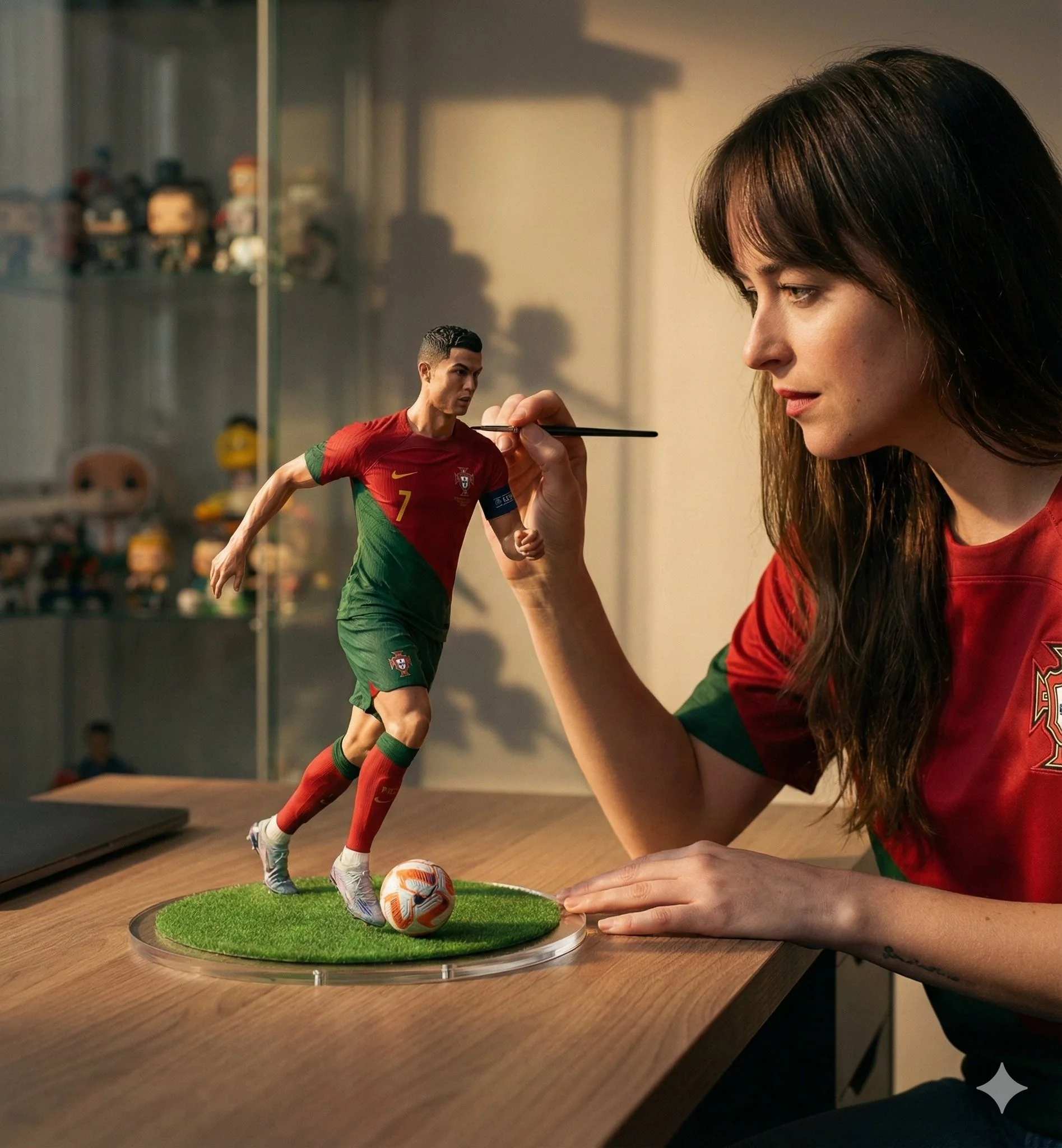
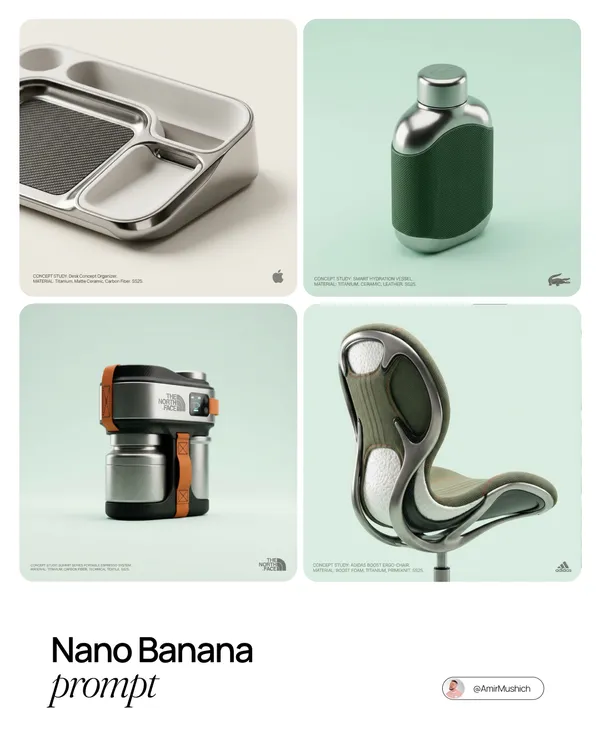
Locations and Atmosphere
Describe the street, room or landscape suggested by your writing. Test the lighting and color palette before using an image as a video reference.
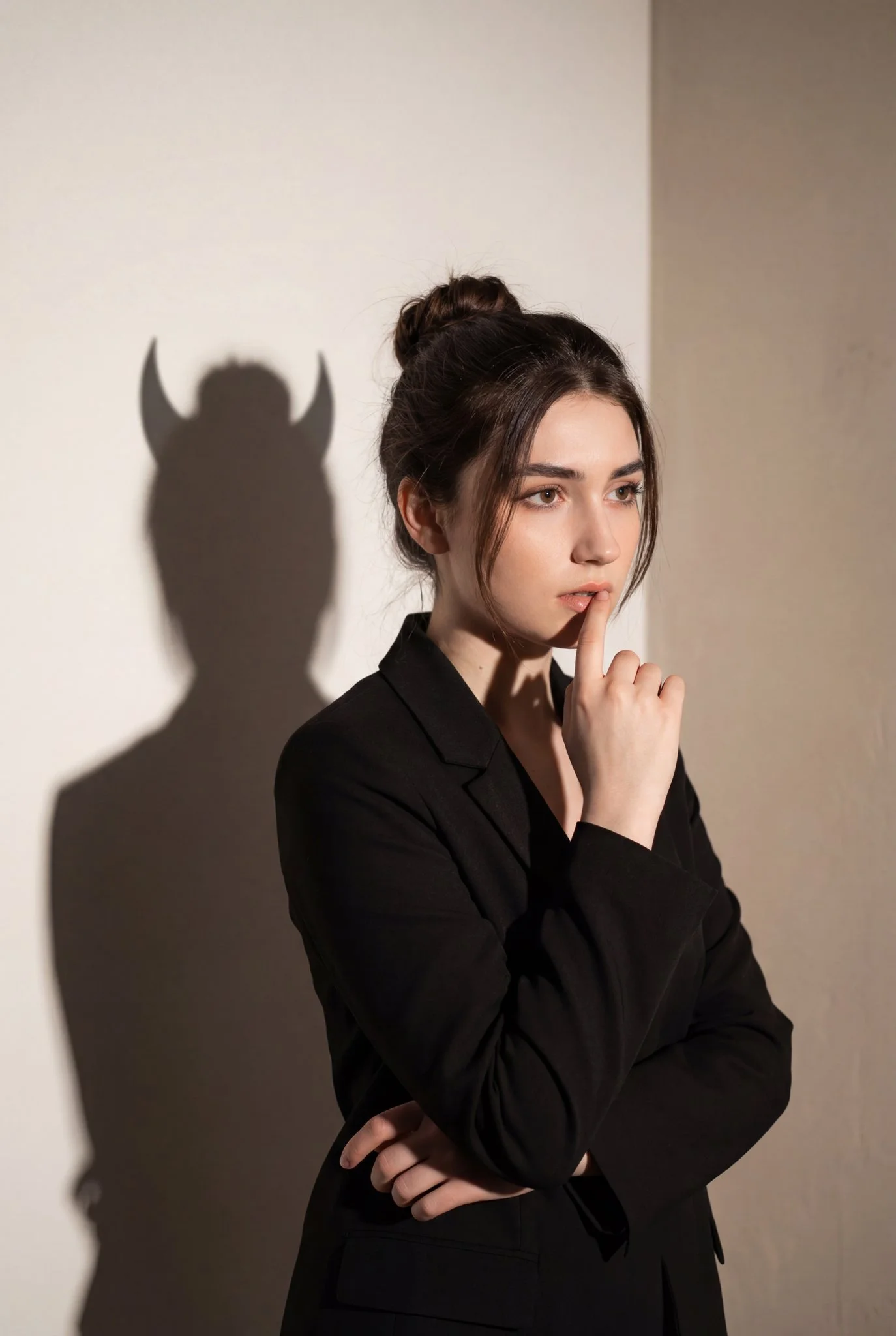
A Central Image for the Chorus
Develop one memorable composition around the main feeling of your chorus. Check the result for distracting details and refine the prompt where needed.
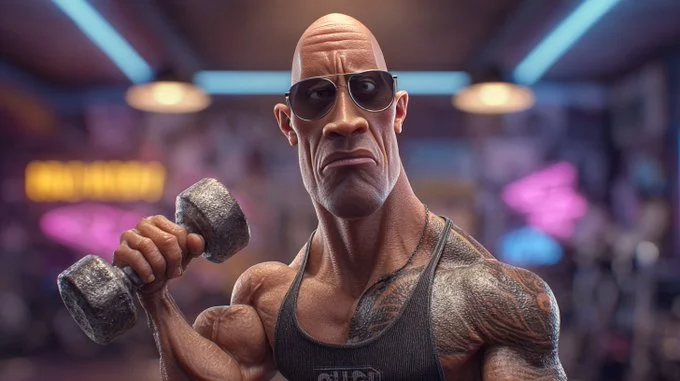
Visual Storyboards
Create concept images for individual moments in a verse. Keep written notes on framing and movement to guide your later video prompts.
Release Artwork Concepts
Explore visual directions for a song announcement. Review text and design details, then add accurate release information in your editing tool.
Create a Reference Image in Four Steps
Add Your Input
Write a description, or select image-to-image mode and upload a reference. Include the details that matter most to your composition.
Customize Your Options
Choose a model and adjust its available size and quality settings. Check the required credits before generating.
Generate and Refine
Select Generate Image and follow the task in History. Review the result, then revise your prompt to create another version.
Export, Share, or Transform
Download a completed image from History and add it to your project. You can also use it as a reference on the video page.
Images for Every Stage of Your Music Project
Use generated images to explore ideas and prepare visual material for your own edit.
Scene Concepts
Turn one image from a lyric into a composition. Describe the subject, surroundings and lighting, then review the result against your brief.
Social Music Posts
Explore a visual idea for a song or release post. Use the format your channel requires and add accurate text in your design tool.
Pitch and Mood Boards
Prepare visual concepts to discuss with collaborators. Keep a clear brief alongside each image so the intended scene is easy to understand.
Visual World Building
Explore a recurring location, palette or motif for your project. Review separate generations carefully; matching characters and details is not guaranteed.
Workflow Notes
Describe one subject, action and setting before generating. Keep the brief focused so the result is easier to review.
AI Reference Image Questions
Generate an image from a written scene description or a supported reference image. Use the result to explore the visual direction of your music project or as a reference for video generation.
Text-to-image models use your written description to generate a visual interpretation. Specific details about the subject, composition, and lighting can help guide the result.
Download an image you want to use, open the video generator and choose a model that supports image-to-video. Upload the image and describe the movement you want.
Write the medium, palette, lighting and composition in your prompt. There is no one-click style effect control on this page.
Revise your text prompt and generate another version, or use a supported reference image in image-to-image mode. This page does not provide object erasing, canvas expansion or photo restoration controls.
Use inputs you have permission to use and review generated content for recognizable people, brands and protected material. Check the applicable terms for your chosen model and use case before publishing commercially.
Image generation uses credits. Select a model and settings to see the quote before submitting, and visit Pricing for current purchase options.
You can start with a plain-language description. Add details about the subject, setting, lighting, and style as you refine your idea.
You can request a refund within 10 days of purchase if you have unused credits from that purchase and provide a clear reason, subject to our Refund Policy. If eligible, an unused purchase can be fully refunded; a partly used purchase is refunded in proportion to its remaining unused credits. Fully used purchases and free or promotional credits are not refundable.
Credit validity depends on the pack, subscription or promotion that issued them. Review the purchase terms and expiration dates in Settings > Credits. A renewal or new purchase does not extend older credits. Use credits before their stated expiration; do not assume unused subscription credits roll over indefinitely.
Credits charged for a task that is confirmed as failed due to a system error are returned automatically. A task that is still processing has not yet been confirmed as failed. Check its status and your credit history before submitting again. If a confirmed failure still shows an unresolved charge, email support@raplyrics.app with the task ID.
AI results can vary, so a completed result that differs from your expectations is not automatically treated as a technical failure. Eligible completed image tasks can be submitted for credit refund review using the refund option where available; approval is required. For a video or another issue, contact support@raplyrics.app with the task ID and details. A credit refund returns credits, not money to your payment method.
Email support@raplyrics.app. For billing, include your account email and order ID; for generation, include the task ID, issue description and relevant screenshots. If you purchased as a guest, keep the original browser data and payment receipt so we can help locate the purchase.
Create a Visual Starting Point for Your Lyrics
Create an image from a text description or supported reference. Review the model settings, check the credit quote and download completed results from History.
raplyrics.app · Updated
What's new on this page
- — Added editable example prompts and separate drafts for text and reference modes, with an action to restore the example.
- — Page content published.