
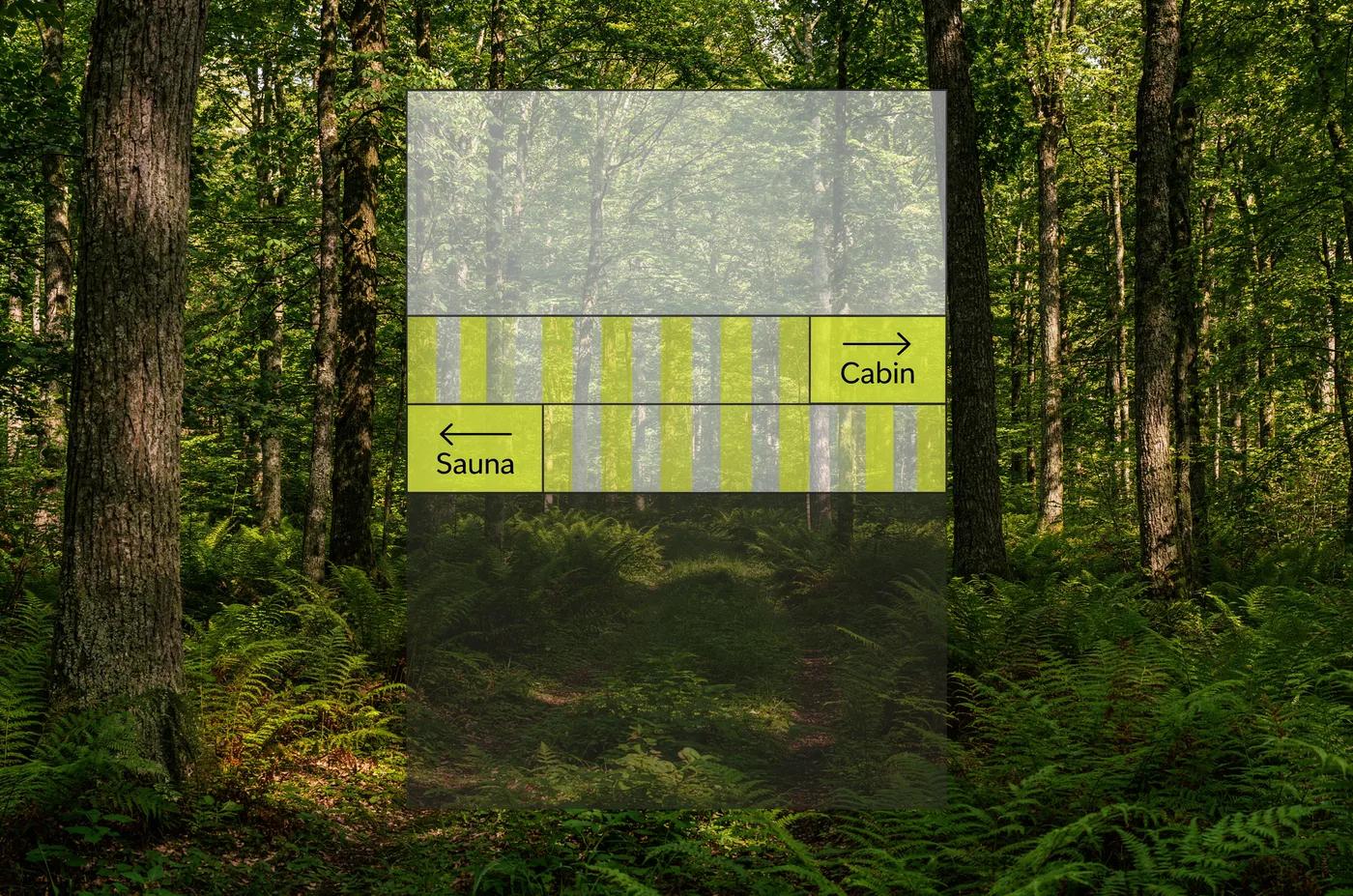
Verified prompt
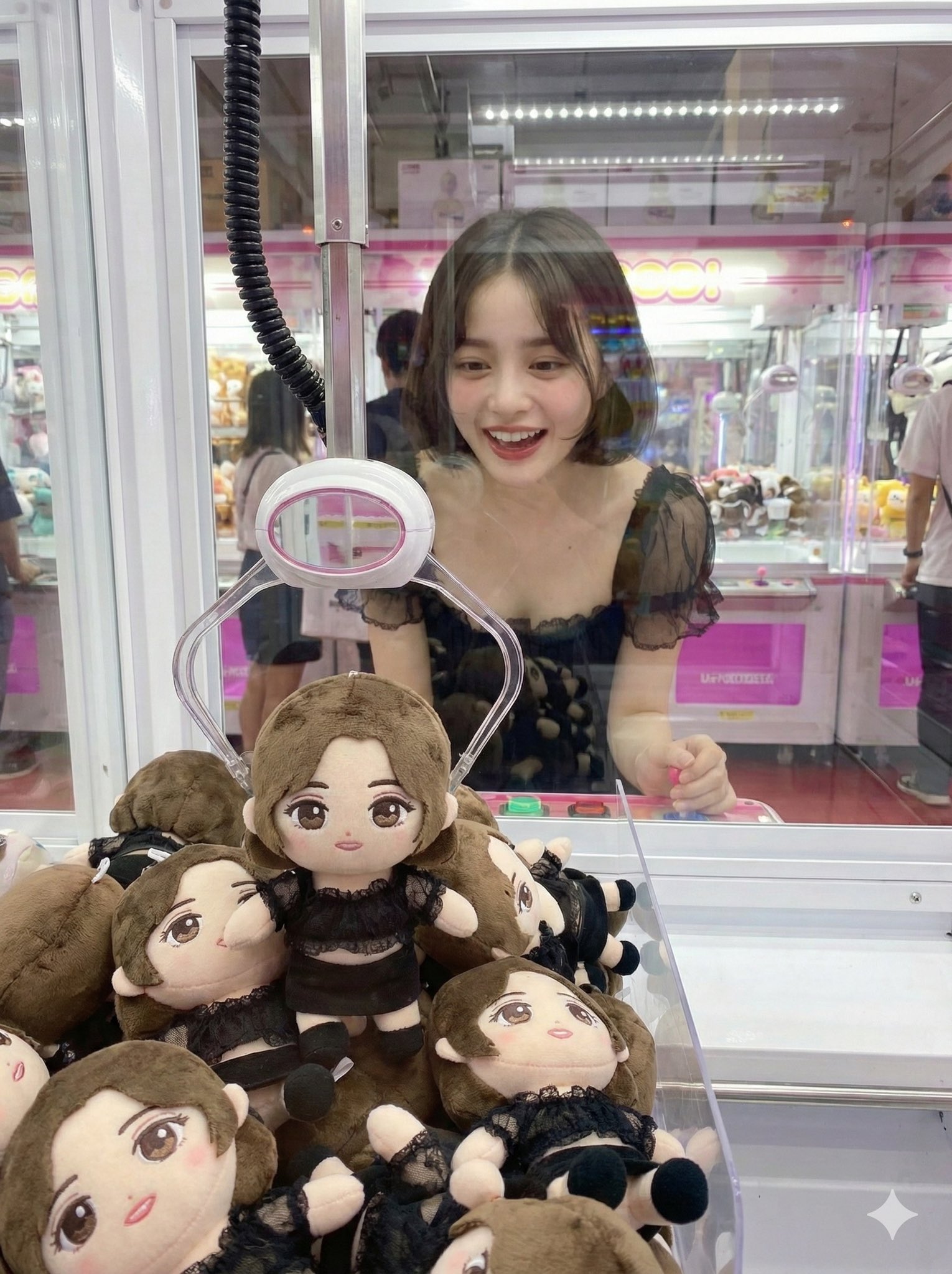
Verified prompt
oto of oneself trying to win their own idol plushie from a UFO catcher A photo taken from the opposite side of the UFO catcher
oto of oneself trying to win their own idol plushie from a UFO catcher A photo taken from the opposite side of the UFO catcher
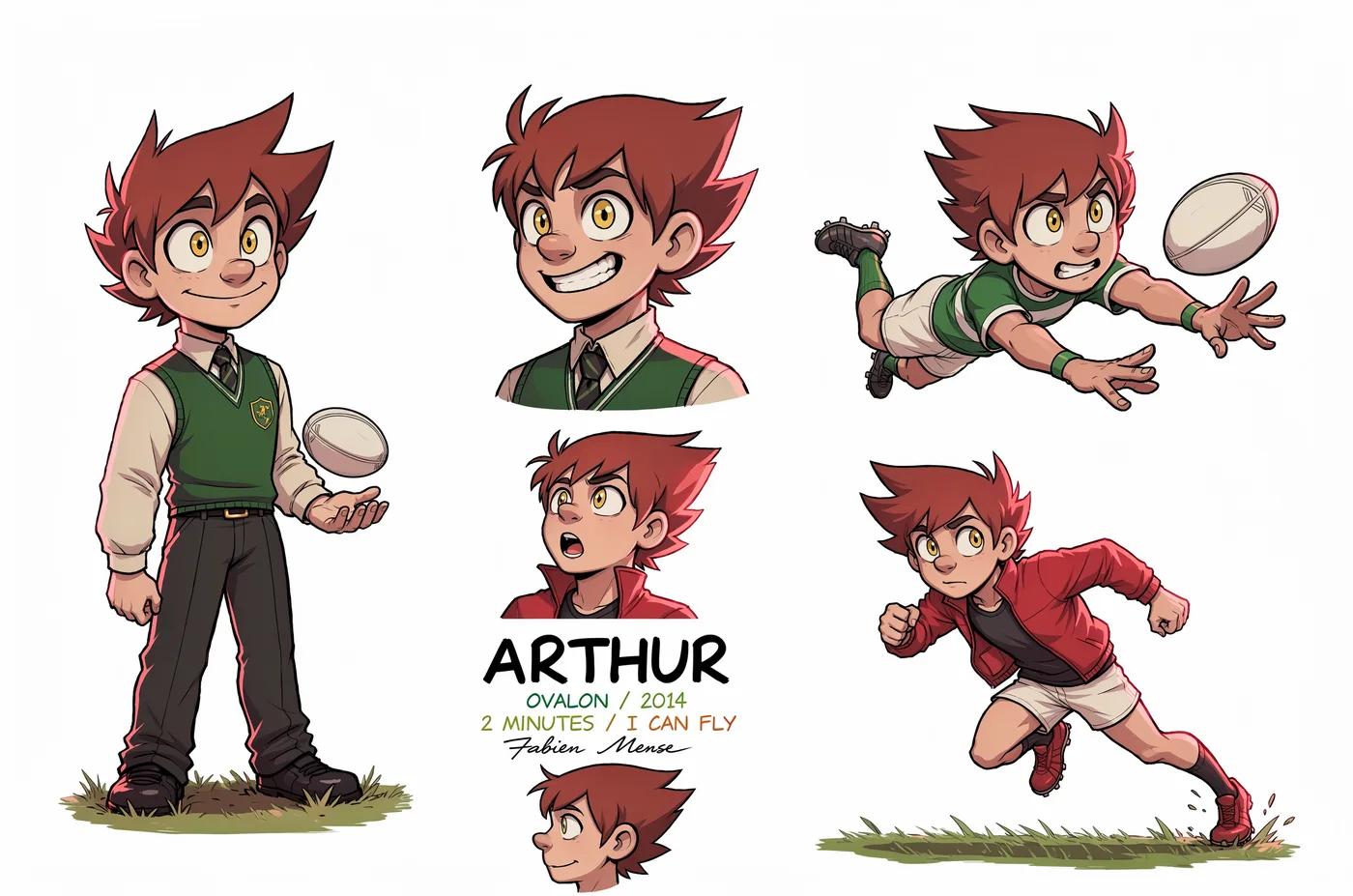
Verified prompt
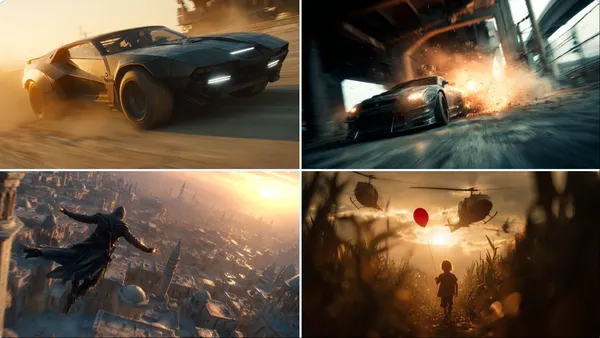
Verified prompt
matic still, A [ description of the character or action scene], with a [ background/environment], a dynamic angle, a [light effect or lighting condition], motion blur, high-resolution photography, a cinematic scene, cinematic lighting, and high contrast.
matic still, A [ description of the character or action scene], with a [ background/environment], a dynamic angle, a [light effect or lighting condition], motion blur, high-resolution photography, a cinematic scene, cinematic lighting, and high contrast.
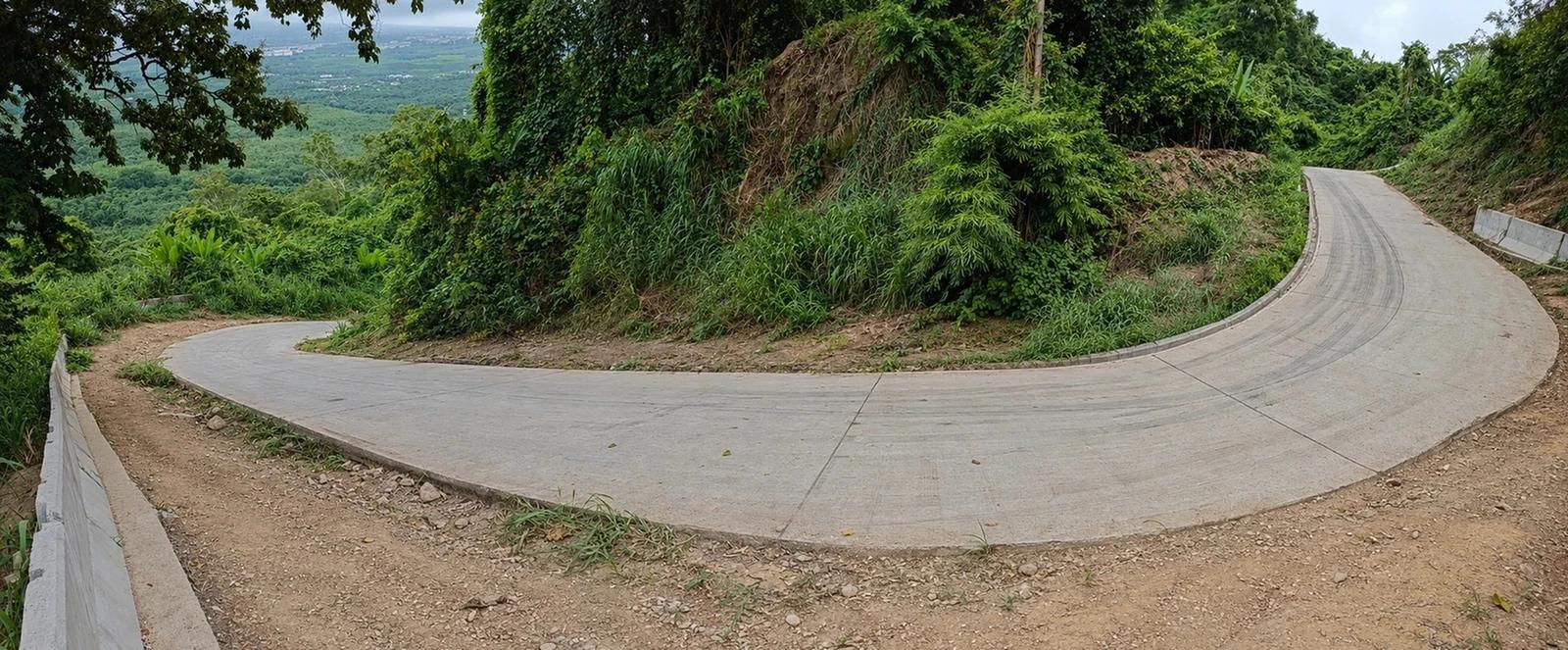
Verified prompt
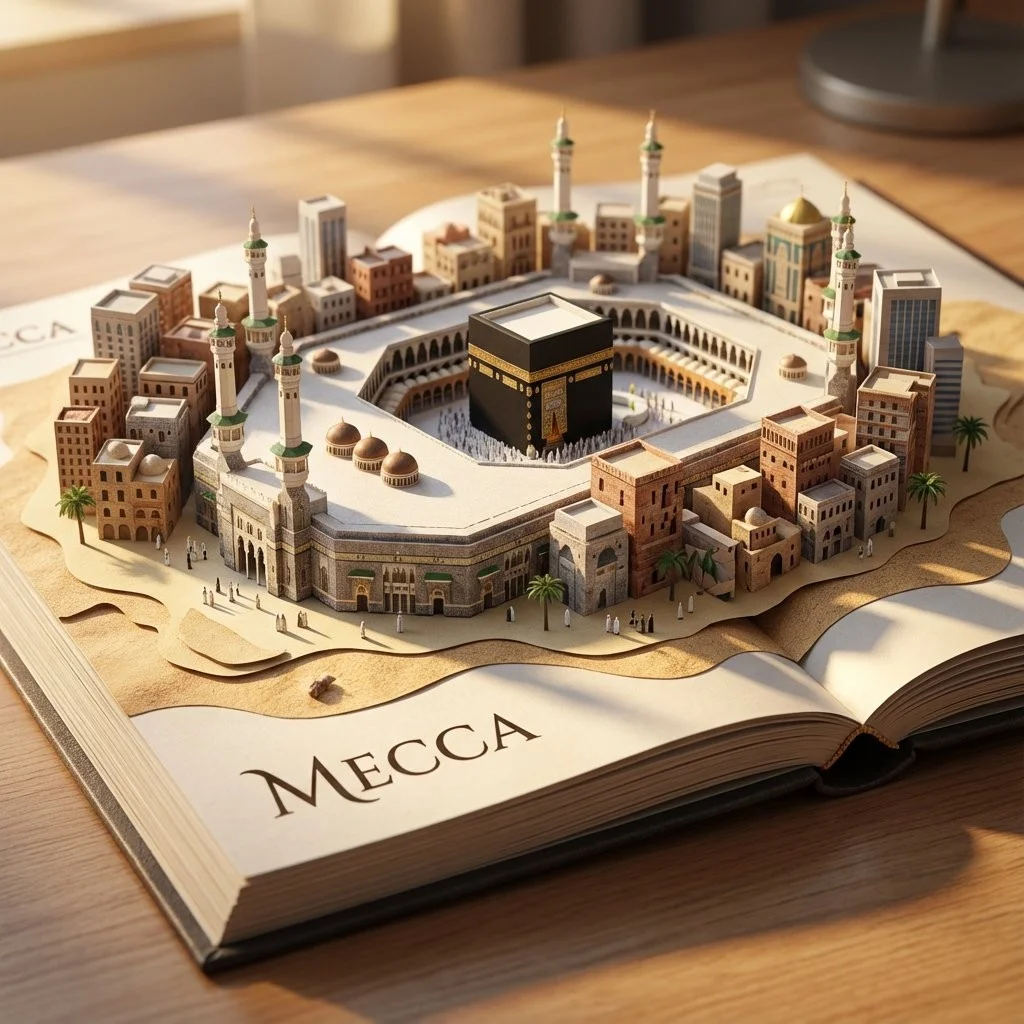
Verified prompt
[INSERT LOCATION] System Instruction: Act as a Master Paper Engineer and Architect. Generate a hyper-realistic, macro photography shot of a 3D Pop-Up Map rising from a travel book. 1. Forensic Analysis: Analyze the Location: Determine the specific Skyline DNA of the input. The Icon (The Spire): Identify the tallest, most recognizable landmark. The Density (The Cluster): Identify the surrounding building style. The Water/Terrain: Identify the geographic feature. 2. Container: The Base: A high-quality, open Coffee Table Book or Heavy Atlas lying flat on a wooden desk. The Typography: The Name of the Location is printed cleanly on the open page. 3. Pop-Up Construction: CRITICAL: The buildings must look like they are folded from the paper of the book, but with Hyper-Real Textures. Material: A blend of Matte Paper Cardstock (for structure) and Photorealistic Textures printed onto the paper. The Water: Layered, Translucent Blue Paper or Resin with tiny paper boats. 4. Visual Syntax and Scale: Micro-Details: Tiny 1:500 scale details. Trees made of flocking sponge, cars made of tiny paper beads. Depth: Use Tilt-Shift Focus. 5. Lighting: Golden Hour warm directional sunlight. Output: ONE image, 1:1 Aspect Ratio, Macro Photography, Papercraft Realism Aesthetic.
[INSERT LOCATION] System Instruction: Act as a Master Paper Engineer and Architect. Generate a hyper-realistic, macro photography shot of a 3D Pop-Up Map rising from a travel book. 1. Forensic Analysis: Analyze the Location: Determine the specific Skyline DNA of the input. The Icon (The Spire): Identify the tallest, most recognizable landmark. The Density (The Cluster): Identify the surrounding building style. The Water/Terrain: Identify the geographic feature. 2. Container: The Base: A high-quality, open Coffee Table Book or Heavy Atlas lying flat on a wooden desk. The Typography: The Name of the Location is printed cleanly on the open page. 3. Pop-Up Construction: CRITICAL: The buildings must look like they are folded from the paper of the book, but with Hyper-Real Textures. Material: A blend of Matte Paper Cardstock (for structure) and Photorealistic Textures printed onto the paper. The Water: Layered, Translucent Blue Paper or Resin with tiny paper boats. 4. Visual Syntax and Scale: Micro-Details: Tiny 1:500 scale details. Trees made of flocking sponge, cars made of tiny paper beads. Depth: Use Tilt-Shift Focus. 5. Lighting: Golden Hour warm directional sunlight. Output: ONE image, 1:1 Aspect Ratio, Macro Photography, Papercraft Realism Aesthetic.
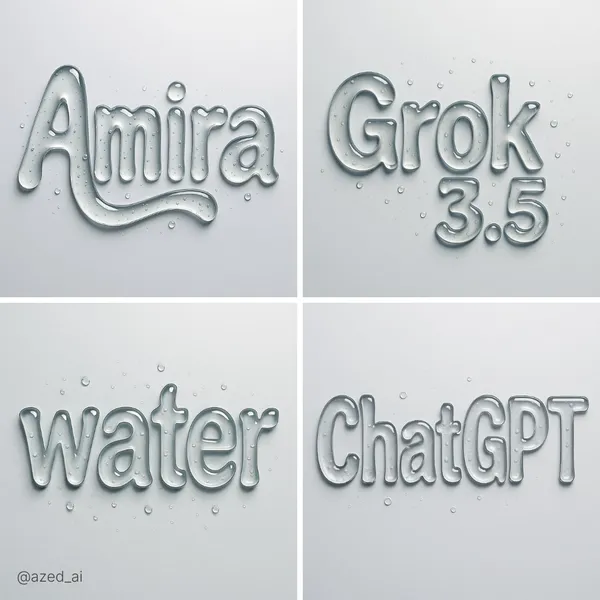
Verified prompt
ract liquid typography spelling "text", made of thick, transparent water-gel with realistic refraction and soft shadows. Each letter appears sculpted from droplets with surface tension, smooth curves, and light reflections. Water droplets scattered on the surface, minimal background, hyper-realistic lighting, photorealistic render
ract liquid typography spelling "text", made of thick, transparent water-gel with realistic refraction and soft shadows. Each letter appears sculpted from droplets with surface tension, smooth curves, and light reflections. Water droplets scattered on the surface, minimal background, hyper-realistic lighting, photorealistic render
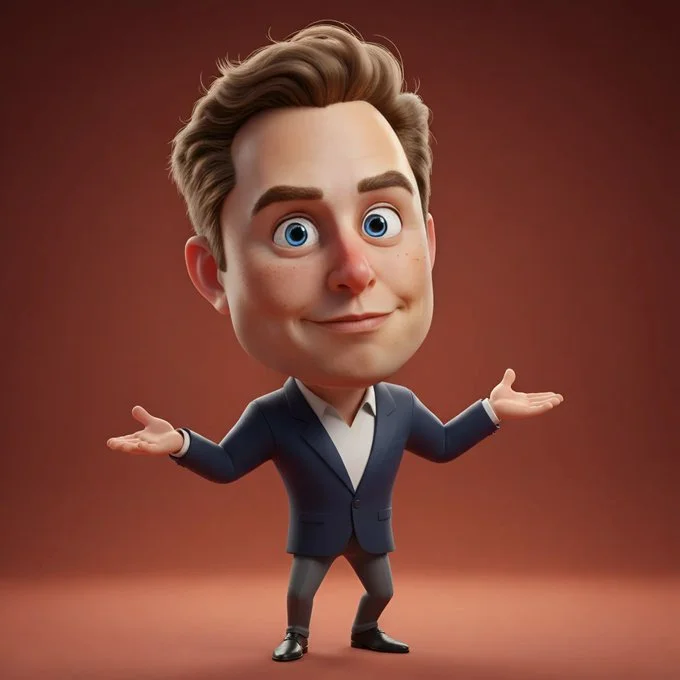
Verified prompt
Full-body 3D caricature of [Character Name] in Pixar/DreamWorks style, featuring expressive large eyes, slightly oversized head, and subtly exaggerated facial features. Realistic skin with soft subsurface scattering, detailed hair, and a gentle warm smile. Smooth polished surfaces with subtle fabric texture on clothing. Dynamic pose showing personality, with full body visible and balanced proportions. Soft ambient lighting, warm reddish-orange gradient background. Cinematic quality, high detail, vibrant yet natural colors, stylized charm with balanced realism.
Full-body 3D caricature of [Character Name] in Pixar/DreamWorks style, featuring expressive large eyes, slightly oversized head, and subtly exaggerated facial features. Realistic skin with soft subsurface scattering, detailed hair, and a gentle warm smile. Smooth polished surfaces with subtle fabric texture on clothing. Dynamic pose showing personality, with full body visible and balanced proportions. Soft ambient lighting, warm reddish-orange gradient background. Cinematic quality, high detail, vibrant yet natural colors, stylized charm with balanced realism.
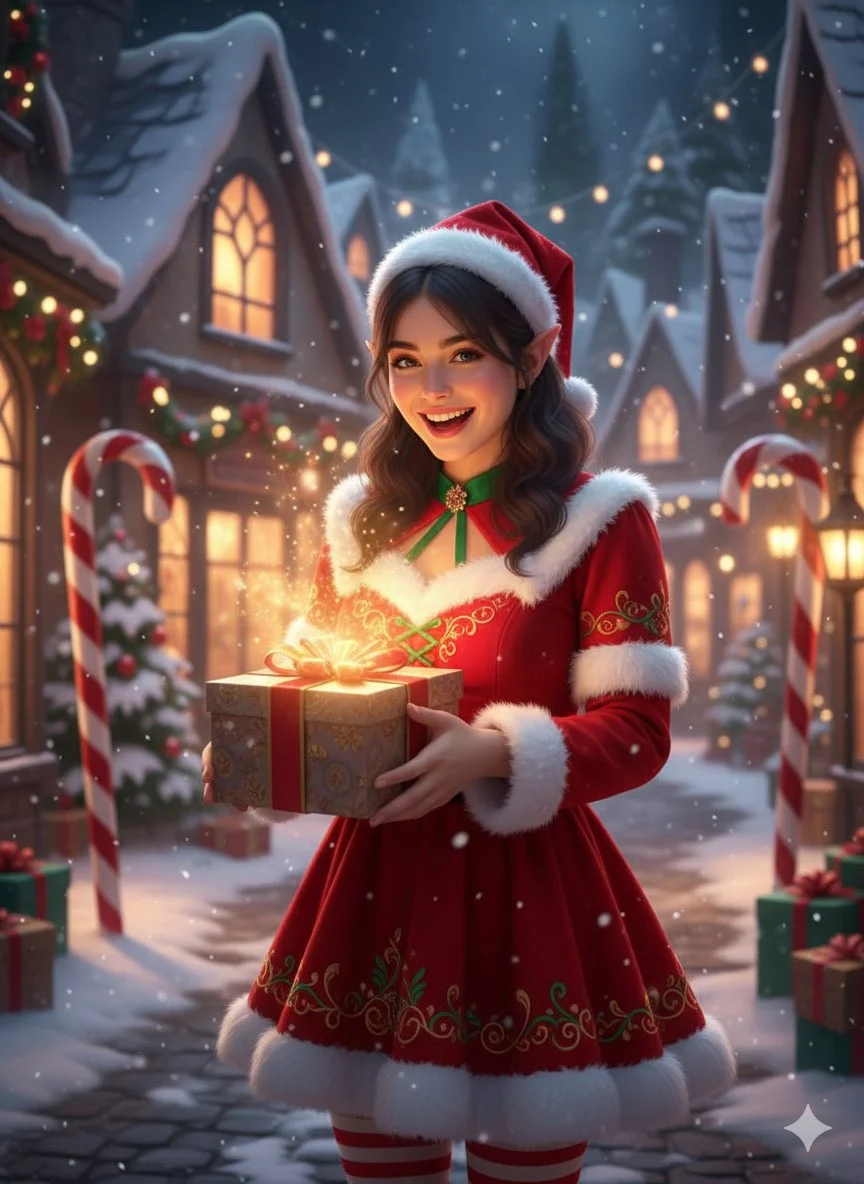
Verified prompt
Fantasy hyper-realistic Christmas portrait with magical vibe. Female subject, mid-20s, holding a gift with glowing light, cheerful and playful expression. Wearing red and white festive dress with elf-like details. Location: snowy enchanted village with twinkling lights, candy canes, snow-covered rooftops, magical winter glow atmosphere. Soft magical cinematic lighting, reds, whites, soft warm glow color palette.
Fantasy hyper-realistic Christmas portrait with magical vibe. Female subject, mid-20s, holding a gift with glowing light, cheerful and playful expression. Wearing red and white festive dress with elf-like details. Location: snowy enchanted village with twinkling lights, candy canes, snow-covered rooftops, magical winter glow atmosphere. Soft magical cinematic lighting, reds, whites, soft warm glow color palette.
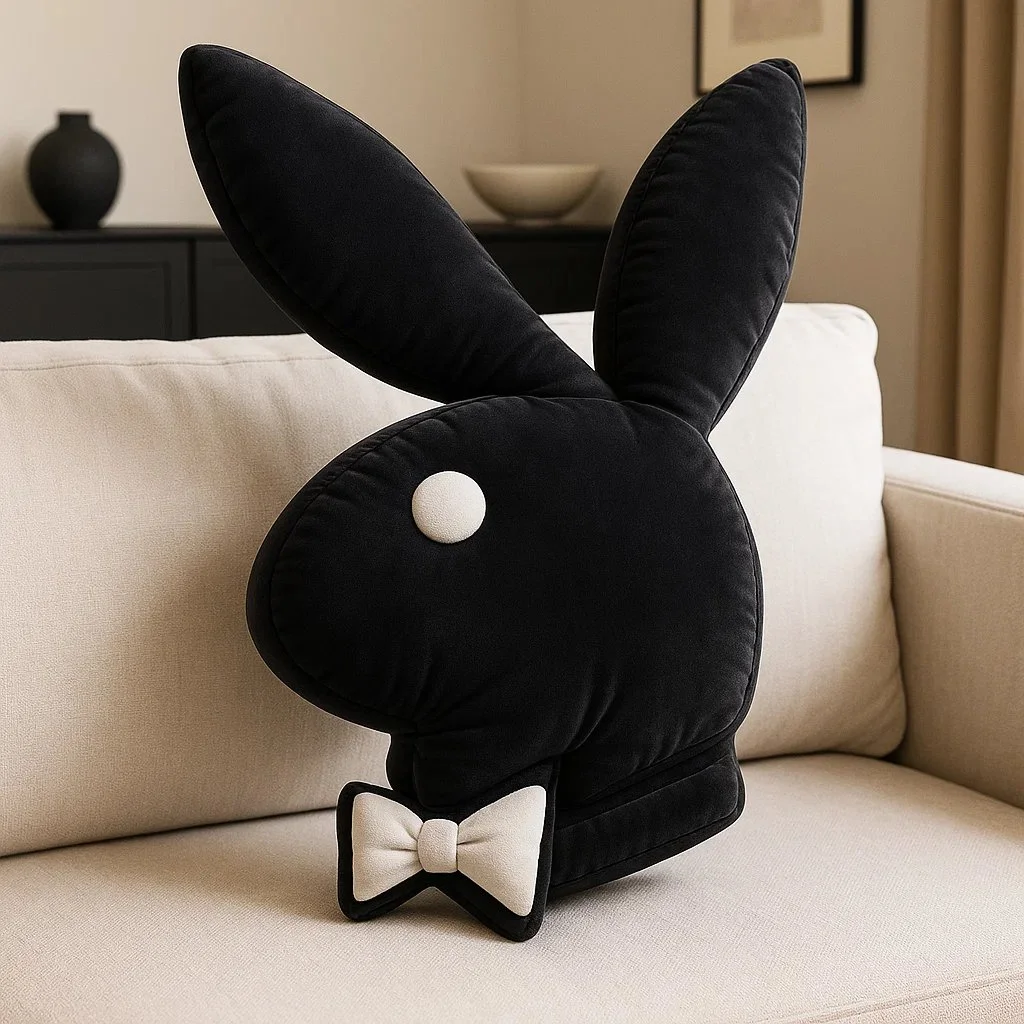
Verified prompt
Create a high-resolution 3D render of the [BRAND] logo designed as an inflatable, puffy object. The logo should appear soft, rounded, and air-filled – like a plush balloon or blow-up toy. Use a smooth, matte texture with subtle fabric creases and stitching to emphasize the inflatable look. Position the logo at a 45-degree angle to highlight depth and realism. Place the final result on a couch in a stylish living room with furniture and decor that matches the iconic colors of the [BRAND] logo. Output dimension: 1080x1080.
Create a high-resolution 3D render of the [BRAND] logo designed as an inflatable, puffy object. The logo should appear soft, rounded, and air-filled – like a plush balloon or blow-up toy. Use a smooth, matte texture with subtle fabric creases and stitching to emphasize the inflatable look. Position the logo at a 45-degree angle to highlight depth and realism. Place the final result on a couch in a stylish living room with furniture and decor that matches the iconic colors of the [BRAND] logo. Output dimension: 1080x1080.
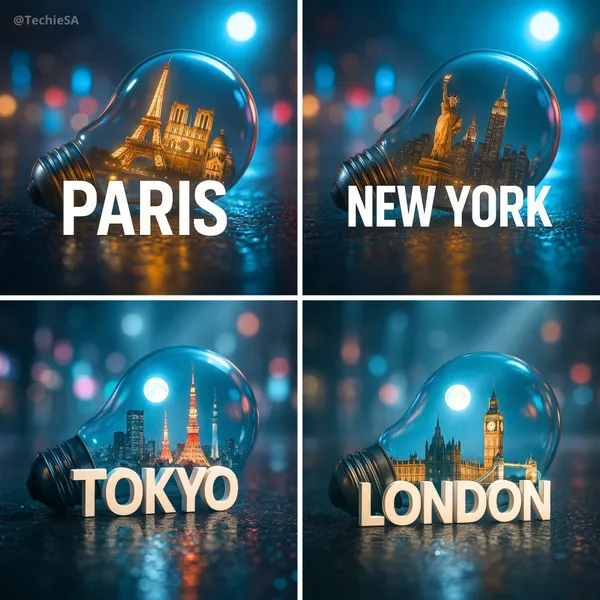
Verified prompt
te a hyper-realistic, stylish poster featuring a light bulb lying on wet urban asphalt. Inside the bulb, place a miniature version of [CITY] with its iconic landmarks. A sleek white 3D text of the city name ‘[CITY]’ should stand prominently in front of the bulb. The background is a softly blurred cityscape with neon lights reflecting on the bulb’s glass and the wet pavement. Add volumetric moonlight for depth and atmosphere. The image should look like a high-quality DSLR photograph with sharp details, cinematic lighting, and a moody, futuristic vibe.
te a hyper-realistic, stylish poster featuring a light bulb lying on wet urban asphalt. Inside the bulb, place a miniature version of [CITY] with its iconic landmarks. A sleek white 3D text of the city name ‘[CITY]’ should stand prominently in front of the bulb. The background is a softly blurred cityscape with neon lights reflecting on the bulb’s glass and the wet pavement. Add volumetric moonlight for depth and atmosphere. The image should look like a high-quality DSLR photograph with sharp details, cinematic lighting, and a moody, futuristic vibe.
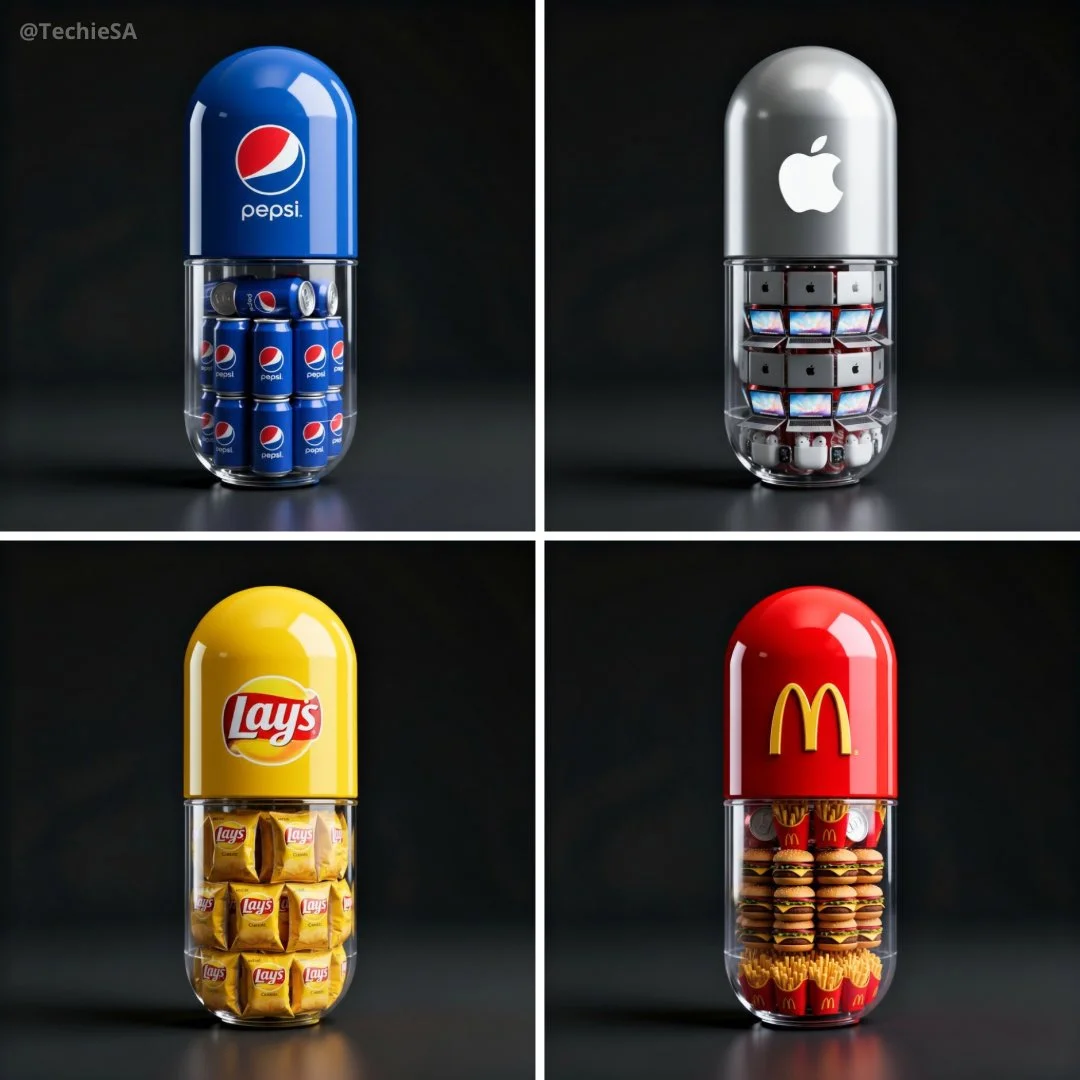
Verified prompt
Create a hyper-realistic 3D render of a large capsule-shaped container. The top half is solid and glossy in the brand’s signature color, featuring the official [BRAND] logo prominently. The bottom half is transparent, revealing multiple miniature famous products of this brand, [PRODUCT], neatly packed inside. Set against a dark background with cinematic lighting and soft reflections to create a premium, surreal advertising aesthetic. Ultra-detailed, professional product render style. 1080x1080 dimension
Create a hyper-realistic 3D render of a large capsule-shaped container. The top half is solid and glossy in the brand’s signature color, featuring the official [BRAND] logo prominently. The bottom half is transparent, revealing multiple miniature famous products of this brand, [PRODUCT], neatly packed inside. Set against a dark background with cinematic lighting and soft reflections to create a premium, surreal advertising aesthetic. Ultra-detailed, professional product render style. 1080x1080 dimension
Plan Your Music Visuals
Create an image, animate a scene or find a starting prompt for your project.
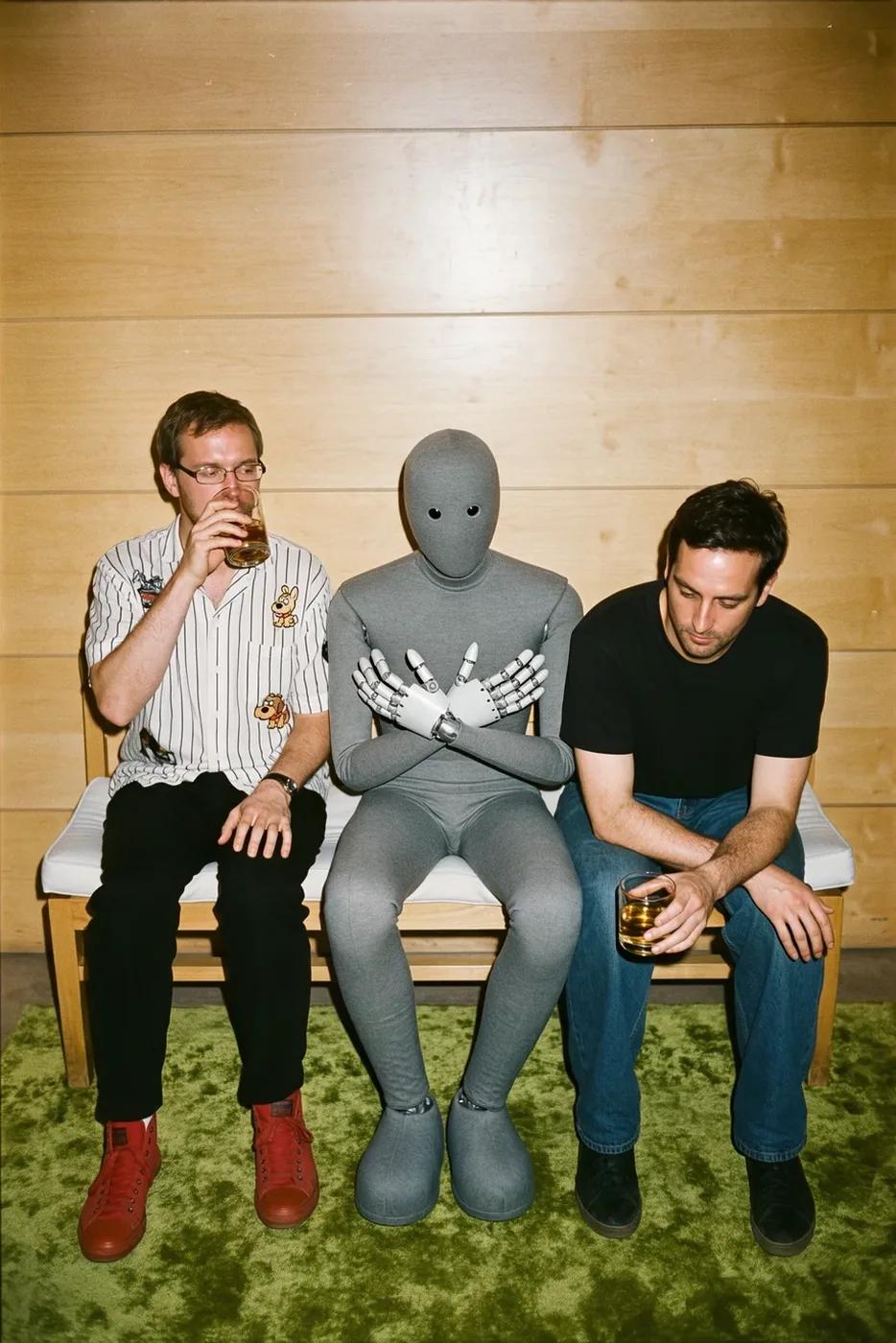
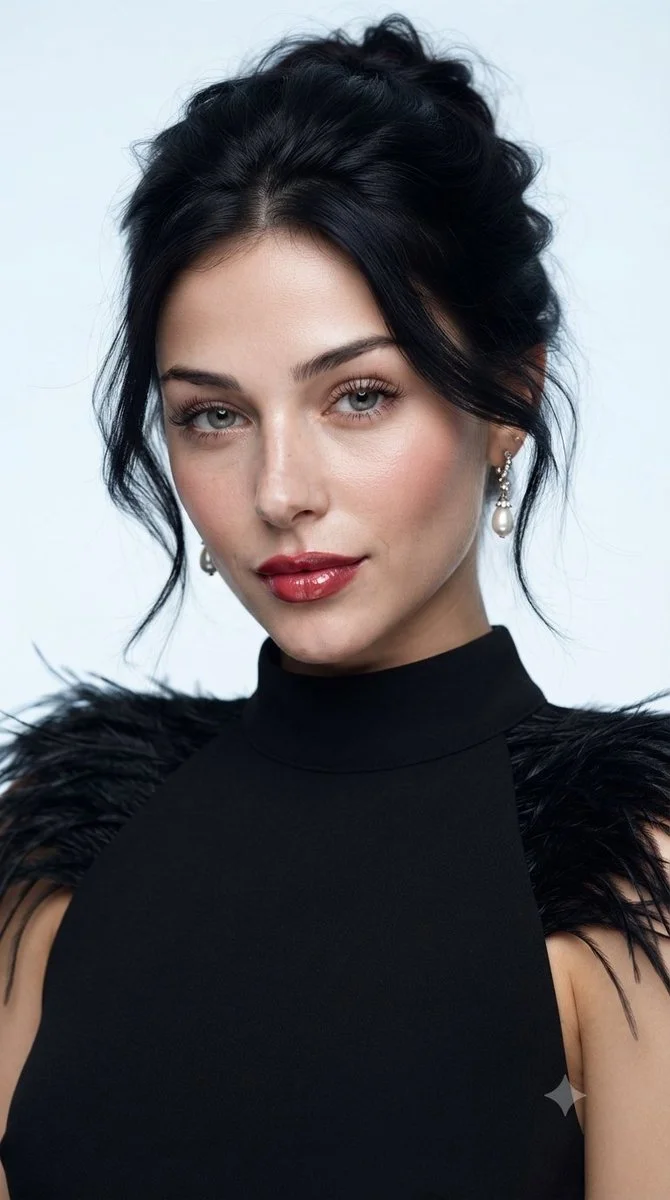
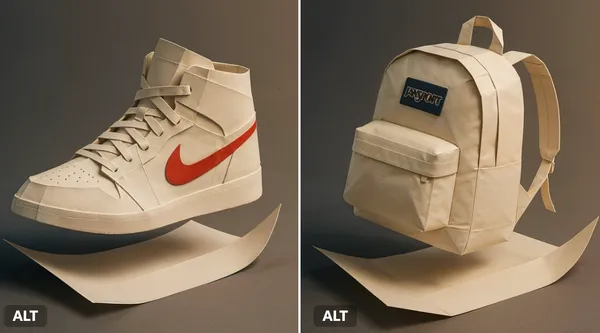
AI Reference Images for Music Visuals
Build the Visual World of Your Song
Explore the places, colors and characters suggested by your lyrics. Start with a written brief or a supported reference image, review the result and develop a visual direction for your music project.
Create a SceneFrom a Lyric to a Visual Brief
Describe the imagery of a verse as a scene: a subject, a setting and a mood. Choose a model and review its available inputs before generating.
Set the Composition Before You Animate
Choose framing, lighting and color in your prompt. Check the available output settings and credit quote, then create an image you can use as a video reference.
Describe the Mood of Your Track
Use a few specific visual details to express the feeling of your song. Compare the image with your brief, then refine its light, colors or composition.
Refine Your Prompt
Review the generated composition, then revise your prompt to change specific details. Choose the available model settings and check the credit quote before creating another version.
Review and Download Results
Open completed results in History, inspect important details and download the image you want to use. Keep your prompt and settings so you can compare later versions.
Keep Your Prompt and Result Together
Write a prompt, choose a model, and review your results in History. Refine your description to explore a different composition or style.
A Focused Image Workspace
Keep your visual brief and completed image results together while you develop the project.
Develop a Visual Direction for Your Music
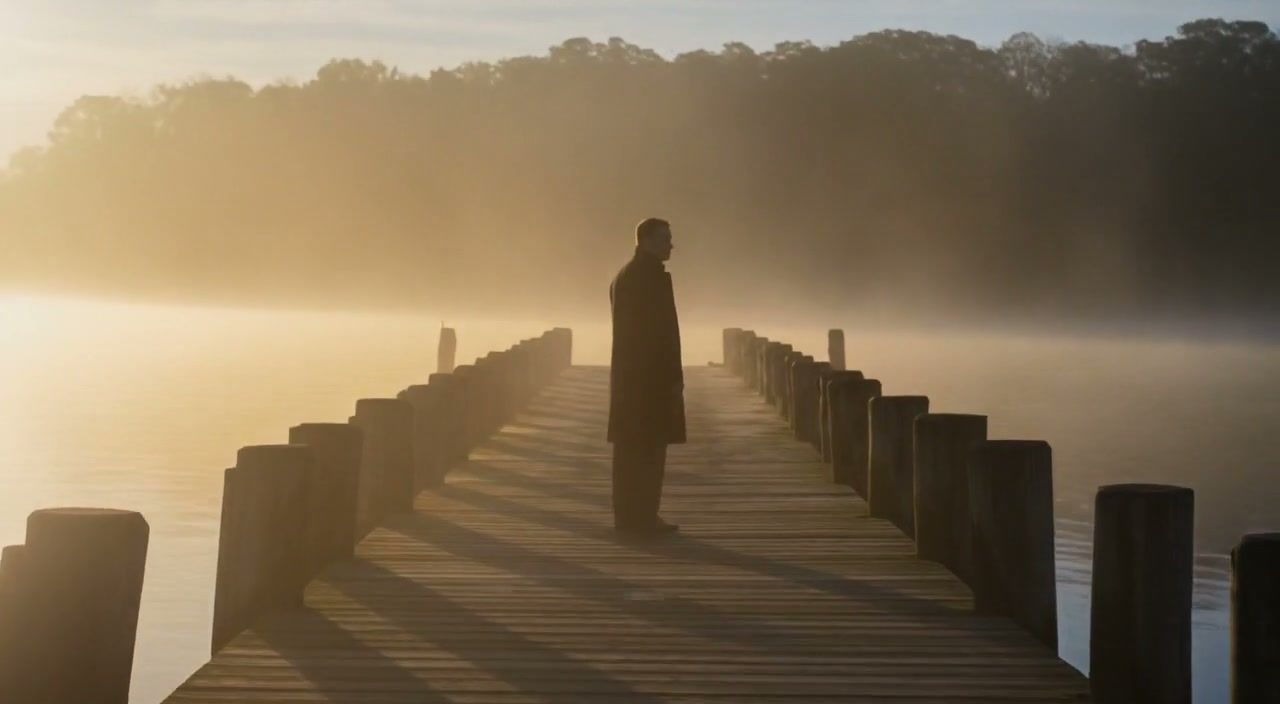
Explore Styles Through Your Prompt
Explore photographic, illustrated or abstract looks by describing the style in your prompt. Results vary by model and request; review each image before using it.
Describe the look you want, then refine your prompt as you compare results.
Reference Images for Your Lyric Video
Explore the scenes and visual details you want to bring into a music project. Create a focused image brief before planning movement.
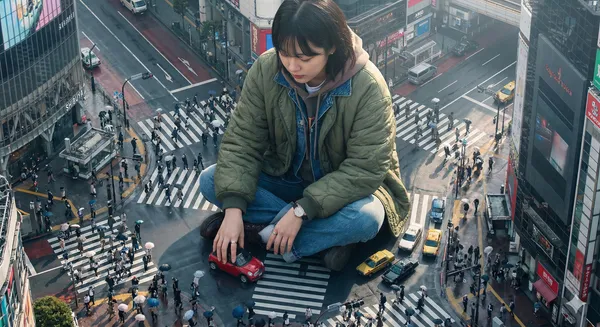
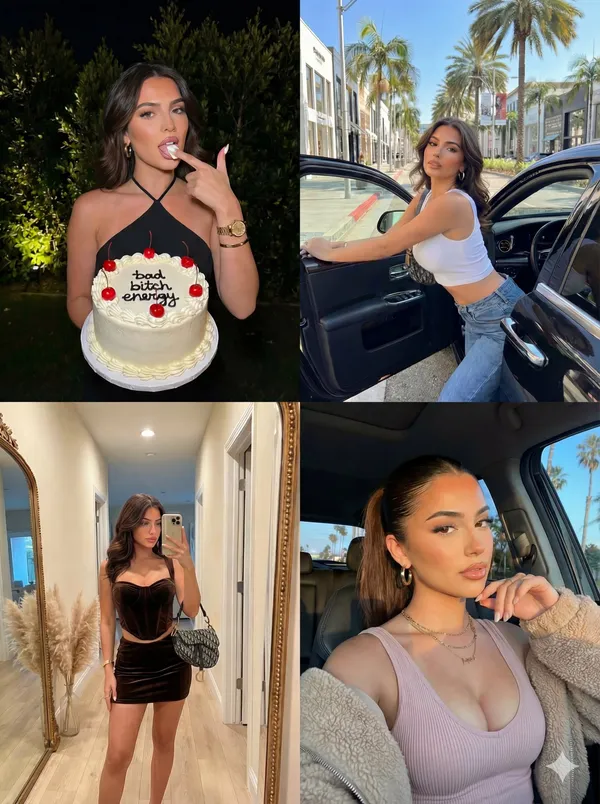
Locations and Atmosphere
Describe the street, room or landscape suggested by your writing. Test the lighting and color palette before using an image as a video reference.
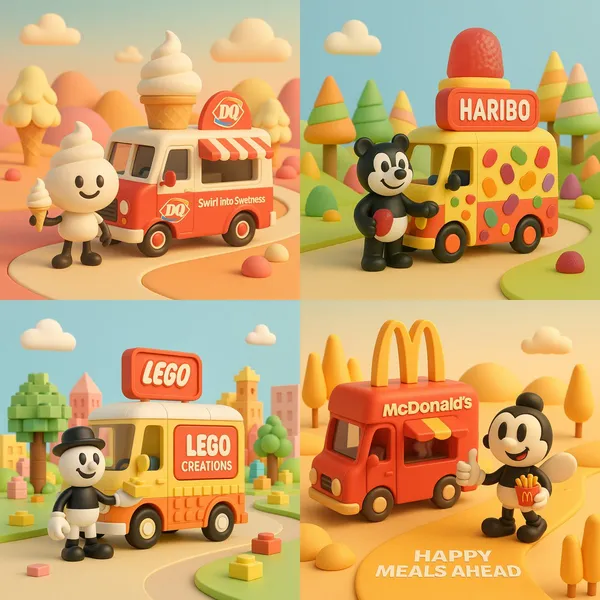
A Central Image for the Chorus
Develop one memorable composition around the main feeling of your chorus. Check the result for distracting details and refine the prompt where needed.
Visual Storyboards
Create concept images for individual moments in a verse. Keep written notes on framing and movement to guide your later video prompts.
Release Artwork Concepts
Explore visual directions for a song announcement. Review text and design details, then add accurate release information in your editing tool.
Create a Reference Image in Four Steps
Add Your Input
Write a description, or select image-to-image mode and upload a reference. Include the details that matter most to your composition.
Customize Your Options
Choose a model and adjust its available size and quality settings. Check the required credits before generating.
Generate and Refine
Select Generate Image and follow the task in History. Review the result, then revise your prompt to create another version.
Export, Share, or Transform
Download a completed image from History and add it to your project. You can also use it as a reference on the video page.
Images for Every Stage of Your Music Project
Use generated images to explore ideas and prepare visual material for your own edit.
Scene Concepts
Turn one image from a lyric into a composition. Describe the subject, surroundings and lighting, then review the result against your brief.
Social Music Posts
Explore a visual idea for a song or release post. Use the format your channel requires and add accurate text in your design tool.
Pitch and Mood Boards
Prepare visual concepts to discuss with collaborators. Keep a clear brief alongside each image so the intended scene is easy to understand.
Visual World Building
Explore a recurring location, palette or motif for your project. Review separate generations carefully; matching characters and details is not guaranteed.
Workflow Notes
Describe one subject, action and setting before generating. Keep the brief focused so the result is easier to review.
AI Reference Image Questions
Generate an image from a written scene description or a supported reference image. Use the result to explore the visual direction of your music project or as a reference for video generation.
Text-to-image models use your written description to generate a visual interpretation. Specific details about the subject, composition, and lighting can help guide the result.
Download an image you want to use, open the video generator and choose a model that supports image-to-video. Upload the image and describe the movement you want.
Write the medium, palette, lighting and composition in your prompt. There is no one-click style effect control on this page.
Revise your text prompt and generate another version, or use a supported reference image in image-to-image mode. This page does not provide object erasing, canvas expansion or photo restoration controls.
Use inputs you have permission to use and review generated content for recognizable people, brands and protected material. Check the applicable terms for your chosen model and use case before publishing commercially.
Image generation uses credits. Select a model and settings to see the quote before submitting, and visit Pricing for current purchase options.
You can start with a plain-language description. Add details about the subject, setting, lighting, and style as you refine your idea.
You can request a refund within 10 days of purchase if you have unused credits from that purchase and provide a clear reason, subject to our Refund Policy. If eligible, an unused purchase can be fully refunded; a partly used purchase is refunded in proportion to its remaining unused credits. Fully used purchases and free or promotional credits are not refundable.
Credit validity depends on the pack, subscription or promotion that issued them. Review the purchase terms and expiration dates in Settings > Credits. A renewal or new purchase does not extend older credits. Use credits before their stated expiration; do not assume unused subscription credits roll over indefinitely.
Credits charged for a task that is confirmed as failed due to a system error are returned automatically. A task that is still processing has not yet been confirmed as failed. Check its status and your credit history before submitting again. If a confirmed failure still shows an unresolved charge, email support@raplyrics.app with the task ID.
AI results can vary, so a completed result that differs from your expectations is not automatically treated as a technical failure. Eligible completed image tasks can be submitted for credit refund review using the refund option where available; approval is required. For a video or another issue, contact support@raplyrics.app with the task ID and details. A credit refund returns credits, not money to your payment method.
Email support@raplyrics.app. For billing, include your account email and order ID; for generation, include the task ID, issue description and relevant screenshots. If you purchased as a guest, keep the original browser data and payment receipt so we can help locate the purchase.
Create a Visual Starting Point for Your Lyrics
Create an image from a text description or supported reference. Review the model settings, check the credit quote and download completed results from History.
raplyrics.app · Updated
What's new on this page
- — Added editable example prompts and separate drafts for text and reference modes, with an action to restore the example.
- — Page content published.