
Nano Banana Image Concepts for Music Visuals
Nano Banana Image Concepts for Music Visuals
Describe the image you want. Review the result and revise your prompt to create another version. Supported input modes and settings are shown in the generator.

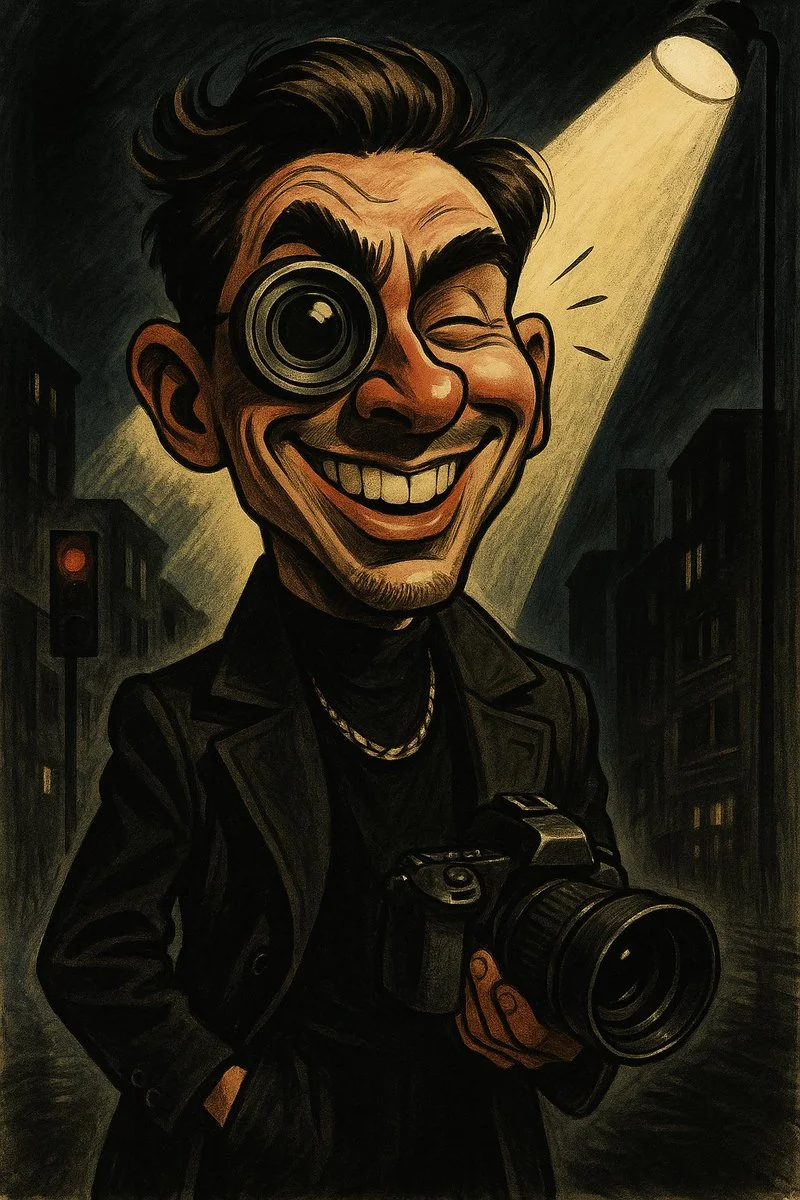
Verified prompt
Based on your understanding of my personality and past interactions, create a humorous and satirical image that teases me in a playful way. The image must have comedic features, using exaggerated expressions or surreal visual metaphors. Artistic style: cartoon or caricature with high contrast and expressive details. The goal is to amuse, not insult. Ensure the satire is clever and mindful.
Based on your understanding of my personality and past interactions, create a humorous and satirical image that teases me in a playful way. The image must have comedic features, using exaggerated expressions or surreal visual metaphors. Artistic style: cartoon or caricature with high contrast and expressive details. The goal is to amuse, not insult. Ensure the satire is clever and mindful.
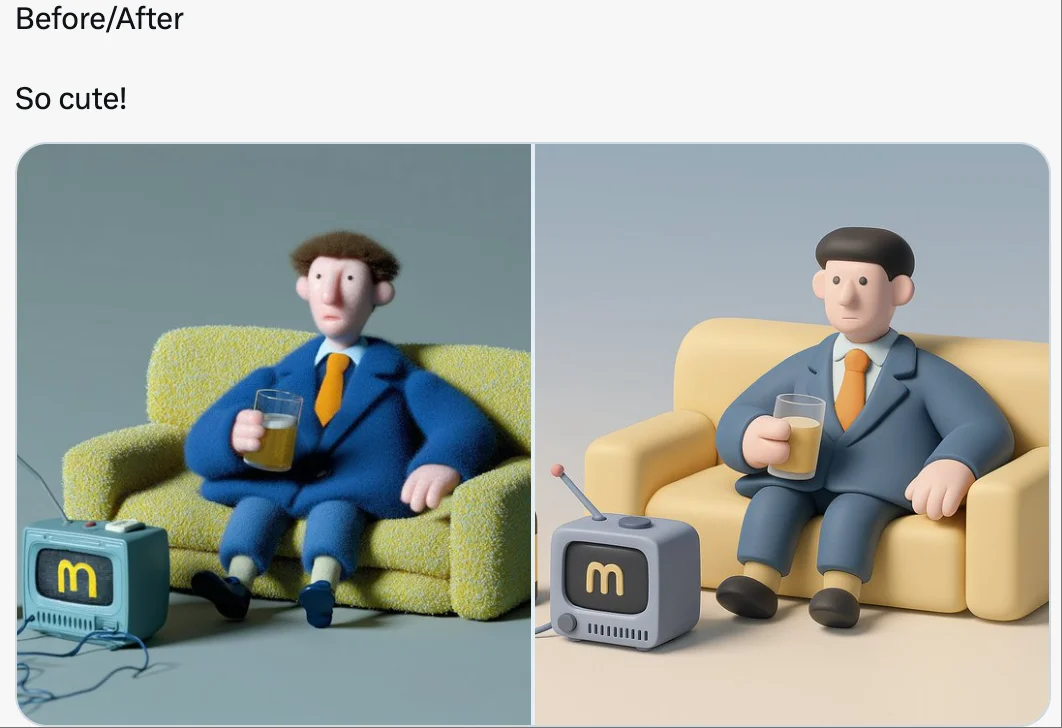
Verified prompt
retexture the image attached based on the json below: { "style_name": "Soft Minimal 3D Plastic", "retexture_mode": "shape_lock", "object_analysis": { "preserve_silhouette": true, "geometry_sensitive_mapping": true, "detail_retention": "flatten complex details into simplified geometry blocks" }, "material_properties": { "base_material": [ "smooth matte plastic", "metallic edge trim with satin finish", "semi-reflective black screen surface" ], "surface_details": [ "subtle color gradient", "rounded bevels and corners", "soft transition between surfaces" ] }, "lighting": { "type": "soft gradient ambient light", "shadows": "minimal, soft-edged shadows", "highlights": "diffused, low-intensity reflections" }, "background": { "color": "pastel gradient (blue to cream)", "texture": "smooth and untextured", "elements": "clean background with no added geometry" }, "rendering": { "style": "isometric 3D render", "resolution": "high, with slight bloom", "focus": "central object, no depth blur" }, "color_palette": { "primary": ["cool grey", "steel blue", "soft charcoal"], "accents": ["light lavender", "pastel yellow"] } }
retexture the image attached based on the json below: { "style_name": "Soft Minimal 3D Plastic", "retexture_mode": "shape_lock", "object_analysis": { "preserve_silhouette": true, "geometry_sensitive_mapping": true, "detail_retention": "flatten complex details into simplified geometry blocks" }, "material_properties": { "base_material": [ "smooth matte plastic", "metallic edge trim with satin finish", "semi-reflective black screen surface" ], "surface_details": [ "subtle color gradient", "rounded bevels and corners", "soft transition between surfaces" ] }, "lighting": { "type": "soft gradient ambient light", "shadows": "minimal, soft-edged shadows", "highlights": "diffused, low-intensity reflections" }, "background": { "color": "pastel gradient (blue to cream)", "texture": "smooth and untextured", "elements": "clean background with no added geometry" }, "rendering": { "style": "isometric 3D render", "resolution": "high, with slight bloom", "focus": "central object, no depth blur" }, "color_palette": { "primary": ["cool grey", "steel blue", "soft charcoal"], "accents": ["light lavender", "pastel yellow"] } }
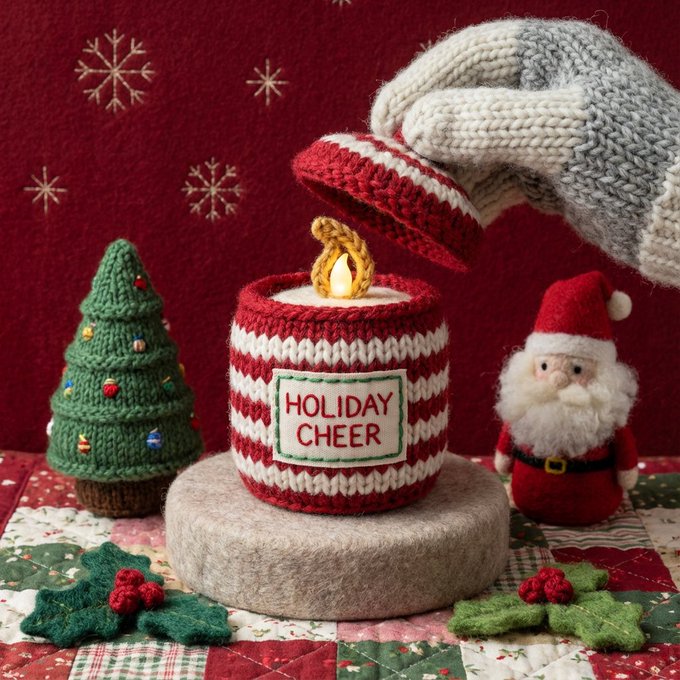
Verified prompt
oft beauty still life inside a miniature world handcrafted entirely from yarn, wool, and plush textiles. Two knitted night cream jars float gently above a pastel pink felt backdrop. The hero jar is fully sculpted from thick knitted stitches wrapped around a felted cylinder, with embroidered gold lettering mimicking the original label. The open jar below reveals a swirl of dense, glossy cream crafted from smooth white felt and layered wool fibers, shaped into soft peaks with stitched contour details. A curved backdrop piece appears as a plush, padded woolen shape, adding dimension to the gentle pink environment. Everything in the scene, the jars, the cream, the surfaces, is made from yarn, crochet loops, and felted wool, giving the impression of a handcrafted beauty world.
oft beauty still life inside a miniature world handcrafted entirely from yarn, wool, and plush textiles. Two knitted night cream jars float gently above a pastel pink felt backdrop. The hero jar is fully sculpted from thick knitted stitches wrapped around a felted cylinder, with embroidered gold lettering mimicking the original label. The open jar below reveals a swirl of dense, glossy cream crafted from smooth white felt and layered wool fibers, shaped into soft peaks with stitched contour details. A curved backdrop piece appears as a plush, padded woolen shape, adding dimension to the gentle pink environment. Everything in the scene, the jars, the cream, the surfaces, is made from yarn, crochet loops, and felted wool, giving the impression of a handcrafted beauty world.
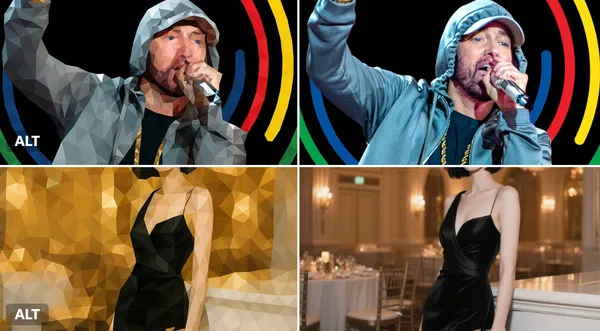
Verified prompt
sform this image into a refined low-poly mosaic style. Preserve the original structure and recognizable details, especially facial features and contours. Use small, high-density polygons to maintain clarity and identity while creating a crystalline, faceted look. Keep the original color palette for a harmonious and natural aesthetic. Avoid altering or adding new elements.
sform this image into a refined low-poly mosaic style. Preserve the original structure and recognizable details, especially facial features and contours. Use small, high-density polygons to maintain clarity and identity while creating a crystalline, faceted look. Keep the original color palette for a harmonious and natural aesthetic. Avoid altering or adding new elements.
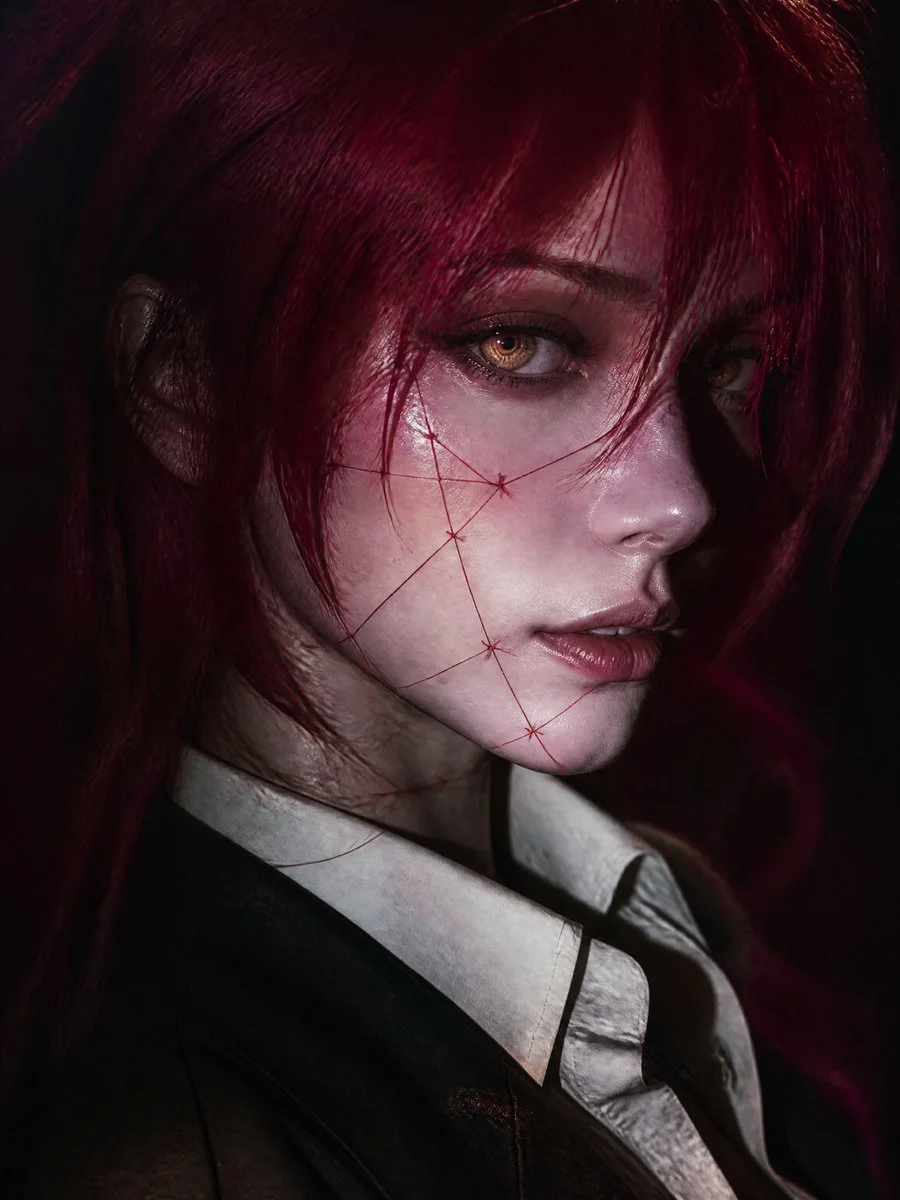
Verified prompt
Cinematic editorial close-up portrait of original fantasy-inspired young woman, vertical 9:16, face dominating from slightly elevated three-quarter angle, head turned toward camera gaze past lens. Pale porcelain cool-undertone skin, delicate features, defined nose, soft lips, calm mysterious expression. Vivid crimson-magenta long messy hair layered strands framing one eye, loose foreground strands. Luminous amber-gold irises with concentric spirals, blue-gray limbal ring, wet reflections, detailed lashes, faint glow. Thin crimson thread-like artistic stitched markings on cheeks jaw neck, elegant graphic surreal no gore. Dark tailored jacket over ivory collared shirt slightly open, subtle dark neckline accessory. Dramatic low-key on-camera flash lighting bright highlights deep shadows, cool tones red hair spill, realistic skin texture. Dark indistinct burgundy charcoal background, shallow DOF cinematic bokeh grain. High-end fashion editorial dark fantasy, original character no existing copies.
Cinematic editorial close-up portrait of original fantasy-inspired young woman, vertical 9:16, face dominating from slightly elevated three-quarter angle, head turned toward camera gaze past lens. Pale porcelain cool-undertone skin, delicate features, defined nose, soft lips, calm mysterious expression. Vivid crimson-magenta long messy hair layered strands framing one eye, loose foreground strands. Luminous amber-gold irises with concentric spirals, blue-gray limbal ring, wet reflections, detailed lashes, faint glow. Thin crimson thread-like artistic stitched markings on cheeks jaw neck, elegant graphic surreal no gore. Dark tailored jacket over ivory collared shirt slightly open, subtle dark neckline accessory. Dramatic low-key on-camera flash lighting bright highlights deep shadows, cool tones red hair spill, realistic skin texture. Dark indistinct burgundy charcoal background, shallow DOF cinematic bokeh grain. High-end fashion editorial dark fantasy, original character no existing copies.
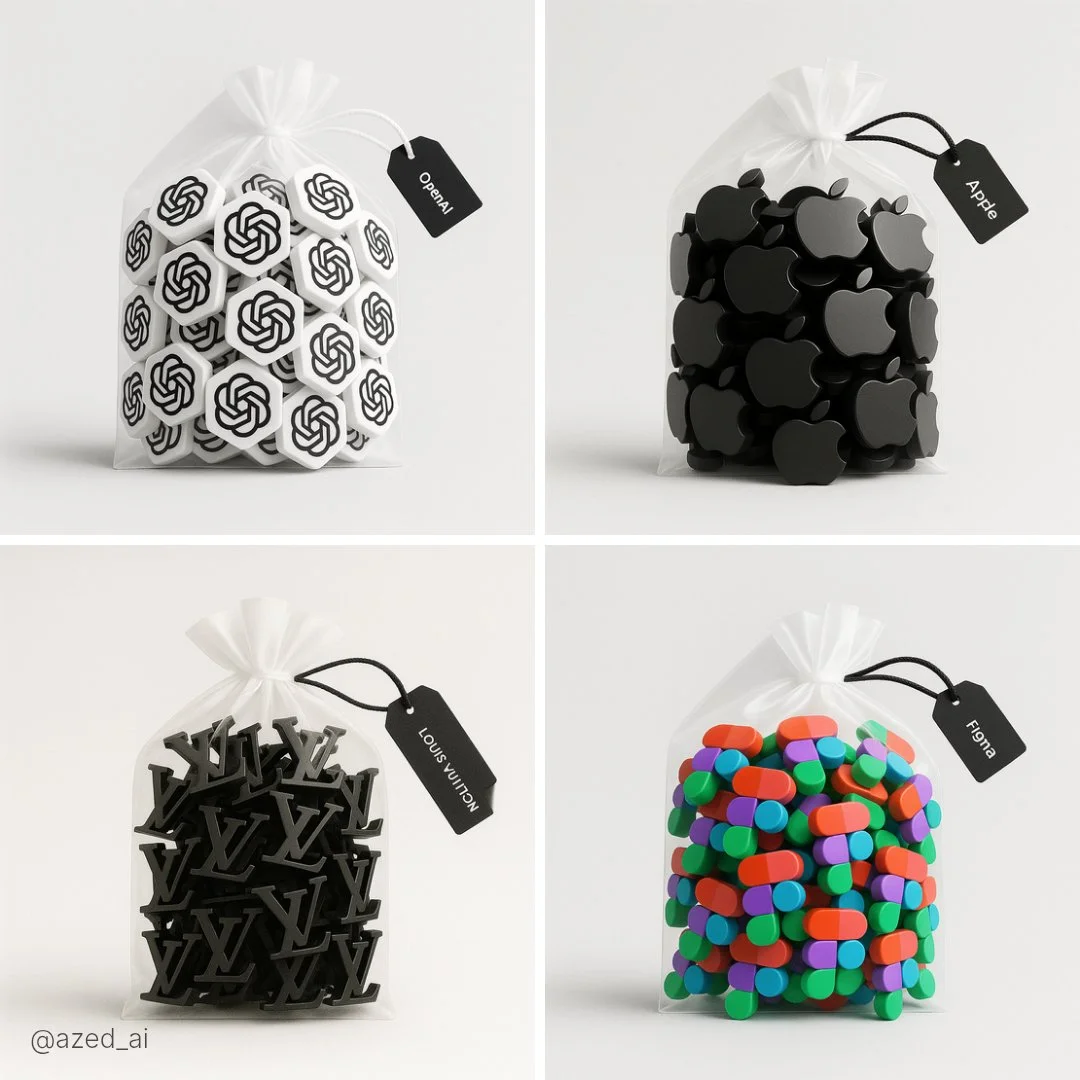
Verified prompt
A high-resolution photograph of a clear plastic drawstring bag placed on a light gray background. Inside the bag are multiple tiny 3D [subject] figures arranged neatly. The bag is tied with a soft white ribbon and has a black label tag that reads ‘[LABEL TEXT]’. Soft lighting and clean shadows emphasize the realistic textures and details
A high-resolution photograph of a clear plastic drawstring bag placed on a light gray background. Inside the bag are multiple tiny 3D [subject] figures arranged neatly. The bag is tied with a soft white ribbon and has a black label tag that reads ‘[LABEL TEXT]’. Soft lighting and clean shadows emphasize the realistic textures and details
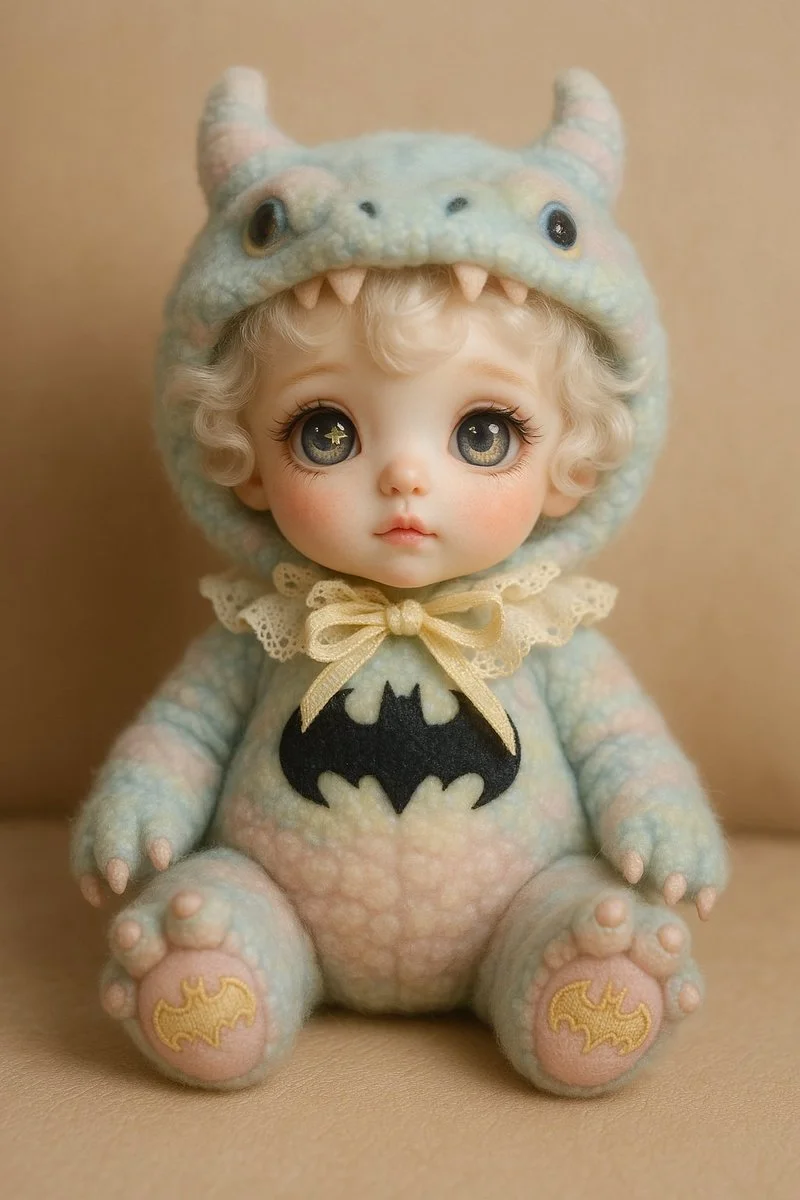
Verified prompt
A cute designer doll styled as a [SUBJECT]. The doll has a porcelain face with blush, soft curly white hair, and large expressive eyes with unique pupils (like a star and moon). It wears a fluffy pastel-colored costume resembling the [chosen creature or idea], with detailed accessories like a hood with ears or horns, lace, and a ribbon. Embroidery on the paws reflects the character’s theme. The doll is sitting on a neutral background (like beige leather or soft fabric). The atmosphere is dreamy and whimsical, with soft lighting. Style: Korean collectible art doll, highly detailed, pastel color palette.
A cute designer doll styled as a [SUBJECT]. The doll has a porcelain face with blush, soft curly white hair, and large expressive eyes with unique pupils (like a star and moon). It wears a fluffy pastel-colored costume resembling the [chosen creature or idea], with detailed accessories like a hood with ears or horns, lace, and a ribbon. Embroidery on the paws reflects the character’s theme. The doll is sitting on a neutral background (like beige leather or soft fabric). The atmosphere is dreamy and whimsical, with soft lighting. Style: Korean collectible art doll, highly detailed, pastel color palette.
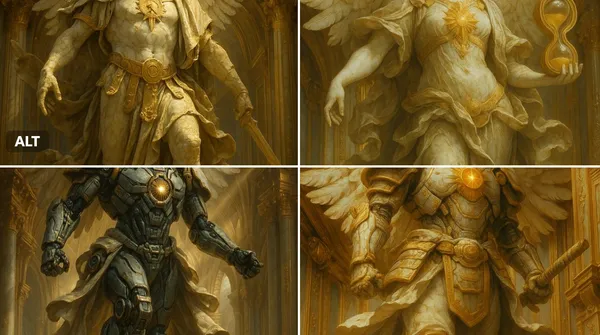
Verified prompt
ssal marble statue of [INSERT OBJECT OR CHARACTER HERE], wings (if applicable) spread in divine majesty, adorned with ornate golden armor and flowing baroque robes, cracked marble textures with soft patina, glowing sacred emblem on chest, standing within a celestial golden dome, surrounded by divine architecture, dramatic god rays from above, dynamic mid-action pose, ultra-detailed renaissance sculpture style, cinematic lighting, majestic and sacred atmosphere, 8k resolution
ssal marble statue of [INSERT OBJECT OR CHARACTER HERE], wings (if applicable) spread in divine majesty, adorned with ornate golden armor and flowing baroque robes, cracked marble textures with soft patina, glowing sacred emblem on chest, standing within a celestial golden dome, surrounded by divine architecture, dramatic god rays from above, dynamic mid-action pose, ultra-detailed renaissance sculpture style, cinematic lighting, majestic and sacred atmosphere, 8k resolution
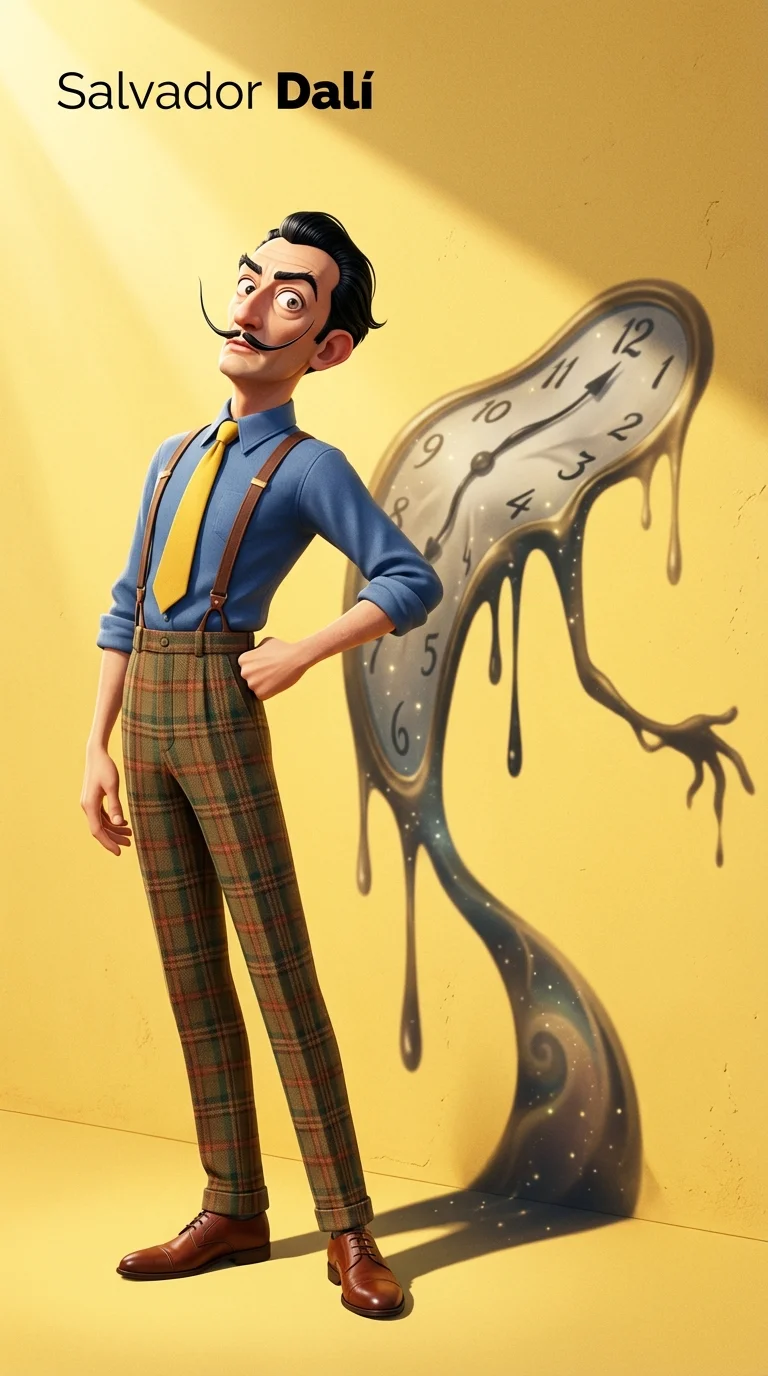
Verified prompt
gh-resolution vertical Pixar-style 3D character illustration. Main character: Salvador Dalí — depicted as a tall, slim, and slightly exaggerated Pixar-style 3D character. Wearing a classic blue shirt, yellow tie, high-waisted plaid trousers with suspenders, and leather shoes. His iconic long upturned mustache, slick black hair, sharply arched eyebrows, and slightly eccentric posture. Stands with chest out, one hand on hip, head tilted slightly back in his typical theatrical flair. Background: Flat, clean yellow background with subtle surface texture. Strong sunlight from top-left casts a distinct and enlarged shadow on the wall behind him. Key Concept – Shadow as spiritual projection: The shadow cast behind him does **not** mirror his body shape. Instead, it takes the form of one of his most iconic artworks — a surreal melted clock with long dripping arms, inspired by “The Persistence of Memory”. The melted clock shadow is positioned diagonally, starting from his shoulder, stretching wide and low across the yellow wall, surreal and fluid, yet unmistakably symbolic. This shadow is **Dalí’s legacy made visible** — a symbolic extension of his identity through time, dream, and visual distortion. Lighting & Rendering: Pixar-like rendering with detailed but stylized textures. Use subtle filmic grain, soft shadows, and warm color grading. Subtle sparkles or light speckles inside the shadow to evoke dreamlike texture. Typography (top-left corner): “Salvador Dalí” in minimalist black sans-serif font, “Dalí” bolded.
gh-resolution vertical Pixar-style 3D character illustration. Main character: Salvador Dalí — depicted as a tall, slim, and slightly exaggerated Pixar-style 3D character. Wearing a classic blue shirt, yellow tie, high-waisted plaid trousers with suspenders, and leather shoes. His iconic long upturned mustache, slick black hair, sharply arched eyebrows, and slightly eccentric posture. Stands with chest out, one hand on hip, head tilted slightly back in his typical theatrical flair. Background: Flat, clean yellow background with subtle surface texture. Strong sunlight from top-left casts a distinct and enlarged shadow on the wall behind him. Key Concept – Shadow as spiritual projection: The shadow cast behind him does **not** mirror his body shape. Instead, it takes the form of one of his most iconic artworks — a surreal melted clock with long dripping arms, inspired by “The Persistence of Memory”. The melted clock shadow is positioned diagonally, starting from his shoulder, stretching wide and low across the yellow wall, surreal and fluid, yet unmistakably symbolic. This shadow is **Dalí’s legacy made visible** — a symbolic extension of his identity through time, dream, and visual distortion. Lighting & Rendering: Pixar-like rendering with detailed but stylized textures. Use subtle filmic grain, soft shadows, and warm color grading. Subtle sparkles or light speckles inside the shadow to evoke dreamlike texture. Typography (top-left corner): “Salvador Dalí” in minimalist black sans-serif font, “Dalí” bolded.
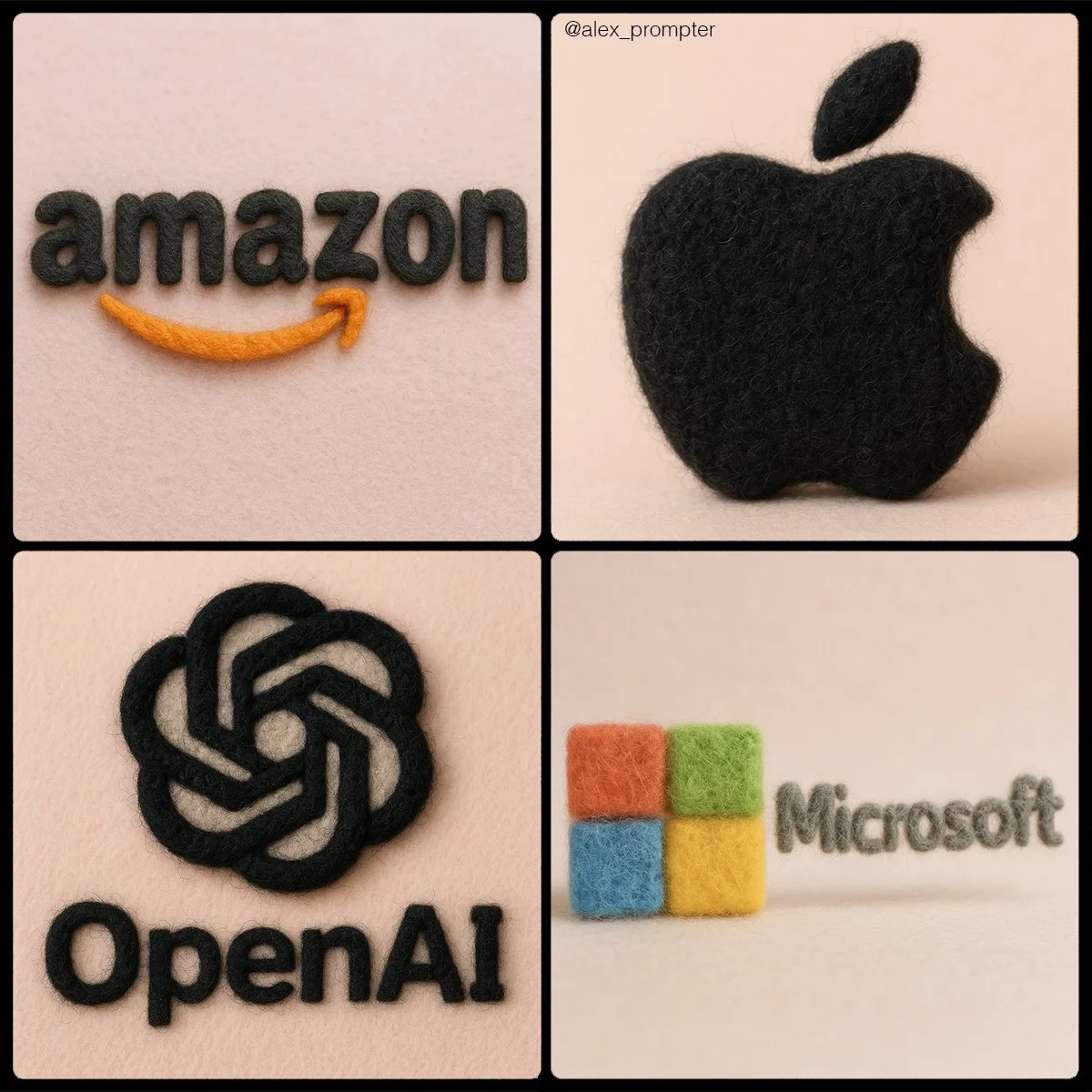
Verified prompt
Retexture [BRAND NAME] logo following my JSON aesthetic below: { "style": "realistic needle-felted wool sculpture", "subject_handling": { "adapt_to_uploaded_image": true, "preserve_original_shape_and_layout": true, "preserve_uploaded_color_values": true, "preserve_text_if_present": true, "preserve_text_case": true, "preserve_exact_letterforms": true, "use_uploaded_image_as_pixel_map": true, "prevent_color_estimation_or_stylization": true }, "needle_felting": { "material_type": "dyed wool fibers matched precisely to uploaded image pixels", "texture_description": "fluffy soft felt with clear fiber strands", "construction_style": "needle-felted, light irregularities allowed but no color bleeding", "color_application_method": "direct color transfer from uploaded image to wool sculpture", "prevent_auto_saturation_adjustment": true, "prevent_color_fading": true, "color_binding_mode": "pixel-level color fidelity per original image" }, "lighting": { "lighting_type": "neutral soft studio lighting", "shadow": "soft, gray-toned shadows under the object only", "highlight_behavior": "matte highlights only from felt surface — no bloom or color shift" }, "background": { "type": "plain matte studio", "background_color": "pastel tone that contrasts with logo color", "color_conflict_handling": "auto-adjust background brightness — do not alter logo colors" }, "camera": { "focus_style": "macro lens", "depth_of_field": "shallow — full subject in sharp detail, soft background", "angle": "frontal or slightly elevated, full subject visible" }, "post_processing": { "color_preservation_enforced": true, "disable_auto-enhancement_or_tinting": true, "no artistic reinterpretation": true, "no auto-correction, bloom, or white balance adjustments": true }, "image_constraints": { "transparent_background": false, "aspect_ratio_locked": true, "include_text_if_present": true, "preserve_text_case": true, "preserve_uploaded_color_values": true, "prevent_shape_or_color_change": true, "enforce_exact_pixel_color_match_to_uploaded_image": true }, "notes": "The uploaded image must be converted into a needle-felted wool sculpture using its exact colors and shape. Use pixel-level mapping to apply the uploaded color values to simulated dyed wool fibers. Do not change, brighten, dull, average, or blend colors. Text must remain intact and readable. Background should be soft pastel to contrast the logo — never adjust the logo to fit the scene." }
Retexture [BRAND NAME] logo following my JSON aesthetic below: { "style": "realistic needle-felted wool sculpture", "subject_handling": { "adapt_to_uploaded_image": true, "preserve_original_shape_and_layout": true, "preserve_uploaded_color_values": true, "preserve_text_if_present": true, "preserve_text_case": true, "preserve_exact_letterforms": true, "use_uploaded_image_as_pixel_map": true, "prevent_color_estimation_or_stylization": true }, "needle_felting": { "material_type": "dyed wool fibers matched precisely to uploaded image pixels", "texture_description": "fluffy soft felt with clear fiber strands", "construction_style": "needle-felted, light irregularities allowed but no color bleeding", "color_application_method": "direct color transfer from uploaded image to wool sculpture", "prevent_auto_saturation_adjustment": true, "prevent_color_fading": true, "color_binding_mode": "pixel-level color fidelity per original image" }, "lighting": { "lighting_type": "neutral soft studio lighting", "shadow": "soft, gray-toned shadows under the object only", "highlight_behavior": "matte highlights only from felt surface — no bloom or color shift" }, "background": { "type": "plain matte studio", "background_color": "pastel tone that contrasts with logo color", "color_conflict_handling": "auto-adjust background brightness — do not alter logo colors" }, "camera": { "focus_style": "macro lens", "depth_of_field": "shallow — full subject in sharp detail, soft background", "angle": "frontal or slightly elevated, full subject visible" }, "post_processing": { "color_preservation_enforced": true, "disable_auto-enhancement_or_tinting": true, "no artistic reinterpretation": true, "no auto-correction, bloom, or white balance adjustments": true }, "image_constraints": { "transparent_background": false, "aspect_ratio_locked": true, "include_text_if_present": true, "preserve_text_case": true, "preserve_uploaded_color_values": true, "prevent_shape_or_color_change": true, "enforce_exact_pixel_color_match_to_uploaded_image": true }, "notes": "The uploaded image must be converted into a needle-felted wool sculpture using its exact colors and shape. Use pixel-level mapping to apply the uploaded color values to simulated dyed wool fibers. Do not change, brighten, dull, average, or blend colors. Text must remain intact and readable. Background should be soft pastel to contrast the logo — never adjust the logo to fit the scene." }
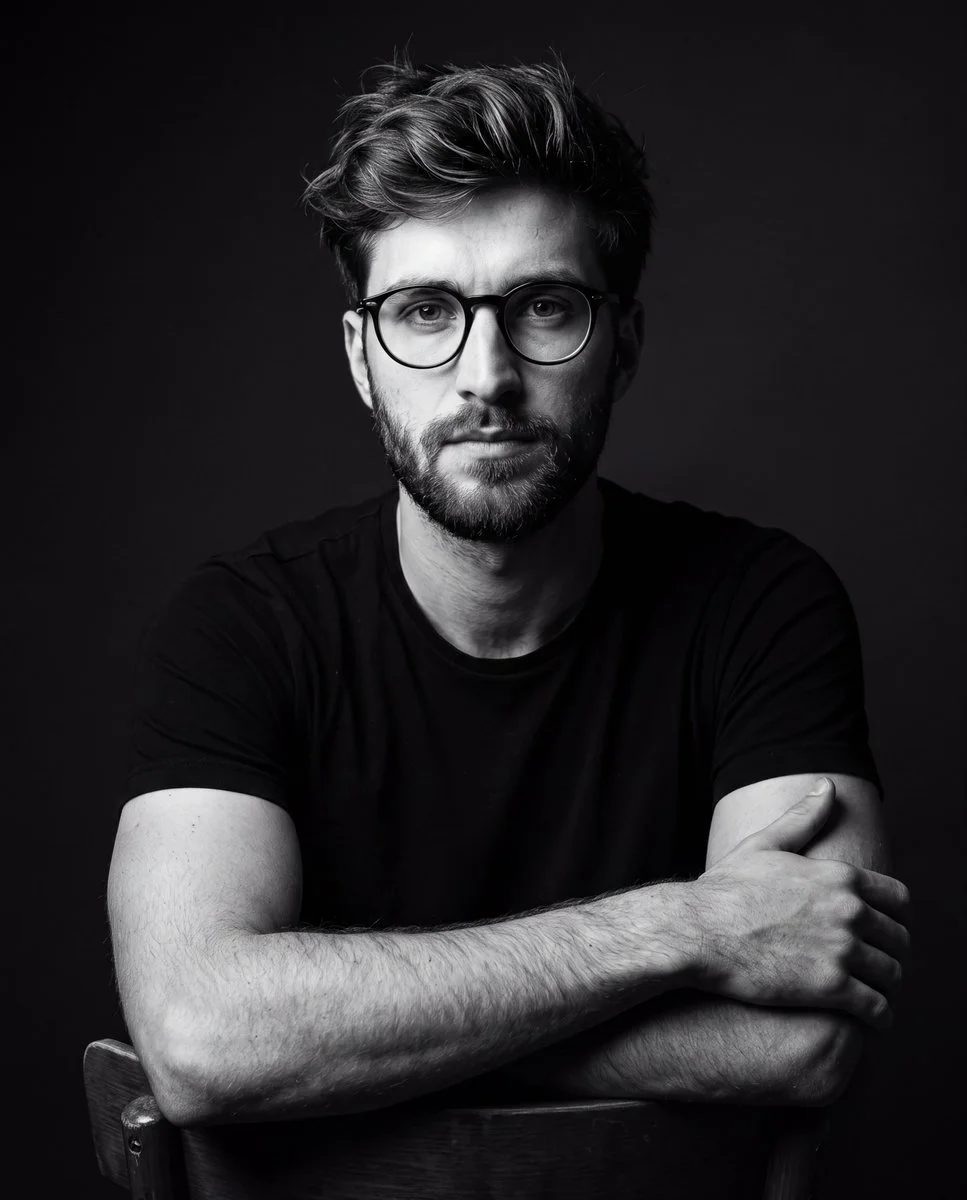
Verified prompt
A dramatic black-and-white studio portrait of a young man wearing a plain black t-shirt and glasses, seated on a chair posing confidently. Dark minimalist background, cinematic lighting with strong shadows, high contrast, sharp details, professional photography style, moody atmosphere. Focus on realistic textures, facial features, and fabric, with no color, emphasizing dramatic light and shadow play for a timeless editorial look.
A dramatic black-and-white studio portrait of a young man wearing a plain black t-shirt and glasses, seated on a chair posing confidently. Dark minimalist background, cinematic lighting with strong shadows, high contrast, sharp details, professional photography style, moody atmosphere. Focus on realistic textures, facial features, and fabric, with no color, emphasizing dramatic light and shadow play for a timeless editorial look.
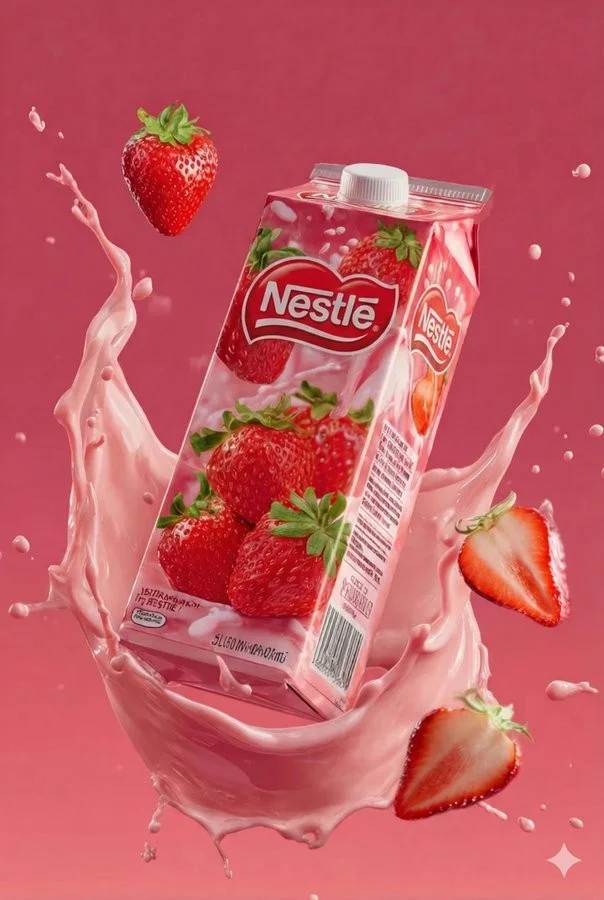
Verified prompt
Juice box product visualization. Brand: Tip-Top. Flavor: Strawberry. Strawberry juice with ripe strawberries image description. Fresh pastel pink background color with strawberry halves, juice splashes, dynamic swirling around the pack elements. High-quality detail style with commercial-grade photorealism texture. 2:3 aspect ratio. Additional flavors: Mango juice with ripe golden mangoes on tropical orange-yellow gradient background with mango cubes, swirling juice streams, energetic and appetizing scene. Ultra-realistic packaging material texture. Grape juice with purple grapes on deep purple gradient background with grape bunches, glossy juice splashes, surrounding the carton. Elegant tone with lively commercial promotion style mood.
Juice box product visualization. Brand: Tip-Top. Flavor: Strawberry. Strawberry juice with ripe strawberries image description. Fresh pastel pink background color with strawberry halves, juice splashes, dynamic swirling around the pack elements. High-quality detail style with commercial-grade photorealism texture. 2:3 aspect ratio. Additional flavors: Mango juice with ripe golden mangoes on tropical orange-yellow gradient background with mango cubes, swirling juice streams, energetic and appetizing scene. Ultra-realistic packaging material texture. Grape juice with purple grapes on deep purple gradient background with grape bunches, glossy juice splashes, surrounding the carton. Elegant tone with lively commercial promotion style mood.
Plan Your Music Visuals
Create an image, animate a scene or find a starting prompt for your project.
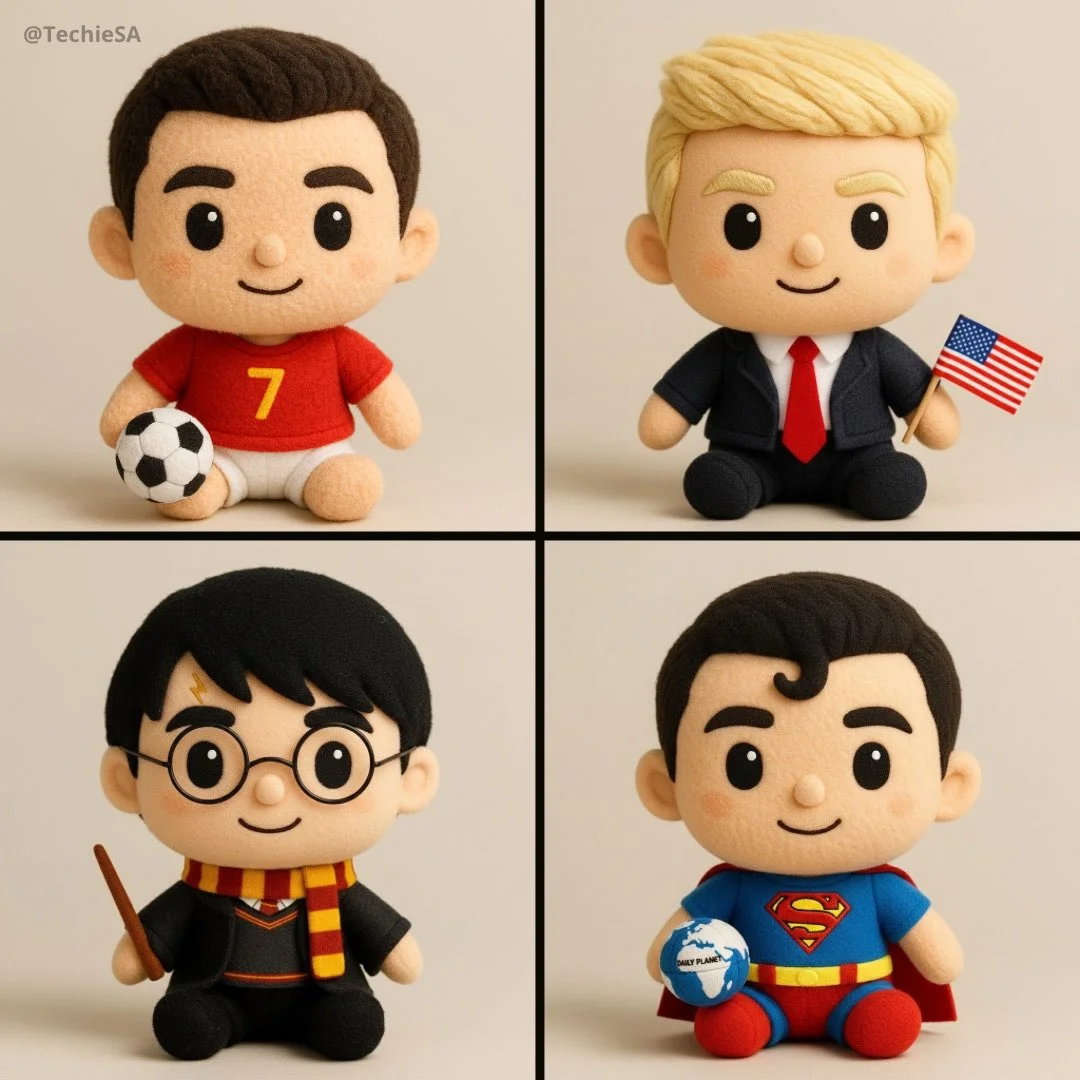
Banana AI Image Generator: Create and Edit from Text
Describe a visual, use a reference image where supported, and refine details through follow-up prompts.
RapLyrics uses an image model you select in the generator. Write a prompt or upload a supported image, then adjust it with follow-up instructions. Check the input options and settings for the model you choose. The current credit quote is shown before generation, and finished images are available in History. Review every result before you use it.
Start Generating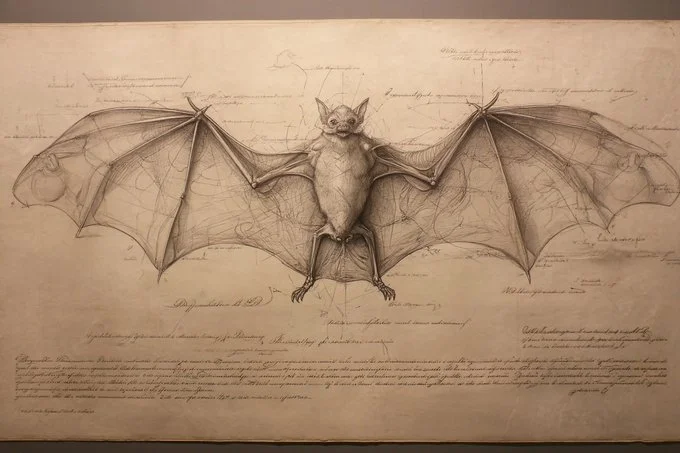
How to Use the Banana AI Image Model
Select the model, describe what you want or upload a supported image, and review the result. Check the available options and credit quote before generating.
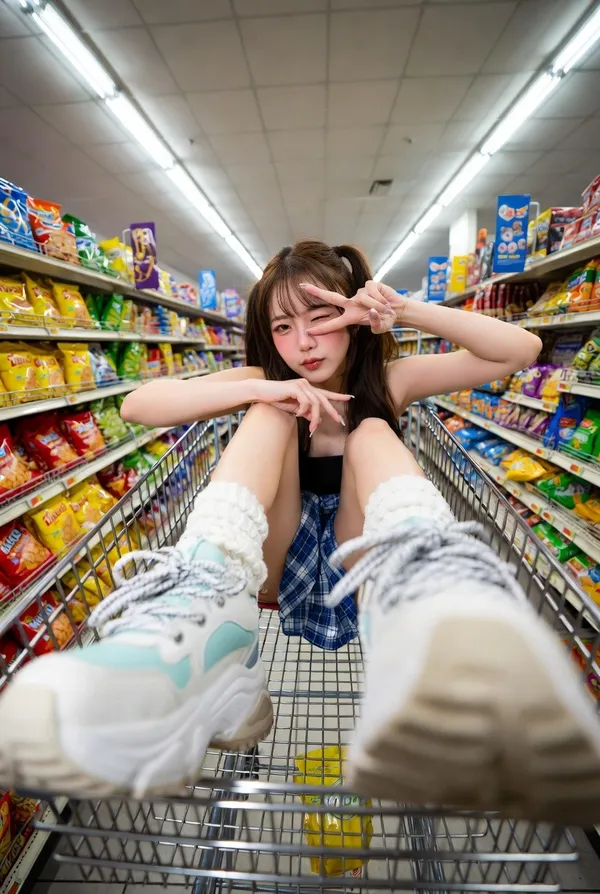
Enter a prompt or upload an image
Open the image generator and choose an enabled model. Enter a text prompt or upload images for reference, editing, or fusion. Supported inputs and settings are shown in the generator.
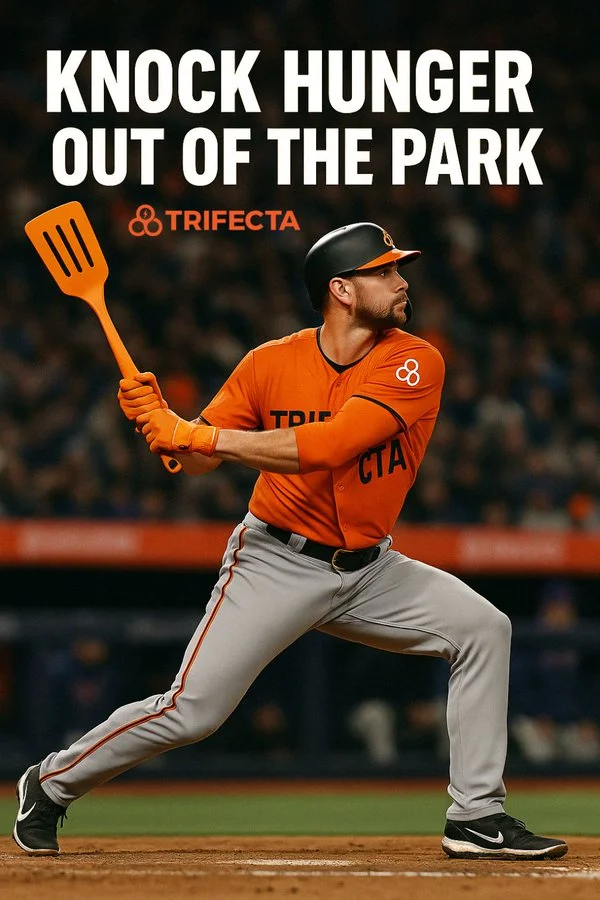
Click generate
Click generate. The selected model processes your prompt and any uploaded images. Review the result before downloading.
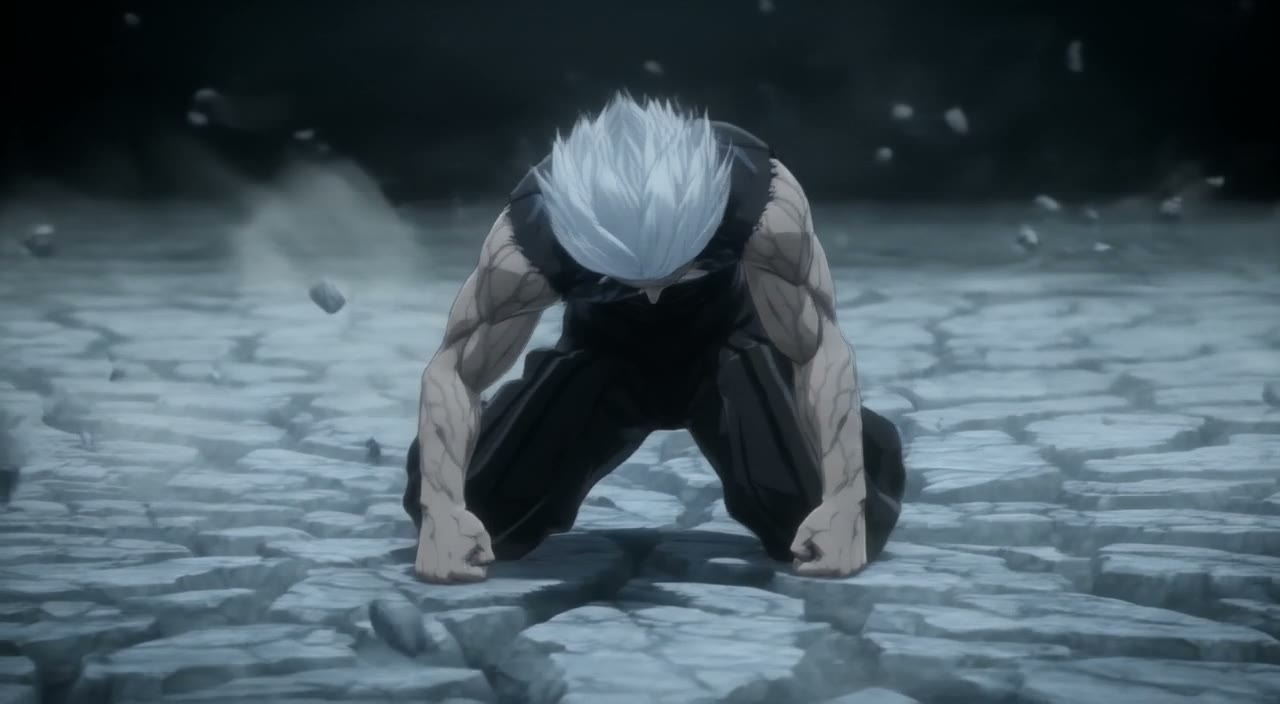
Download
Download your finished image from the generator or History. Use it in your own projects and editing workflow.
Core capabilities
Check which capabilities your selected model supports. Available inputs and settings appear in the generator before you generate.
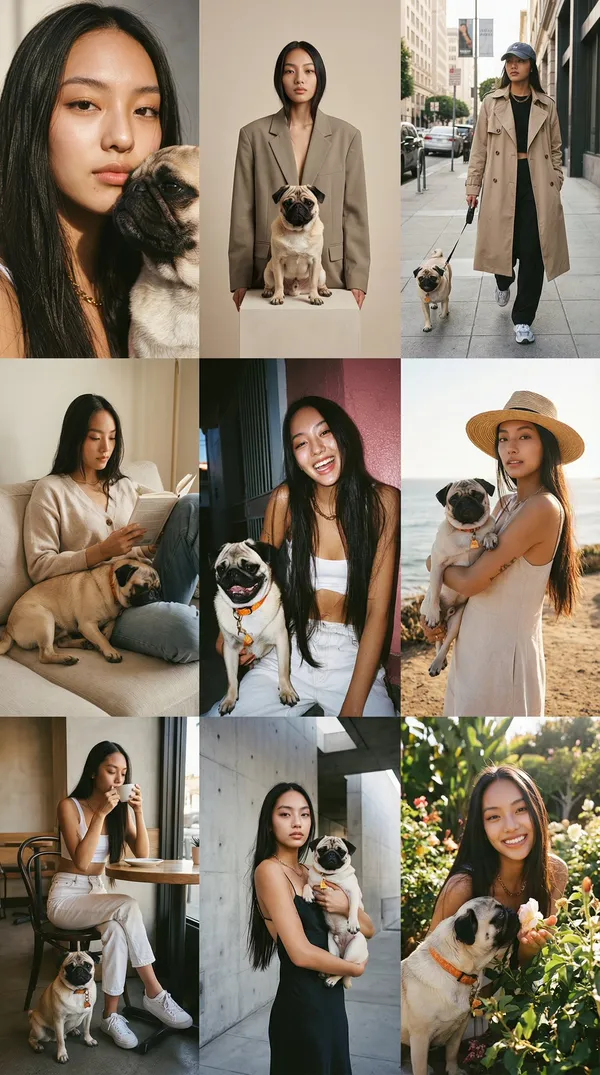
Generate and Refine Image Concepts
Use text prompts to generate images or describe edits to uploaded images. Check whether the selected model supports image-reference or editing modes. Follow the on-screen inputs for prompt and reference images.
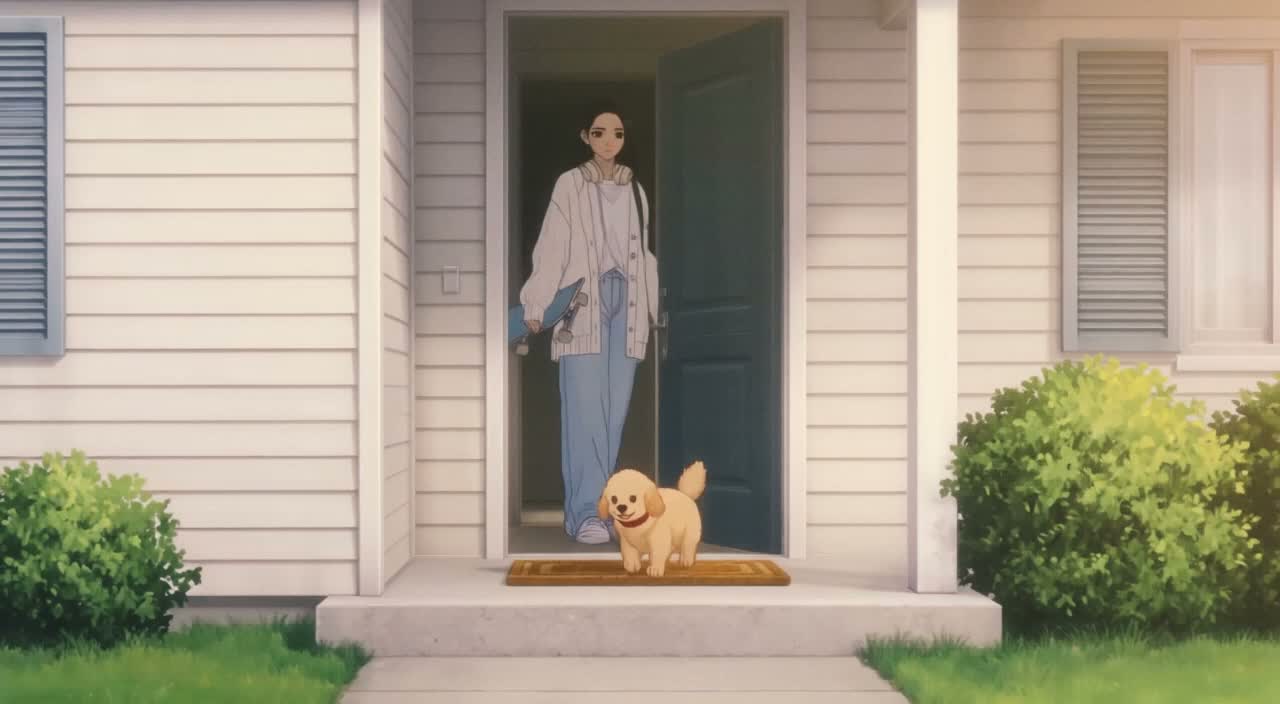
Local editing with text instructions
Describe the area and change you want, such as a background, object, outfit, or style. Whether local editing is available depends on the selected model. Check the generator for supported reference and editing options.
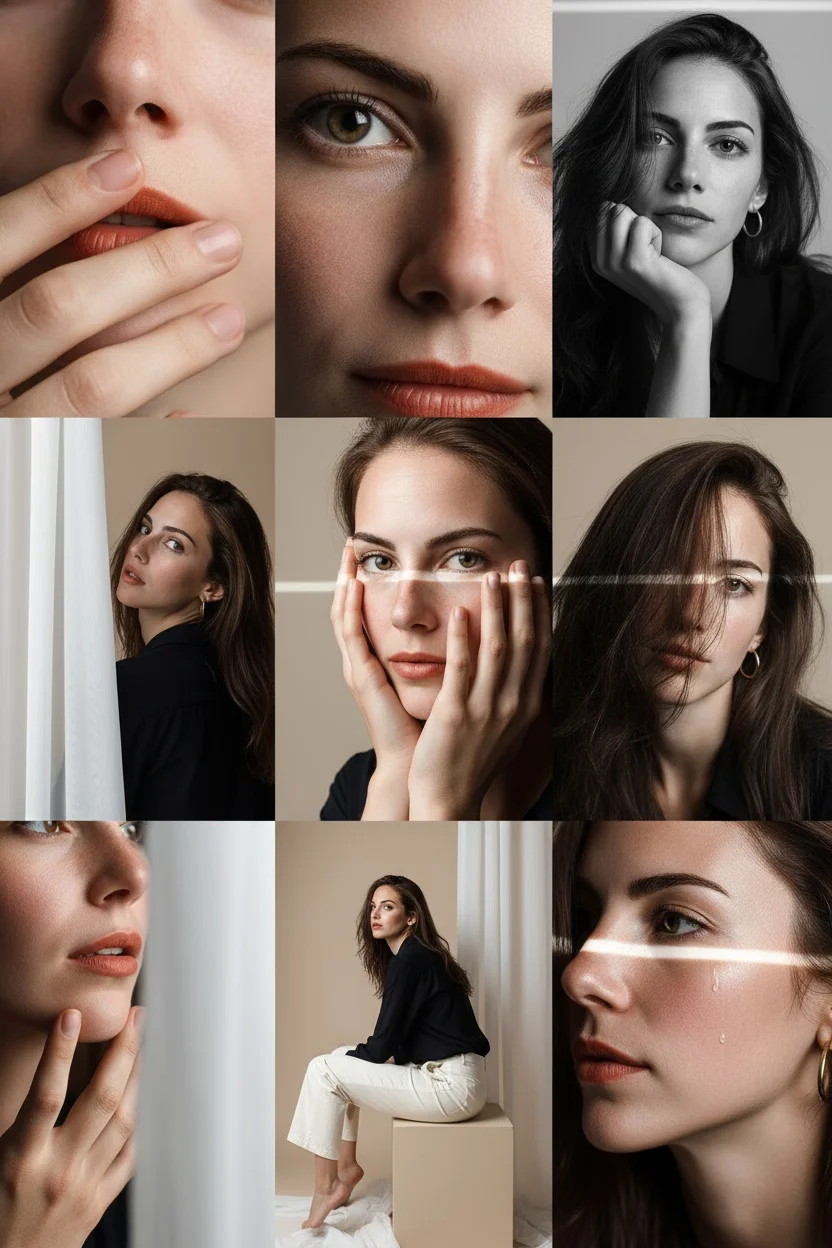
People, products, pets, and characters
Use image references where the selected model supports them. Check the generator for reference options and limits. Review each result for visual continuity before use.
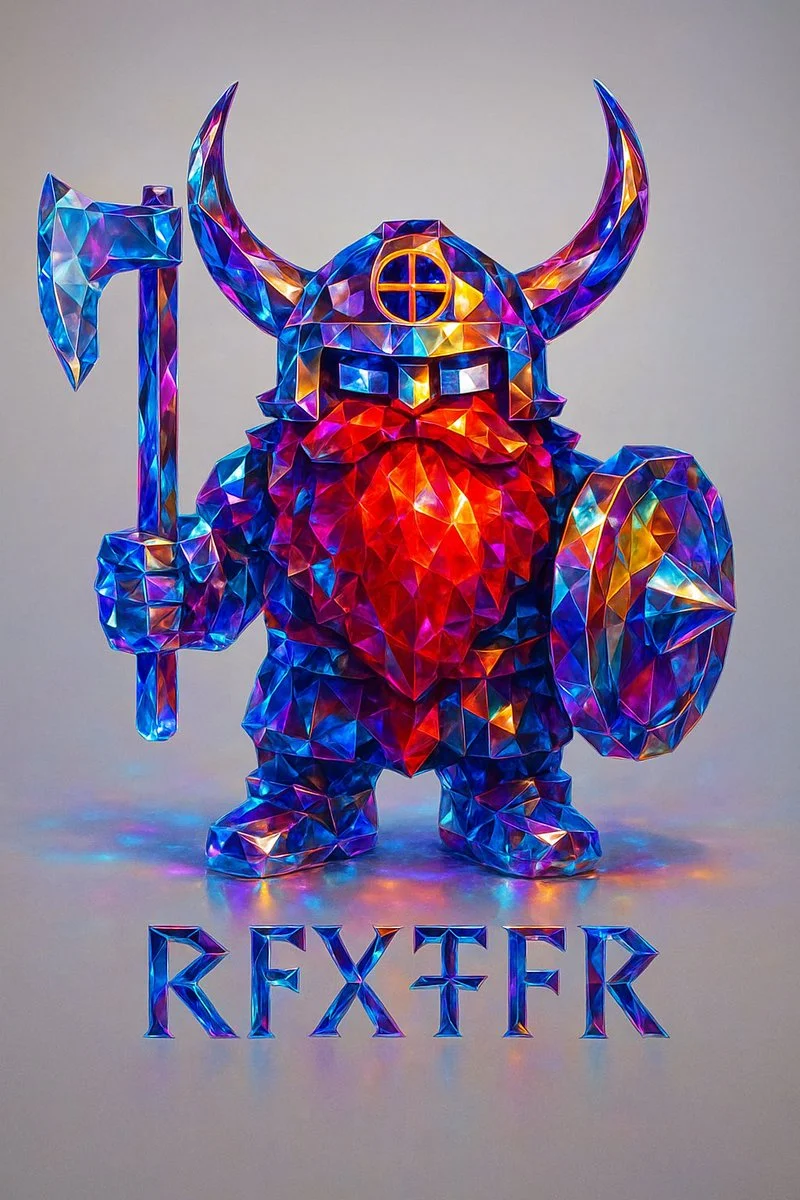
Image fusion and visual references
Combine elements from multiple uploaded images where the selected model supports image references. Check the generator for supported reference modes and input limits. Review results for scene and object relationships.
Workflow scenarios
Choose a model that matches your task. Available inputs and settings are shown in the generator, and the credit quote appears before generation.

Fast iteration with text and image references
Generate images from text prompts and refine them with follow-up prompts. If the selected model supports image-reference modes, upload images and describe the changes you want. Review each output before download.
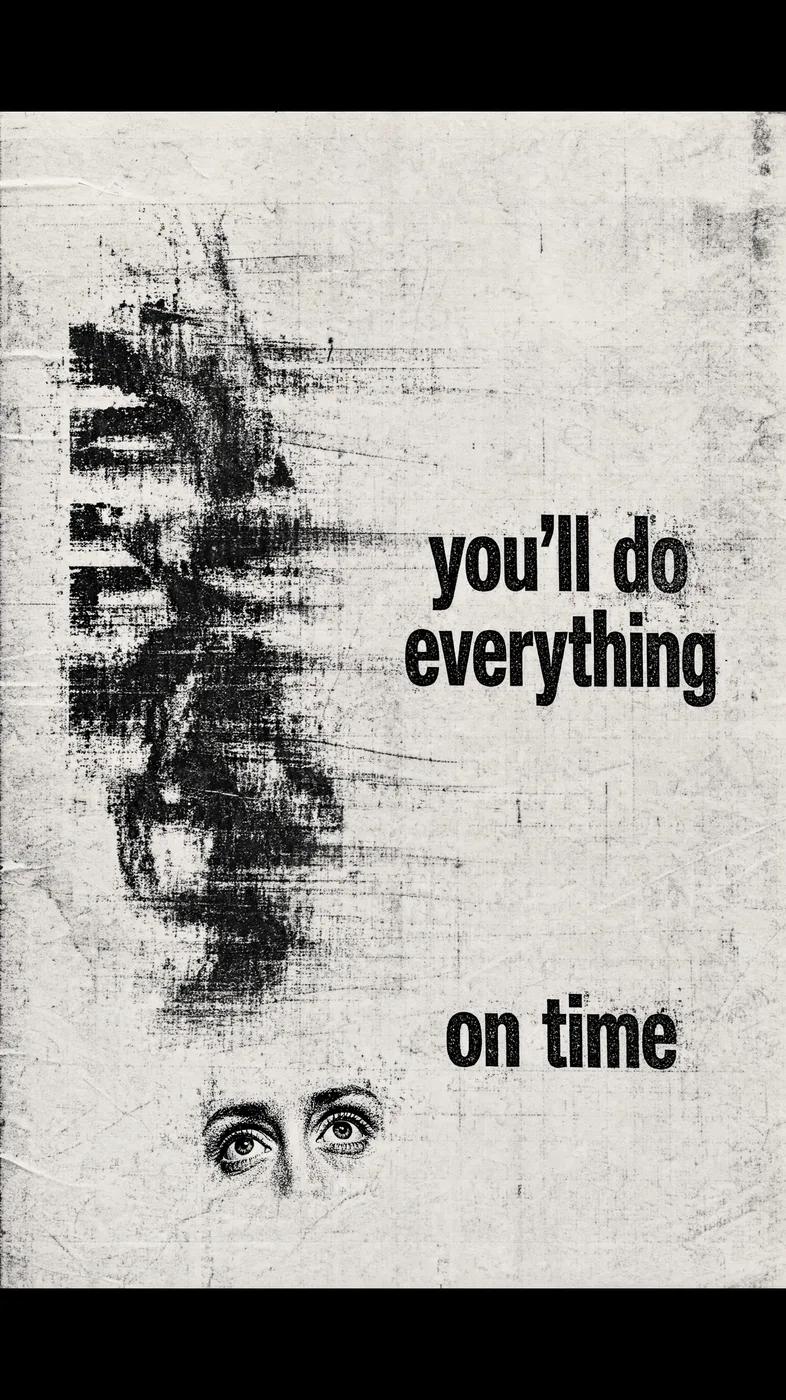
Social media and advertising
Generate product, lifestyle, poster, or ad visuals from prompts and references. Check whether the selected model supports image references, editing, or text rendering. Review text and layout before publishing.
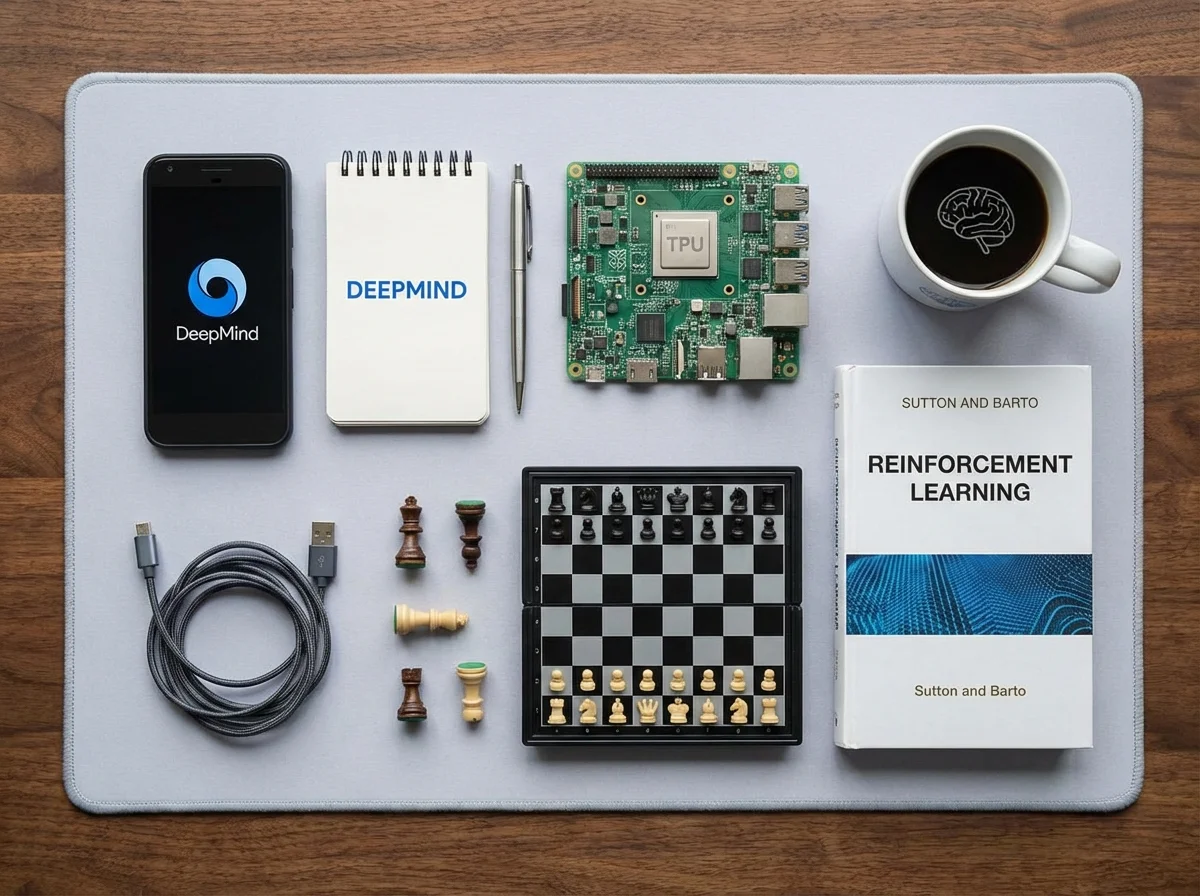
Brand visual continuity
Use image references and follow-up prompts to keep visual details aligned where supported. Check reference options in the generator, and review each result for consistency.
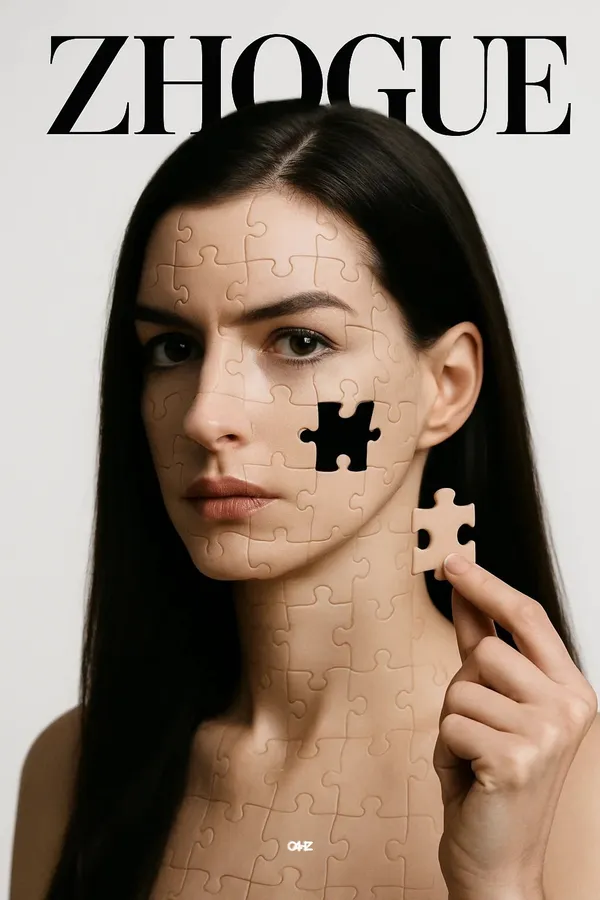
Efficient Production Workflow
Reduce iteration time by describing edits in plain language. Check supported inputs and settings in the generator, and review outputs before use in marketing, e-commerce, or concept work.
Workflow Notes
Describe one subject, action and setting before generating. Keep the brief focused so the result is easier to review.

Questions about the image generator
Short answers about selecting models, entering prompts, and reviewing results in RapLyrics.
A tool that turns a text prompt into an image. In RapLyrics, you choose an enabled model in the generator, and the allowed inputs and settings are shown there.
Nano Banana is a model family name. Available models and their capabilities appear in the generator.
Enter a descriptive prompt in the generator. The selected model processes it to create an image, and the result appears in History.
Some supported models accept image references. Check the generator for the inputs and settings allowed by the selected model.
If the selected model supports local edits, the generator will show the allowed options. Availability is model-specific.
The generator lets you select among currently enabled models and shows the allowed inputs and settings for each. Exact capabilities vary by model.
Check the generator for supported image-reference modes. Availability depends on the selected model.
Some models may support reference inputs that help with consistency. Check the generator for what is offered.
Text rendering varies by model and prompt. Review each result; perfect text is not guaranteed.
You can generate images for product and social use with enabled models. Review outputs and confirm the allowed settings in the generator.
Finished output is available in History for download. Review each result before use.
You can request a refund within 10 days of purchase if you have unused credits from that purchase and provide a clear reason, subject to our Refund Policy. If eligible, an unused purchase can be fully refunded; a partly used purchase is refunded in proportion to its remaining unused credits. Fully used purchases and free or promotional credits are not refundable.
Credit validity depends on the pack, subscription or promotion that issued them. Review the purchase terms and expiration dates in Settings > Credits. A renewal or new purchase does not extend older credits. Use credits before their stated expiration; do not assume unused subscription credits roll over indefinitely.
Credits charged for a task that is confirmed as failed due to a system error are returned automatically. A task that is still processing has not yet been confirmed as failed. Check its status and your credit history before submitting again. If a confirmed failure still shows an unresolved charge, email support@raplyrics.app with the task ID.
AI results can vary, so a completed result that differs from your expectations is not automatically treated as a technical failure. Eligible completed image tasks can be submitted for credit refund review using the refund option where available; approval is required. For a video or another issue, contact support@raplyrics.app with the task ID and details. A credit refund returns credits, not money to your payment method.
Email support@raplyrics.app. For billing, include your account email and order ID; for generation, include the task ID, issue description and relevant screenshots. If you purchased as a guest, keep the original browser data and payment receipt so we can help locate the purchase.
Try the image generator
Choose an enabled model in the generator, enter your prompt, and review the credit quote before generating. Finished images appear in History for download.
raplyrics.app · Updated
What's new on this page
- — Added editable example prompts and separate drafts for text and reference modes, with an action to restore the example.
- — Page content published.