
Grok Image Concepts for Music Visuals
Select an enabled model, enter text, review the credit quote, then download finished clips from History and add your music and timed lyric overlays in an external editor.
Create and edit images with Grok in RapLyrics. Move from text-to-image generation to natural-language editing in one place. Check the selected model for reference image options and available controls, then review the results and download visual clips for your music project.
Verified prompt
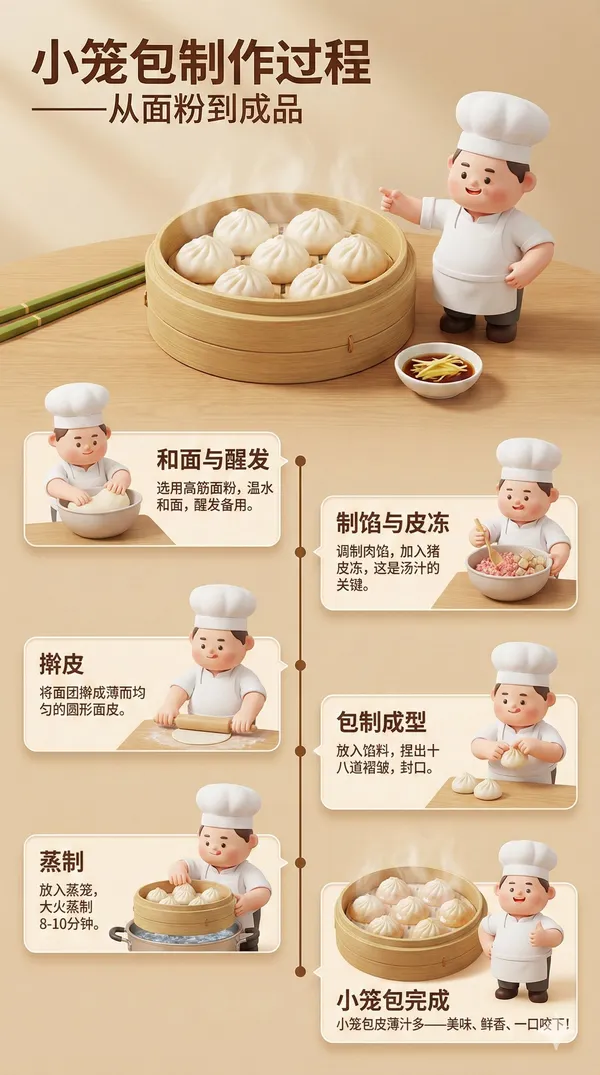
te a highly detailed 3D infographic poster in Chinese showcasing the traditional Chinese Xiaolongbao making process. The poster must feature an adorable 3D chef character Koki Cubby (chubby, cute, wearing a white chef hat and apron, expressive, vibrant colors). Each step of the process should include Koki Cubby assisting or explaining. Poster colors: White, leaf green, dough yellow, Xiaolongbao brown. Visual style: 3D semi-realistic food illustration + cute character, soft lighting, high detail. Main Title: "Xiaolongbao Making Process – From Dough to Delicacy" Main Image: Realistic 3D bamboo steamer basket, wrapped in lotus leaves or translucent paper, containing clearly textured Xiaolongbao with visible pleats and steaming broth inside. Koki Cubby stands beside it, pointing at the finished Xiaolongbao. Dough Preparation (3D scene) • 3D illustration of flour on a wooden table • Chef Cubby checking dough quality with a small rolling pin • Text: "Select high-quality flour and warm water" Filling Preparation (3D bowl) • Minced pork and seasonings mixed in a large bowl • 3D ingredient details visible • Chef Cubby stirring the filling with a spoon • Text: "Mix pork with ginger, scallions and seasonings for 2 hours" Wrapping Process (3D workstation) • Thin dough wrappers being pleated around filling • 3D pleating details and folds • Chef Cubby demonstrating wrapping technique • Text: "Create 18-24 pleats for perfect shape" Steaming (3D bamboo steamer) • Xiaolongbao steaming in layered bamboo baskets • 3D steam details rising • Chef Cubby holding kitchen timer • Text: "Steam for 8-10 minutes until translucent" Broth Preparation (3D pot) • Aspic melting in a pot • 3D gelatinous broth details • Chef Cubby skimming the broth • Text: "Prepare and cool meat broth aspic" Assembly & Folding • Placing aspic cubes into filling • Using small 3D tools or hand techniques • Chef Cubby helping fold the dumplings • Text: "Add solidified broth for juicy filling" Steaming Setup • Arranging Xiaolongbao in steamer baskets • Chef Cubby placing parchment paper under dumplings • Text: "Space dumplings properly for even cooking" Final Steaming (15-20 minutes) • Xiaolongbao on bamboo steaming racks • White, semi-transparent texture developing • Chef Cubby waiting nearby, watching thermometer • Text: "Steam at 100°C until fully cooked" Xiaolongbao Completion • Perfectly steamed Xiaolongbao with thin skin and visible broth • Realistic 3D cross-section showing interior broth and filling • Chef Cubby giving thumbs up • Text: "Xiaolongbao ready to serve – Juicy, delicious, and authentic!" Poster Style • 3D isometric infographic with clean panels, small icons, and connecting timeline • Soft white-green gradient background • Subtle glow effects on dough and Xiaolongbao • Modern sans-serif typography • 4K high resolution • Clean, professional, educational – suitable for both children and adults
te a highly detailed 3D infographic poster in Chinese showcasing the traditional Chinese Xiaolongbao making process. The poster must feature an adorable 3D chef character Koki Cubby (chubby, cute, wearing a white chef hat and apron, expressive, vibrant colors). Each step of the process should include Koki Cubby assisting or explaining. Poster colors: White, leaf green, dough yellow, Xiaolongbao brown. Visual style: 3D semi-realistic food illustration + cute character, soft lighting, high detail. Main Title: "Xiaolongbao Making Process – From Dough to Delicacy" Main Image: Realistic 3D bamboo steamer basket, wrapped in lotus leaves or translucent paper, containing clearly textured Xiaolongbao with visible pleats and steaming broth inside. Koki Cubby stands beside it, pointing at the finished Xiaolongbao. Dough Preparation (3D scene) • 3D illustration of flour on a wooden table • Chef Cubby checking dough quality with a small rolling pin • Text: "Select high-quality flour and warm water" Filling Preparation (3D bowl) • Minced pork and seasonings mixed in a large bowl • 3D ingredient details visible • Chef Cubby stirring the filling with a spoon • Text: "Mix pork with ginger, scallions and seasonings for 2 hours" Wrapping Process (3D workstation) • Thin dough wrappers being pleated around filling • 3D pleating details and folds • Chef Cubby demonstrating wrapping technique • Text: "Create 18-24 pleats for perfect shape" Steaming (3D bamboo steamer) • Xiaolongbao steaming in layered bamboo baskets • 3D steam details rising • Chef Cubby holding kitchen timer • Text: "Steam for 8-10 minutes until translucent" Broth Preparation (3D pot) • Aspic melting in a pot • 3D gelatinous broth details • Chef Cubby skimming the broth • Text: "Prepare and cool meat broth aspic" Assembly & Folding • Placing aspic cubes into filling • Using small 3D tools or hand techniques • Chef Cubby helping fold the dumplings • Text: "Add solidified broth for juicy filling" Steaming Setup • Arranging Xiaolongbao in steamer baskets • Chef Cubby placing parchment paper under dumplings • Text: "Space dumplings properly for even cooking" Final Steaming (15-20 minutes) • Xiaolongbao on bamboo steaming racks • White, semi-transparent texture developing • Chef Cubby waiting nearby, watching thermometer • Text: "Steam at 100°C until fully cooked" Xiaolongbao Completion • Perfectly steamed Xiaolongbao with thin skin and visible broth • Realistic 3D cross-section showing interior broth and filling • Chef Cubby giving thumbs up • Text: "Xiaolongbao ready to serve – Juicy, delicious, and authentic!" Poster Style • 3D isometric infographic with clean panels, small icons, and connecting timeline • Soft white-green gradient background • Subtle glow effects on dough and Xiaolongbao • Modern sans-serif typography • 4K high resolution • Clean, professional, educational – suitable for both children and adults
Verified prompt
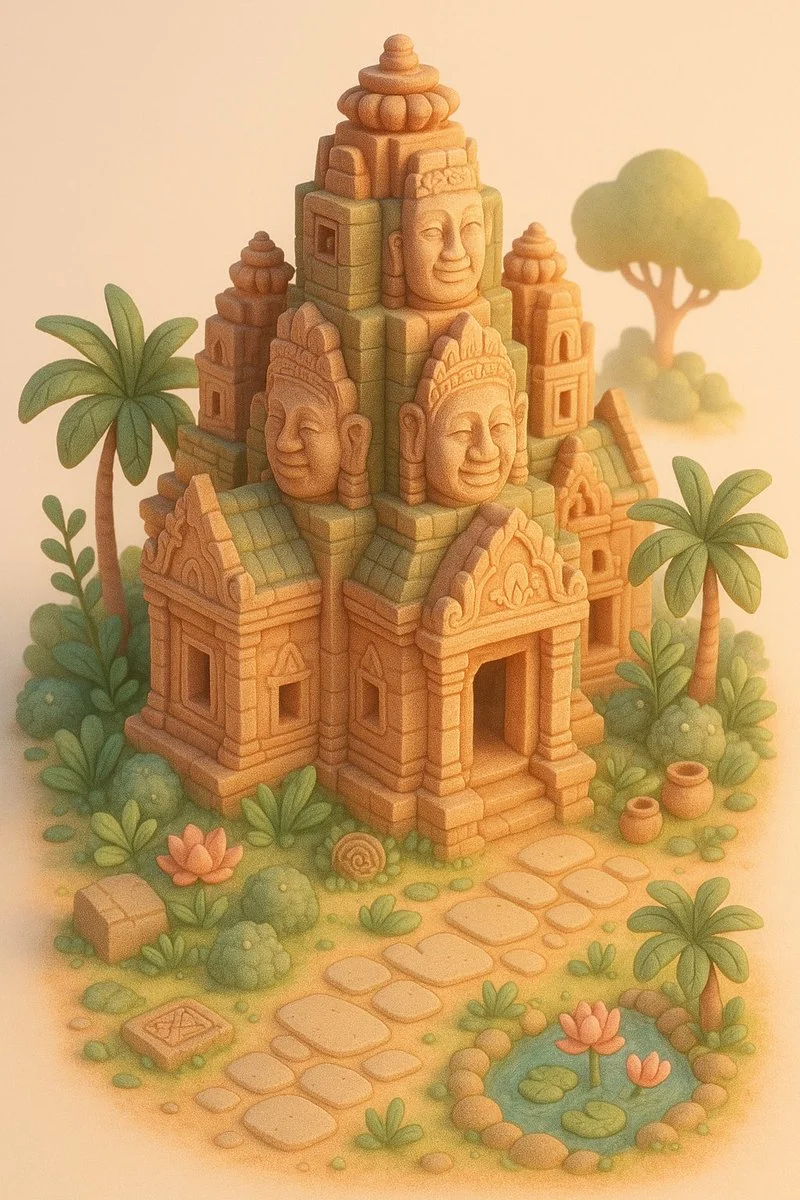
A miniature version of [LOCATION], designed in a whimsical dollhouse style. The structure is surrounded by thematic natural elements and tiny architectural details that reflect its cultural context (e.g., plants, paths, decor). The color palette uses soft pastels (such as coral, blush, sand, mint, or dusty green), with warm cinematic lighting and a serene, dreamy atmosphere. Highly detailed, cozy and stylized. Isometric view, vertical 9:16 format, on a clean studio background.
A miniature version of [LOCATION], designed in a whimsical dollhouse style. The structure is surrounded by thematic natural elements and tiny architectural details that reflect its cultural context (e.g., plants, paths, decor). The color palette uses soft pastels (such as coral, blush, sand, mint, or dusty green), with warm cinematic lighting and a serene, dreamy atmosphere. Highly detailed, cozy and stylized. Isometric view, vertical 9:16 format, on a clean studio background.
Verified prompt
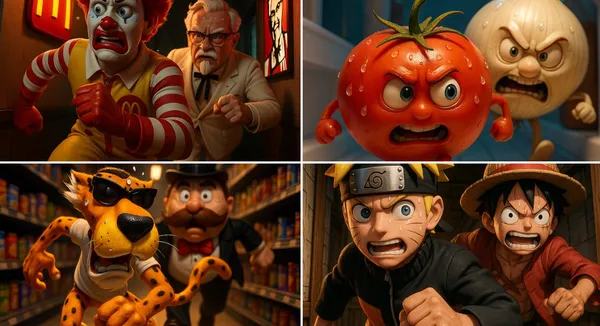
rilling 3D cartoon scene: [CHARACTER1] runs through a narrow corridor inside [Place], chased at high speed by [CHARACTER2]. Their facial expressions reflect tension and focus, with beads of sweat glistening under dramatic lighting.
rilling 3D cartoon scene: [CHARACTER1] runs through a narrow corridor inside [Place], chased at high speed by [CHARACTER2]. Their facial expressions reflect tension and focus, with beads of sweat glistening under dramatic lighting.
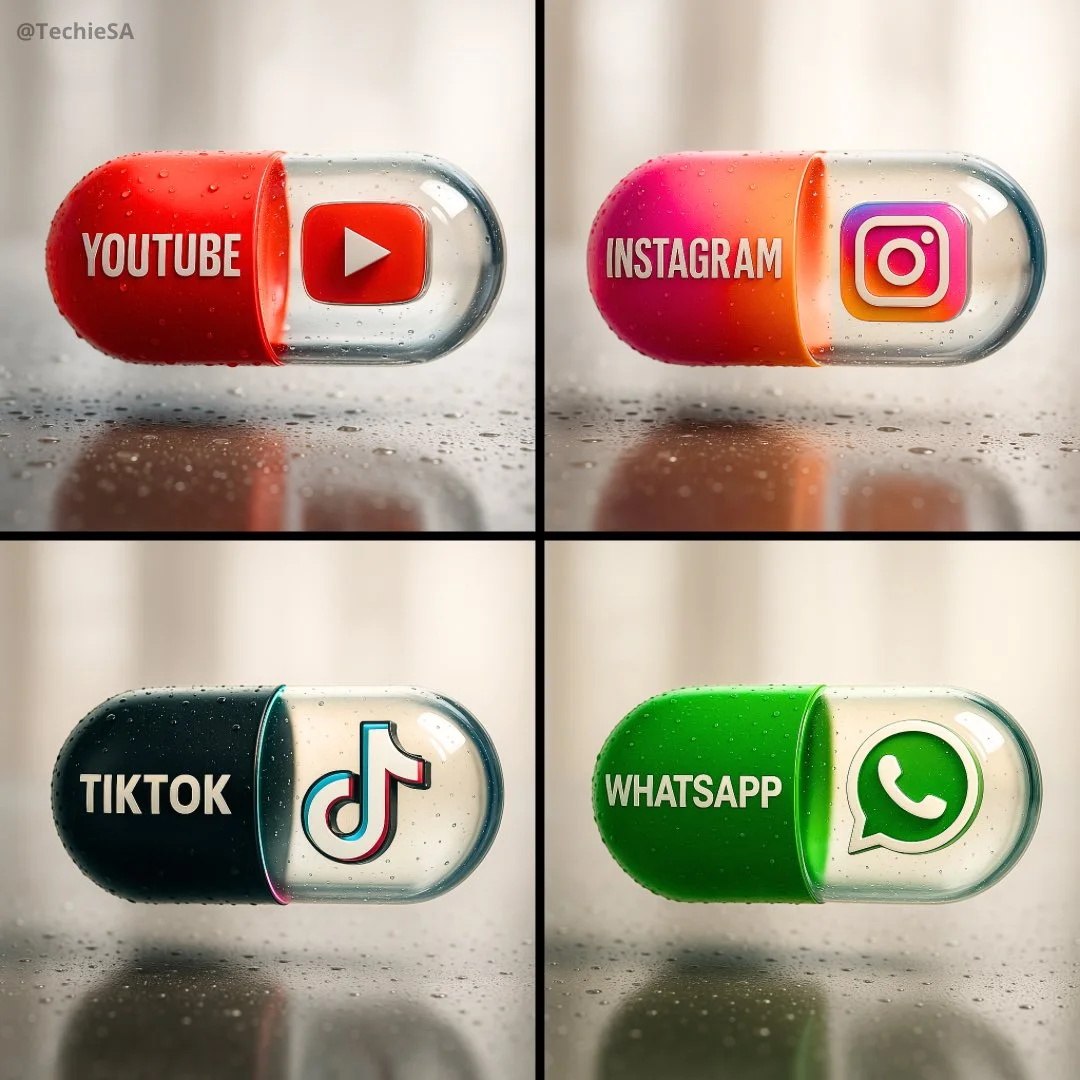
Verified prompt
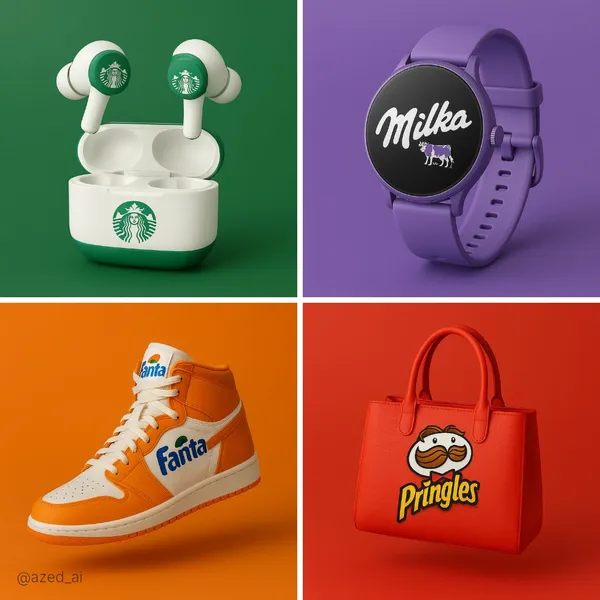
Create a hyper-realistic, stylish poster [1080x1080] aspect ratio featuring a horizontal tablet-capsule hovering above a surface covered in condensation and water droplets, with its shadow cast on the wet ground. One side of the capsule is transparent glass, while the other is glossy [COLOR/DESIGN] plastic, displaying the [BRAND] logo and name. Seamlessly floating inside the glass portion of the capsule is a photorealistic 3D model of the [LOGO], perfectly centered and suspended in zero gravity. The glass and plastic surfaces showcase strong reflections, refractions, and environmental distortions. The background is a softly blurred, elegant light-toned setting. Use a dynamic perspective with a stylish camera angle, professional studio lighting, and ultra-high detail to make the image look like a DSLR-captured photograph with impeccable realism.
Create a hyper-realistic, stylish poster [1080x1080] aspect ratio featuring a horizontal tablet-capsule hovering above a surface covered in condensation and water droplets, with its shadow cast on the wet ground. One side of the capsule is transparent glass, while the other is glossy [COLOR/DESIGN] plastic, displaying the [BRAND] logo and name. Seamlessly floating inside the glass portion of the capsule is a photorealistic 3D model of the [LOGO], perfectly centered and suspended in zero gravity. The glass and plastic surfaces showcase strong reflections, refractions, and environmental distortions. The background is a softly blurred, elegant light-toned setting. Use a dynamic perspective with a stylish camera angle, professional studio lighting, and ultra-high detail to make the image look like a DSLR-captured photograph with impeccable realism.
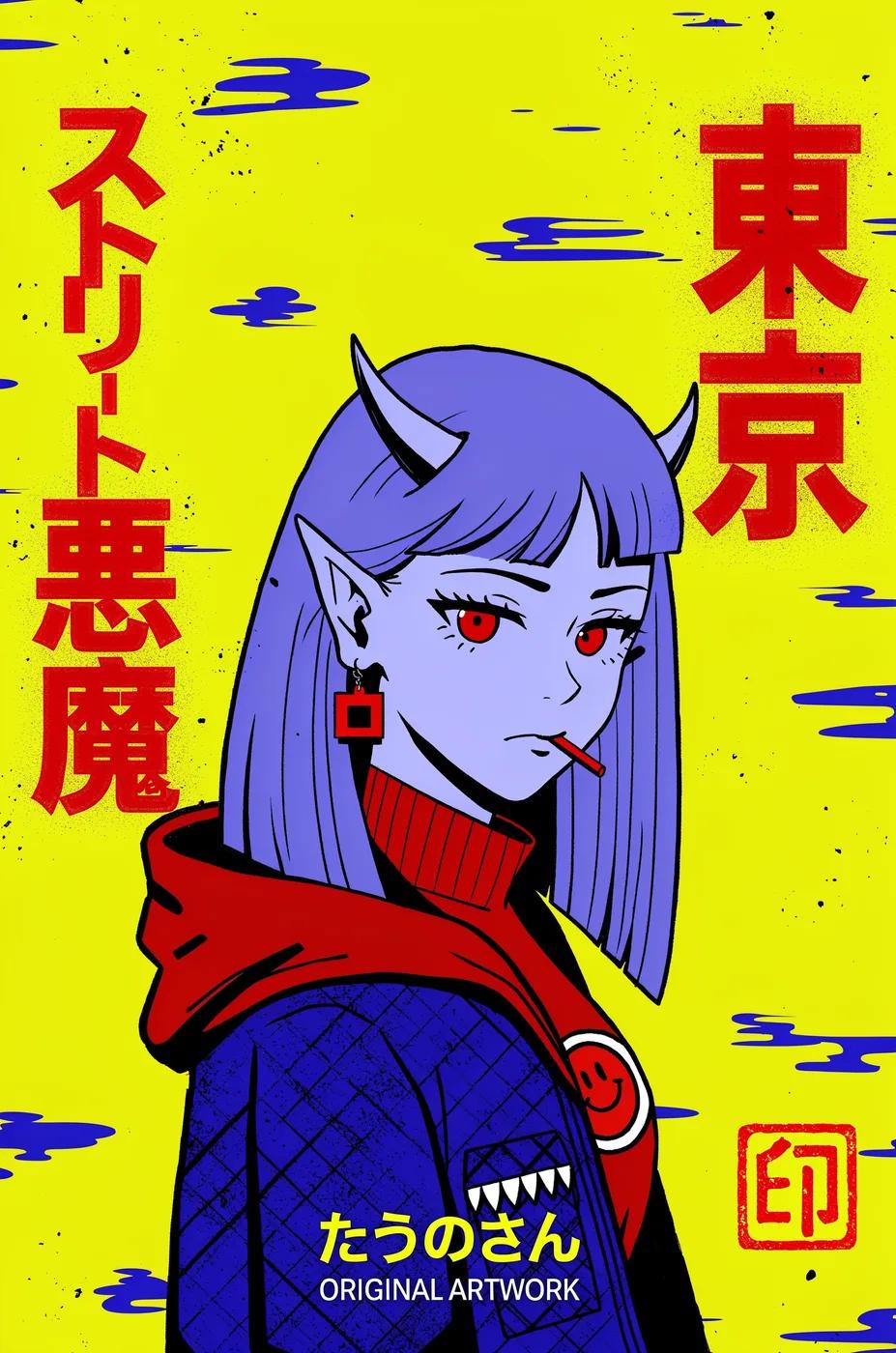
Verified prompt
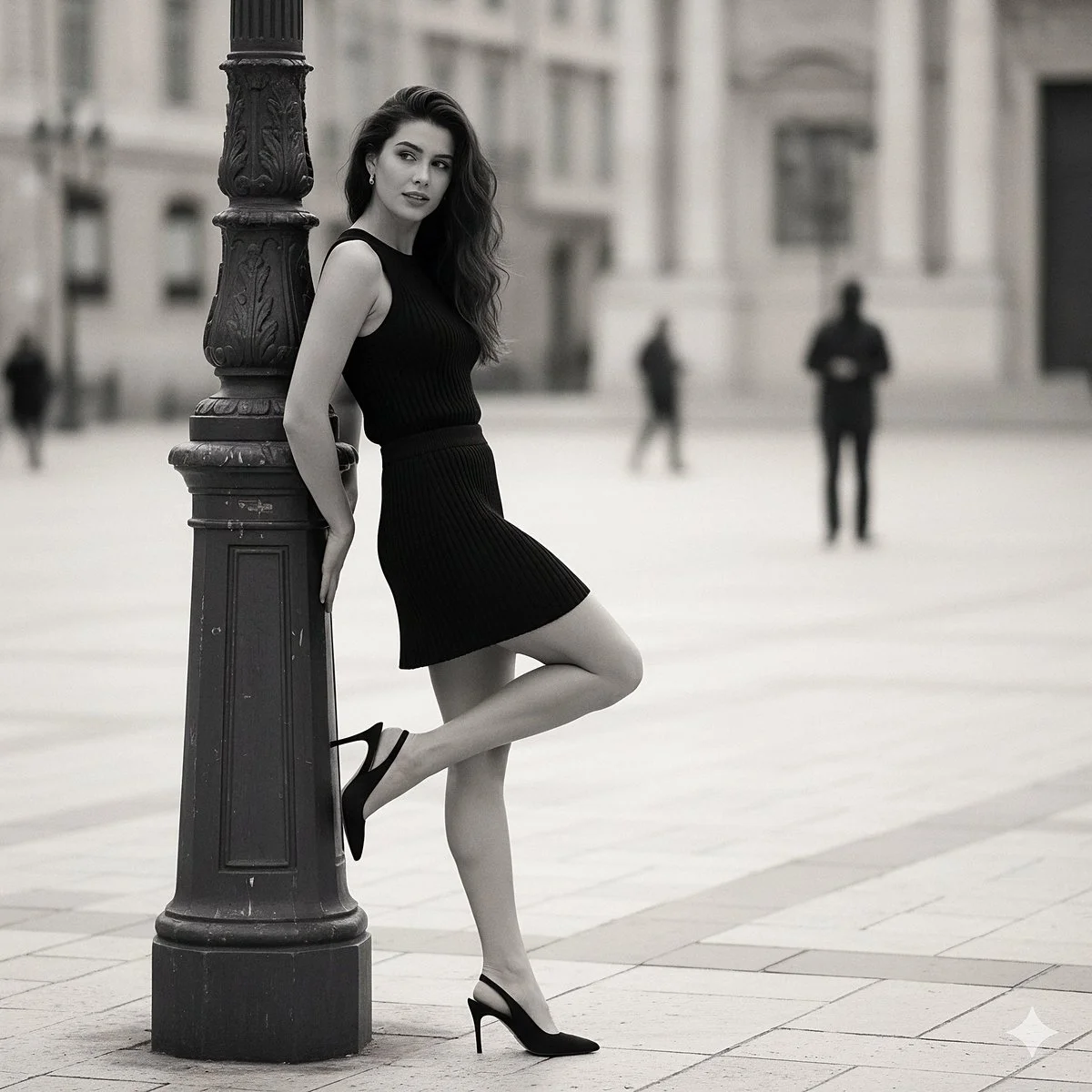
Verified prompt
{ "prompt_title": "Effortless Chic Pose", "concept": "A hyperrealistic fashion photograph replicating a specific street style moment: a woman in a black knit set posing elegantly against a lamppost in a European city.", "scene_composition": { "shot_type": "Medium full-body shot", "camera_lens": "85mm f/1.4 lens", "perspective": "Eye-level, capturing the subject from the side.", "aspect_ratio": "2:3", "focus": "Sharp focus on the woman and her outfit. The background is beautifully blurred with creamy bokeh to isolate the subject." }, "environment": { "setting": "A European city square or wide pedestrian street during the day.", "background_details": "The background is softly blurred but shows classical architecture with light-colored stone buildings. A few indistinct figures are walking in the distance.", "ground": "Light-colored stone pavers or cobblestones.", "atmosphere": "Chic, relaxed, and sophisticated." }, "subject": { "primary": "A stylish young woman with long, wavy dark hair.", "appearance": "Her hair falls naturally over her shoulder. She has a gentle, soft expression and is looking slightly away from the camera.", "pose": "She is leaning with her back against a dark, ornate metal lamppost on the left side of the frame. Her right leg is bent and lifted behind her. " }, "outfit_and_details": { "top": "A form-fitting, sleeveless black top made of a visible ribbed knit fabric.", "bottom": "A matching black mini skirt, also made of the same ribbed knit material.", "shoes": "black slingback high heel" }, "style_and_aesthetics": { "realism": "Hyperrealistic, photorealistic, cinematic, 8K resolution, ultra-detailed.", "lighting": "Soft, diffused daylight, as if on an overcast day or in the shade, to prevent harsh shadows and create a flattering, even light on the subject.", "color_palette": "A monochrome and muted palette. Dominant blacks from the outfit and lamppost, contrasted with the light tones of the buildings and ground.", "details": "Emphasis on realistic material properties: the fine texture of the ribbed knit, the rough texture of the stone pavers, and the metallic finish of the lamppost." }, "quality_boosters": [ "masterpiece", "best quality", "insanely detailed", "sharp focus", "professional fashion photography", "street style", "editorial", "trending on Vogue" ], "negative_prompt": [ "cartoon, anime, 3D render, illustration, painting", "blurry, out of focus, low quality, jpeg artifacts", "harsh sunlight, strong shadows", "crowded street, distracting background", "deformed anatomy, bad hands, extra limbs", "text, watermark, signature" ] }
{ "prompt_title": "Effortless Chic Pose", "concept": "A hyperrealistic fashion photograph replicating a specific street style moment: a woman in a black knit set posing elegantly against a lamppost in a European city.", "scene_composition": { "shot_type": "Medium full-body shot", "camera_lens": "85mm f/1.4 lens", "perspective": "Eye-level, capturing the subject from the side.", "aspect_ratio": "2:3", "focus": "Sharp focus on the woman and her outfit. The background is beautifully blurred with creamy bokeh to isolate the subject." }, "environment": { "setting": "A European city square or wide pedestrian street during the day.", "background_details": "The background is softly blurred but shows classical architecture with light-colored stone buildings. A few indistinct figures are walking in the distance.", "ground": "Light-colored stone pavers or cobblestones.", "atmosphere": "Chic, relaxed, and sophisticated." }, "subject": { "primary": "A stylish young woman with long, wavy dark hair.", "appearance": "Her hair falls naturally over her shoulder. She has a gentle, soft expression and is looking slightly away from the camera.", "pose": "She is leaning with her back against a dark, ornate metal lamppost on the left side of the frame. Her right leg is bent and lifted behind her. " }, "outfit_and_details": { "top": "A form-fitting, sleeveless black top made of a visible ribbed knit fabric.", "bottom": "A matching black mini skirt, also made of the same ribbed knit material.", "shoes": "black slingback high heel" }, "style_and_aesthetics": { "realism": "Hyperrealistic, photorealistic, cinematic, 8K resolution, ultra-detailed.", "lighting": "Soft, diffused daylight, as if on an overcast day or in the shade, to prevent harsh shadows and create a flattering, even light on the subject.", "color_palette": "A monochrome and muted palette. Dominant blacks from the outfit and lamppost, contrasted with the light tones of the buildings and ground.", "details": "Emphasis on realistic material properties: the fine texture of the ribbed knit, the rough texture of the stone pavers, and the metallic finish of the lamppost." }, "quality_boosters": [ "masterpiece", "best quality", "insanely detailed", "sharp focus", "professional fashion photography", "street style", "editorial", "trending on Vogue" ], "negative_prompt": [ "cartoon, anime, 3D render, illustration, painting", "blurry, out of focus, low quality, jpeg artifacts", "harsh sunlight, strong shadows", "crowded street, distracting background", "deformed anatomy, bad hands, extra limbs", "text, watermark, signature" ] }
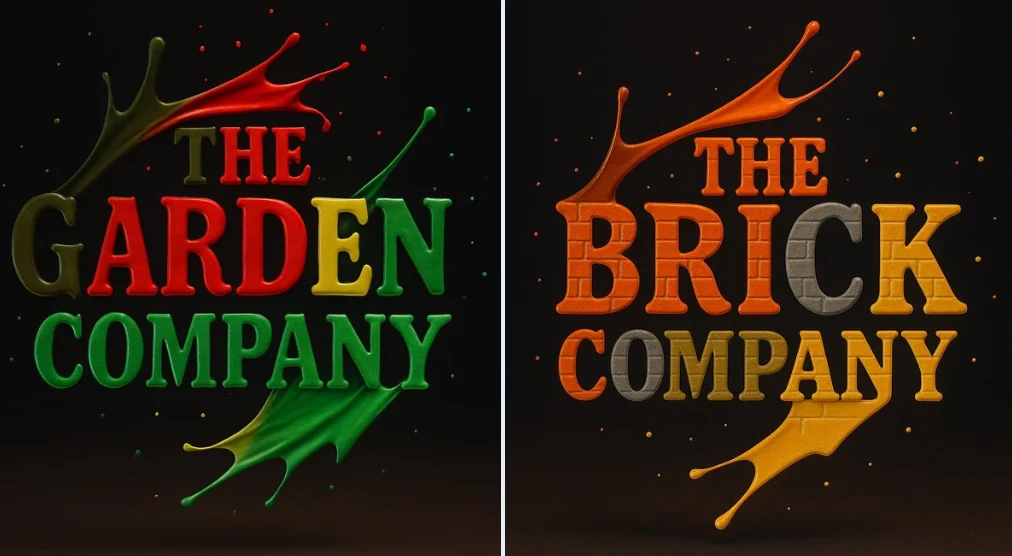
Verified prompt
Create a photograph of a [BRAND] logo formed from four vibrant paint splashes: red, blue, green, and yellow, captured mid-motion. Each color flows dynamically across different parts of the logo, as if sculpted from liquid paint. Droplets are suspended in the air around it, enhancing the illusion of movement. Set against a dark background with soft, vivid lighting that accentuates the glossy texture and fluid motion Use appropriate colors for the logos.
Create a photograph of a [BRAND] logo formed from four vibrant paint splashes: red, blue, green, and yellow, captured mid-motion. Each color flows dynamically across different parts of the logo, as if sculpted from liquid paint. Droplets are suspended in the air around it, enhancing the illusion of movement. Set against a dark background with soft, vivid lighting that accentuates the glossy texture and fluid motion Use appropriate colors for the logos.
Verified prompt
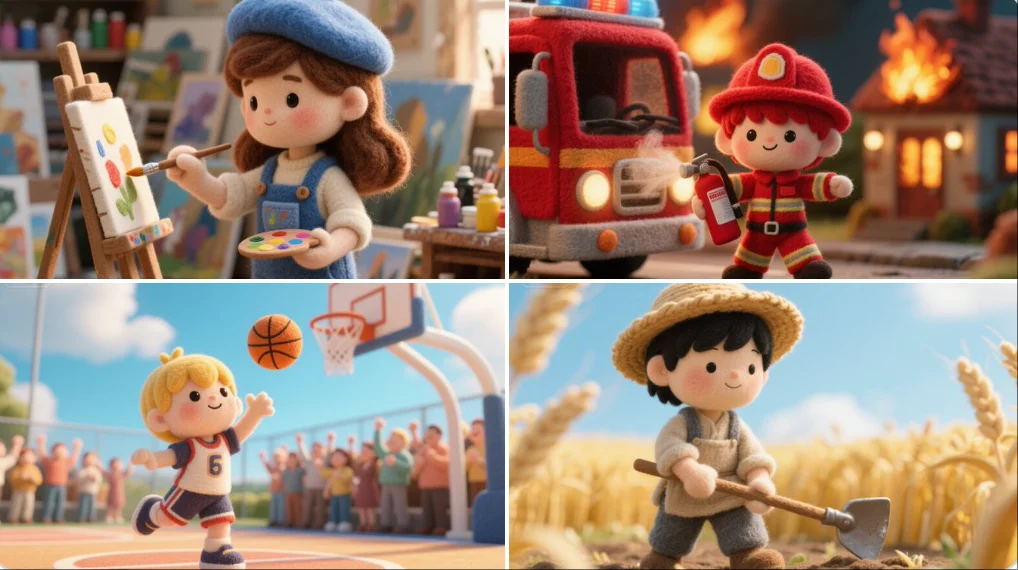
A felted wool figure of a [subject], handcrafted with soft fibers, uneven stitching, and visible textures. Set within a miniature diorama of layered fabrics and pastel props, the scene radiates cozy, storybook charm like a still from a tactile, stop-motion fairytale made entirely of felt and thread.
A felted wool figure of a [subject], handcrafted with soft fibers, uneven stitching, and visible textures. Set within a miniature diorama of layered fabrics and pastel props, the scene radiates cozy, storybook charm like a still from a tactile, stop-motion fairytale made entirely of felt and thread.

Verified prompt
A [PERSON] in a dark room with a glowing projection of the word “[WORD]” repeated endlessly across the walls and body. The text is projected in high-contrast, neon [COLOR], wrapping around the contours of the object, creating a surreal, futuristic lighting effect. The background and object are seamlessly blended into the immersive text environment. Photorealistic, sharp shadows and light distortion where the text bends over curves. Studio lighting with deep contrast, moody cyberpunk aesthetic.
A [PERSON] in a dark room with a glowing projection of the word “[WORD]” repeated endlessly across the walls and body. The text is projected in high-contrast, neon [COLOR], wrapping around the contours of the object, creating a surreal, futuristic lighting effect. The background and object are seamlessly blended into the immersive text environment. Photorealistic, sharp shadows and light distortion where the text bends over curves. Studio lighting with deep contrast, moody cyberpunk aesthetic.
Verified prompt
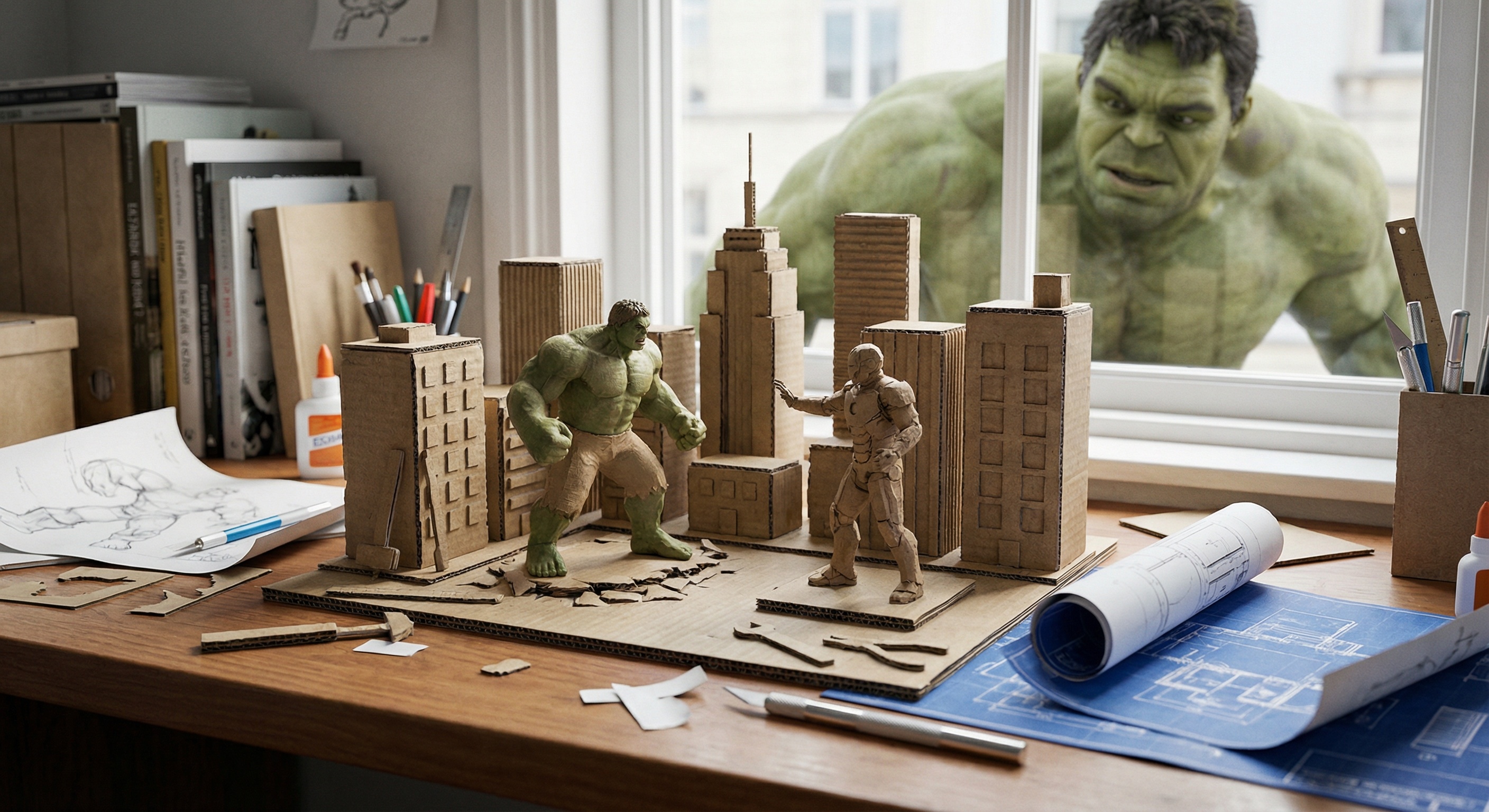
ndow-side desk scene: a miniature recreation of a classic shot from {*Title*}, presented as a micro-scale diorama using {*Style*} and expressed through the art of miniature photography. The background is a real desk scattered with tools, messy books, creating the feeling that the scene has just been finished. On the desk are also blueprints and prototype sketches. Outside the window, the real {*Character*} is curiously peering inside, observing the miniature work on the desk.
ndow-side desk scene: a miniature recreation of a classic shot from {*Title*}, presented as a micro-scale diorama using {*Style*} and expressed through the art of miniature photography. The background is a real desk scattered with tools, messy books, creating the feeling that the scene has just been finished. On the desk are also blueprints and prototype sketches. Outside the window, the real {*Character*} is curiously peering inside, observing the miniature work on the desk.
Verified prompt
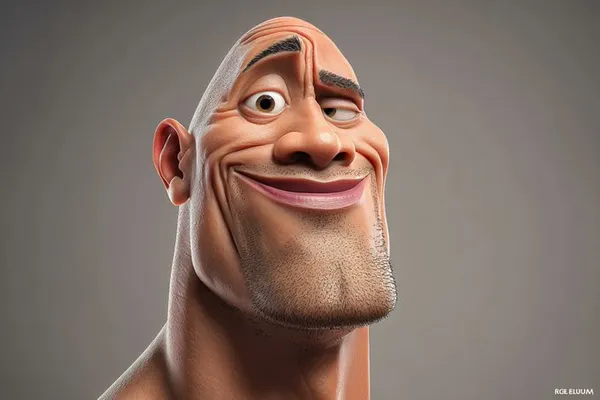
ghly stylized 3D caricature of [celebrity], with an oversized head, expressive facial features, and playful exaggeration. Rendered in a smooth, polished style with clean materials and soft ambient lighting. Minimal background to emphasize the character’s charm and presence.
ghly stylized 3D caricature of [celebrity], with an oversized head, expressive facial features, and playful exaggeration. Rendered in a smooth, polished style with clean materials and soft ambient lighting. Minimal background to emphasize the character’s charm and presence.
Verified prompt
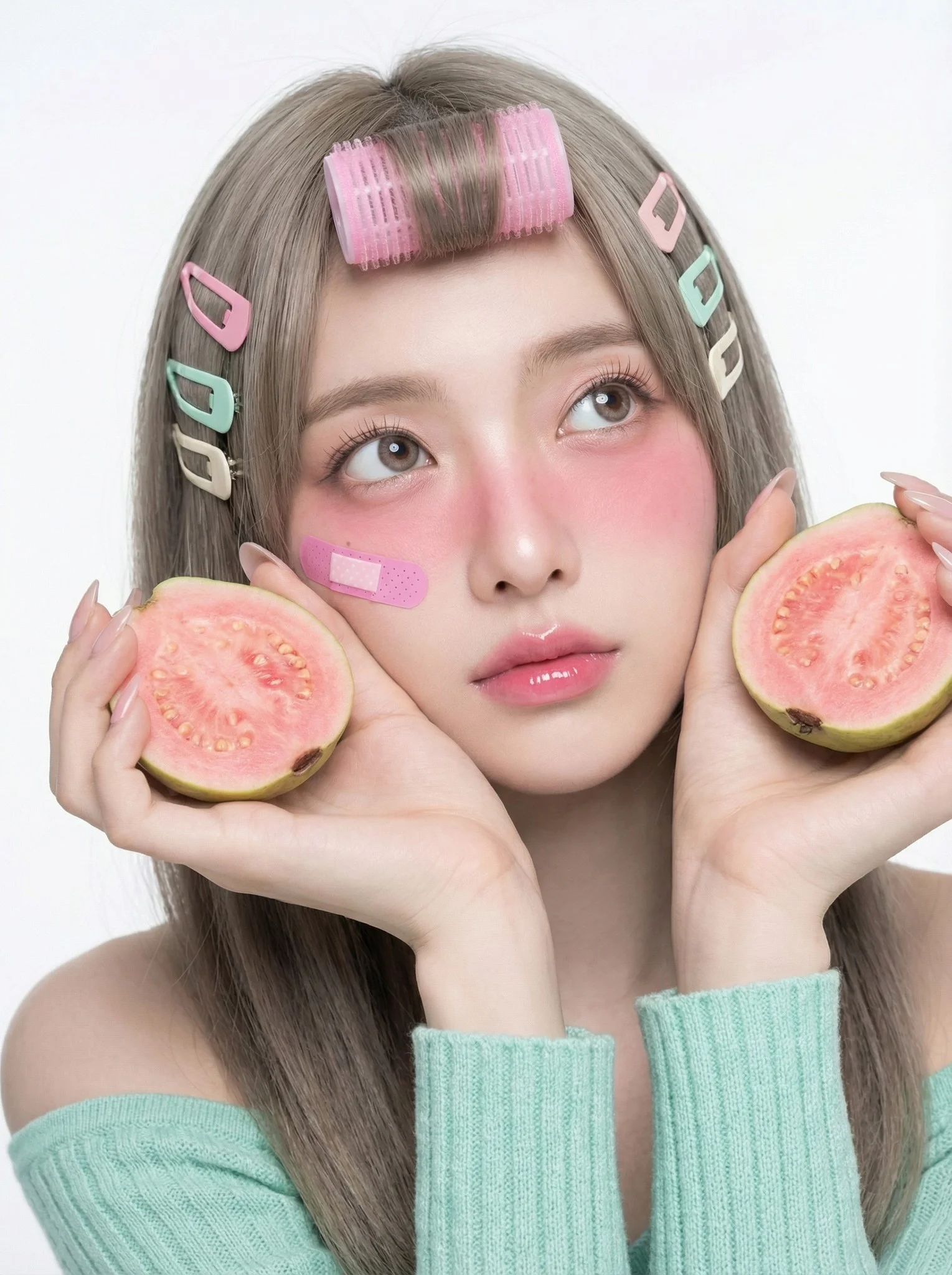
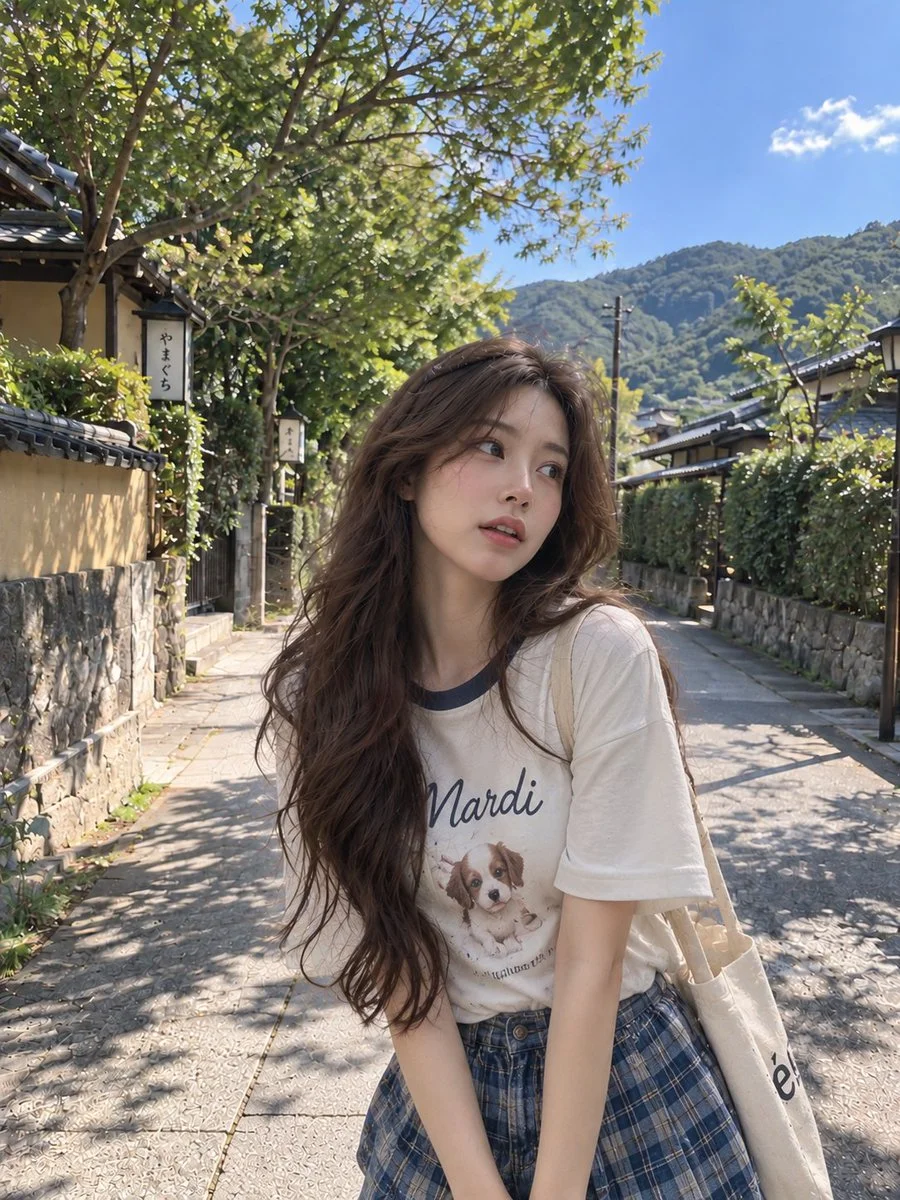
Subject with playful getting ready or backstage aesthetic: Two pink velcro hair rollers secured on the top bangs/crown to add volume, and multiple mismatched pastel-colored hair clips (baby pink, mint green, cream) casually pinned on the sides of the hair. Heavy Igari blush (drunk blush look) spanning across cheeks and nose bridge, pink pastel tones. A small pink band-aid or sticker decoration on the cheekbone. Cute and innocent expression with eyes looking upwards (gaze directed slightly above the camera lens). The look is dreamy and appealing. Lips are glossy and parted in a soft, natural surprise. Hands are raised to face level, creating a frame around the cheeks. Fingers are delicate and relaxed. Holding two halves of a Pink Guava with the pink flesh facing outward, positioned close to the cheeks to echo the blush color. High-key, clean white or light gray studio backdrop. Professional Mirrorless, 85mm f/1.2 Portrait Lens. f/2.0 aperture. Camera positioned slightly above eye-level. Soft, diffuse beauty lighting. Fujifilm Classic Negative color grading. Pastel candy colors: Bubblegum pink, Mint green, Porcelain skin tone. Gen-Z Y2K aesthetic, playful, cute, girly, energetic, behind the scenes vibe.
Subject with playful getting ready or backstage aesthetic: Two pink velcro hair rollers secured on the top bangs/crown to add volume, and multiple mismatched pastel-colored hair clips (baby pink, mint green, cream) casually pinned on the sides of the hair. Heavy Igari blush (drunk blush look) spanning across cheeks and nose bridge, pink pastel tones. A small pink band-aid or sticker decoration on the cheekbone. Cute and innocent expression with eyes looking upwards (gaze directed slightly above the camera lens). The look is dreamy and appealing. Lips are glossy and parted in a soft, natural surprise. Hands are raised to face level, creating a frame around the cheeks. Fingers are delicate and relaxed. Holding two halves of a Pink Guava with the pink flesh facing outward, positioned close to the cheeks to echo the blush color. High-key, clean white or light gray studio backdrop. Professional Mirrorless, 85mm f/1.2 Portrait Lens. f/2.0 aperture. Camera positioned slightly above eye-level. Soft, diffuse beauty lighting. Fujifilm Classic Negative color grading. Pastel candy colors: Bubblegum pink, Mint green, Porcelain skin tone. Gen-Z Y2K aesthetic, playful, cute, girly, energetic, behind the scenes vibe.
Plan Your Music Visuals
Create an image, animate a scene or find a starting prompt for your project.
Create visuals with Grok in RapLyrics
A Grok image generator for music visual projects.
Use RapLyrics to turn text prompts into images with the Grok models currently enabled in the generator. You can also check whether the selected model supports image-reference or editing modes. The generator shows the allowed inputs, settings, and credit quote before you generate. Review each result and download clips from History to use in your external editor with your own music and timed lyric overlays.
Open the generator
How to use the Grok generator
The workflow is simple. Choose an enabled model, enter a text prompt, and add an image reference only if the selected model offers that mode. The generator shows the allowed inputs and settings before you generate, and the credit quote appears before each run.
Enter a prompt or add a reference
Describe the subject, setting, lighting, and mood in your prompt. If the selected model supports image-reference mode, you can add an image to guide style, subject, or composition. Availability and capabilities vary by model, so check the options shown in the generator.
Click generate
Review the credit quote and generate
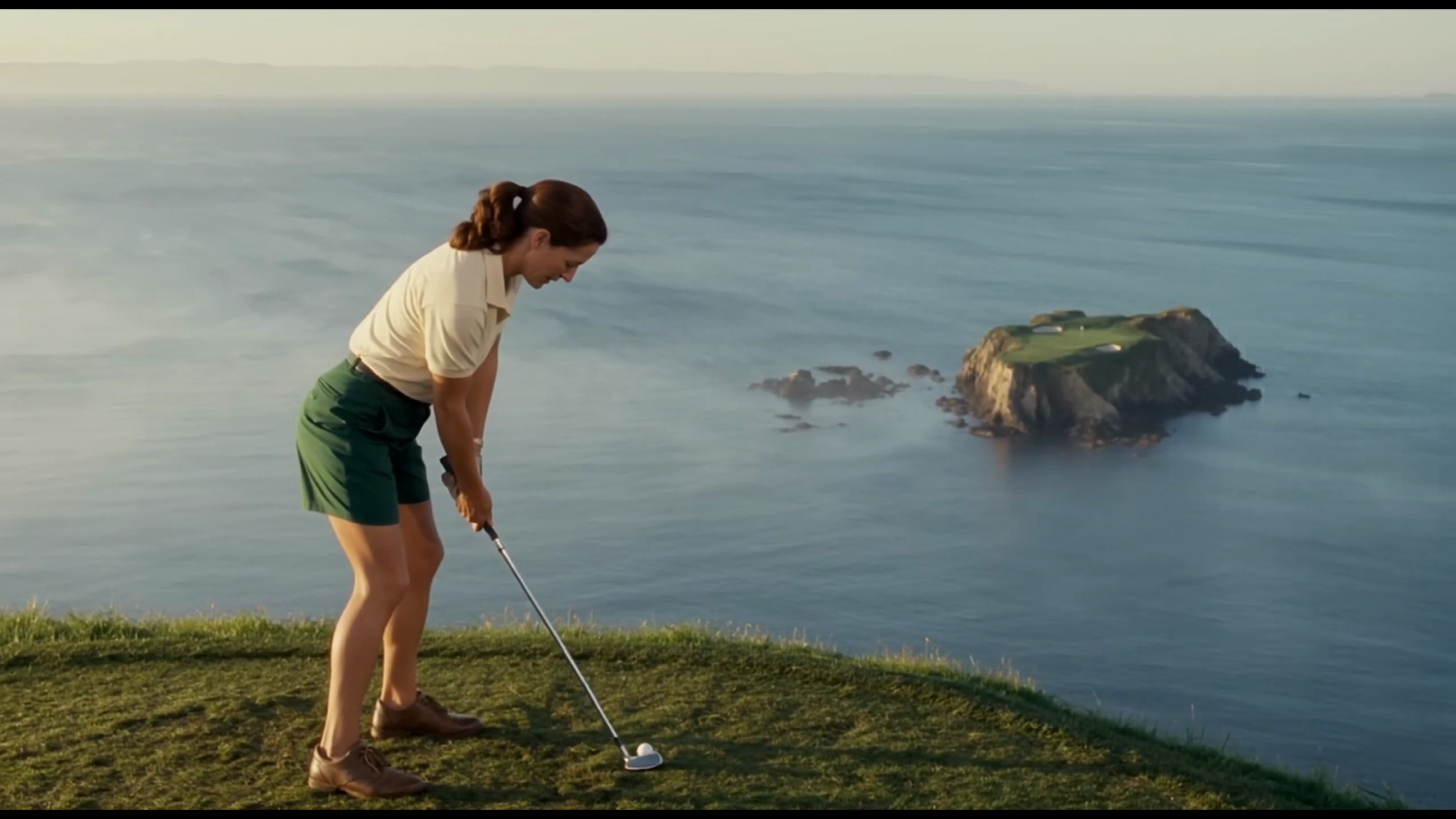
Download
Review the credit quote, then start generation. Available settings and input options are shown in the generator. When generation finishes, review the results and download the clips you want from History. Add your own music and timed lyric overlays in an external editor.
Core features
The Grok models available in RapLyrics support text-to-image generation and may support image-reference or editing modes depending on the model. Allowed inputs, settings, and the credit quote are shown in the generator before you run. Finished outputs are listed in History for review and download.
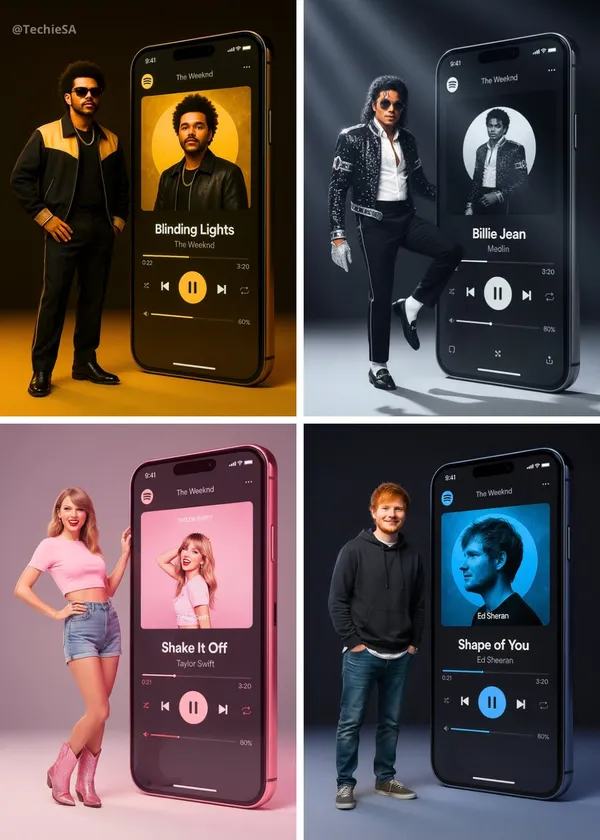
Text-to-image creation
The Grok image generation turns text prompts into images. Check the selected model for available styles and settings.
- Use the Grok models in RapLyrics to generate images from text prompts. The generator shows the allowed inputs and settings for each model.
- The Model options vary by model. Check the generator for supported inputs, reference image modes, and settings before you generate.Text-to-image generation.
- Generate visuals for music projects and review them before use. Download clips from History and add your own music and timed lyric overlays in an external editor.Grok image generation in RapLyrics.
- Use this image prompt workflow to turn a clear idea into a visual by describing what you want to see.
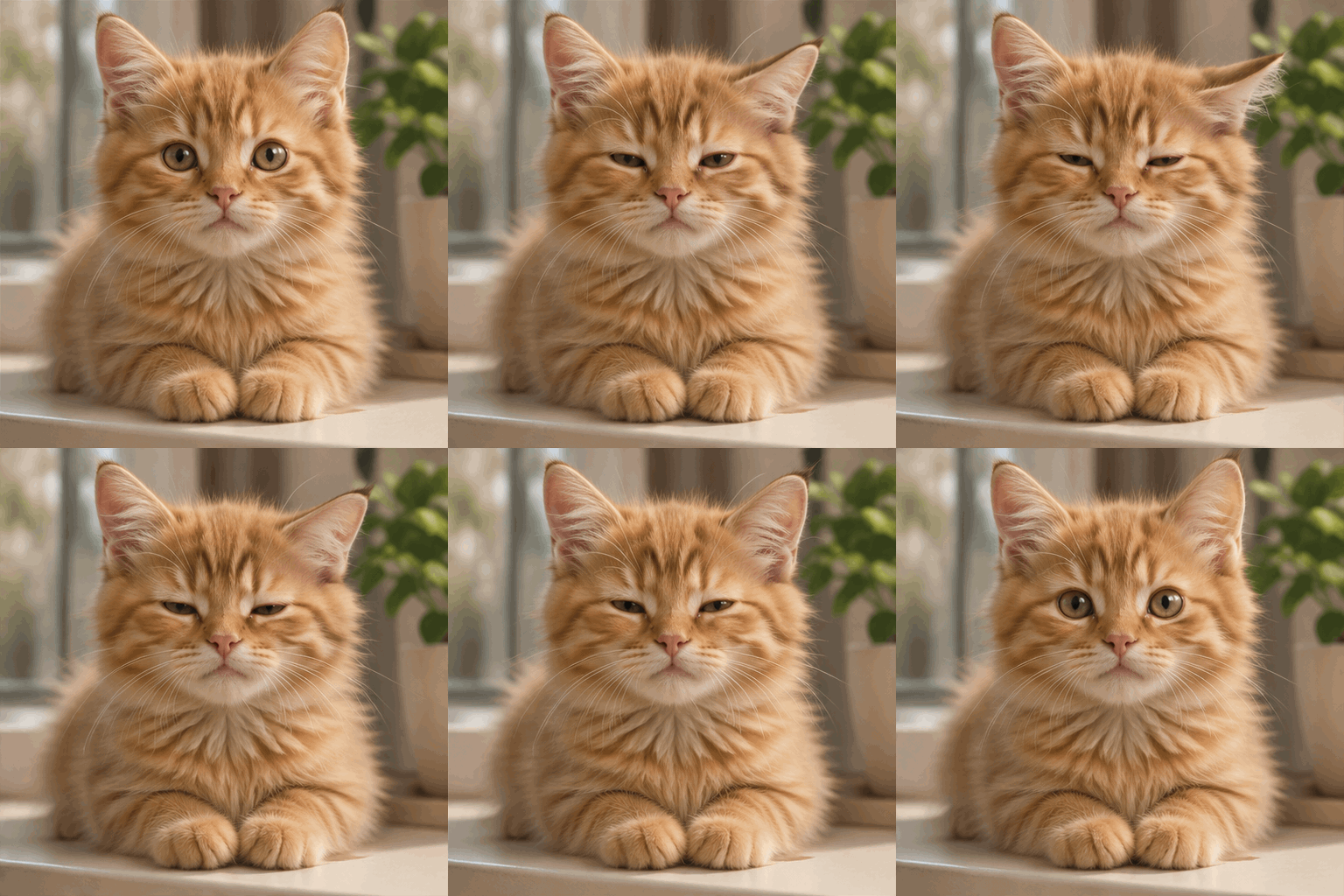
Prompt-based image editing
The Grok image generation editing workflow can help you revise existing visuals.
- Upload an image and use the Grok models in RapLyrics prompt to describe the changes you want.
- The Model optionsThis editing workflow can help you adjust colors, replace objects, or change backgrounds.
- Use the Prompt-based editing lets you refine details without advanced editing software or manual retouching.
- This Grok image generation in RapLyricsIterate on visual assets by describing what you want to change.
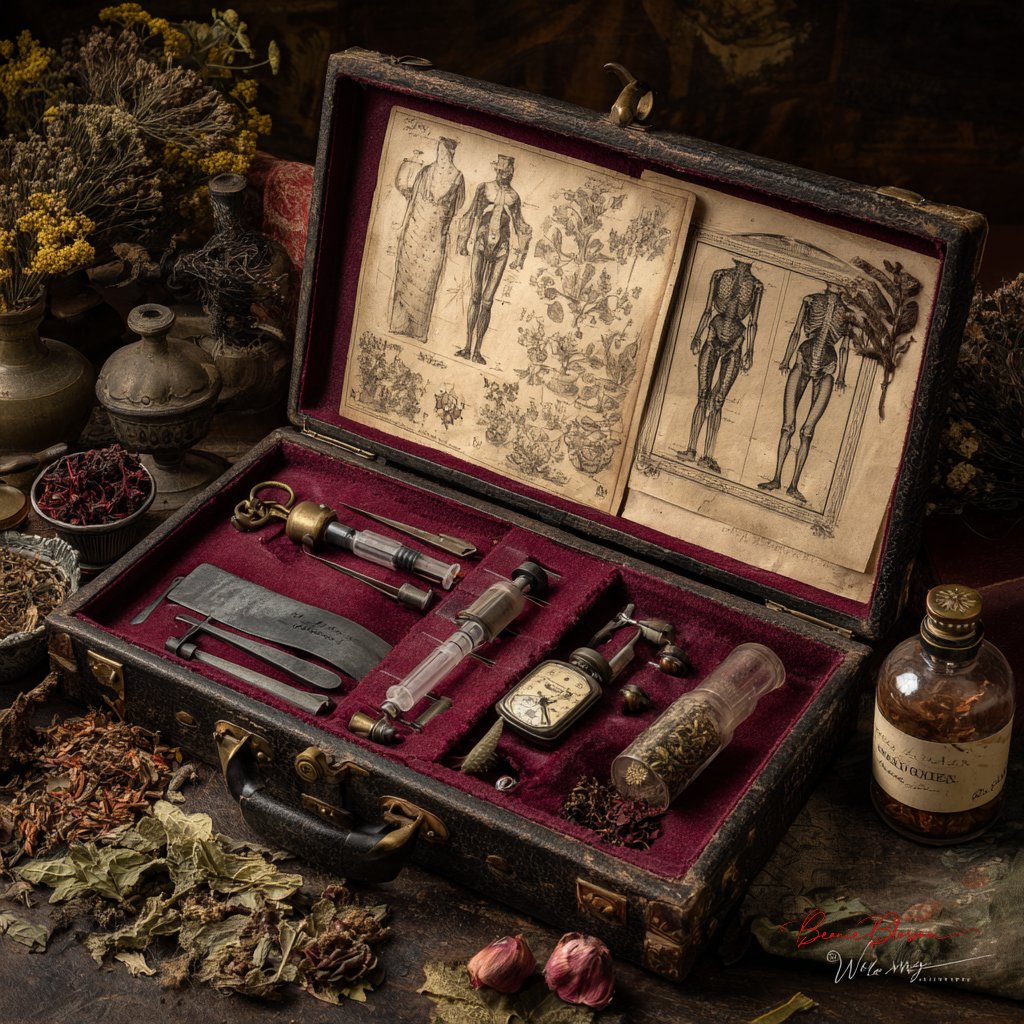
Reference image guidance
Guide the output with the image generator’s reference image options.
- The Grok models in RapLyrics by uploading reference images to guide subject, style, colors, product details, and scene direction, if your selected model offers image-reference input.
- With Model optionsUsing references can reduce guesswork when the reference image option is available.
- Support a consistent look by using the Grok image generation in RapLyrics reference image option to align with the aesthetic of your provided references, when offered by the selected model.
- This is useful for a cohesive look when using the image generator for project visuals.
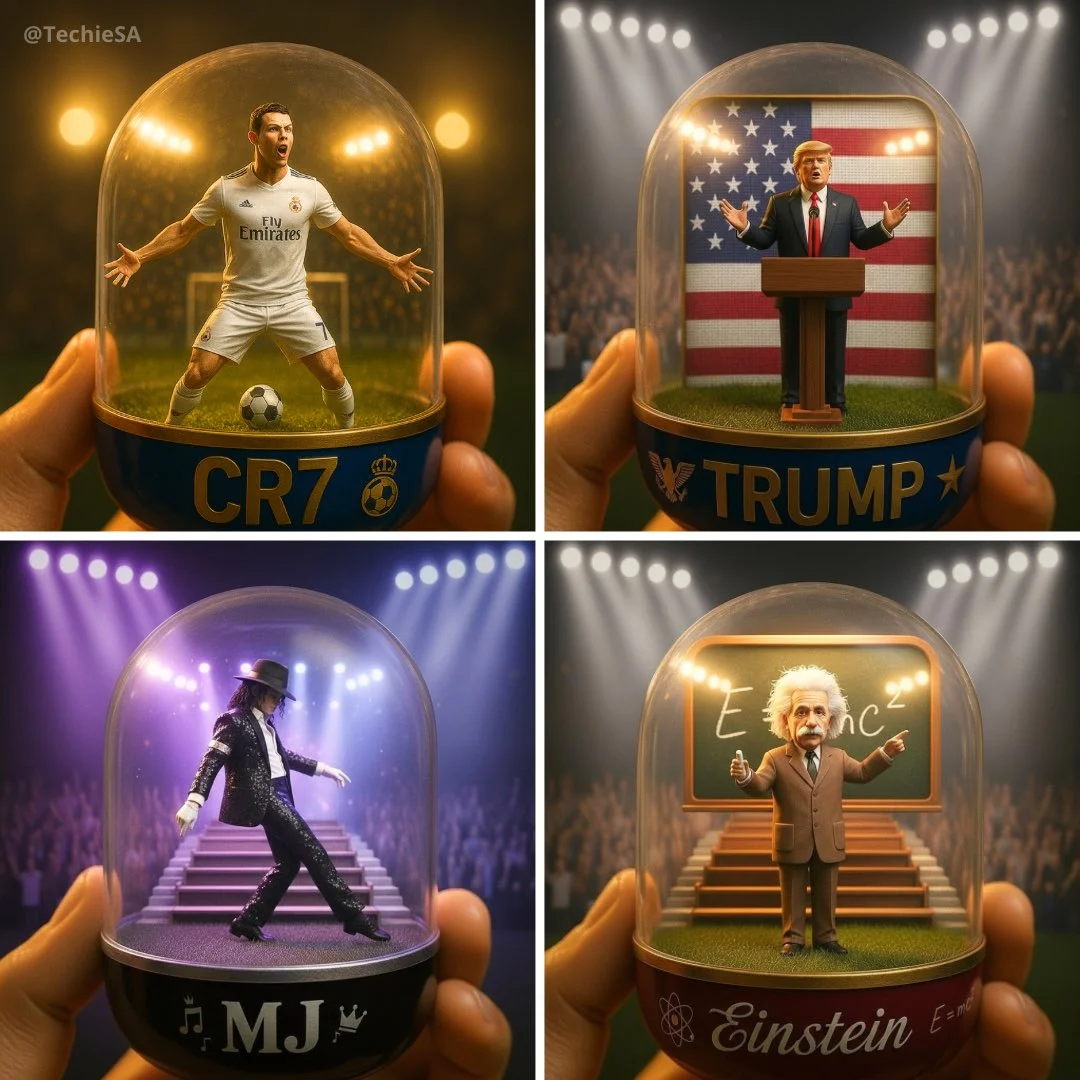
Multiple visual directions
Explore different visual directions with the Grok image generation.
- The Grok models in RapLyricsCreate multiple image ideas faster without manual design skills.
- Use Model optionsGenerate multiple image variations for ads, social posts, product mockups, thumbnails, and visual testing.
- The Grok image generation in RapLyricsThe available models offer a range of options, making them suitable forsocial media visuals with RapLyrics.
- Compare styles and compositions to find what fits your project using theimage generator in RapLyrics.
Why use this image generator?
This image generator helps with common visual content tasks. It is built for speed, ease of use, and practical application. If you need a tool that prioritizes utility over complexity, this is for you. Here is what it offers for daily use.
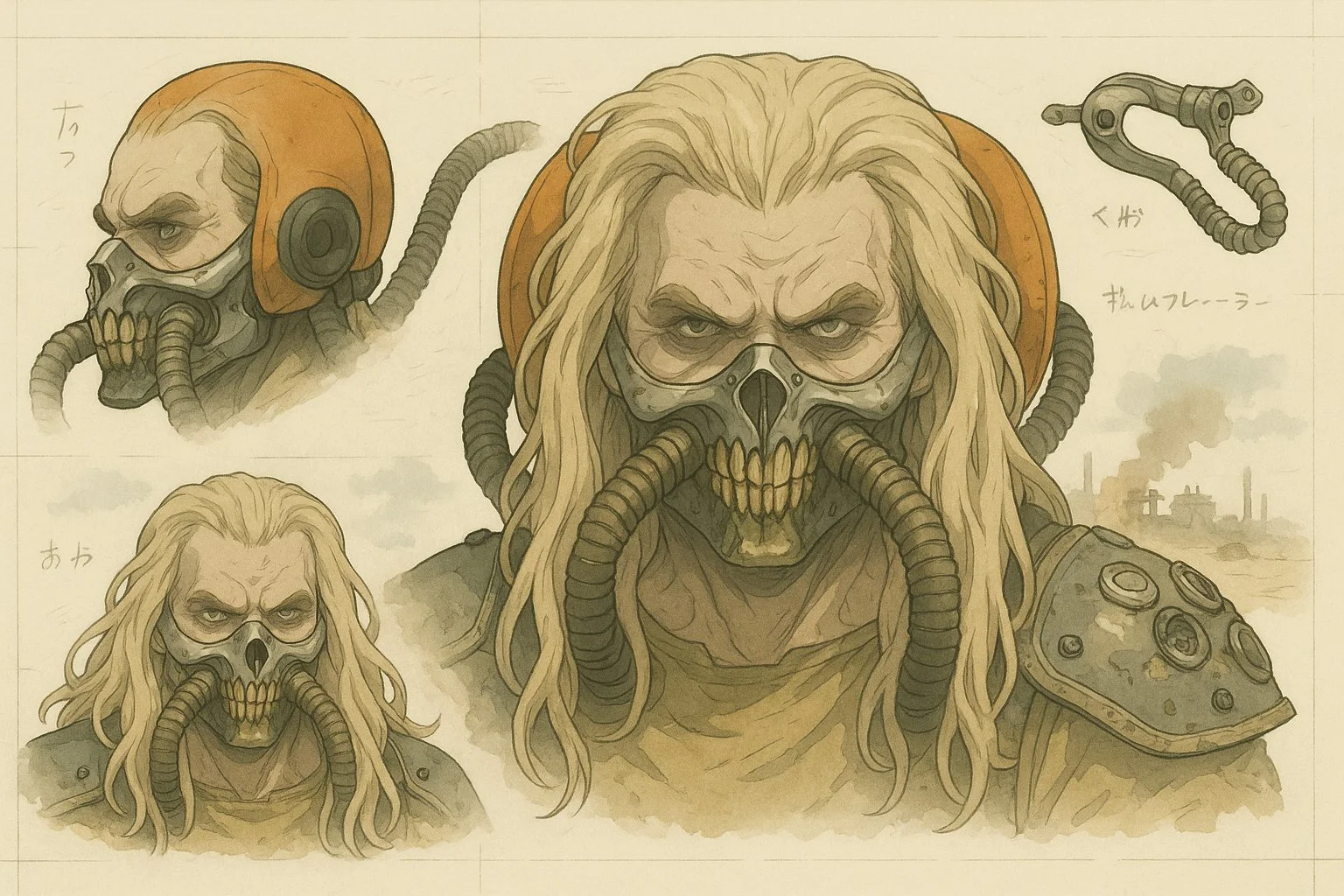
Skip Complex Software
You do not need to spend hours learning complicated design software. TheGrok image generationgenerator allows fast image generation without manual retouching, complex editing software, or advanced design skills. Just use thegenerator in RapLyricsto get what you need.

Turn Ideas into Visuals
Turn abstract ideas into usable visuals, not just vague inspiration. TheModel optionssystem turns text prompts into images quickly, making it a practicalchoice for creative ideas in RapLyrics.
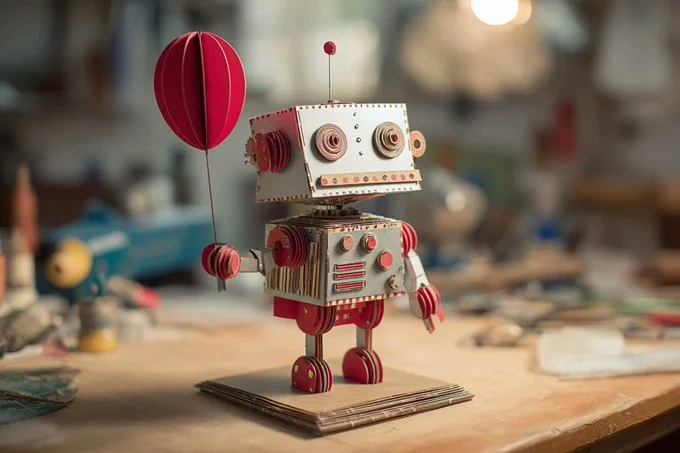
Reduce Randomness
When generating images, control matters. By using theimage generator’s reference image options, you can guide the subject, style, product look, and scene composition. This reduces randomness and makes theGrok image generation in RapLyricsmore dependable.
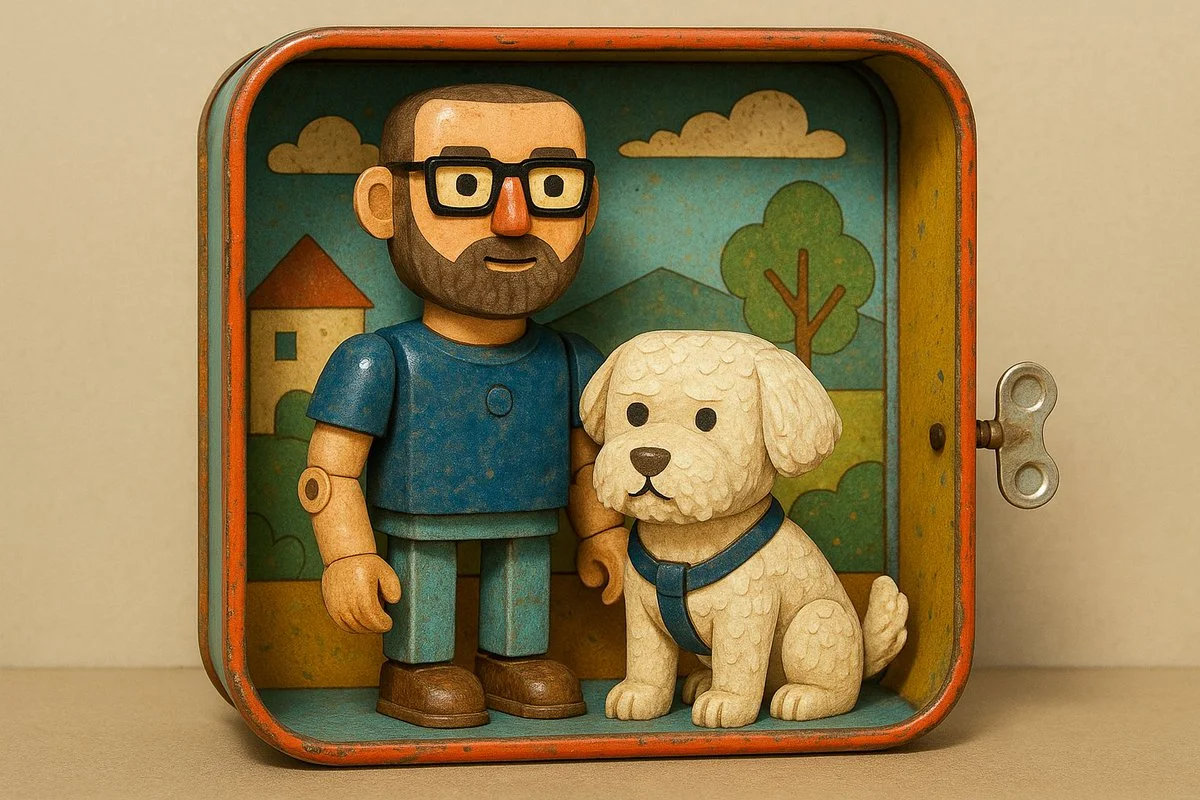
Built for Marketing and Social
You need multiple variations fast. TheGrok image generationis useful for generating product mockups, social media visuals, ad creatives, thumbnails, posters, and creative references. It is a practicalchoice for adsand social media campaigns.
Easy Natural-Language Editing
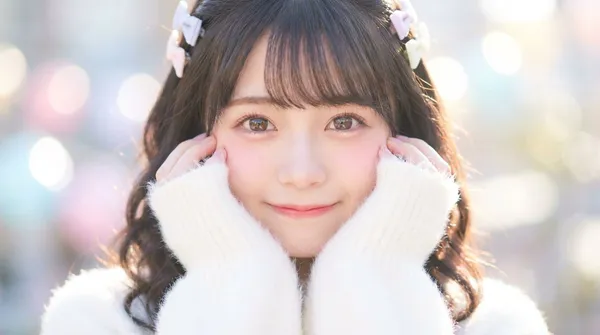
Instead of manual erasing and painting, you can edit with text. Inside theGrok image generation, theGrok models in RapLyrics supports editing uploaded images with plain-language instructions, which can help with the Prompt-based editing step for music visual work.
Workflow Notes
Speed up early visual drafts with the Grok image generation by generating several image options from a prompt before you move to video. Check the model options for supported reference-image modes, then use the Grok models in RapLyrics to review the credit quote and download clips from History for editing in your own editor.
Workflow Notes
Describe one subject, action and setting before generating. Keep the brief focused so the result is easier to review.

Questions about music visual workflows
Quick answers about generating visual clips with RapLyrics, checking model options, reviewing credits, and moving finished output into your editor.
RapLyrics helps you generate image or video clips from text prompts using the currently enabled models in the generator. You can review and download finished clips from History, then add music and timed lyric overlays in an external editor.
Open the generator, choose from the currently enabled models, and enter a text prompt. Check the allowed inputs and settings shown there, review the credit quote before generating, and find finished output in History.
Some models offer supported image-reference modes. Check the selected model in the generator to see whether reference images are available and what inputs are allowed. Model-specific availability is not verified outside the generator.
The current credit quote is shown before generation. Review that quote so you know the cost for the selected model and settings before you start.
Finished output is in History. Review each generated clip, then download the visuals you want to use in your own editor with music and lyric timing.
No. Download visual clips and add your own music and timed lyric overlays in an external editor. RapLyrics does not provide automatic lyric synchronization.
Check the selected model to confirm allowed inputs, settings, and any supported options. Review the credit quote shown before generation. After generation, review the output in History before using it.
No. Generated visuals must be reviewed. No guaranteed quality, speed, character consistency, perfect text, or precise motion is offered. Check whether the selected model offers any advanced controls before you rely on them.
You can request a refund within 10 days of purchase if you have unused credits from that purchase and provide a clear reason, subject to our Refund Policy. If eligible, an unused purchase can be fully refunded; a partly used purchase is refunded in proportion to its remaining unused credits. Fully used purchases and free or promotional credits are not refundable.
Credit validity depends on the pack, subscription or promotion that issued them. Review the purchase terms and expiration dates in Settings > Credits. A renewal or new purchase does not extend older credits. Use credits before their stated expiration; do not assume unused subscription credits roll over indefinitely.
Credits charged for a task that is confirmed as failed due to a system error are returned automatically. A task that is still processing has not yet been confirmed as failed. Check its status and your credit history before submitting again. If a confirmed failure still shows an unresolved charge, email support@raplyrics.app with the task ID.
AI results can vary, so a completed result that differs from your expectations is not automatically treated as a technical failure. Eligible completed image tasks can be submitted for credit refund review using the refund option where available; approval is required. For a video or another issue, contact support@raplyrics.app with the task ID and details. A credit refund returns credits, not money to your payment method.
Email support@raplyrics.app. For billing, include your account email and order ID; for generation, include the task ID, issue description and relevant screenshots. If you purchased as a guest, keep the original browser data and payment receipt so we can help locate the purchase.
Generate your first visual with RapLyrics
Create images from text prompts with the Grok model family. Describe a scene, upload an image to edit with natural-language instructions, or use a reference image to guide style and composition. The generator shows available inputs and settings; the credit quote appears before generation, and finished output is in History. Review results before use.
raplyrics.app · Updated
What's new on this page
- — Corrected the default model selection for the Grok image generator. Added editable example prompts and separate drafts for text and reference modes, with an action to restore the example.
- — Page content published.